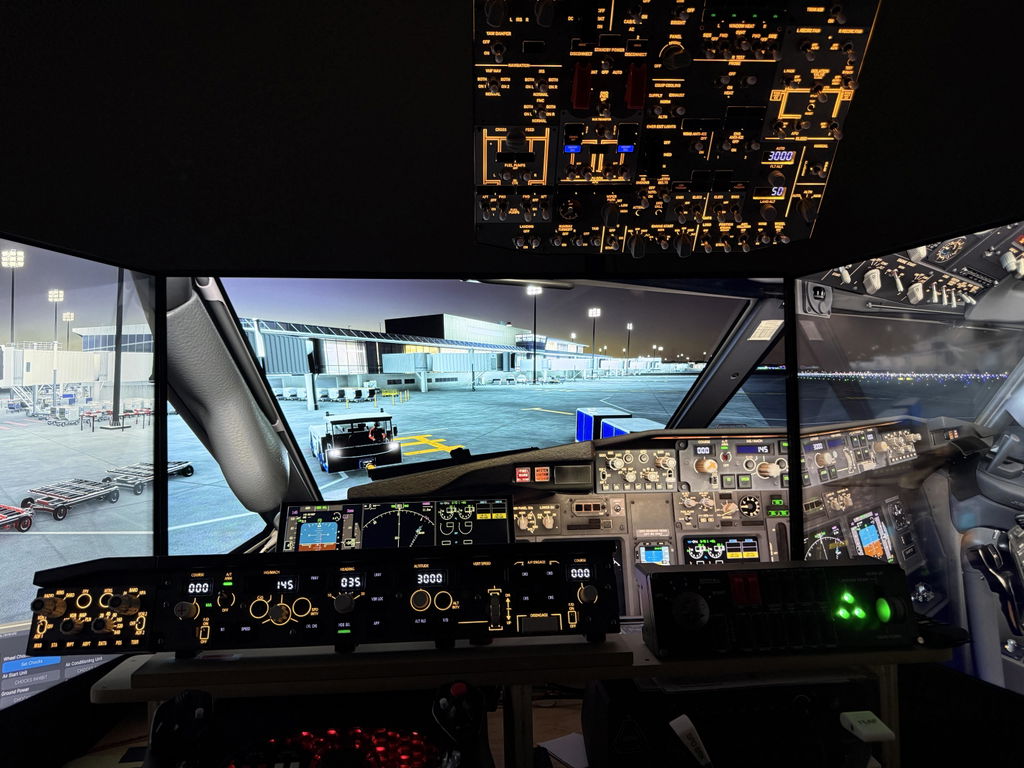
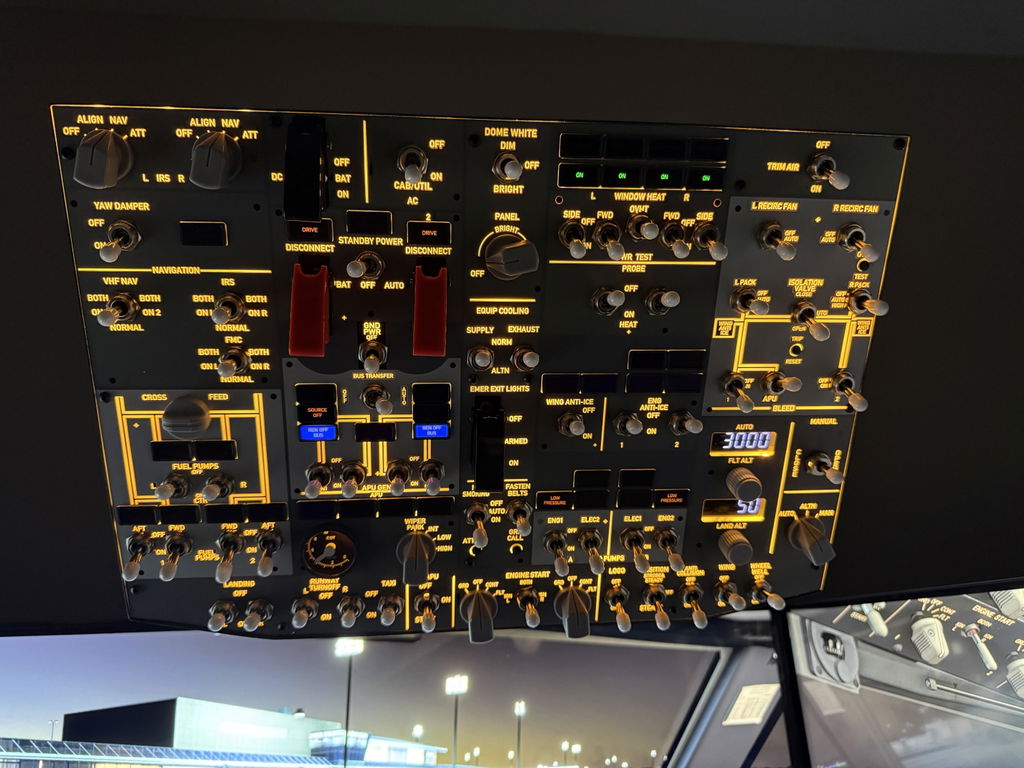
Rowsfire B107 B737 Overhead Panel Installation Tutorial Video June 13, 2026Daniel W Rowsfire B107 B737 Overhead Panel Installation Tutorial. Watch detailed setup videos and follow easy step-by-step instructions for installation and configuration.
Rowsfire App Installation Tutorials for All Rowsfire Panels June 13, 2026Daniel W Rowsfire App installation tutorials for all Rowsfire panels. Follow step-by-step video and image guides to connect and configure your B107, A108, A111, A112, A113, A109, A107, A105 and other Rowsfire...
Why Does the Panel Brightness Knob Spin Freely With No Resistance? May 07, 2026Daniel W rowsfire.com/support/panel-brightness-knob-explained SUPPORT · DESIGN EXPLAINED · NOT A DEFECT Why Does the Panel Brightness KnobSpin Freely With No Resistance? Rowsfire Support Team | May 2025 | B107 · B737 ·...
How to Choose the Right Mount or Cockpit for Your Panels March 14, 2026Daniel W Discover how to choose the perfect Rowsfire panel mount or cockpit setup. Compare three mounts for A107, B107, and other panels to improve stability, height, and operation comfort.
B107 APU, Engine Start & EGT Questions Answered March 06, 2026Daniel W Q: Are the engine start switches and APU switch solenoid-type switches that automatically move back after starting?A: The APU switch has an auto-recovery function and will return to its original...
How to Write Firmware (mfmc) to Rowsfire Devices February 07, 2026Jerry Az Rowsfire Firmware Table: Product model Firmware download link A101 V3.0 Firmware Download A105 V3.0 Firmware Download A107 V2.0 Firmware Download A107 V3.0 Firmware Download A111 Firmware Download A112 Firmware Download...
Rowsfire Multi-Panel Mobiflight Setup Guide (A107 & A103) November 26, 2025Daniel W Easily connect and configure multiple Rowsfire panels, including the A107 and A103, in Mobiflight. This step-by-step tutorial walks you through detecting devices, importing and merging configuration files, and getting your...
Rowsfire Panel Button Not Working? Don’t Worry – It’s Fully Reversible! November 15, 2025Daniel W Recently, we’ve received reports from some users that their Rowsfire panels , especially the A107 V3, may show button malfunctions or incorrect input mapping in MSFS. After investigation, we found...
Rowsfire FAQ: Your Go-To Guide for Flight Sim Panels November 13, 2025Jerry Az FREQUENTLY ASKED · UPDATED MAY 2026 Everything you need to know before takeoff. Compatibility, setup, shipping, warranty, troubleshooting — answers to the 30+ questions our customers ask most. Clear 30+...
Why Some Button Need Two Presses on the Rowsfire Overhead Panel for the Fenix A320 in MSFS November 01, 2025Daniel W 1. The reason you need to press the button twice: Before you begin operating, the button hasn’t been reset to its default state. The way Mobiflight works is that when...
RowsFire Product Upgrade Schedule September 30, 2025Jerry Az1 comment This table consolidates key upgrade details for RowsFire flight simulation products, allowing you to quickly grasp the value of each upgrade, its progress, and the estimated completion/launch time in one...
How To Use Rowsfire Products Via Mobiflight? September 19, 2025Jerry Az 👉Rowsfire Mobiflight Configuration File: https://rowsfire.com/pages/rowsfire-mobiflight-configuration-file 1. Install MobiFlightConnector-10.5.0 After installation: Do NOT install the beta version of the software. During installation, disable your firewall and antivirus software. Click "Allow" for all...