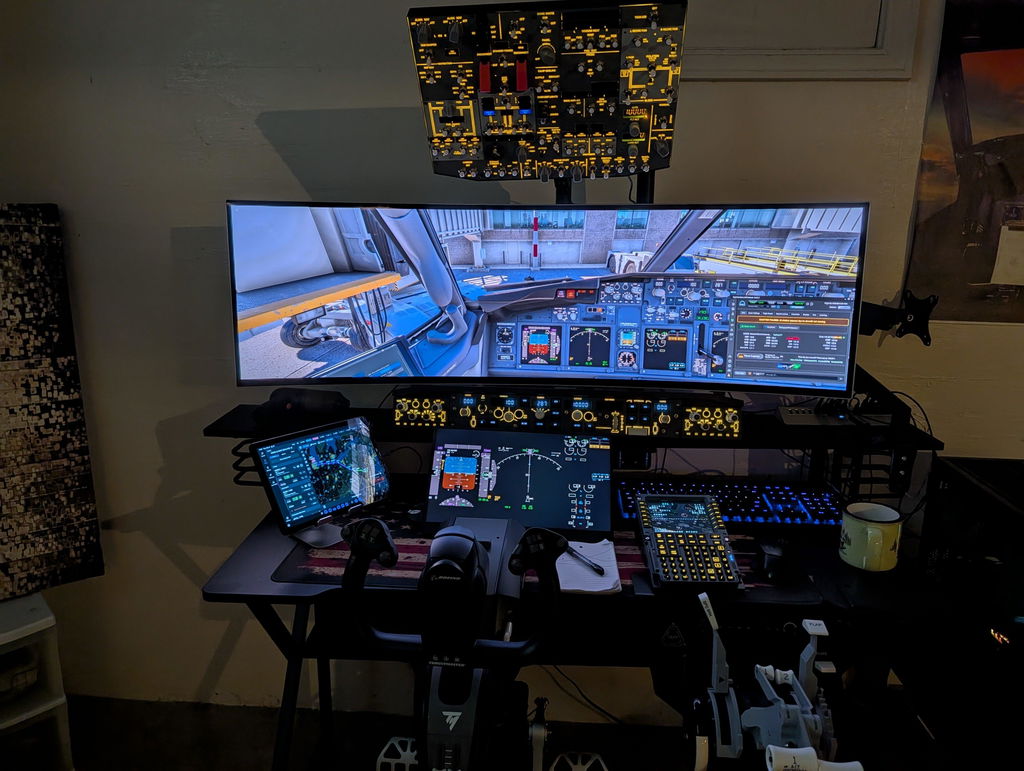
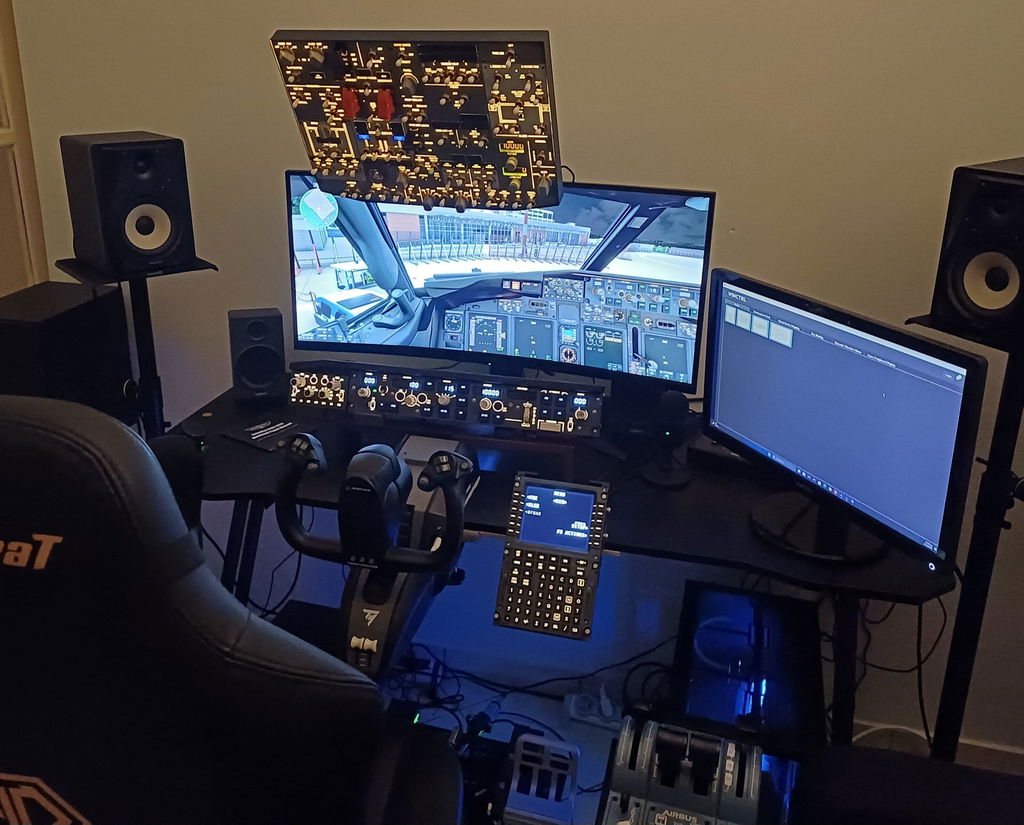
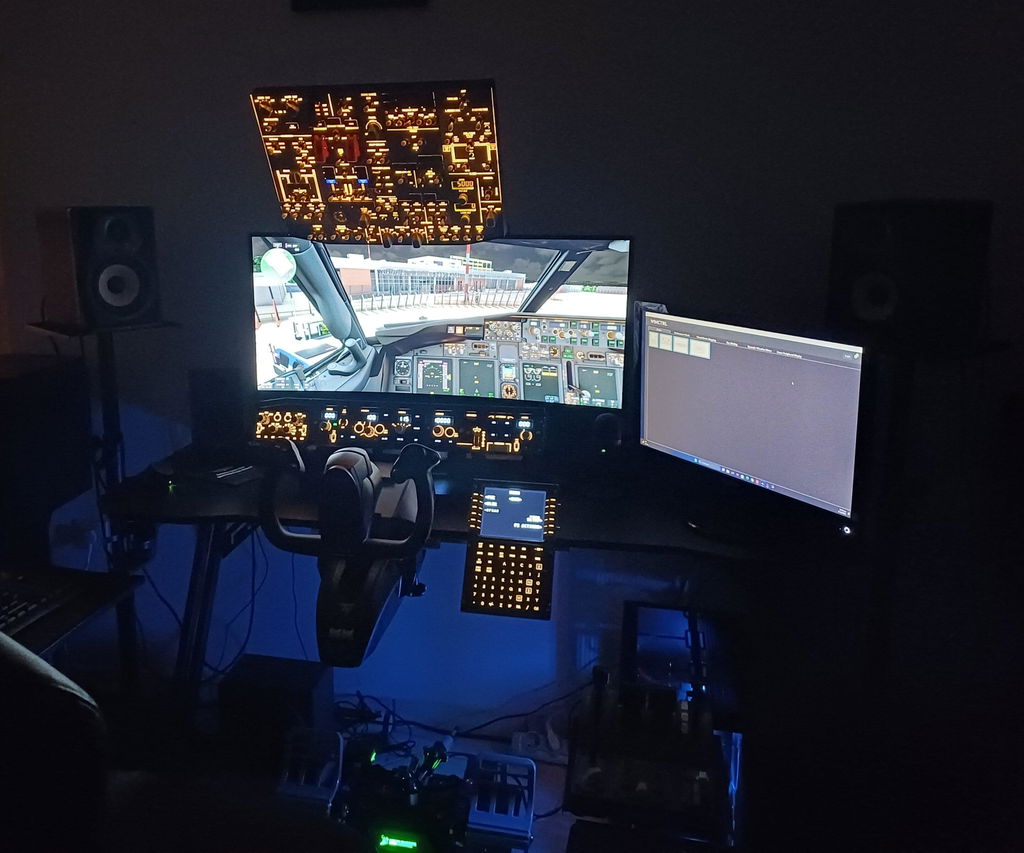
Everything you need to know before takeoff.
Compatibility, setup, shipping, warranty, troubleshooting — answers to the 30+ questions our customers ask most.
No matching questions found
Try a different keyword, or contact us directly →
Shipping & Warranty
// Most askedWhat's the shipping cost and how long does delivery take?
We offer two worldwide shipping options:
- Standard Shipping — FREE · 14–30 business days
- Express Shipping — $29.99 · 5–13 business days
Both options ship globally with full tracking. You'll receive a tracking link via email within 48 hours of dispatch.
What's the return and exchange policy?
30 days, no questions asked. If you change your mind, you can return any product within 30 days of delivery.
If the product has no quality issues, the buyer covers return shipping. If there's a defect or damage, we cover it 100% — including expedited replacement.
How long is the warranty?
Every Rowsfire product comes with a 1-year warranty covering manufacturing defects, hardware failure, and component issues.
Each unit also undergoes double quality inspection before shipping — first at production line, second at the packaging stage. Less than 0.5% of units fail this process.
How do you ensure product quality?
Two-stage QC process:
- Production-line testing — every switch, encoder, LED, and USB connection is electrically tested before assembly
- Pre-shipment functional testing — each unit is connected to a flight simulator and operated through every input/output before being packaged
Combined with the 1-year warranty, this is why our customer satisfaction stays above 95%.
Aircraft & Simulator Compatibility
// Most updatedWhich aircraft do A-Series panels support?
All A-Series panels (A101 / A103 / A105 / A106 / A107 / A107 Pro / A108 / A109 / A111 / A112 / A113) are compatible with:
- Fenix A320 on MSFS 2020 & MSFS 2024 (full support)
- FBW A32NX on MSFS 2020 & MSFS 2024 (most panels supported)
- ToLiss A320 on X-Plane 12 (A105 V3.1 supported, more panels rolling out)
- Inibuilds A350 on MSFS (partial — some functions adapt automatically)
The Rowsfire App pushes monthly compatibility updates, so the list keeps growing. Check the App page for the latest matrix.
What Boeing aircraft does the B107 work with?
The B107 B737 Overhead Panel is fully compatible with:
- PMDG 737 on MSFS 2020 & MSFS 2024
- Zibo Mod 737 on X-Plane 12
- iFly 737 MAX on MSFS (added in App v2.2)
Each combination has a pre-built configuration file — plug in, load the file, fly.
Does Rowsfire work with both MSFS 2020 and MSFS 2024?
Yes — full support for both. If you have both installed simultaneously, the Rowsfire App auto-detects which simulator is active and loads the correct bridge file (this was fixed in App v2.0).
Does Rowsfire work with X-Plane 12?
Yes. Currently supported X-Plane 12 combinations:
- B107 + Zibo Mod 737
- A105 V3.1 + ToLiss A320
- More Airbus panels rolling out via monthly App updates
Does Rowsfire support DCS World?
Yes — we have a dedicated D-Series for DCS:
- D101 · F/A-18 Universal Carrier Landing Switch Panel
- D102 · A-10C Warthog UFCP Control Panel
More DCS modules are on the roadmap based on community feedback.
What about general aviation / Garmin G1000?
We carry three G1000 NXi panels (D103 / D104 / D105) for general aviation enthusiasts. They work with most GA add-ons that support the Garmin G1000 NXi standard in MSFS and X-Plane.
Can the A107 panel work with FSLabs A321?
Not directly out of the box, but custom mapping is possible if MobiFlight supports the FSLabs A321 SDK. Some users have successfully built their own mapping for the FSLabs A320 family — community configs are shared in our Facebook Group.
Setup & Software
// Quick startAre Rowsfire panels truly plug-and-play?
Yes, with the Rowsfire App. One-time install, then it auto-detects your panel and loads the right config every time. ~60 second setup.
If you prefer the classic MobiFlight workflow (popular for advanced multi-panel cockpits), we also provide pre-built .mcc configuration files — 5–10 minutes for first-time setup, automatic afterwards.
How long does the first-time setup take?
Rowsfire App: ~60 seconds. Download, plug in panel, launch sim. Done.
MobiFlight: 5–10 minutes for the first run (install MobiFlight + FSUIPC7, import .mcc file). Subsequent launches are automatic.
Either way, you're flying within minutes — not hours.
What operating systems are supported?
Currently Windows 10 and Windows 11 only. macOS support is being evaluated based on community demand.
Why does Windows show a virus warning during install?
This is a common false positive for newer software from smaller publishers. The Rowsfire App is signed and safe — source code is publicly auditable on GitHub.
If SmartScreen blocks it, click "More info" → "Run anyway". Versions 1.7.1+ include a verified signing certificate.
Can I connect multiple panels at the same time?
Yes. The Rowsfire App and MobiFlight both support multi-panel setups. For two A111 panels, the App auto-assigns Captain / First Officer based on COM port (added in App v1.9).
For complex multi-panel cockpits, follow our dedicated guide:
Is MobiFlight free?
Yes. MobiFlight is open-source and 100% free. So is the Rowsfire App. There are no recurring costs — you pay once for the hardware, then the software is yours forever.
Hardware & Mounting
// Build detailsDo Rowsfire panels support VESA mounts?
Yes, with two standards depending on the panel:
- 100 × 100mm VESA — A103, A107, A107 Pro, A109
- 75 × 75mm VESA — A101, A106 (metal version)
VESA mounts are sold separately. We recommend a sturdy desk arm for stability — pneumatic suspension arms work especially well for overhead panels.
Do panels need an external power supply?
No. All Rowsfire panels are USB-powered using the included cable. No batteries, no AC adapters.
Important: Always plug into a rear USB 3.0 port (blue) on your motherboard. Front ports and unpowered hubs deliver insufficient current, causing backlight flicker.
What's included in the box?
Every Rowsfire panel ships with:
- The control panel itself
- USB cable (panel-to-PC)
- QR code card linking to drivers, configs, and the setup guide
- Quick-start instructions
VESA mounts, pedestal stands, and additional accessories are sold separately.
Are the panels 1:1 scale to a real Airbus cockpit?
Depends on the model:
- A109, A111, A112, A113, A115, A116, A117 — built at 1:1 scale with components matching real cockpit dimensions
- A101, A103, A105, A106, A107, A107 Pro — compact "Light" or "Mini" versions for desktop home cockpits, with 1:1 scale buttons but smaller overall footprint
If you want full scale, look for "1:1 Scale" in the product title.
What are the panels made of?
Most current-generation panels (V2 and V3) feature aviation-grade aluminum casings with engineering-grade plastic for buttons and knobs. The metal construction provides better heat dissipation and a premium tactile feel — closer to real cockpit hardware.
Earlier V1 versions used full plastic; these are still solid but the V2/V3 upgrade is noticeable in hand.
The A-Series overhead has one fuel pump button — does it work for all 6 fuel pumps?
Yes. A single button press activates all 6 fuel pumps simultaneously in the simulator, matching real-world startup procedure (where pilots typically engage all pumps in sequence anyway).
Can I adjust the backlight brightness?
Yes. All backlit panels (V2 / V3 generations) support adjustable backlight via the Rowsfire App or MobiFlight. Range goes from soft glow to full brightness — perfect for late-night sim sessions without eye strain.
Resources & Downloads
// Files & guidesWhere do I get drivers, config files, and setup guides?
Three ways:
- Scan the QR code on the card included with your order — instant access to drivers, pre-configs, and step-by-step instructions
- Visit the Exclusive Resource Hub — the central repository for everything Rowsfire
- Browse the MobiFlight Config Library or our GitHub repo
Is there a video setup tutorial?
Yes — multiple. Watch the official setup walkthrough on YouTube, plus deeper tutorials from review channels who have tested every panel.
Where can I find community-shared configurations?
The most active hub is our Rowsfire Facebook Group — 3,000+ members regularly share custom configs, modded mappings, and aircraft-specific tweaks.
For third-party configs, sites like flightsim.to host community-built profiles. Always back up your existing config before applying any third-party file.
Customer Support
// Get helpWhat support channels are available?
Pick whichever fits — we're available across all of these:
- Live Chat — 24/6, average response under 2 minutes
- Facebook Group — community + team responses, usually within hours
-
WhatsApp — direct line for video troubleshooting in your local language:
+86 190 3218 0624 - Email — service@rowsfire.com
We have local technical staff for 1-on-1 video calls, especially helpful for first-time MobiFlight users.
What languages do you support?
Live chat and email: English. WhatsApp video support: English, German, French, Spanish, Italian, Portuguese, Japanese, Arabic — local engineers in multiple regions can guide you in your native language.
What if my question isn't listed here?
Email service@rowsfire.com with your order number (if applicable) and a brief description. We typically respond within a few hours during business days.
For technical issues, posting in the Facebook Group often gets you faster help — community members have likely encountered (and solved) the same issue.
Still have questions?
Talk to our team — most queries answered within 2 minutes via live chat.