



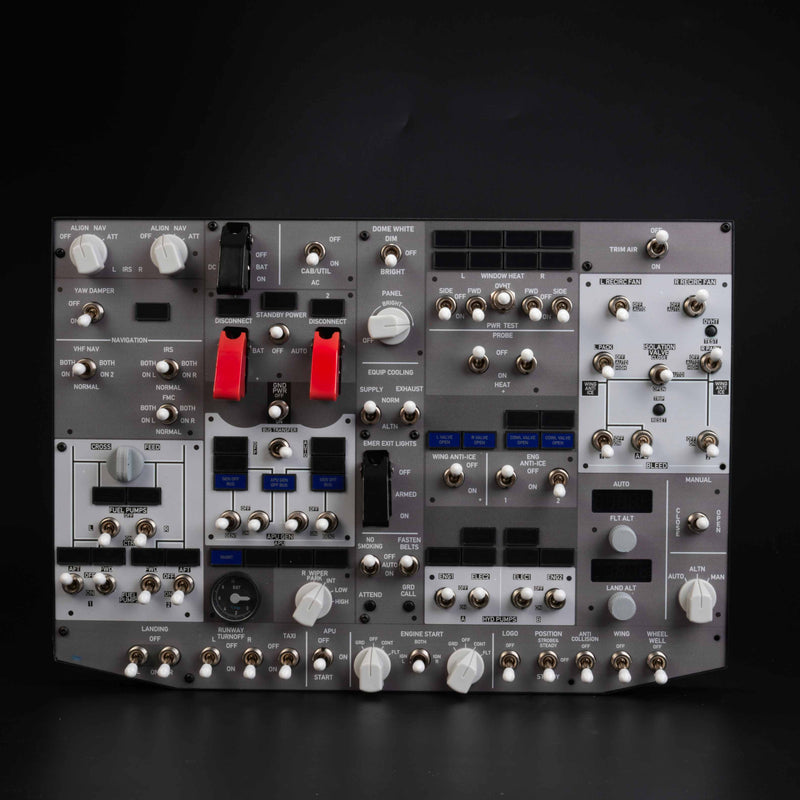
This product is great ! Very happy with it. Thank you so much.
I rarely leave negative reviews, but I felt obligated to write this one because I don't want other flight simulation enthusiasts to have the same experience I did.
First, shipping took nearly two months. After waiting that long for a product costing over $200, I expected something that reflected the price.
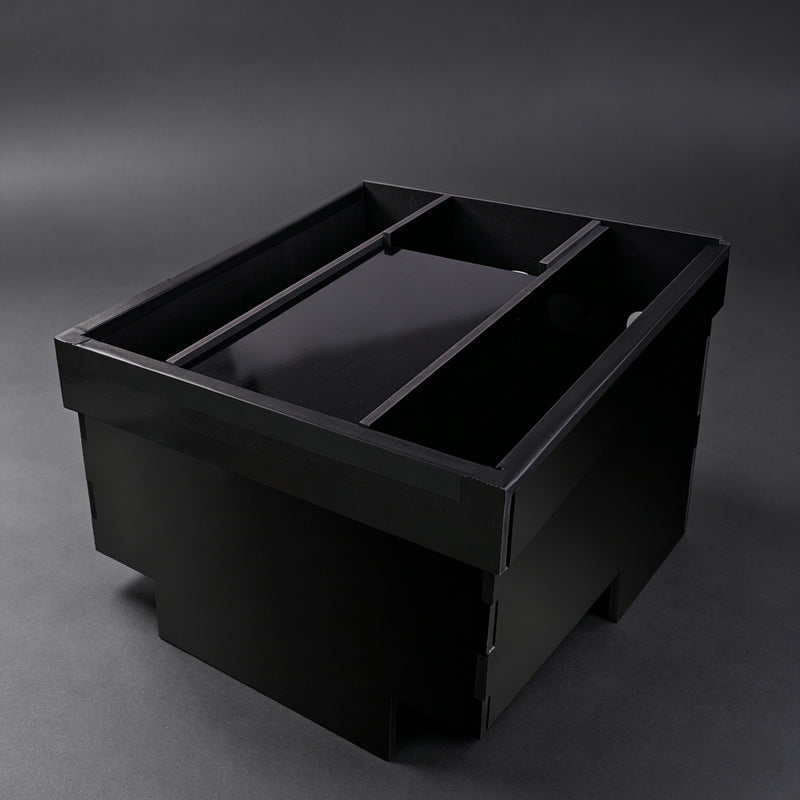
Instead, I received a pedestal that was extremely frustrating to assemble. The entire structure relies on adhesive to stay together, yet no adhesive is included, and there is no clear warning before purchase that you will need to buy your own. I had to stop my build, research what adhesive was required, and make another trip to the store just to continue assembling it.
Even more disappointing, the pedestal has no screws, brackets, or other mechanical fasteners to reinforce the structure. Everything depends on glue. For a product marketed to flight simulator enthusiasts, I expected a much more robust design.
When I contacted customer support, they offered me a $10 refund on a product that cost over $200. While I appreciate the response, I don't feel that adequately addresses the design flaws or the inconvenience.
In my opinion, this product is significantly overpriced for what you receive. There is potential here, but the design needs to be reconsidered. At a minimum, the required adhesive should be included in the box or clearly specified before purchase.
Unfortunately, this was my first purchase from Rowsfire, and based on this experience, it will likely be my last.
I hope this review helps future buyers make an informed decision and encourages Rowsfire to improve the product.
Erst einmal, sehr schade das hier Bewertungen gelöscht werden. Macht keinen sehr guten Eindruck. Anfänglich hatte ich 1 Stern vergeben, da keine Kommunikation seitens Rowsfire stattfand und der Artikel eine sehr lange Lieferzeit hatte. Die trotz Tracking nicht nachvollzogen werden konnt.
UPDATE:
Aufbau mit der Beschreibung sehr einfach. Passgenauigkeit der einzelnen Teile ist sehr gut und die Stabilität des Endproduktes fühlt sich ebenfalls sehr gut an.
Thank you for updating your review and sharing your feedback. We sincerely apologize for the earlier communication gaps and any negative impression caused by the perceived removal of comments; this was certainly not our intention, and we value your honest input.
We understand that tracking updates for the A110P Pedestal frame can be frustratingly slow due to the nature of sea and truck freight. Please be assured that we actively monitor every shipment. If a package fails to arrive, we always provide solutions or compensation, as we stand fully behind our products and service—this commitment is why many pilots continue to choose Rowsfire.
We are glad to hear that you found the assembly straightforward and are satisfied with the precision and stability of the frame. Enjoy your flight simulation!
Beautiful monitor/screen however the menu is only in Chinese
Hi sir,
Thank you very much for your feedback and for your support of Rowsfire A108. We are glad to hear that you like the monitor quality.
Regarding the menu language, we have noted your suggestion and will continue working on improving the software experience, including more language options in the future.
Thank you again for your valuable feedback!
The A110P was received in a very good condition, with an excellent shipping protection
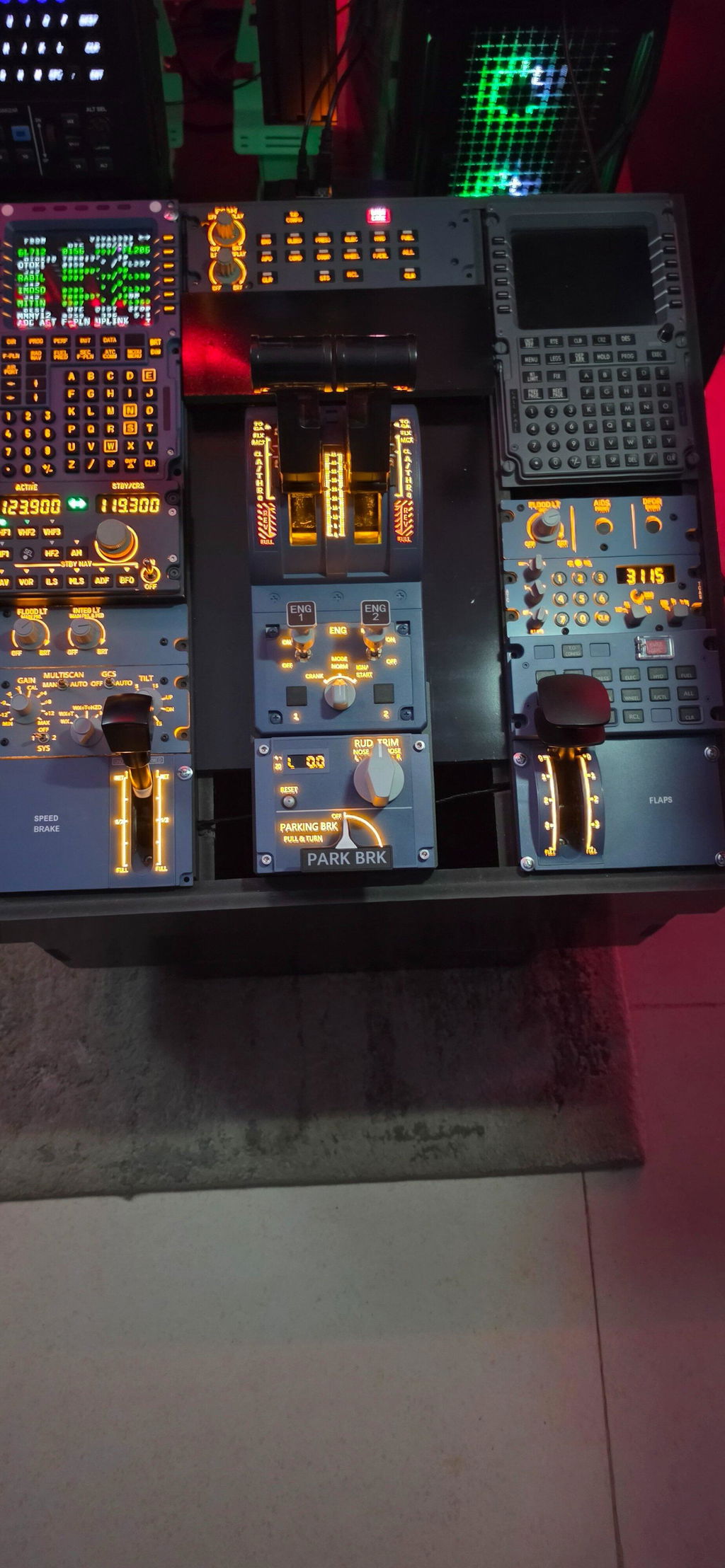
Thank you for your kind review! We're happy to hear that your A110P arrived safely and that you were satisfied with the shipping protection. We truly appreciate your support and hope you enjoy your flight simulation setup!