AIRBUS A320In stock · Ships within 48 hours
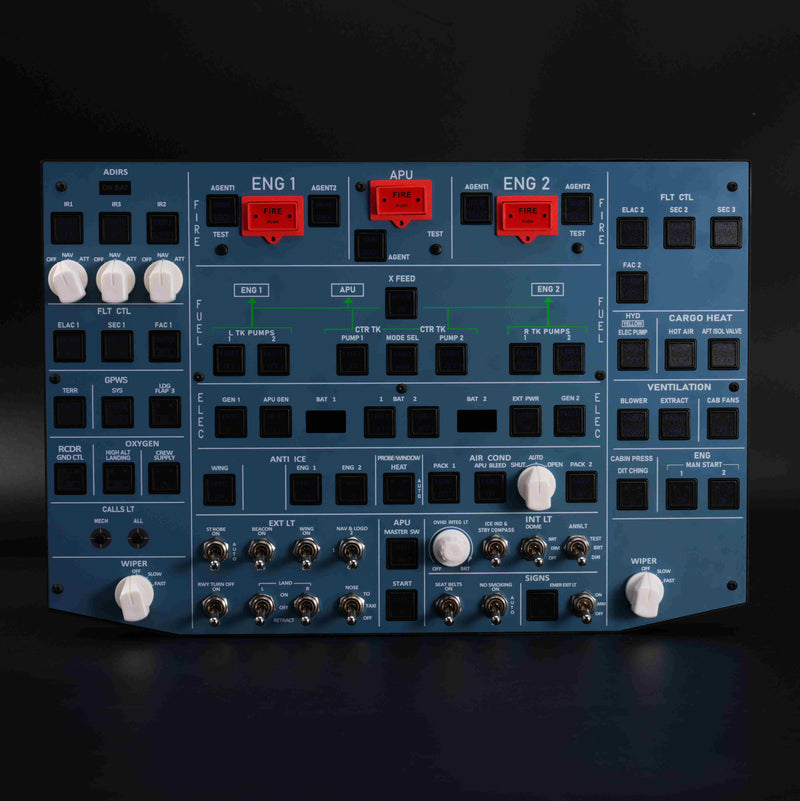
A107 Pro
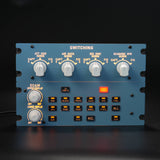
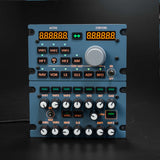
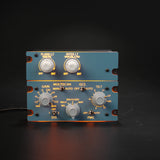
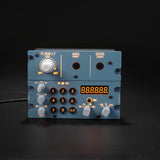
A320 Overhead Panel
- Covers approximately 80% of the A320 overhead, with full-size controls.
- Backlit tactile switches and a standard 100 × 100 mm VESA mount.
$499.99
Explore A107 Pro 


Up to 15% off
Start with a physical overhead panel or build out a full-scale simulator cockpit.
A107 Pro & B107 · In stock · Ships within 48 hours
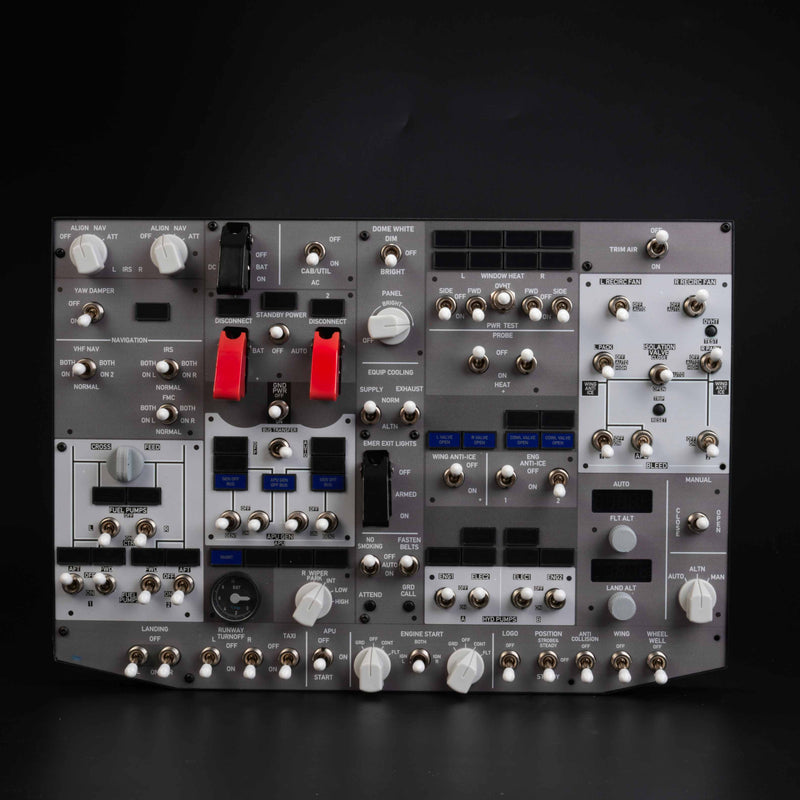
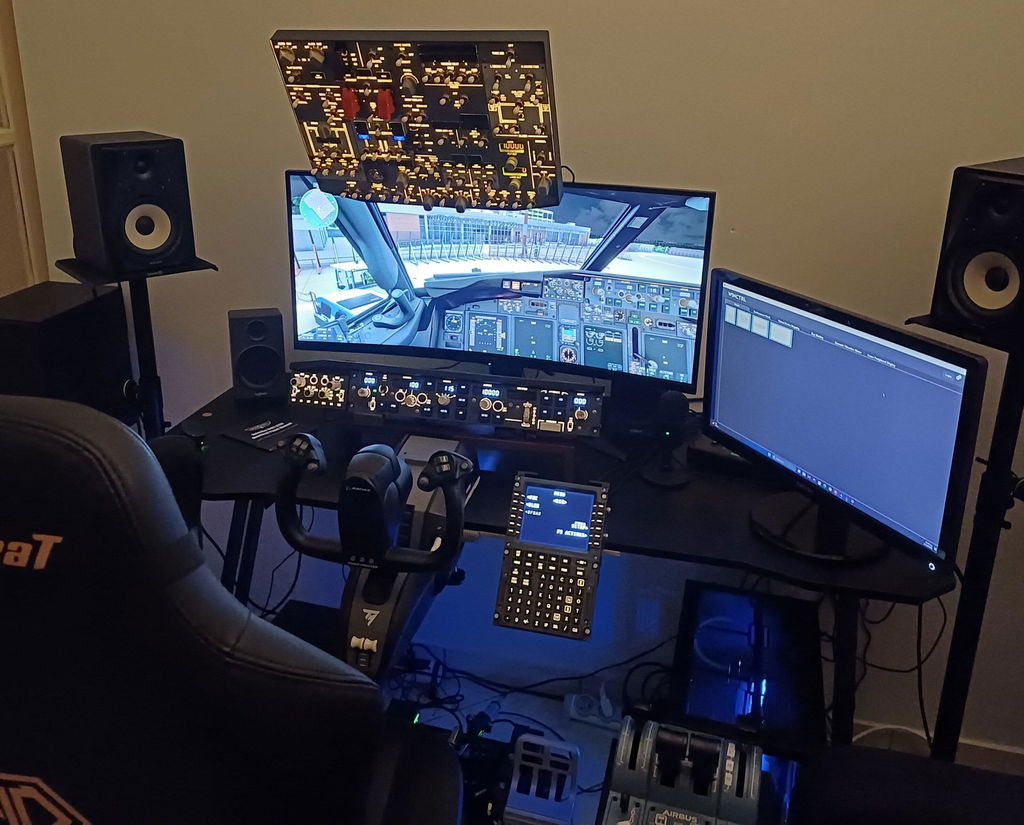
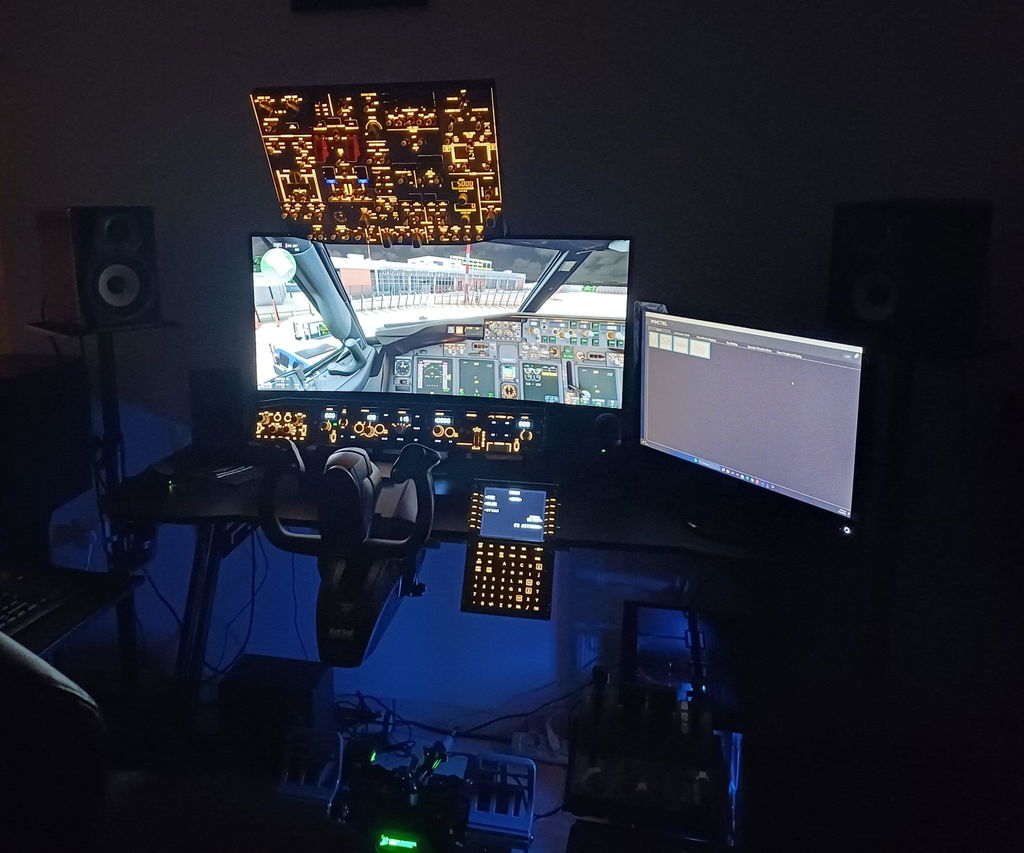
Start with the switches you use on every flight. Add more controls as your cockpit grows.
From the solid aluminum frame to the tactile switches and backlit details, every touch brings you closer to the cockpit.
Plug in via USB, choose your supported aircraft in the free Rowsfire App, and get ready to fly.
Check compatibility & setup ↓Built with community feedback and sold factory direct, Rowsfire brings immersive cockpit hardware within reach.
Meet the Rowsfire community ↓Tap a location to discover what goes there. Start with the captain position and choose only what you need.
Illustrated position guide with the A110 MDF frame. The pedestal base is shown partially. Displays, FCU, EFIS, throttle, joystick and handwheel shown are sold separately. The overhead mounts above this view.
Select a location above, then add an item to your plan.
Add your selected versions together. Review discounts, shipping and taxes before payment.
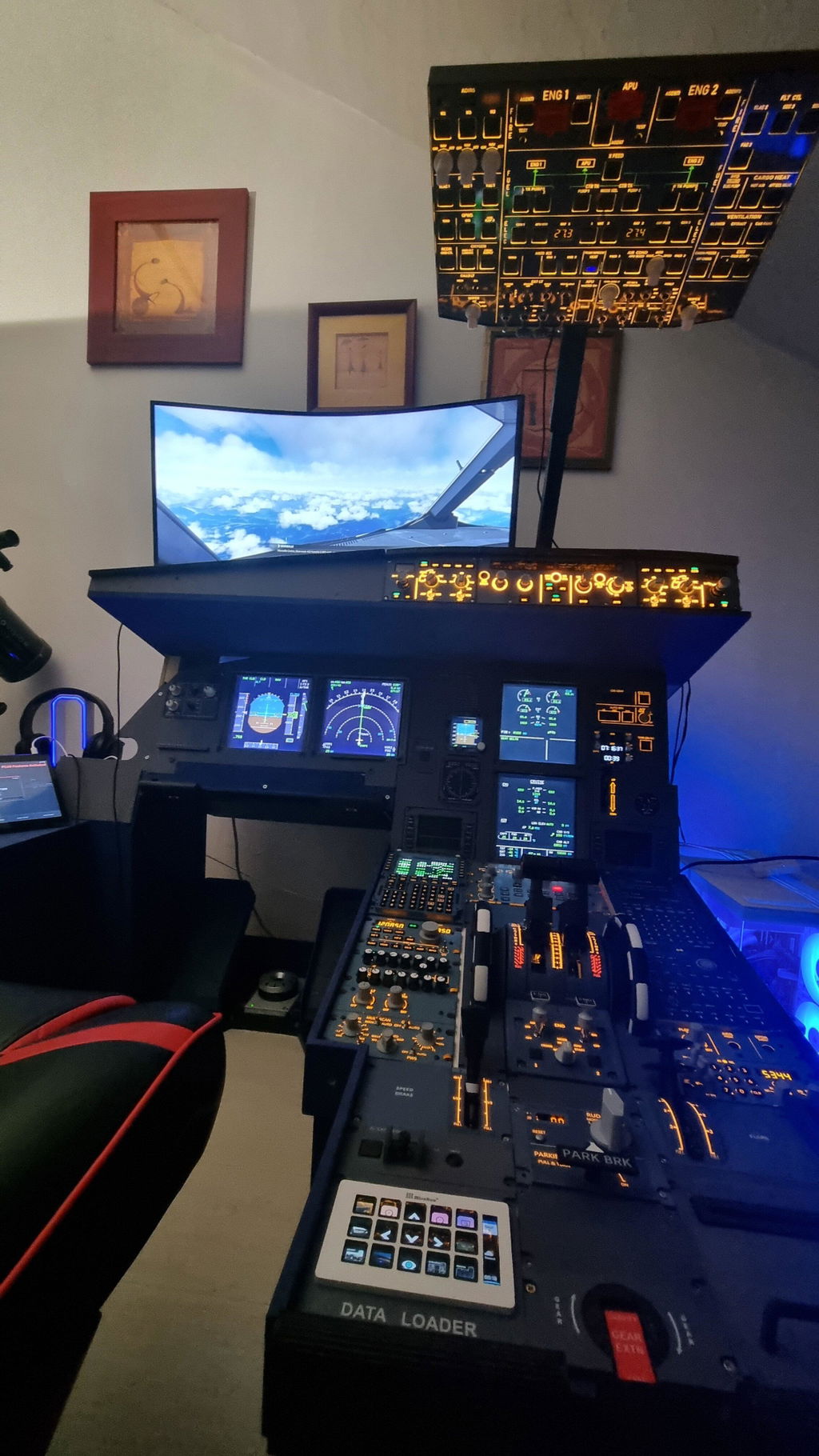
“Two flights already since it arrived. Very easy to integrate and use.”
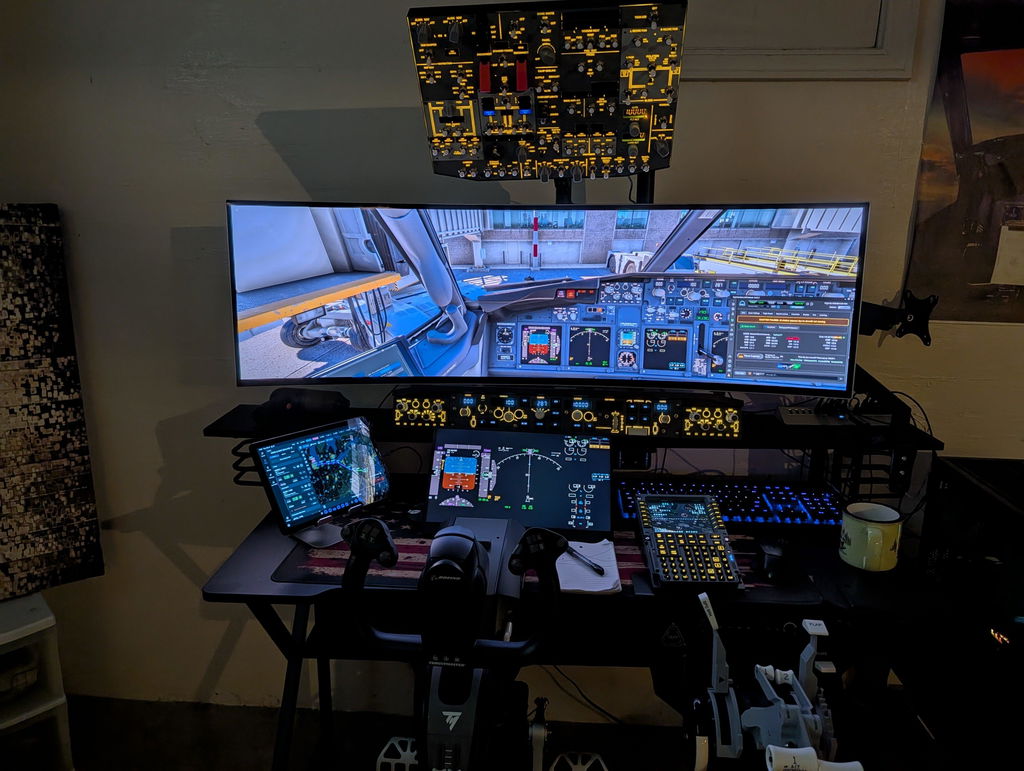
“Well built, solid switches. Everything works perfectly with the PMDG B737-8.”
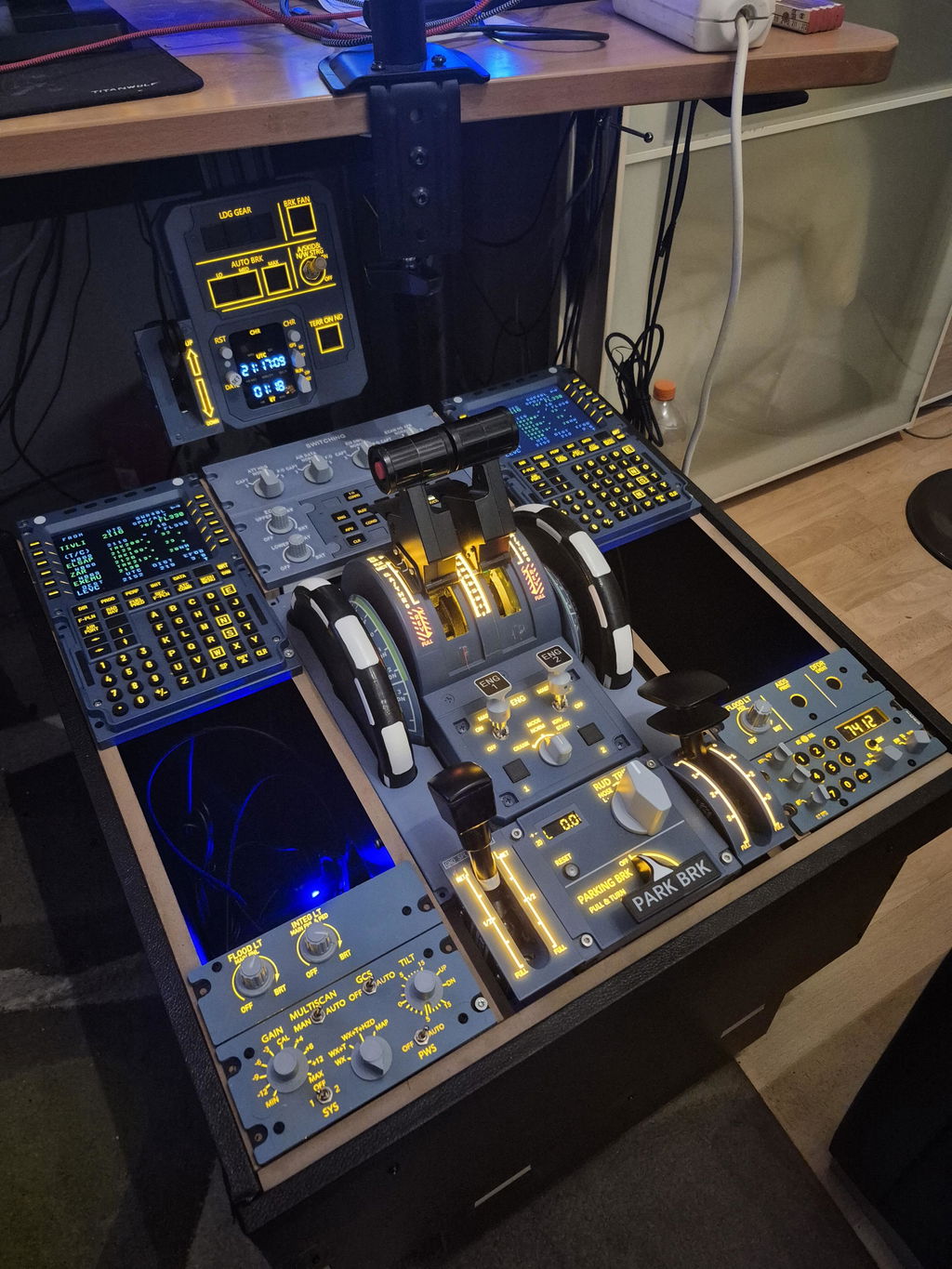
“Everything to complete the pedestal is included, which was very good.”
Customer setups may include third-party products and equipment sold separately.
Hands-on tests, hardware reviews and conversations from the show floor.
 FSElite
 X-Plane
 MobiFlight
 Threshold
 Cruise Level
 Gaming Trend
 Simblitz
 XPLORE Pilots
“Strong integration with Fenix A320 and FBW A32NX. Tactile feedback that completely replaces on-screen virtual buttons.”
“As a standout new brand of 2025, Rowsfire has delivered high-quality, budget-friendly overhead panels that are a game-changer for the flight sim community.”
“Real-world testing proves Rowsfire panels perform flawlessly with the Zibo 737 in X-Plane 12, with intuitive custom key mapping logic.”
Pick your simulator and aircraft add-on to see relevant panels, version notes and a route to setup.
Download and install the free Windows app.
Plug in by USB and check that the app detects your supported panel.
Select your aircraft profile, then use Debug to test the controls.
Support depends on the exact panel version and aircraft add-on. Check the listings for MSFS 2020 / 2024 or X-Plane 12. Rowsfire App runs on Windows 10 / 11. Check my setup →
Install Rowsfire App on Windows and connect your panel by USB. The app detects supported hardware and loads its configuration. Check your aircraft profile, or use the matching MobiFlight configuration when listed. Open setup and downloads →
Yes. Start with A107 Pro for an A320 setup or B107 for a 737 setup. You can add compatible controls individually and check the mounting requirements for each. Explore the A320 cockpit map →
Standard parcel shipping is free for eligible panels and accessories. Eligible shipments to the US, UK and EU have prepaid duties. Frames, remote destinations and express options can have different charges. Check shipping and duties →
Delivery depends on warehouse stock, destination and shipping method. Standard parcel and large-frame freight use different schedules. Check the selected product and shipping policy for your estimate. See delivery estimates →
Contact support with your order number, model and photos or video. Eligible returns can be requested within 30 days of delivery. The one-year warranty covers manufacturing defects. See return and warranty terms →
Start with the Support Center for setup guides and common fixes. If you still need help, have your panel version, simulator and aircraft add-on ready when you contact us. Visit the Support Center →
Flight sim news, hardware guides and cockpit tips.

Shopping for a flight sim fan? Explore gift ideas for every setup—from joysticks and VR to Rowsfire’s B107 and A107 Pro cockpit...
Read article →
Comparing BeyondATC and SayIntentions AI for Microsoft Flight Simulator? Explore their ATC realism, IFR/VFR support, AI features, pricing models, and which experience...
Read article →
The long-awaited BlueBird 757 has finally arrived for MSFS 2020 & 2024! Discover its standout features, explore the differences between Boeing 757...
Read article →