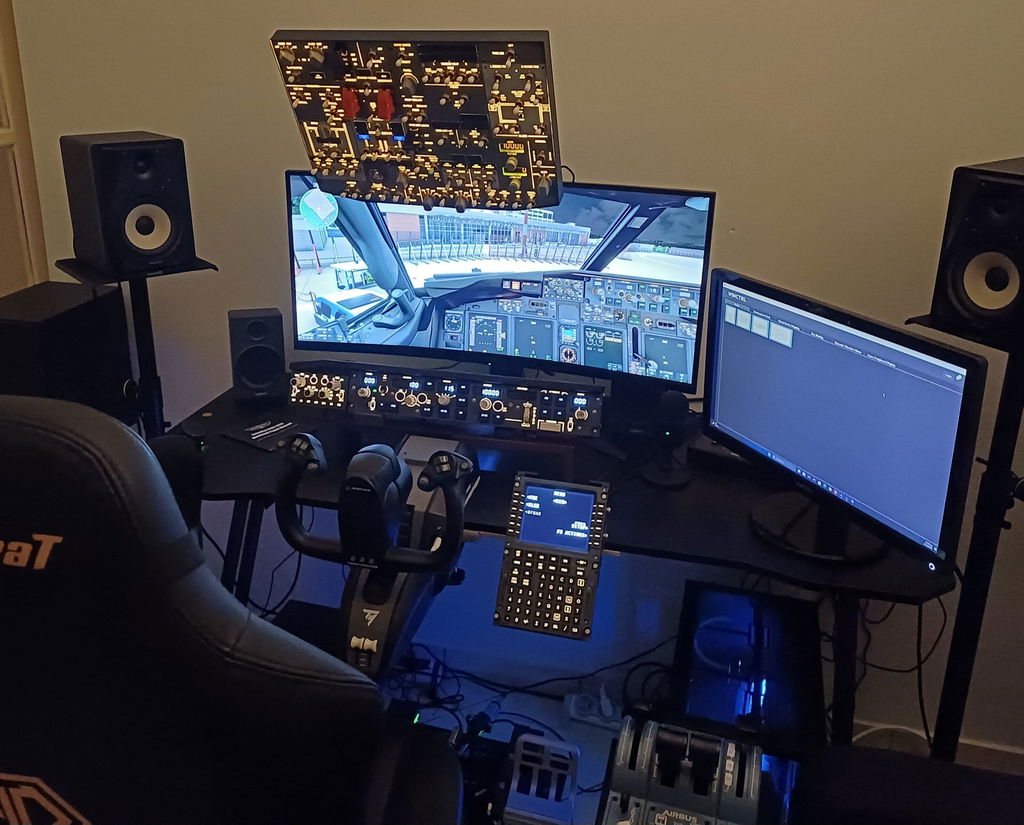
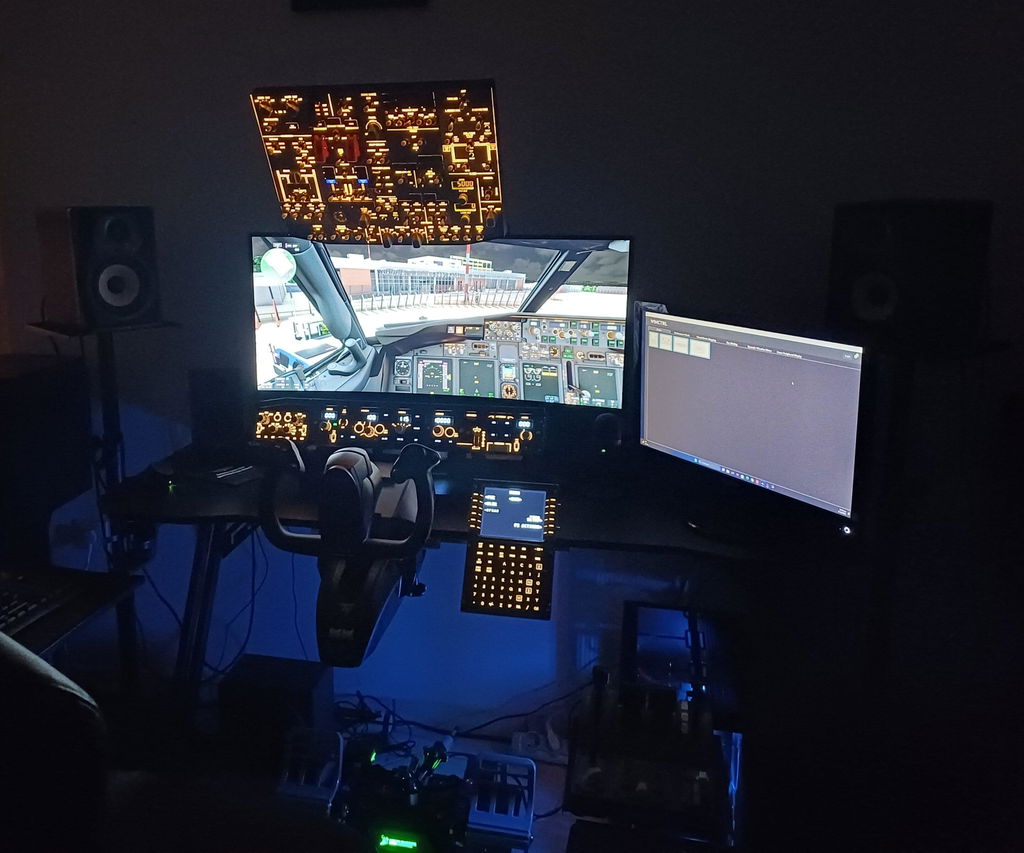
The Boeing 737 overhead panel (OHD) is the large bank of switches and controls above the pilots' heads, used to manage the aircraft's core systems — electrical power, fuel, hydraulics, air conditioning, anti-ice, lighting, and engine start. It's one of the most-used parts of the cockpit during startup, and a favorite upgrade for flight simmers building a 737 home cockpit.
In this guide we'll walk through what the 737 overhead panel controls, when pilots use it, and how simmers bring it into their MSFS or X-Plane setups.
What is the 737 overhead panel?
On the Boeing 737, the overhead panel sits directly above the Captain and First Officer. It's split into two areas:
- The forward overhead — the systems you use most often: electrical, fuel pumps, lighting, anti-ice, engine start, and APU.
- The aft overhead — less frequently touched systems and maintenance-style controls.
Because so much of starting and managing the aircraft happens here, the overhead is central to the "flows" pilots run before every flight.
What does the 737 overhead panel control?
Here are the main system groups you'll find on a 737 forward overhead:
- Electrical — battery, generators, and APU power
- Fuel — fuel pumps and crossfeed
- Hydraulics — hydraulic pumps for flight controls, gear, and brakes
- Air conditioning & pressurization — packs, bleed air, and cabin pressure
- Anti-ice — engine and wing anti-ice for cold-weather flying
- Lighting — exterior lights (beacon, strobe, landing, taxi) and cockpit lighting
- Engine start — the switches and selectors used to spin up the engines
- APU — the auxiliary power unit that supplies power and air on the ground
When do pilots use the overhead panel?
The overhead gets the most attention during the cold-and-dark startup — bringing the aircraft to life from a powered-down state. Pilots work top-to-bottom through the panel: powering electrical systems, starting the APU, running fuel pumps, then starting the engines. It's also used in flight for things like turning on anti-ice when entering icing conditions, or managing the electrical and pressurization systems.
For simmers, this is exactly why the overhead is so satisfying to fly with real switches — the startup flow becomes a hands-on ritual instead of a series of mouse clicks.
How simmers use the 737 overhead panel in MSFS & X-Plane
Popular 737 add-ons — PMDG, Zibo (the Zibo Mod for X-Plane), Level Up, and iFly 737 MAX — simulate the overhead panel in full detail. By default you click each switch with a mouse, but that quickly becomes the most tedious part of the cockpit, especially during a busy startup flow.
That's why the overhead panel is one of the first pieces simmers replace with physical hardware. Flipping a real backlit switch to start an engine, or running the full cold-and-dark flow by hand, is one of the biggest jumps in immersion you can make.
Building a 737 home cockpit overhead
If you fly the 737 in the sim and want that hands-on startup experience, a dedicated overhead panel is the natural next step.
The Rowsfire B107 Boeing 737 Overhead Panel is built for exactly this: a backlit metal-housed overhead that mirrors the 737's switch layout, with plug-and-play setup. It's compatible with PMDG, Zibo, Level Up, and iFly 737 MAX across MSFS 2020/2024 and X-Plane 11/12 — so whichever 737 you fly, the panel works with it.

The bottom line
The Boeing 737 overhead panel is the command center for the aircraft's core systems — electrical, fuel, hydraulics, anti-ice, lighting, and engine start. It's central to every startup and one of the most rewarding parts of the cockpit to fly with real hardware. Whether you're learning the 737 in MSFS or building a full home cockpit, the overhead is where a lot of the magic happens.