What Is the A320 Glareshield Panel? FCU & Autopilot Explained
What is the glareshield panel?
The glareshield is the shroud and control panel mounted at the base of the windshield, directly in front of and above the main instrument displays. On the A320 it's positioned so the most time-critical controls are always within easy reach and clear sight. It typically holds:
- The FCU (Flight Control Unit) — the central autopilot/autothrust control
- The EFIS control panels — one per pilot, for setting the navigation display modes, range, and barometric pressure
- Master warning and caution lights — the attention-getters for system alerts

What does the FCU do?
The FCU is the heart of the glareshield. It's how pilots tell the autopilot and autothrust what to do, using a row of knobs and a small display for four key values:
- Speed / Mach — the target airspeed
- Heading / Track — the direction to fly
- Altitude — the target altitude to climb or descend to
- Vertical Speed / Flight Path Angle — how fast to climb or descend
Pilots also use the FCU to arm and engage autopilot modes, manage the approach, and switch between managed (FMS-driven) and selected (manual) guidance. Because these are the settings that change most often during a flight, the FCU is one of the most-touched controls in the entire cockpit.
Glareshield vs MCDU — what's the difference?
These two work together but do different jobs:
The MCDU
On the center pedestal — where you program the full flight plan and performance before departure.
The glareshield / FCU
Where you make live adjustments — "climb to FL350," "turn to heading 270," "slow to 250 knots" — as the flight unfolds.
Think of the MCDU as writing the plan, and the glareshield as steering the plan in real time.
How flight simmers use the glareshield in MSFS
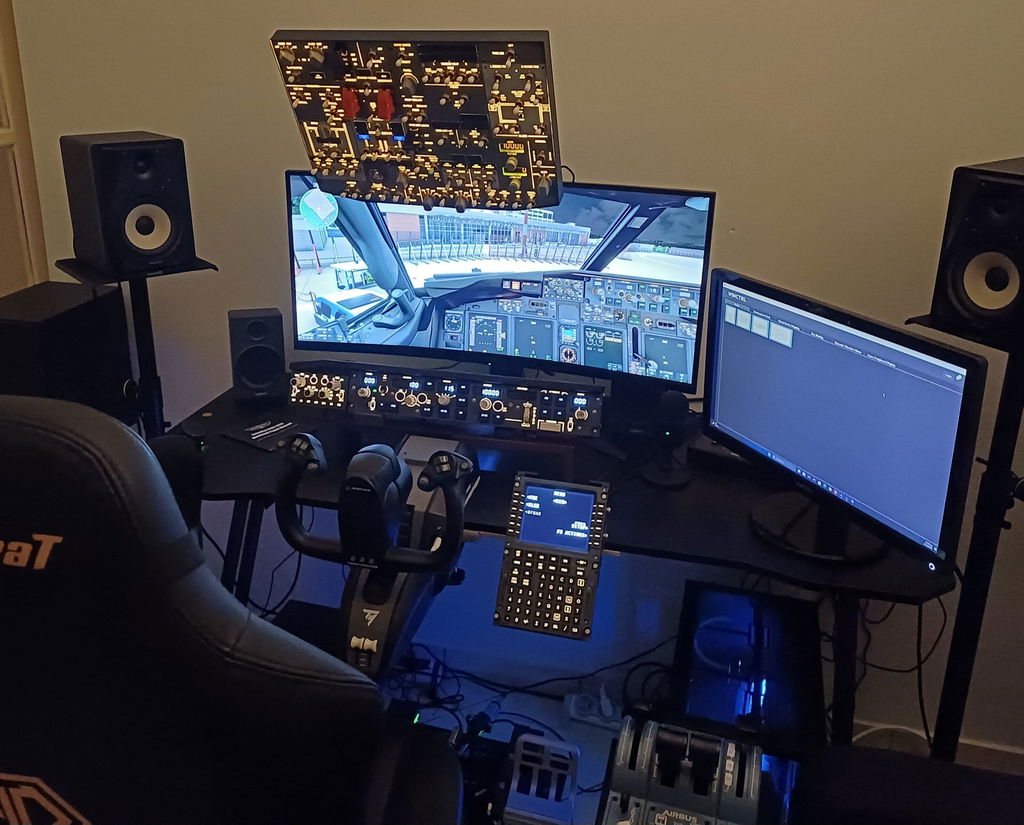
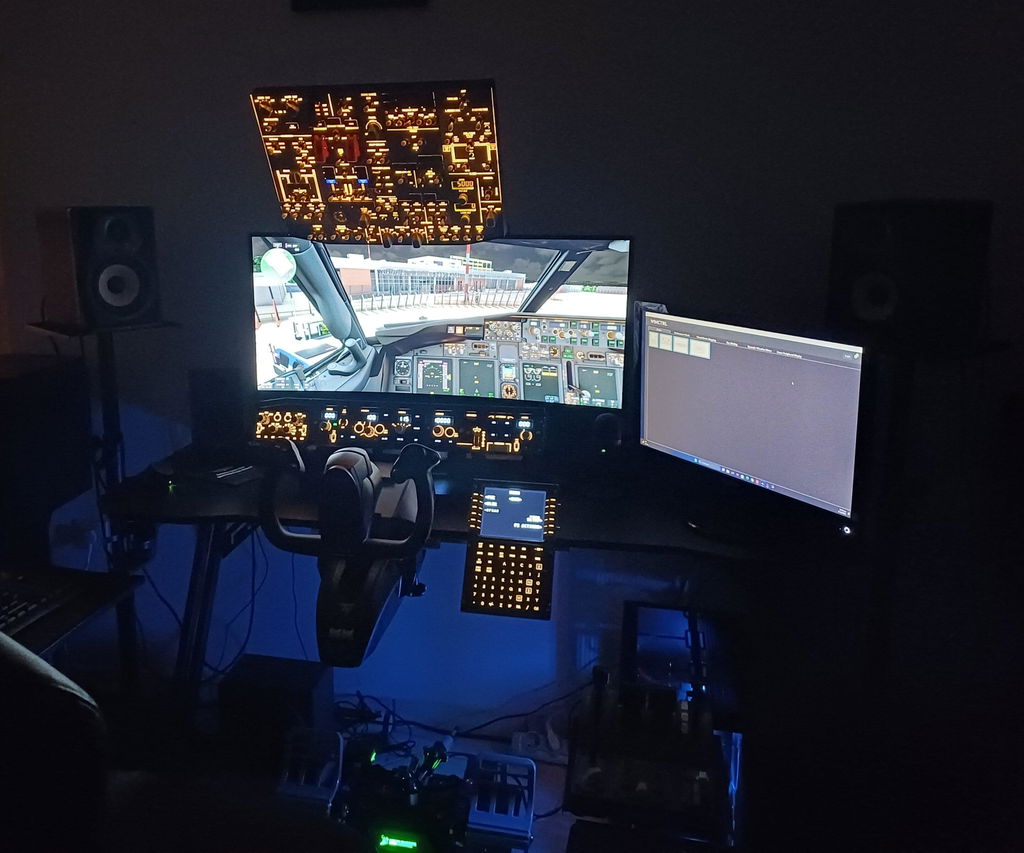
In A320 add-ons like the Fenix A320 and FlyByWire A32NX, the FCU and glareshield are simulated in full. By default you adjust the knobs by scrolling with a mouse — but the FCU is something you touch constantly during a flight, so doing it by mouse gets old fast, especially during a busy climb or approach.
This makes the glareshield one of the highest-impact panels to have as physical hardware. Reaching up to dial in a new altitude or heading with a real knob — exactly where it sits in the real aircraft — is a huge step up in immersion and control.

Building a glareshield into your A320 home cockpit
Because the glareshield sits right in your eyeline and gets used on every climb, turn, and descent, it's one of the most rewarding panels to add to a home cockpit setup.
Rowsfire is bringing a dedicated A320 glareshield panel to the home cockpit. The Rowsfire A117 A320 Glareshield Panel — built to 1:1 scale with plug-and-play setup — is launching soon. You can preview it now and sign up to be notified the moment it's available:
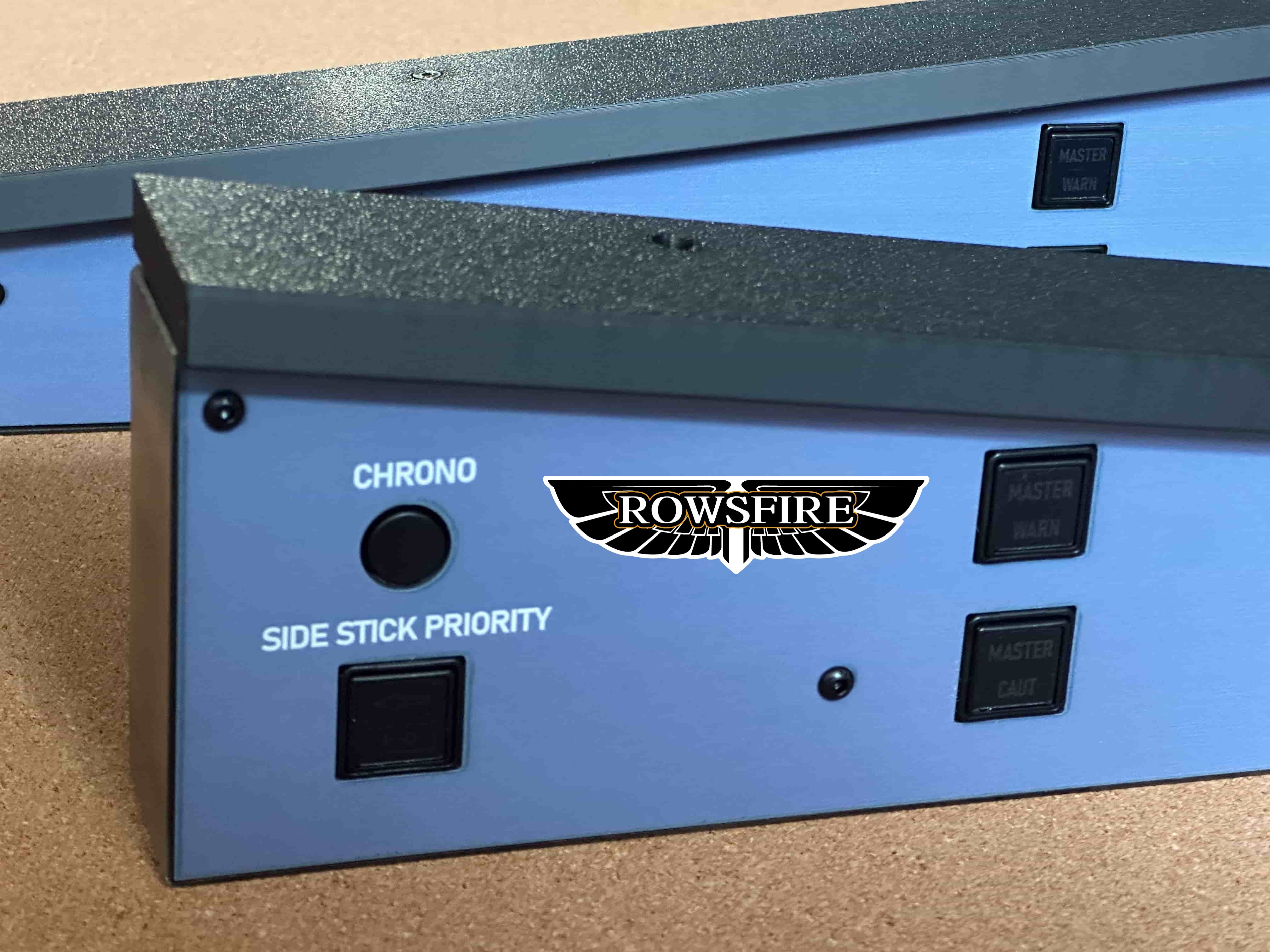
Building out the rest of your A320 cockpit? Explore the full Rowsfire A320 range — overhead, ECAM, radio, and display panels — all 1:1 scale and plug-and-play.
The bottom line
The A320 glareshield panel — and its FCU at the center — is where pilots make real-time control of speed, heading, altitude, and the autopilot. Together with the MCDU, it's one of the two interfaces you'll use most when flying the Airbus. For simmers, it's also one of the most satisfying panels to operate with real hardware.