The MCDU (Multifunction Control and Display Unit) is the keypad-and-screen interface Airbus pilots use to program the aircraft's flight management system — entering the route, performance data, and navigation settings before and during a flight. If you've ever seen the small screen with a keyboard sitting on the center pedestal of an A320 cockpit, that's the MCDU.
In this guide we'll cover what MCDU stands for, what it actually does, how it differs from the FMC/FMS, and how flight simulator pilots interact with it at home.
MCDU full form: what does MCDU stand for?
MCDU stands for Multifunction Control and Display Unit. On Airbus aircraft like the A320, there are usually two MCDUs — one for the Captain and one for the First Officer — mounted side by side on the center pedestal. Each unit combines a small display screen with an alphanumeric keypad and a row of function keys.
What does the MCDU do in the A320?
The MCDU is the pilot's main way of talking to the Flight Management System (FMS). Before pushback, pilots use it to set up the entire flight, including:
- The flight plan / route — departure, waypoints, airways, arrival, and runway
- Performance data — aircraft weight, cost index, cruise altitude, and takeoff/landing speeds
- Navigation tuning — radio aids and position settings
- In-flight changes — rerouting, altitude changes, and approach setup
Once the route is entered, the FMS uses that information to drive the autopilot and the navigation displays, guiding the aircraft along the planned path. In short: the MCDU is where the flying plan gets typed in, and the rest of the aircraft systems follow it.
MCDU vs FMC vs FMS — what's the difference?
These terms get mixed up a lot, so here's the simple version:
- FMS (Flight Management System) — the whole "brain" that manages navigation and performance.
- FMC (Flight Management Computer) — the computer hardware that runs the FMS logic. (Boeing pilots tend to say "FMC/CDU"; Airbus pilots say "MCDU/FMGC".)
- MCDU — the interface (screen + keypad) that pilots use to interact with that system.
So the MCDU isn't the computer itself — it's the control panel you type on to talk to the computer.
How flight simmers use the MCDU in MSFS
In Microsoft Flight Simulator, popular A320 add-ons like the Fenix A320 and FlyByWire A32NX simulate the MCDU in great detail. Most simmers start by clicking the on-screen MCDU with a mouse — entering their route, performance, and approach just like a real pilot.
The catch: clicking a tiny on-screen keypad with a mouse during a busy descent isn't very realistic — or very comfortable. That's why many home cockpit builders eventually move to physical hardware panels for the parts of the cockpit they use most.
Building a more realistic A320 home cockpit
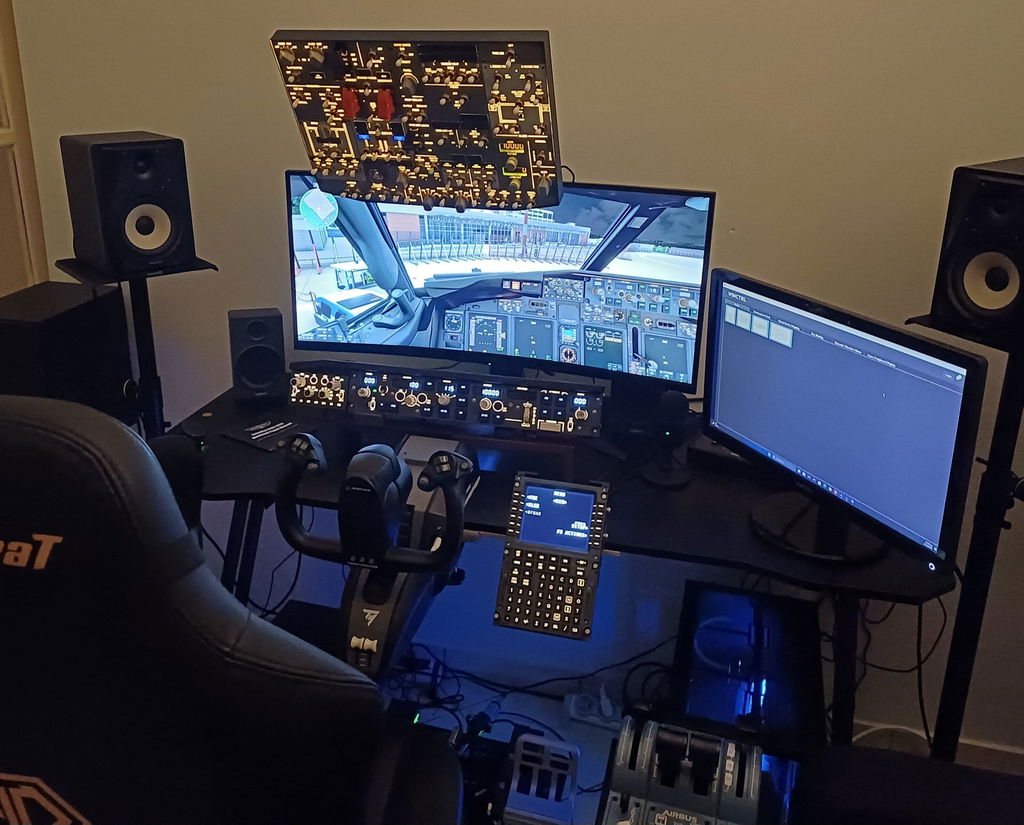
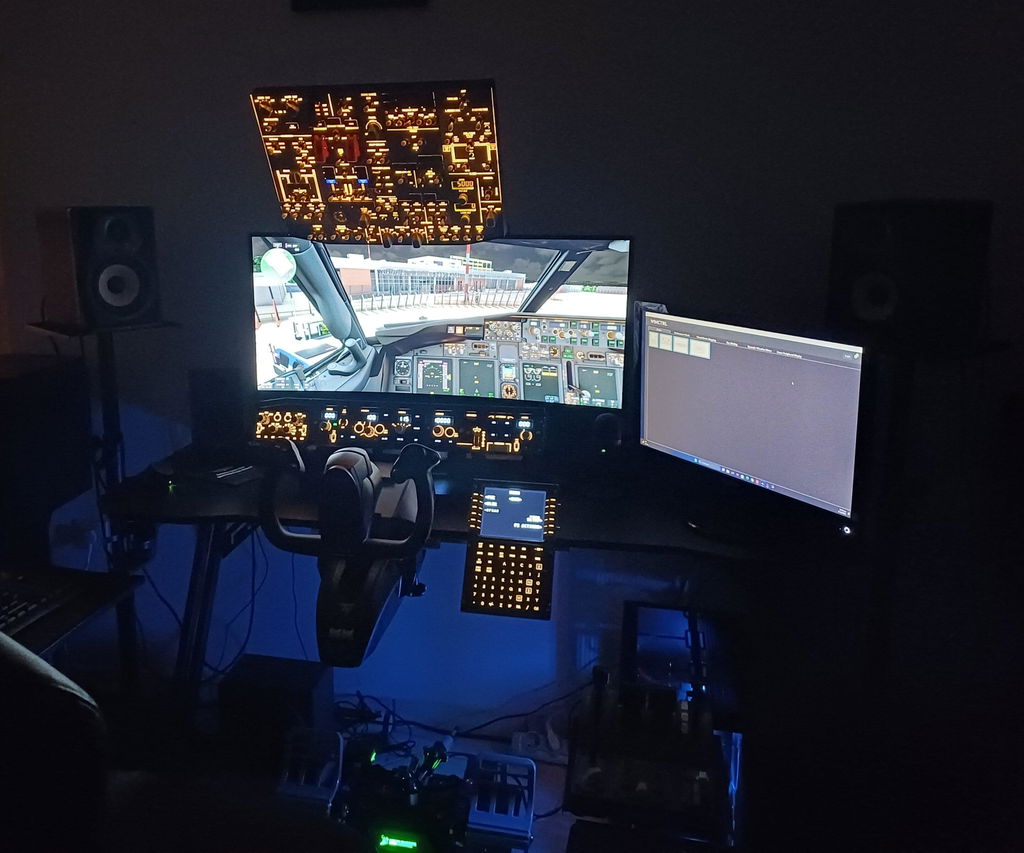
Once you understand how central the MCDU and the surrounding panels are to flying the A320, it's easy to see why simmers invest in tactile hardware. Reaching out and pressing a real backlit button — for the overhead panel, the ECAM controls, or the radio — is a huge step up in immersion compared to mouse clicks.
If you're building an A320 setup, Rowsfire makes 1:1 scale, plug-and-play replica panels for the parts of the cockpit simmers reach for most:
- A320 Overhead Panel (A107) — backlit metal, plug-and-play with Fenix & FBW
- A320 ECAM Panel (A109) — 1:1 scale ECAM & ADIRS controls
- A320 Radio & Audio Panel (A111) — true 1:1 RMP/ACP
The bottom line
The MCDU is the heart of how Airbus pilots program and manage a flight — a screen-and-keypad interface to the aircraft's flight management system. Whether you're learning the A320 in MSFS or building a full home cockpit, understanding the MCDU is one of the first big steps toward flying the Airbus like the pros.