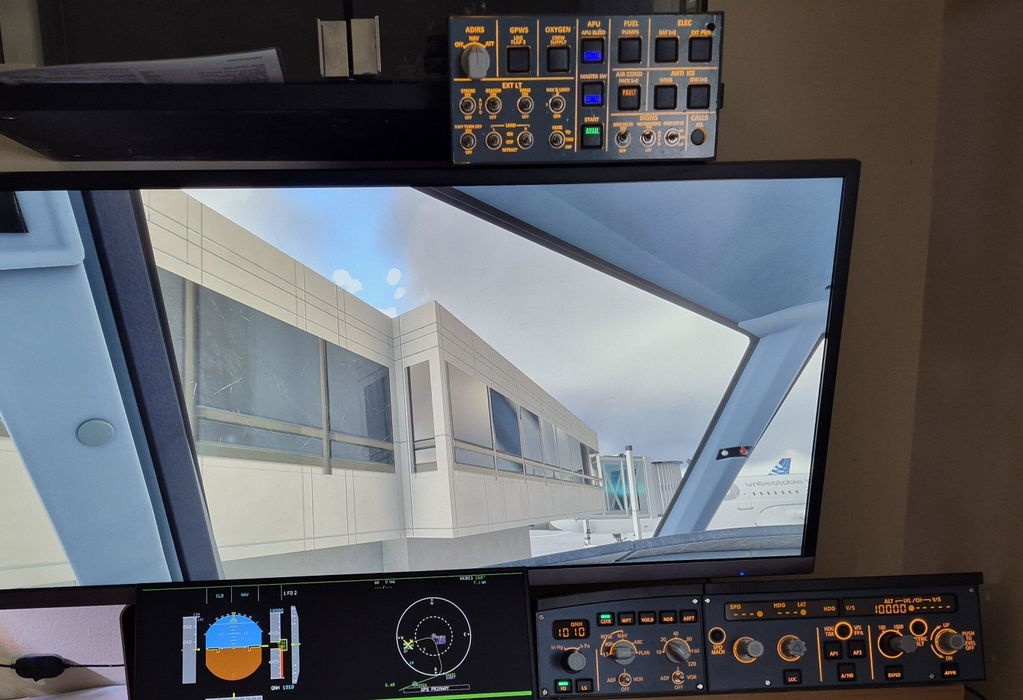
Real controls. Less desk space.
A compact selection of A320 overhead controls with tactile buttons and physical switches. One USB connection keeps the setup simple.


Fenix / FBW in MSFS · ToLiss in X-Plane 12
Check compatibility ↓
Free Worldwide Shipping · Duties & Taxes Included
30-Day Returns · 1-Year Warranty
在庫取り置きの表示がロードできない

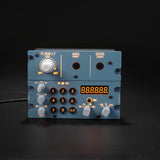
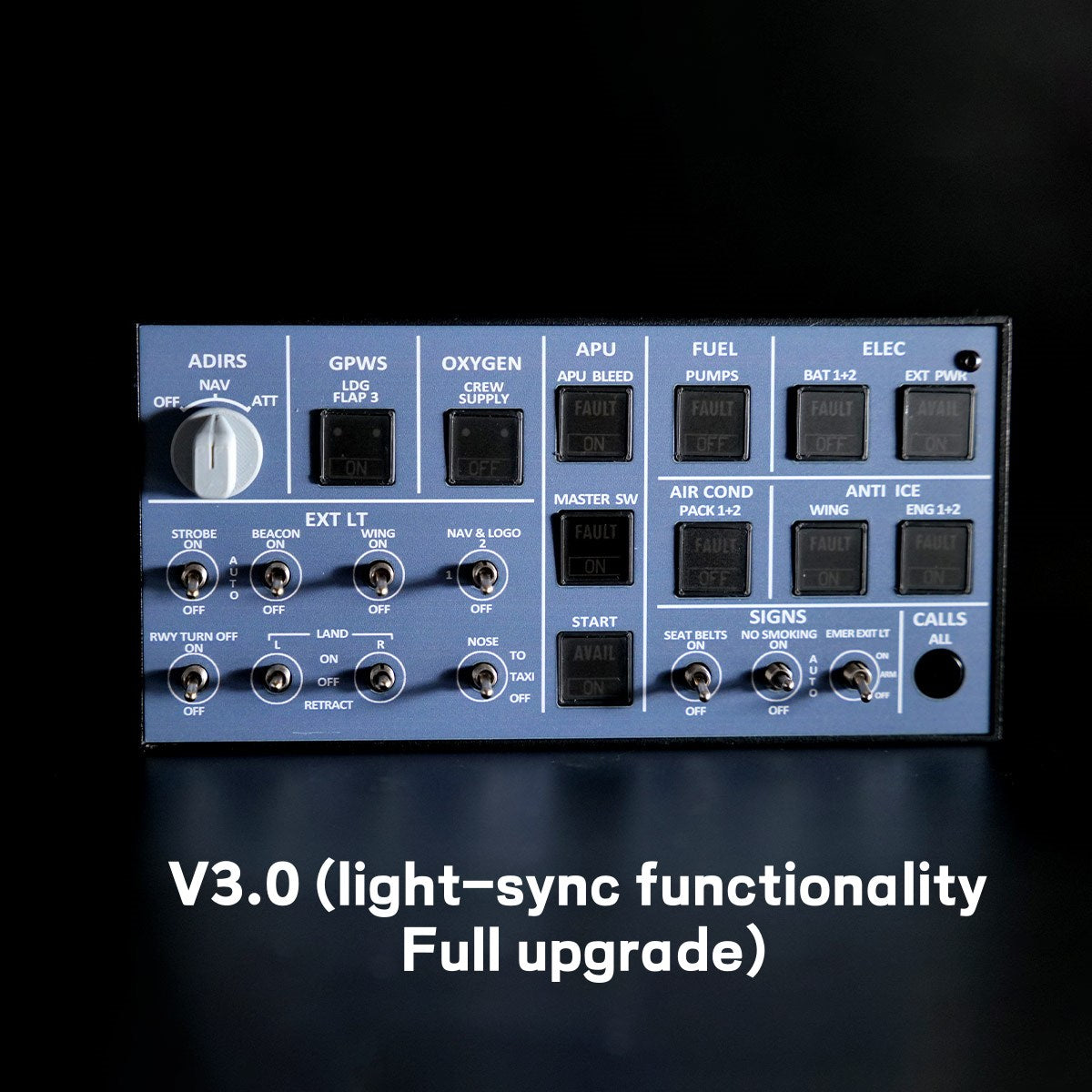
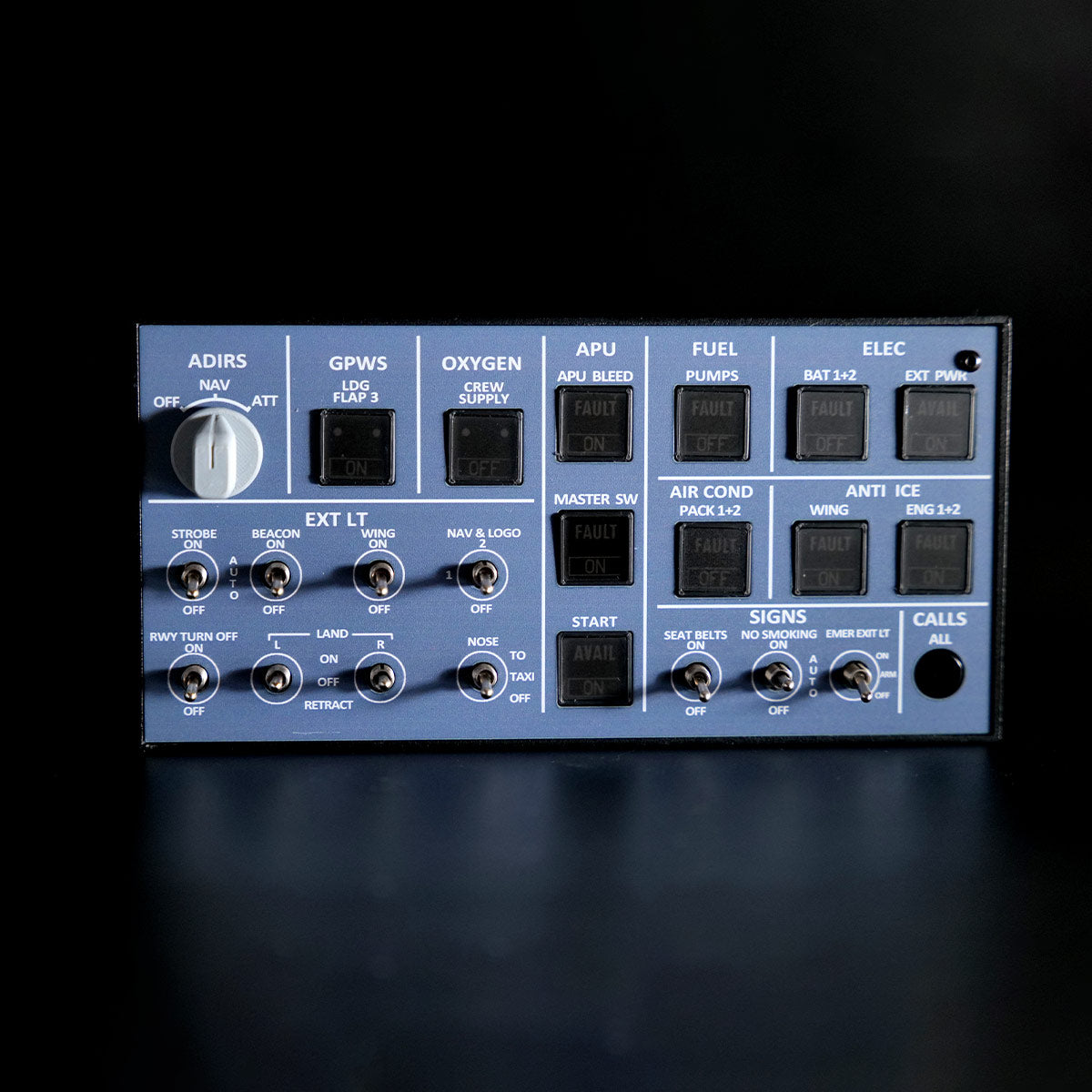
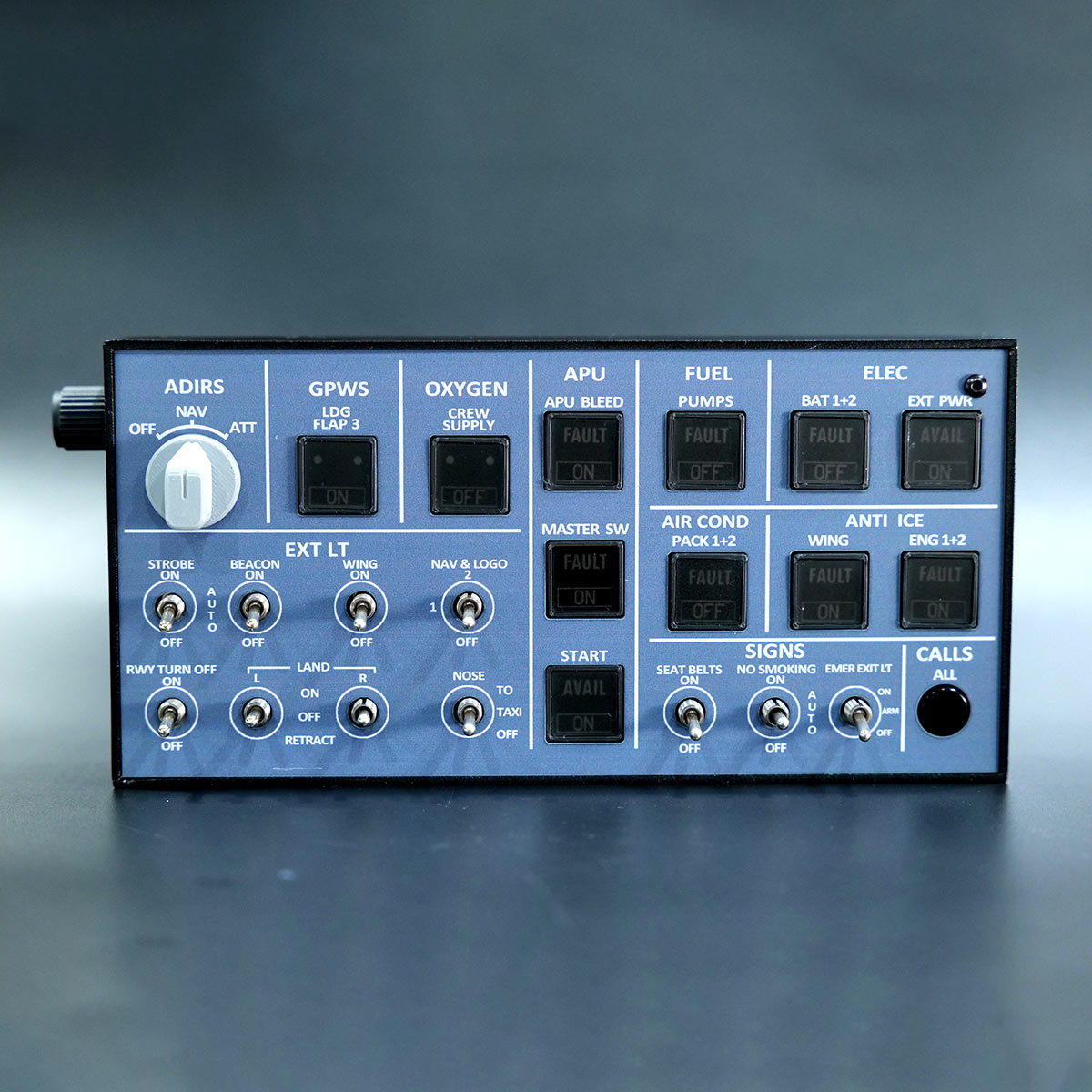
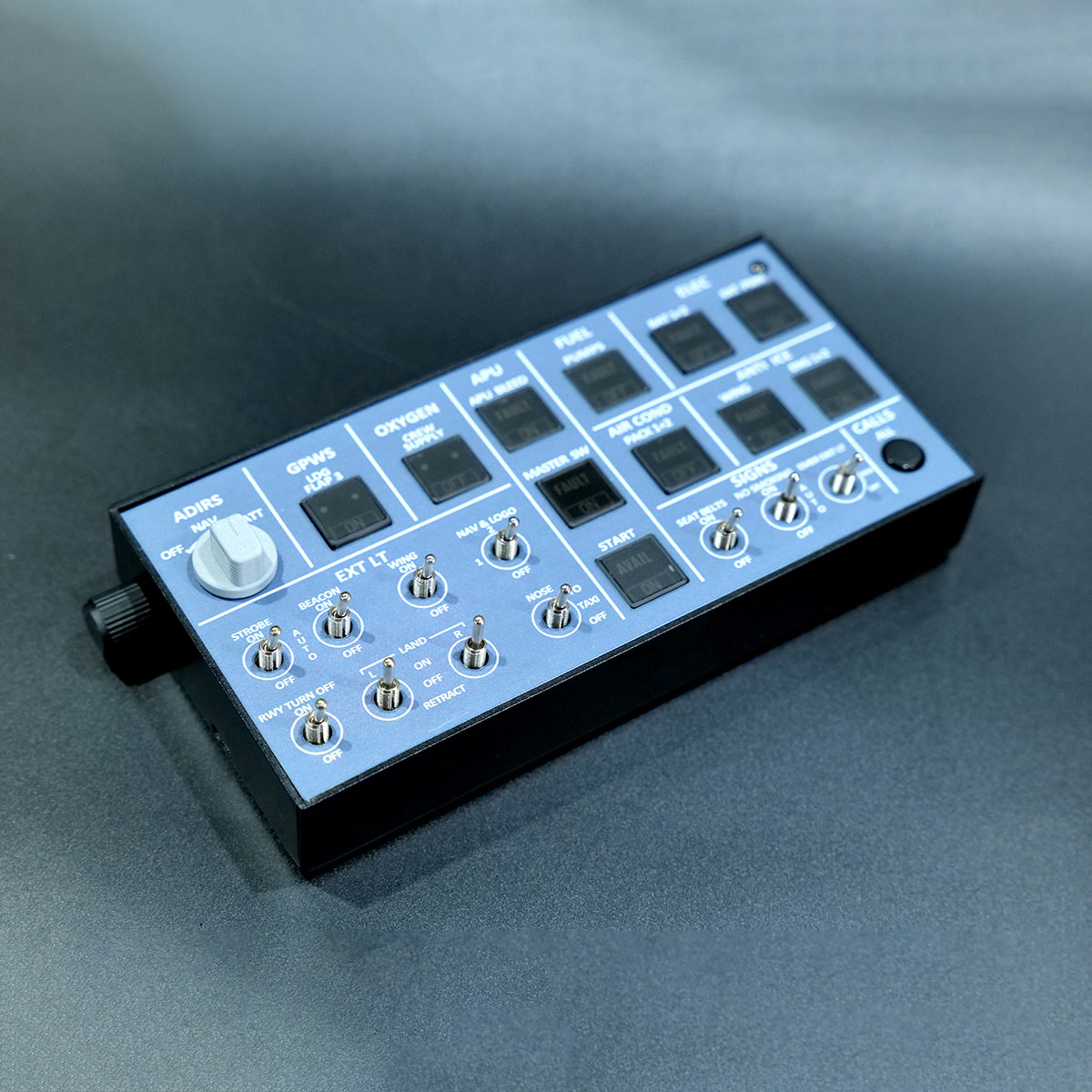
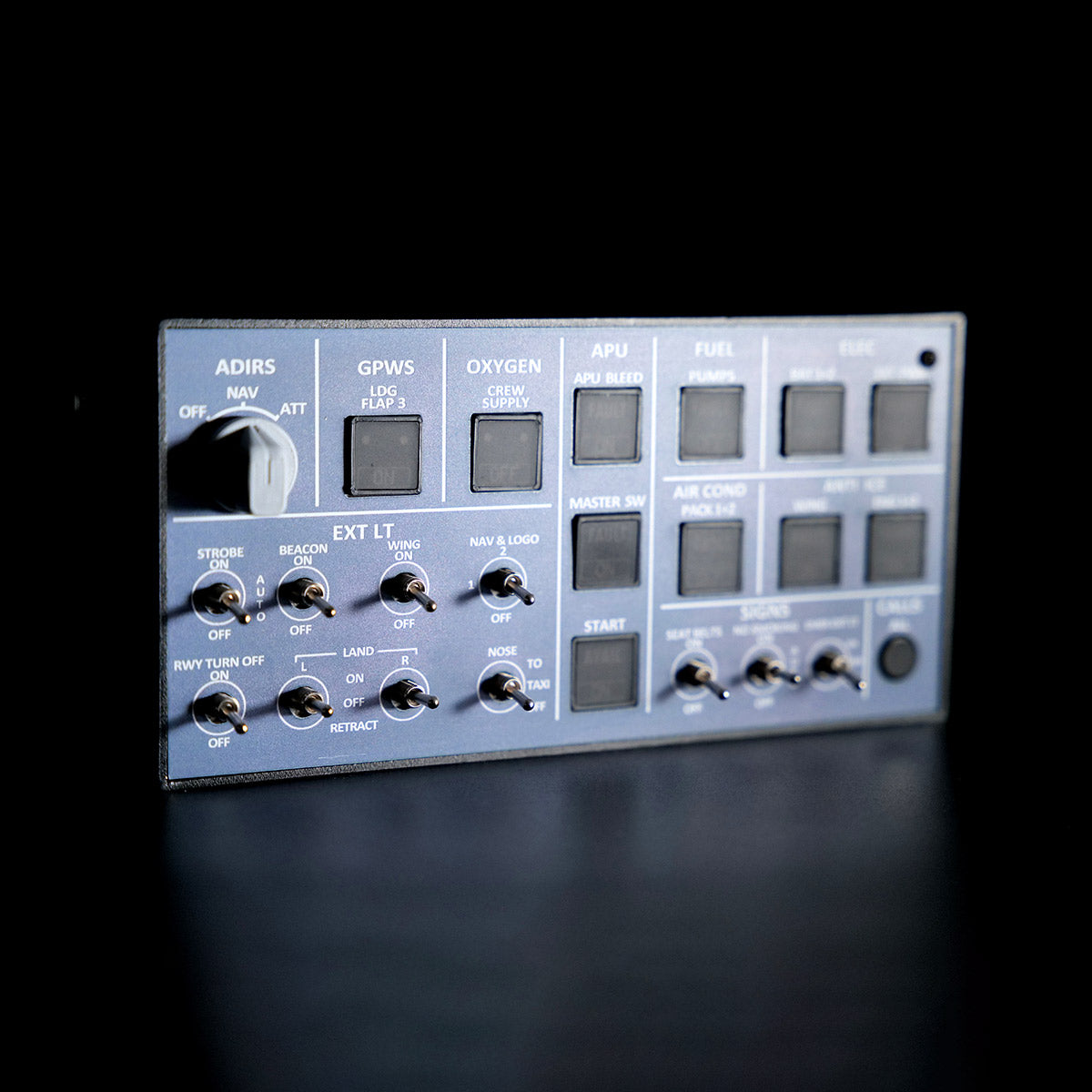
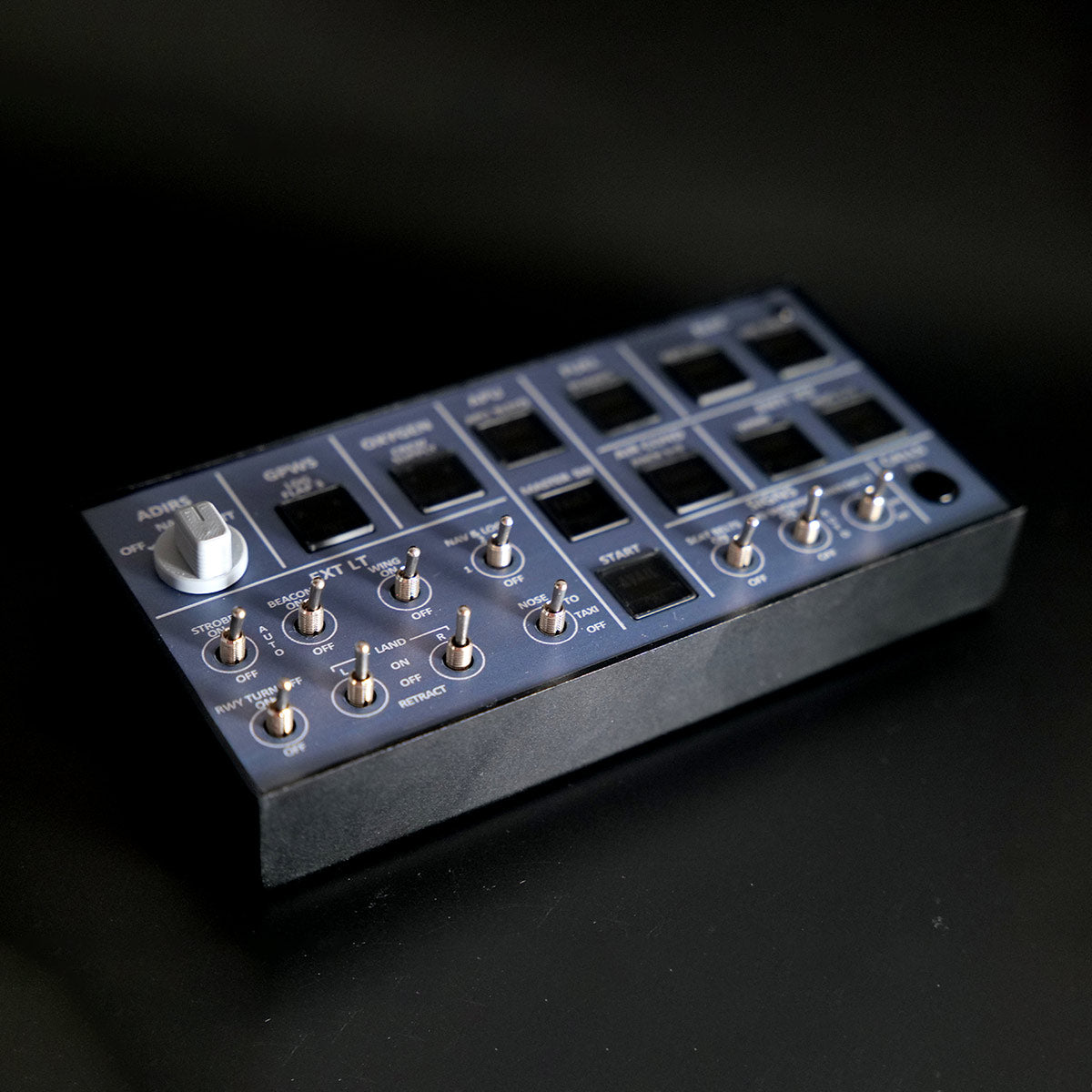
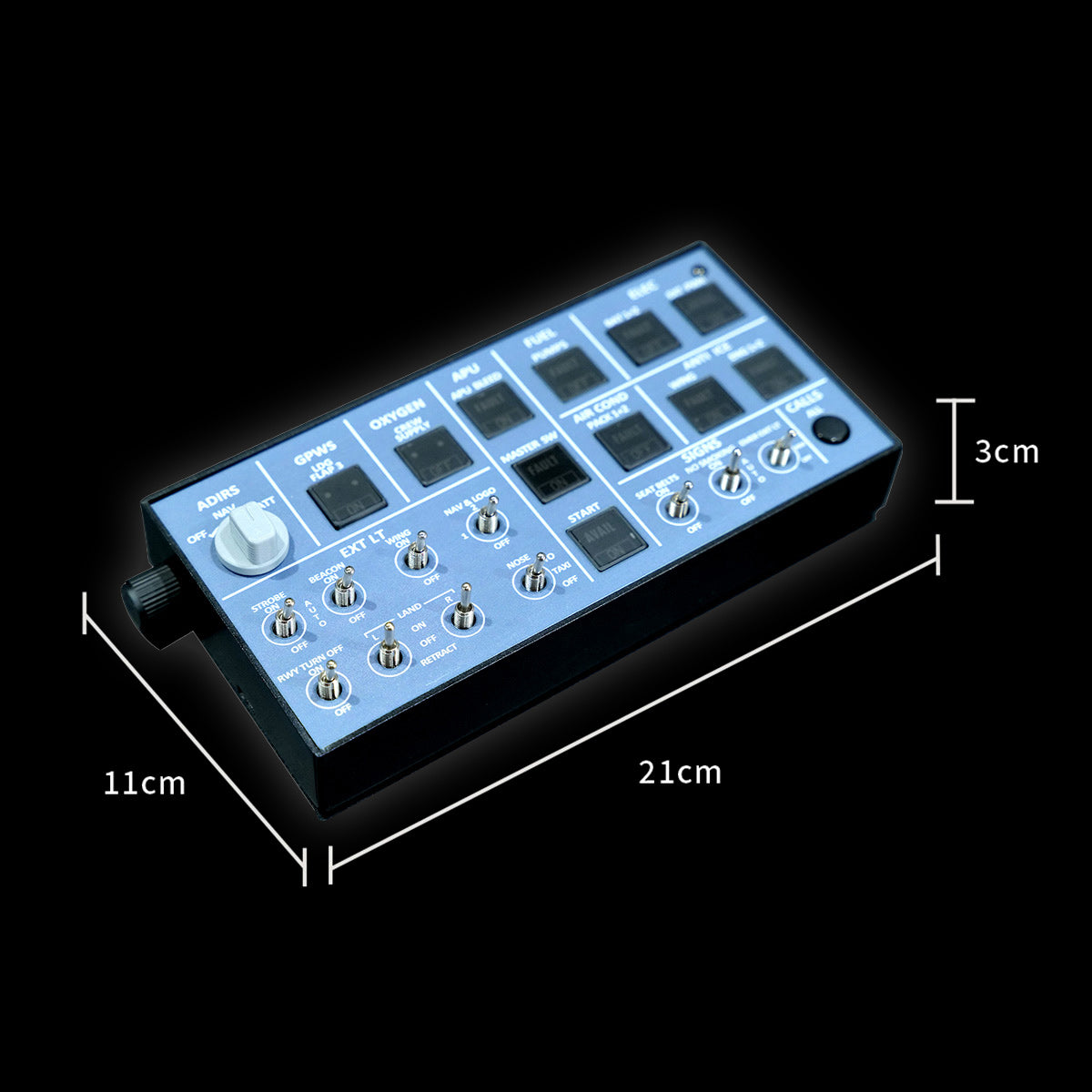
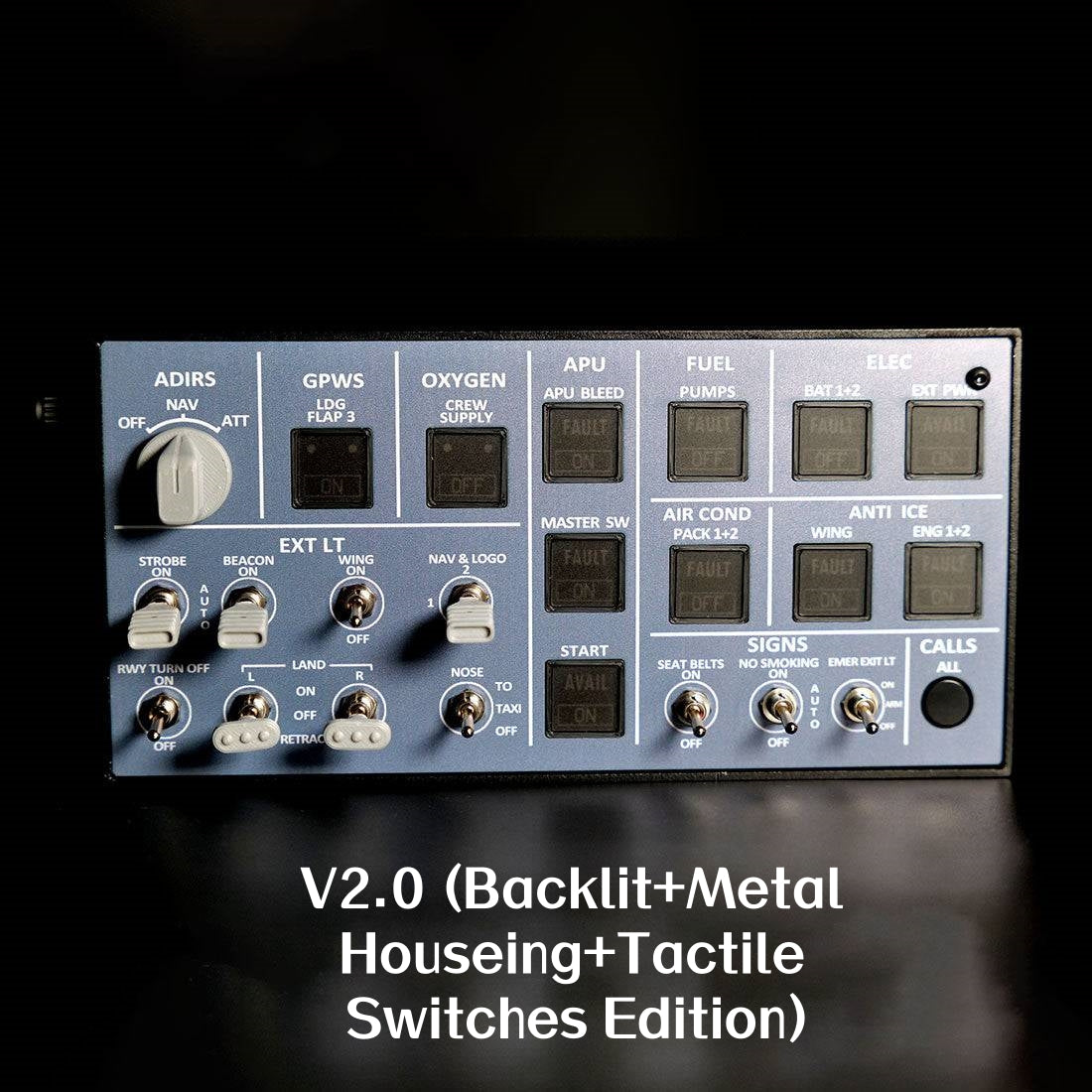
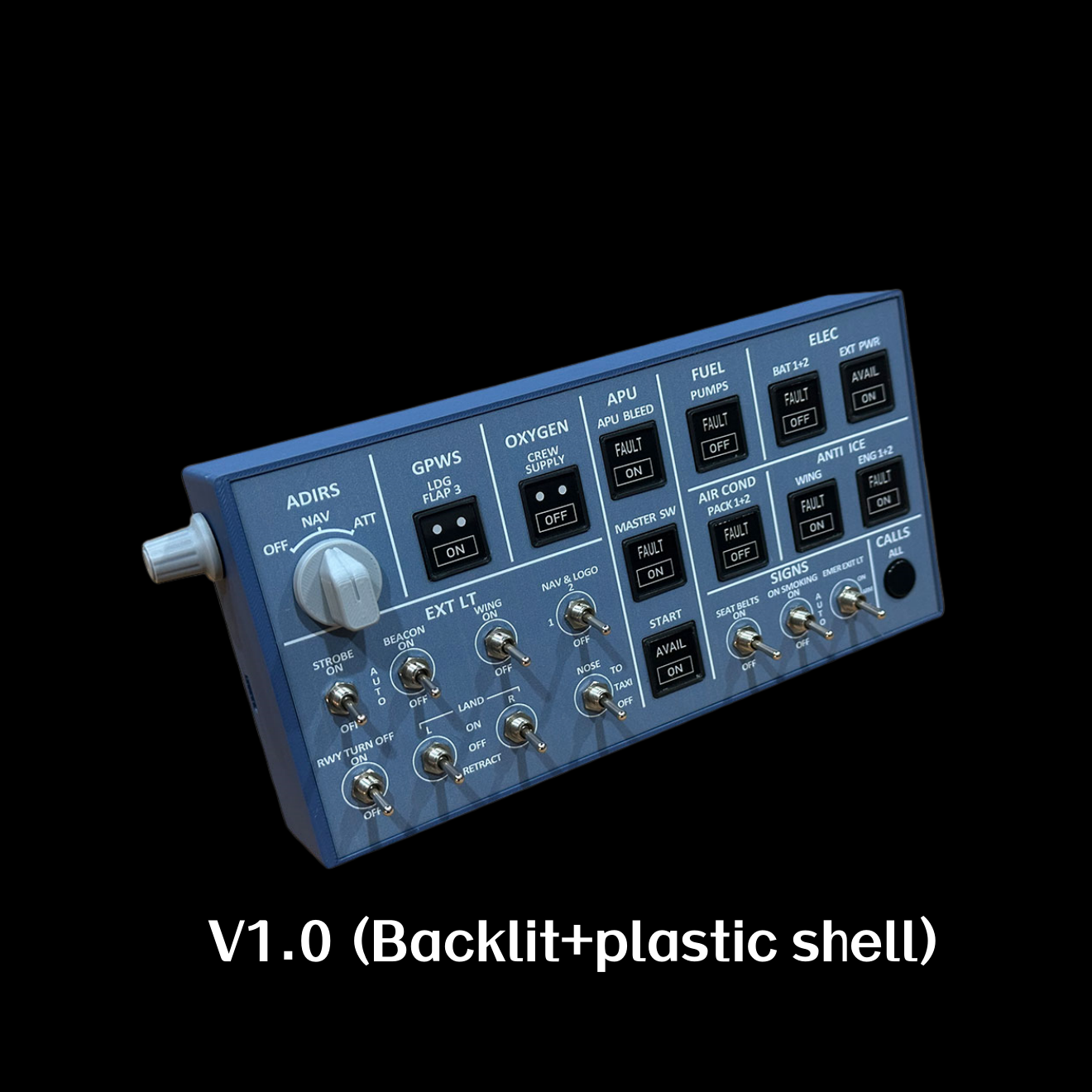
A compact A320 overhead for smaller desks: metal housing, adjustable backlight and physical controls in a 21 × 10.5 × 3 cm panel. Connect by USB and use a supported aircraft profile.
A compact selection of A320 overhead controls with tactile buttons and physical switches. One USB connection keeps the setup simple.

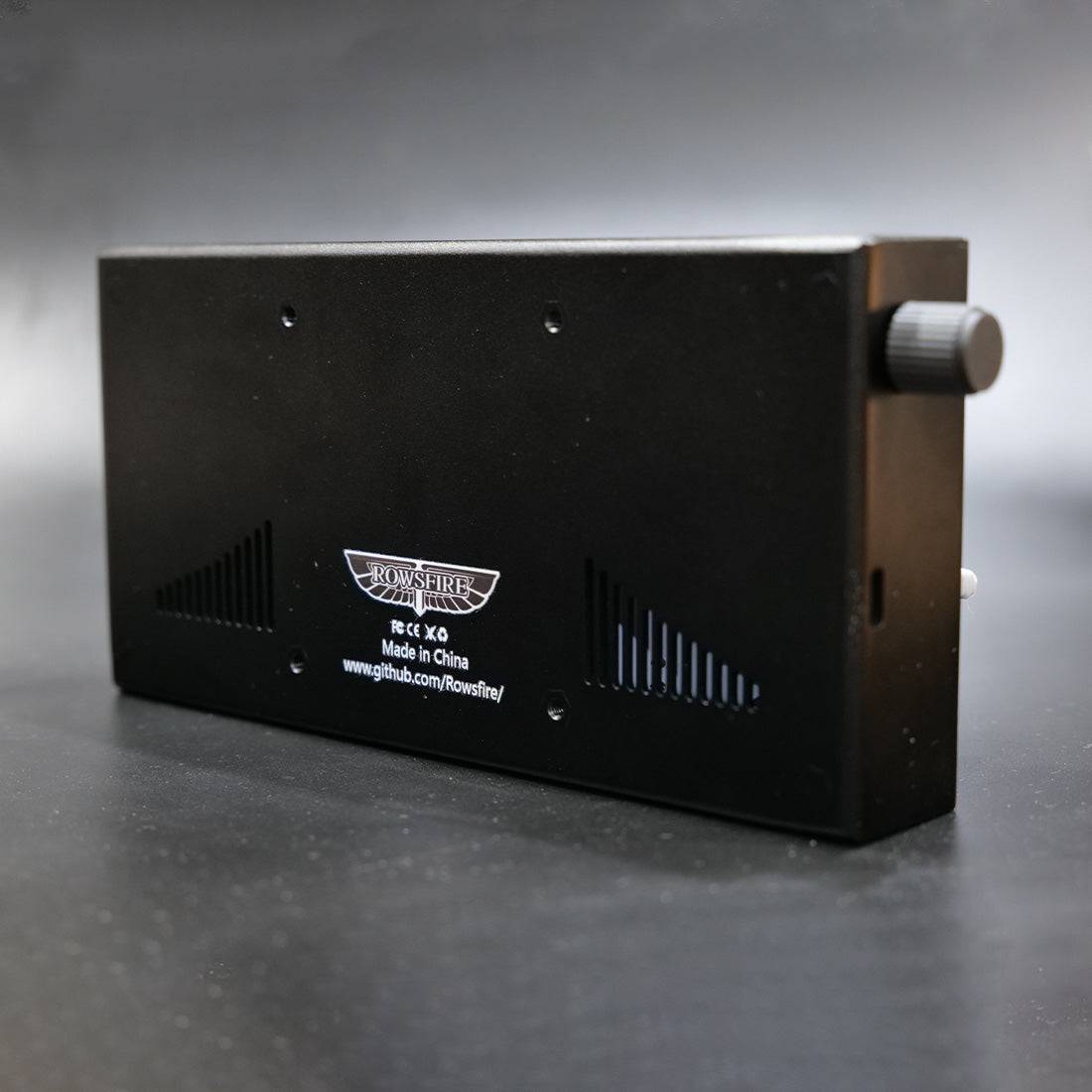
Aluminum housing with a rear USB port and 75 × 75 mm VESA mounting pattern. Panel: 21 × 10.5 × 3 cm · 500 g. Mount sold separately.

Start with Rowsfire App for supported aircraft. Use MobiFlight for a separately configured setup; match the profile to your hardware version.

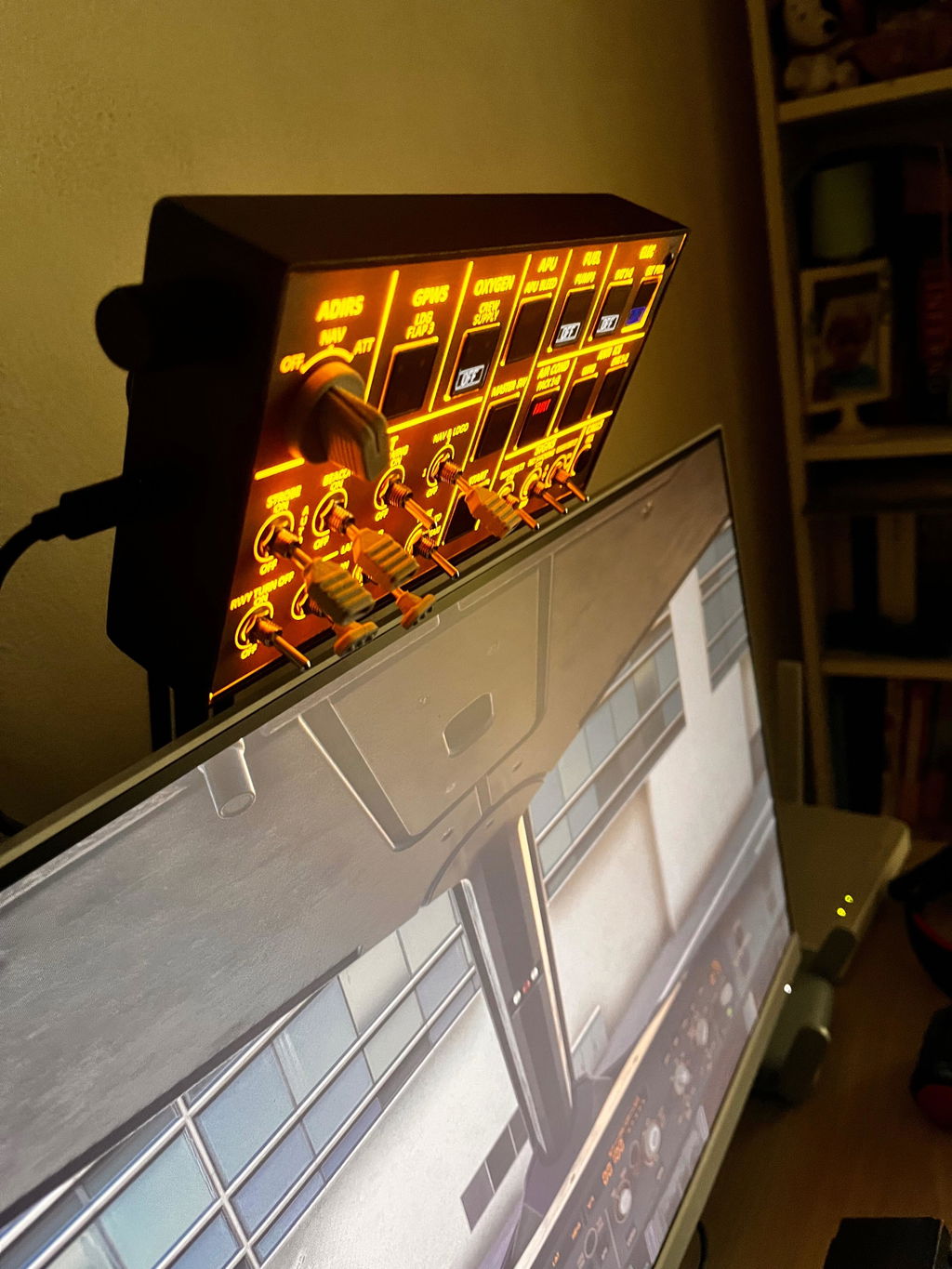
Adjust the backlight to suit your room. See V3 lighting details ↓
Choose the control coverage and footprint that fit the way you fly. These are alternative overhead panels; you do not need all three.
Swipe sideways to compare all three panels →
| Your setup |  |  |  |
|---|---|---|---|
| Best fit | Small desks and a compact selection of core controls | A larger desktop overhead with broader coverage | A more complete overhead for a larger cockpit build |
| Panel size | 210 × 105 × 30 mm | 260 × 210 × 30 mm | 405 × 270 × 60 mm |
| Rear VESA pattern | 75 × 75 mm | 100 × 100 mm | 100 × 100 mm |
| Choose it when… | Desk space is the priority | You want more controls without the Pro footprint | You want the most complete Rowsfire A320 overhead layout |
Aircraft support varies by model, hardware and software version. Check each product's current compatibility information before choosing.
Set label brightness to suit the light at your desk, whether you fly by day or at night.
V3 can drive annunciator feedback with a matching aircraft and software profile. Brightness adjustment and status feedback are separate functions; available lamp behaviour varies by configuration.
Check aircraft & hardware support ↓V3 is the current metal-housing edition with rear USB and light-sync support. V1 and V2 are currently unavailable. For an existing panel, check its version before downloading a MobiFlight profile; the V3 profile must match V3 hardware.
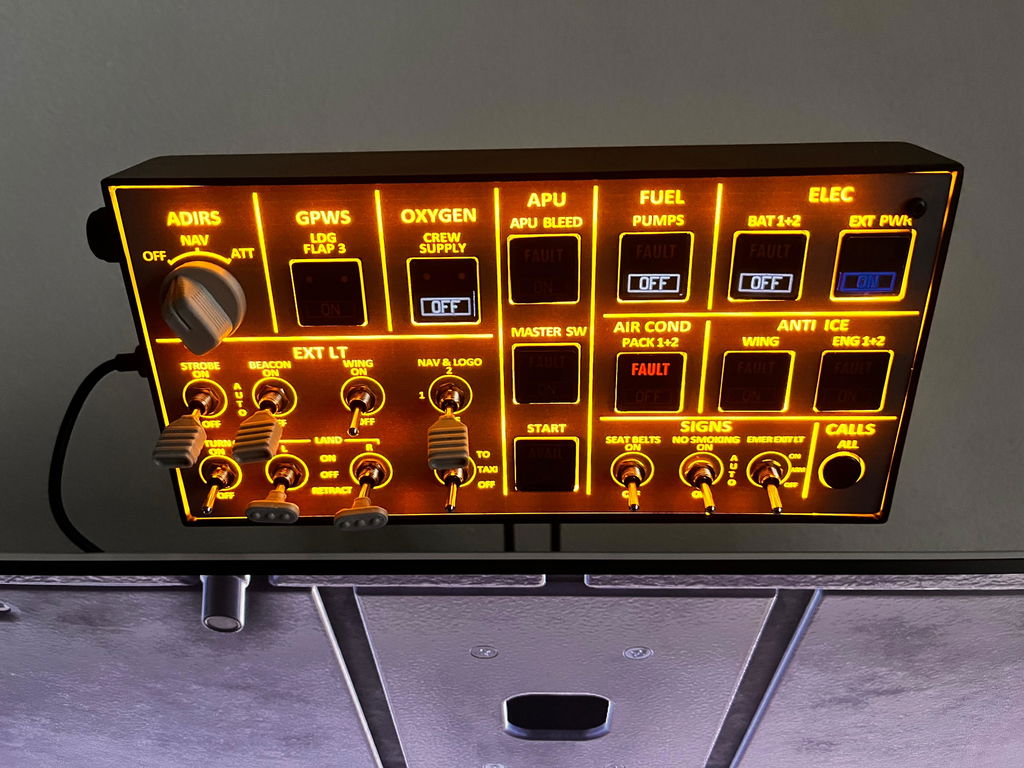
ADIRS, GPWS, oxygen, APU, fuel and electrical controls across the top row.
Physical toggles for the labelled exterior-light controls, grouped at the lower left.
APU start, cabin signs and call controls grouped at the lower right.
Control labels show the panel layout. Available functions and light feedback depend on your aircraft and profile. This is a compact selection of overhead controls, rather than a complete overhead.
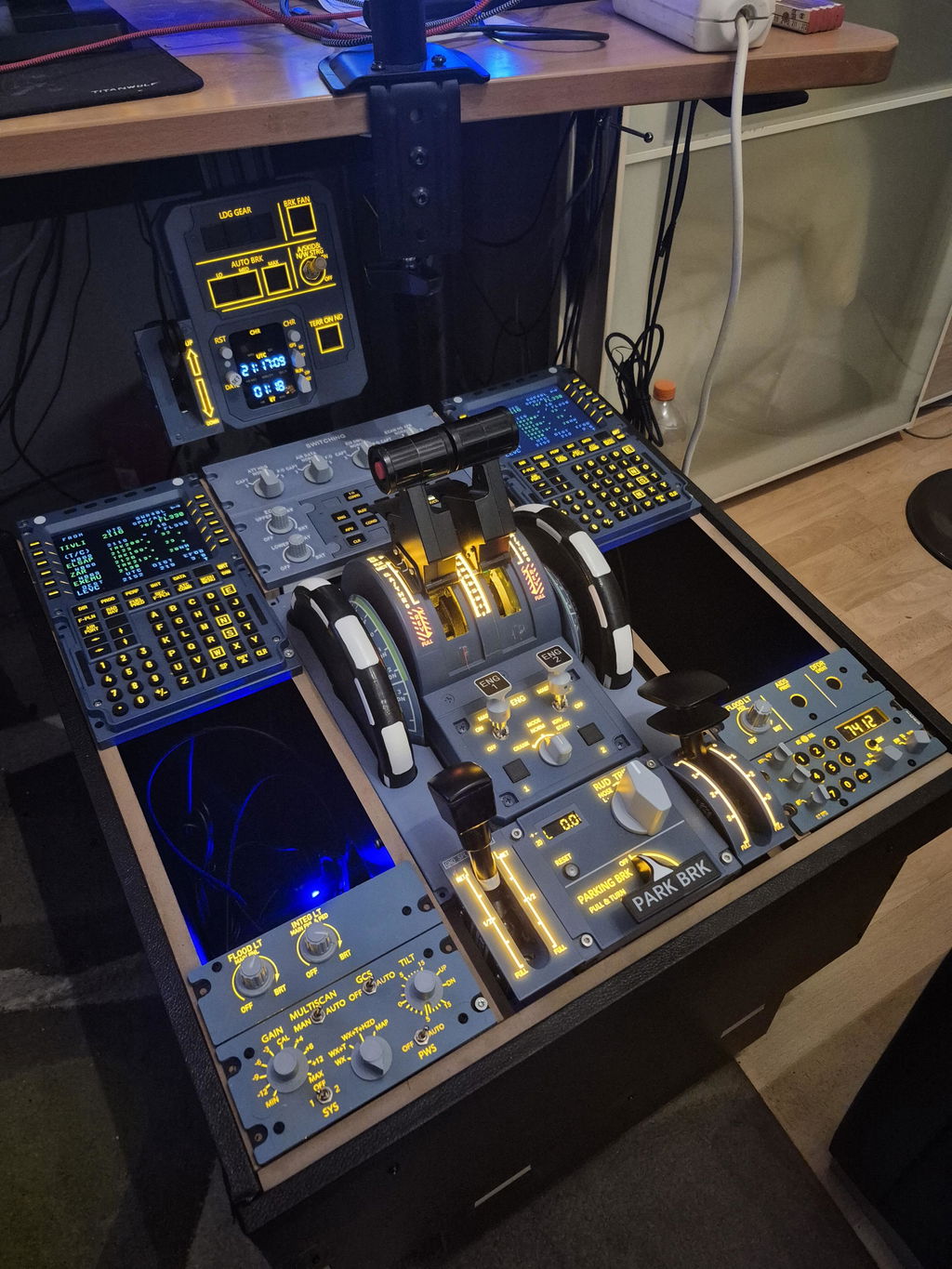
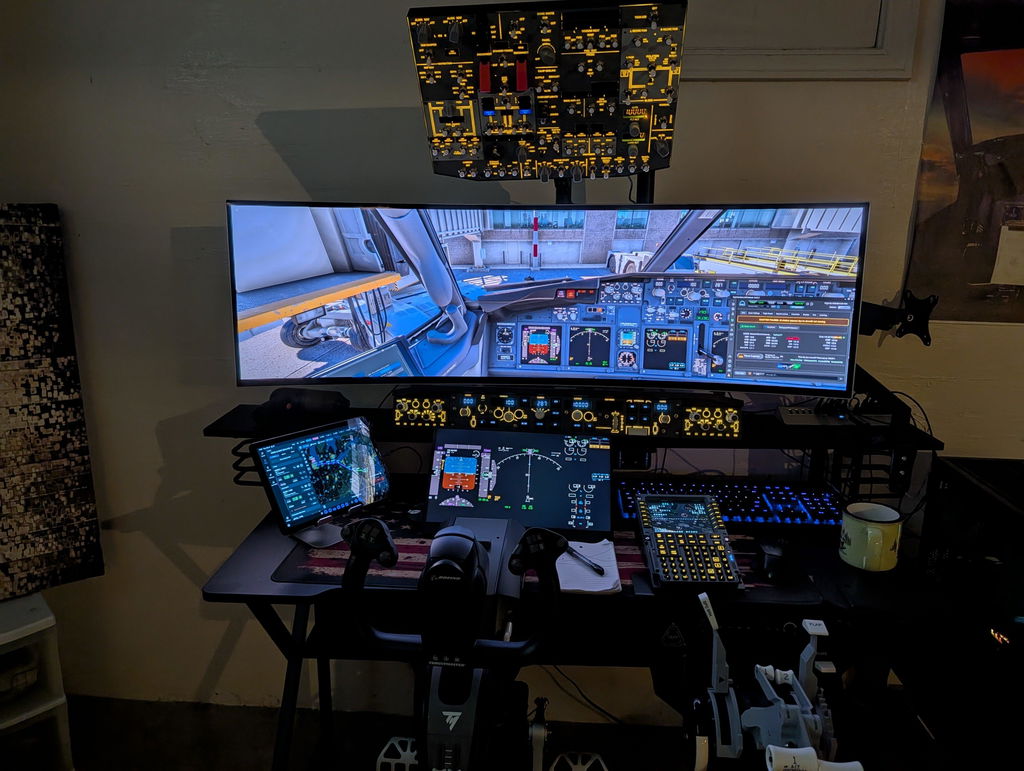
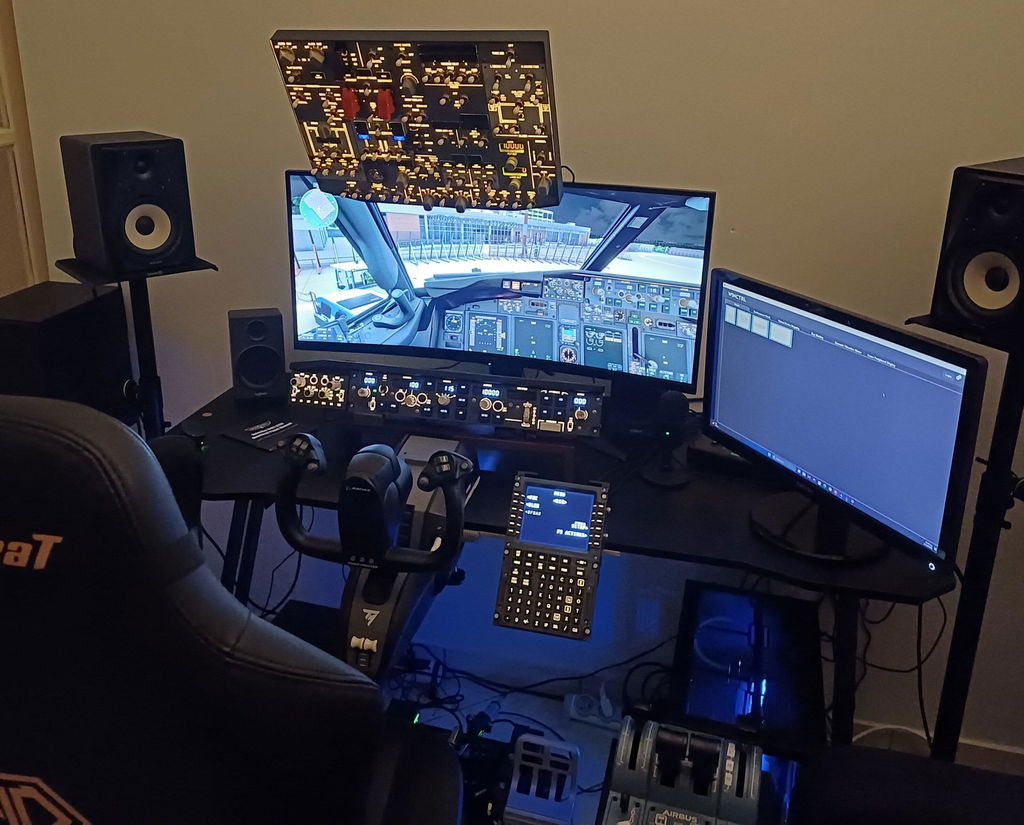
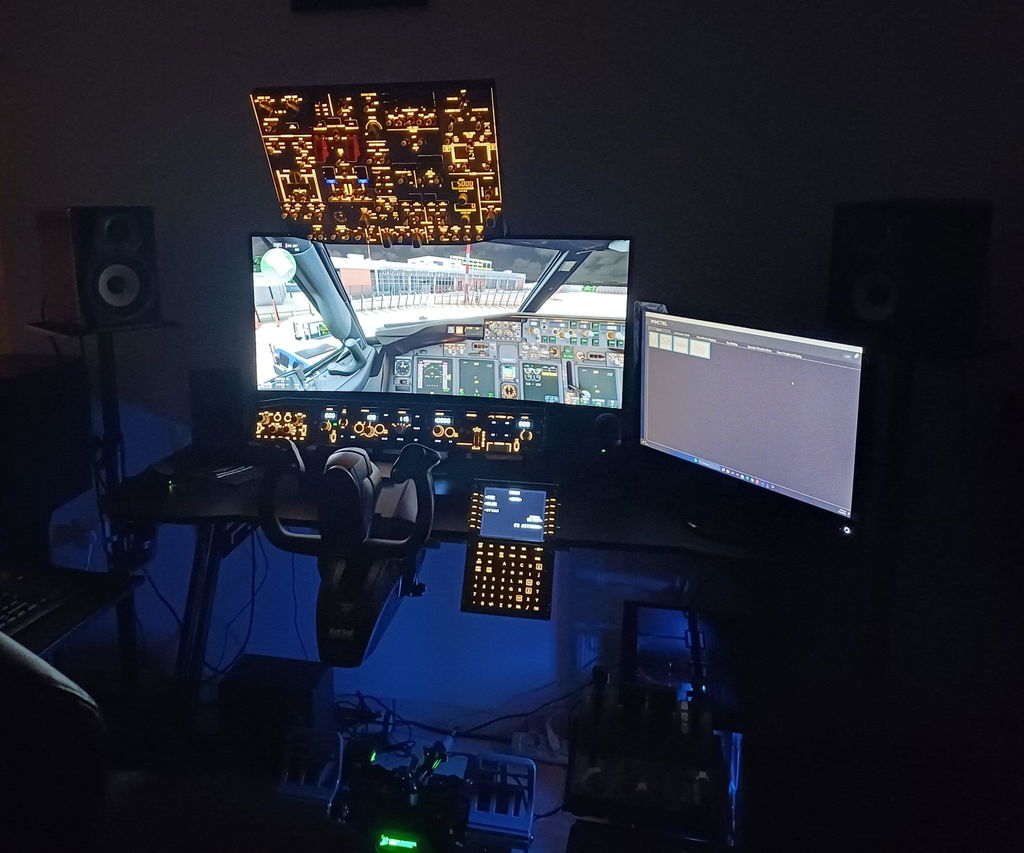
A106 setups shared by customers. Photos may show earlier versions and separately purchased equipment.
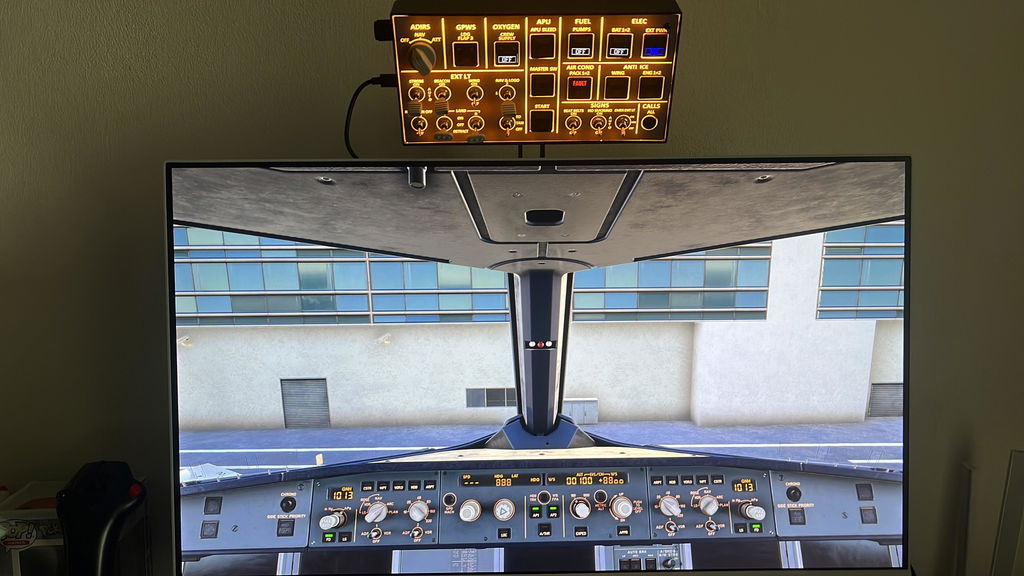
“Awesome, work great!”
Daniele · Verified buyer
November 14, 2025
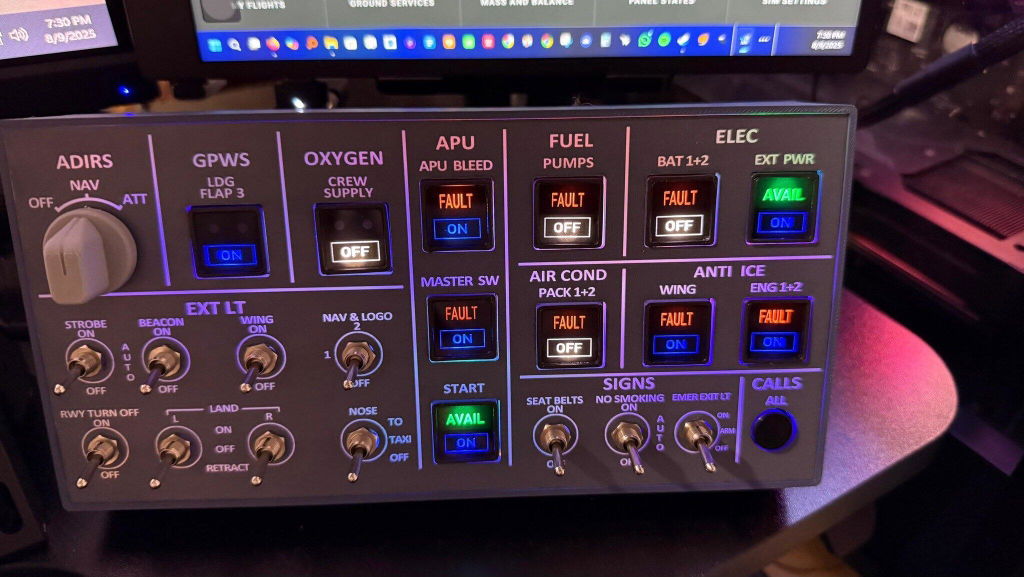
“It’s responsive during flights and adds a lot to the immersion. Worth the price.”
Noah
August 15, 2025
Photos and excerpts are paired with their original Judge.me reviews. Monitors, mounts and other equipment are not included.
Read all A106 reviews →Connect the panel by USB, install the current App, then choose a supported simulator and aircraft. Confirm device detection and test the controls before your first flight.
App download & compatibility →Choose this route when you need a separately configured setup. Match the profile to A106 hardware and the exact aircraft; a V1 or V2 profile must not be assumed suitable for V3.
MobiFlight setup guide →Unsure which file to use? Read the hardware label and ask support before changing firmware. App setup and MobiFlight configuration are separate workflows.
| Panel | A320 Light Overhead (OVHD) — compact |
| Edition | V3.0 — backlit, metal housing, light-sync |
| Compatible simulators | MSFS 2020 / 2024 · X-Plane 12 (Windows) |
| Compatible aircraft | Fenix A320 / FBW A32NX (MSFS); ToLiss A319/A320/A321 (X-Plane 12) |
| Material | Aluminum alloy + acrylic |
| Mounting | 75 × 75 mm VESA (rear) |
| Connection | Rear USB · USB cable (included) |
| Driver | Rowsfire App for supported combinations; MobiFlight with a matched configuration |
| Product weight | 500 g |
| Product dimensions | 21 × 10.5 × 3 cm |
| Package weight | 800 g |
| Package dimensions | 25 × 15 × 5 cm |
| Packing | Carton box |
| Age | 16+ |
Bring core A320 overhead controls to a smaller desk. Choose your supported aircraft setup, connect by USB, and make the A106 part of your cockpit.
Join the Rowsfire Facebook community for exclusive updates, setup help, config files, discounts and giveaways.
It would be nice, but it's confused that there are config files and mobiflight on webpages, but you should use rowsfire app instead. But with this app, FBW only partly useable, and with iniBuilds not working at all. Feedback have sent to tech guys.
Awesome, work great! On fslab forum a user share a great compatible profile
Thank you so much for the feedback, glad to hear everything works great!
And that’s fantastic news about the compatible profile shared on the FSLabs forum — really appreciate you letting us know!
By the way, the photo you shared looks amazing!
The product works as intended. Relatively easy to setup. Two issues that I see are 1) some switches have knobs and they spin around which I believe should not happen and 2) an incorrect "Left Landing Light Switch" was installed with just a two way switch but it should have been a three way switch.
Hi Craig M., thank you for your honest feedback. We're sorry to hear about the issues with the knobs spinning and the incorrect 'Left Landing Light Switch'. We take product quality seriously and will pass this along to our team to investigate and improve. If you want to discuss this further or need support, please reach out.
As someone new to flight sim hardware, the A106 was easy to get started with. The included guide helped me set it up with Mobiflight without any hassle. It’s responsive during flights and adds a lot to the immersion. Worth the price.
Thank you for sharing your experience! We’re so glad the A106 made your setup easy and enjoyable!
A great thing. No problems at all. Will look for further offers like this. Greets, Stefan
It's amazing, powerfull desing and funtionallity
It good
Great Product!! Just dont Download the V2 Mobiflight config like me and wonder yourself whats wrong.
I bought this early Jan2026. The dispatch time and delivery to the UK was really quick. The product was well packaged. The A106 itself is absolutely great. It is perfect for my set up. I used the app to set up and once it recognises the device, it runs automatically on startup. Nice and easy. It is well made and functions perfectly. A great piece if hardware and I can now rely on the device for my basic overhead needs.
I would definitely recommend this product and company and thank you for a great product with great service.
I bought an A106, A107 and A103 an d I have a number of concerns about the hardware and the software.
I will contact the support.
If you have any assistance needs, please feel free to contact service@rowsfire.com. We will do our best to solve the problem for you, either via email or through a one-on-one connection.
The device is working correctly, but the overall quality could be improved. The panel is a little bit flimsy and wobbly and the switches are not glued and turning on themselves, which is not satisfactory. The backlight switch is too sensitive and the USB should be on the back, not on the side, or a USB curved cable could be included. Also, would be nice to have a stand available as an option. Let's see how this panel is holding up with time.
Thank you for sharing your feedback! We understand your concerns and really appreciate you taking the time to share them. 😊
We noticed that you purchased an early V2 version of the panel — the latest V3 version has already been upgraded and improved. The USB port is now located on the back, and the overall structure is more stable. Don’t worry, your current panel should still work perfectly fine for normal gameplay.
Good Product.
5 Stars when the background light works together with the fenix simulator.
Hi Jens, thank you for your feedback! We're thrilled you think it's a good product. We're especially glad the background light works well with the Fenix simulator, enhancing your flight experience. Hope you continue to have great flights with it!
only but quite a big downside are the rotating landing, strobe and Nav switches. If they would be fixed this would be easy 5 star
Thank you very much for your suggestion. We have already informed the developers of Design A106 about this, and we will do our best to optimize these issues at that time.
I bought the A106 to complement my MSFS setup, and it’s been great. The backlit panel looks professional, and the data cable is long enough for my setup. It’s a reliable piece of hardware that does its job well.
Thank you so much for your kind words! We’re really glad to hear the A106 fits perfectly into your MSFS setup and that you’re enjoying the backlit panel. Your support means a lot to us, and we’ll keep working hard to bring you even better simulation experiences. Happy flying!
Bonjour , je me permet de vous contacter car je n'arrive pas à activer mon produit A106 V3 lorsque je vais pour sélectionner le module il n'y a rien. pouvez vous m'aider ? cordialement.
Of course, you can contact us by submitting the form here: https://rowsfire.com/pages/contact#contact_form
It compatibily whit A321?
Not yet, but it's coming soon. We are discussing a cooperation with A321 tTeam