Reposted from Threshold | Original Author: Artur Araripe | Published: March 3, 2026
📢 Important Update for Rowsfire Users:
You can now connect your A109V3 and A113V1 panels directly via RowsfireApp – NO need to download or install FSUIPC 7 or MobiFlight anymore! Setup is simpler, faster, and more user-friendly than ever before.
Not long ago, building a 1:1 scale flight simulator cockpit was a distant dream for most hobbyists. Even small OEM or aftermarket parts often cost over $500 each, and outfitting a full cockpit would easily climb into six figures. For anyone who wasn’t wealthy or didn’t want to pour a fortune into their A320 passion, it was simply out of reach.
That all began to change with the rise of accessible flight sim software like X-Plane 11 and later Microsoft Flight Simulator 2020. These platforms brought flight simulation into the mainstream, especially during COVID-19 lockdowns, when people sought more immersive at-home experiences.
Suddenly, there was demand for hardware that went beyond basic joysticks and throttles – overhead panels, MCDUs, transponders, and more – at prices hobbyists could afford. That’s where Rowsfire stepped in, offering high-quality, 1:1 scale panels that make cockpit building accessible to everyone.
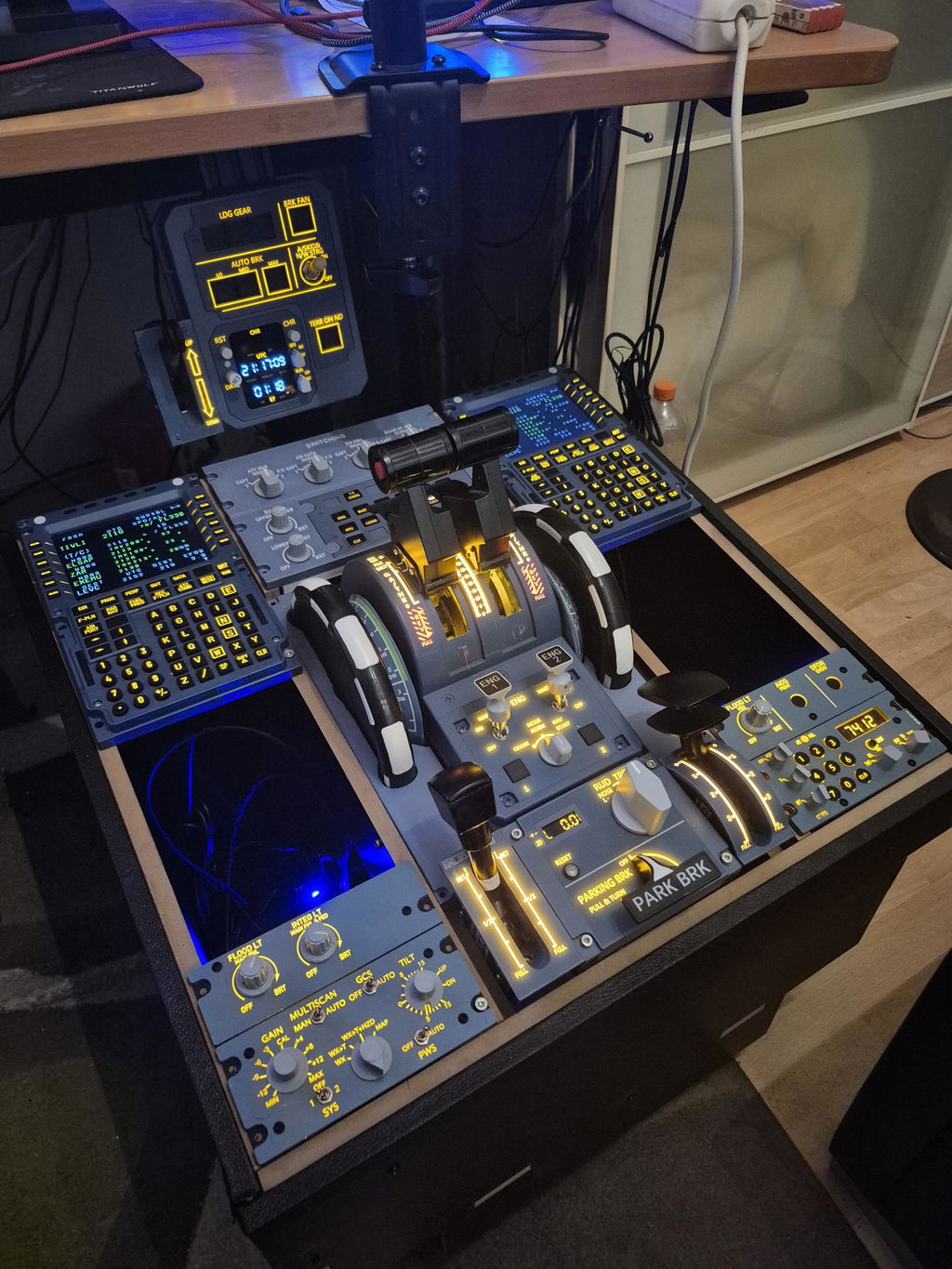
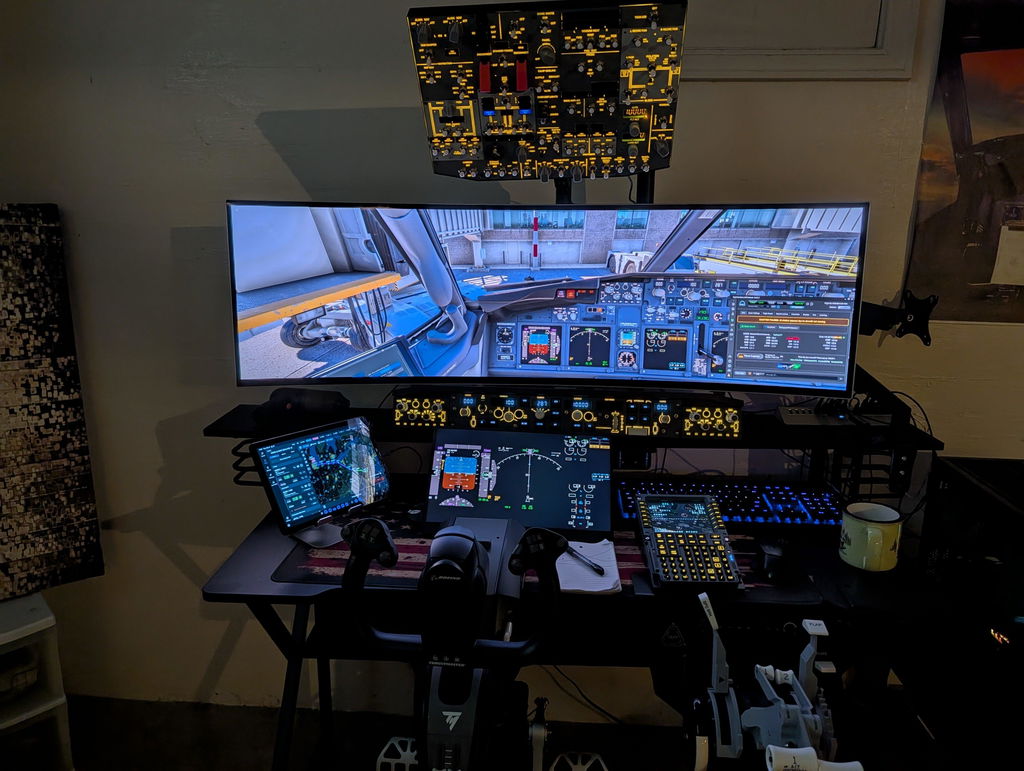
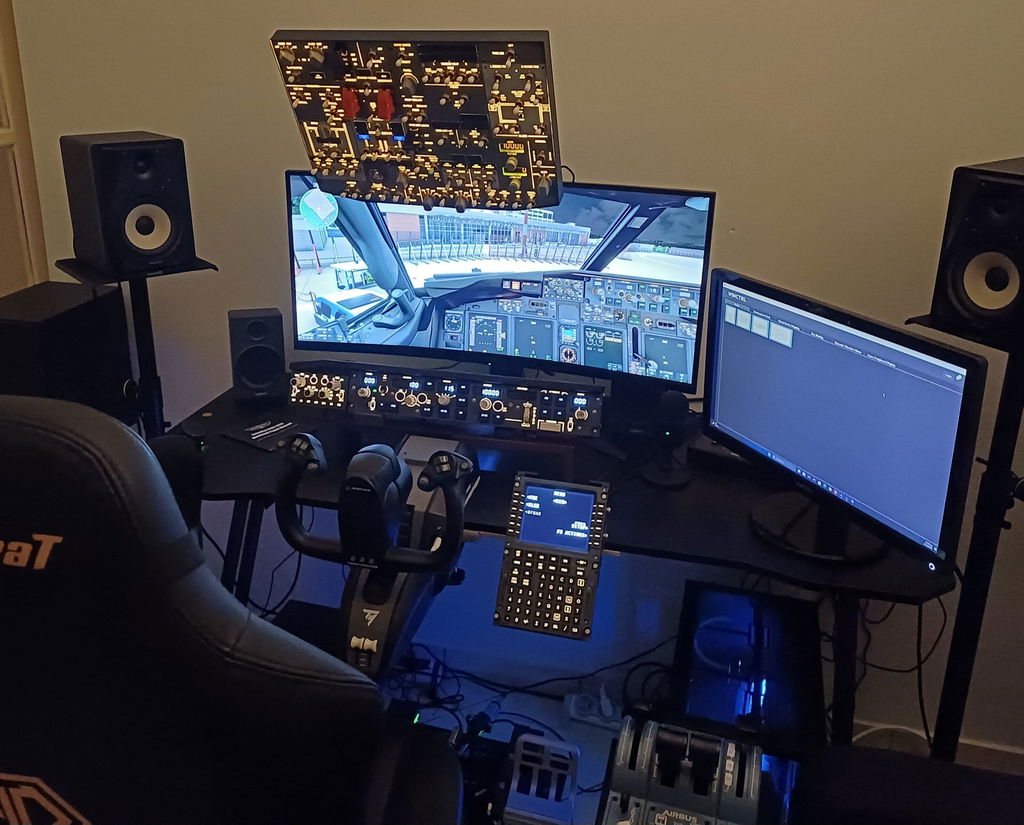
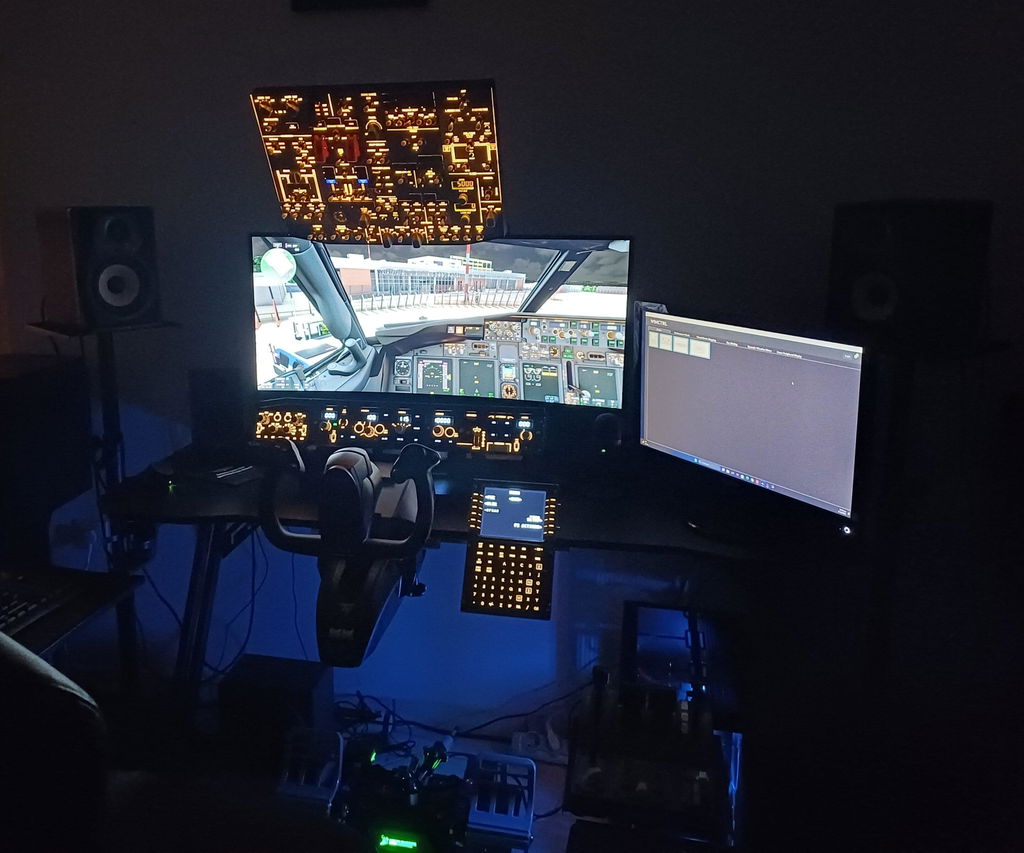
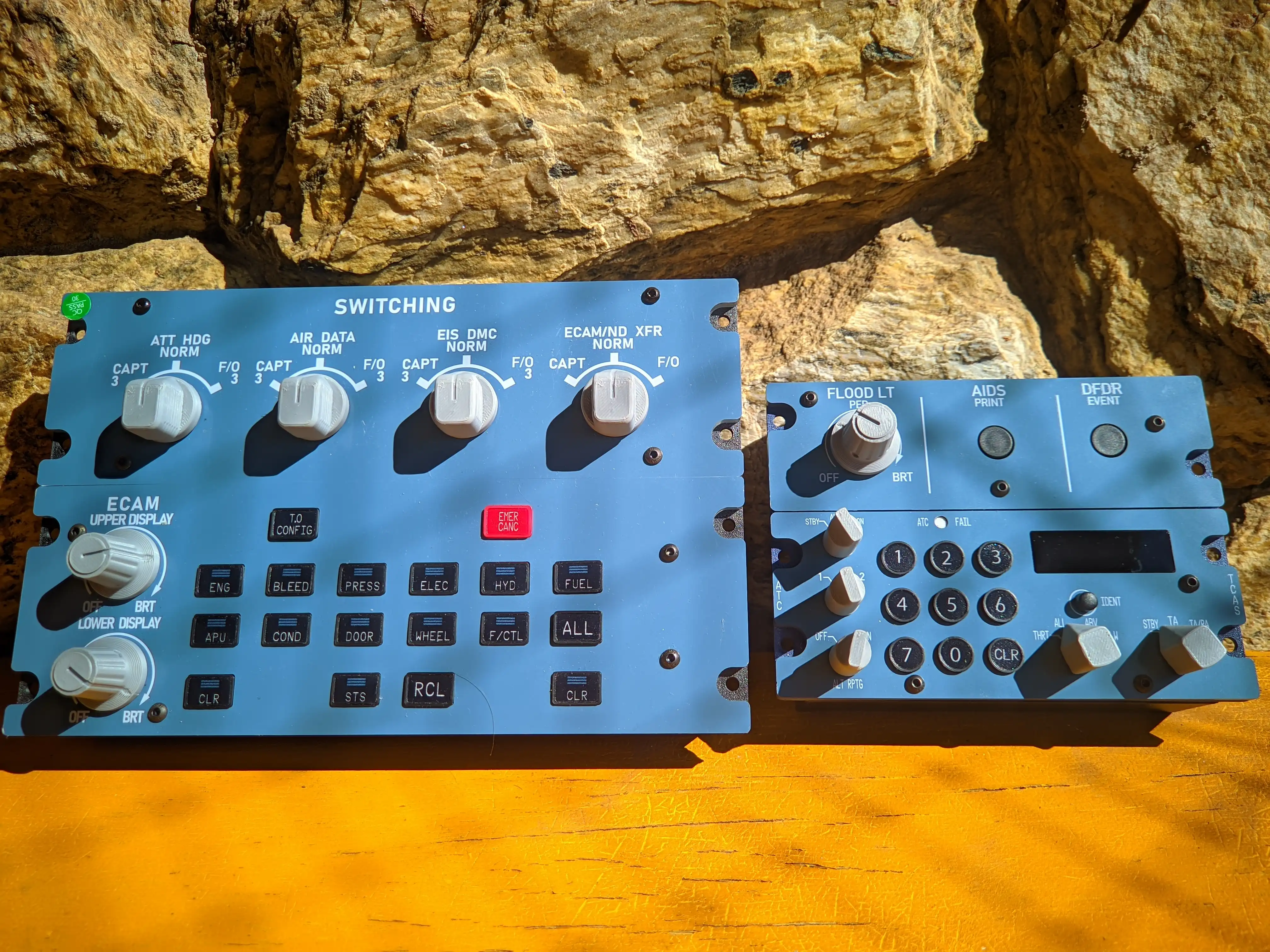
For Threshold’s reviewer, Artur Araripe, the A109V3 (ECAM Switching Panel) and A113V1 (Transponder Unit) marked his first experience with 1:1 flight sim hardware. He went in with no expectations, but what he found exceeded his hopes – and quickly became an essential part of his sim setup.
First Impressions: Solid Build, True-to-Life Design
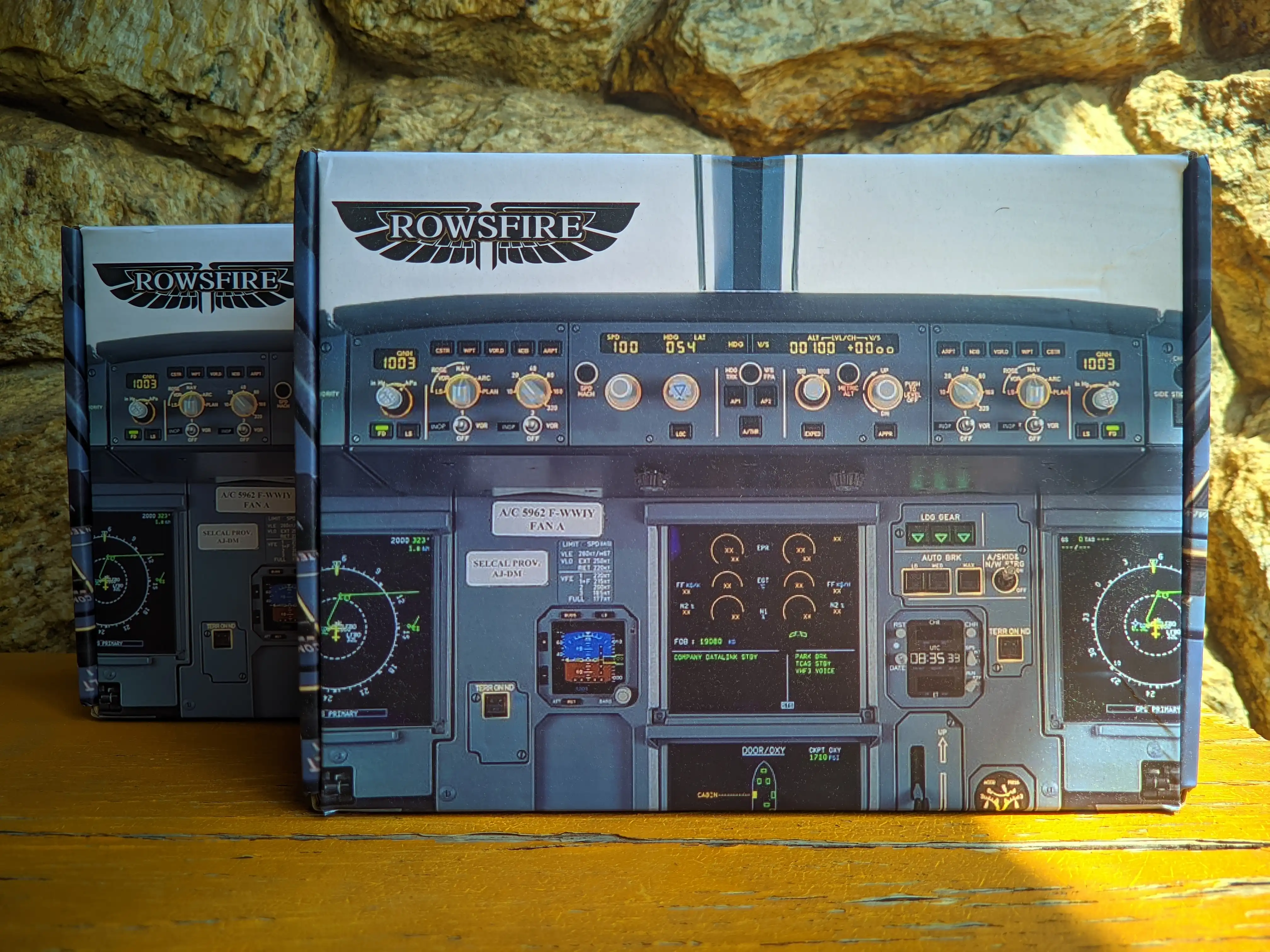
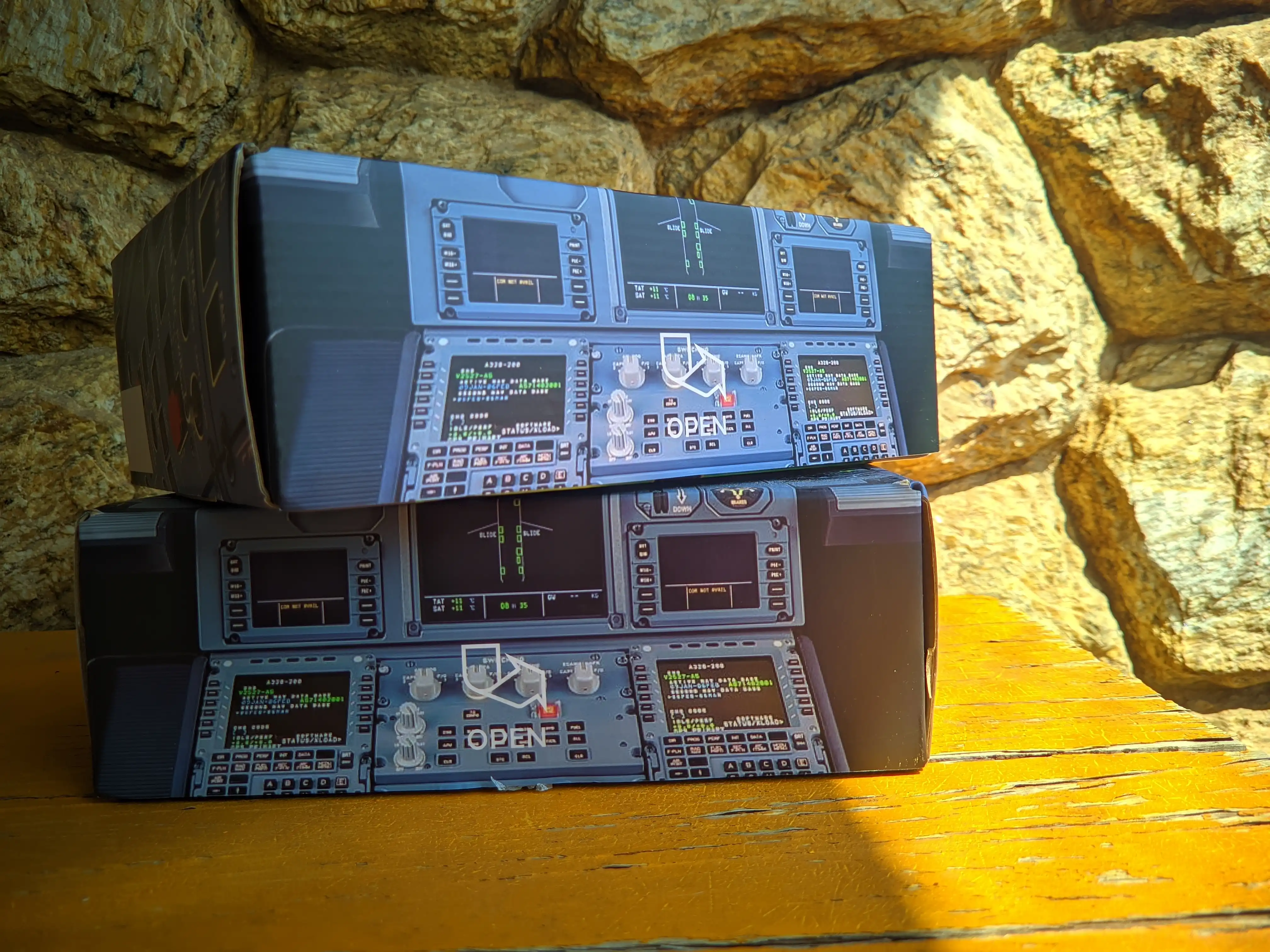
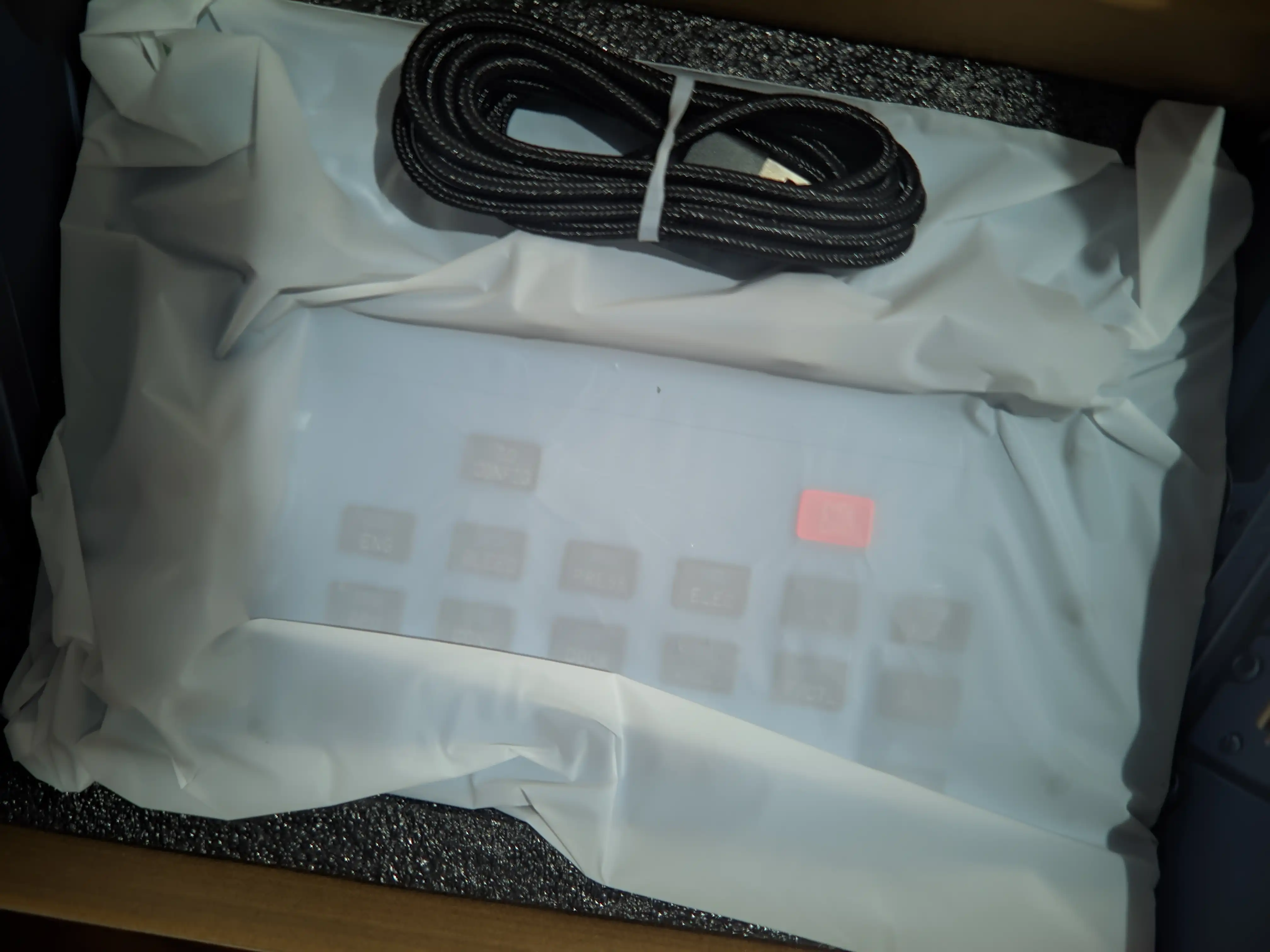
Unboxing sets the tone for any hardware experience, and Rowsfire didn’t disappoint. Both panels arrived in neat, well-cushioned packaging to prevent damage during shipping, along with a comprehensive user manual and QR code for software (note: our updated RowsfireApp now replaces the previously recommended FSUIPC 7 and MobiFlight).
From the moment he opened the box, Artur noted the panels’ solid construction – a far cry from cheap, flimsy alternatives. The A109V3 ECAM Switching Panel felt sturdy right out of the box, with clean 3D-printed knobs and buttons that offered satisfying tactile feedback (mimicking the feel of real A320 controls, per Rowsfire’s design).

The USB-C port (a modern, convenient touch) is located on the back – ideal for pedestal mounting, though easy to work around for desktop use with a small support to avoid cable strain.
The A113V1 Transponder Unit matched the A109V3’s build quality, with smooth knobs free of excess material or defects. The squawk buttons and dials felt responsive even before plugging the unit in, hinting at the immersive experience to come.
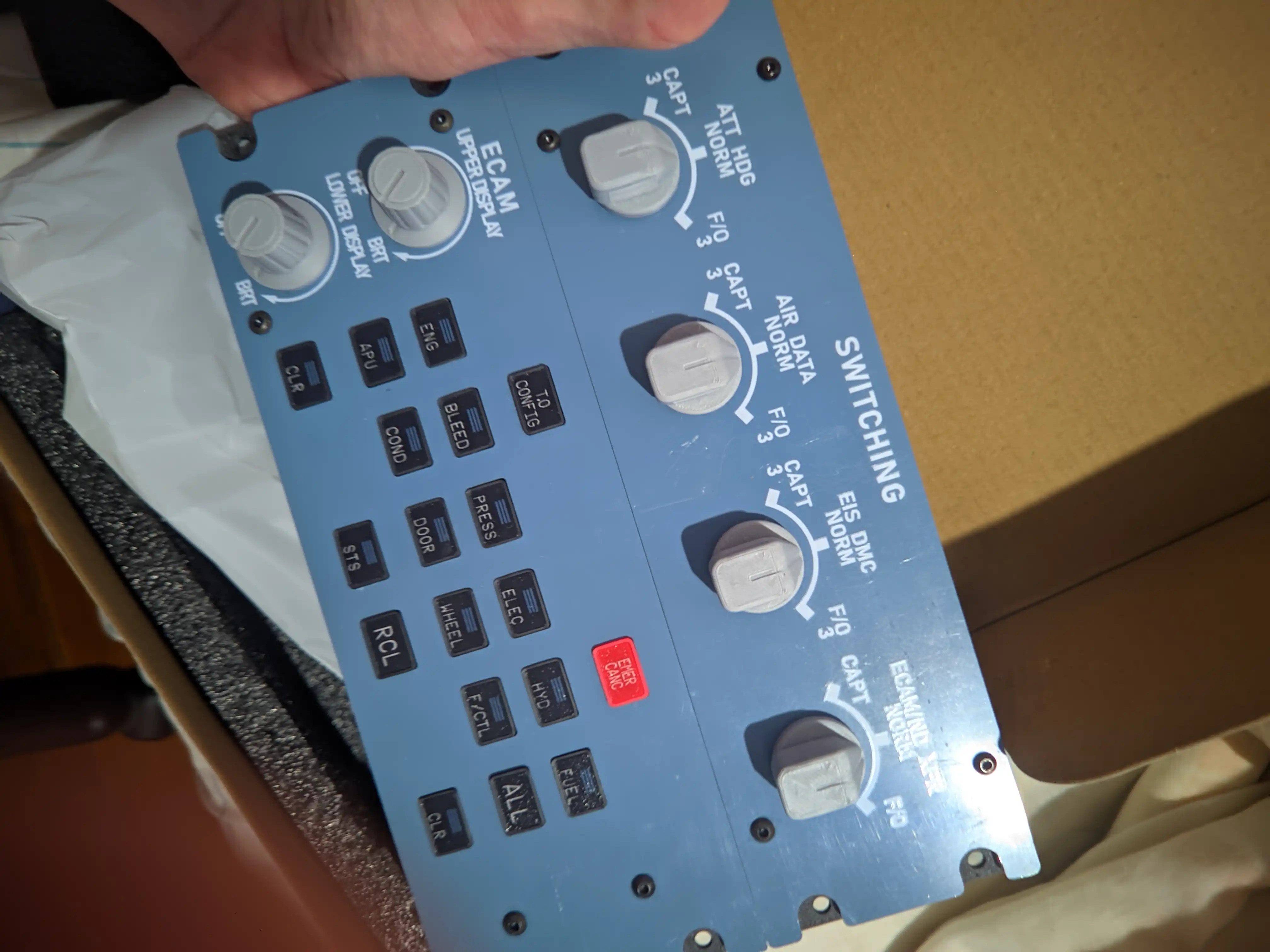
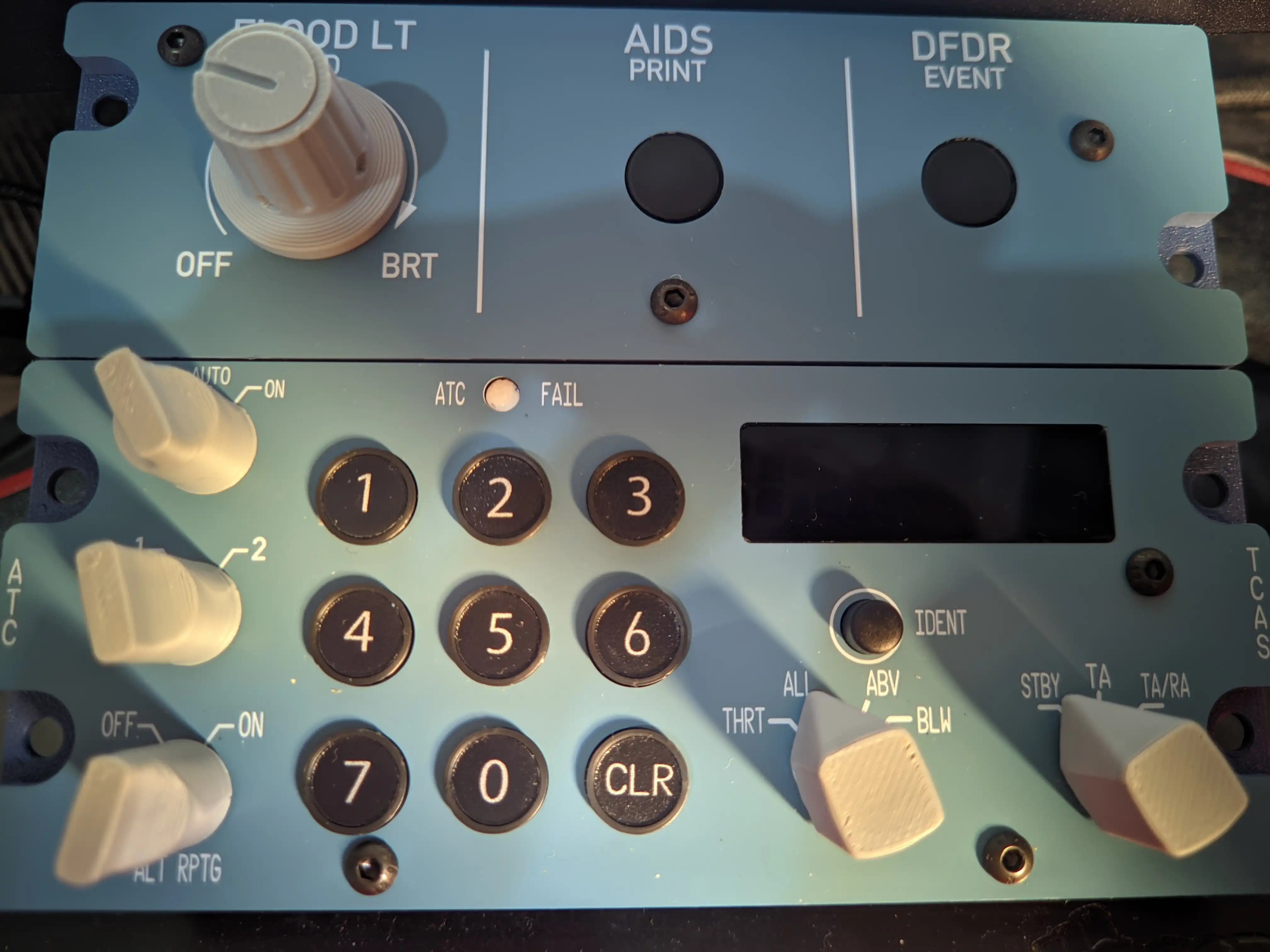
Both panels feature a precision-crafted faceplate with holes for pedestal mounting, and fonts that closely match real A320 controls (verified against reference imagery). “All in all, the first impressions were extremely positive,” Artur wrote. “I couldn’t wait to get it all plugged into your computer for the maiden flight.”

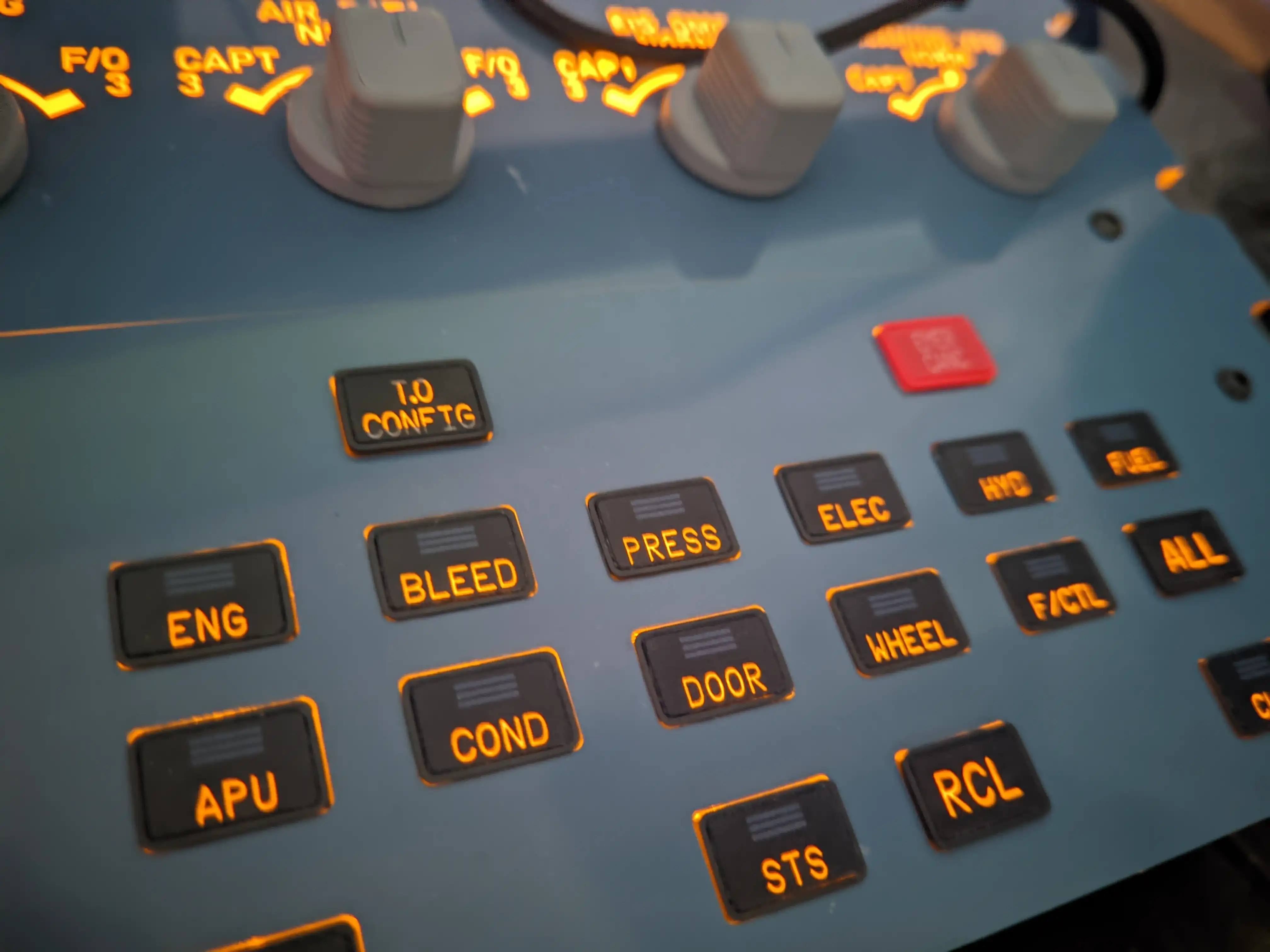
Setup & Immersion: From Plug-and-Play to Customization
While Artur initially used MobiFlight and FSUIPC 7 (the previous setup method), Rowsfire users now enjoy a streamlined process with RowsfireApp – no extra software required. For context, Artur noted that even with the old setup, once he got past the initial 15-20 minute learning curve for MobiFlight, the panels worked seamlessly with the Fenix A320 (one of our out-of-the-box compatible aircraft).
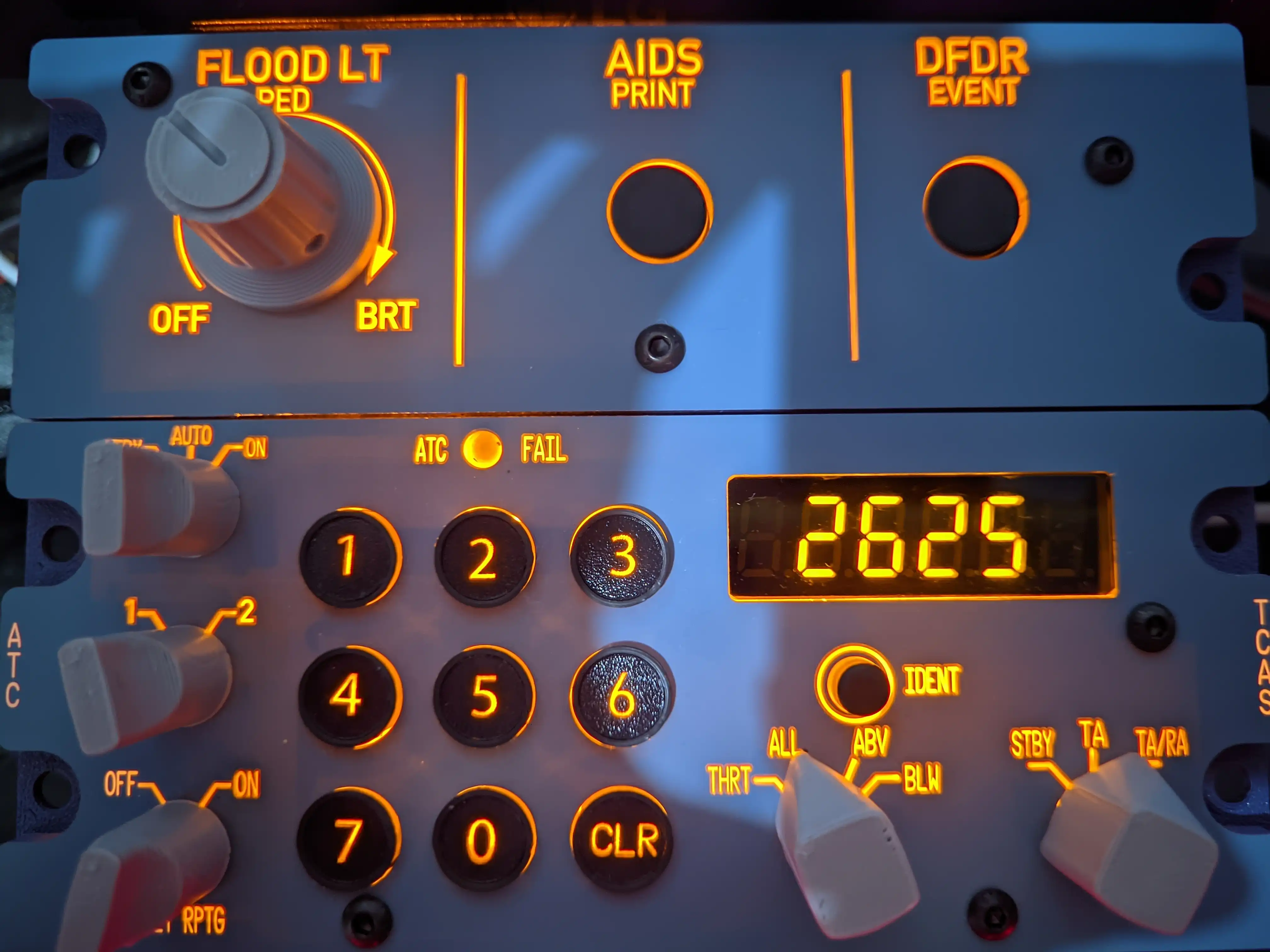
The magic of 1:1 hardware became clear during his first flight (Auckland to Christchurch, a break from his usual European routes). He was impressed by the instant response of every switch and knob, thanks to direct integration with the aircraft’s LVARS.
“It’s unironically so convenient and immersive to physically actuate the switches,” he explained. “I no longer have to move the camera down to hit the take-off configuration button or switch the transponder to TA/RA – I can do it all without touching the viewpoint at all!”
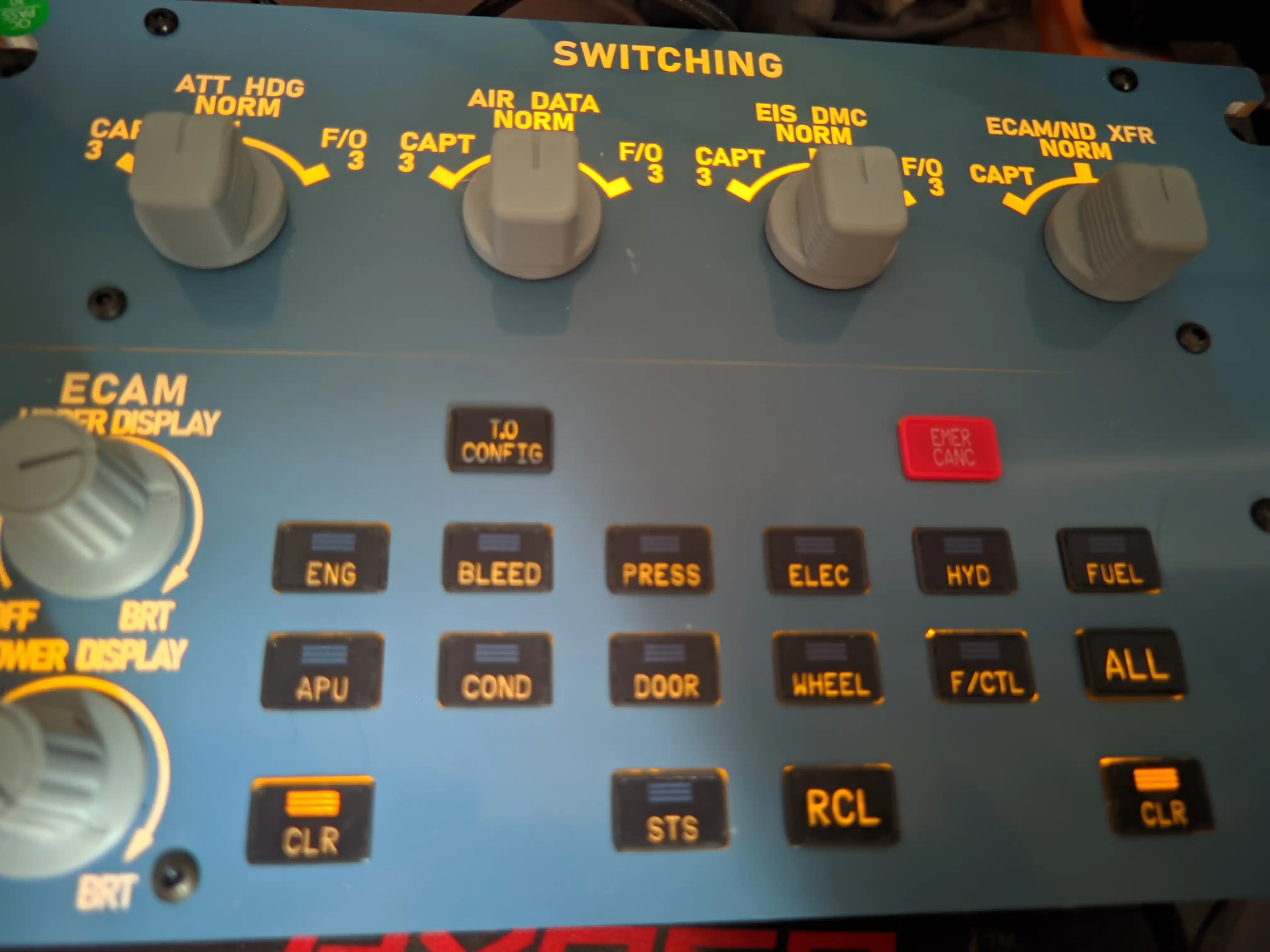
The benefits went beyond convenience: the panels’ backlighting syncs with the aircraft’s INTEG lighting, keeping critical alerts in peripheral vision – even when tabbed out of MSFS. The transponder, in particular, was a game-changer.
“Having a physical transponder to manually change the squawk code and switch modes feels so satisfying. It really makes you feel more like a true armchair pilot!”
For advanced users, Artur tested customization by creating a profile for the FlightSimLabs (FSL) A321neo (not natively supported at the time). With some digging into FSL’s documentation and community resources, he built a 95% functional profile – proof that Rowsfire panels are flexible enough for power users.
He noted that Rowsfire plans to expand native support to more aircraft (including Toliss and iniBuilds) and transition to our own proprietary solution, making customization even easier.
Conclusion: Unbeatable Value for 1:1 Scale Immersion
At $249.99 (A109V3) and $169.99 (A113V1), Rowsfire’s panels stand out as a top choice in the 1:1 scale segment. While cheaper alternatives exist, they often cut corners – partial panels, combined functions, or lower build quality.
Rowsfire delivers full 1:1 scale, solid construction (aluminum and high-grade plastic that feels premium), and responsive controls – all at a price that lets hobbyists build modular cockpits without breaking the bank.
Artur summed it up best: “Whether you are a seasoned cockpit builder or just somebody looking for that extra touch of immersion, Rowsfire’s offerings are very solid for the price and quite future-proof. It’s crazy to think we now have somewhat affordable panels, whereas they used to be more than $500 a pop not too long ago.”
We want to extend a huge thank you to Threshold and Artur Araripe for taking the time to review our A109V3 and A113V1 panels – and to our users for making accessible, immersive flight simulation possible.
Key Takeaways for Rowsfire Pilots
- 1:1 scale design matches real A320 controls for maximum immersion
- Solid build quality with responsive buttons and knobs
- Out-of-the-box compatibility with Fenix A319/20/21 and FlyByWire A320neo (more coming soon)
- Simple setup via RowsfireApp – no FSUIPC 7 or MobiFlight required
- Flexible customization for advanced users (works with MobiFlight for now)
- Affordable pricing that makes cockpit building accessible
Original review: https://www.thresholdx.net/review/thr109113