During installation, disable your firewall and antivirus software.
Click "Allow" for all software permission requests; otherwise, the software may not install completely.
If needed, you can contact us directly to obtain the pre-extracted software package.
2. Install FSUIPC7
3. Load the Configuration File in MobiFlightConnector
Open MobiFlightConnector and load the configuration file:
For the FENIX A320 aircraft model: LoadfenixA320-MINI-DB.mcc.
For the FBW aircraft model: LoadFBW-A320-MINI-DB.mcc. Note: Download the configuration file corresponding to your aircraft model.
4. Load the Hardware Device
Load the hardware device (this only needs to be done once). The software will automatically recognize the device when opened again.
5. Launch Microsoft Flight Simulator 2020 & Connect Hardware
After launching Microsoft Flight Simulator 2020, FSUIPC7 will run automatically.
Select the FENIX A320 aircraft model, enter the game, and click "RNU" to load the hardware. You can then use the light peripheral in the game. Note: After properly installing and launching all software, hardware, and the game, a green checkmark (√) will appear in the bottom right corner. If a yellow exclamation mark appears, check whether the software is installed correctly.
6. About MobiFlightConnector
MobiFlightConnector is button-binding software between peripherals and games, featuring powerful functions for defining buttons of gaming peripherals. You can:
Check the software’s help page.
Watch tutorial videos on the official website.
Customize the hardware to support more different aircraft models for gameplay. Feel free to contact us if you need assistance. Enjoy your flight!
Special Notes: Common Issues & Solutions
1. Issue: No response when the device is plugged into the computer, or the device is not recognized properly
Solution: Connect the device to the USB port on the motherboard at the back of the host to ensure sufficient power supply for the device.
2. Issue: After all software is installed, the device fails to interact with the game (a yellow exclamation mark appears in MobiFlightConnector)
Solution: Copy the\MSFS2020-module\mobiflight-event-modulefolder from the MobiFlightConnector installation directory to your Community folder (\Community).
That’s all for the A320 overhead panel configuration guide—we hope it helps you get your setup running smoothly! If you hit any snags, leave a comment below or reach out to our support team at service@rowsfire.com.
And if you’re ready to grab a Rowsfire product, head to our official channels to shop—happy flying!
ich habe das A107 V3.1 und habe in den release Notes gesehen, dass das Panel nun auch ohne Mobiflight verwendet werden kann. Wie genau funktioniert das? Nur das starten der Rowsfire App und des Simulators reichen leider nicht aus.
Dieter
Hi Daniel, i’ve purchased A107 V3 and downloaded the A107 V3 folder, config file Rowsfire-A107 V3.0-fenixA320-Mini OVH Panel.mcc.
All looks good, connected devices, sim status, FenixA320 CFM; if i test, all lights, switches make a responce. BATT1 shows 27,0V, BATT2 shows 26.7V, but die nops BAT 1 and 2 for starting the elec don’t work. A few days befor 1 installed it (differt con fig file) for A320 fbw and everything was okay. So whats the problem for fenix ?
Thanks for help and KR dieter
Daniel
Sure — here’s the Google Drive link to the pre-extracted software package.
If the product you purchased is the A107 V3, please download the A107 V3 folder. It contains all the required software for the installation.
If you need help setting it up with the Fenix A320, just let me know — I’m happy to guide you through the steps.
https://rowsfire.com/blogs/product/rowsfire-mobiflight-configuration-file-table
Jeffrey Feingold
Hi, can you please email me the pre-extracted software package? I bought the A107 Max Overhead Panel. I downloaded Mobiflight but when I open it’s empty and I don’t know how to get the plane I want in there (the fenix A320). Thanks
SUBSCRIBE TO OUR EMAILS
Be the first to know about new collections and exclusive offers.
Time frame from ordering to delivery was good considering it's is a new product
Good communication on every part of the items transit ,
On arrival the item was very well packaged with clear instructions for the few parts that needed assemble ,direct link to the bridge software and easy installation of the software .
Once the unit was confirmed connected with the correct Comms port
And a firmware update completed .
It was then time to connect to x plane 12 using the zibo 737 800
The unit started up straight away with all function online and all lights and switches operating ,a few flights in with the panel And I am really please
With the purchase and the unit
It would be nice, but it's confused that there are config files and mobiflight on webpages, but you should use rowsfire app instead. But with this app, FBW only partly useable, and with iniBuilds not working at all. Feedback have sent to tech guys.
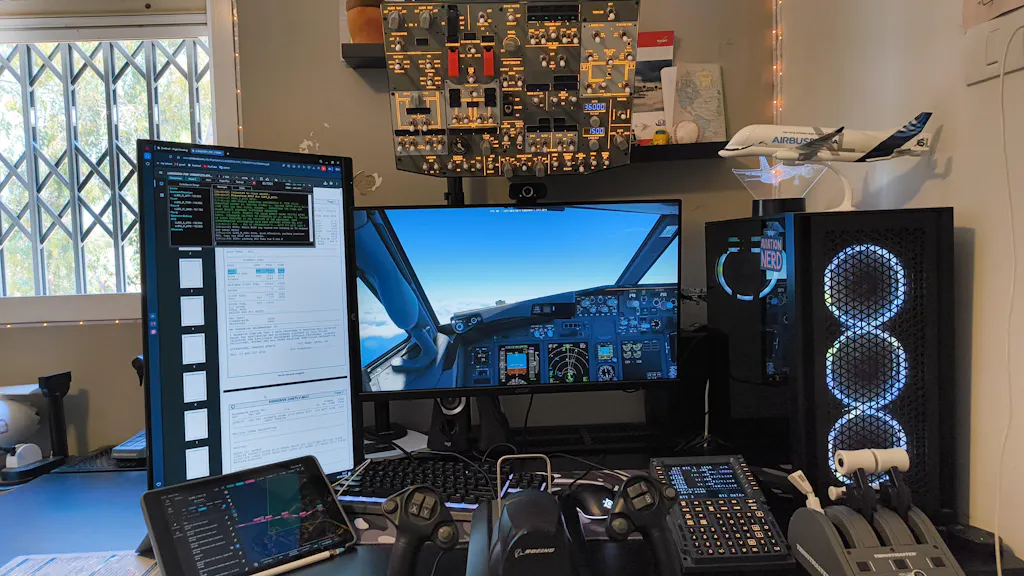
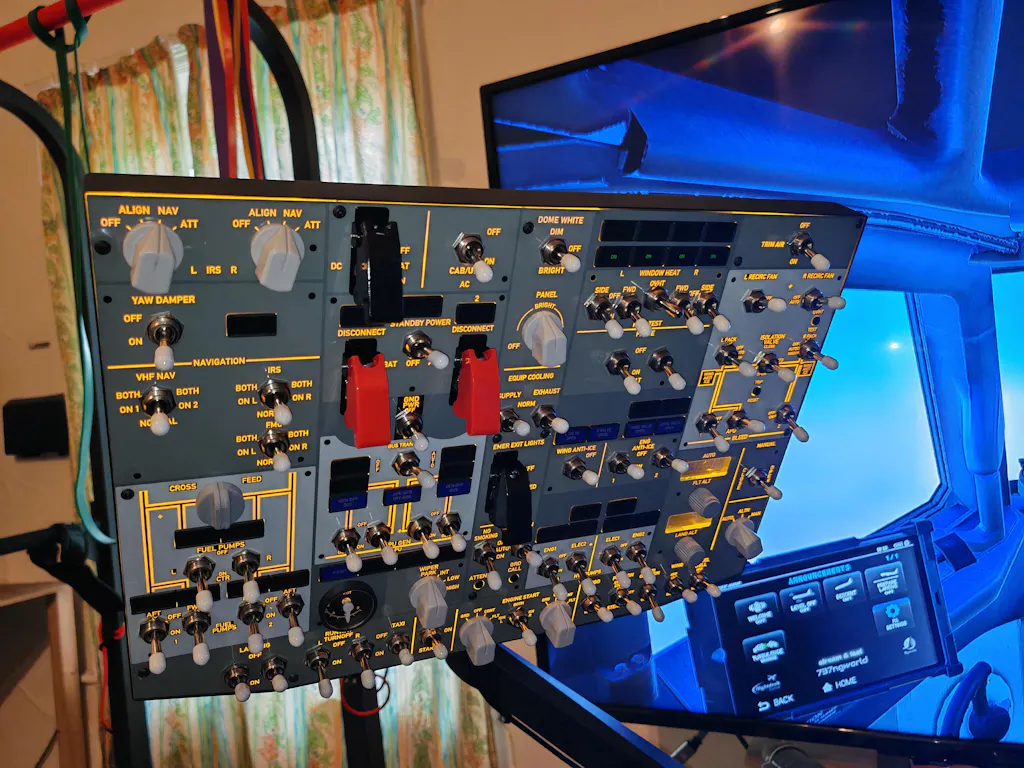
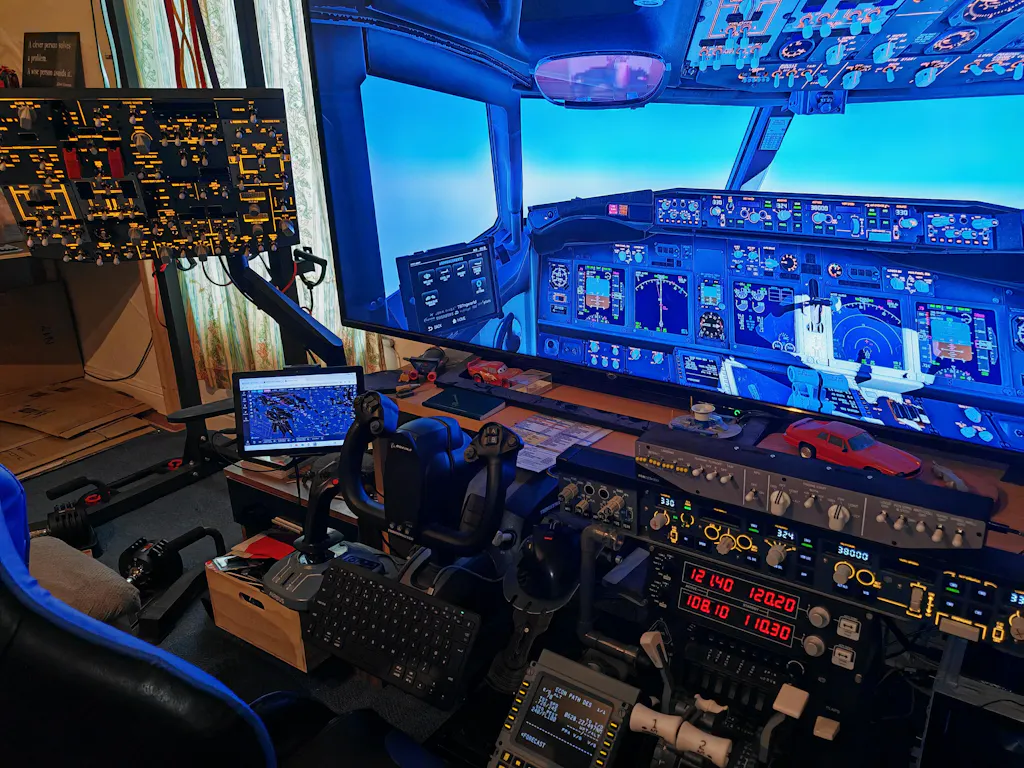
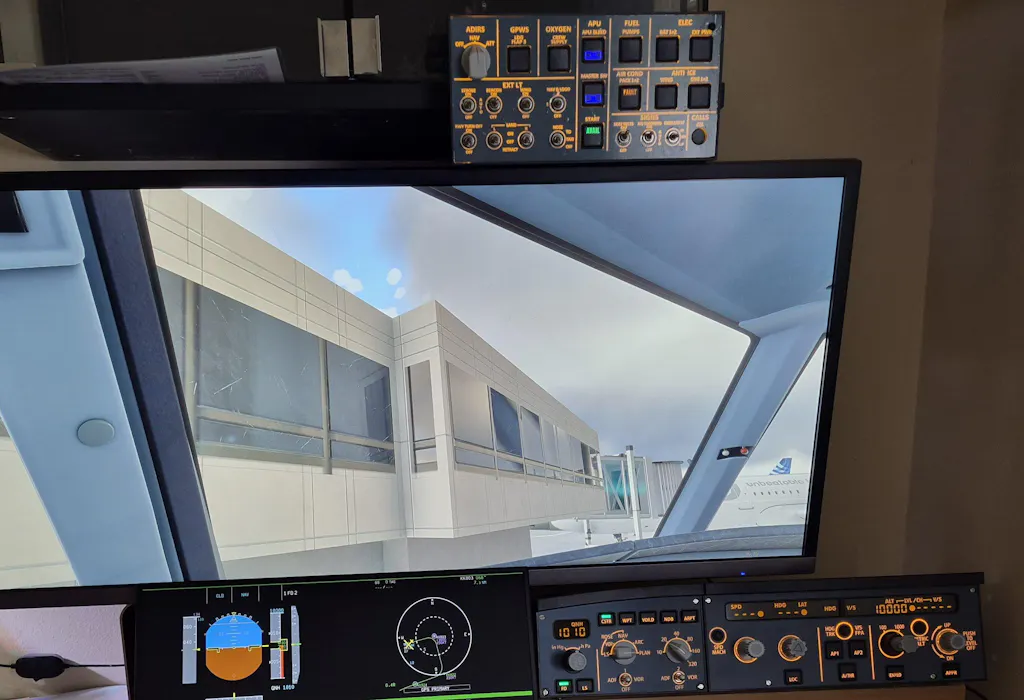
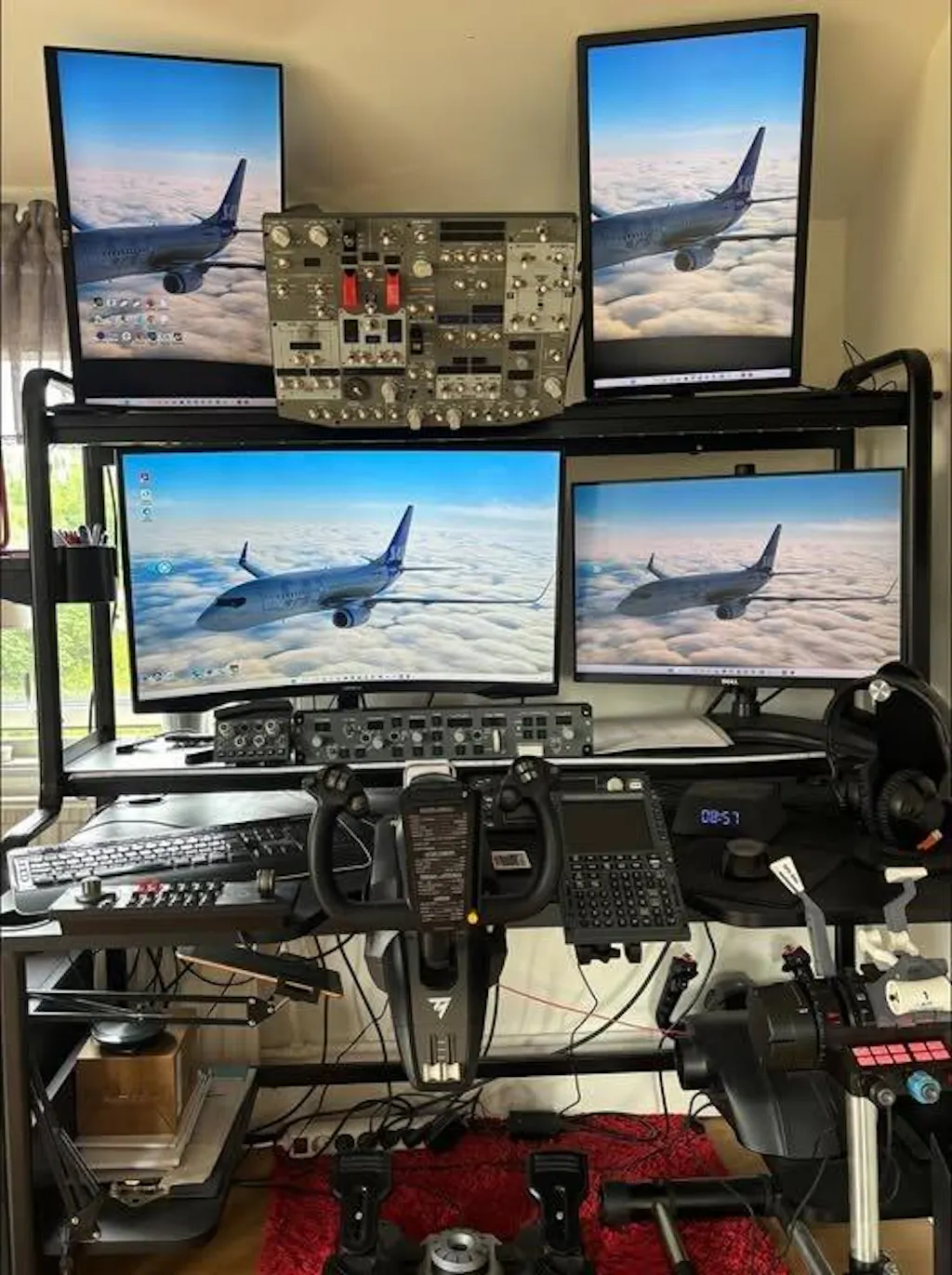
I had been looking for an overhead panel for a long time, and even though it took a long time from when I placed the order until I finally received it, it was worth the wait.
Since I use the PMDG 737-700, it didn't take long to install it using the Rowsfire app.
Everything works great :)




4 comments
Hallo,
ich habe das A107 V3.1 und habe in den release Notes gesehen, dass das Panel nun auch ohne Mobiflight verwendet werden kann. Wie genau funktioniert das? Nur das starten der Rowsfire App und des Simulators reichen leider nicht aus.
Hi Daniel, i’ve purchased A107 V3 and downloaded the A107 V3 folder, config file Rowsfire-A107 V3.0-fenixA320-Mini OVH Panel.mcc.
All looks good, connected devices, sim status, FenixA320 CFM; if i test, all lights, switches make a responce. BATT1 shows 27,0V, BATT2 shows 26.7V, but die nops BAT 1 and 2 for starting the elec don’t work. A few days befor 1 installed it (differt con fig file) for A320 fbw and everything was okay. So whats the problem for fenix ?
Thanks for help and KR dieter
Sure — here’s the Google Drive link to the pre-extracted software package.
If the product you purchased is the A107 V3, please download the A107 V3 folder. It contains all the required software for the installation.
If you need help setting it up with the Fenix A320, just let me know — I’m happy to guide you through the steps.
https://rowsfire.com/blogs/product/rowsfire-mobiflight-configuration-file-table
Hi, can you please email me the pre-extracted software package? I bought the A107 Max Overhead Panel. I downloaded Mobiflight but when I open it’s empty and I don’t know how to get the plane I want in there (the fenix A320). Thanks