v3.1
Latest Stable Release
Rowsfire App v3.1 has just been released
Rowsfire App v3.1 has just been released. Customers who already have a previous version installed will be able to update directly. Those who haven’t installed it before can download it from the official Rowsfire website.
Bug Fixes
- Fixed the A109_V3 compatibility issue with the FBW A320 in MSFS 2020.
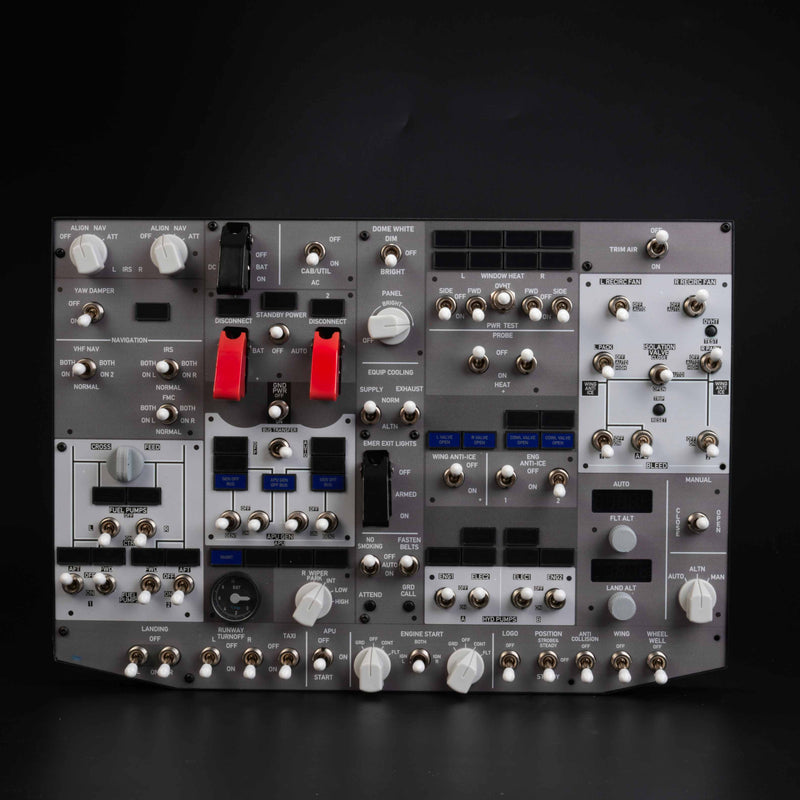
- Fixed the reverse logic issue with the PMDG 737 series “TRIM AIR” toggle switch caused by inconsistent initial states.
- Fixed an issue where the protective cover of the PMDG 737 series “BAT” toggle switch could not close properly.
- Optimized the logic between the PMDG 737 series “EMER EXIT” toggle switch and its protective cover, so that the closed cover now correctly corresponds to the “Armed” state.
- Fixed an issue where the IRS status could not synchronize properly when first entering the Zibo 737.
- Fixed an issue that could reduce X-Plane frame rates during operation. (You need to click “Install Bridge” again to reinstall the bridge files.)
New Features
- Added a backlight control feature under “Settings”, allowing users to freely adjust the product backlight brightness. Regardless of the selected aircraft model, users can also force the overhead panel backlight on and set a fixed brightness level.
- Added A109_V3 compatibility with FSLabs A321 in MSFS 2024.
- Added firmware upload prompts to help prevent users from uploading the wrong firmware version.
- Added a motor test function.
- Added A111 First Officer compatibility with the ToLiss A320.
- Added A112_V2 compatibility with Fenix A320, FBW A320, and ToLiss A320.
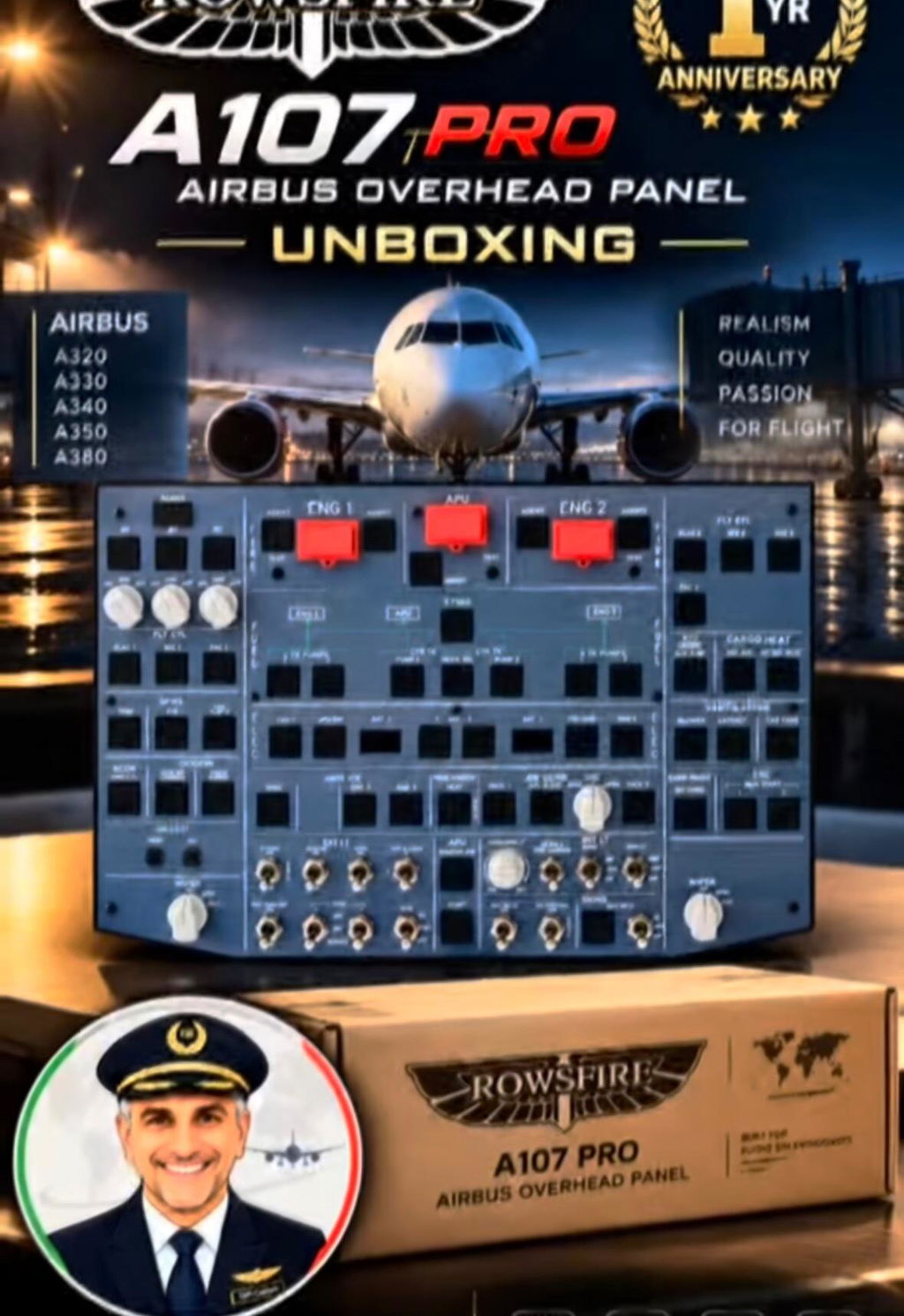
- Added A107 Pro compatibility with Fenix A320, FBW A320, FSLabs A321, and ToLiss A320.
- Improved the A111 experience by synchronizing the digital display brightness with the backlight brightness. (The A111 firmware needs to be downloaded and updated again.)
v3.0.4
Superseded by v3.1
MSFS 2024 default Boeing 737 MAX support · Panel Control stability · 3 bug fixes
-
New compatibility: MSFS 2024 default Boeing 737 MAX (B107 V1)
-
Bug fix: Fixed B107_V1 backlight knob not controlling backlight for PMDG 737 series (MSFS 2020)
-
Bug fix: Fixed Zibo 737 (X-Plane) DC switch only toggling the protective cover instead of the switch function
-
Improved: Panel Control stability — if unrelated display content briefly appears right after entering the cockpit or switching aircraft, no action is needed; it settles within 4–5 seconds
v3.0.3
Superseded by v3.0.4
A108 gains FSLabs A321 + LevelUp 737NG · A105_V3.2 adds LevelUp 737NG · expanded ToLiss A320/A321/A319 coverage confirmed
-
New compatibility: A108 now supports FSLabs A321 and LevelUp 737NG (X-Plane)
-
New compatibility: A105_V3.2 adds LevelUp 737NG (X-Plane) support
-
Confirmed compatibility: ToLiss A320/A321/A319 across A107 V3/V3.1, A106 V2/V3, A105 V3.1, A101_V3, A109_V3, A111 V1, A112 V1/V1.1, and A113 V1/V1.1
-
Confirmed compatibility: FSLabs A321 for A107 V2, A107 V3/V3.1
-
Updated: full panel-by-panel compatibility matrix across Airbus A-Series, Boeing B-Series, Multi-Aircraft (A108), and X-Plane A330-300 tabs
v3.0.1
Superseded by v3.0.3
LevelUp 737NG (X-Plane) support · A108 manual product binding · 5 bug fixes
-
Bug fix: Fixed Zibo 737 EGT gauge failing to reach the 8 o'clock position
-
Bug fix: Fixed A107_V2/V3 series EXTPWR button requiring two presses to respond
-
Bug fix: Fixed PMDG 737 AFT No. 1 Fuel Pump Light and Engine No. 1 Hydraulic Pump Light not illuminating — firmware update required
-
Bug fix: Fixed connection status shown in the app's upper-left corner not matching the actual connection status
-
Bug fix: Improved stability of the screen casting handshake connection — please click "Install Bridge" again to install the required bridge files
-
New compatibility: LevelUp 737NG series (X-Plane)
-
New compatibility: A105_V3.2 on ToLiss A320 (X-Plane)
-
New feature: Product recognition for A108, with manual product binding
-
New feature: Option to enable/disable loading the default configuration on startup for A108 (disabled by default)
v2.9.0
Superseded by v3.0.1
X-Plane Airbus A330-300 support · Screen mirroring defaults · 4 bug fixes
-
Bug fix: Fixed abnormal fuel pumps and anti-ice Eng1+2 behavior for FBW A32NX in A106_V3
-
Bug fix: Reduced occasional "WASM handshake channel not ready" errors
-
Bug fix: Fixed EGT display failing to reach correct scale of 8 on PMDG 737 series — re-download firmware required
-
Bug fix: Removed popup notifications on device connect/disconnect for a cleaner experience
-
New compatibility: X-Plane Airbus A330-300 — A109_V3, A111, A112/A112_V1.1, A113/A113_V1.1
-
New feature: Screen mirroring with default configuration for X-Plane Airbus A330-300
-
New feature: Screen mirroring default configs for A108 — plug in and click Run. Supported: MSFS (FBW A32NX, Fenix A320, FSLabs A321, iFly 737, PMDG 737); X-Plane (Airbus A330, ToLiss A320, Zibo 737)
-
New feature: "Edit Layout" added to Panel Control — drag and resize mirrored display content with mouse, press Enter to confirm
-
Known limitations (A330-300 model restrictions): A109_V3 — ATT HDG / AIR DATA / EIS DMC / ECAM·ND XFR three-position toggles not supported; A111 — NAV / VOR / LS / GLS / ADF / BFO buttons and RAD toggle not supported; A113/V1.1 — AIDS PRINT and DFDR EVENT buttons not supported
v2.8
Superseded by v2.9.0
New device support: A108 — 6 aircraft platforms
-
New device: A108 now supported, compatible with FBW A320, Fenix A320, PMDG 737-600/700/800/900, iFly 737, ToLiss A320, and Zibo 737
-
Important: A108 requires DirectX 12. Check via Win+R → dxdiag → System tab → "DirectX Version"
-
Note: A user guide for A108 setup is available now, and will be linked directly inside the app in a future update
-
Currently supported aircraft for A108: MSFS — FBW A320, Fenix A320, PMDG 737-600/700/800/900, iFly 737; X-Plane — ToLiss A320, Zibo 737
v2.7
Superseded by v2.8
ToLiss A320 expanded · A109 / A112 / A113 series · Input display fixes
-
Bug fix: Fixed Fenix A320 A105_V3 series where the input display failed to show "03--" during entry — the system now correctly updates character by character without requiring all four digits to be entered first
-
Bug fix: Fixed display issue where downloading A113 incorrectly showed "A113_V1.1" as the label
-
New compatibility: ToLiss A320 support added for A109_V3
-
New compatibility: ToLiss A320 support added for A112 V1 and A112 V1.1
-
New compatibility: ToLiss A320 support added for A113 V1 and A113 V1.1
v2.6
Superseded by v2.7
FBW A320 expanded · ToLiss A320 A111 · Fenix A320 display fix
-
Bug fix: Fixed Fenix A320 A105_V3.2 where the display was incorrectly turning on/off when affected by ground power
-
New compatibility: FBW A32NX support added for A111 V1, A112 V1, A112 V1.1, A113 V1, A113 V1.1
-
New compatibility: ToLiss A320 support added for A111 V1
-
Note — FBW A320 A111 known limitations: No indicator lights for HF1, HF2, AM; HF1_CALL / HF2_CALL / INT / MECH.CAB / ATT potentiometers and button displays are ineffective; RAD rotary switch, RESET button, PA potentiometer and button displays are ineffective
-
Note — FBW A320 A112 / A112_V1.1 known limitations: GAIN and TILT potentiometer displays are ineffective
-
Note — ToLiss A320 A111 known limitations: VHF3_CALL button and indicator light; VOICE, RESET, PA buttons and indicator lights are not supported
v2.5 · Alpha
Test build (superseded by v2.6)
FSLabs A321 + ToLiss expansion · PMDG 737 switch fixes
-
Bug fix: Fixed PMDG 737 middle switch positions for Packs, Dome Light, and Isolation Valve that couldn't be written correctly — also resolves related abnormal switch behaviors
-
New compatibility: A107 V2 / V3 / V3.1 on FSLabs A321
-
New compatibility: A101_V3 and A106 V2 / V3 on ToLiss A320
v2.4
May 19, 2026
PMDG 737 full family support · ToLiss A320 (A107_V3) · Config corruption fix
-
New compatibility: PMDG 737-600 / 700 / 900 and all variants (HUD edition, cargo version, etc.) — B107 V1
-
New compatibility: A107_V3 / V3.1 on ToLiss A320 (X-Plane 12)
- Fixed: Applying patches could corrupt the Config files and WASM folder for some users
v2.3
May 12, 2026
New panel versions · B107 PMDG fix · Multi-device stability
-
New compatibility: A105 V3.2 (Fenix A320), A112 V1.1 (Fenix A320), A113 V1.1 (Fenix A320)
- Fixed B107 V1 PMDG: "DIM" three-position dip switch was operating in reverse
- Fixed occasional device drop-off when running multiple panels simultaneously
- Resolves switch-reverse issue affecting A112 V1.1, A113 V1.1, and A105 V3.2 — re-flash firmware after updating
-
Power note: If A111 + A112 + A113 are all connected to the same USB hub, consider separating them — overload may cause one device to disconnect.
v2.2
April 26, 2026
iFly 737 MAX support · B107 Zibo bug fixes
- Added iFly 737 MAX compatibility for B107 V1
- Added ToLiss A320 support for A105 V3.1
- Fixed ATTEND button in Zibo 737 causing severe lag and repeated command triggers
- Fixed Zibo 737 ground power (GPU) switch — animation now triggers correct game function
- Note: B107_V1 requires re-downloading firmware for this update
v2.1
April 17, 2026
Major B107 / Zibo 737 fixes (13 issues resolved)
- Fixed ATTEND button causing severe game lag in Zibo 737
- Fixed APU-related switches and ground power (GPU) functionality
- Fixed FLT ALT and LAND ALT knob rotation direction
- Fixed TRIM AIR switch mapping (was incorrectly controlling Voice Recorder)
- Fixed FASTEN BELTS, No Smoking sign, navigation panel switch logic
- Improved three-position switch initial states and protective covers
- Note: Requires re-downloading B107_V1 firmware
v2.0
April 3, 2026
Auto-update system, X-Plane 12 / Zibo support
- Added B107_V1 + Zibo 737 on X-Plane 12
- Added A109_V3 + FBW A32NX
- Fixed A103_V3 APU button indicator
- Fixed EXTPWR double-press issue on A106/A107
- One-click "RUN" — no manual scan needed after firmware download
v1.9
March 17, 2026
Co-pilot mode + B107 initial support
- Auto-assignment for two A111 panels (Captain / First Officer based on COM port)
- Added A106_V3 and B107_V1 support
- Fixed multiple FBW A320 indicator and switch issues
- Selectable potentiometer functionality for A109_V3
v1.8
February 12, 2026
Stability improvements
Background performance optimizations and connection stability fixes.
v1.7.1
February 2, 2026
Resolved Windows Defender false-positive
Code-signing certificate added to eliminate antivirus warnings on install.
v1.7
January 30, 2026
A109 and A111 Panel compatibility
v1.6 · Beta
January 23, 2026
A101 / A103 support, MSFS dual-version fix
- Added A101_V3 (Fenix A320 & FBW A320)
- Added A103_V3 (Fenix A320)
- Fixed dual-bridge install when both MSFS 2020 and 2024 are present
- Optimized A107_V3 potentiometer latency
v1.5.1
January 23, 2026
A105_V3 support + critical bug fixes
- Fixed A107_V3 / A105_V3.1 backlight adjustment
- Fixed STBY/AUTO/ON transponder switch in Fenix A320
- Fixed FBW A320 APU AVAIL indicator