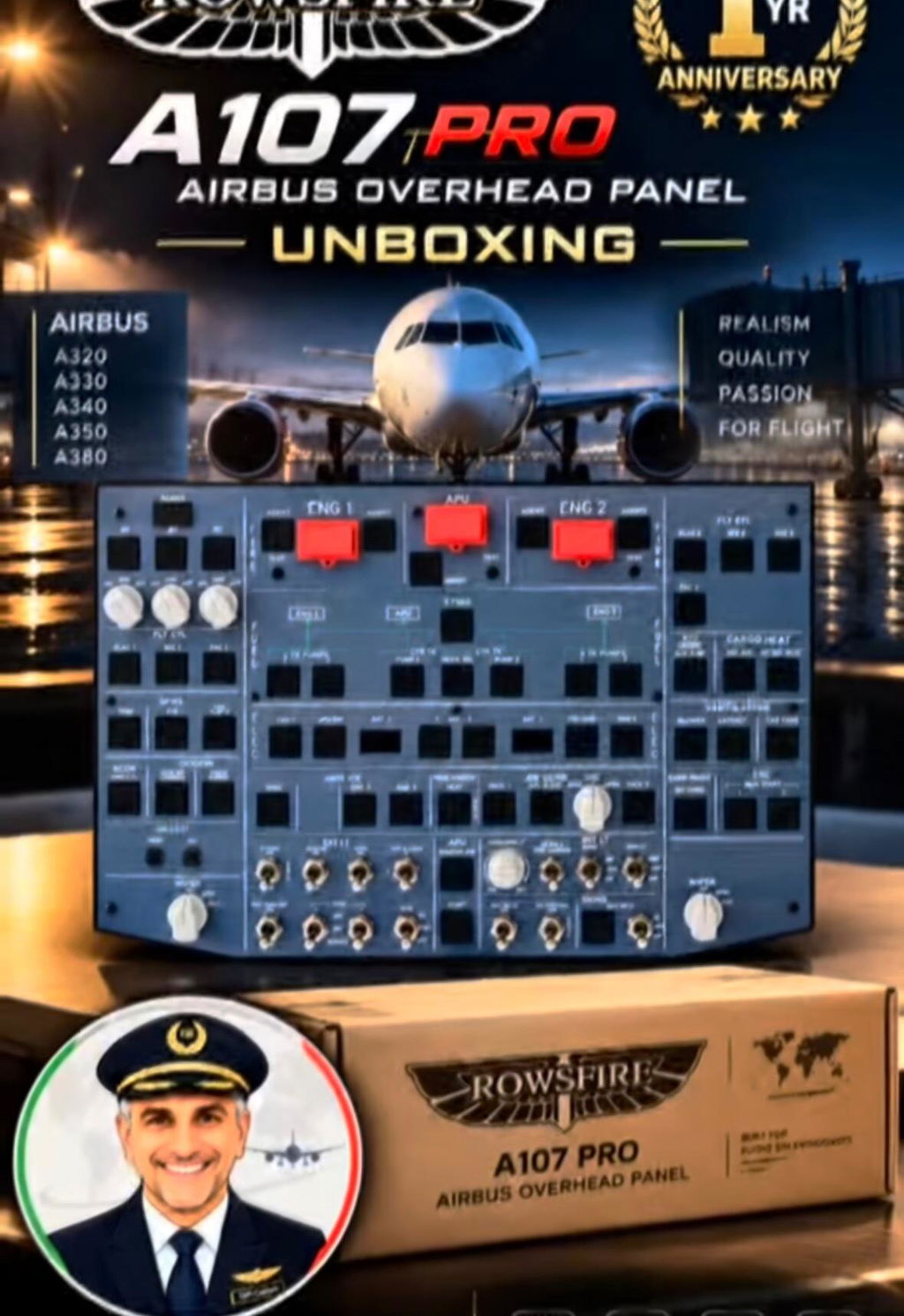
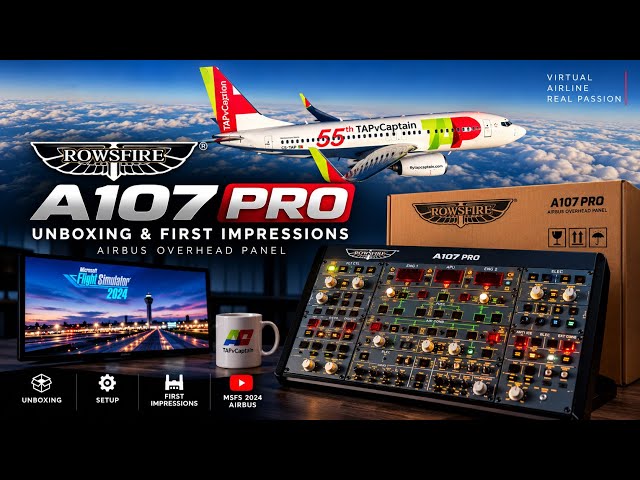
Threshold Reviews the Rowsfire B107 B737 Overhead Panel
A detailed hands-on test of the B107’s construction, RowsfireApp setup, controls, mounting and real-world immersion with the PMDG 737-800 and iFly 737 MAX 8.
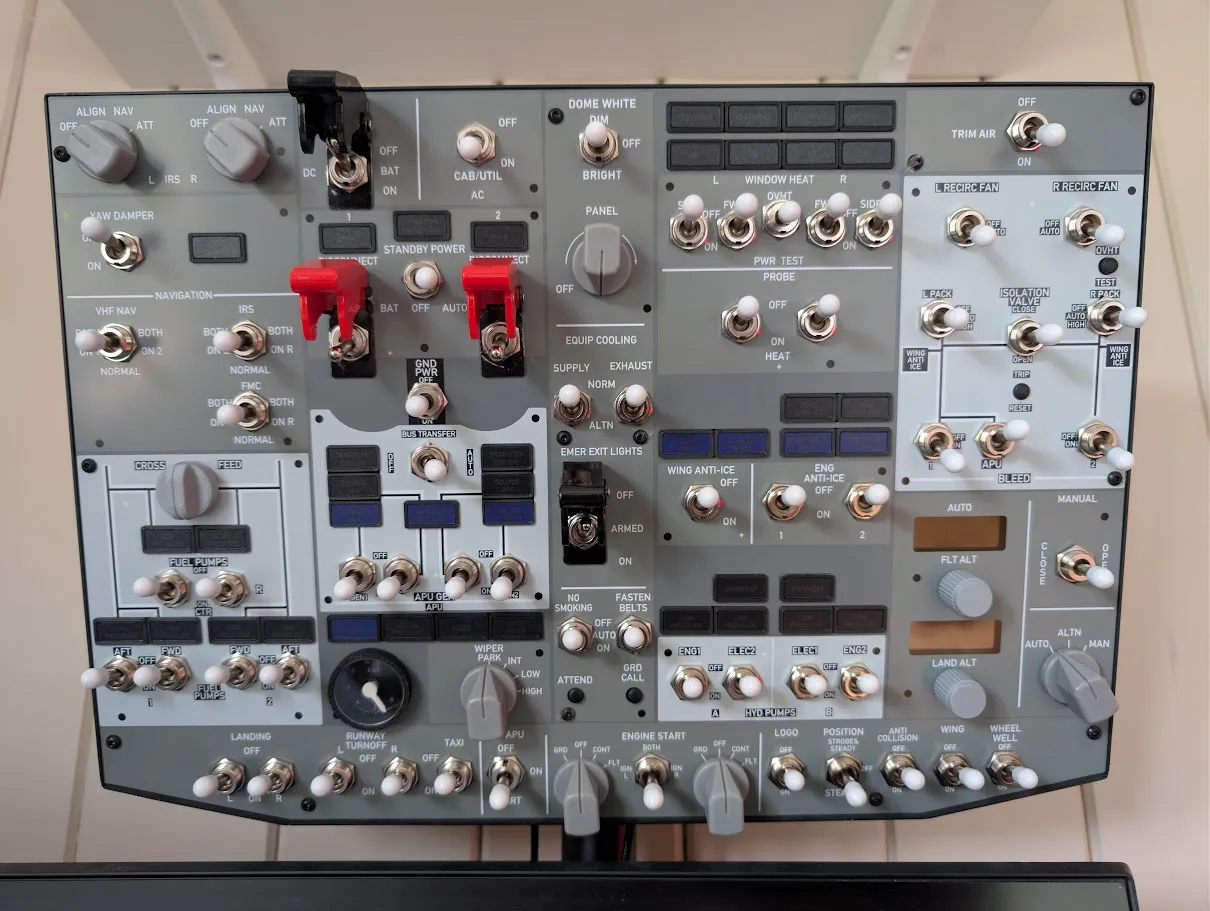
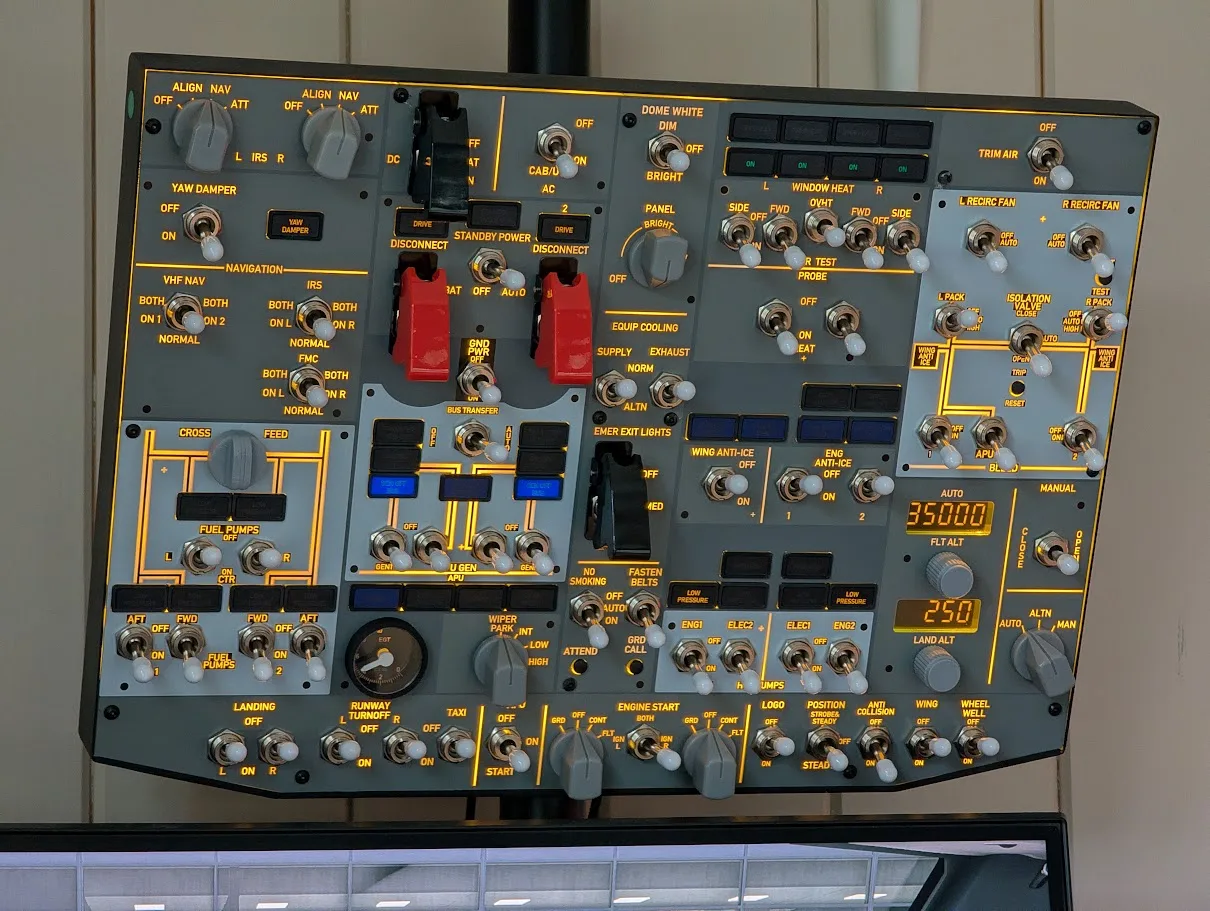
Flight simulation publication Threshold has reviewed the Rowsfire B107 B737 Overhead Panel, testing how the compact Boeing 737-800-style hardware performs from unboxing and setup through daily simulator use.
Reviewer Sem Hage’s conclusion was positive but measured. He recommended the B107 to users looking for a compact 737 overhead at a lower price than many competing solutions, while also documenting several details that could be improved in future production.
Threshold’s Verdict
Sem described the B107 as a “fantastic addition” that meaningfully increases realism. Its sturdy structure, tactile switches, functional EGT gauge and easy RowsfireApp workflow were central strengths.
The recommendation came with clear context: buyers should understand that the panel is compact rather than a strict 1:1 replica and that several component and replication details remain open to improvement.
Compact, but Functionally Complete
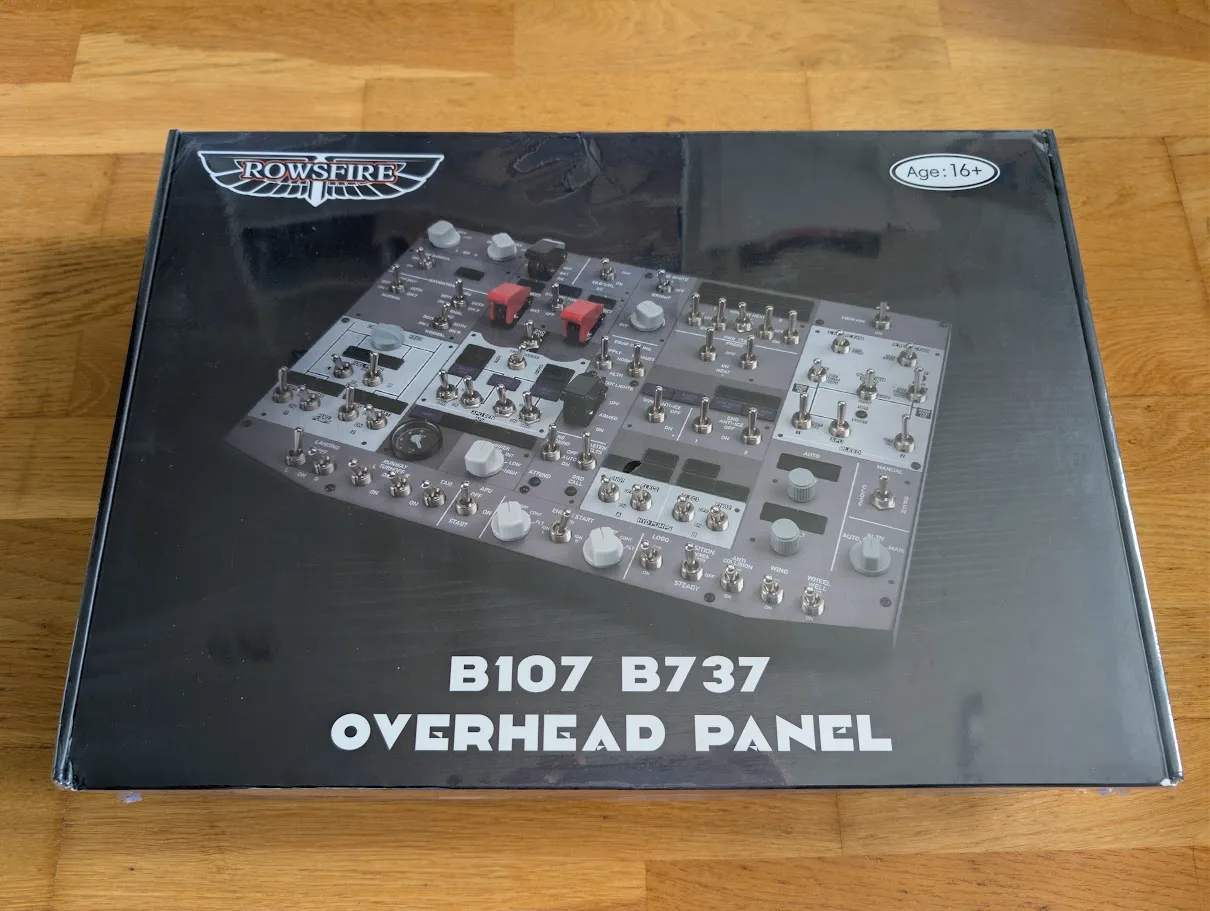
Threshold immediately noted that the B107 is not a full-scale replica of the real Boeing 737 overhead. Instead, Rowsfire has concentrated the essential systems required for home flight simulation into a smaller format.
After installation and testing, Sem’s first impressions were positive. The reduced size made the panel practical for a home setup without removing the core physical interaction that defines an overhead panel.
One-Time Assembly
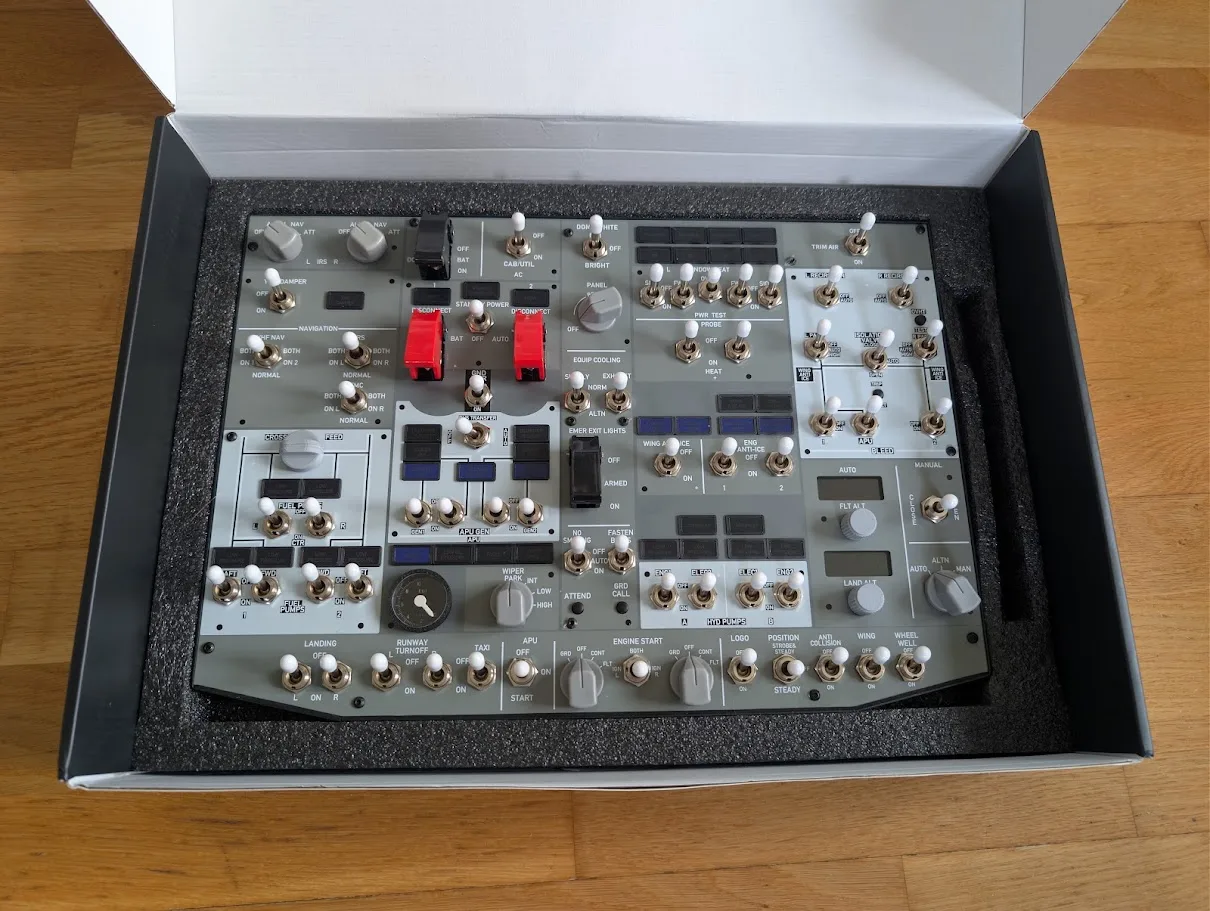
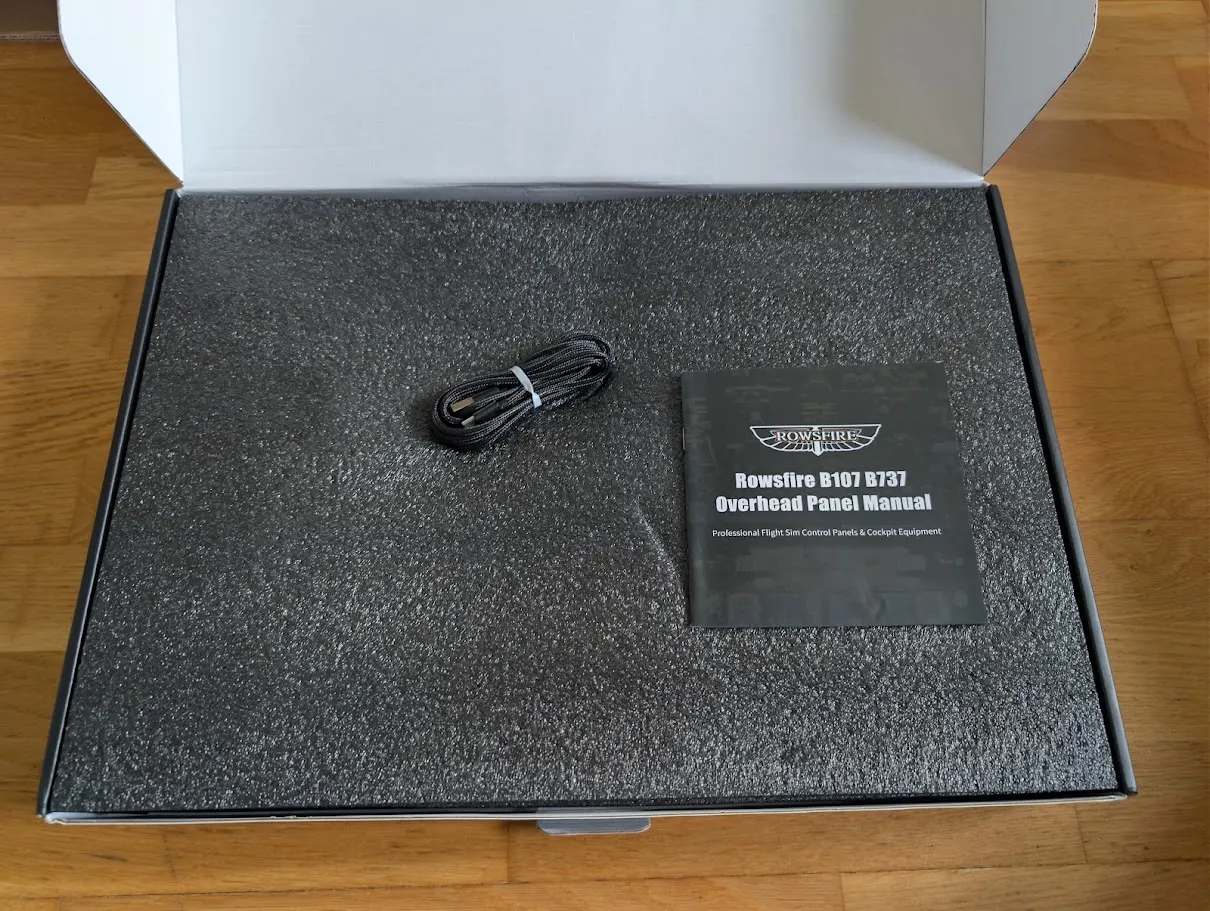
The review unit arrived well protected with foam, a protective bag and an additional outer shipping box. Threshold appreciated that the package contained the necessary equipment without unnecessary extras.
To make the factory protective film easier to remove, the switch guards, caps and nuts arrive separately. Sem completed this one-time installation in approximately 10 minutes. He advised users to tighten the switch bolts carefully because a wrench can scratch the acrylic surface.
RowsfireApp Makes Setup Significantly Easier
Sem compared the experience with his earlier review of a Rowsfire Airbus overhead, when configuration relied on MobiFlight Connector. The addition of RowsfireApp was therefore a significant improvement.
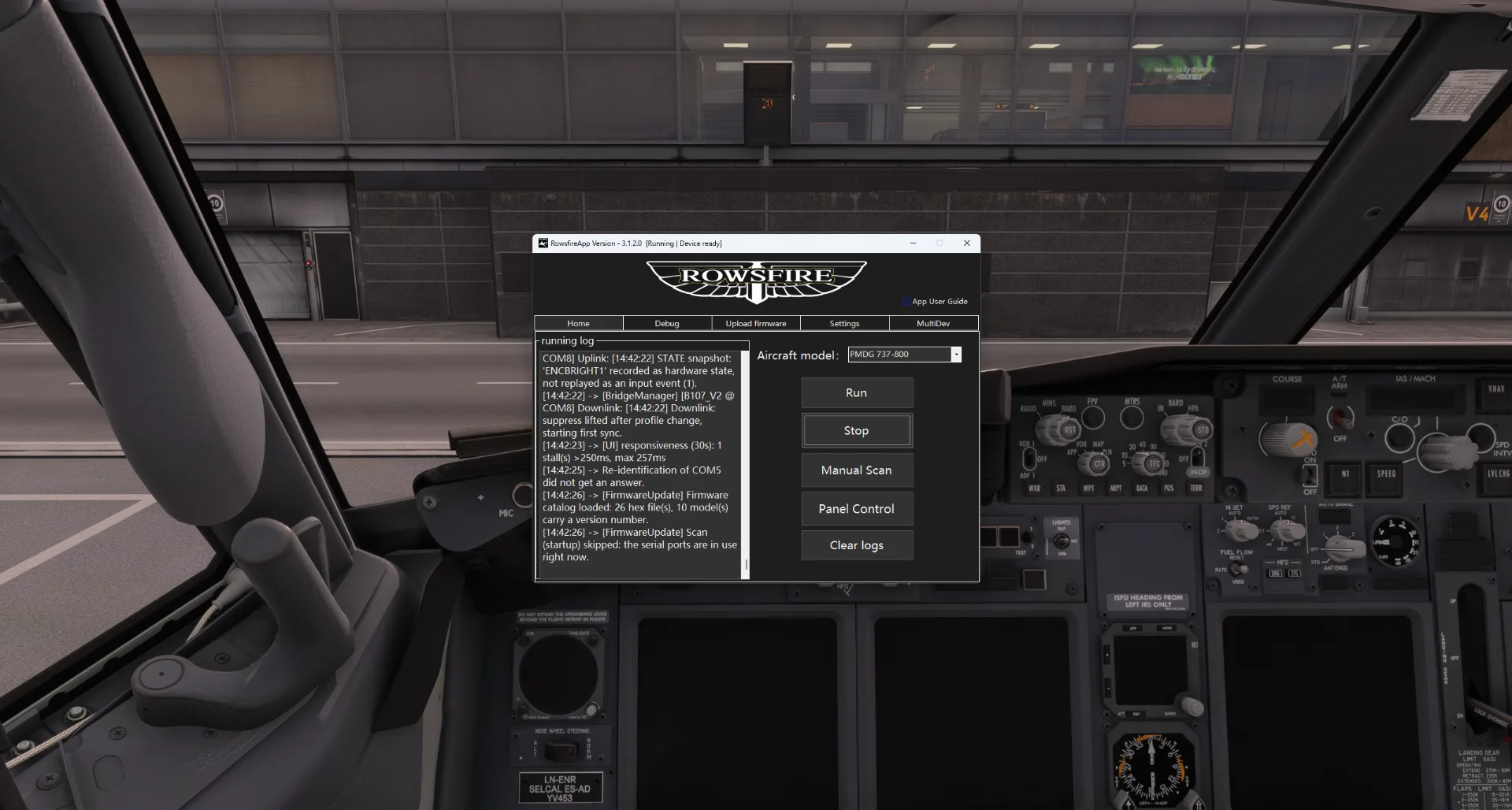
The included manual explains both available software paths. With RowsfireApp configured, Threshold summarized the normal workflow as launching the simulator, opening the app and pressing Run.
“Once the RowsfireApp is set up, it’s as simple as launching the simulator, launching the app, and pressing ‘Run.’”Sem Hage · Threshold
Connect
Use the supplied USB-C to USB-A cable to connect the B107 to the PC.
Launch
Open Microsoft Flight Simulator 2024 and start RowsfireApp.
Run
Select Run in the app and begin using the supported aircraft profile.
VESA Above the Monitor
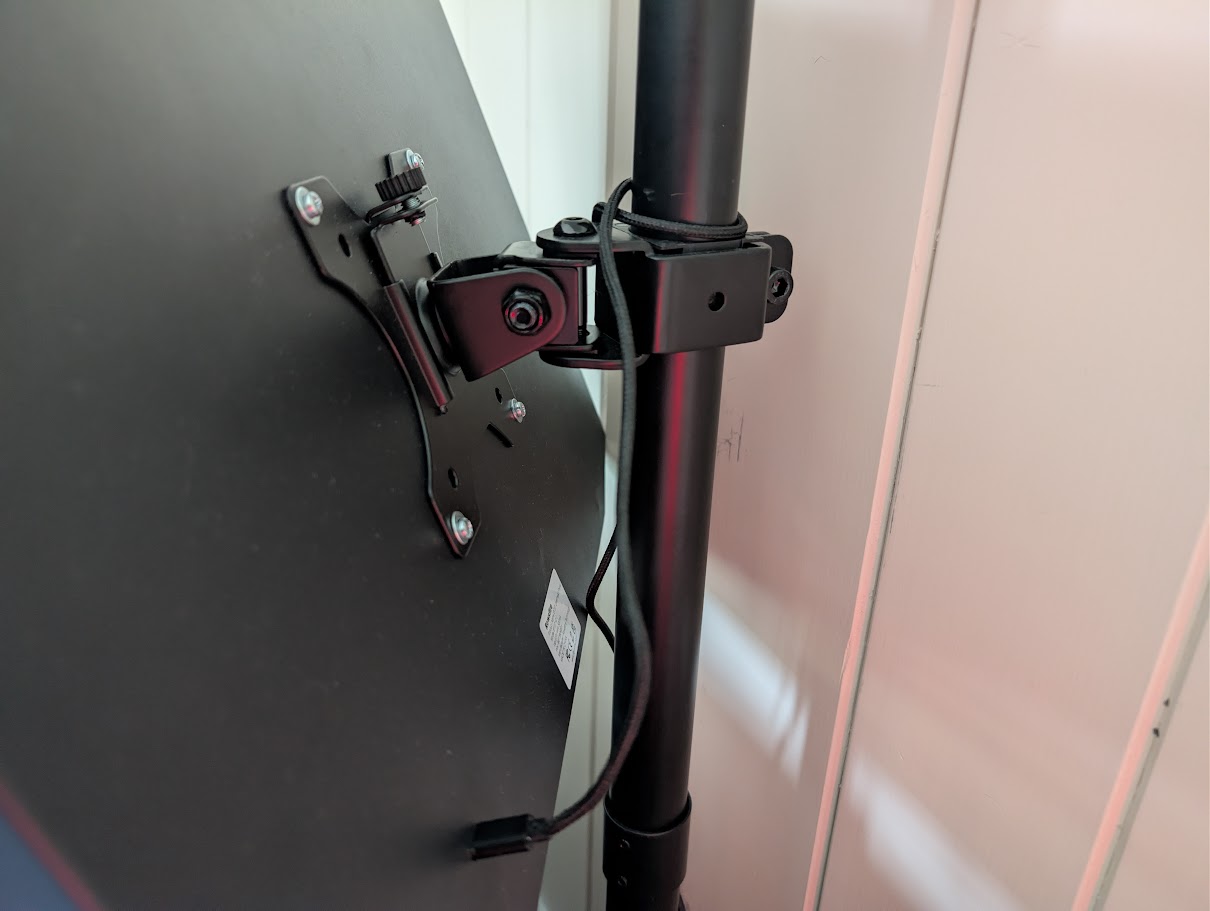
The B107 does not include a stand, but its 100 × 100 mm VESA pattern supports monitor arms and other mounting solutions. Sem used the upper section of a dual monitor arm to place the panel above his primary display.
This arrangement saved desk space and more closely reproduced the real overhead position. The review also noted that the lower rear USB-C port may affect certain mounting arrangements. Rowsfire specifies M4 mounting screws no longer than 10 mm to avoid internal damage.
Sturdy and Satisfying to Operate
The B107 measures 40.5 × 28.5 × 6 cm and weighs 2.8 kg. Its aluminum-alloy shell and acrylic faceplate gave Threshold a solid impression without noticeable flex.
The lighting provided ample brightness, while the operational EGT gauge stood out as a particularly engaging feature. Sem also highlighted the molded wiper, engine-start, pressurization, brightness and IRS knobs.
Switch feedback was another major strength. The reviewer found the controls satisfying to use, with a clear click, and reported that every switch action registered correctly in the simulator.
What Threshold Believes Could Improve
The article did not treat the B107 as a perfect replica. Sem identified several specific opportunities for refinement while emphasizing that they were not dealbreakers during daily use.
Review Feedback, Clearly Separated
| Area | Threshold’s observation | Practical impact |
|---|---|---|
| Engine-start switches | Do not automatically return from GRD to OFF | Manual return is required after engine start |
| Cross Feed / FLT ALT / LAND ALT knobs | 3D-printed finish contrasts with smoother molded controls | Visual and tactile consistency could improve |
| Emergency exit light guard | Cannot fully close in the ARM position without moving the switch | Does not reproduce the real guard logic exactly |
| GND PWR | No availability indicator lights | A minor status indication is absent |
| Landing-light covers | Use the same general form as other controls | Less visually specific to the real 737 |
| Wiper control | One selector operates both wipers in PMDG 737-800 | Independent left/right operation is not reproduced |
An Objective Recommendation
Threshold’s criticism focused mainly on replication details and component consistency rather than the core function of the product.
Sem recognized that adding features such as automatic engine-start switch return could also increase the product’s cost. His verdict therefore considered the balance between price, compact size, functionality and fidelity.
PMDG 737-800 and iFly 737 MAX 8
Sem used the B107 with both the PMDG 737-800 and iFly 737 MAX 8 in Microsoft Flight Simulator 2024. The panel also worked alongside other cockpit hardware in his setup.
The most meaningful result was the change in daily interaction. With physical overhead controls available, he no longer needed to move the cockpit camera repeatedly for most procedures. After previously gravitating toward Airbus aircraft because of the additional physical realism provided by an overhead panel, the B107 brought the Boeing 737 family back among his favorites.
What Threshold Liked
- Sturdy aluminum-alloy construction
- No noticeable flex in the enclosure
- Satisfying tactile switch feedback
- Every tested switch registered correctly
- Well-designed panel lighting
- Functional EGT gauge
- Simplified RowsfireApp workflow
- Strong immersion with PMDG and iFly
Room for Improvement
- One-time switch component installation
- Some 3D-printed knob finishes
- No automatic engine-start switch return
- Emergency exit guard behavior
- No GND PWR availability lights
- One selector controls both wipers
Our Takeaway from Threshold’s B107 Review
Threshold’s review confirms the value at the center of the B107: it replaces repeated mouse interaction with physical Boeing 737 overhead procedures in a compact home simulator format.
The review was also constructive. Its suggested improvements give Rowsfire clear direction for increasing component consistency and system fidelity without overlooking the strengths already present in the current panel.
Most importantly, Sem personally recommended the B107 to simmers seeking a compact Boeing 737-800-style overhead panel at a lower price than many competing products. His recommendation was based on real use with two widely flown 737 add-ons—not specifications alone.
Review disclosure: Rowsfire provided Threshold with the B107 review unit. Threshold’s documented opinions, findings and recommendation belong to reviewer Sem Hage.
This page is Rowsfire’s editorial recap of Threshold’s hands-on review. Review images courtesy of Threshold.
B107 Review FAQ
Did Threshold recommend the Rowsfire B107?
Yes. Sem Hage personally recommended it to users seeking a compact Boeing 737-800-style overhead panel, while asking buyers to understand its current replication and component compromises.
Which aircraft did Threshold test with the B107?
The review documents use with the PMDG 737-800 and iFly 737 MAX 8 in Microsoft Flight Simulator 2024.
Is the B107 a full-size 1:1 replica?
No. Threshold describes it as a compact B737 overhead that includes the essential systems needed for home flight simulation.
How easy is the B107 to configure?
Threshold found the RowsfireApp workflow straightforward after initial setup: launch the simulator, launch RowsfireApp and press Run. MobiFlight instructions are also available for users who prefer custom configuration.
Does the B107 support VESA mounting?
Yes. It uses a 100 × 100 mm VESA pattern. M4 screws must not exceed 10 mm in length.
What was the main benefit during flight?
Physical switches reduced camera movement and mouse interaction, making Boeing 737 overhead procedures more direct and immersive.
Bring Physical 737 Overhead Procedures Home.
Explore current specifications, supported aircraft and ordering information.