BEGINNER GUIDE · A320 · AIRBUS BUILD
New to Airbus Home Cockpit?
Start Here.
Rowsfire Team
|
May 2025
|
MSFS 2020 · MSFS 2024 · Fenix · FBW · PMDG
|
8 min read
Every serious Airbus home cockpit starts with one decision: what do I buy first?
The answer is almost always the overhead panel. It covers the most systems, creates the biggest visual impact, and sets the foundation for everything that comes after. This guide walks you through the complete Rowsfire Airbus lineup — what each panel does, what order to buy in, and how far your budget actually goes.
Why the overhead panel is always your first buy
New sim pilots often start with the FCU or a throttle. Experienced builders almost always say they should have started with the overhead.
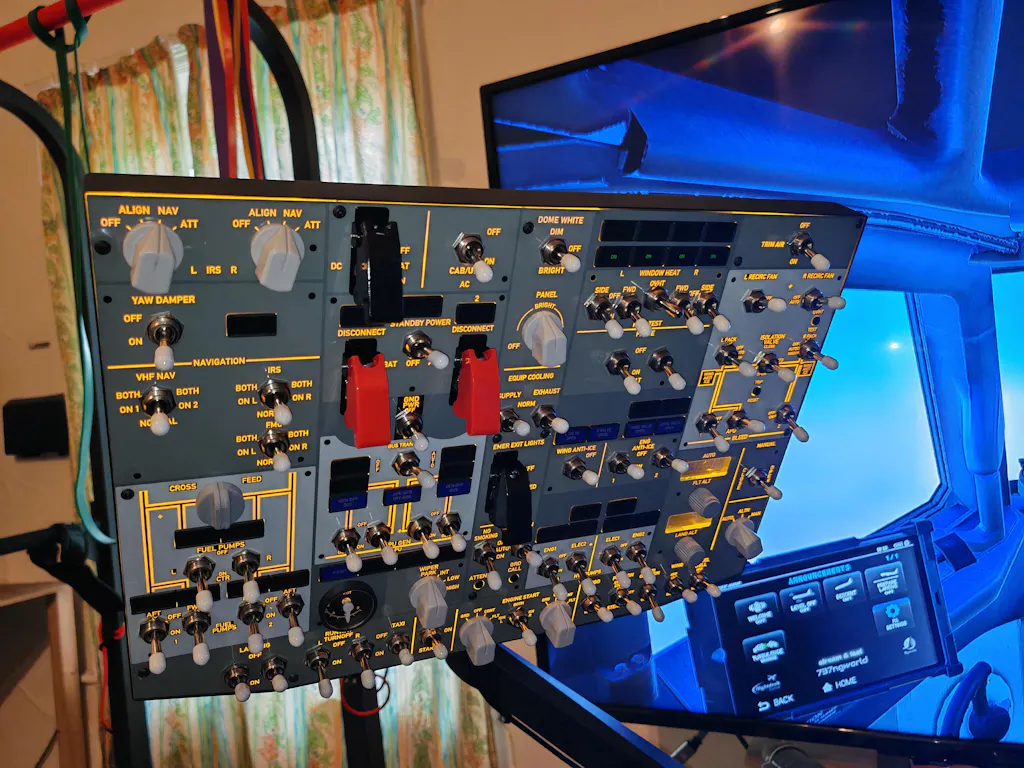
The overhead panel is the most system-rich part of the A320 cockpit. Fuel management, electrical buses, bleed air, anti-ice, pressurisation, lighting, fire detection — everything that happens before the engines start, and everything that monitors systems in flight, lives up there. Flying without it means either ignoring these systems entirely, or hunting through a virtual cockpit with a mouse.
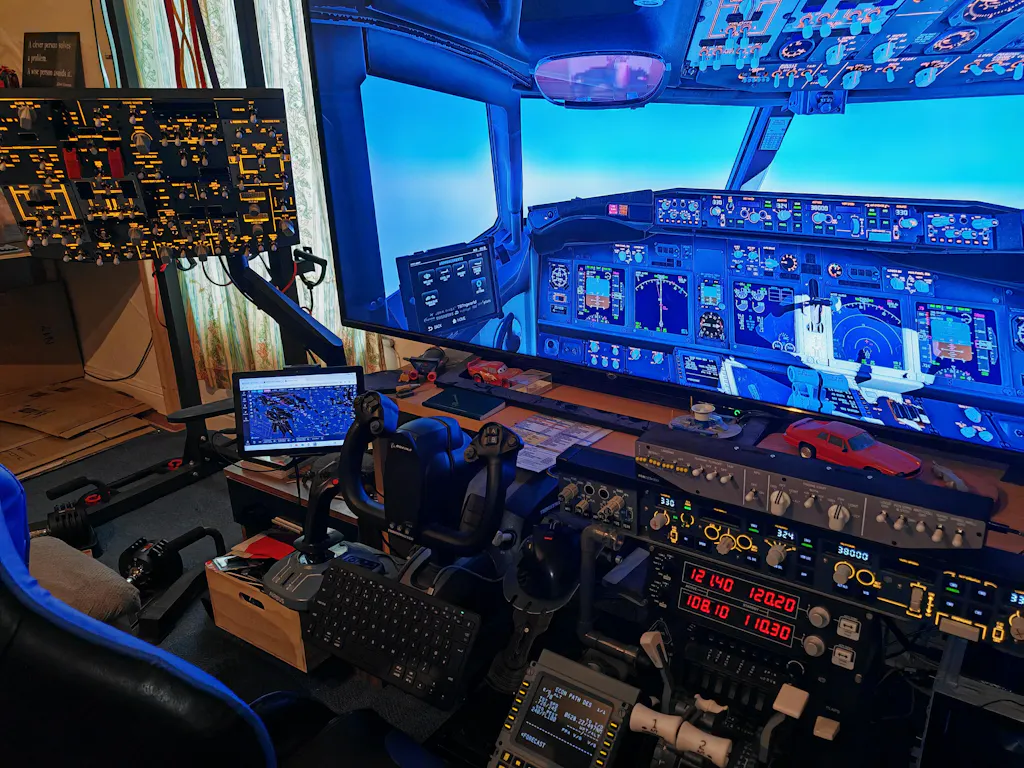
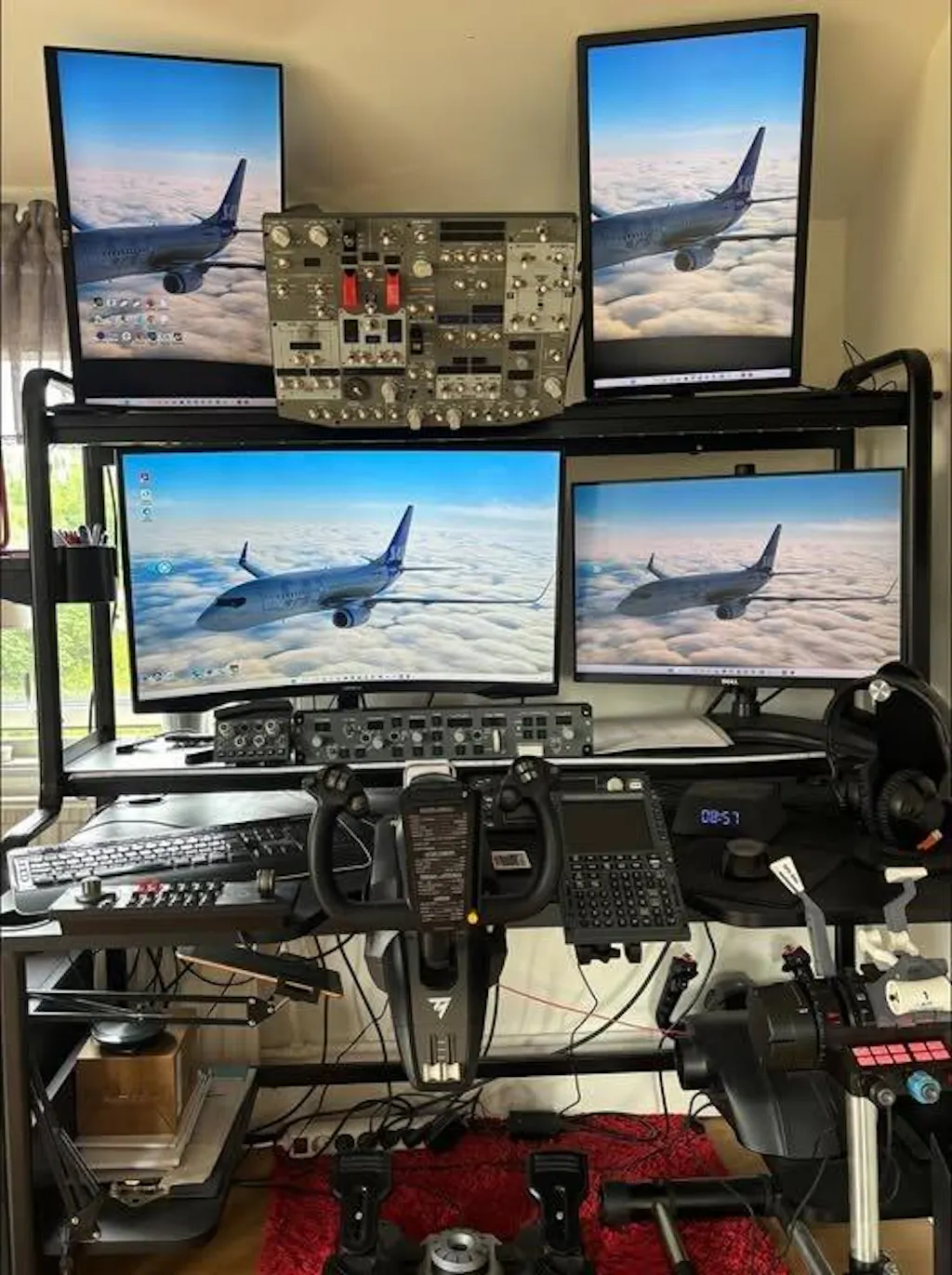
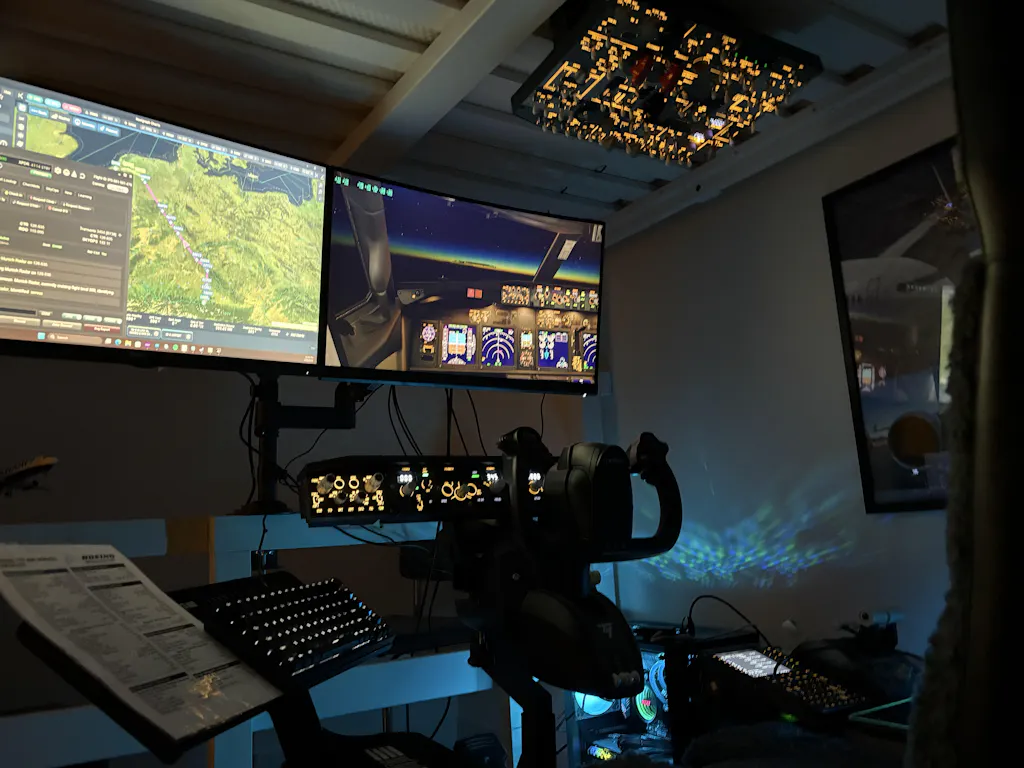
More practically: the overhead is the most visually impactful upgrade you can make. When that panel is backlit and mounted above your monitors, the sim stops looking like a PC setup and starts looking like a flight deck. That transformation changes how you fly — and how seriously you take procedures.
The beginner's rule
Start with the overhead. Add the centre console panels. Add the instrument display last. This order gives you the most functional improvement at each step and avoids buying things you'll rarely use early on.
Step 1 — The A107: your foundation
The Rowsfire A107 is the recommended starting point for every Airbus home cockpit build. Here's why.
The A107 covers the A320 overhead panel's core functions — lighting, fuel, electrical, bleed air, hydraulics, anti-ice, pressurisation, and fire detection. Backlit, aluminium housing, VESA-mountable. Not a 1:1 scale replica, but functionally comprehensive — all systems are present and fully operable in supported add-ons.
The Rowsfire App makes setup straightforward — connect via USB, open the app, and you're flying in minutes. No MobiFlight configuration required for basic operation.
Fenix A320
FBW A32NX / NEOV2
PMDG
Toliss
MSFS 2020/2024
X-Plane 12
MobiFlight
View the A107 →
A107 vs A107 Pro — which should you choose?
The A107 V3.1 is available now and ships immediately. The A107 Pro — currently in pre-sale — is larger, covers more system sections, and is aimed at pilots who want the most complete overhead possible. If you want to fly now: A107 V3.1. If you're willing to wait and want maximum coverage: A107 Pro. Either way, both run on the same Rowsfire App and are compatible with the same add-ons.
Both panels have been tested stable in sessions exceeding 3 hours without disconnection — including during live streams running concurrent hardware setups. Reliability is not a concern.
The A107 Pro — for pilots who want more
The A107 Pro is the next step up from the V3.1 — a larger panel with more system coverage and more switches. Same Rowsfire App compatibility, same add-on support, but designed for pilots who want the most complete A320 overhead experience currently available. Pre-order now to secure early pricing.
More system coverage
Larger form factor
Same app + add-on compatibility
Ships soon
Pre-order the A107 Pro →
Step 2 — The centre console panels
Once your overhead is set up, the centre console is where the build gets serious. Three panels complete the communication and navigation station.
Two A111 units form the captain-side and first-officer-side RMP/ACP stations — exactly as in the real aircraft. True 1:1 scale. VHF1/2/3, HF1/2, NAV, ADF frequency tuning via encoders, audio panel integration. The most accurate centre console panel in the Rowsfire range — its tactile feel and scale accuracy are consistently the most commented-on features in the community.
1:1 scale
RMP radio management
ACP audio control
Fenix · FBW · Toliss
View the A111 →
1:1 scale cockpit lighting and weather radar control panel. Sits between the two RMP units in the centre console. Controls cockpit ambient lighting levels and WXR radar tilt/gain — both functional in Fenix and FBW.
1:1 scale
Cockpit lighting
WXR radar control
View the A112 →
1:1 scale integrated panel combining cockpit lighting controls, DFDR, and ATC transponder. Completes the lower centre console section alongside the A112.
1:1 scale
ATC transponder
DFDR control
CKPT lighting
View the A113 →
Buy 4+ panels and save 14% automatically
Add any four or more Rowsfire panels to your cart and the bundle discount applies at checkout — no code needed. The A107 + A111×2 + A112 + A113 combination comes in at under $1,000 with the bundle discount applied.
The A109 — for the serious builder
The A109 covers attitude, ADIRS alignment, and EIS display selection — three system sections that complete the overhead panel picture alongside the A107. For pilots building toward the most complete A320 overhead setup possible, the A109 is the next logical addition after the core overhead and centre console are in place.
1:1 scale
ATT · ADIRS · EIS
Fenix · FBW · Toliss
MSFS · X-Plane 12
View the A109 →
Step 3 — The A108: give your instruments their own screen
Once your panels are set up, the A108 is the upgrade that completes the experience.
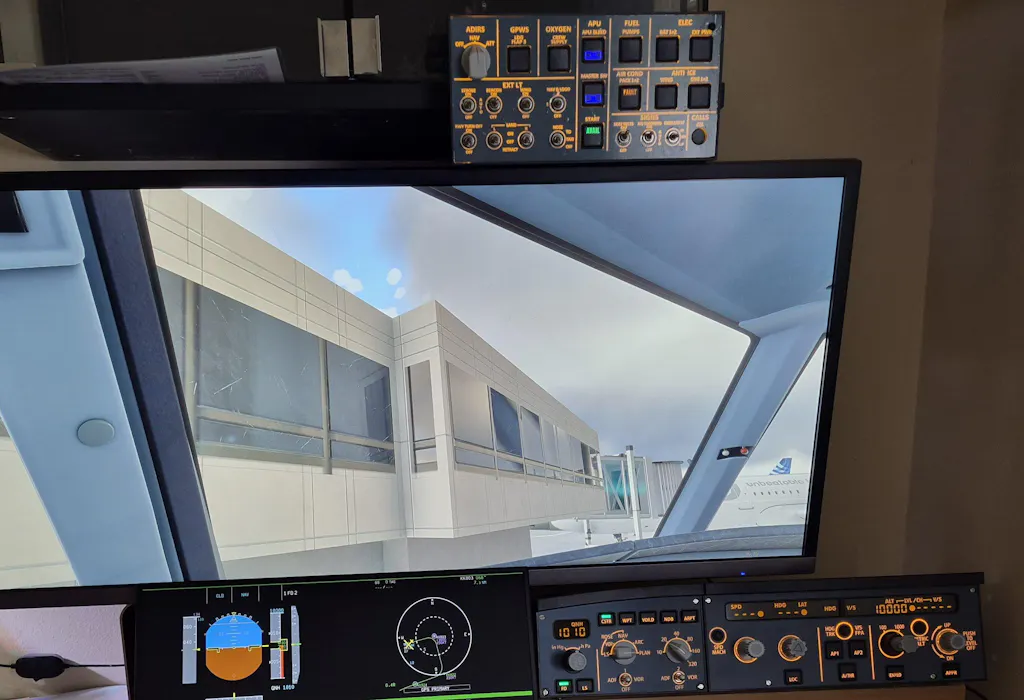
The A108 is a dedicated 12.3'' touch panel that takes your PFD, ND, ECAM and EWD off your primary monitor and puts them on a separate instrument display. Fully laminated glass, 1920×720 resolution tuned for Airbus instrument proportions, full metal frame and rear shell, integrated desktop stand, and VESA mounting on the rear. Touch-enabled and compatible with Fenix and FBW A32NX.
This is the panel that completes the cockpit feel — when your instruments have their own dedicated screen, the sim experience changes entirely.
12.3'' touch display
1920×720
Full metal housing
Fenix · FBW · PMDG
MSFS 2020/2024
Desktop stand included
View the A108 →
The complete build roadmap — what to buy and when
Here's the recommended order for building your Airbus cockpit, with approximate costs at current pricing.
-
Start — A107 Overhead Panel ($341.99)
The single most impactful first purchase. Covers all major overhead systems, mounts above your monitors, and transforms the visual feel of your setup immediately. Compatible with Fenix, FBW, and PMDG out of the box via the Rowsfire App.
-
Phase 2 — Centre console: A111×2 + A112 + A113 (~$550)
Add the two RMP/ACP units, the cockpit lighting panel, and the ATC transponder. This combination completes the centre console and unlocks proper radio management, lighting control, and ATC functionality. Buy all four at once to trigger the 14% bundle discount.
-
Phase 3 — A108 Instrument Display ($269.99)
Add the A108 to move your PFD, ND, and ECAM off the primary monitor. This is the step that makes the build feel complete — dedicated instrument screens are what separate a "sim setup" from a "cockpit."
-
Phase 4 — A109 ATT-ADIRS-EIS Panel ($224.99)
The finishing panel for pilots who want the most complete A320 overhead possible. Adds ATT, ADIRS alignment, and EIS display selection to complete the upper panel picture alongside the A107.
| Panel |
Function |
Price (10% off) |
| A107 V3.1 |
Overhead — all systems |
$341.99 |
| A111 ×2 |
RMP/ACP radio + audio |
$260.82 |
| A112 |
Cockpit lighting + WXR radar |
$134.99 |
| A113 |
ATC + DFDR + lighting |
$152.99 |
| A108 V2 |
PFD / ND / ECAM display |
$269.99 |
| A109 |
ATT / ADIRS / EIS |
$224.99 |
| Full build — 6 panels (bundle discount applied) |
~$1,200 |
The $1,000 milestone
The A107 + A111×2 + A112 + A113 combination — five panels covering overhead and full centre console — comes in under $1,000 with the 14% bundle discount. That's roughly 60% of the A320 cockpit, fully functional, for under a thousand dollars. The A108 and A109 bring you to near-complete coverage for around $1,200 total.
Compatibility — what works with all of these
MSFS 2020
MSFS 2024
X-Plane 12
Fenix A320
FBW A32NX
FBW NEOV2
PMDG (MSFS)
Toliss A321 NEO
MobiFlight
Rowsfire App
Every Rowsfire Airbus panel uses the same connection system — USB to the Rowsfire App or MobiFlight. You can run multiple panels simultaneously from a single USB hub. Setup is additive: each panel you add connects the same way, uses the same software, and requires no additional configuration beyond the initial mapping.
Community support included
Join 3,000+ sim pilots in the
Rowsfire Facebook group and
Discord server — both have dedicated Airbus channels with ready-made MobiFlight profiles for Fenix, FBW, and Toliss, plus pilots who've completed the exact build you're starting.
Start your Airbus cockpit build today
Begin with the A107 — the panel every serious Airbus build starts with. 10% off sitewide. Bundle 4+ for 14% off automatically.
Order the Rowsfire A107 →
10% sitewide discount · Bundle 4+ for 14% off · Free worldwide shipping · 1-year warranty