Rowsfire Guide · Flight Sim
The Boeing 737 Cockpit Panel Guide
What each panel does, how they work together, and where to start when you want real switches under your fingers.
First time you drop into the PMDG 737 cockpit, it's overwhelming. Screens, switches, knobs — packed into every surface. Where do you even look?
Here's the thing: the 737 flight deck isn't random. Every panel has a clear job, and they hand off to each other in a predictable rhythm across every phase of flight. Once you see that rhythm, the cockpit stops being a wall of switches and starts being a tool you actually understand.
We'll walk through each major panel, trace how they collaborate through a full flight, and land on the one upgrade that changes everything.
Five Panels. One Cockpit.
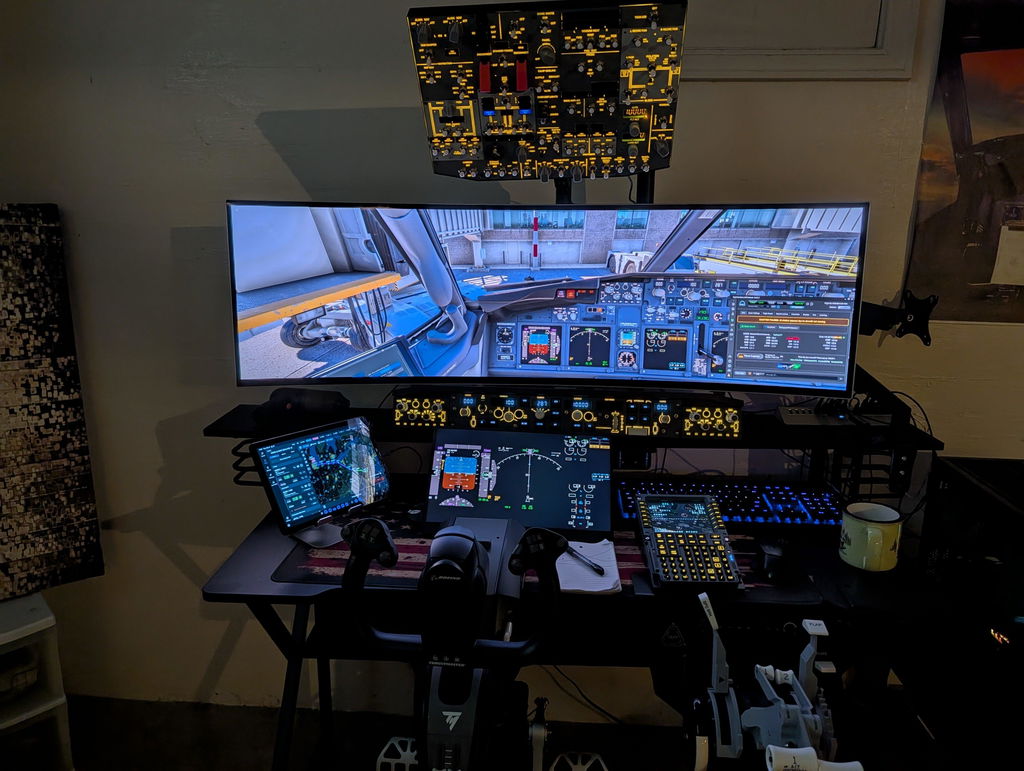
Break the 737 flight deck into five work areas, and the chaos resolves itself. Before we dive into each one, here's what the full overhead looks like in context — the densest switch surface in the entire cockpit:

The 737 forward overhead panel — every switch has a job.
MIP
Main Instrument Panel
Directly ahead. PFD, ND, engine displays — this is the one you watch.
MCP / Glareshield
Mode Control Panel
Above the screens. Autopilot, heading, altitude, speed — you program this one.
Overhead ★
Overhead Panel
Above your head. Electrical, fuel, hydraulics, AC, anti-ice, lighting, engine start — this is where the plane gets turned on.
Pedestal
Center Pedestal
Between the seats. Throttles, flaps, speed brake, radios — your hands live here.
CDU
Control Display Unit
Front-left of the pedestal. Flight plan entry, performance calculations, fuel planning — the keyboard of the airplane.
The MIP is where you look. The MCP is where you command. The pedestal is where your hands live. And the overhead? That's where the airplane actually wakes up.
A Flight, Panel by Panel
The panels don't work in isolation. They pass the baton — and you can feel it if you pay attention.
Cold & Dark → Taxi
The Overhead Takes Charge
Battery on. APU start. Fuel pumps on. Bleed air set. IRS aligned. Engine start selectors rotated. Generators online. By the time you're ready to taxi, you've touched dozens of switches — almost all of them overhead. This is the panel's defining act.
Taxi → Takeoff
Hands Drop to the Pedestal
Engines running, attention shifts downward. Flaps and lights from the pedestal. Initial altitude and heading dialed into the MCP. Throttles forward for takeoff. The overhead goes quiet — its job, for now, is done.
Cruise
MCP and MIP Hold the Floor
Autopilot flies, you monitor. MCP handles altitude and route changes. MIP gives you attitude, nav, and engine data. The overhead becomes a supporting cast — adjust the packs, flip on anti-ice entering clouds — nothing more.
Descent → Shutdown
Everything Converges — Then the Overhead Closes the Show
Approach: MCP sets constraints, pedestal manages flaps and speed brake, MIP keeps you oriented. After touchdown? You're back on the overhead — engines off, APU off, battery off. The same panel that woke the airplane puts it to sleep.
The overhead owns the beginning
and the end of every flight.
Everything else fills the middle.
The 30-Click Problem
A full cold-and-dark startup means operating 30+ switches on the overhead. In a real cockpit, that's a deliberate flow pilots practice until it's muscle memory. In the sim? It's 30 precise mouse clicks on a flat screen.
Zoom in to hit a tiny toggle. Accidentally click the one next to it. Pan the view to reach the far side. Lose your place in the flow. What should feel like a cockpit ritual becomes a UI exercise — and it's the single biggest immersion killer in the 737.
The MIP is something you look at. The pedestal usually already has a yoke and throttle covering its key controls. But the overhead? All switches, all the time — and almost nobody starts with a physical one.


Every switch has a purpose.
From Real Aircraft to Your Desk
When you decide to bring real hardware into your 737 setup, two paths open up:
🔧
DIY
Laser-cut panels, source your own switches, wire to a controller, write the firmware, debug until it talks to the sim. Deeply satisfying. Fully custom. A weeks-to-months project.
⚡
Plug & Play
Pre-built panel, USB connection, driver installed, flying in minutes. You trade some customization for a massive saving in time and frustration — and get something tested and refined.

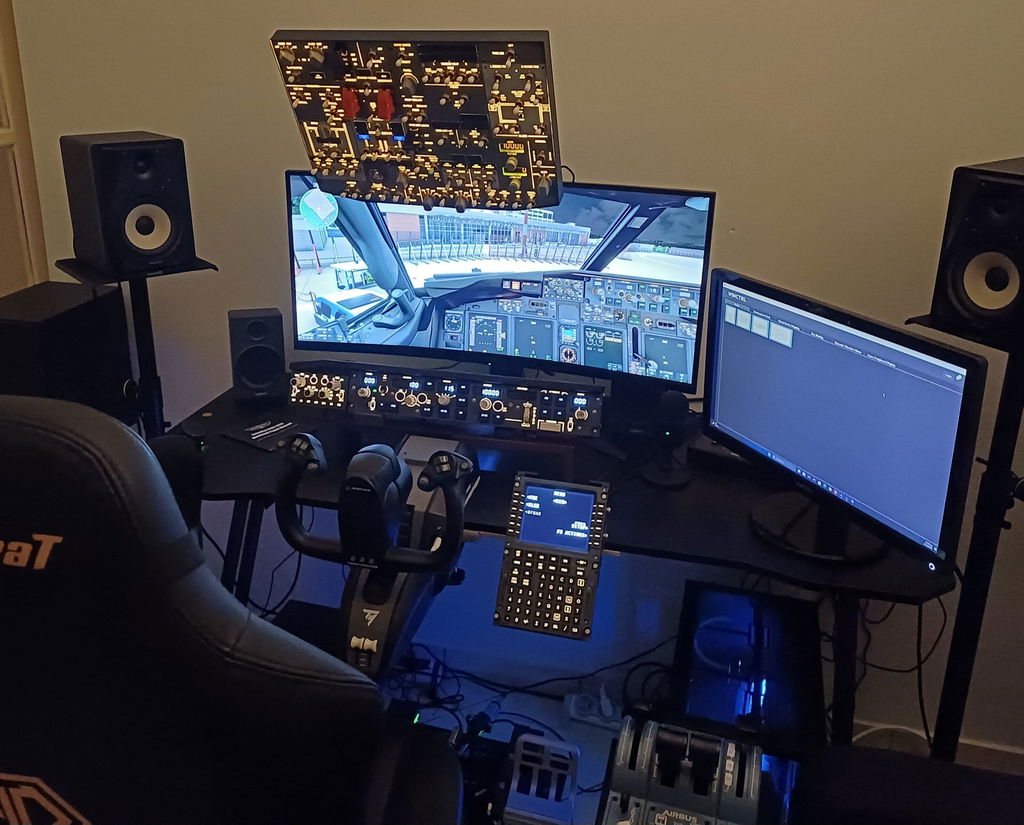
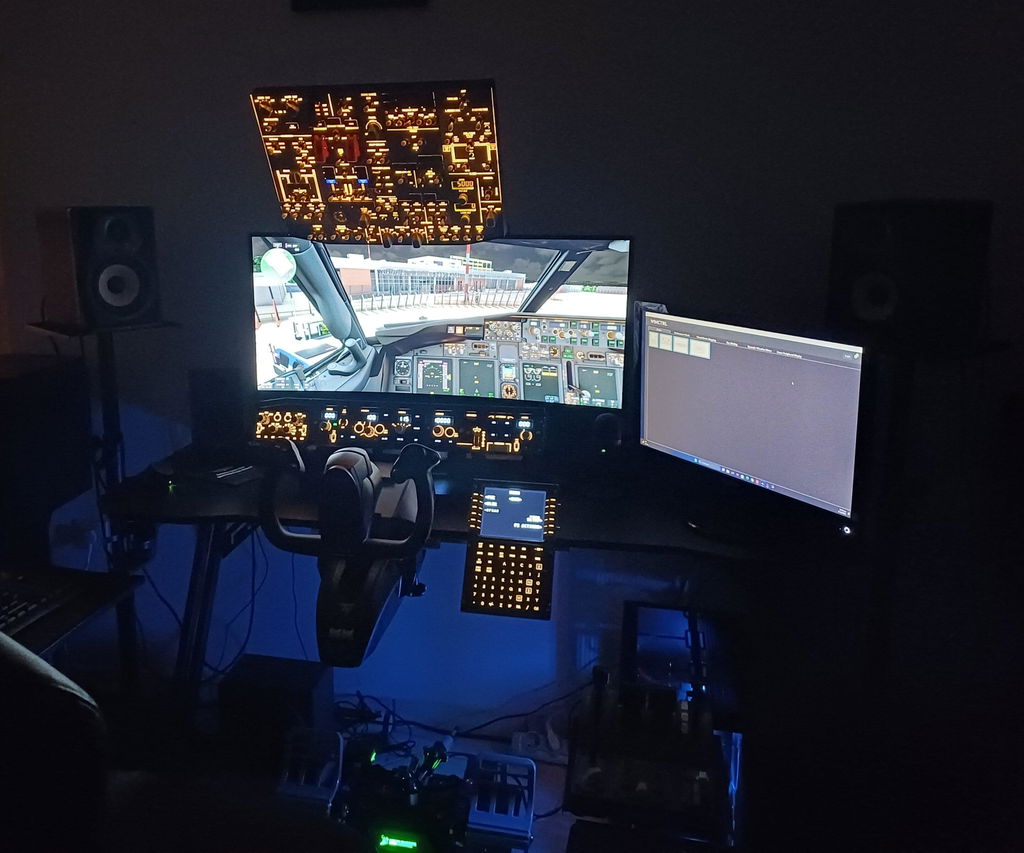
A look at how flight sim enthusiasts bring the cockpit experience home.
Either way, the overhead panel is the highest-impact first upgrade you can make. More switches than any other panel. Central to the startup flow that defines the 737. Replace it with physical controls, and every single flight feels different.
Meet the B107

Join 3,500+ Simmers Building Their 737
Config questions, build inspiration, real-time help — or just show off your cockpit once it's ready.
The 737 cockpit looks complicated because it's comprehensive. Understand the rhythm, and it becomes navigable.
When you're ready to stop clicking and start flipping — the overhead is where you begin.
ROWSFIRE · PROFESSIONAL FLIGHT SIM CONTROL PANELS