B107 V2 Goes Viral! 3,200+ Likes & 200 Community Comments — All Your Burning Questions Answered
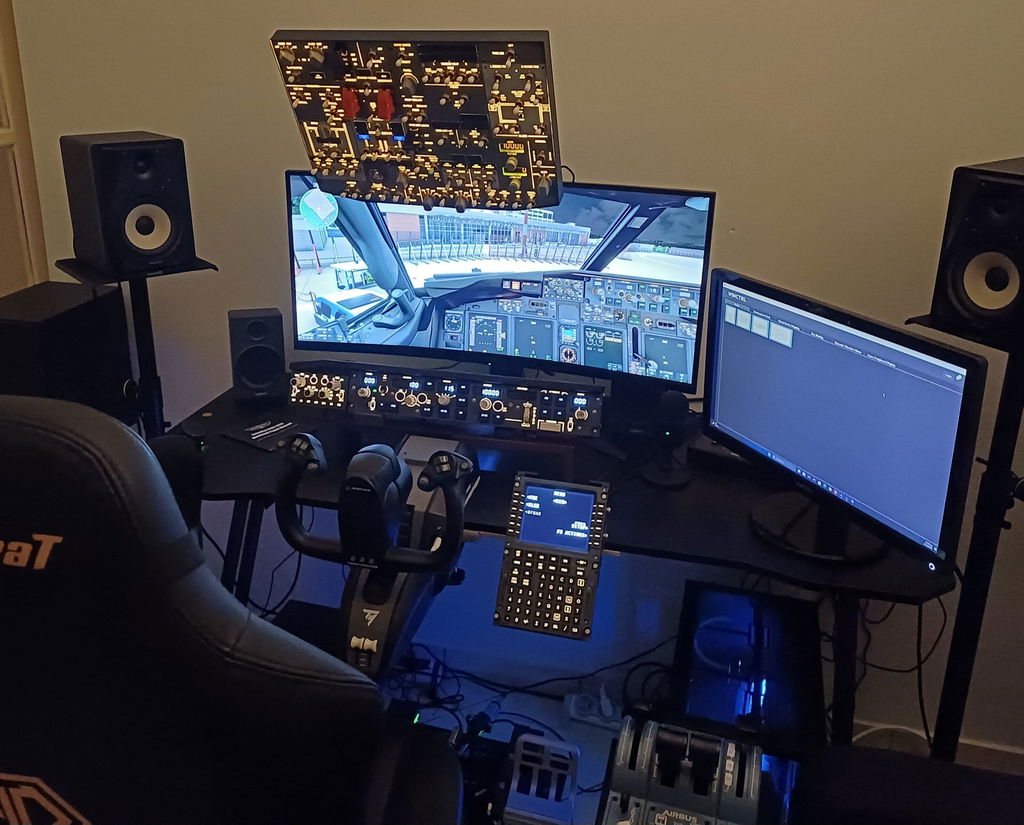
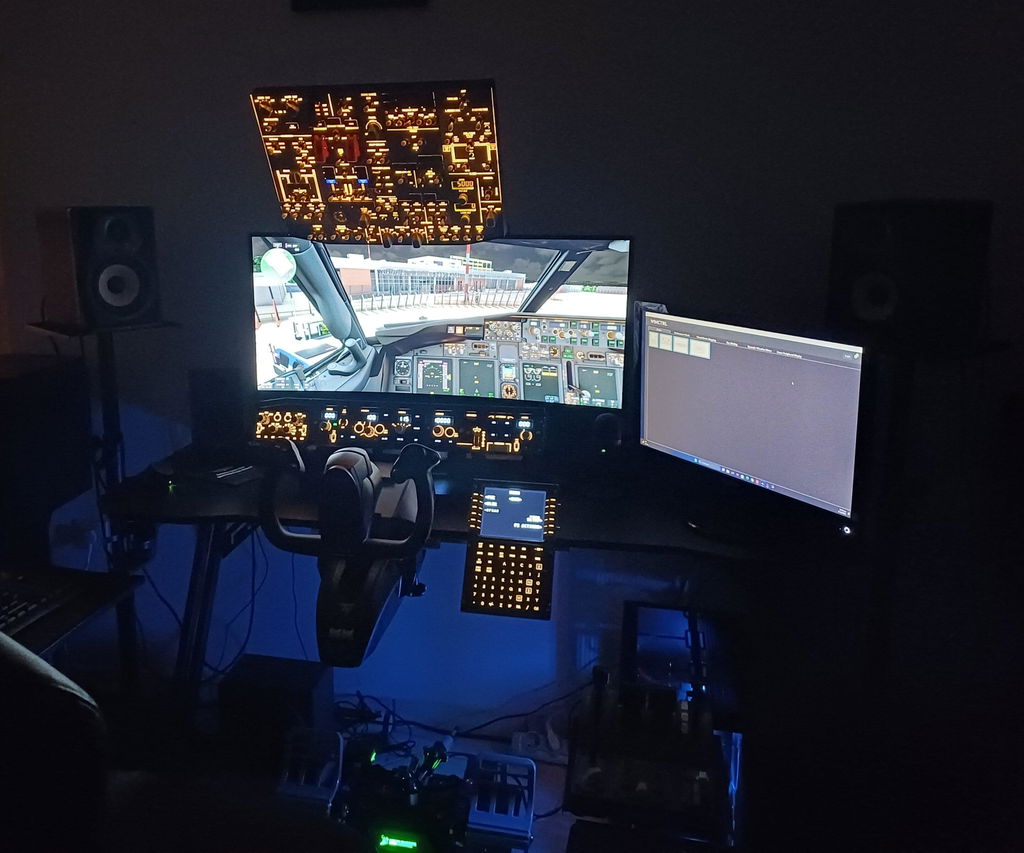
Many flight sim enthusiasts have started receiving the newly upgraded B107 V2 Boeing 737 overhead panel, and social media feeds are flooded with cockpit build photos and reviews. One recent B107 post exploded in popularity, racking up 3,200+ likes and 200 genuine comments, quickly becoming one of the hottest hardware releases in the flight sim community.
Our inbox and comment sections were flooded with questions covering pricing, purchasing, compatibility, installation, build quality and version upgrades. Today we’ve compiled the most frequently asked questions from simmers worldwide, with clear, detailed answers to help you learn everything about the B107 V2 overhead panel!
Original post: https://www.facebook.com/share/p/19mEexrmgq/

1. Pricing & Where to Buy (Most Asked Question)
New simmers usually start by asking how much it costs and how to place an order. Here are the full details:
- Price: $659.99. Grab our limited 1st Anniversary discount for 13% off. Discount code: rows1y13 (Promotion ending soon!)
- Official Sales Channel: Only available via the official Rowsfire website.
- Product link: https://rowsfire.com/products/rowsfire-b107-b737-overhead-panel
- What is B107?: A professional Boeing 737 overhead panel built for home flight simulation. It fits desktop home cockpits and replicates real aircraft operational feel.

2. Compatibility & Software Support (Core Technical Q&A)
Compatibility is the top concern for hardcore simmers. Below are official answers to all your compatibility questions:
- Supported Aircraft: Fully compatible with PMDG 737-600/700/800/900, Zibo 737, iFly 737 /737 MAX and LevelUp 737. It is NOT designed for the old 737-200; built for modern popular 737 simulation add-ons.
- Simulator Support: Works seamlessly with MSFS2020, MSFS2024 and X‑Plane 12. Full 737 career mode support with rock‑solid stability.
- Platform limitation: Not available for Xbox consoles for now, Windows PC only. Xbox support has been added to our development roadmap, stay tuned.
- Prosim compatibility: Not supported at this stage. Development is in progress, and we will roll out future updates.
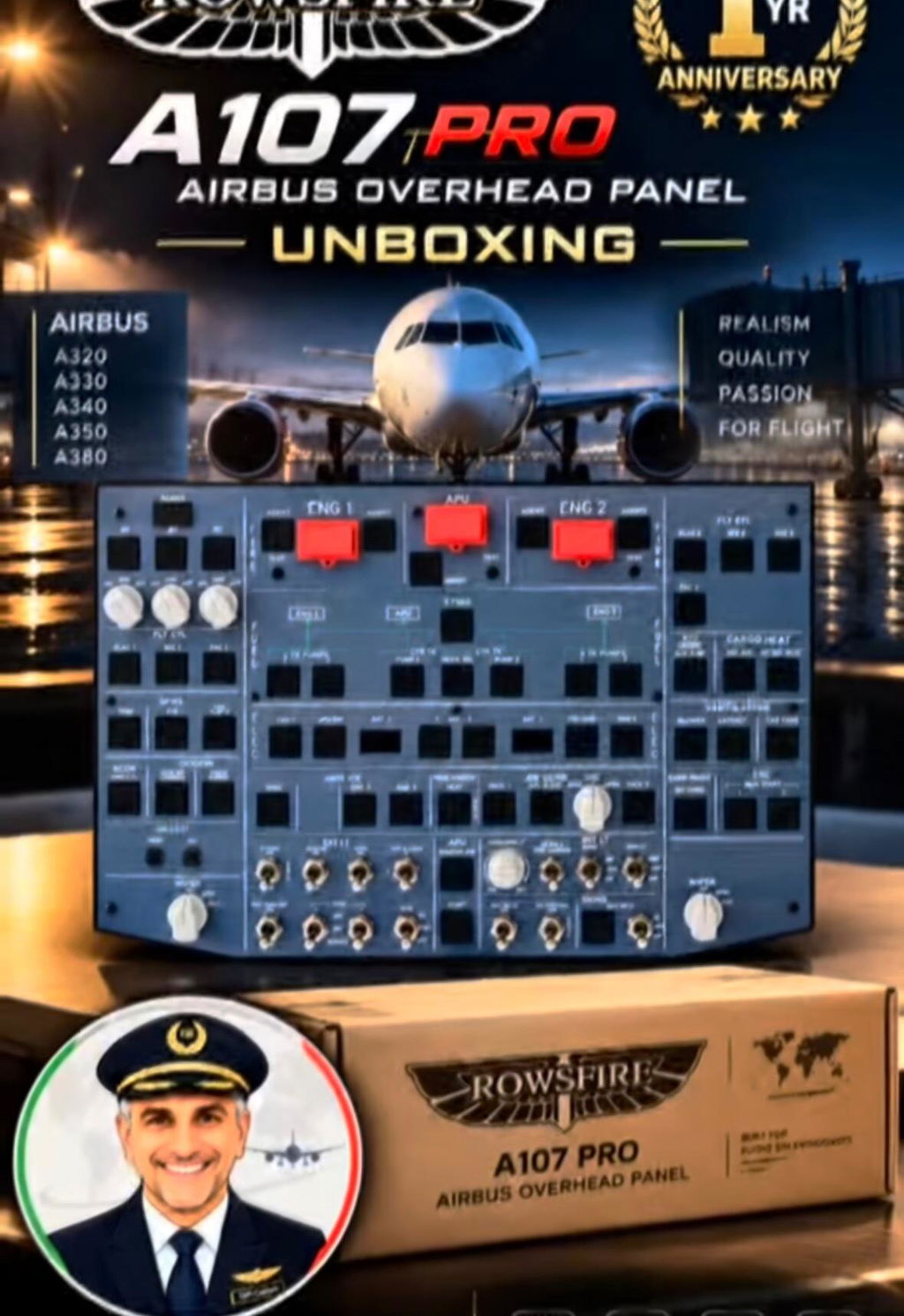
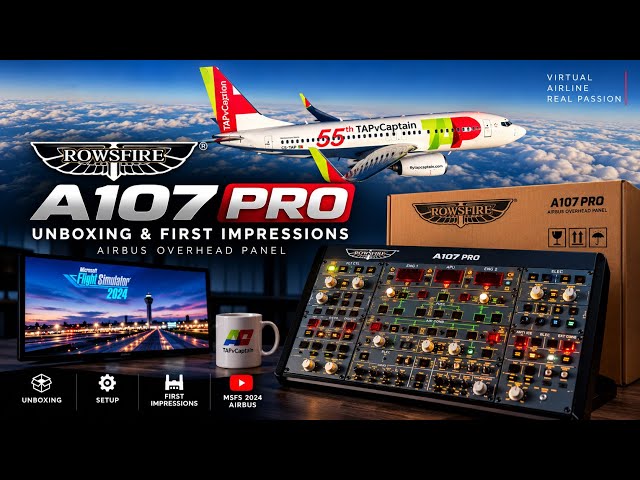
- Airbus version: Many simmers want both Boeing and Airbus overhead panels. We have the dedicated A107 PRO Airbus overhead panel ready for all Airbus simulation aircraft. A107 PRO link: https://rowsfire.com/products/rowsfire-a107-pro-a320pro-a320-max-light-overhead-panel

3. Setup & Connection (Beginner Friendly Guide)
Many new users worry that professional sim hardware is complicated to configure. The B107 is designed for zero‑experience users with simple setup:
- Operation: True plug‑and‑play. No manual button mapping or complex tuning required. Simply plug one USB cable into your PC and you’re ready to fly.
- Connection: Direct USB connection to your PC. No extra control modules or messy wiring needed. The official Rowsfire App automatically detects the panel and loads all parameters. Even total beginners can get airborne quickly.
- Setup guides: Complete written guides and video tutorials are included. No need to figure everything out by trial and error.
- Mounting options: Supports standard VESA mounting. Our official custom bracket provides stable installation for desktop or above‑monitor mounting. If installed following official instructions, there is zero risk of short circuits, safe and reliable. Official bracket link: https://rowsfire.com/collections/rowsfire-accessories-collection/products/rowsfire-75cm-adjustable-desk-mount-v-clamp-35mm-vesa

4. Build Quality & Real Aircraft Fidelity (Questions on Tactile Experience)
As a professional overhead panel, the B107 has received full upgrades to build quality, tactile feedback and realism. The V2 revision fixes all minor flaws from the original version.
- Switch & knob feel: Knobs and switches replicate the operational logic of a real Boeing 737. Core components including APU, anti‑ice and yaw damper trigger and snap just like in the real jet, delivering solid, authentic tactile feedback.
- Panel colour inconsistency: Any grey shade differences reported by users are caused purely by lighting and camera angles. The actual panel colour is uniform with no manufacturing defects.
- Panel form factor: The B107 is a compact desktop overhead panel, not a full 1:1 replica. It retains all essential flight switches, perfect for home desktop builds, balancing practicality and value.
- Backlight upgrade: The Flight & Landing Alt backlight leakage issue found in early units is fully resolved in the brand-new B107 V2. Backlighting is smooth and even for fantastic night flight visuals.
- Real-world fidelity: Tested by veteran airline pilots. The overall operational logic, switch layout and hardware feedback closely match the real aircraft. It is an excellent cost-effective choice for home cockpit builders.
- Powered-on visuals: Photos and demo videos of the illuminated panel are available on our product page to showcase the real in-use cockpit experience.

5. Version Upgrade & User Feedback
With the full rollout of the brand-new B107 V2, the hardware has undergone comprehensive upgrades, fixing all minor issues reported by early adopters. Minor issues from early batches such as engine switch malfunctions and slight inaccuracies in APU gauge readings have all been fully resolved in V2, thanks to the upgraded V4.0 mainboard. Device stability, service life and parameter precision are greatly improved, ready for heavy, long-hour flight sessions.
Many simmers have shared excellent real-world test results: it pairs perfectly with PMDG 737 add-ons, offering smooth operation and incredible immersion. It is an advanced must-have upgrade for your desktop home cockpit!

6. Community Discussion & Fun Questions
Beyond technical questions, the viral post sparked lots of lively community conversations and varied opinions, which we’d like to address here:
- Community Discussion Some DIY builders mention you can build your own overhead panel instead of buying a pre-made unit. Others feel the product is overhyped, and a few simmers joke that real flight school is better than simulation hardware. Flight simulation is all about passion. DIY builds, ready-made hardware and real flight training are all valid ways to enjoy aviation. The B107 is built for low-fuss, high realism. It saves you from spending dozens of hours on DIY work, letting you enjoy professional flight immersion right out of the box.
- Fun & imaginative requests Some simmers asked jokingly about Star Trek sound effects or an auto-crash button. Our focus is authentic, professional flight simulation, so these novelty features will not be added for now. We keep refining the realism of the hardware!
🔥 Exclusive Community Reward (Open to everyone)
Thank you for all your love and support, fellow sim pilots! From now on, share your Rowsfire hardware photos and flight experience on social media. If your post gets over 200 likes, contact our official support to claim your $20 gift card for free!
Keep sharing your cockpit builds and flight stories. Rowsfire will keep iterating our hardware, adding support for more aircraft and sim platforms to bring you an even more immersive flight simulation experience!
👉 Follow our official Facebook Page: https://www.facebook.com/rowsfire/ 👉 Join Rowsfire Official Facebook Group: https://www.facebook.com/groups/rowsfireofficial/