商品の情報にスキップする
1 の 21

Rowsfire

Rowsfire A112 A320 Weather Radar & Cockpit Light Panel — 1:1 Scale

Version
定価
$149.99 USD
定価
特価
$149.99 USD

🔥 Black Friday Early: $132.00 at checkout (12% off) · Ends Nov 19 Buy more, save more: 2 items 13% · 3 items 14% · 4+ items 15%

関税・税金込み。配送料はチェックアウト時に計算されます。

🔥 Halloween: $132.00 at checkout (12% off) · Ends Oct 31

  • Free Worldwide Shipping · Duties & Taxes Included
  • In Stock · Standard 14–30 business days (free) · Express 5–13 (+$29.99)
  • 30-Day Returns · 1-Year Warranty
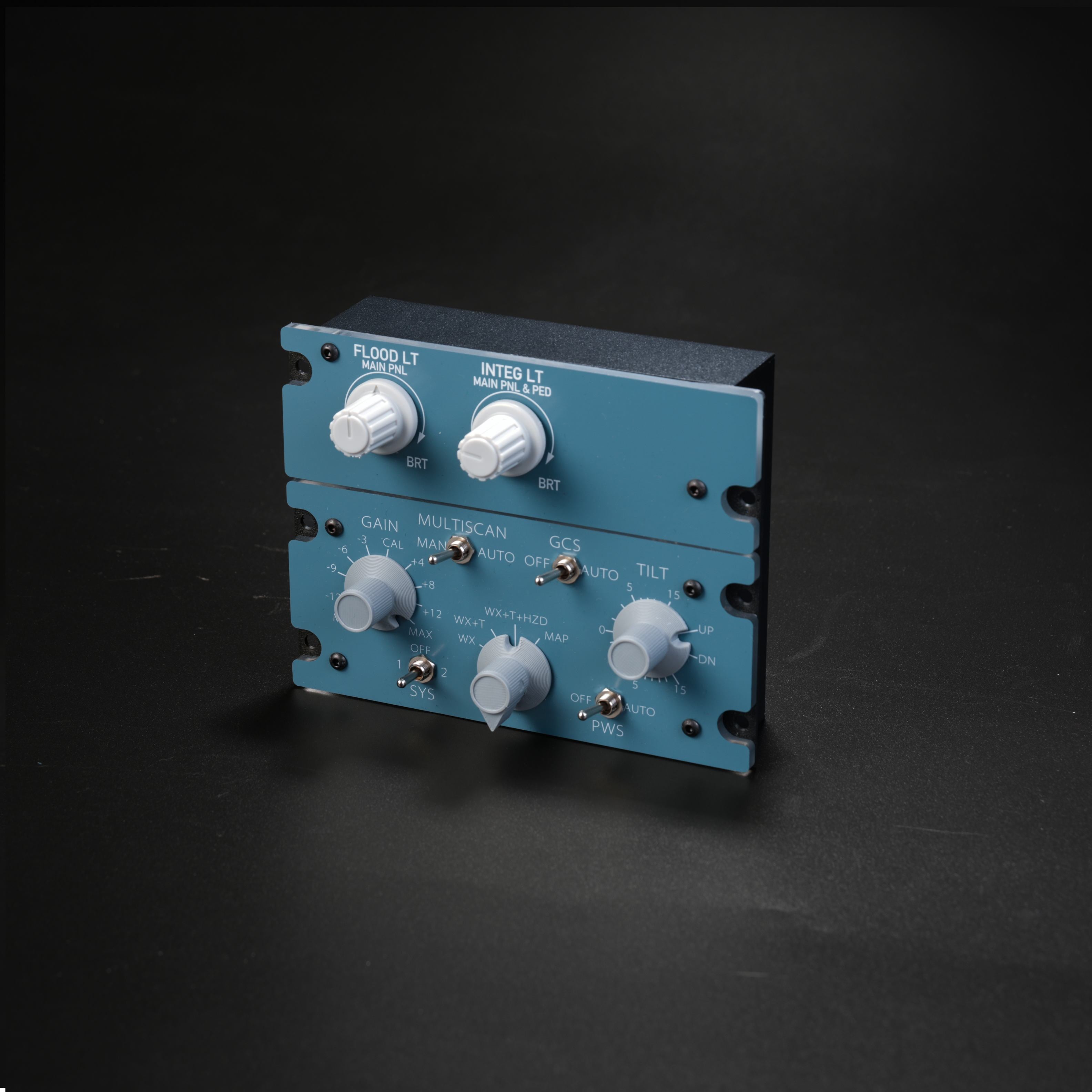
    Front view of the Rowsfire A112 panel with the backlight off
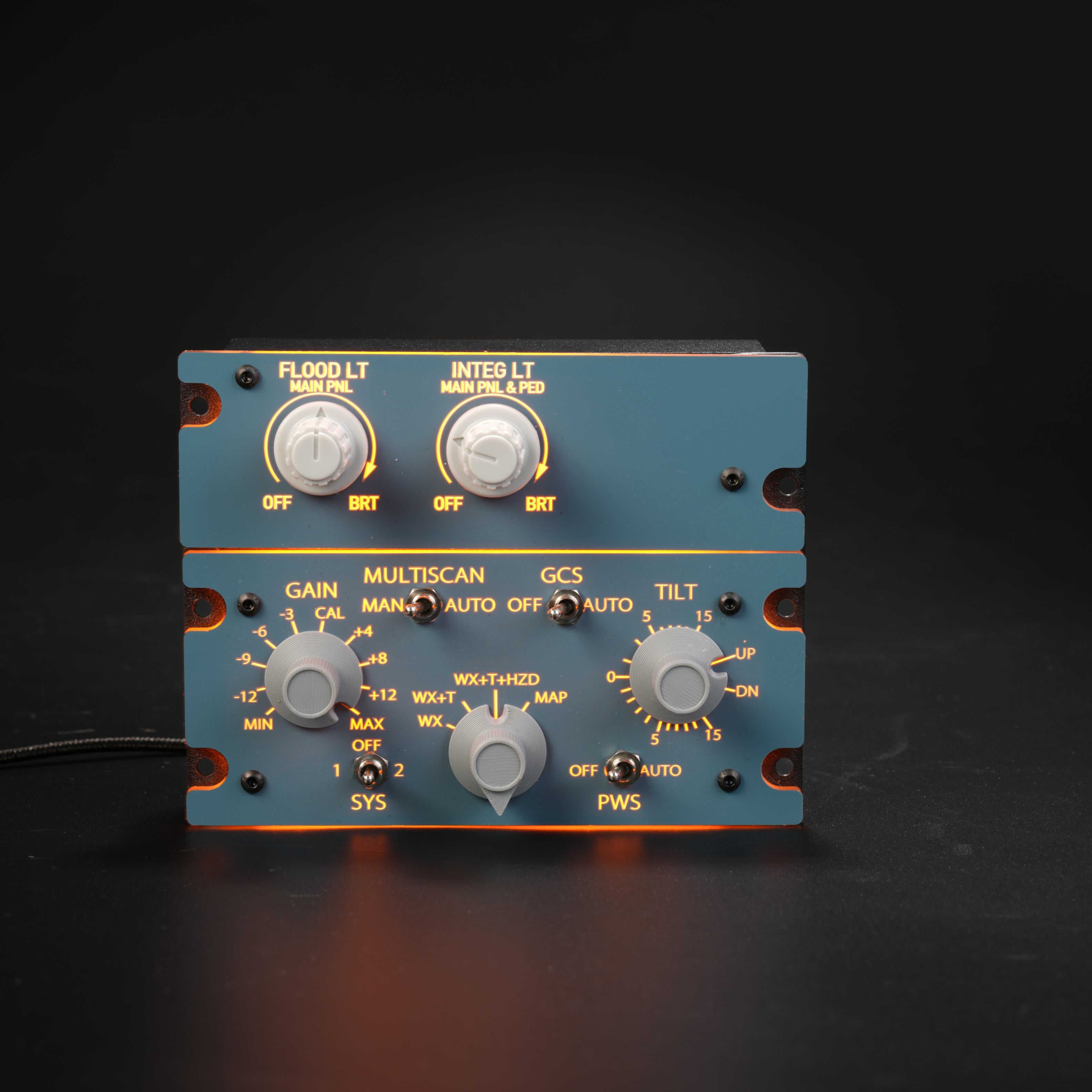
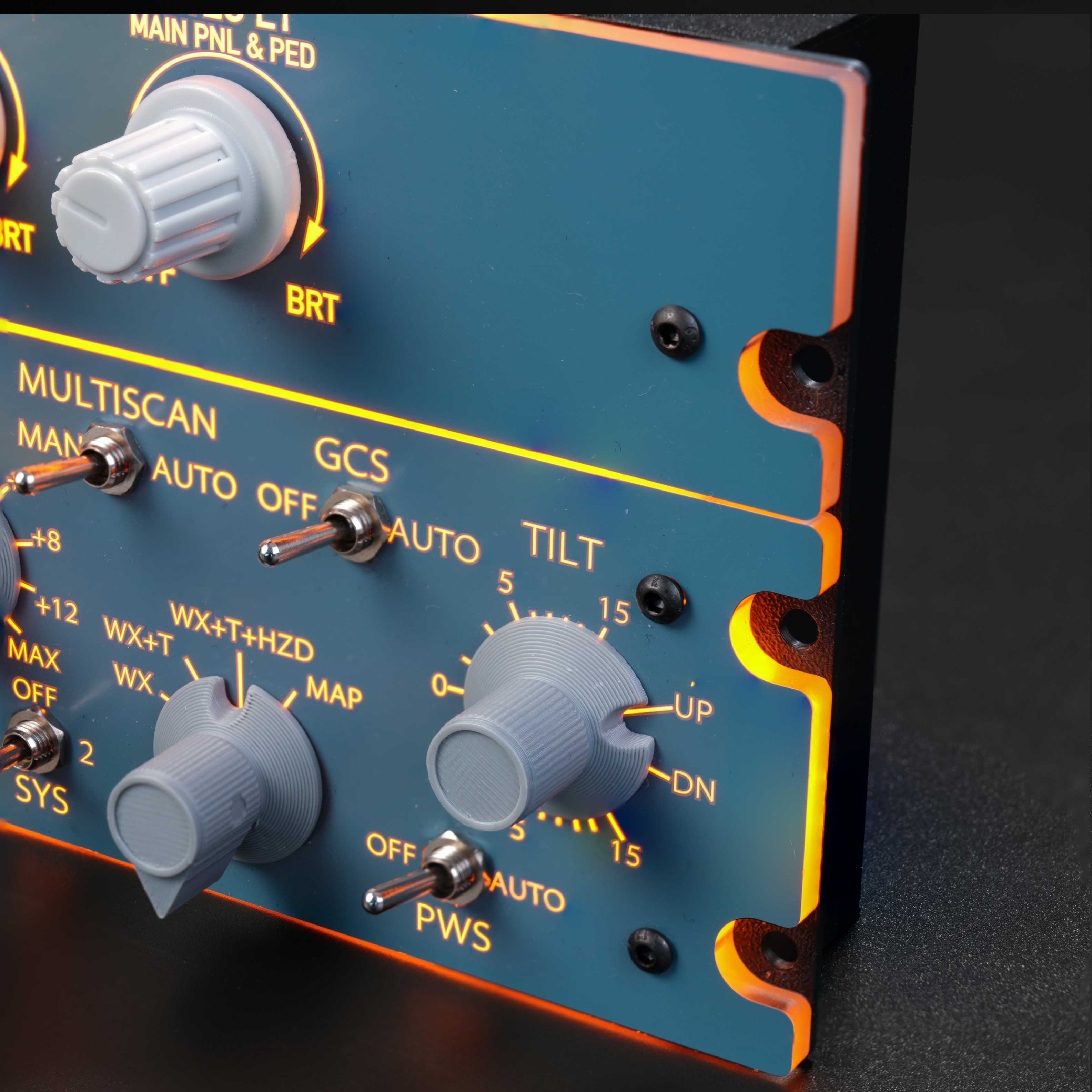
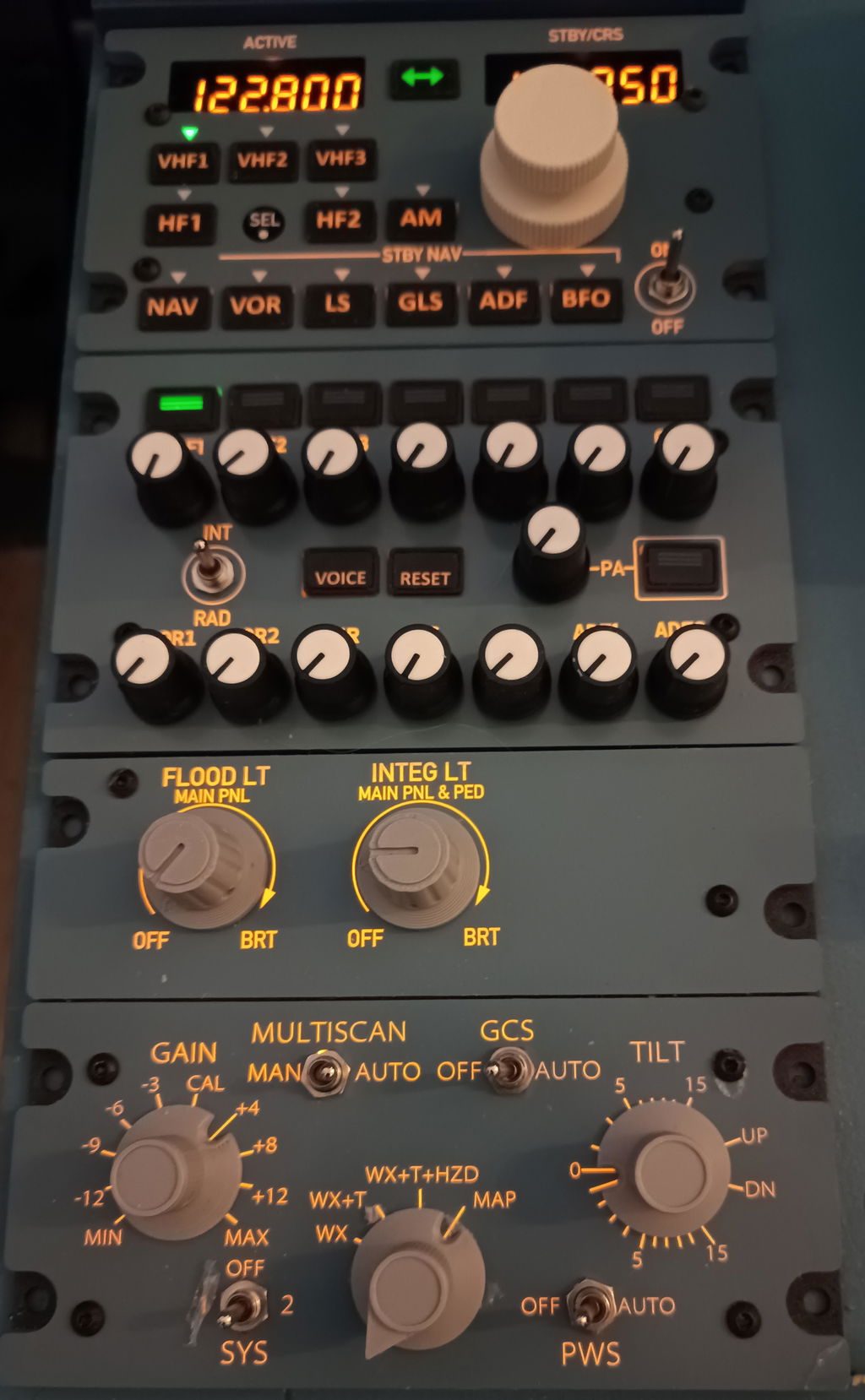
    Front view of the Rowsfire A112 A320 cockpit lighting and weather radar panel with backlit legends switched on
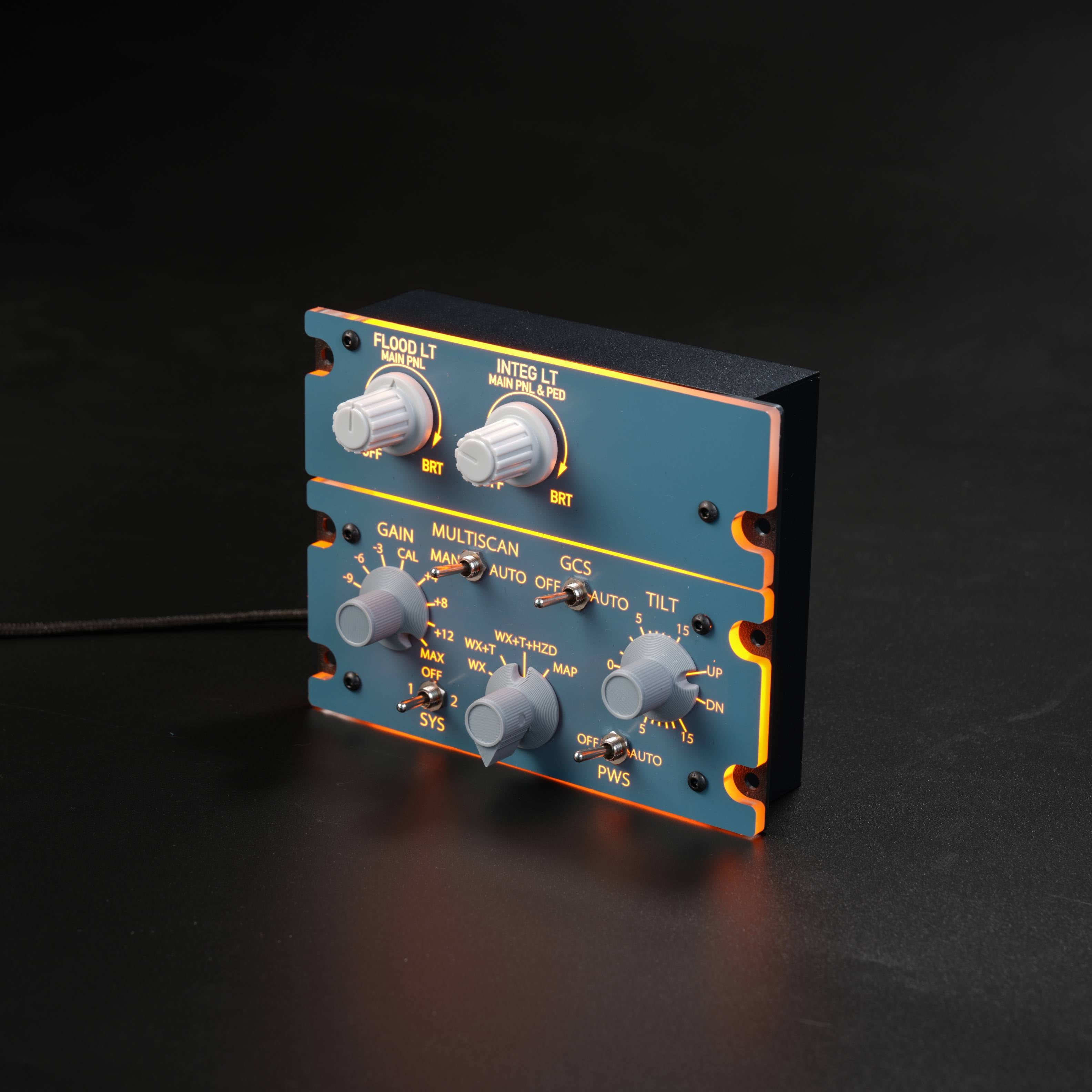
    Rowsfire A112 1:1 A320 FLOOD LT, INTEG LT and weather radar panel at an angle, backlit
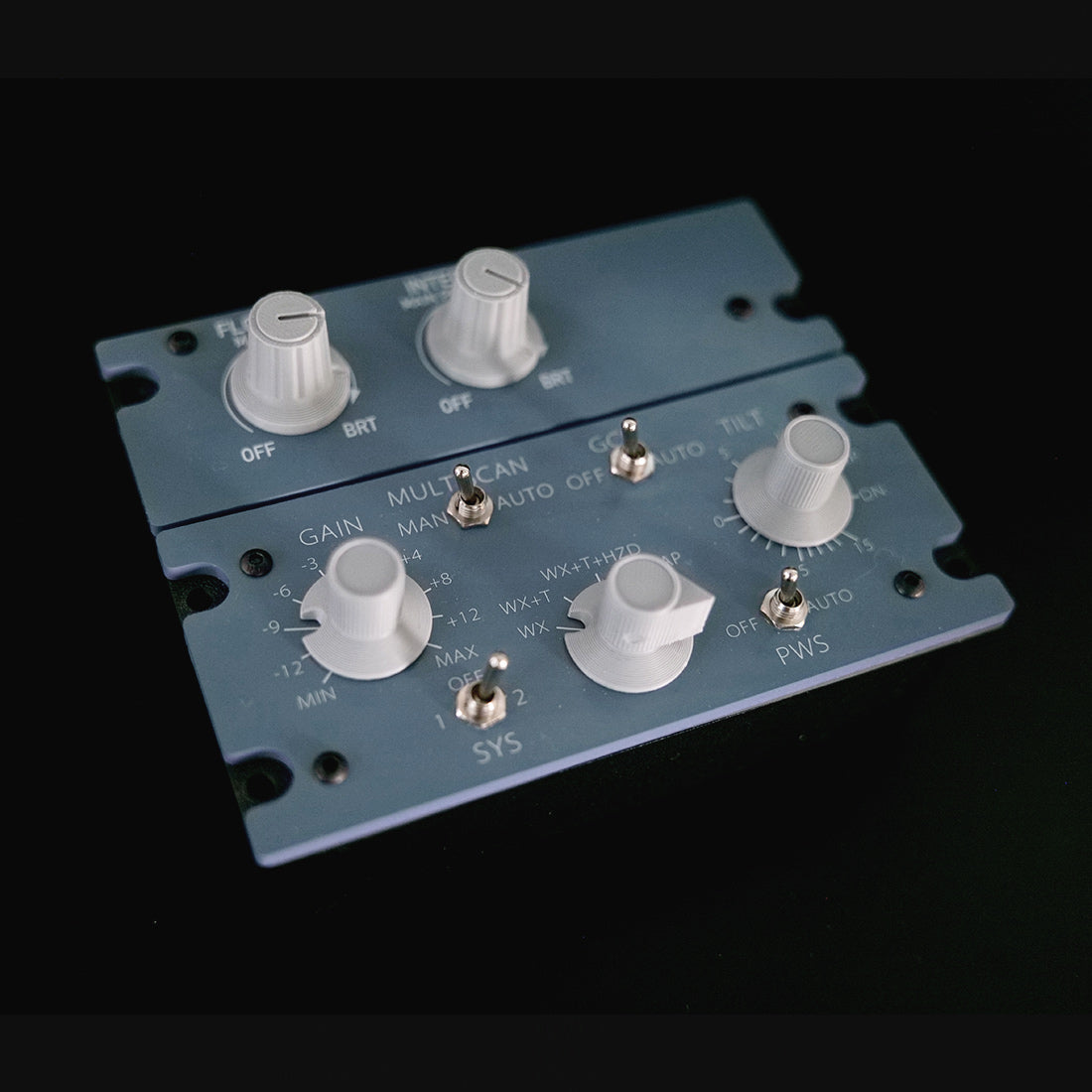
    Rowsfire A112 panel at an angle with the backlight off, showing the aluminum housing
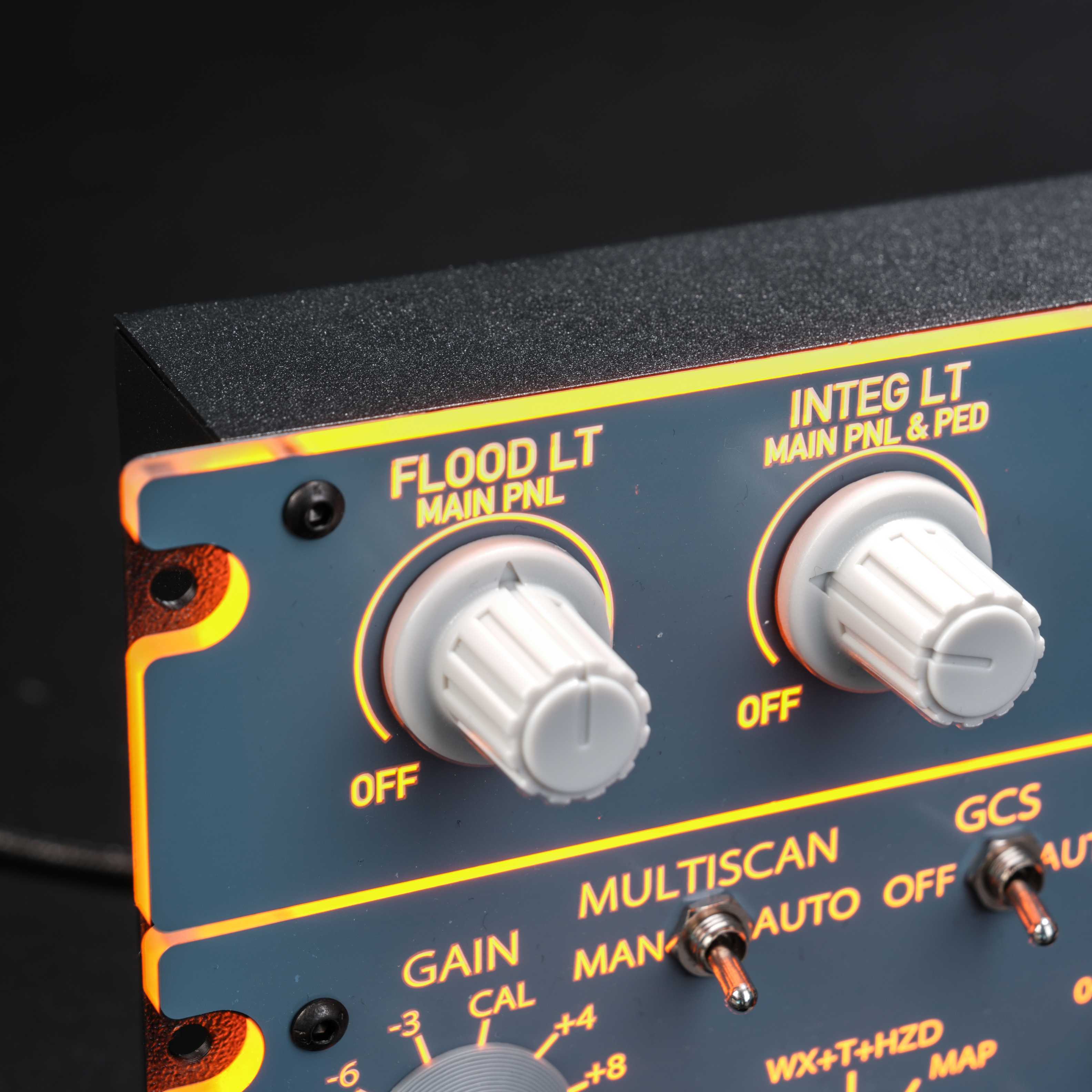
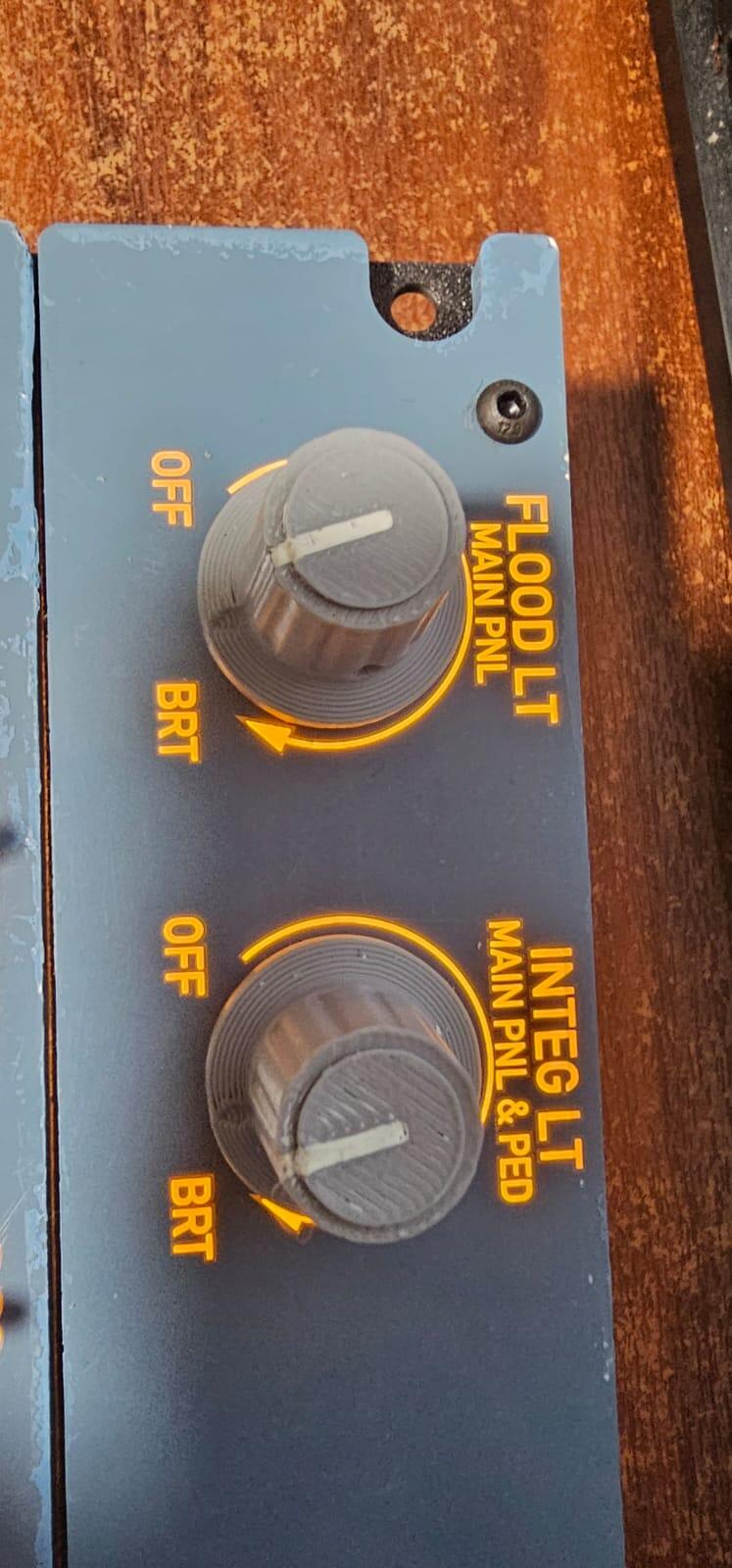
    Close-up of the A112 FLOOD LT MAIN PNL and INTEG LT MAIN PNL & PED knobs with backlit legends
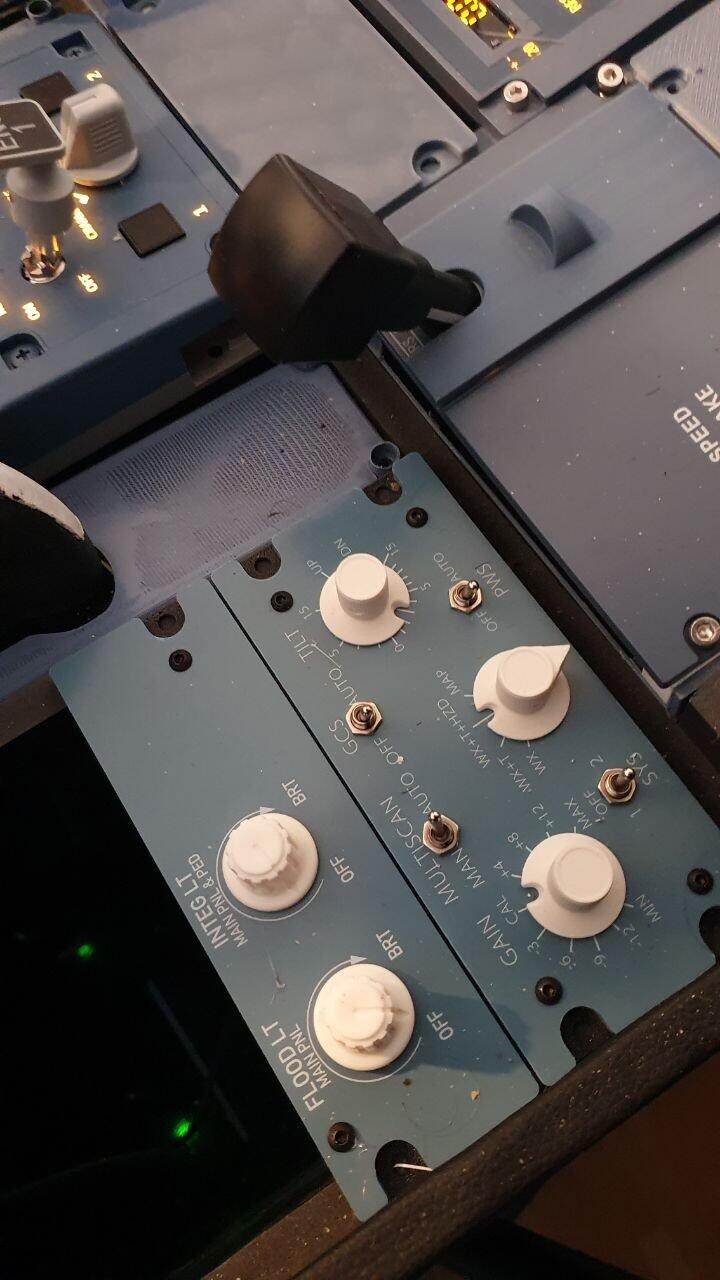
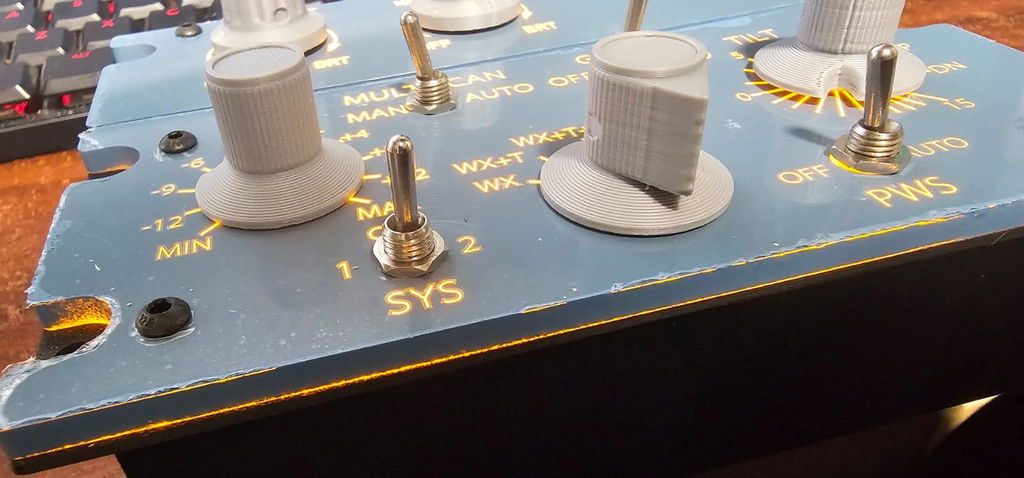
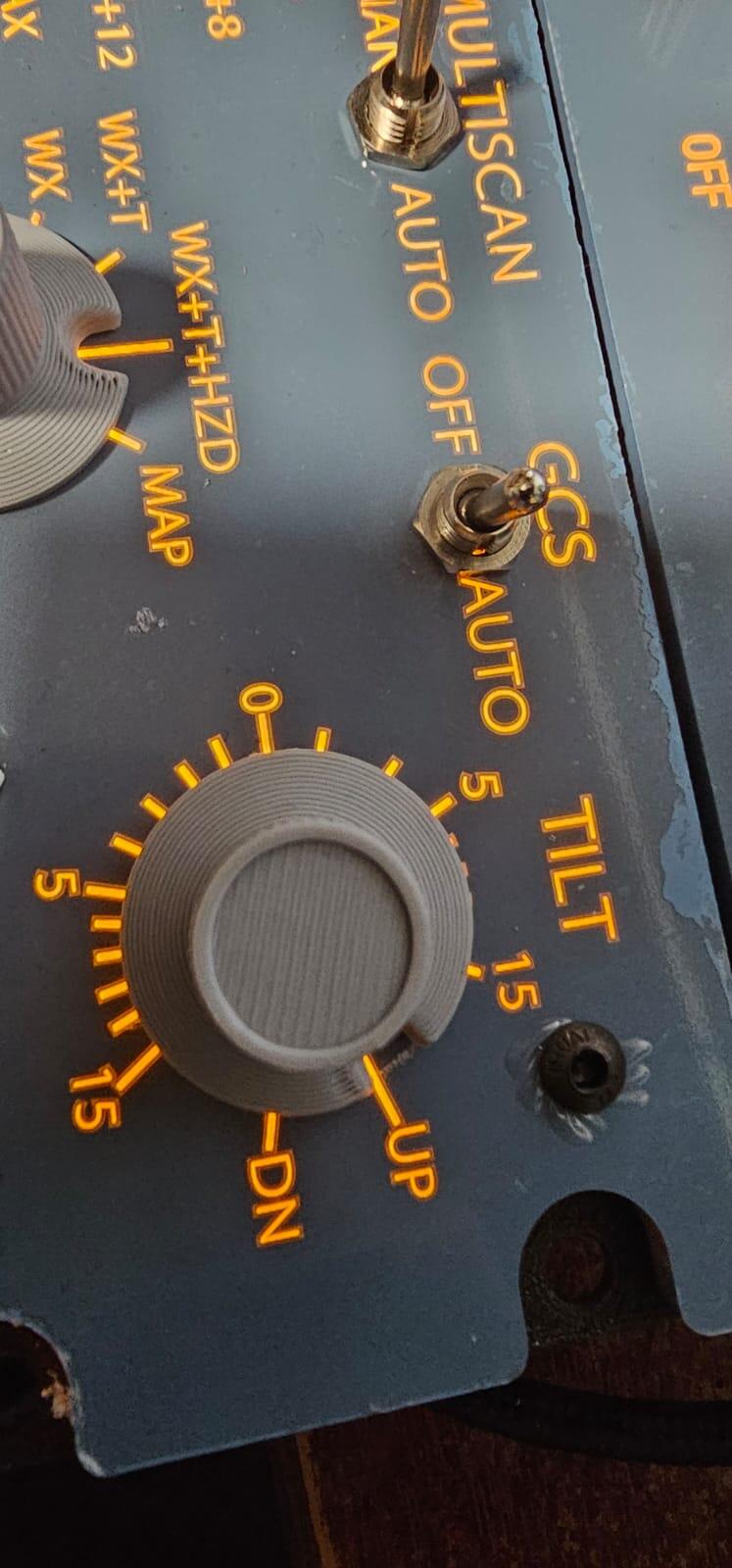
    Close-up of the A112 weather radar MULTISCAN, GCS, TILT and PWS controls
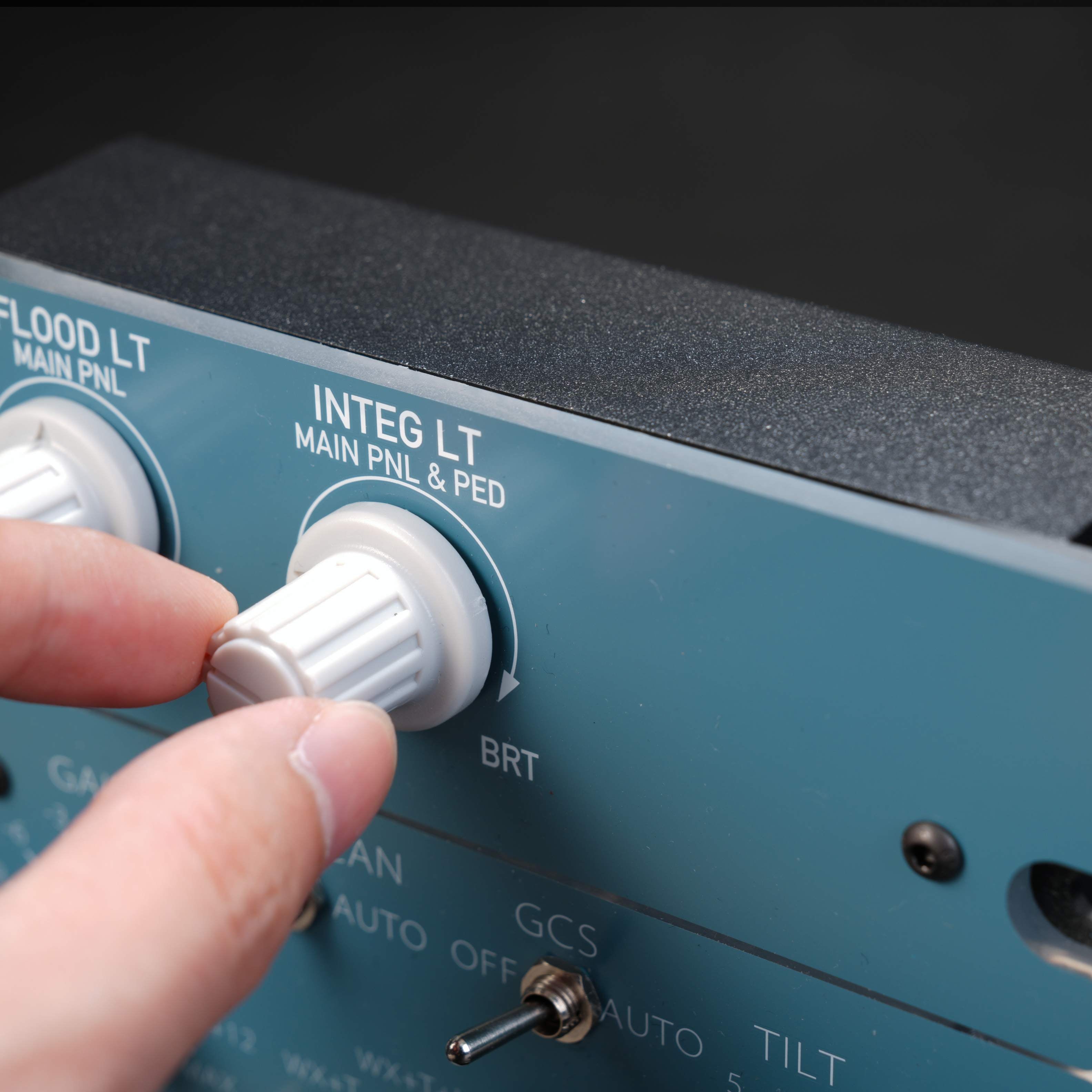
    Hand turning the A112 INTEG LT knob
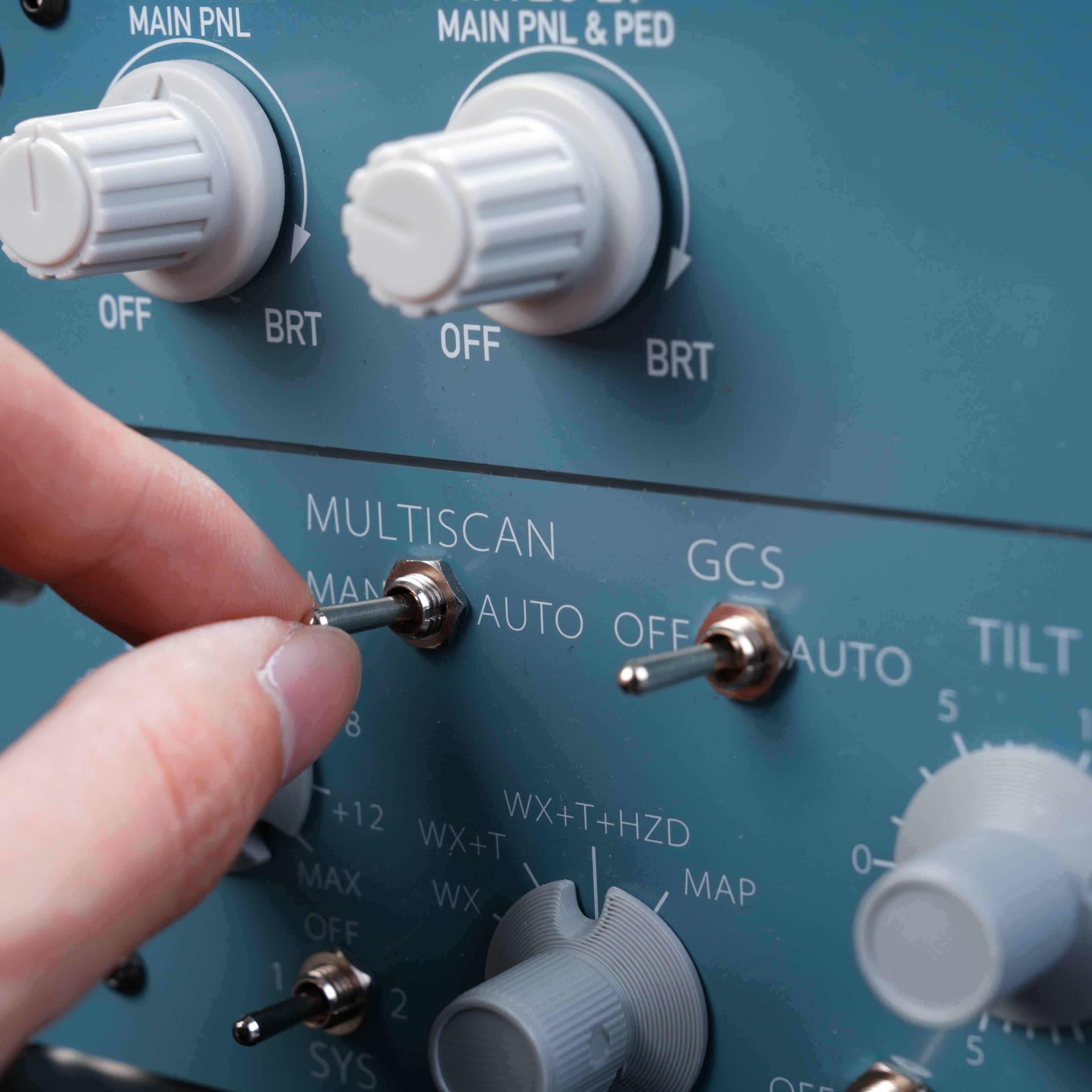
    Finger flipping the A112 weather radar MULTISCAN switch
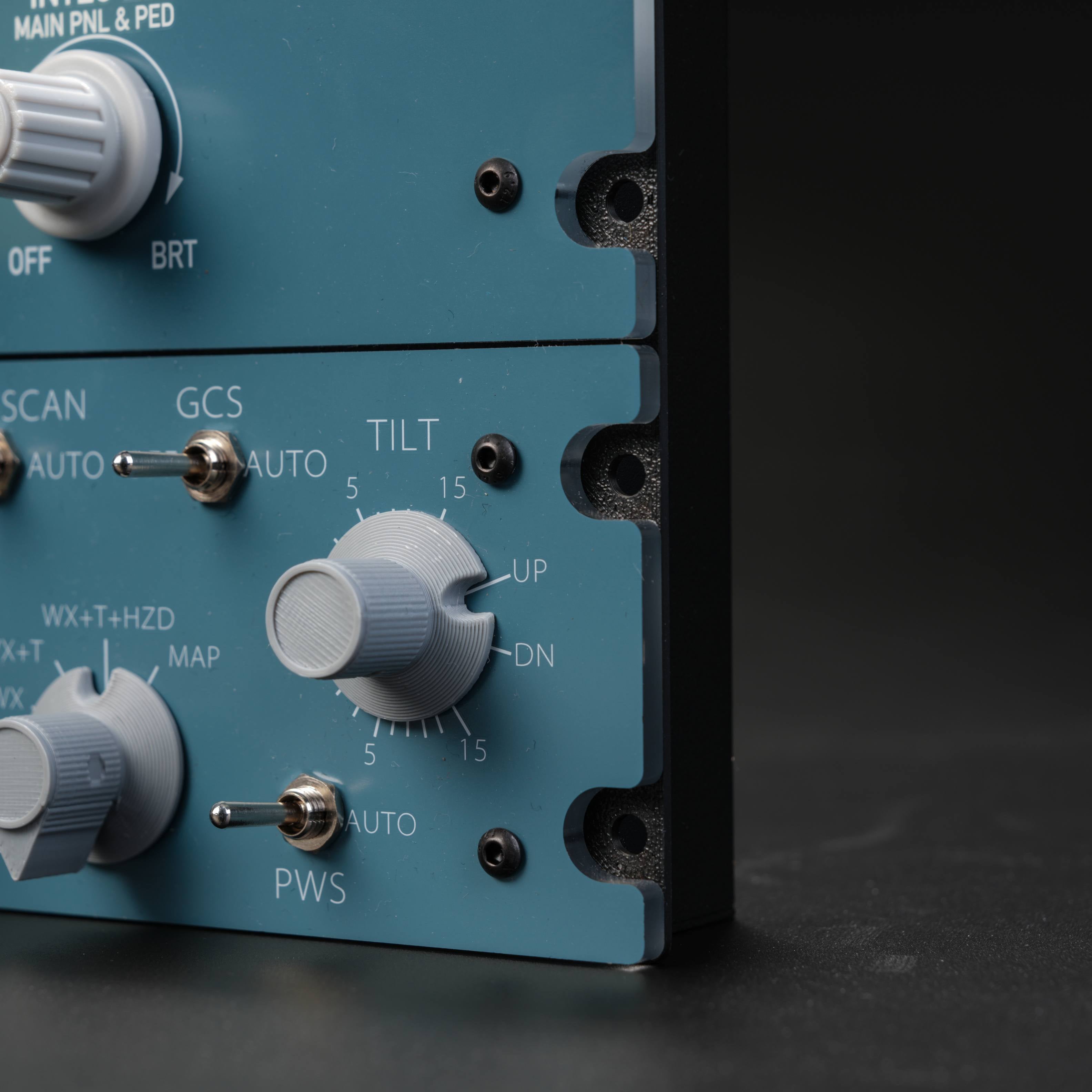
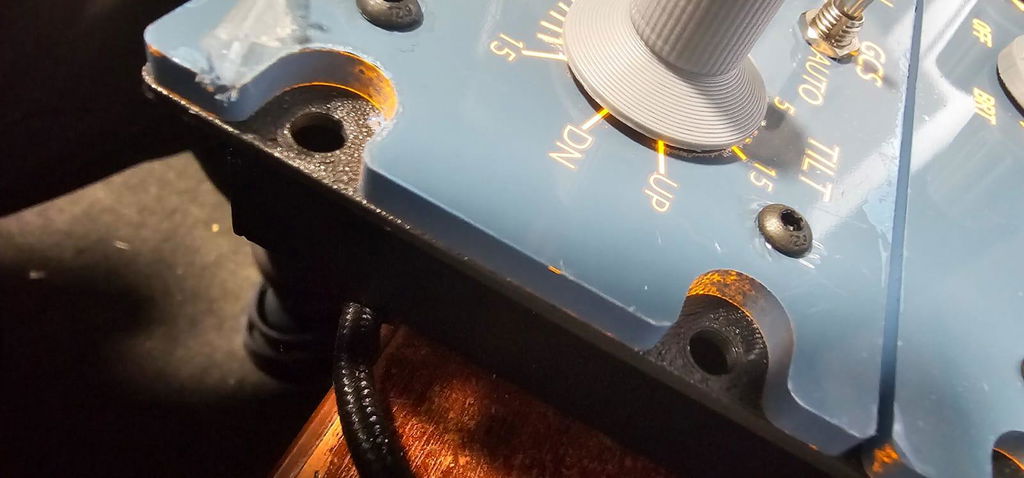
    Close-up of the A112 GCS switch, TILT knob and PWS switch
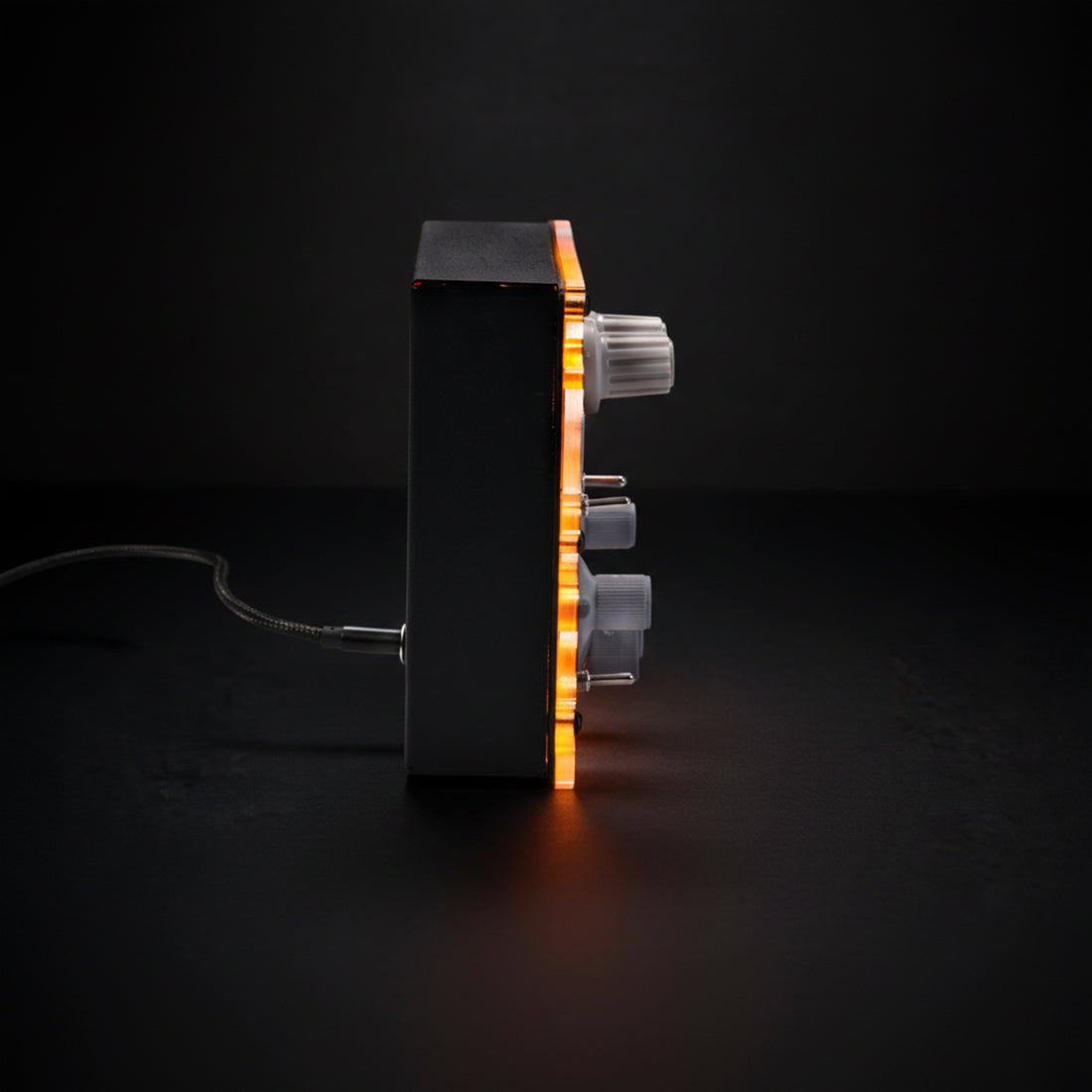
    Side profile of the backlit Rowsfire A112, showing the slim aluminum housing
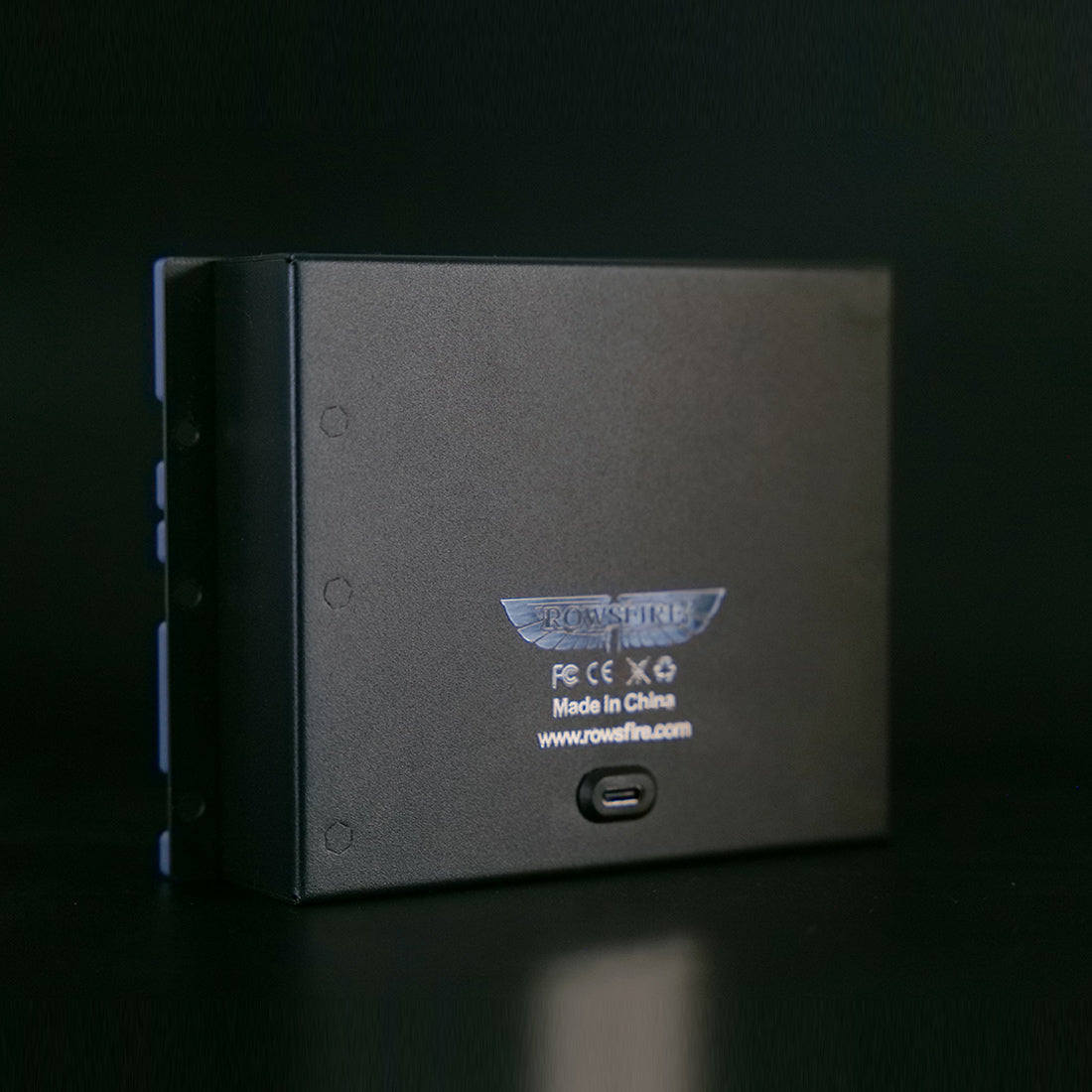
    Rear of the Rowsfire A112 aluminum housing with the USB-C port
    Rowsfire A112 panel lying flat, top view of the knobs and switches
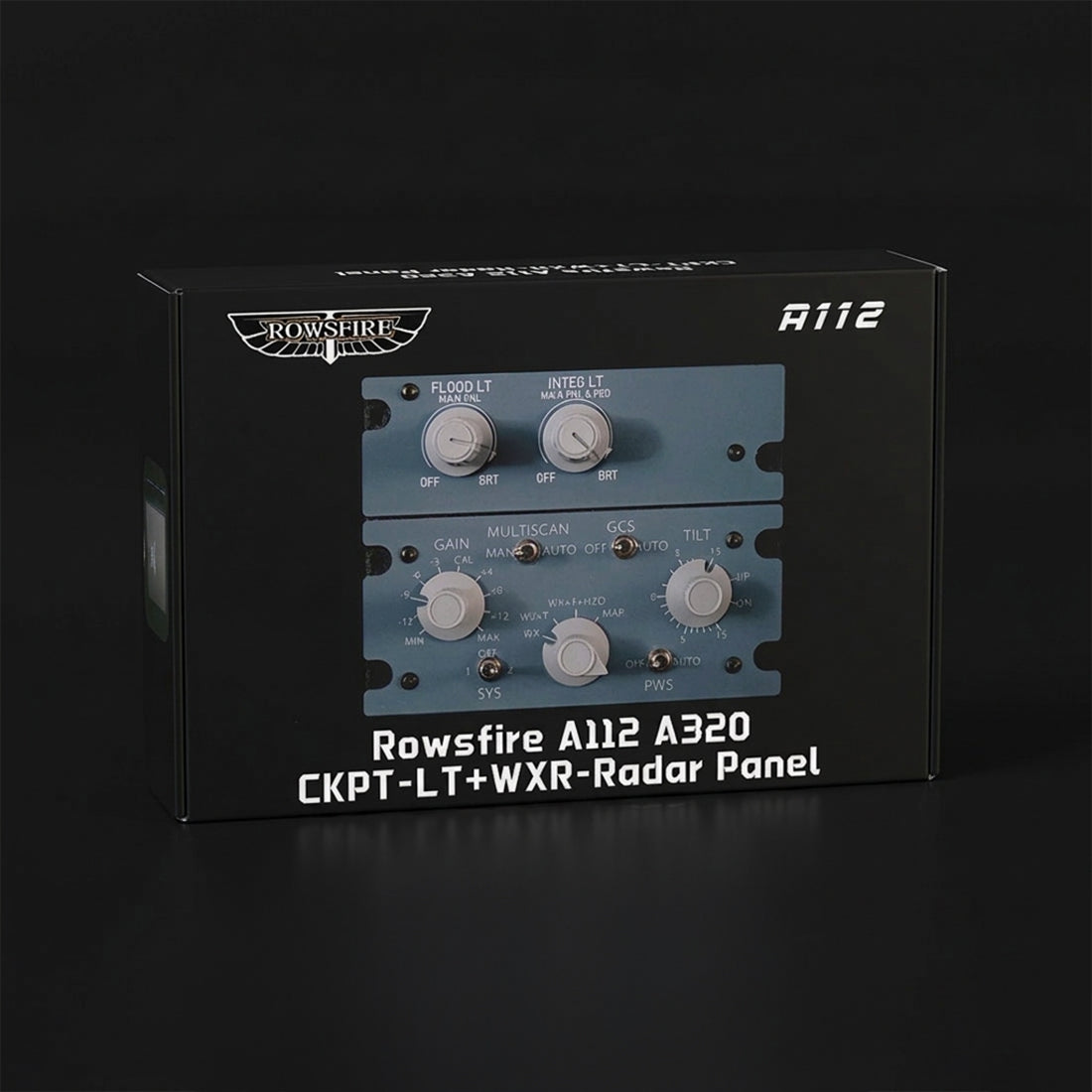
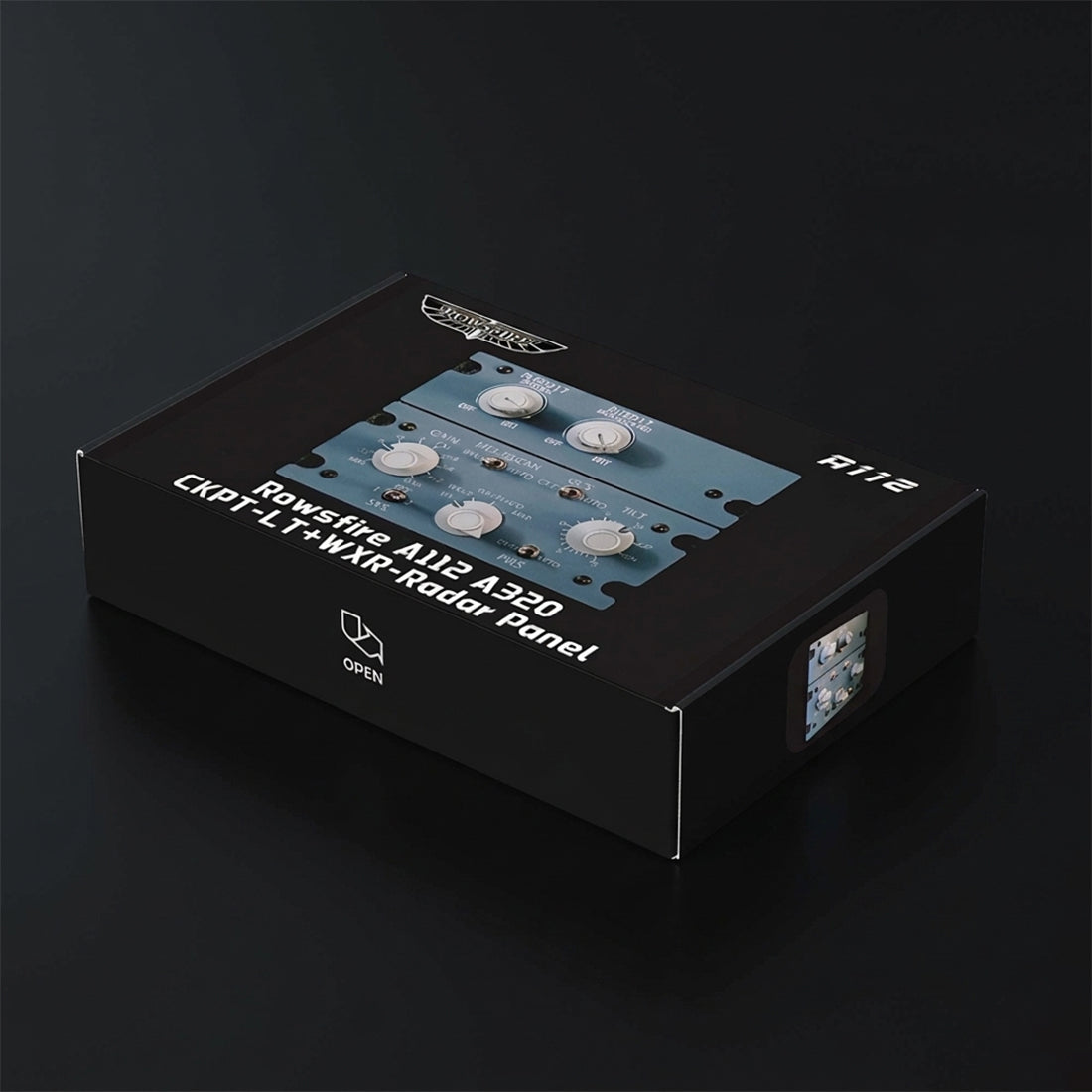
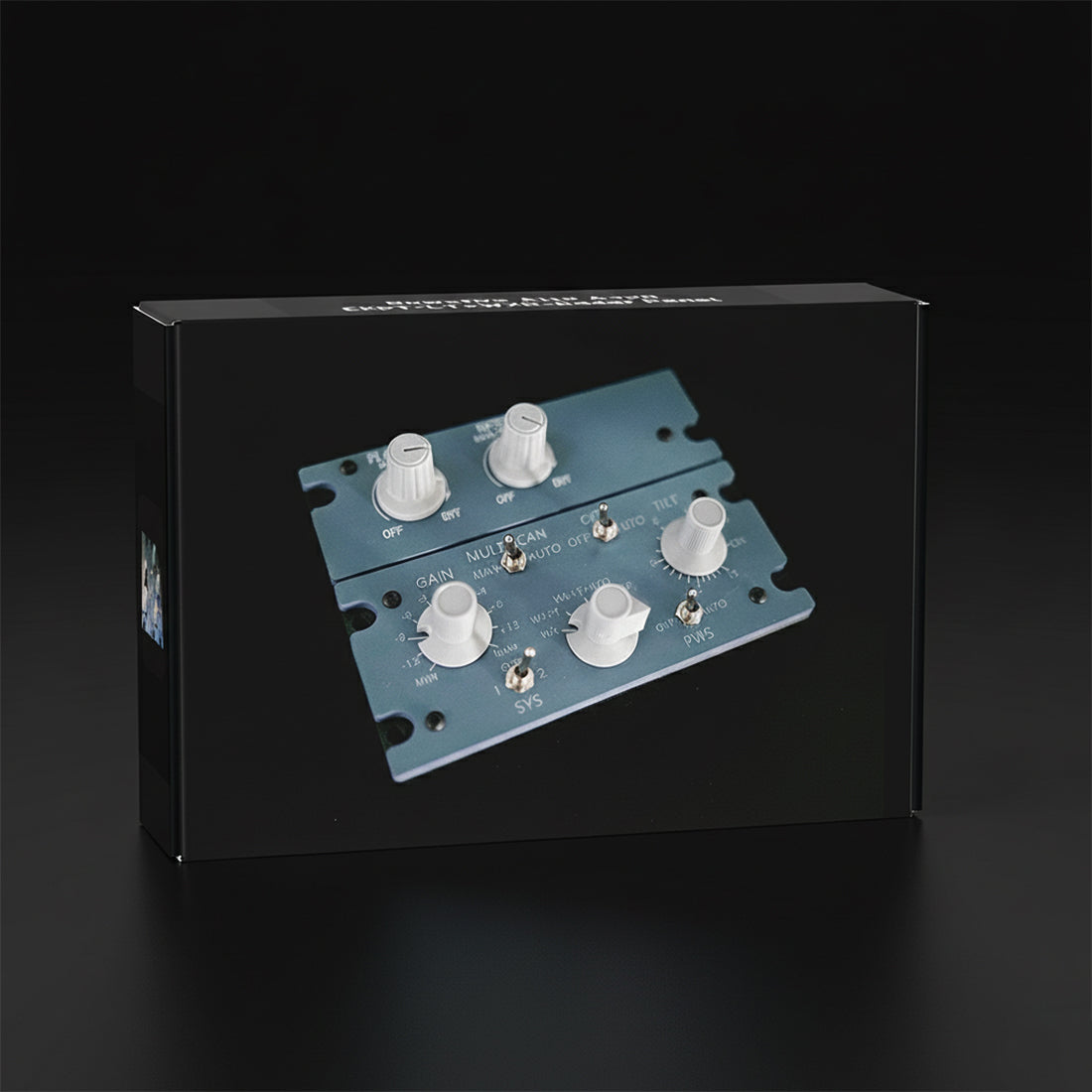
    Rowsfire A112 A320 CKPT-LT + WXR-Radar panel retail box
    Rowsfire A112 retail box, angled view
    Rowsfire A112 retail box, front view
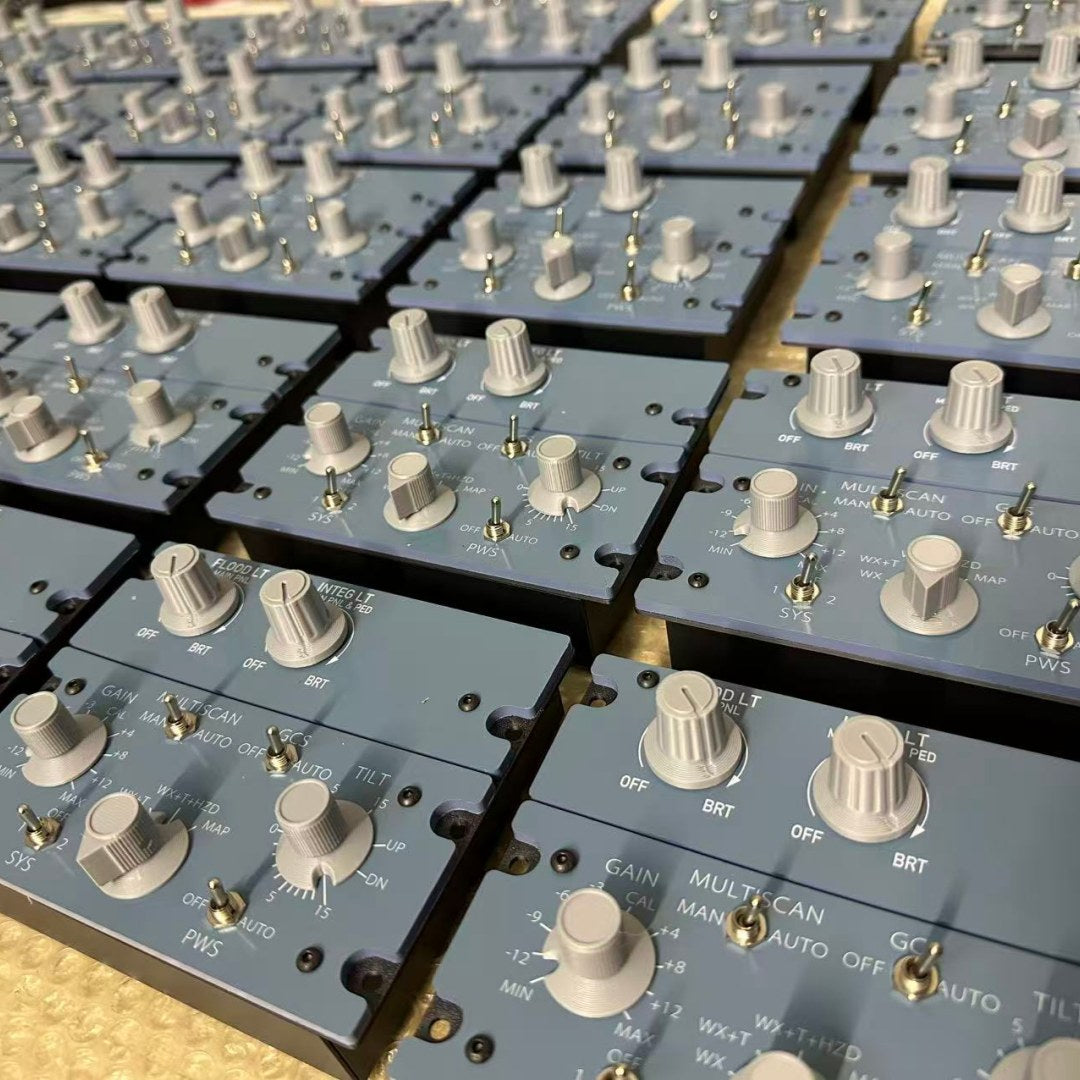
    Rows of Rowsfire A112 panels during production
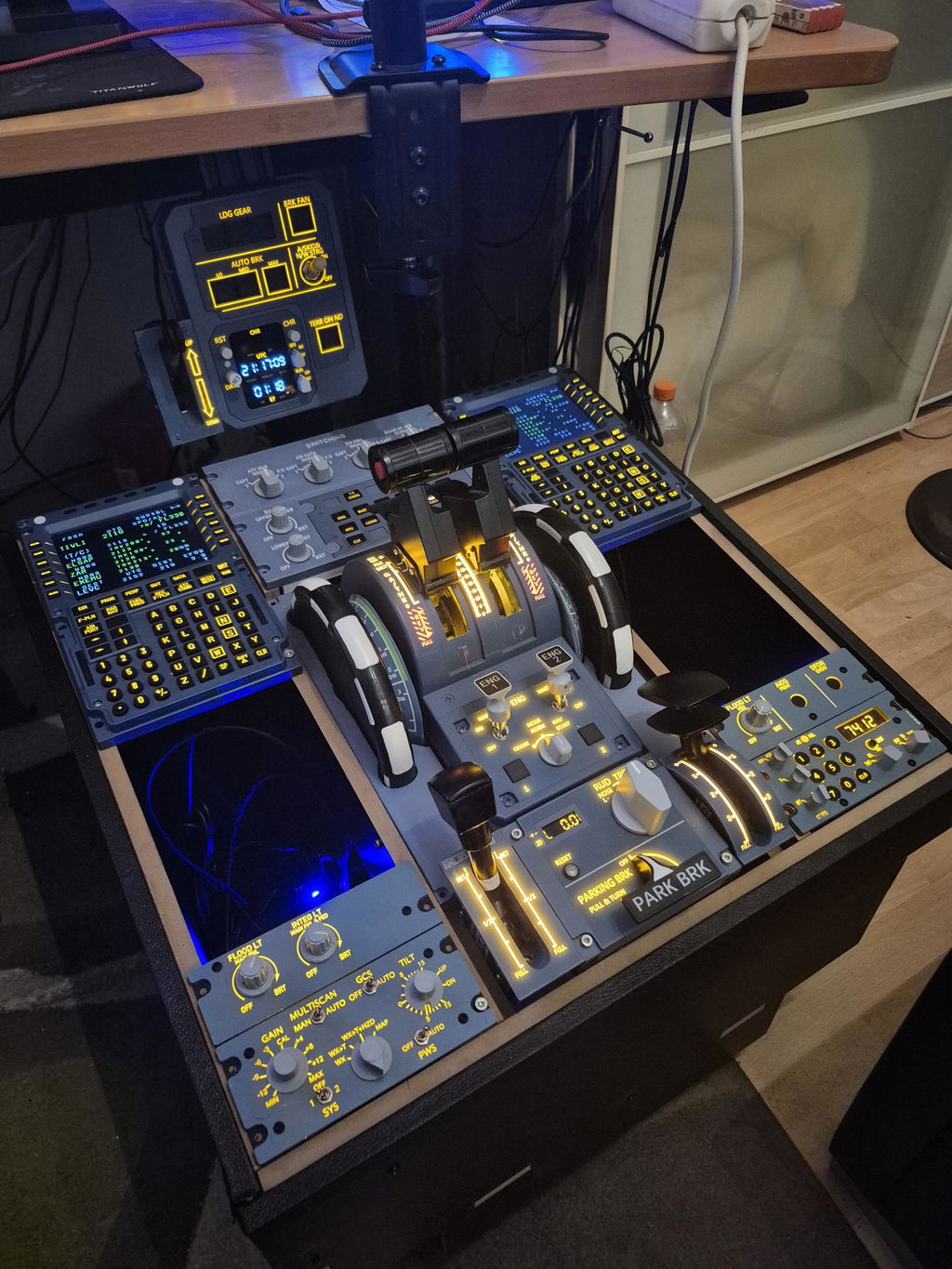
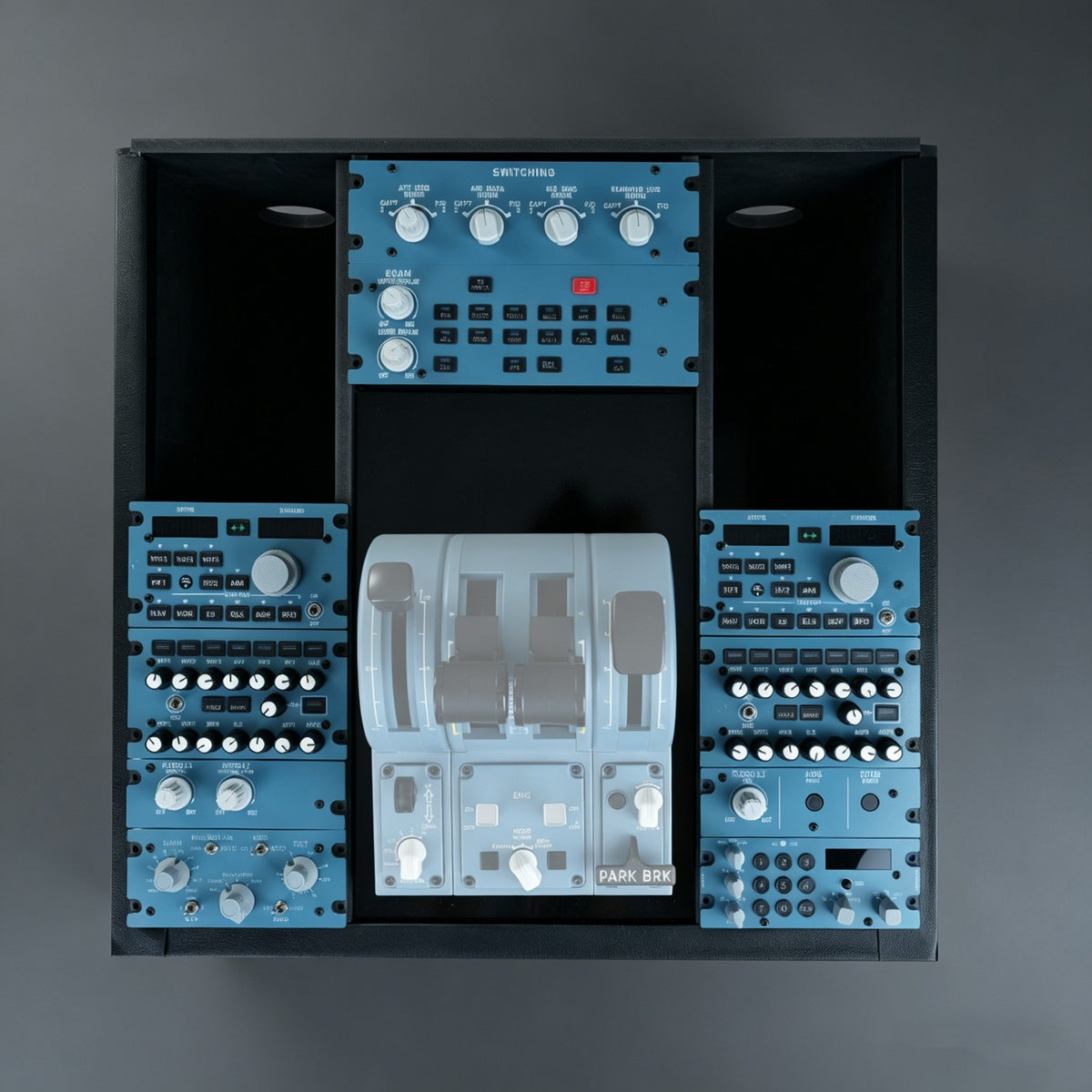
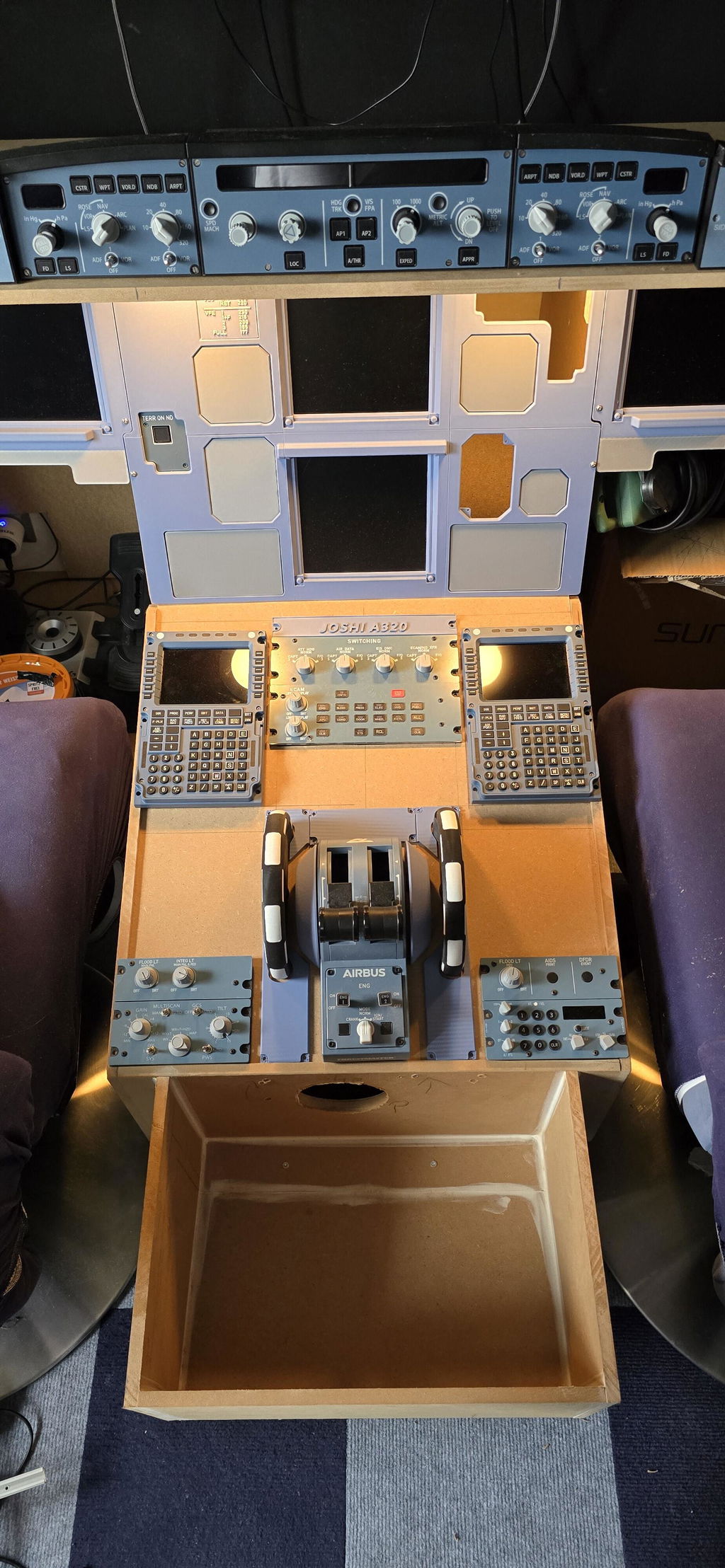
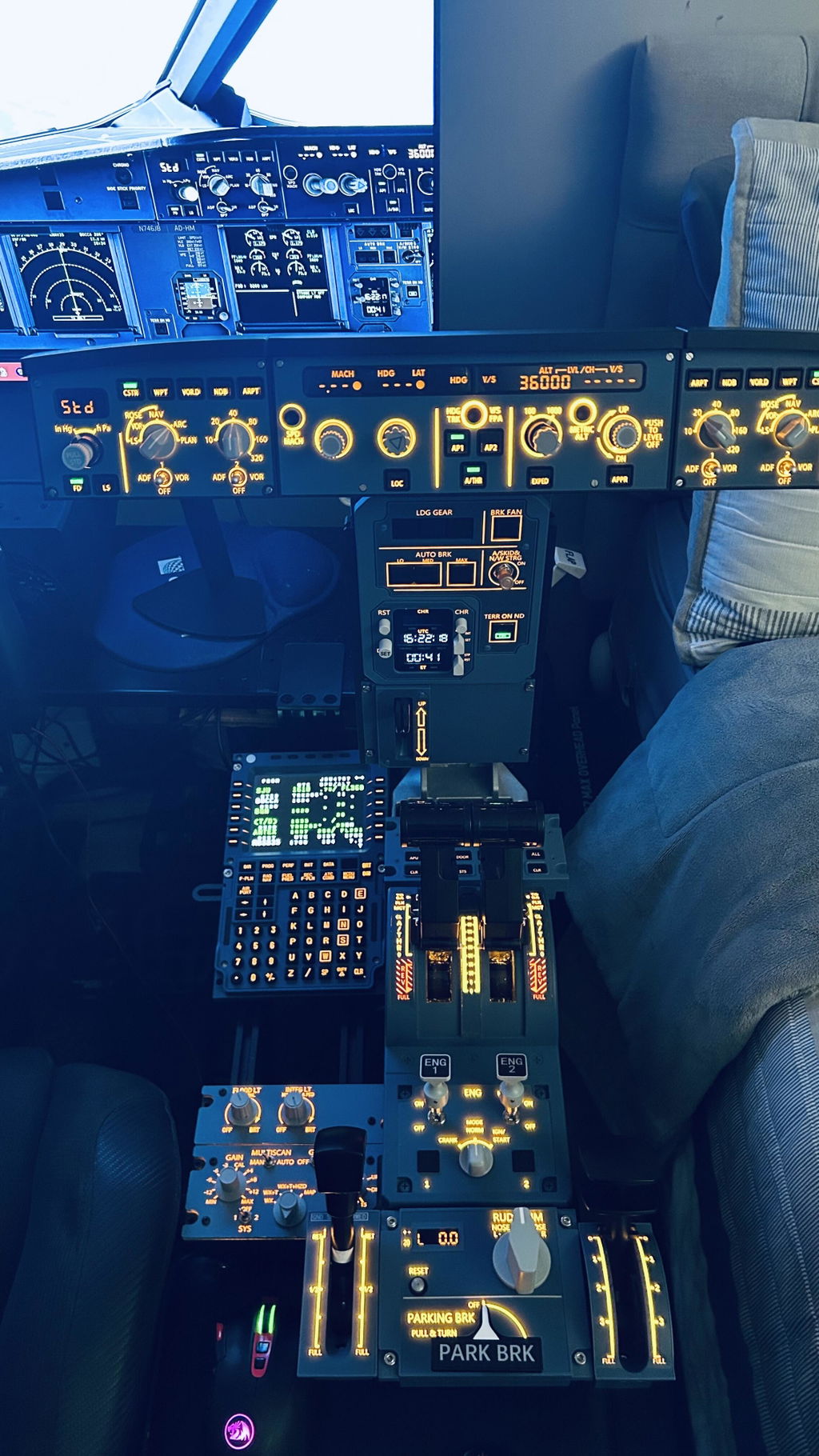
    A320 home cockpit pedestal built with Rowsfire A109, A111, A112 and A113 panels
    Airbus A320 home cockpit with overhead, glareshield, main instrument and pedestal panels
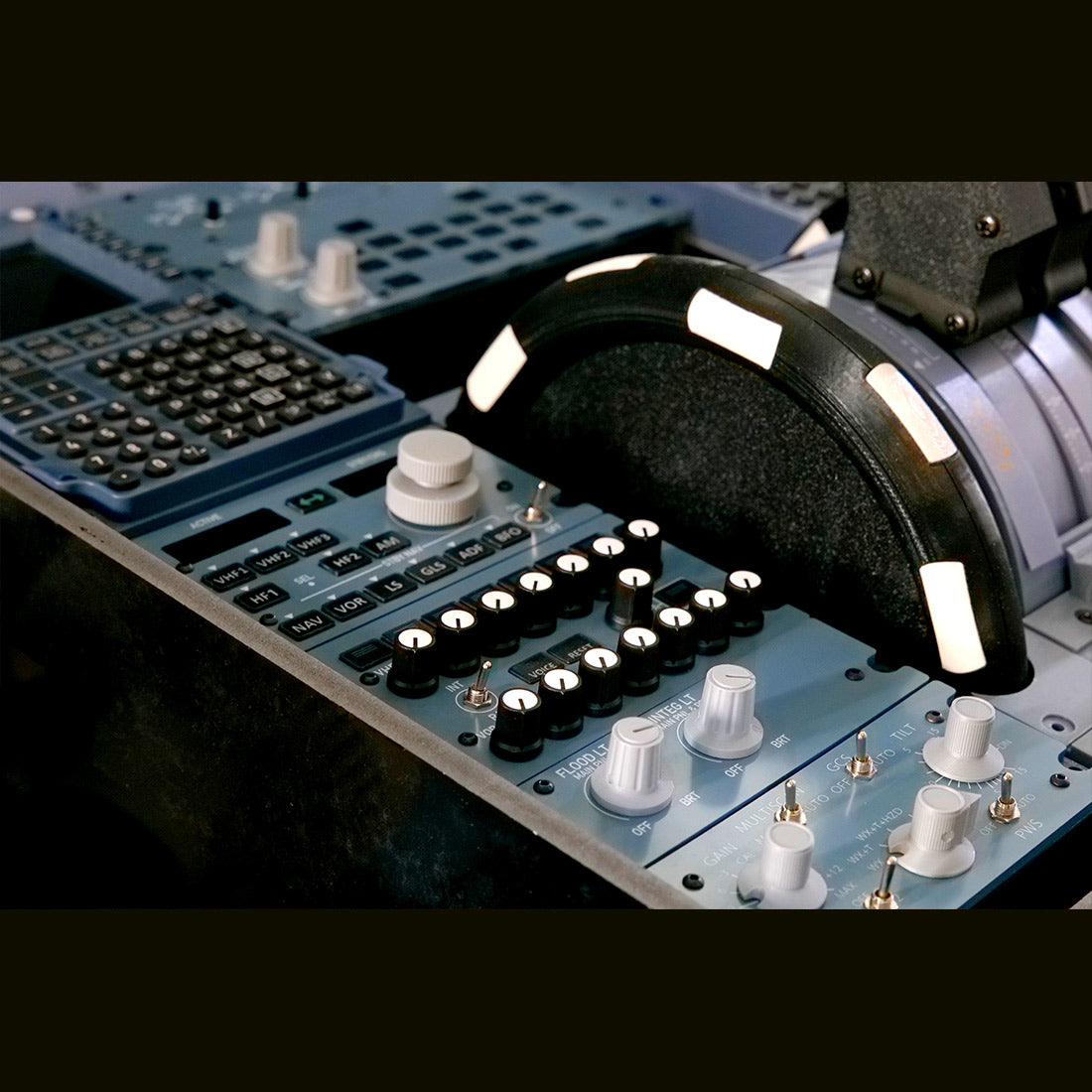
    Rowsfire pedestal panels installed beside the thrust levers in an A320 home cockpit
    Rowsfire A111, A112 and A113 A320 pedestal panels lined up side by side
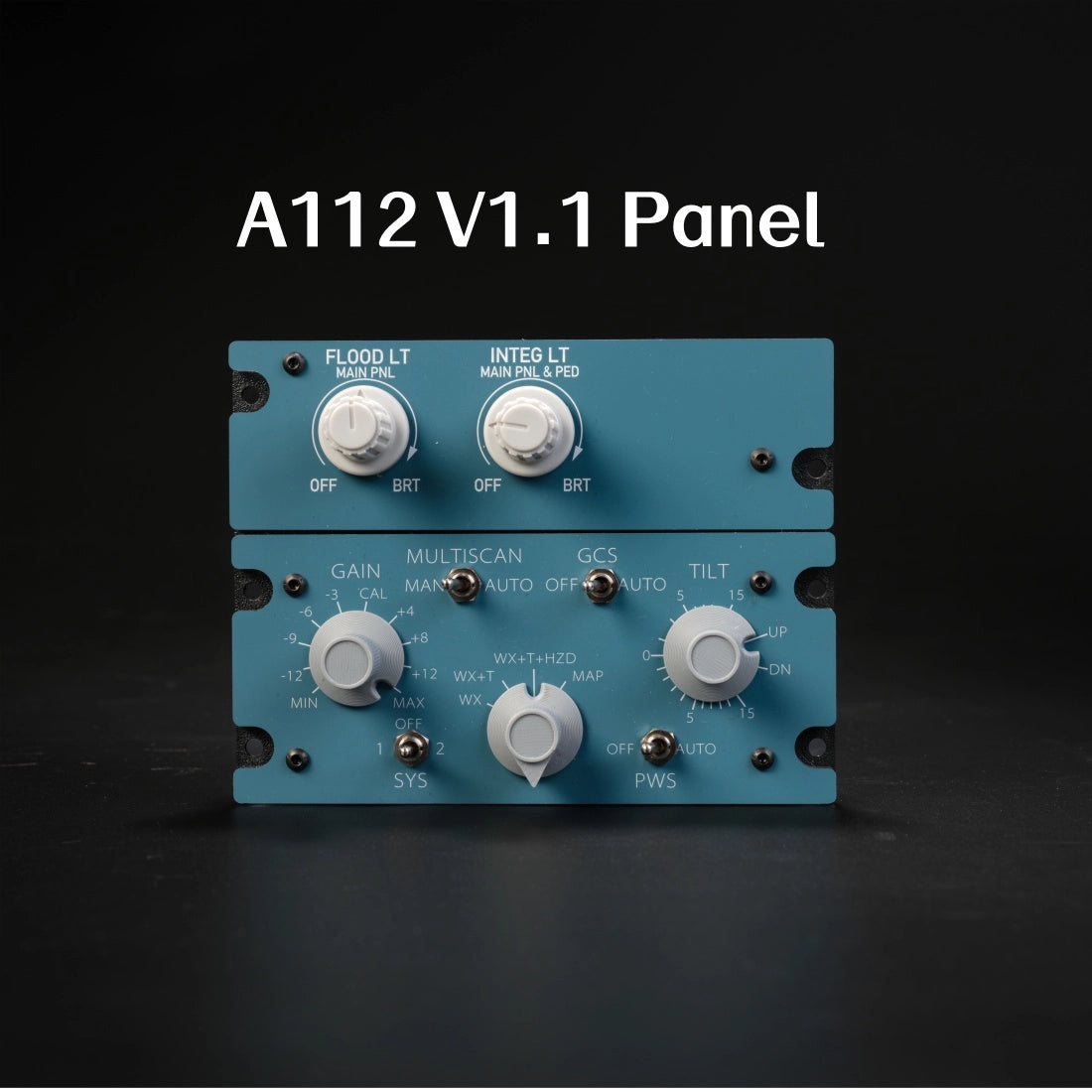
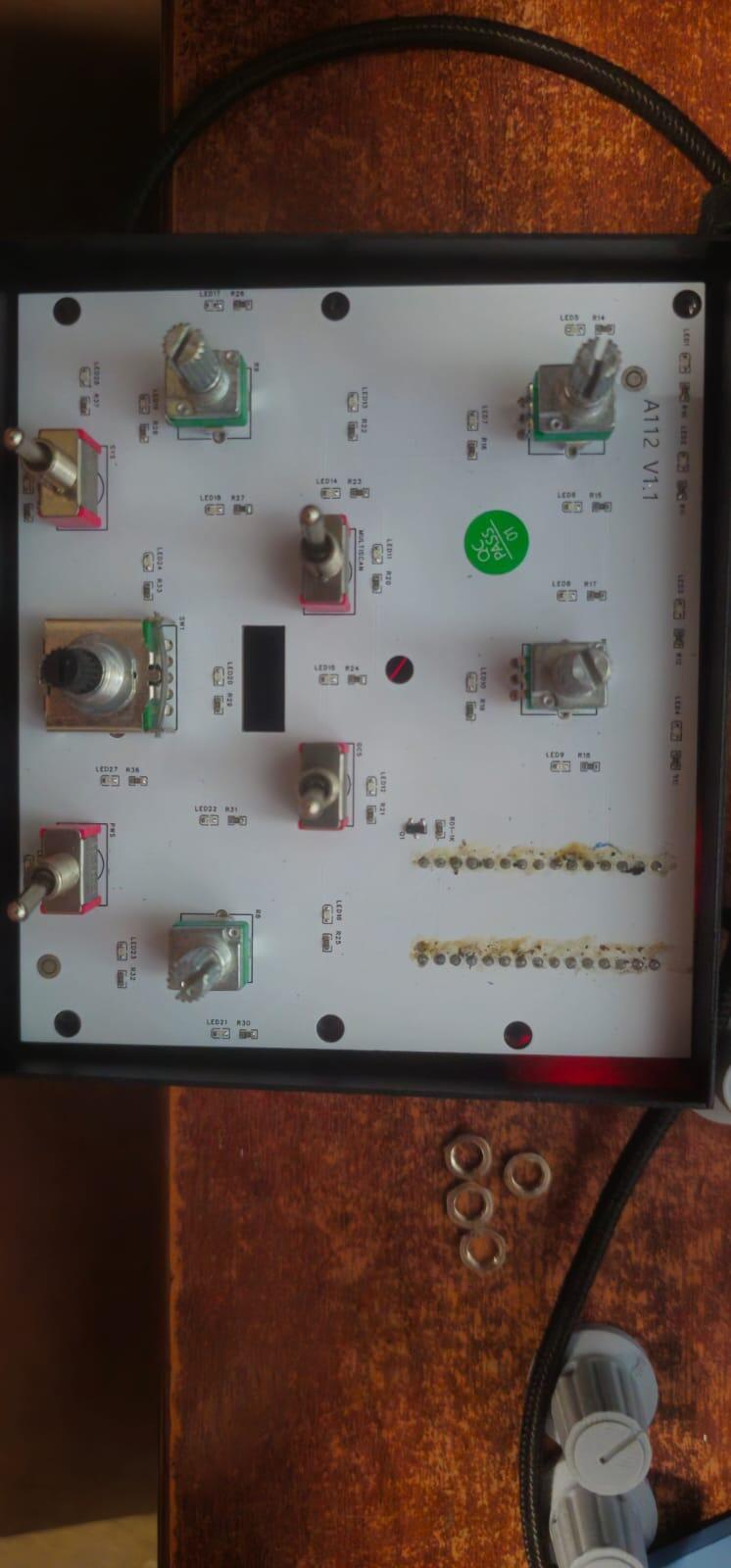
    Earlier Rowsfire A112 V1.1 panel, front view
    Rowsfire A112 A320 cockpit lighting and weather radar panel with the backlit legends switched on

    Airbus A320 Pedestal · CKPT-LT + WXR

    Cockpit lighting and weather radar, in one 1:1 panel.

    The A112 puts the A320's flood and integral lighting knobs and the full weather radar panel into one module, built dimension-for-dimension to the real Airbus pedestal. Every knob and switch sits where your hand expects it. It drops straight into the Rowsfire A110P pedestal and connects with a single USB-C cable.

    • True 1:1 scale
    • Aluminum housing
    • Backlit legends
    • Rear USB-C
    • Rowsfire App or MobiFlight

    Now shipping V2 · new V4.0 mainboard for a longer service life and finer knob adjustment.

    Watch it work

    See the A112 in action.

    Watch the A112 go from box to home cockpit, plus a quick unboxing. Tap a chapter to jump straight to it.

    XP72 install & test · 10 min

    Opinions are the creator's own.

    Unboxing · what's in the box

    What owners said

    "Excellent add-on for my X-Plane 12 simulator. It works great and adds a lot of realism."

    Alejandro P. · Verified buyerRead reviews →

    "Love this panel. I'm using it with Fenix A320 and works great."

    Cesar · Customer reviewRead reviews →

    Why the A112

    Built like the real part.

    Close-up of the A112 FLOOD LT and INTEG LT knobs with backlit legends

    Real cockpit lighting controls

    • FLOOD LT and INTEG LT knobs for the main panel and pedestal, at true 1:1 scale.
    • Backlit legends you can read in a dark cockpit at night.
    • Knob positions match the A320 pedestal, so it lines up with your other panels.
    Close-up of the A112 weather radar MULTISCAN, GCS, TILT and PWS controls

    The full weather radar panel

    • SYS, PWS, GAIN, MODE, MULTISCAN, GCS and TILT, laid out exactly as on the A320.
    • Switch radar modes and set the tilt without touching the mouse.
    • Muscle memory carries straight over to the real flight deck.
    Side profile of the backlit A112, showing the slim aluminum housing

    Aluminum housing, V4.0 mainboard

    • Rugged aluminum alloy chassis with a tactile finish.
    • The V2 mainboard improves service life and knob adjustment precision.
    • USB-C on the back, so cables run cleanly behind the panel.
    Rowsfire A110P pedestal frame fitted with the A109, A111, A112 and A113 panels

    Made for the pedestal

    • Fits the Rowsfire A110P A320 pedestal frame natively.
    • Embedded rail-mount design, no VESA bracket needed.
    • Pairs with the A111, A109 and A113 for a complete center pedestal.

    Compatibility

    Works with the Airbus you fly.

    MSFS 2020, MSFS 2024 and X-Plane 12 on Windows 10 / 11.

    Aircraft (Rowsfire App)

    • FenixA320
    • FlyByWireA32NX
    • ToLissA319 / A320 / A321

    FSLabs and the A330-300 are not supported on the A112 V2 yet. More aircraft are added through App updates. Full compatibility list →

    Two ways to connect

    Rowsfire App · plug and play. It's free, detects the A112 and loads the right profile for your aircraft.

    MobiFlight · fully customizable. Map any knob or switch yourself.

    Quick start

    1. Install the Rowsfire App (free) and plug the A112 into a USB 3.0 port on the back of your PC.
    2. Start your simulator and load your aircraft first, then open the Rowsfire App.
    3. Fly. The App detects the A112 and loads the profile for your aircraft. If it asks for a firmware version, pick the one on your panel's label (V2).
    ⚡ Power note: the A112 uses high-brightness LEDs. Front-panel USB ports and unpowered hubs may not supply enough current, which can cause disconnects or flickering. Use a USB 3.0 port on the back of your PC, or a powered hub (12V / 4A or higher) when running several panels.

    Up close

    Every knob where it should be.

    Front view of the A112 with the backlit legends switched on
    Hand turning the A112 INTEG LT knob
    Finger flipping the A112 weather radar MULTISCAN switch
    Close-up of the A112 GCS switch, TILT knob and PWS switch
    Hand adjusting a knob on the backlit A112 weather radar panel
    Rear of the A112 aluminum housing with the USB-C port

    Specs

    The technical details.

    PanelAirbus A320 cockpit lighting (CKPT-LT) + weather radar (WXR) panel, 1:1 scale
    VersionV2 (V4.0 mainboard)
    MaterialAluminum alloy housing, acrylic face, PLA, SMD circuit board
    SimulatorsMSFS 2020 / 2024 · X-Plane 12 (Windows 10 / 11)
    AircraftFenix A320 · FlyByWire A32NX · ToLiss A319 / A320 / A321
    DriversRowsfire App or MobiFlight
    MountingRail-mount, fits the Rowsfire A110P pedestal (no VESA)
    ConnectionUSB Type-C (rear) · USB 3.0 port recommended
    Size11.2 × 14.5 × 3.7 cm
    Weight600 g (800 g packed)
    Age16+

    Package

    • Package size25 × 18 × 8.5 cm
    • Package weight800 g

    Setup takes one download: get the free Rowsfire App and plug in the panel.

    Rowsfire A112 A320 CKPT-LT + WXR-Radar panel retail box

    Buy with confidence

    Backed by Rowsfire.

    🛡️

    1-Year Warranty

    Free replacement for hardware defects

    🚚

    Free Shipping

    Worldwide · duties & taxes included

    ↩️

    30-Day Returns

    Return & exchange support

    💬

    Fast Remote Support

    95% of issues solved within 24h

    Common questions

    Questions, answered.

    What does the A112 control?

    Two A320 pedestal functions in one 1:1 module: cockpit lighting (FLOOD LT and INTEG LT knobs) and the weather radar panel (SYS, PWS, GAIN, MODE, MULTISCAN, GCS and TILT).

    Which simulators and aircraft are supported?

    MSFS 2020, MSFS 2024 and X-Plane 12 on Windows 10 / 11.

    With the Rowsfire App: Fenix A320, FlyByWire A32NX and ToLiss A319 / A320 / A321. FSLabs and the A330-300 are not supported on the A112 V2 yet. See the full compatibility list.

    Do I need MobiFlight?

    No. Install the free Rowsfire App, plug in the panel and fly. MobiFlight is fully supported as a second option if you want custom mappings.

    What's new in V2? What if I have an older unit?

    Every A112 we ship today is V2. Since August 10 it uses the new V4.0 mainboard, which improves service life and knob adjustment precision. The version is printed on the panel label.

    Own an earlier V1.0 or V1.1? It still works. In the Rowsfire App, choose the firmware that matches your label. A mismatched version is the most common reason a knob turns the wrong way.

    A knob turns the wrong way or jitters. What should I do?

    A knob that turns the wrong way almost always means the firmware doesn't match the hardware version. Reflash the firmware for the version on your label in the Rowsfire App.

    If a knob jitters in MobiFlight, lower its sensitivity in MobiFlight's module settings. Still stuck? Email service@rowsfire.com and we'll walk you through it.

    Are there any USB requirements?

    Plug the A112 directly into a USB 3.0 port on the back of your PC. Its high-brightness LEDs need stable power, and front-panel ports often can't supply enough.

    Running several panels (for example A111, A112 and A113)? Use separate ports or a powered hub (12V / 4A or higher), such as the Rowsfire 13-Port Independent USB 3.0 Hub. An unpowered hub can cause disconnects or flickering.

    How do I mount it?

    The A112 uses an embedded rail-mount design and fits the Rowsfire A110P A320 pedestal frame directly. No VESA bracket is needed.

    How long does shipping take?

    Standard shipping is free and takes 14–30 business days. Express takes 5–13 business days for $29.99. Duties and taxes are included either way.

    What's your return and warranty policy?

    You get 30 days to return or exchange, and a 1-year warranty with free replacement for hardware defects. Missing accessories are reshipped.

    How do I get help with setup?

    Most issues are solved by updating the App or replugging the USB cable. For anything else, message us through live chat or email service@rowsfire.com. Our remote support team solves 95% of issues within 24 hours.

    Complete your pedestal

    Build your A320 center pedestal.

    Your A112 is already ticked. Add the frame and the panels you want, and we'll put them in your cart in one click. Multi-item discounts apply automatically at checkout.

    Rowsfire A110 A320 center pedestal fitted with A109, A111, A112 and A113 panels
    Tap a number to highlight the panelThrottle shown is not included
    Rowsfire A110P / A110 A320 Flight Simulator Pedestal Stand1
    A110 Pedestal Frame
    The frame that holds everything
    $299.99
    Rowsfire A109 A320 ECAM Panel — 1:1 Scale, Backlit2
    A109 ECAM Control Panel
    Top of the pedestal: ECAM switching
    $249.99
    Rowsfire A111 A320 Radio & Audio Panel (RMP/ACP) — 1:1 Scale3
    A111 Radio & Audio Panel (RMP/ACP)
    Captain & first officer sides: one per side
    $289.99
    Rowsfire A112 A320 Weather Radar & Cockpit Light Panel — 1:1 Scale4
    A112 Weather Radar & Cockpit Light PanelTHIS ITEM
    Lower left: WXR radar + cockpit lights
    $149.99
    Rowsfire A113 A320 ATC & Cockpit Light Panel (ATC) — 1:1 Scale5
    A113 ATC & Cockpit Light Panel
    Lower right: ATC transponder + cockpit lights
    $169.99
    0 items$0.00
    Multi-item discount (est.)−$0.00
    2 items · 13%3 items · 14%4+ items · 15%
    Estimated total$0.00

    Automatic checkout discounts: selected 15% offers keep the better rate and are not added on top of multi-item discounts. Free shipping and duties included to supported countries.

    • 5 stars: 11 (73%)
    • 4 stars: 2 (13%)
    • 3 stars: 2 (13%)
    • 2 stars: 0 (0%)
    • 1 star: 0 (0%)
    M
    Marcel

    The v2 is a good panel but currently only works via the Rowsfire App fpr fenix and fbw..
    No mobiflight firmware file provided and the support is only linking to the download pages. and then ignored me (Again, no mfmc file there). Getting a bit made. Sad...

    y
    yvan

    Superbe tres content

    M
    Marcus Jeschonek

    Perfekt

    J
    Jaime Venero

    Buen dia. Mis impresiones:
    1. carcasa metalica, Excelente, conector USB C, excelente.
    2. Junta intermedia negra impresa , Excelente.
    3. PCB, industrial, diseño muy ingenioso y practico. Los potenciomentros necesitan una resistencia y un capacitor lo mas cerca posible del arduino, hay mucho ruido, Ello satura o hace impreciso. Que el arduino se pueda reemplazar facilmente es una gran ayuda, por si se malogra. Que funcione la retroiluminacion solo con un conector USB C es otra cosa que felicito
    4. Los topes de rotacion de los potenciometros no coinciden con MIN MAX, deberian hacer unos topes, que limiten el angulo de rotacion del pot.
    5. La mascara mal pintada, la luz se sale por los costados y esquinas, antes de pintar deberían redondear las esquinas.
    6. Los Knobs no tienen el tope adecuado, se hunden hasta tocarel FACEPLATE, rayandolo.
    7. EL TILT de 0 a 5 tiene una proporcion de angulo-valor. Pero de 5 a 15 la proporcion es otra. Eso deberia reflejarse en el software, Y recalco el Ruido de los POT es enorme.
    8. Lo que me encanta es que el FRONT, se puede reemplazar fácilmente (por otro DIY. los componentes del PCB también. Creo que esto es la mayor fortaleza del diseño.
    ** La mayor debilidad LOS POTS.
    *** La forma de los KNOB podria mejorar poniendo topes internos, para que al presionarlos no rayen el FACEPLATE.

    J
    Jose Vega

    👍

    A
    Anonymous

    Perfecto

    A
    Alejandro Penagos

    Excellent add-on for my X-Plane 12 simulator. It works great, adds a lot of realism, and really improves the overall flying experience. Highly recommended.

    Hi Alejandro, we're thrilled to hear you're enjoying the Radar & Cockpit Light Panel! Thanks for recommending us and happy flying!

    V
    Vincent Rogers

    Love it !

    Hi Vincent, we're happy to hear you love the product! Thanks for your support and for sharing your feedback.

    C
    Cesar

    Love this panel. I’m using it with Fenix A320 and works great.

    Hi Cesar, we're thrilled to hear you love the panel and that it works perfectly with your Fenix A320! Thanks for sharing your feedback.

    P
    Pascal Fouraignan

    I followed your advice and now it only works with the Rowsfire app. Thanks a lot. P.F

    P
    Pedro

    The build quality of the A112 v1 panel is great. Everything works fine with the Rowsfire app. Only point of improvement is to find a way to calibrate the GAIN and TILT dials on the panel so they match the position of the dials in the simulator, they are now way off and jitter a little. Both the Light dials are also jittery.

    S
    Stevehowe

    very happy with the A112.beautifully made and looks amazing.just waiting for the App to be updated so i can use it. :-)

    A
    Anonymous

    Works perfectly with Fenix A320

    P
    Pierre Mouris

    Super Qualität zum kleinen Preis! 1+

    C
    Caoimhin

    External build quality is pretty good, I would prefer the USB port was on the side as opposed to the bottom where it’s difficult for it to lifeline. The integration with Mobiflight is very good. The problem that I have is that the potentiometers are very noisy and I’m seeing constant changes in the Sims for the FLOODLT, INTEG LT, GAIN, AND TILT. In Mobiflight I have the sensitivity set to low for all four and it’s still bounces around.

    M
    Mike H

    The product page for the A112 lists compatible with Mobiflight but you dont have any profiles to download for the A112? None are listed on your github page for this product. Do you have a mobiflight profile available for the A112 I can use? Thank you!

    Rowsfire

    Hello sir,

    Regarding the issue that your product is currently unable to work with MobiFlight, this does not mean that we are not providing MobiFlight support.

    Some of the chips we are using are currently not supported by MobiFlight, which means there is a compatibility issue between MobiFlight and our devices at this stage. Therefore, the existing MFMC firmware cannot be used directly.

    We are currently communicating and negotiating with the MobiFlight team, hoping that they can add our device transfer program (Transfer Program) to the MobiFlight package to resolve the compatibility issue.

    Once the adaptation is completed, we will notify you as soon as possible and provide the corresponding files and instructions.In the meantime, to ensure your hardware functions correctly, we recommend using the official Rowsfire App to operate the A107 PRO for now.

    Thank you for your understanding and patience! 🙏

    S
    Scrimzee

    Hi, I believe the knobs on the A112 have had some problems as mentioned by a youtuber and the a few other reviews. Has the team been able to fix that issue on the V1.1 ? whats the difference between V1.0 and V1.1? Please let me know thanks

    Rowsfire

    Hello, compared to v1.0, version V1.1 adds a filter component to each potentiometer, which not only greatly reduces jitter but also improves accuracy. This is because the filter component can suppress noise from inside the potentiometer to a level that can be completely handled by the filtering algorithm.

    J
    Jesús

    El panel es compatible en el funcionamiento con los paneles de wingctrl,? He de hacer algo ?

    Rowsfire

    Our hardware is fully compatible and will not have any conflicts with Wingctrl panels.

    You don't need to perform any complex configurations. By using the Rowsfire App, you can complete the connection in less than a minute for a true plug-and-play experience.

    E
    Enzo

    Hi,
    I saw your product and before buying I just wanted to know if it is backlighter or no ?
    Thanks you,
    Kind regards,
    Enzo

    Rowsfire

    Thank you for your interest in Rowsfire!

    Yes, it definitely features backlighting. For a closer look at our gear in action, I recommend following our social media platforms, where we share daily updates and the latest product features.

    Please let us know if you have any other questions!

    P
    Paul

    Hello:

    I will likely be order the A111, A112, & A113 in the next few weeks and am getting the space prepared for them to slot into. Could you give me the width of the 'screw hole' part of the panel so that i can ensure that everything slots in nicely.

    Rowsfire

    Regarding your question about the A111, A112, and A113 panels, these units actually do not require screw holes on the front. They are designed to be installed by sliding them directly into the guide rails. For the side mounting, you will just need 4mm screws to secure them.

    Light up your A320 pedestal.

    In stock · free worldwide shipping · duties & tax included · 1-year warranty · 30-day returns