商品の情報にスキップする
1 17

Rowsfire

Rowsfire A101 A320 Mini Overhead Panel — Backlit, Entry-Level

Version
定価
$79.99 USD
定価
特価
$79.99 USD

Free Worldwide Shipping

30-Day Return & Exchange

1-Year Warranty

    Rowsfire A101 A320 mini Light Overhead Panel (OVH) - Rowsfire
    Rowsfire A101 A320 mini Light Overhead Panel (OVH) - Rowsfire
    Rowsfire A101 A320 mini Light Overhead Panel (OVH) - Rowsfire
    Rowsfire A101 A320 mini Light Overhead Panel (OVH) - Rowsfire
    Rowsfire A101 A320 mini Light Overhead Panel (OVH) - Rowsfire
    Rowsfire A101 A320 mini Light Overhead Panel (OVH) - Rowsfire
    Rowsfire A101 A320 mini Light Overhead Panel (OVH) - Rowsfire
    Rowsfire A101 A320 mini Light Overhead Panel (OVH) - Rowsfire
    Rowsfire A101 A320 mini Light Overhead Panel (OVH) - Rowsfire
    Rowsfire A101 A320 mini Light Overhead Panel (OVH) - Rowsfire
    Rowsfire A101 A320 mini Light Overhead Panel (OVH) - Rowsfire
    Rowsfire A101 A320 mini Light Overhead Panel (OVH) - Rowsfire
    Rowsfire A102 A350/A320 mini Light Overhead Panel (OVH) - Rowsfire
    Rowsfire A102 A350/A320 mini Light Overhead Panel (OVH) - Rowsfire
    Rowsfire A102 A350/A320 mini Light Overhead Panel (OVH) - Rowsfire
    Rowsfire A101 A320 mini Light Overhead Panel (OVH) - Rowsfire
    Rowsfire A101 A320 mini Light Overhead Panel (OVH) - Rowsfire
    Airbus A320 Mini Overhead (OVHD) Panel · V3.0

    The easiest way to start your A320 overhead.

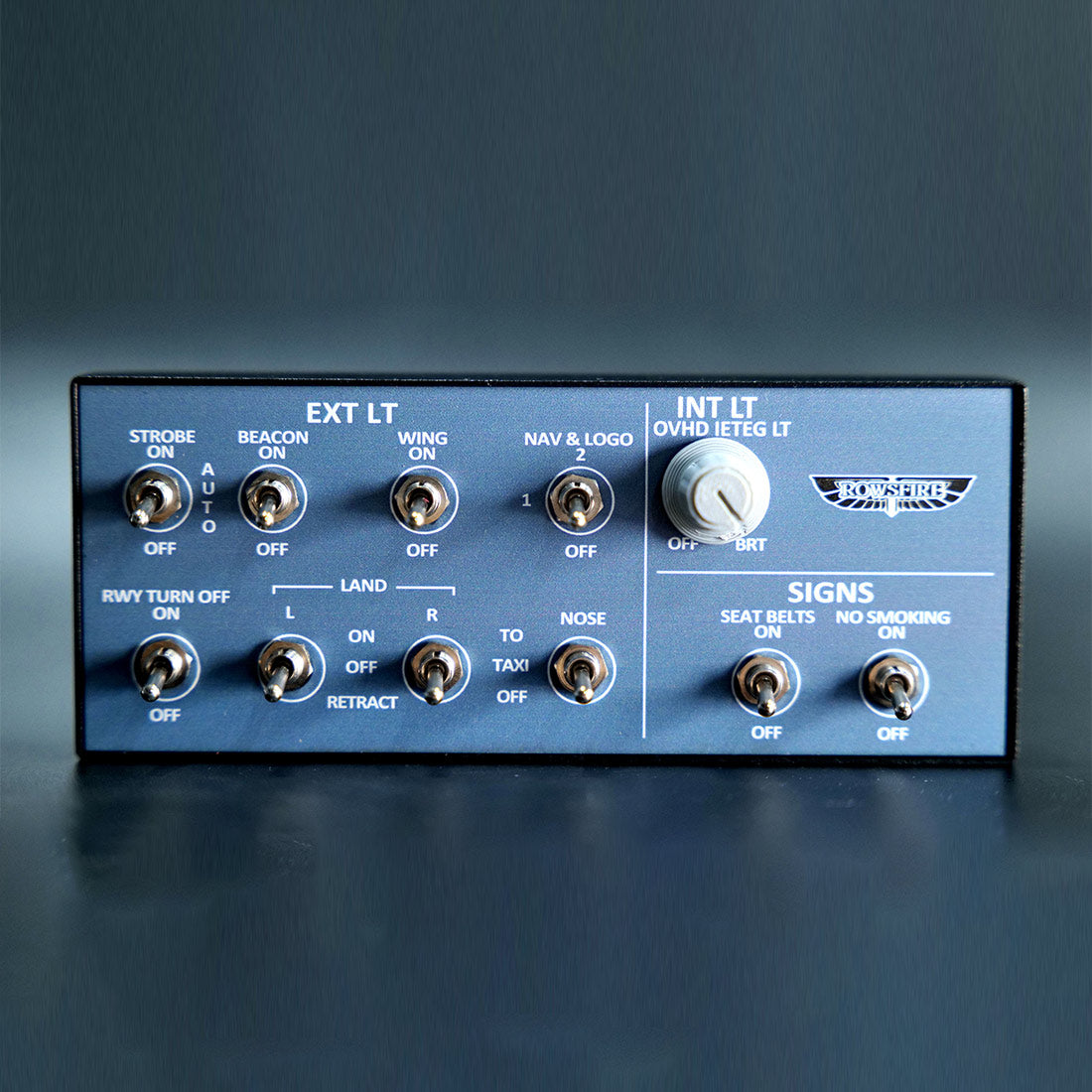
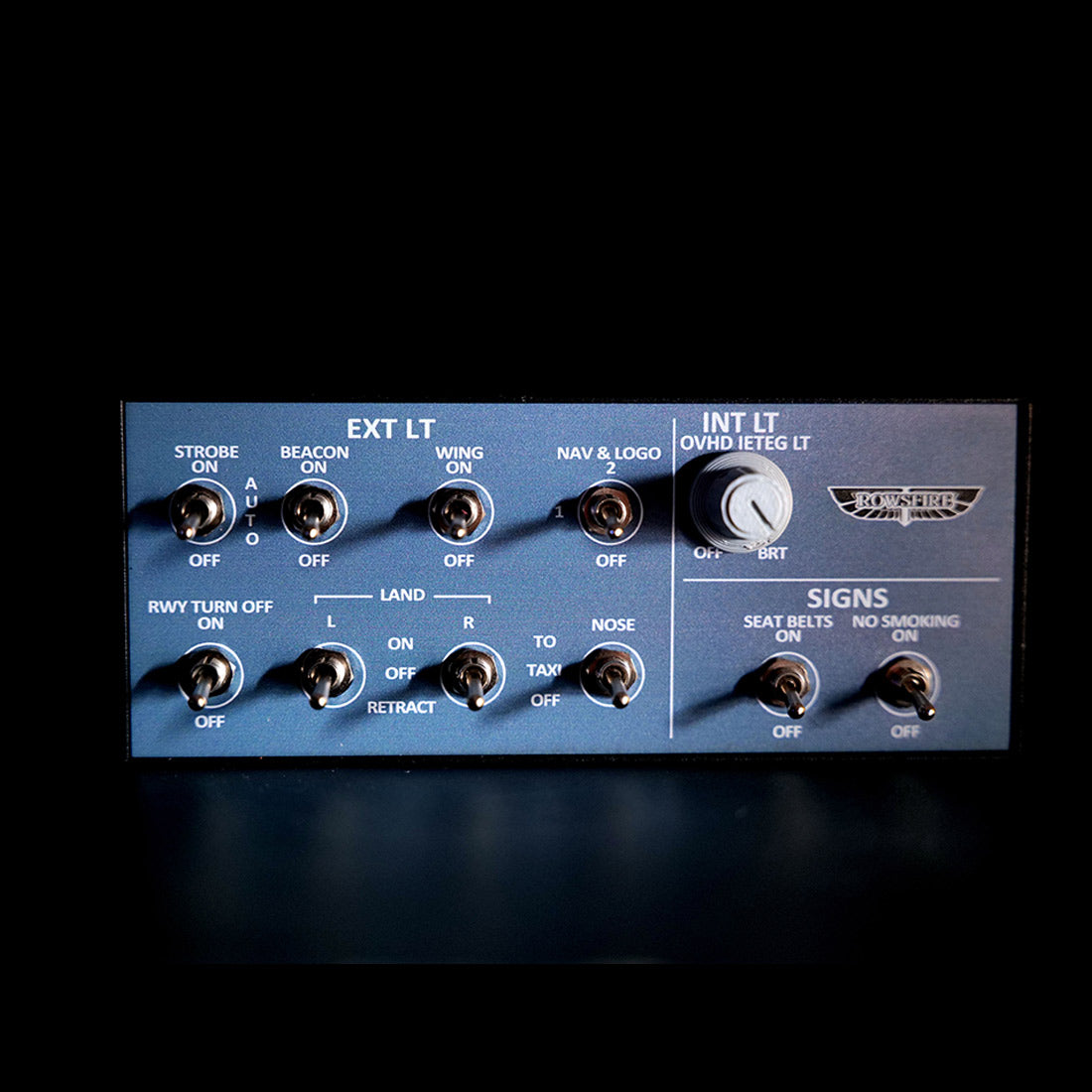
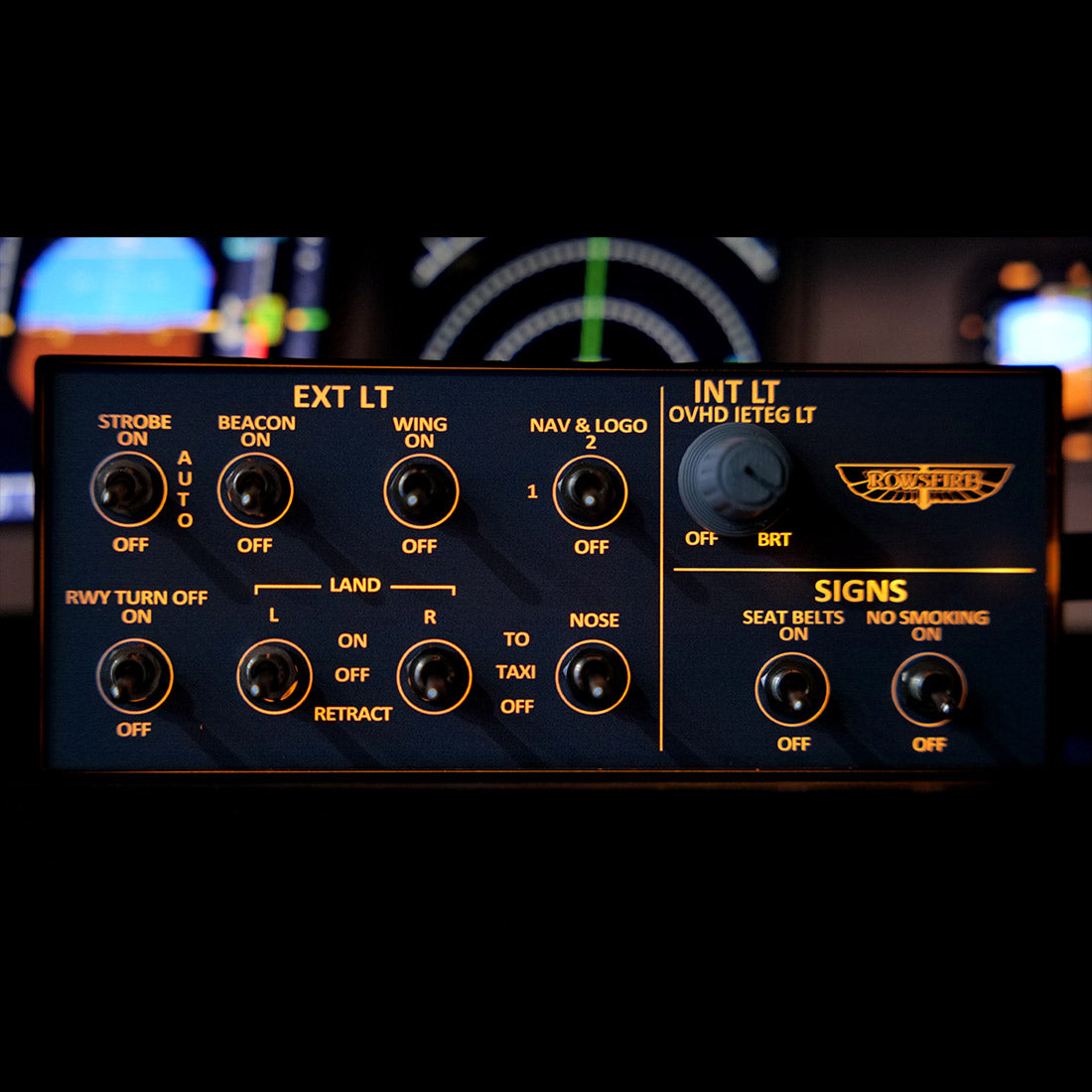
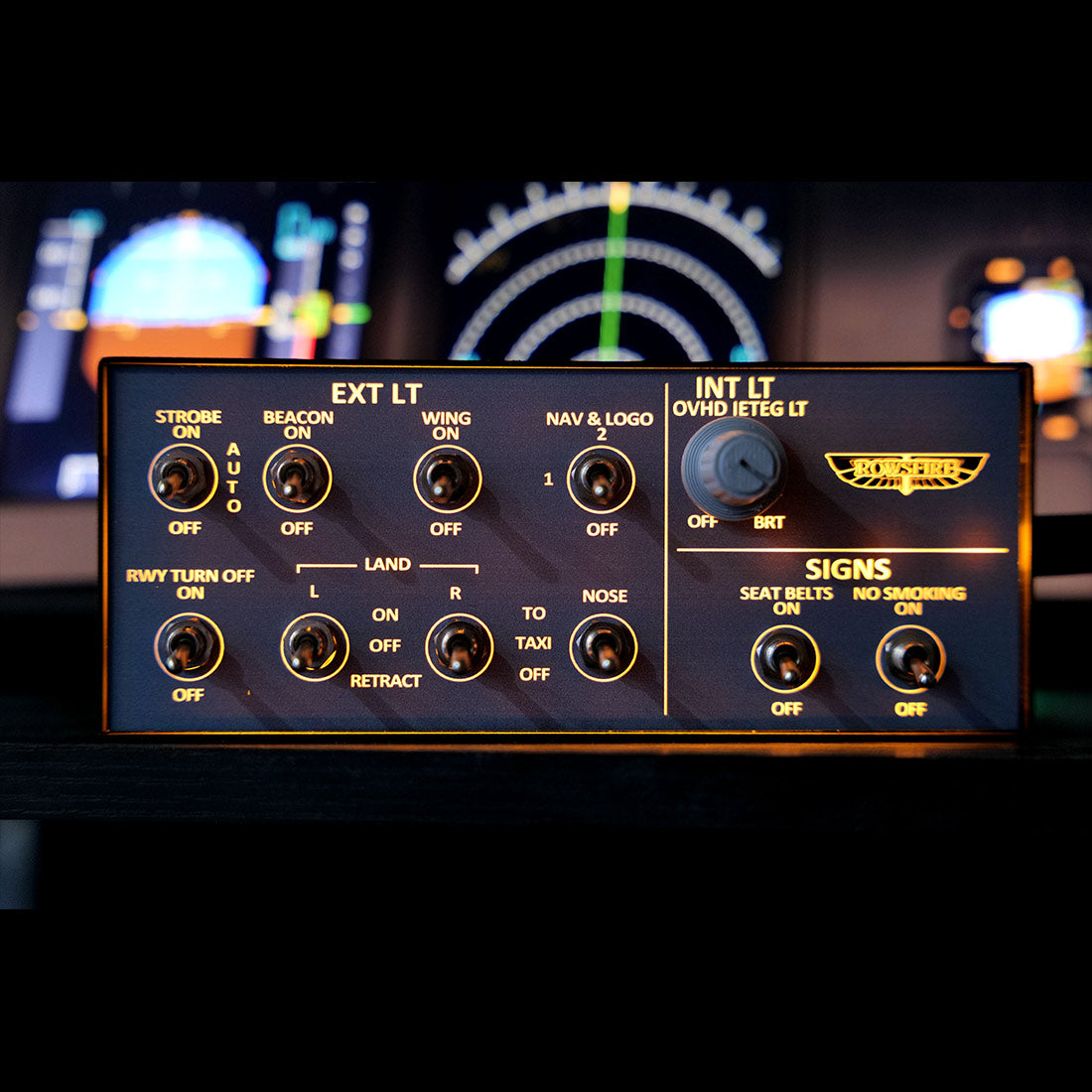
    The Rowsfire A101 is a compact, backlit mini overhead panel for the A32X — an affordable, entry-level way to add real cabin-lighting switches to your cockpit. Metal housing, realistic push buttons and a 13° tilt, built for MSFS 2020/2024 and X-Plane 12. Connects directly through the Rowsfire App, and the V3.0 edition adds light-sync that links the panel to your simulator.

    Entry-level mini overhead V3.0 light-sync Backlit · metal housing 75×75 VESA Plug & play · App or Mobiflight
    🚚Free Worldwide Shipping
    ↩️30-Day Return & Exchange
    🛡️1-Year Warranty
    💬Real Human Support
    Video

    See the A101 in action.

    Features

    Small panel, real switches.

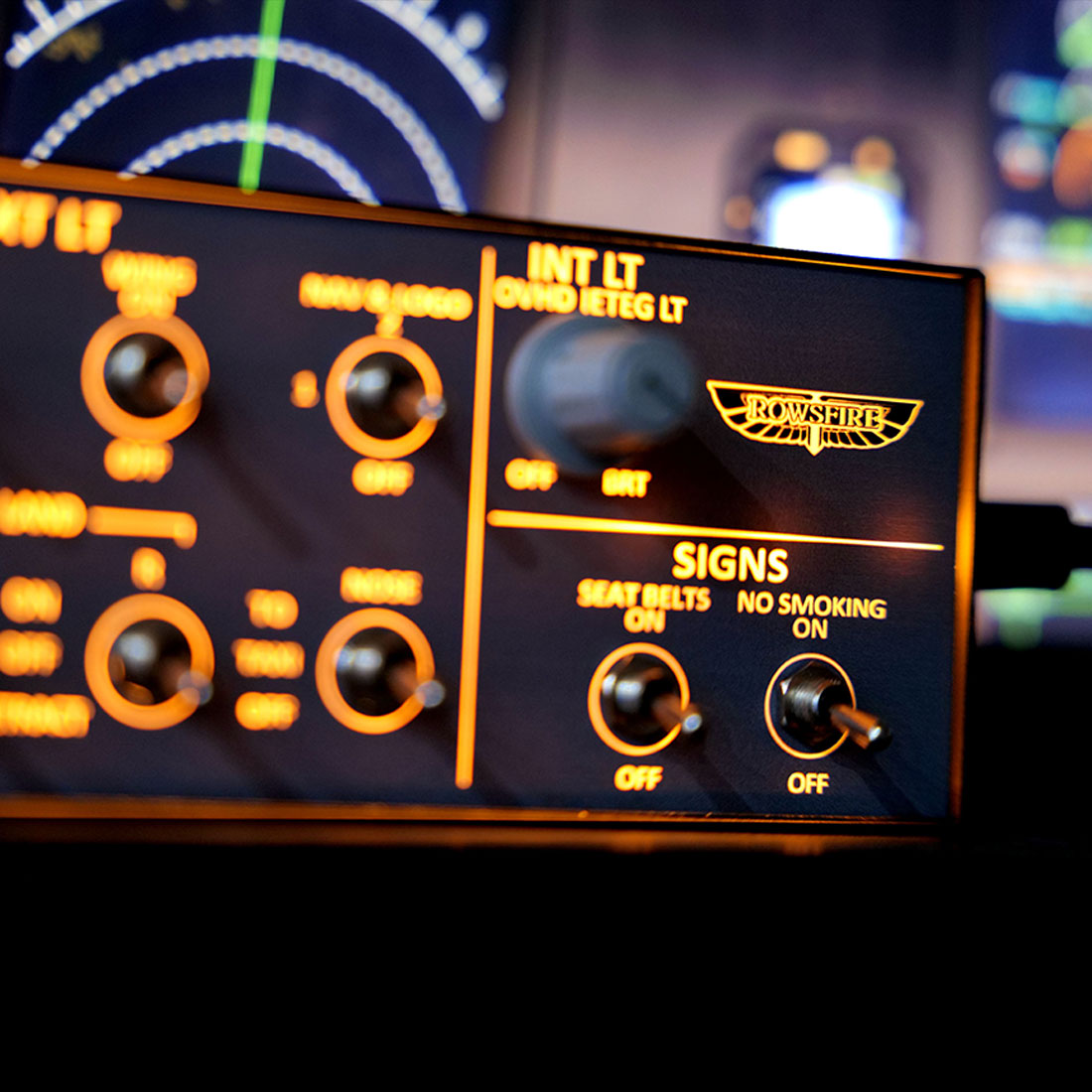
    A101 mini overhead panel with dual-position switches

    🎚️ Functional dual-position switches

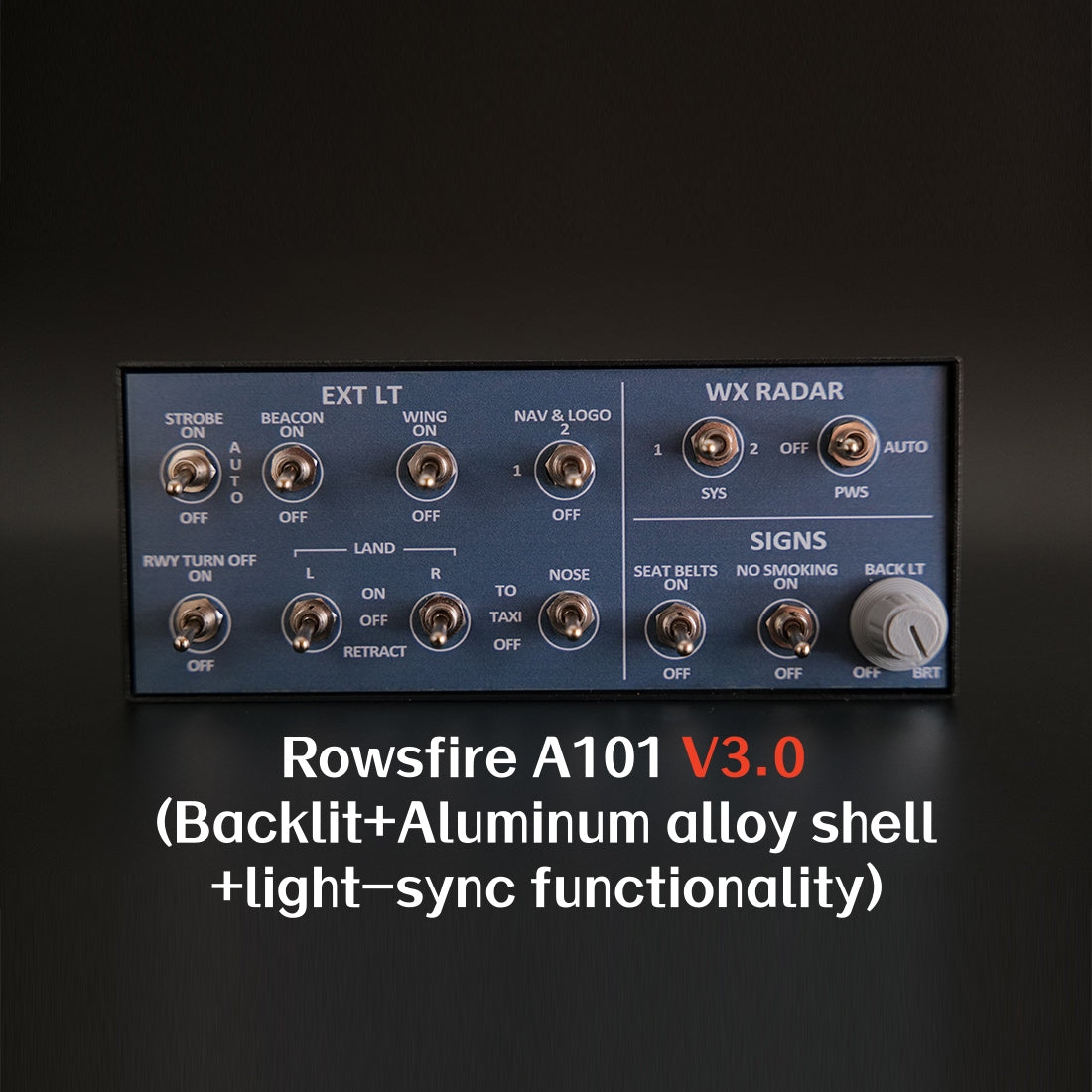
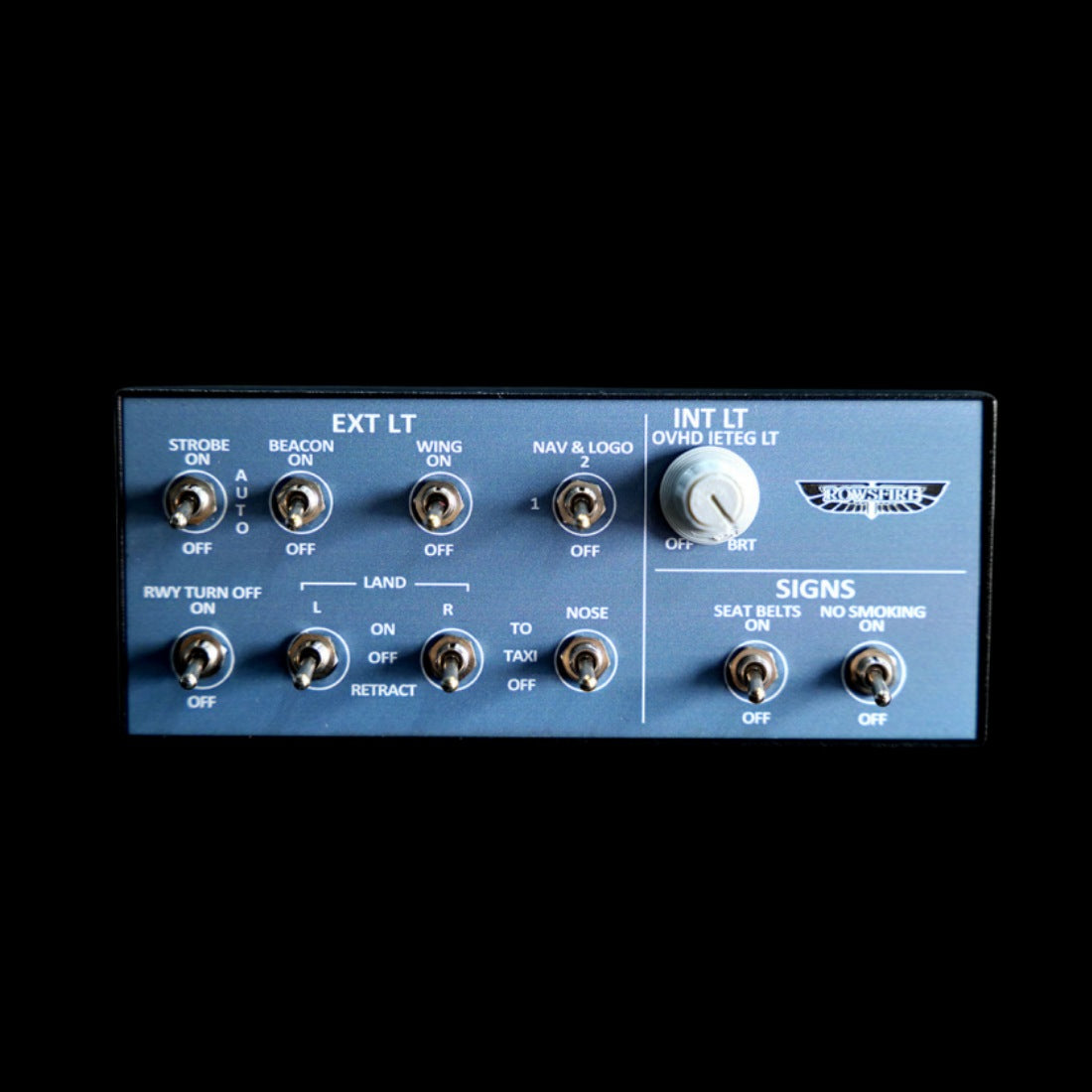
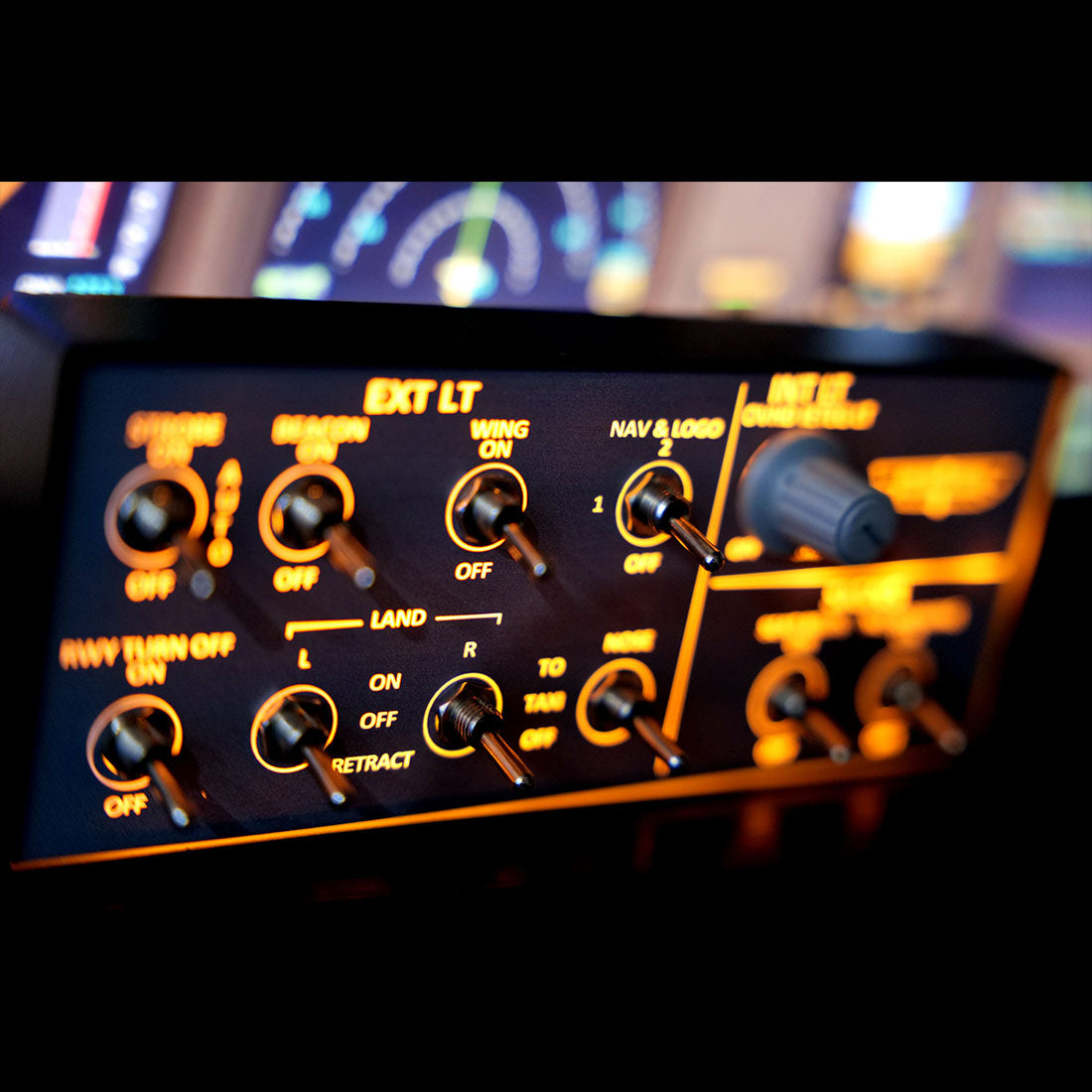
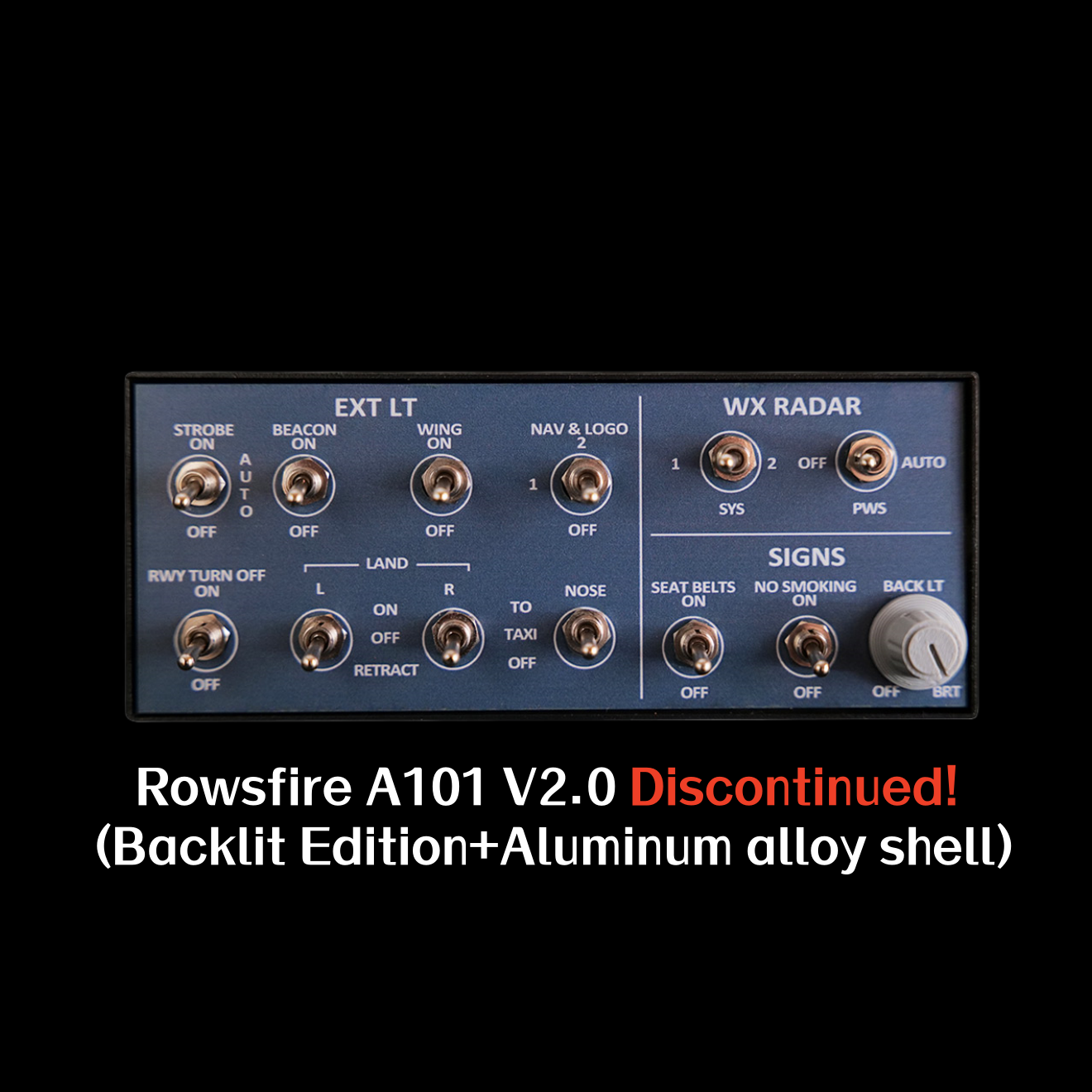
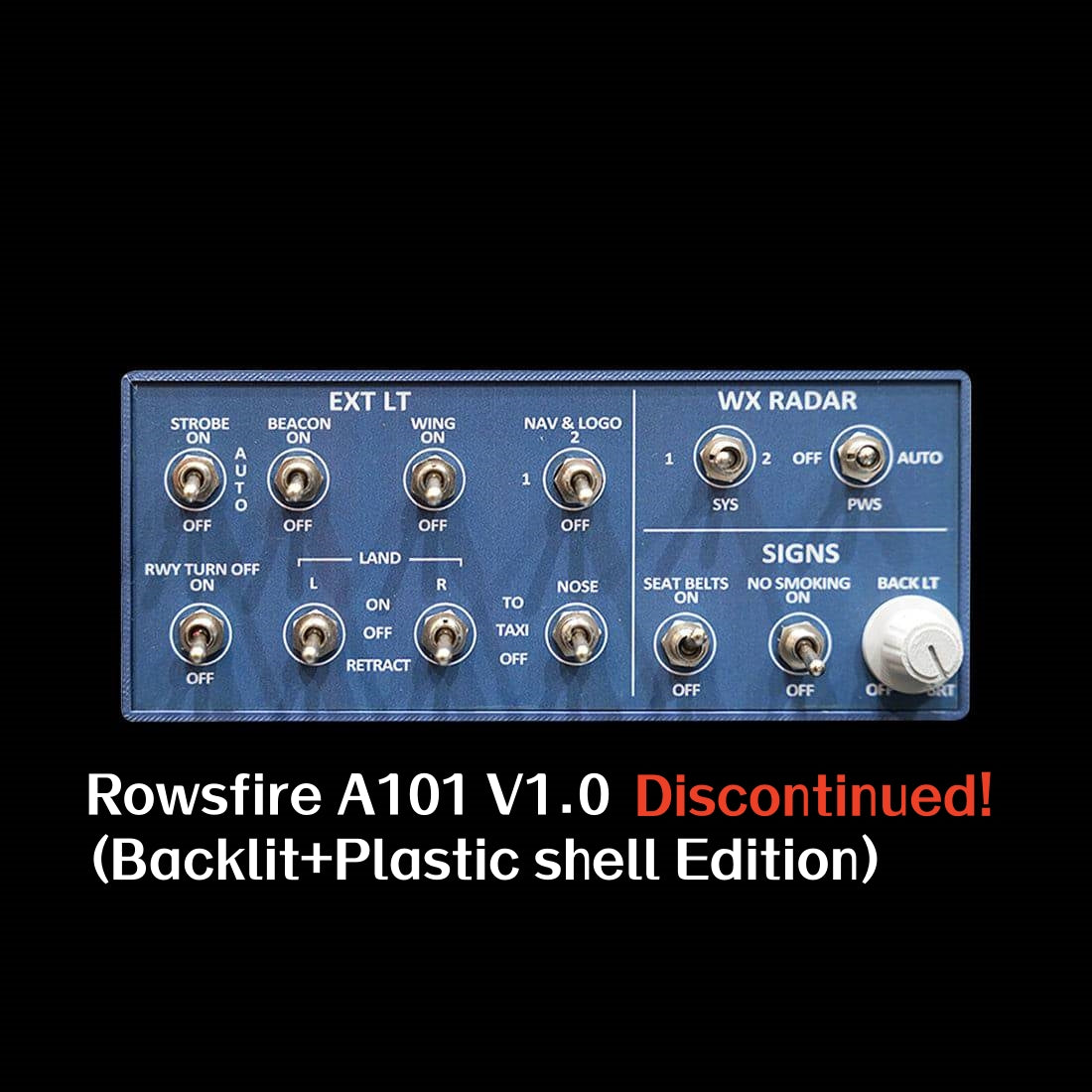
    Equipped with dual-position toggle switches to control key cabin functions — Terrain Radar, Windshear Warning, Seatbelt Sign and No Smoking indicator — with realistic push-button feel that lifts the immersion of your flights.

    🧱 Stable performance & build

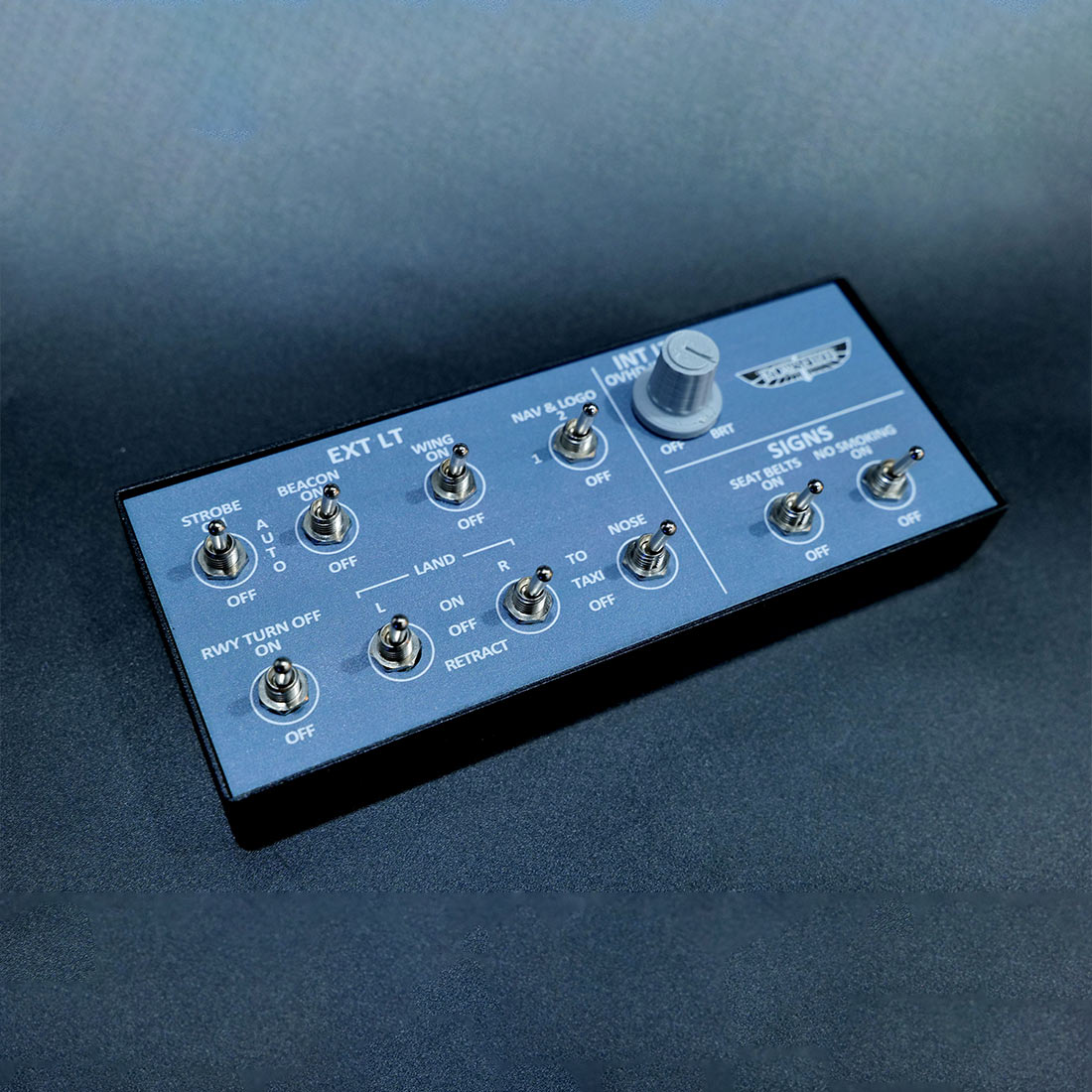
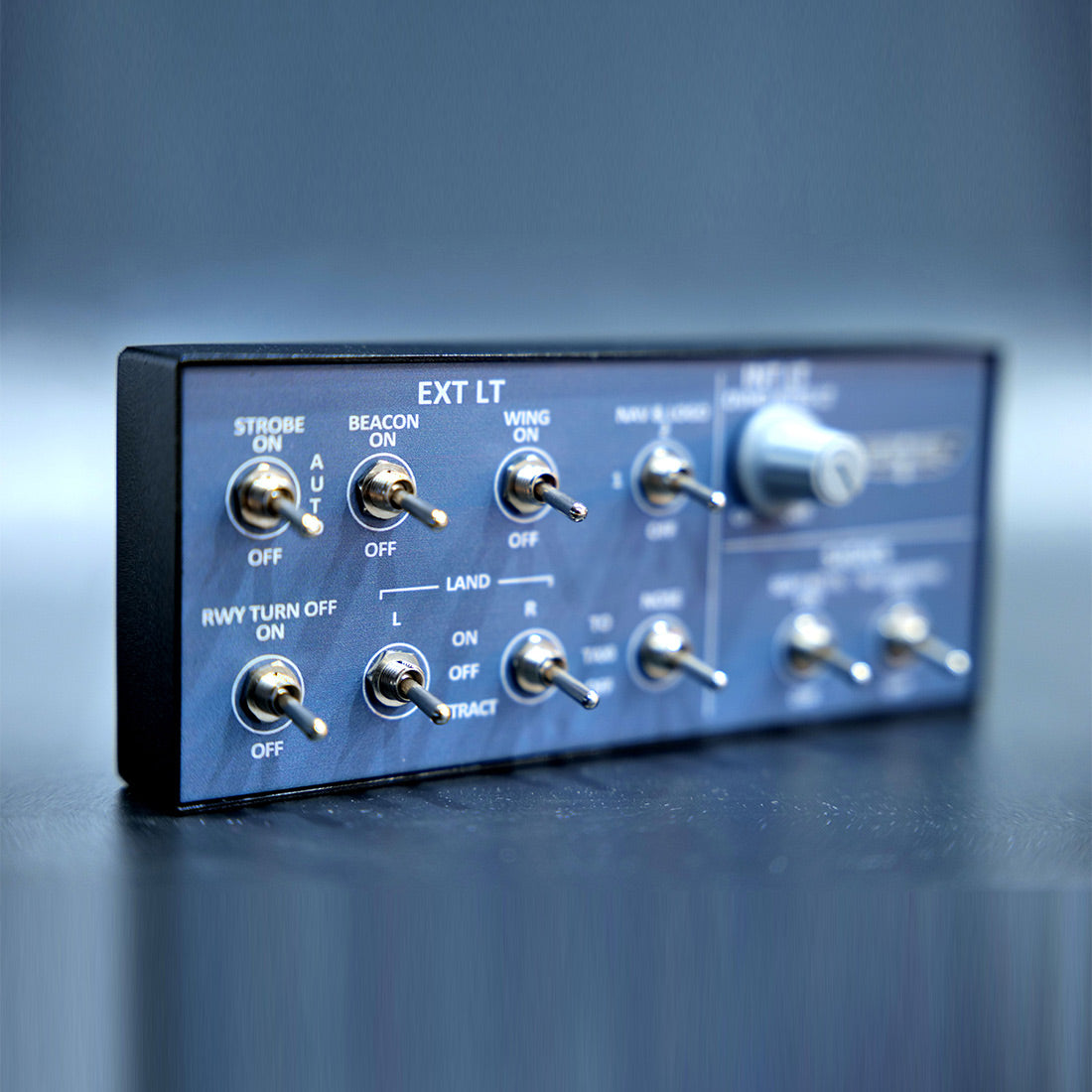
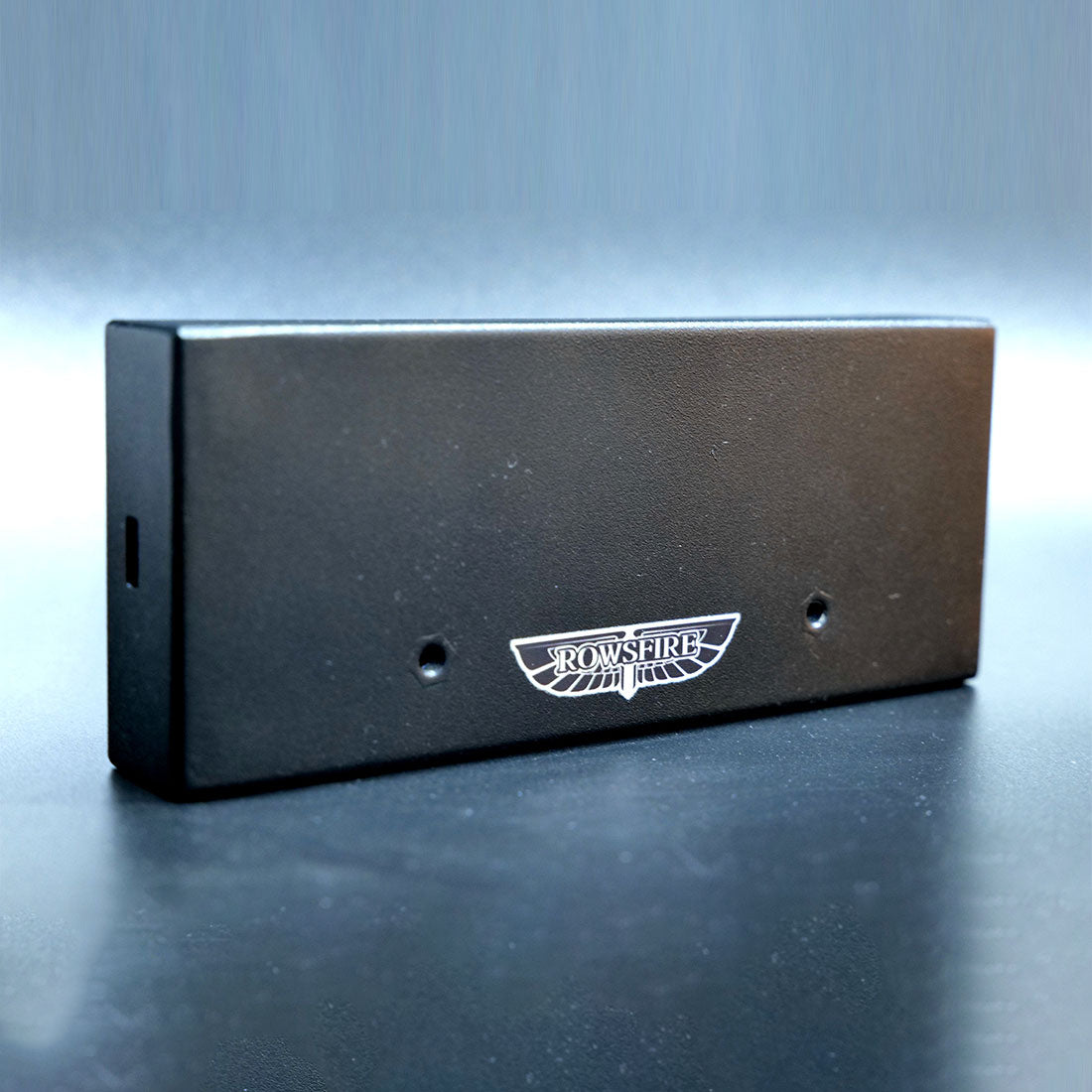
    A metal housing built on a PCB board for stability, with a backlit interface and a custom HD panel sticker. A 13° tilt angle optimizes comfort, a non-slip base grips your desk, and two rear holes let you bracket-mount it. USB data cable included.

    A101 mini overhead panel — metal housing and tilt
    A101 mini overhead panel — Rowsfire App plug and play

    🔧 Plug & play — App or Mobiflight

    Connect the easy way with the Rowsfire App — it auto-detects your hardware and auto-loads the config, so you're flying in under 60 seconds. Prefer Mobiflight? Fully supported too, with a complete tutorial included.

    ✈️ Wide multi-aircraft compatibility

    Works with MSFS 2020/2024 and X-Plane 12, and add-ons including FENIX, FBW, iniBuilds and PMDG. Beyond the A32X series it also suits A35X, A38X and Boeing B738/B773/B777. (Please confirm your specific aircraft model before ordering.)

    A101 mini overhead panel — multi-aircraft compatibility
    A101 mini overhead panel — V3.0 light-sync

    💡 V3.0 light-sync

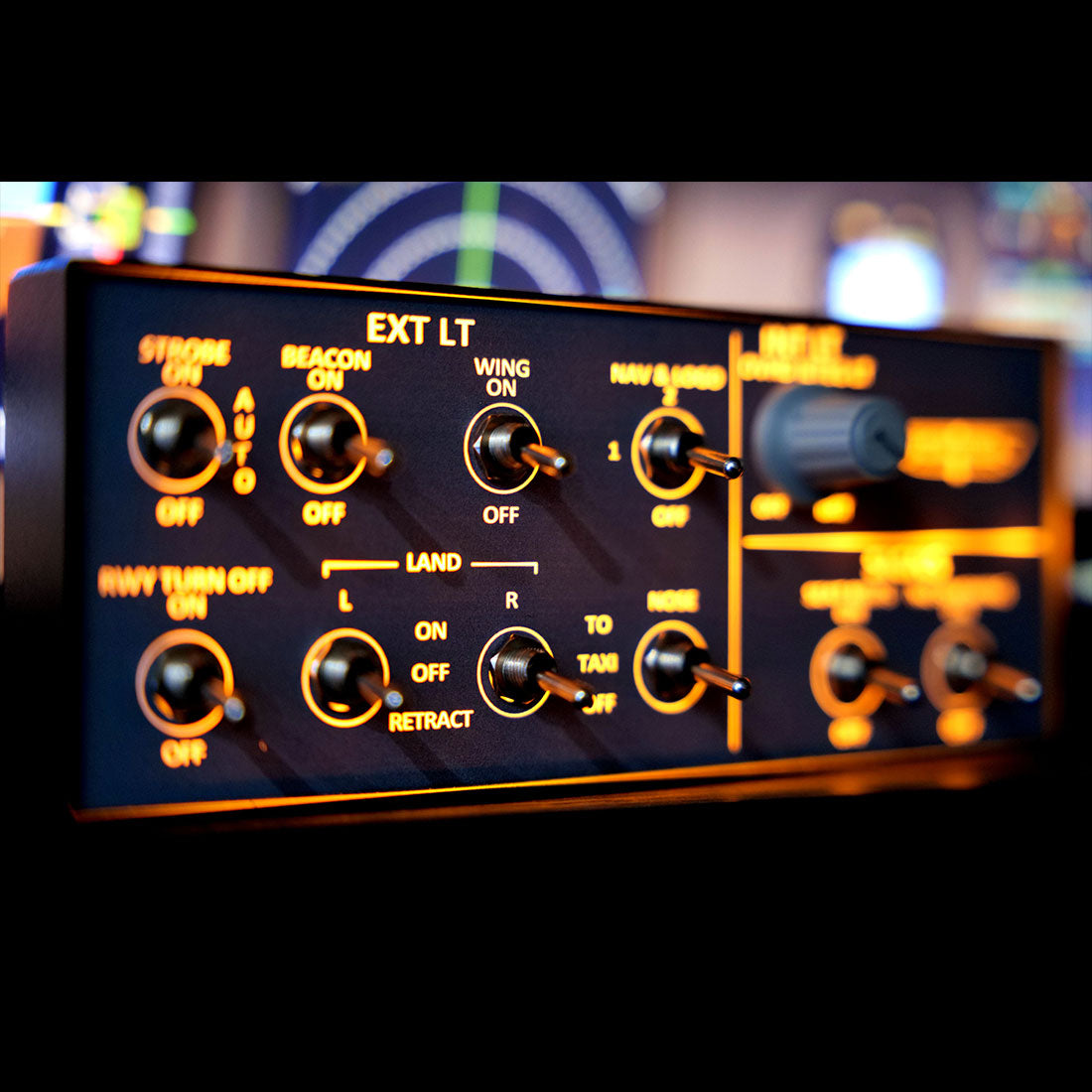
    The V3.0 version adds upgraded light-sync: the lighting now syncs with the simulator for dynamic effects — smooth brightness adjustment and full on/off control. (Use only the v3.0 configuration file.)

    Up close

    Every detail.

    A101 mini overhead panel — detail 1
    A101 mini overhead panel — detail 2
    A101 mini overhead panel — detail 3
    A101 mini overhead panel — detail 4
    A101 mini overhead panel — detail 5
    A101 mini overhead panel — detail 6
    Compatibility

    Works across your fleet.

    Aircraft & add-ons

    • Airbus A32X (FENIX, FBW, iniBuilds)
    • A35X / A38X
    • Boeing B738 / B773 / B777 (incl. PMDG)
    • Confirm your specific model before ordering

    Simulators & connection

    • MSFS 2020 & 2024 · X-Plane 12
    • Rowsfire App — connect in under 60s
    • Auto-detect + auto-load (or Mobiflight)
    • 75×75mm VESA · rear bracket holes
    Setup

    One-time setup, then just fly.

    ⚙️ Quick start: download the Rowsfire App and connect directly — it auto-detects your hardware and auto-loads the config, so you're flying in under 60 seconds. Prefer Mobiflight? It's fully supported too — scan the included QR code for driver files and a pre-configured profile; config files on GitHub.

    ⚠️ V3.0 note: the configuration file was fully revised for light-sync, so only the v3.0 config works — don't use files from V1, V2, or any without a V3.0 label.
    Specs

    The technical details.

    PanelA320 Mini Overhead (OVHD) — cabin lighting
    EditionV3.0 — backlit, metal housing, light-sync
    SwitchesTerrain Radar · Windshear · Seatbelt · No Smoking
    Compatible simulatorsMSFS 2020 / 2024 · X-Plane 12 (Windows)
    Compatible aircraftA32X (FENIX / FBW / iniBuilds / PMDG) · A35X / A38X · B738 / B773 / B777
    MaterialAluminum alloy + acrylic + electronic components
    Mounting75 × 75 mm VESA mount · rear bracket holes
    ConnectionUSB data cable (included)
    DriverRowsfire App (auto-detect) or Mobiflight
    Product weight300 g
    Package weight600 g
    Product dimensions15 × 6.5 × 2.8 cm
    Package dimensions25 × 10 × 6 cm
    PackingCarton box
    Age16+
    In the box

    What's included.

    • A320 Cabin Lighting Panel Host × 1
    • Data Cable × 1
    Guarantee

    Backed by Rowsfire.

    🚚
    Free Shipping

    Free worldwide shipping on your order.

    ↩️
    30-Day Returns

    Return or exchange within 30 days.

    🛡️
    1-Year Warranty

    Covered for a full year against defects.

    💬
    Setup Support

    Config help from a real person, any time.

    Before you buy

    Questions, answered.

    What does the A101 control?
    It's a mini overhead panel with dual-position toggle switches for key cabin functions — Terrain Radar, Windshear Warning, Seatbelt Sign and No Smoking indicator — with realistic push-button feel.
    Which aircraft and simulators does it support?
    It works with MSFS 2020/2024 and X-Plane 12, and add-ons including FENIX, FBW, iniBuilds and PMDG. Beyond the A32X series it also suits A35X, A38X and Boeing B738/B773/B777. Please confirm your specific aircraft model before ordering.
    How is it set up — do I need Mobiflight?
    No — you can connect directly with the Rowsfire App, which auto-detects your hardware and auto-loads the config, so you're flying in under 60 seconds. Mobiflight is also fully supported, with a complete tutorial and pre-configured profile (scan the included QR code).
    What is V3.0 light-sync?
    The V3.0 version adds synchronized lighting that links to the simulator for dynamic effects, with smooth brightness adjustment and full on/off control. Because the config was fully revised, only the v3.0 configuration file works — don't use V1/V2 files.
    How does it mount?
    It has a 75×75mm VESA pattern plus two small holes on the back for secure bracket mounting, a 13° tilt for comfort, and a non-slip base so it grips your desktop.
    What if something isn't right?
    You're covered by free worldwide shipping, a 30-day return & exchange window, and a 1-year warranty — plus real setup support if you need a hand.

    Start your overhead — for less.

    A compact, backlit metal mini overhead with real cabin-lighting switches and V3.0 light-sync — plug-and-play via the Rowsfire App (or Mobiflight), connected in under 60 seconds. The easiest, most affordable way into an A320 overhead.

    ✓ Free shipping  ·  ✓ 30-day returns  ·  ✓ 1-year warranty  ·  V3.0 light-sync
    Join the crew

    Join the Rowsfire flight crew.

    👨‍✈️

    Building a home cockpit?

    Join the Rowsfire Facebook community for exclusive updates, setup help, config files, discounts and giveaways.

    Join the Community →