



Its a Pittsburgh that the knobs of the ACP are Not lighted when activated
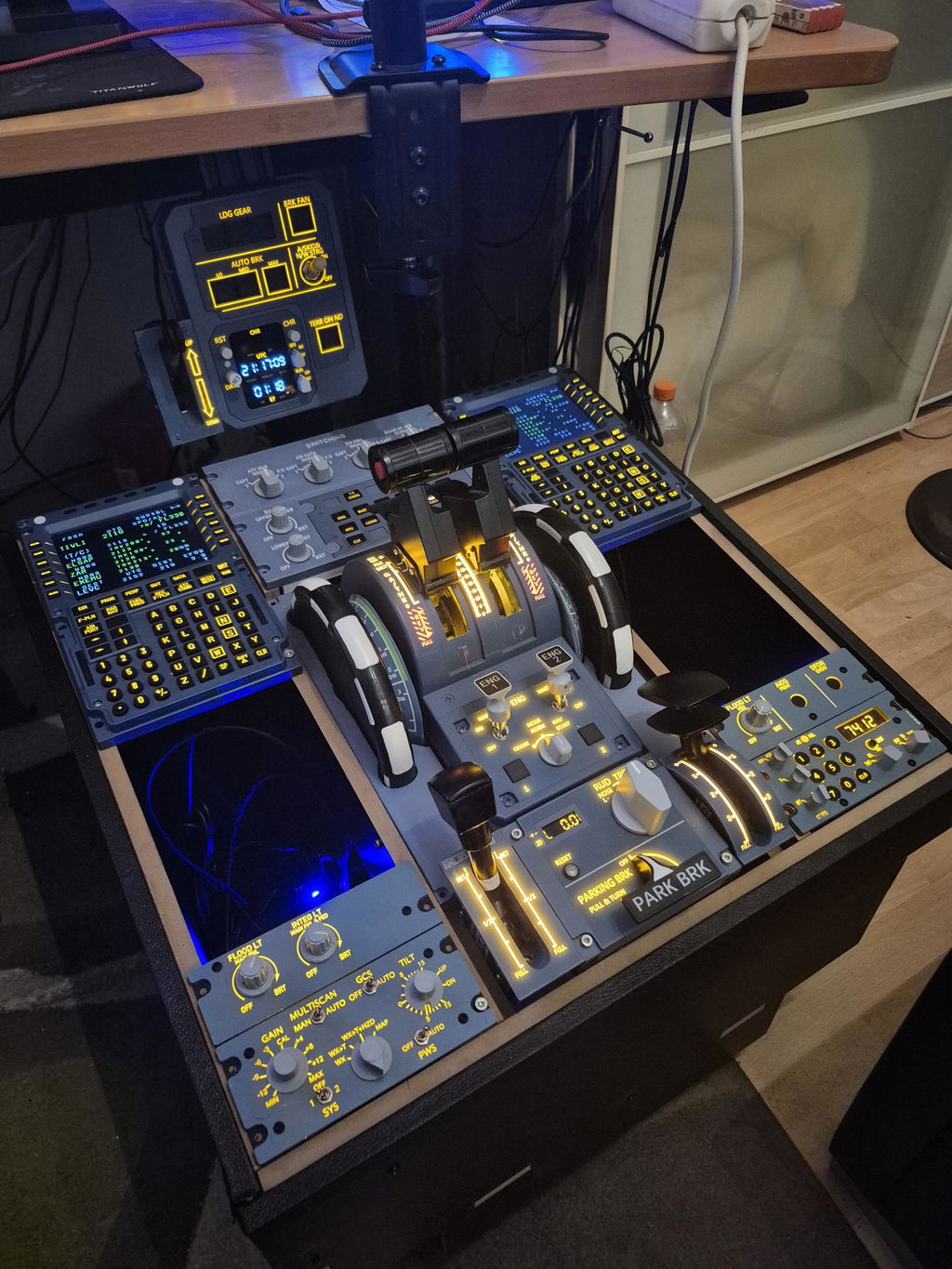
Everything to complete the pedestal is included, which was very good. I didn´t need any kind of glue, just used the accessories, screws etc.
Within the first steps of building it could be a bit tricky regarding stability of the whole system - but when the first screws were drilled in, no problems :D
Got some 3D-printed panels, WINCTRL and Rowsfire components installed yet and everything works and fits quite perfectly.
It´s not a 1:1 original built when looking to the lower pedestal parts, spoilers, flaps etc. BUT you can integrate all necessary components as easy as you can consider. Taking the price into consideration, the decision for this pedestal is nearly a no-brainer.
I just think about to paint the pedestal in Airbus gull grey ;)
Its great. I will keep it for my other computer. Not for original intent I bought for. The reason is, I have 45 inch monitor, the pop outs to a 12 inch screen makes panels look too small in perspective.
No user manual came with the screen. Can't figure out how to change monitor language from Chinese to English.
Touch screen is good.
This is an outstanding product. Well built, solid switches. Everything works perfectly with the PMDG B737-8. This is by far the best add-on I have ever purchased in over 35 years of swimming. Don't hesitate to purchase. It's worth every penny. 😎
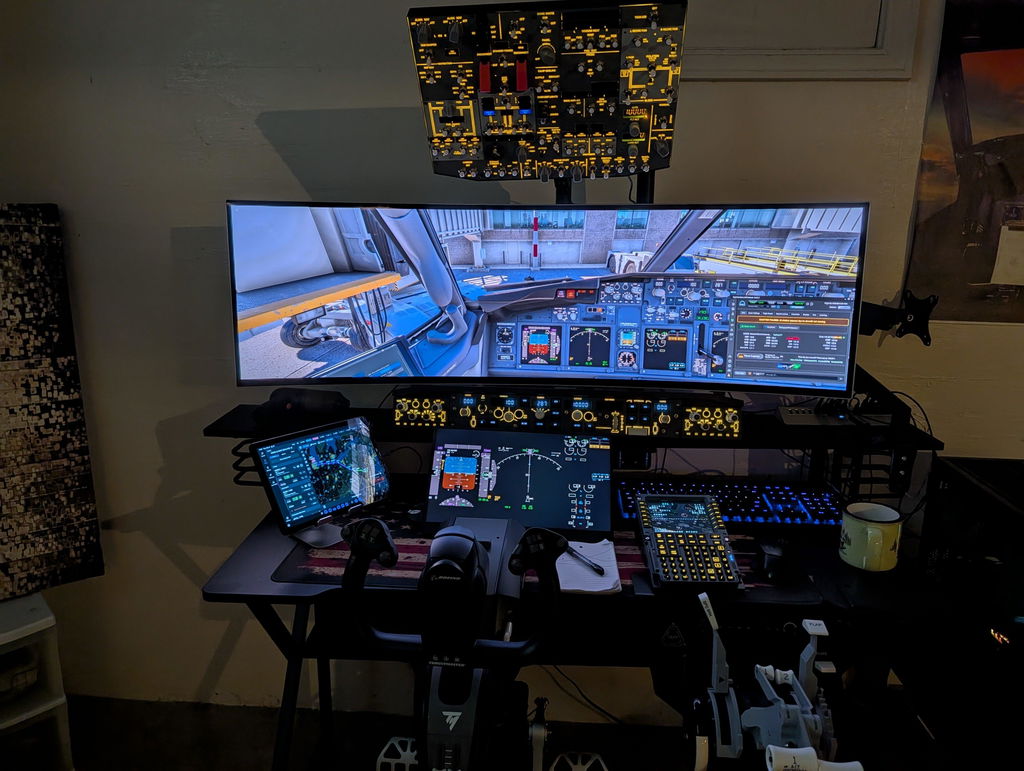
Wow! Thank you for this amazing feedback! We’re so glad the B107 overhead panel impressed you after 35 years of simming. Enjoy your flights!
I am very pleased with the overhead panel. The build materials and overall construction are excellent. The updated Ross Fire Up works very well and is fully compatible with my PMDG 737. The company's service and support are prompt and helpful at every step. My flying experience has truly been taken to another level.
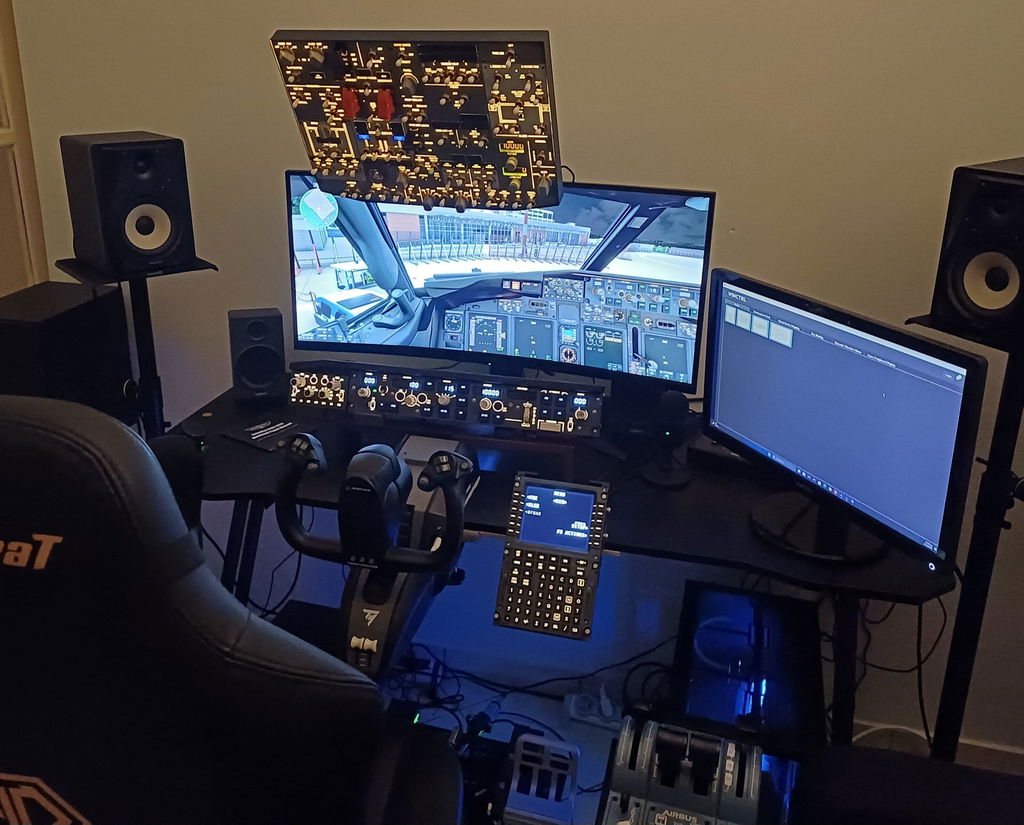
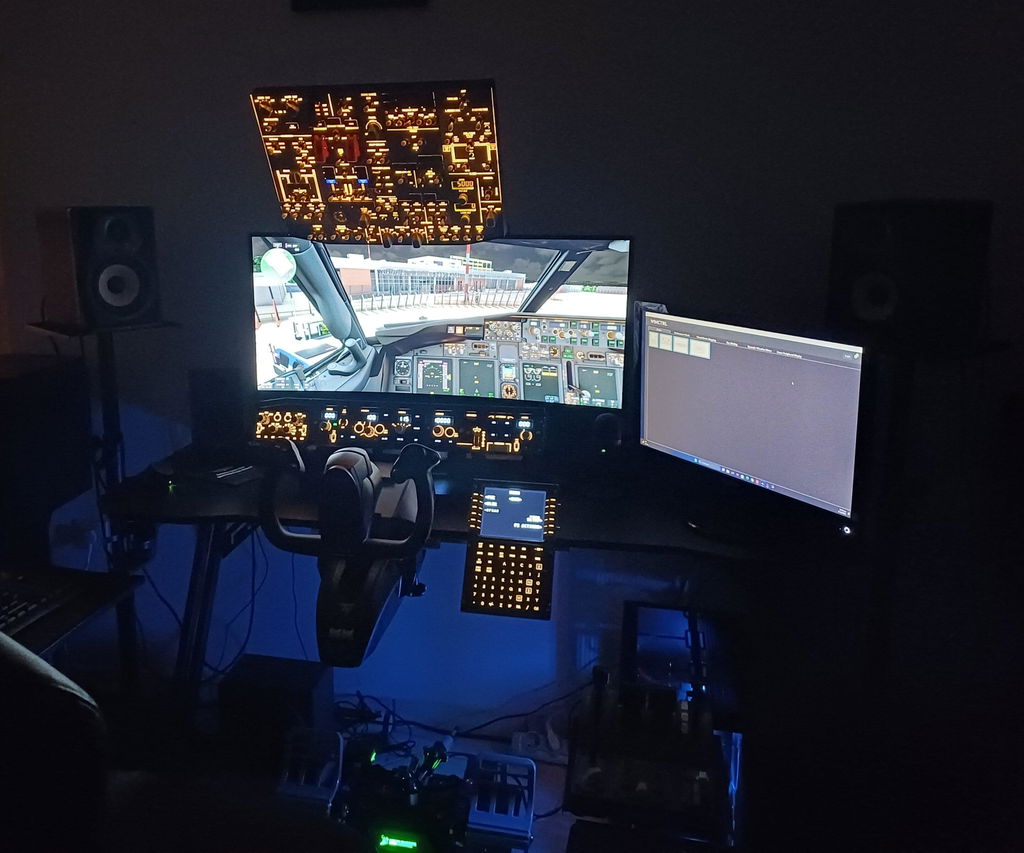
We are thrilled that B107 elevated your flight simulation experience! Happy to hear it works seamlessly with PMDG737. Have great flights!