Ignorer les informations sur le produit
1 de 24

Rowsfire

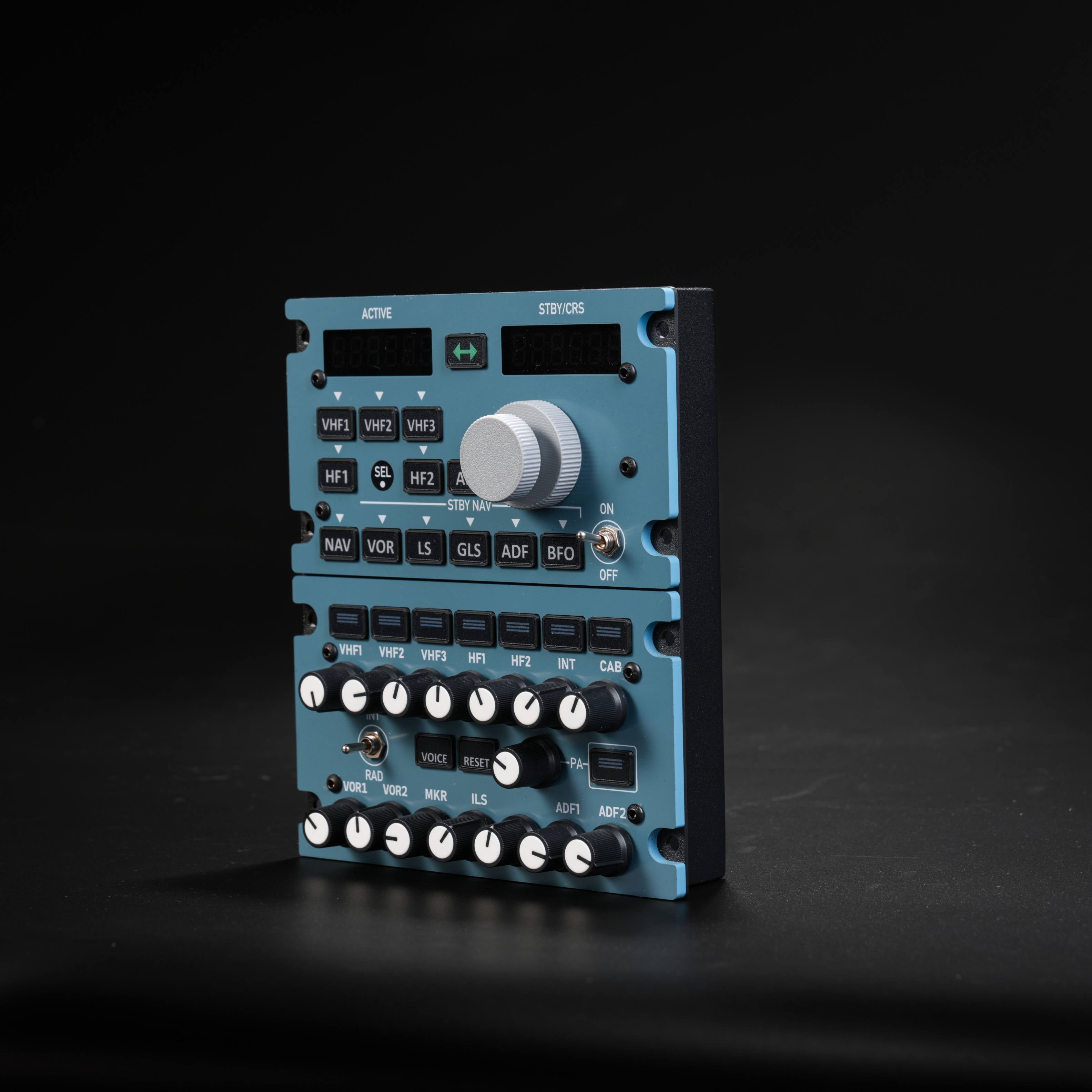
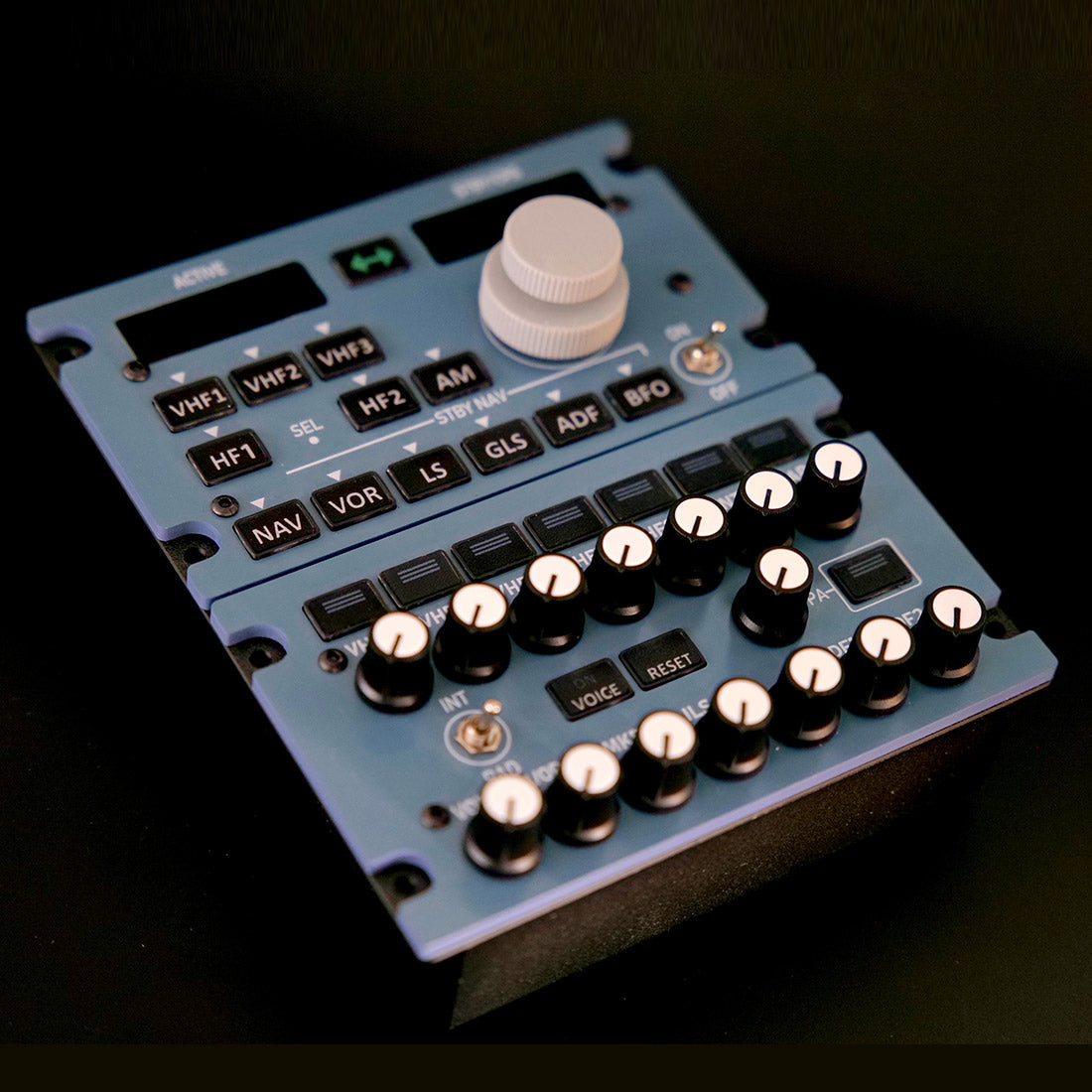
Rowsfire A111 A320 Radio & Audio Panel (RMP/ACP) — 1:1 Scale

Version
Prix normal
$289.99 USD
Prix normal
Prix de vente
$289.99 USD

🔥 Black Friday Early: $255.20 at checkout (12% off) · Ends Nov 19 Buy more, save more: 2 items 13% · 3 items 14% · 4+ items 15%

Droits de douane et taxes inclus. Frais d’expédition calculés à l’étape du paiement.
  • Free Worldwide Shipping · Duties & Taxes Included
  • In Stock · Standard 14–30 business days (free) · Express 5–13 (+$29.99)
  • 30-Day Returns · 1-Year Warranty

Save $75.38 with the 2-item discount (13%), applied automatically at checkout.

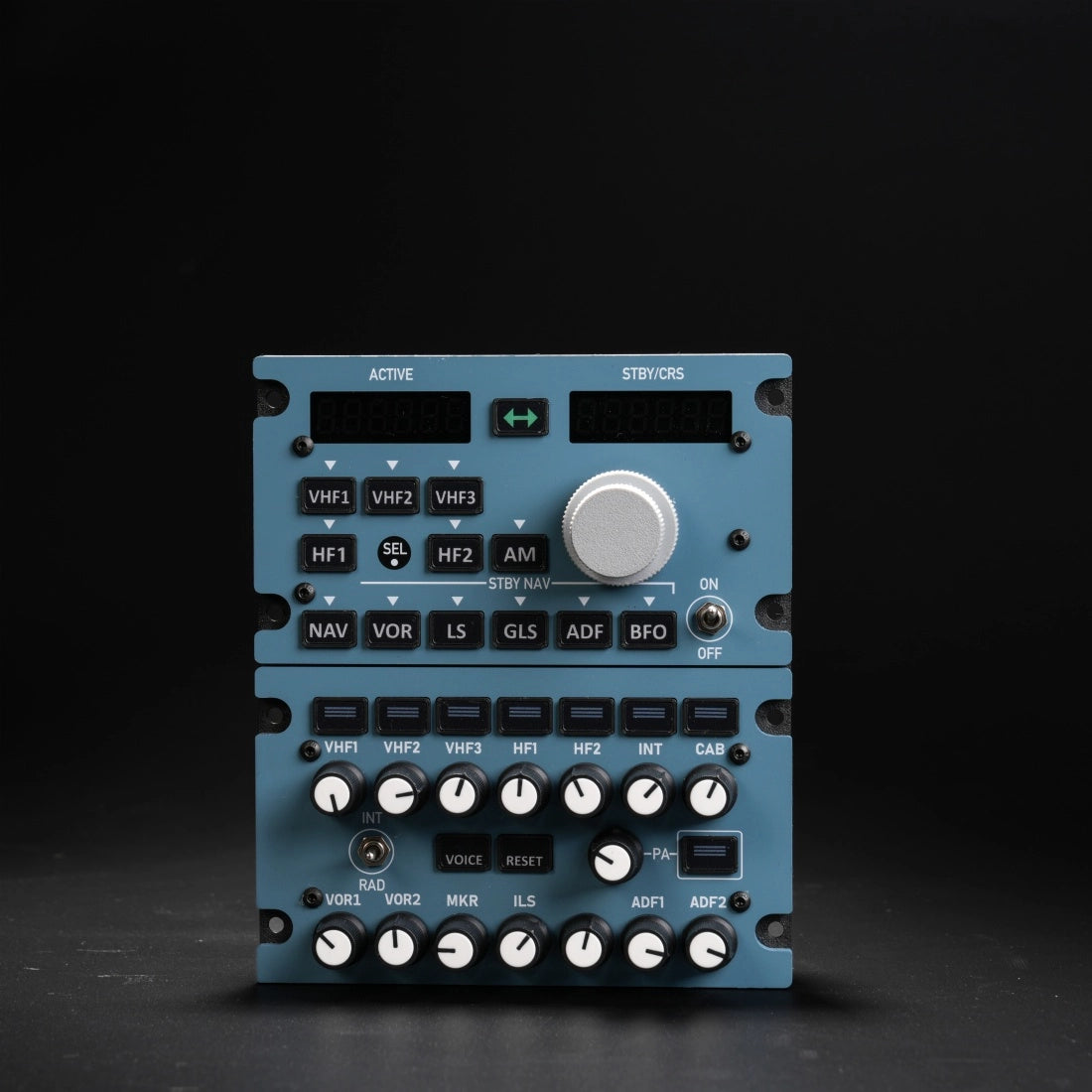
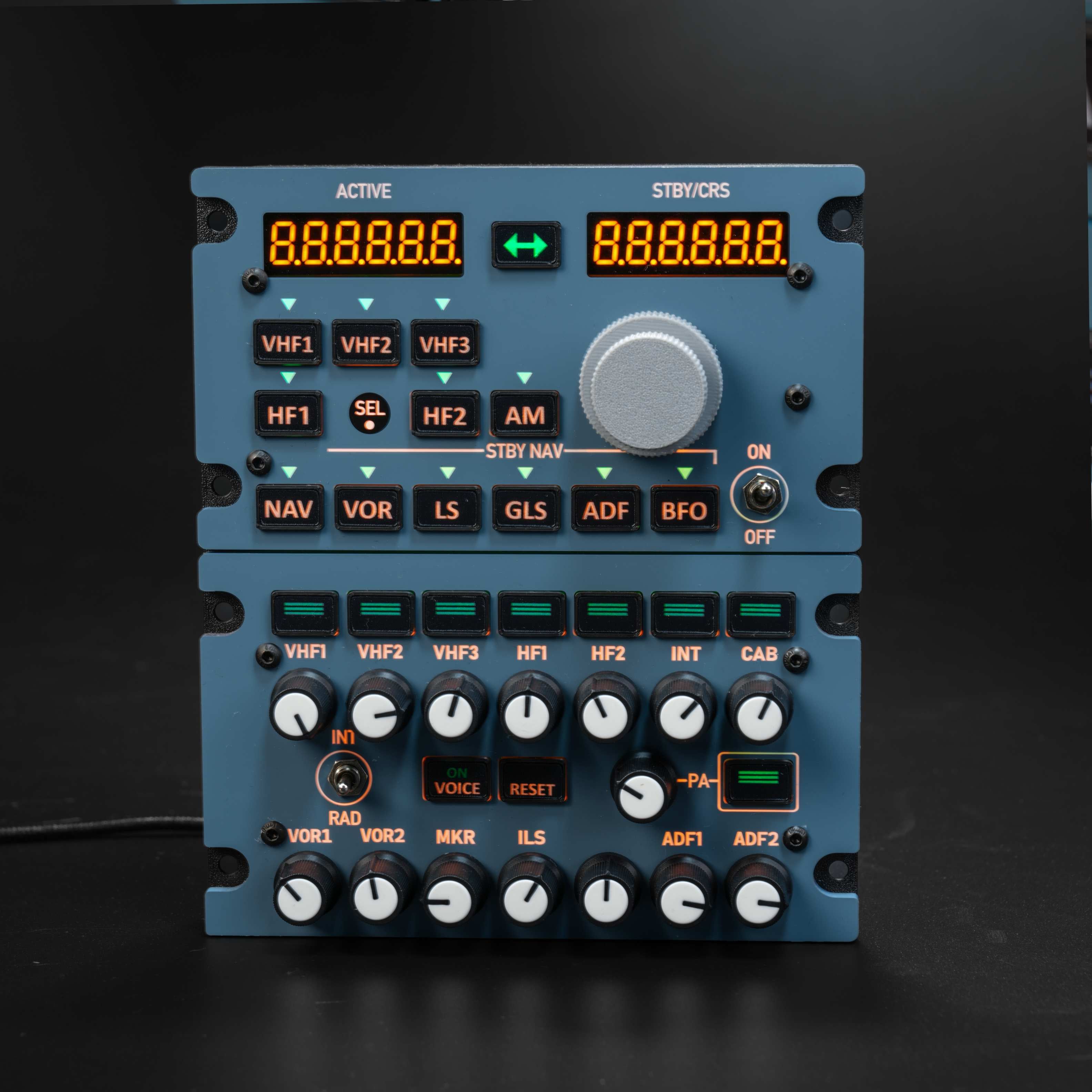
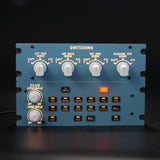
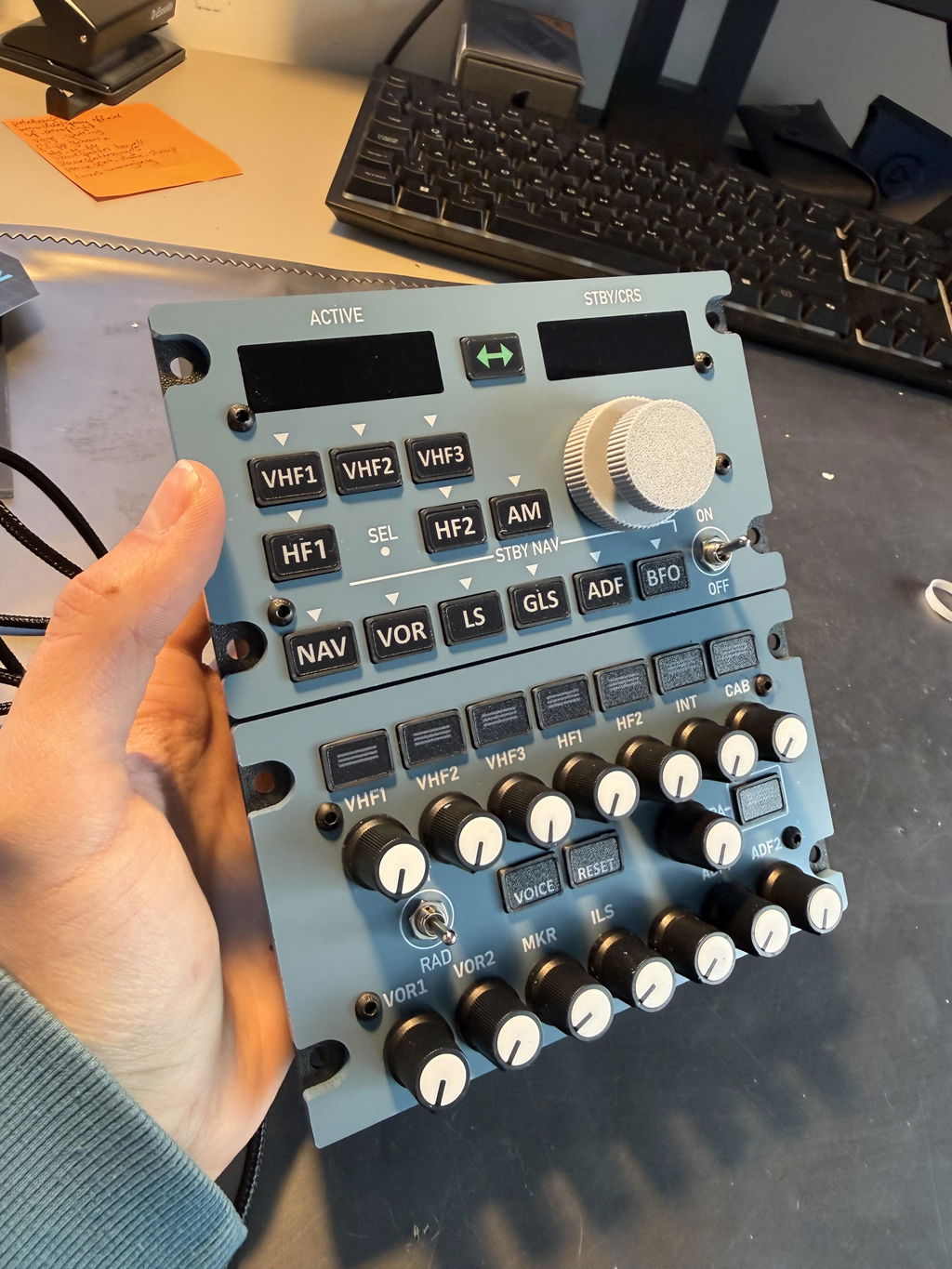
    Rowsfire A111 A320 RMP/ACP radio and audio panel, front view
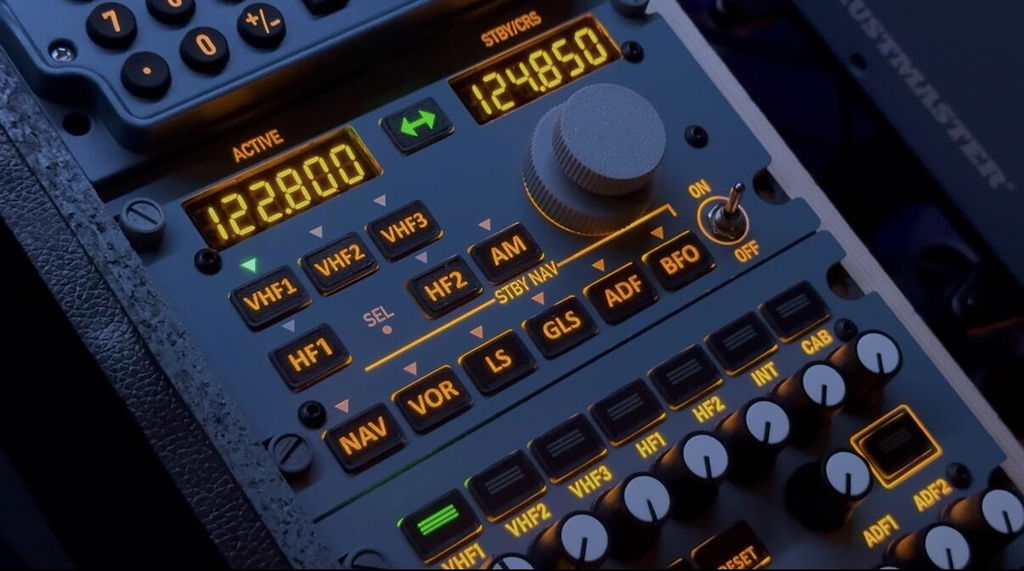
    Front view of the Rowsfire A111 1:1 A320 radio management and audio control panel with orange frequency displays lit
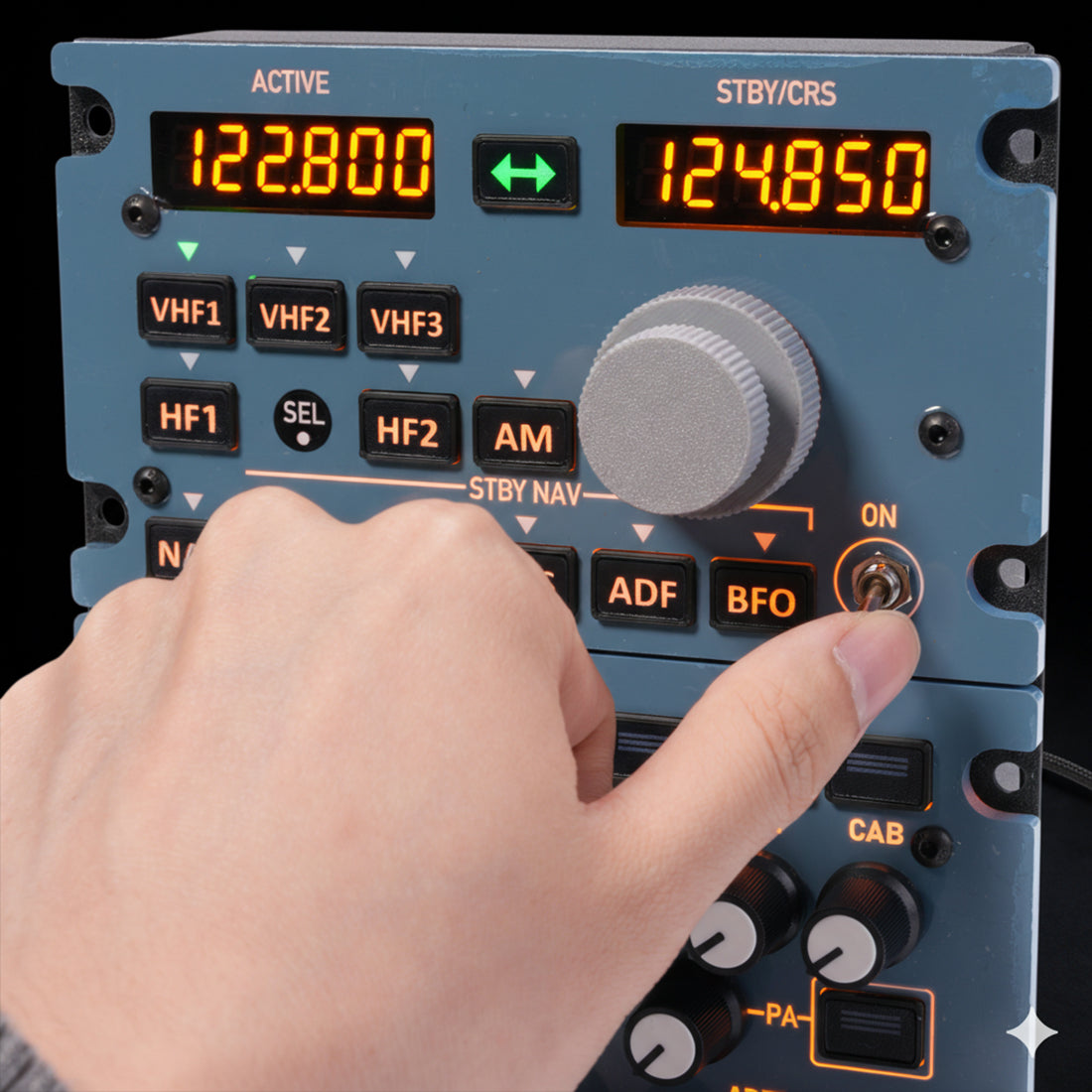
    Hand pressing the A111 frequency transfer key, active 122.800 and standby 124.850
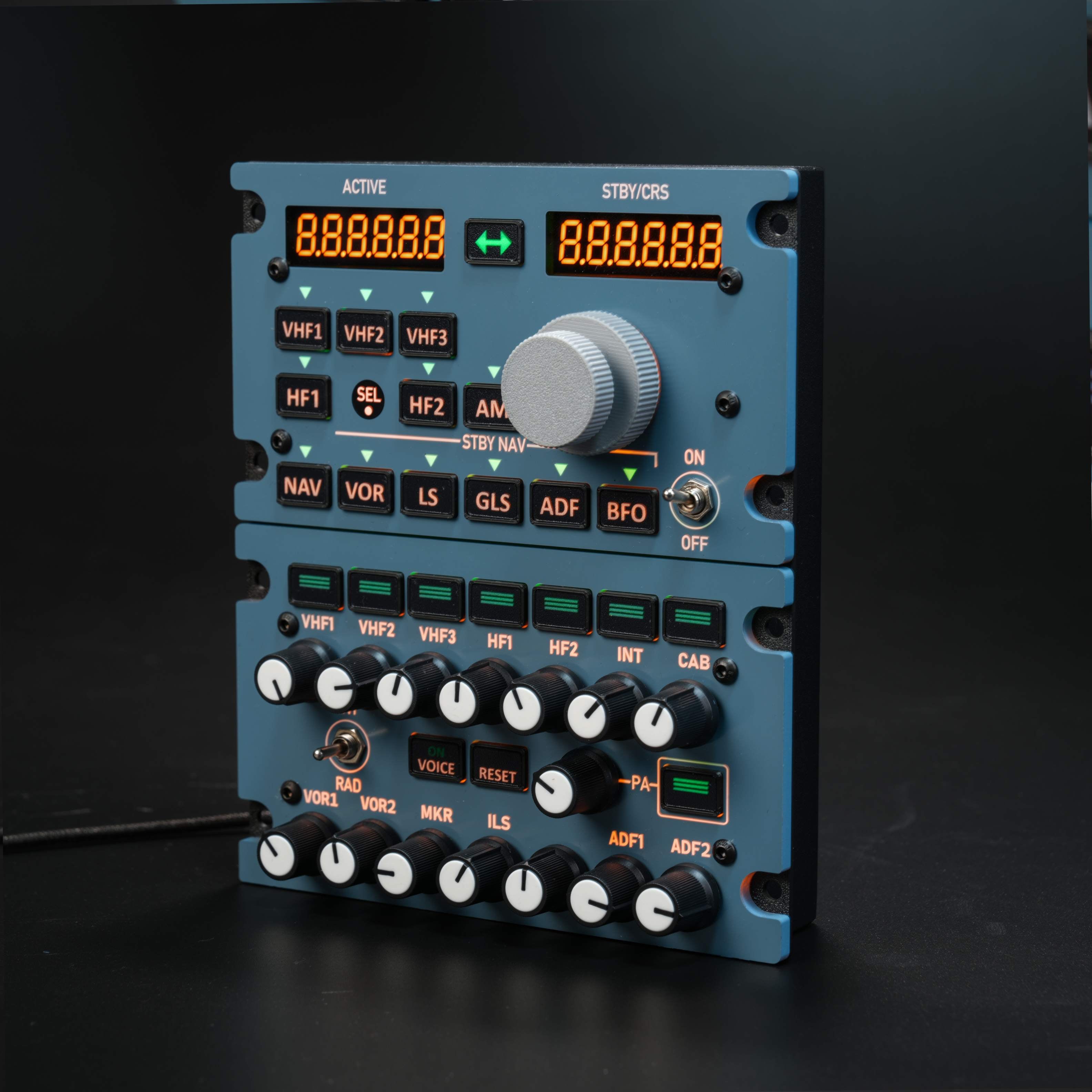
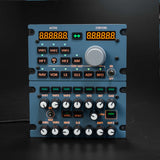
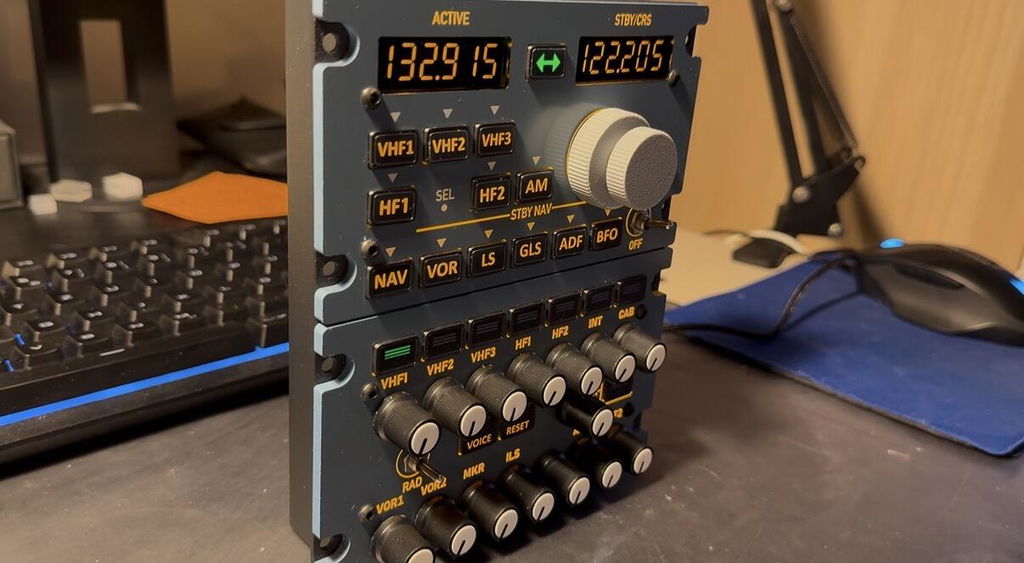
    Rowsfire A111 RMP and ACP panel at an angle, backlit
    Rowsfire A111 panel at an angle with the displays off, showing the aluminum housing
    Rowsfire A111 panel lying flat, top view of the RMP keys and ACP volume knobs
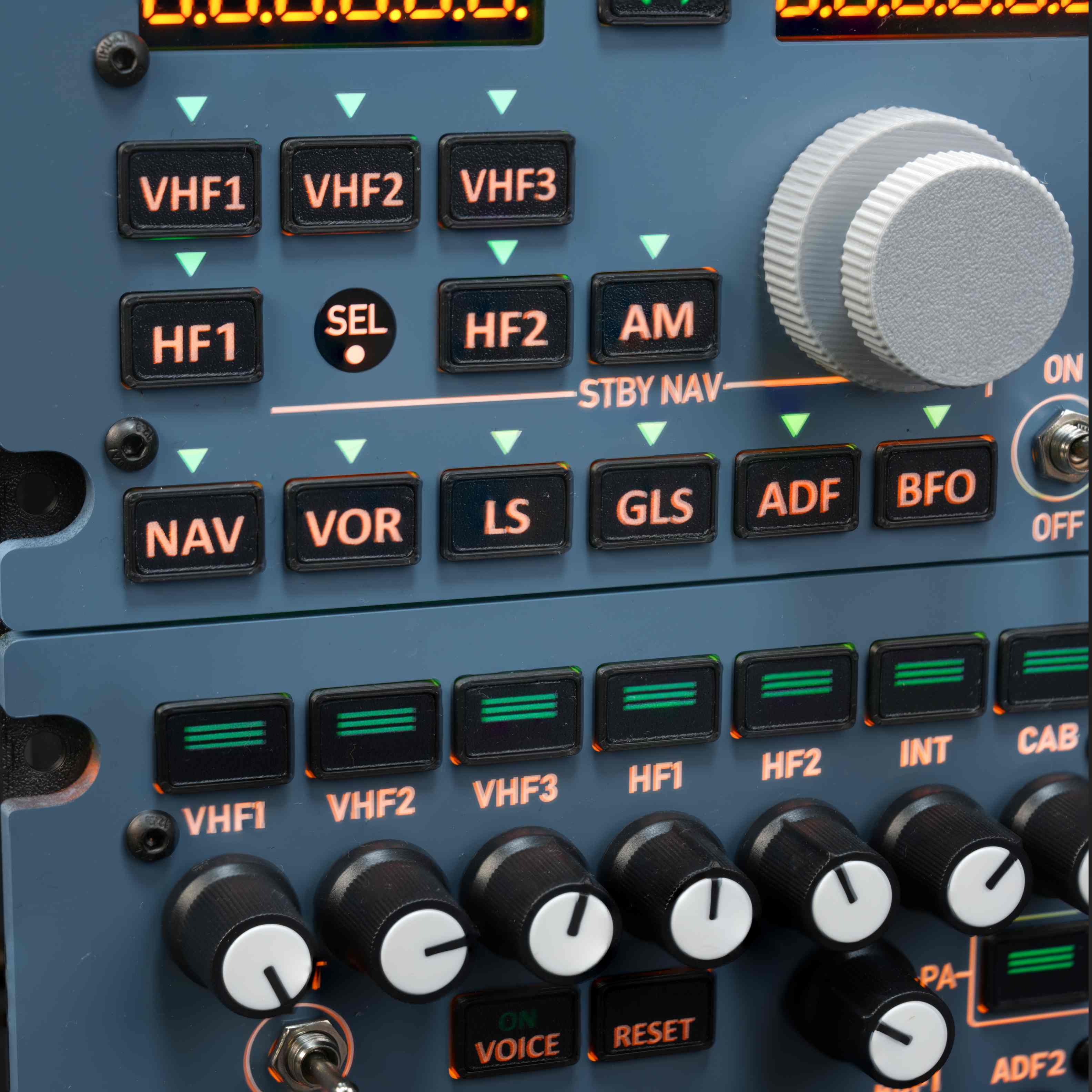
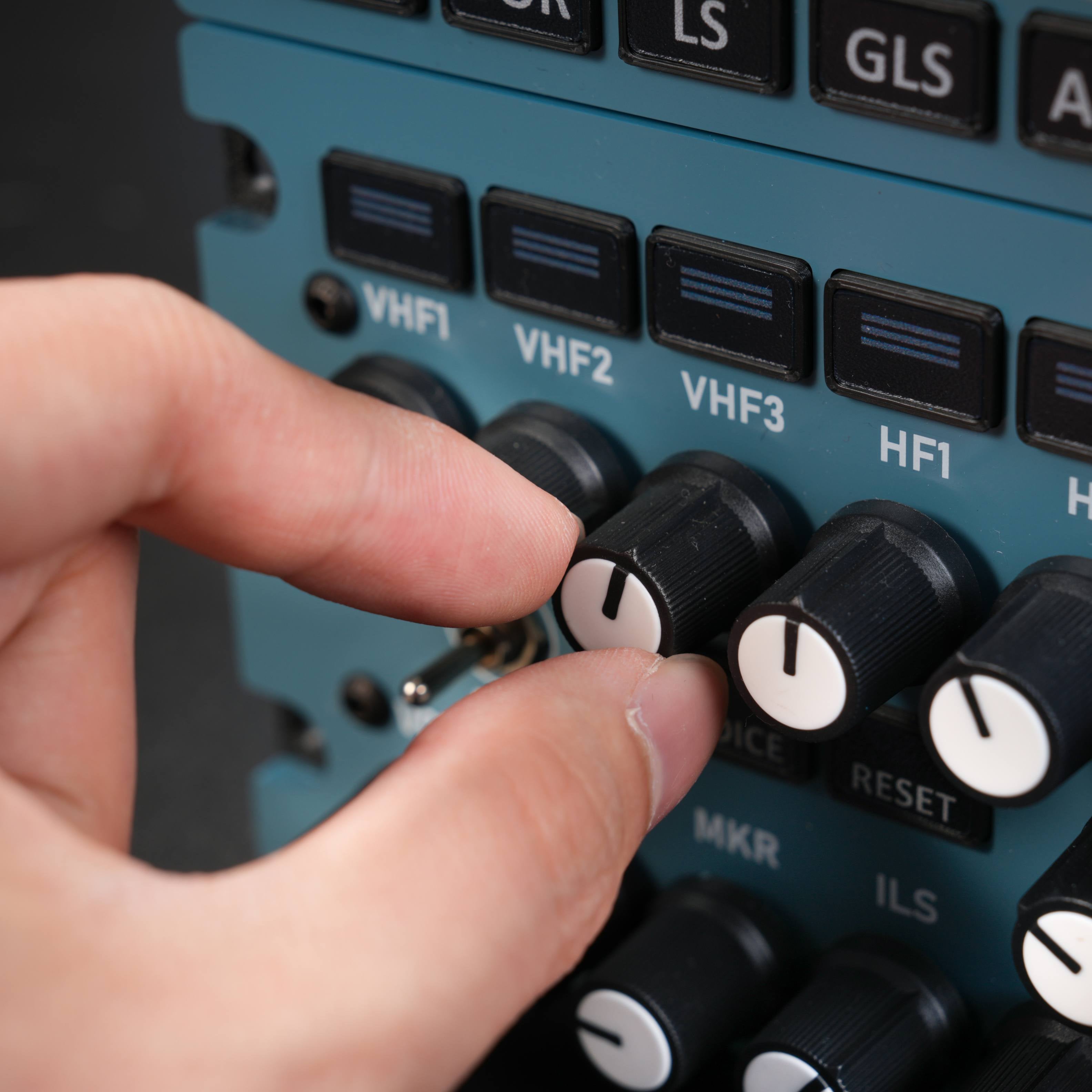
    Close-up of the A111 RMP keys: VHF1-3, HF1-2, AM, SEL, NAV, VOR, LS, GLS, ADF and BFO
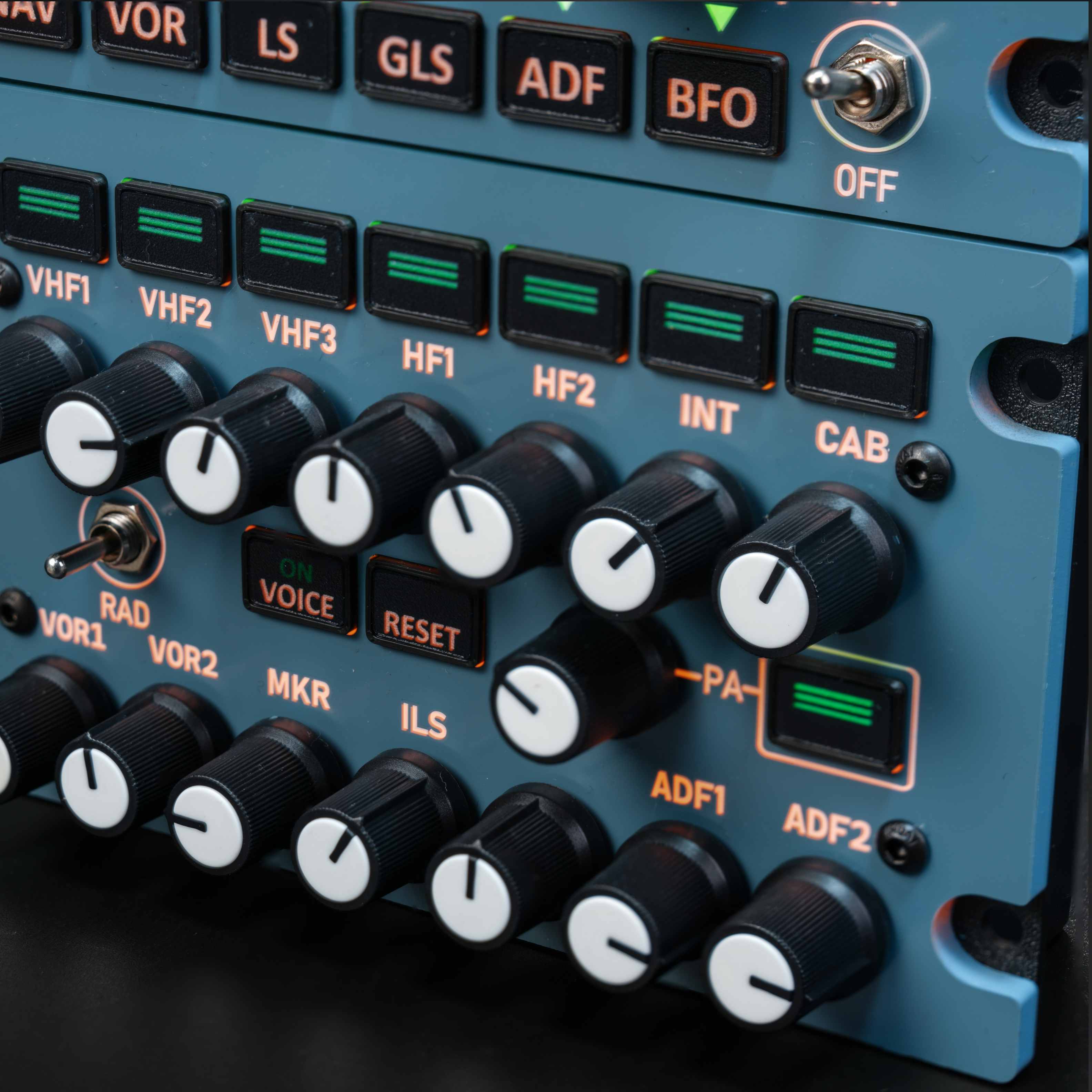
    Close-up of the A111 audio control panel transmit keys and volume knobs
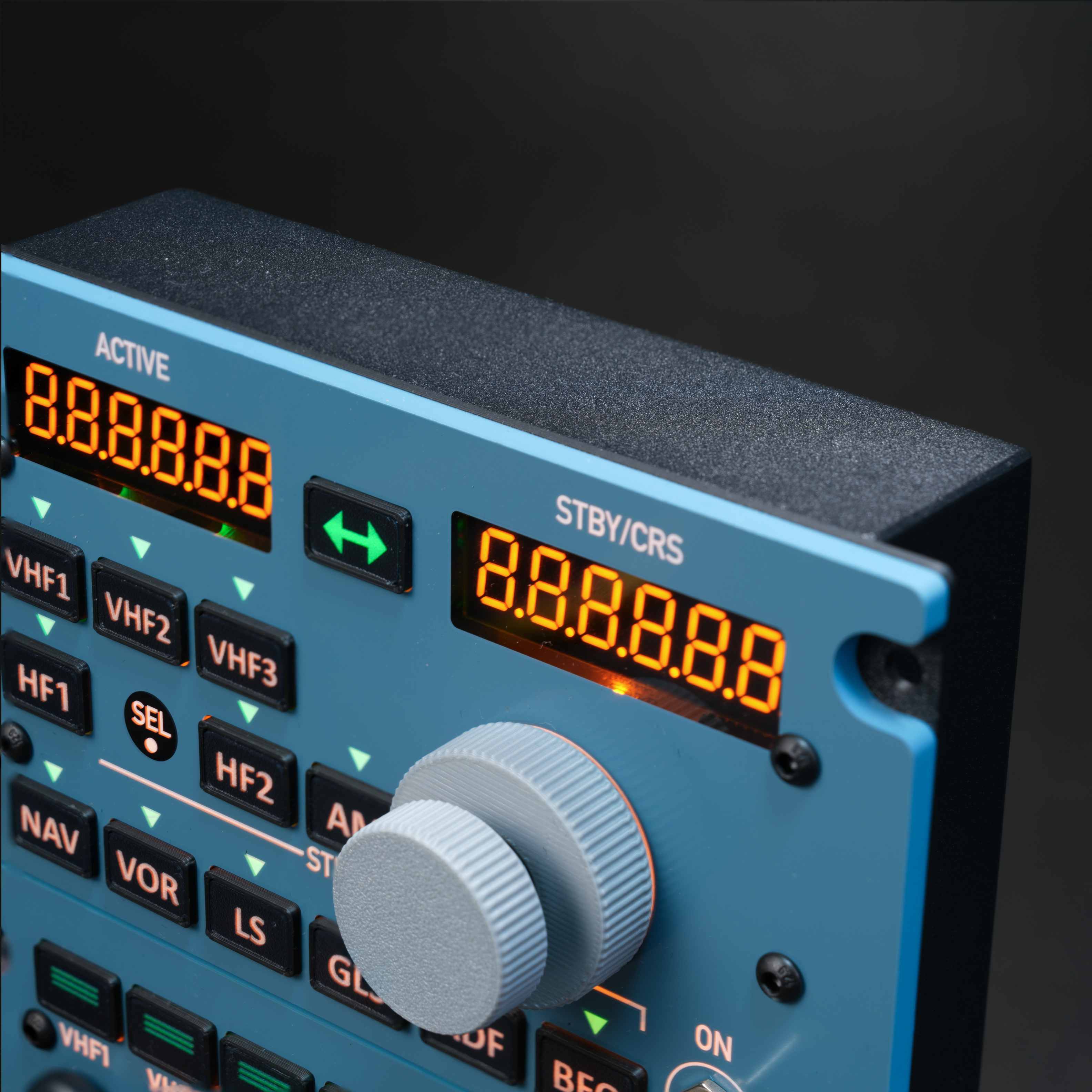
    A111 active and standby frequency displays and tuning knob, angled close-up
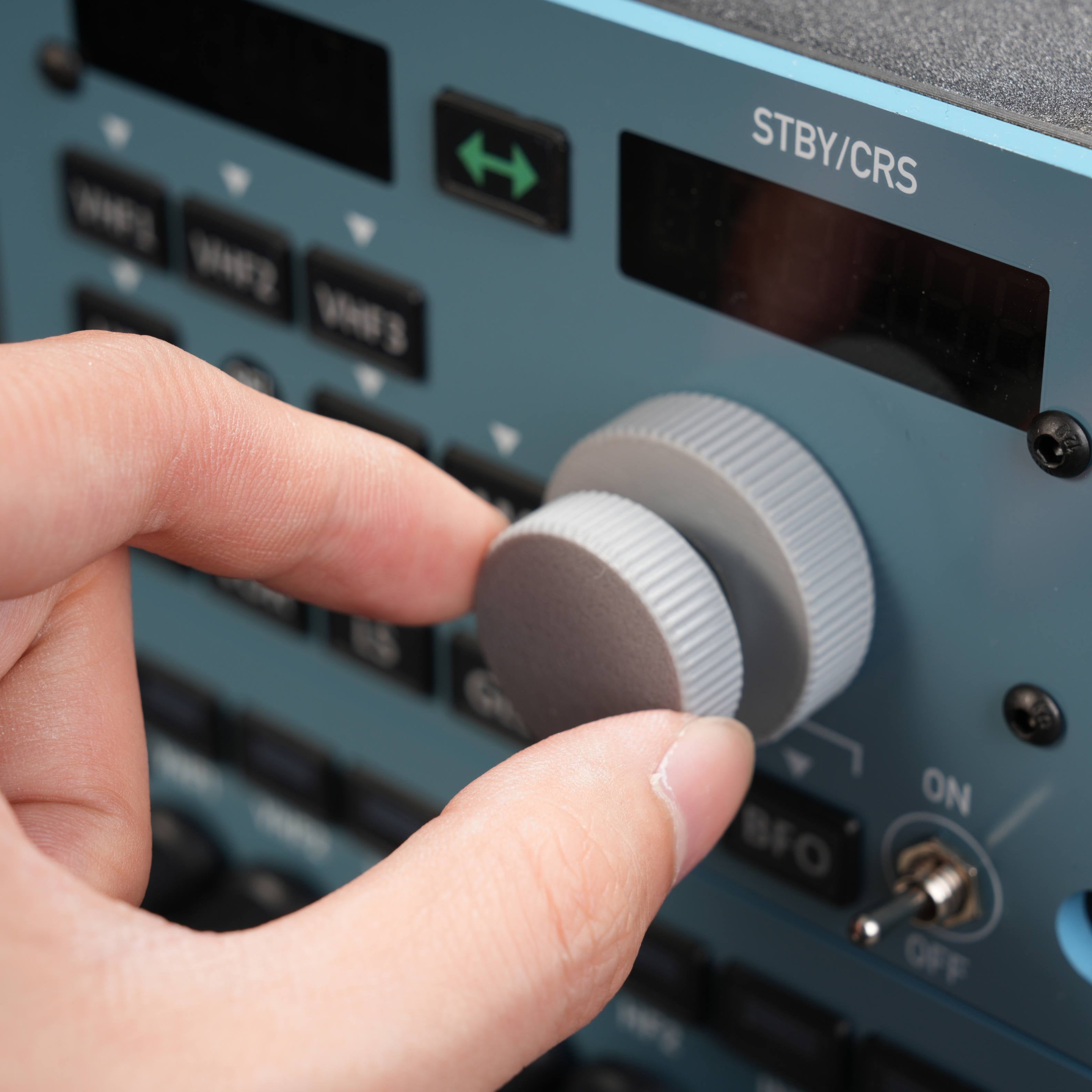
    Hand turning the A111 frequency tuning knob
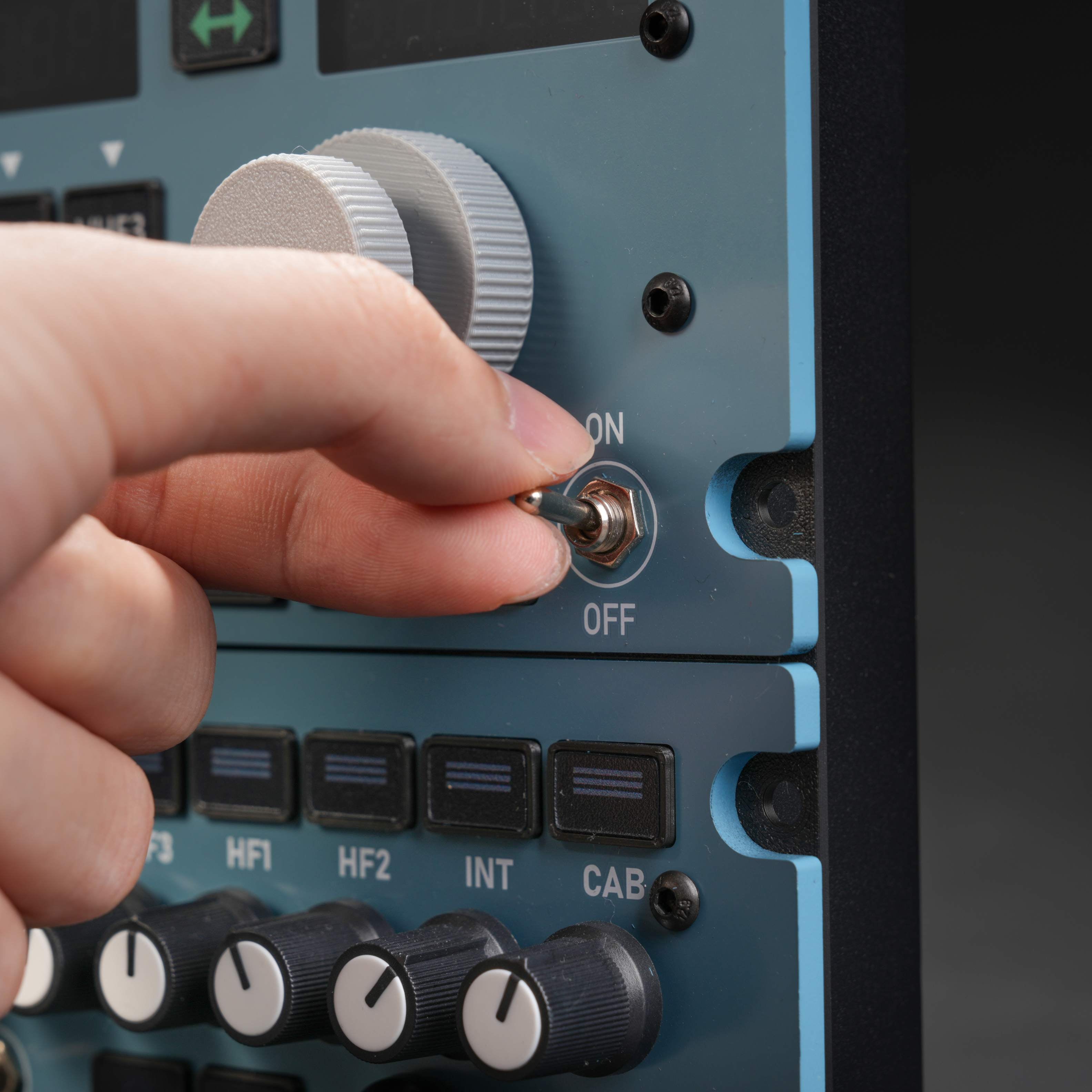
    Hand flipping the A111 RMP ON/OFF switch
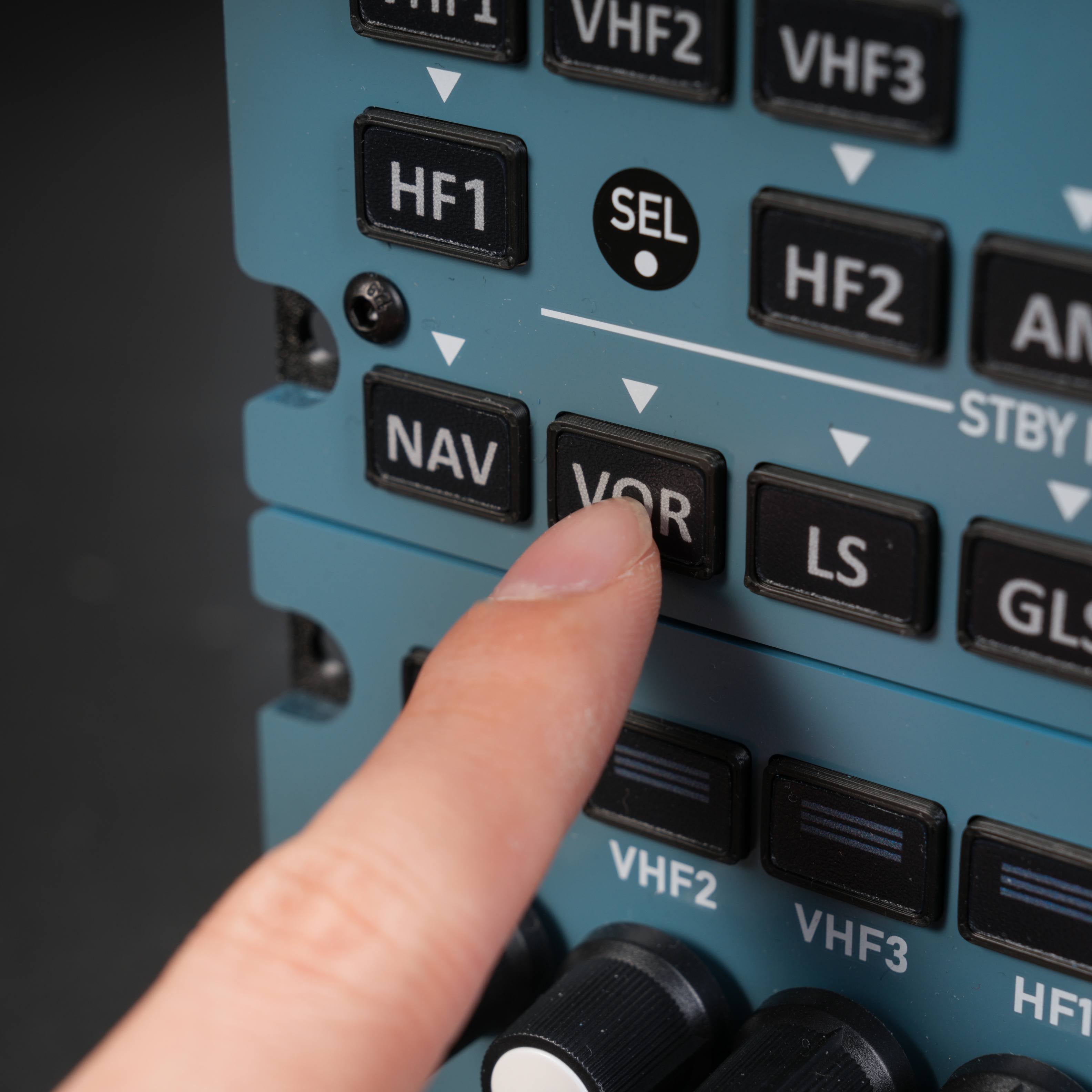
    Finger pressing the VOR key on the Rowsfire A111
    Hand turning an A111 audio volume knob
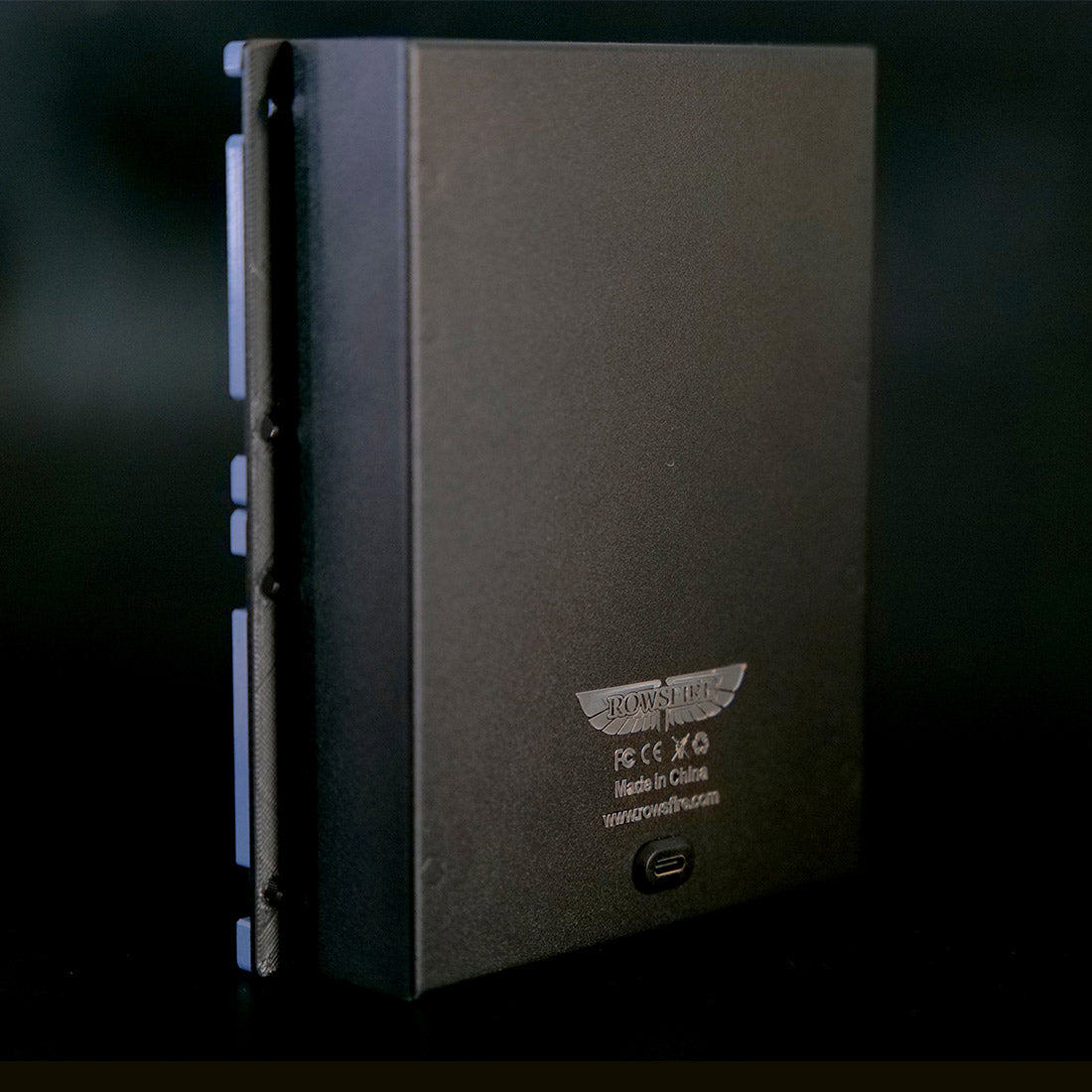
    Rear of the Rowsfire A111 aluminum housing
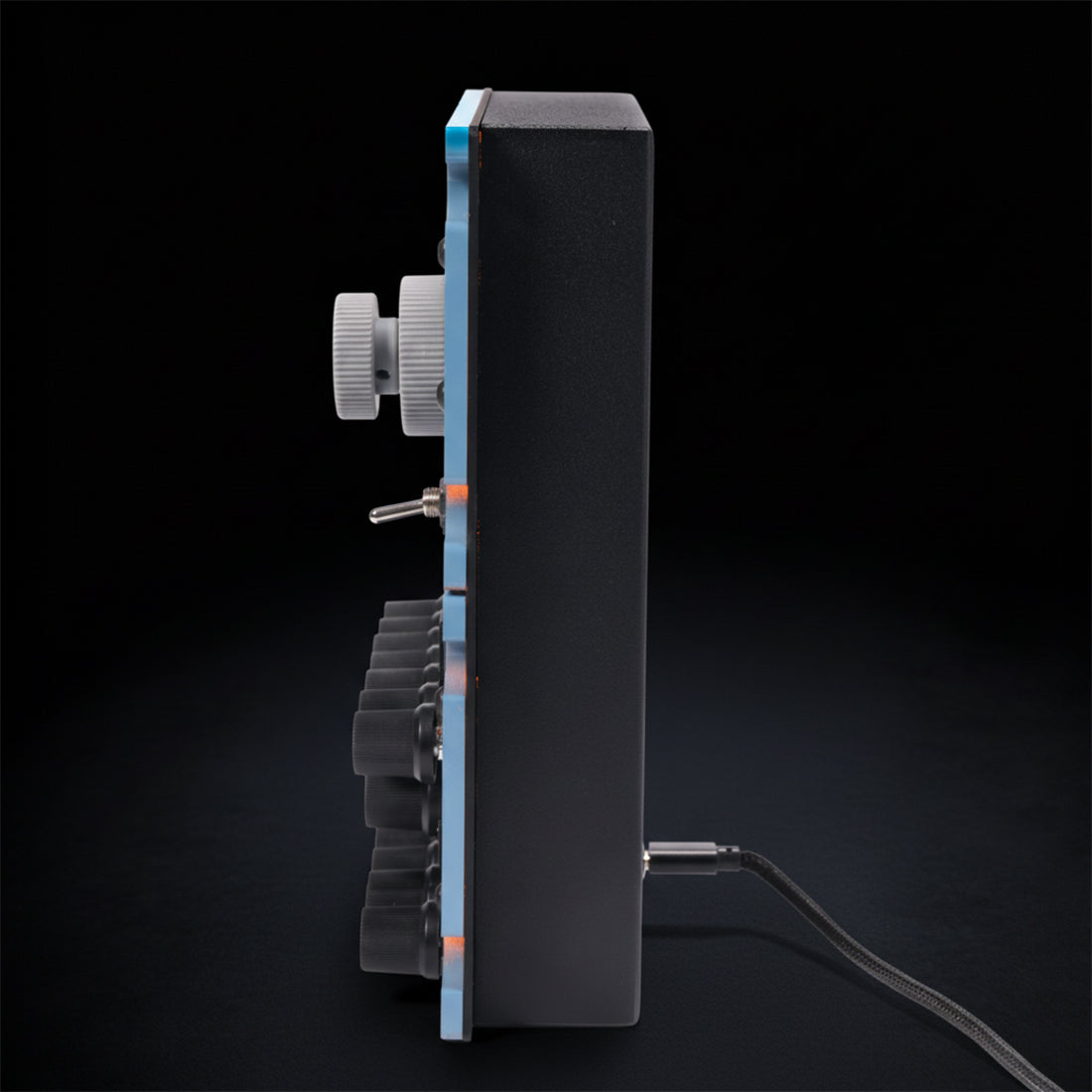
    Side profile of the Rowsfire A111 showing the slim housing
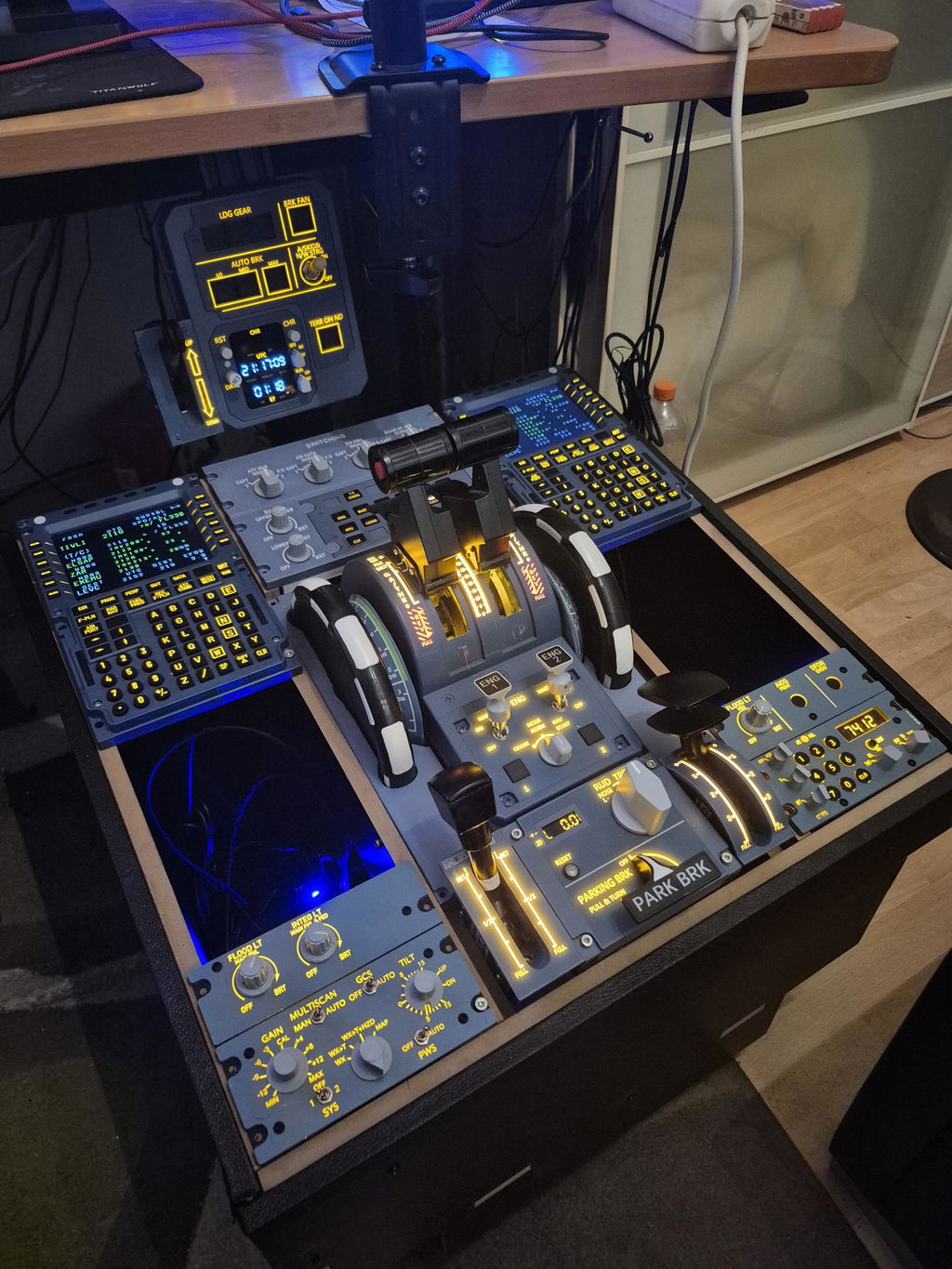
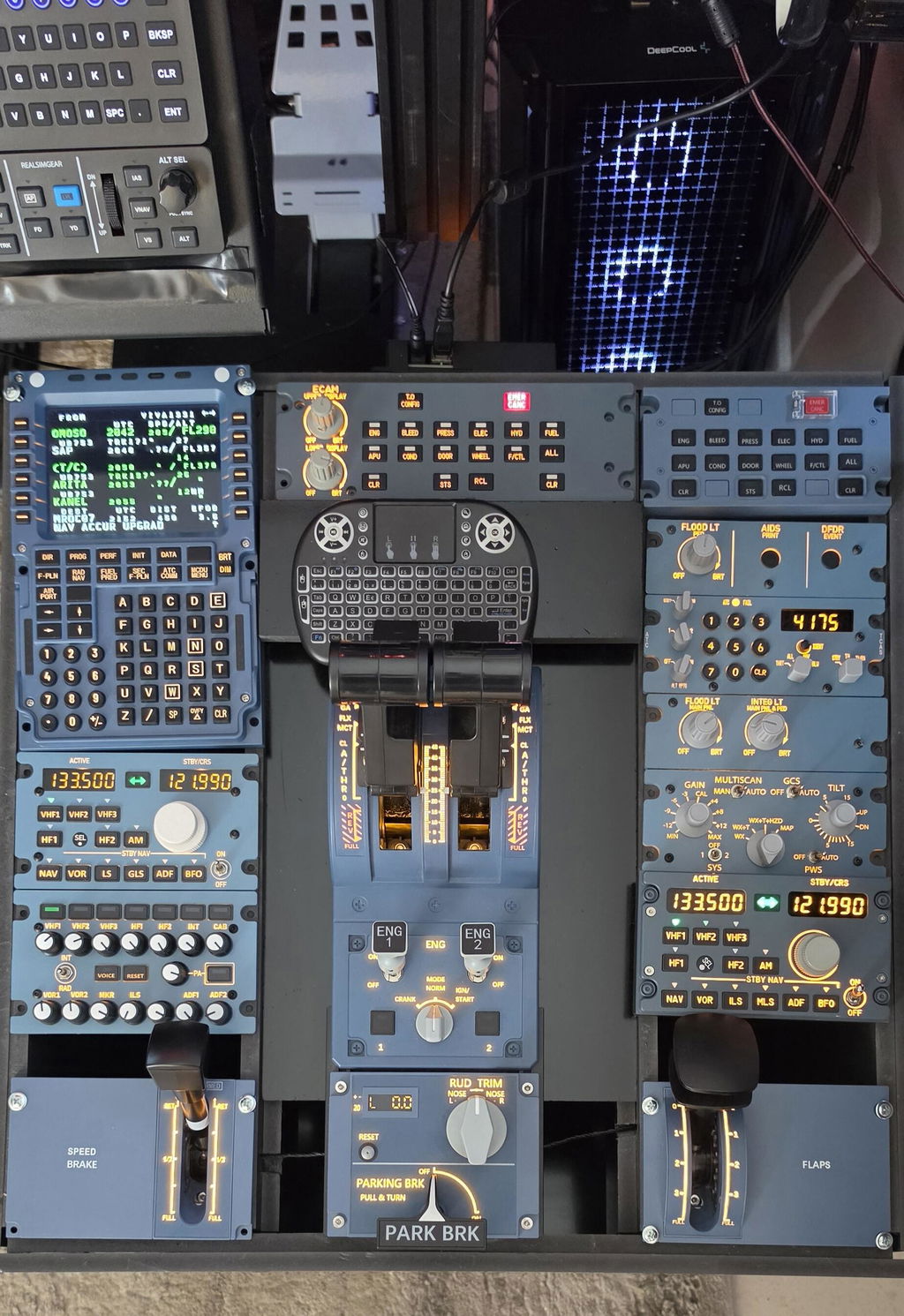
    A320 home cockpit pedestal built with Rowsfire A109, A111, A112 and A113 panels
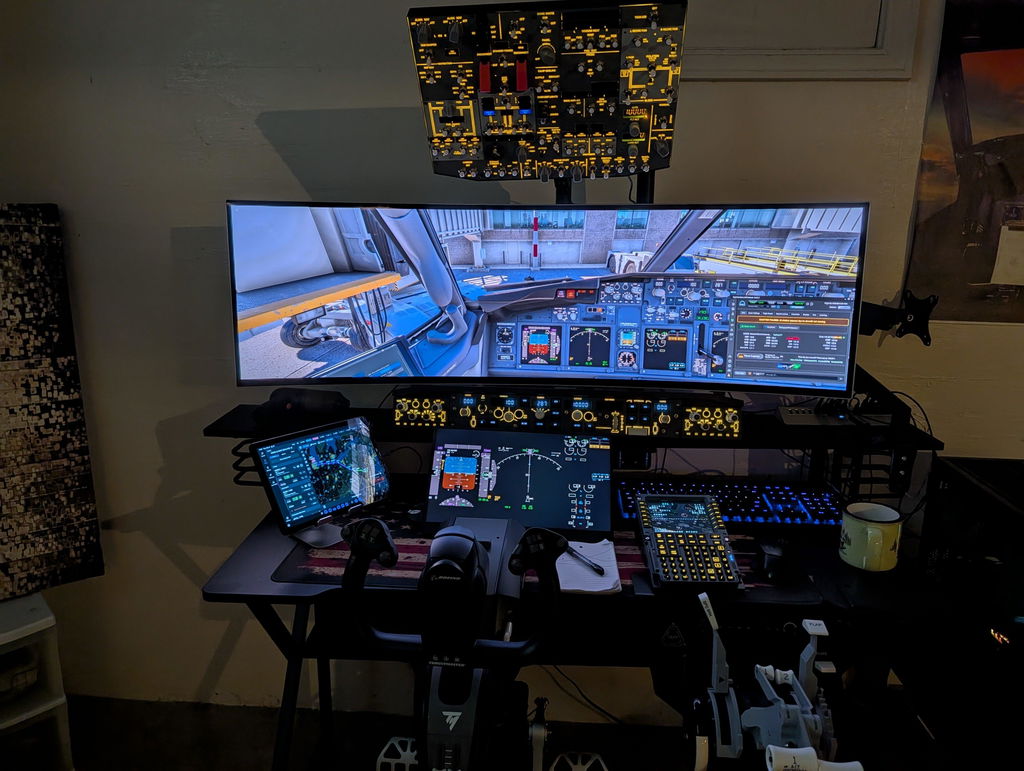
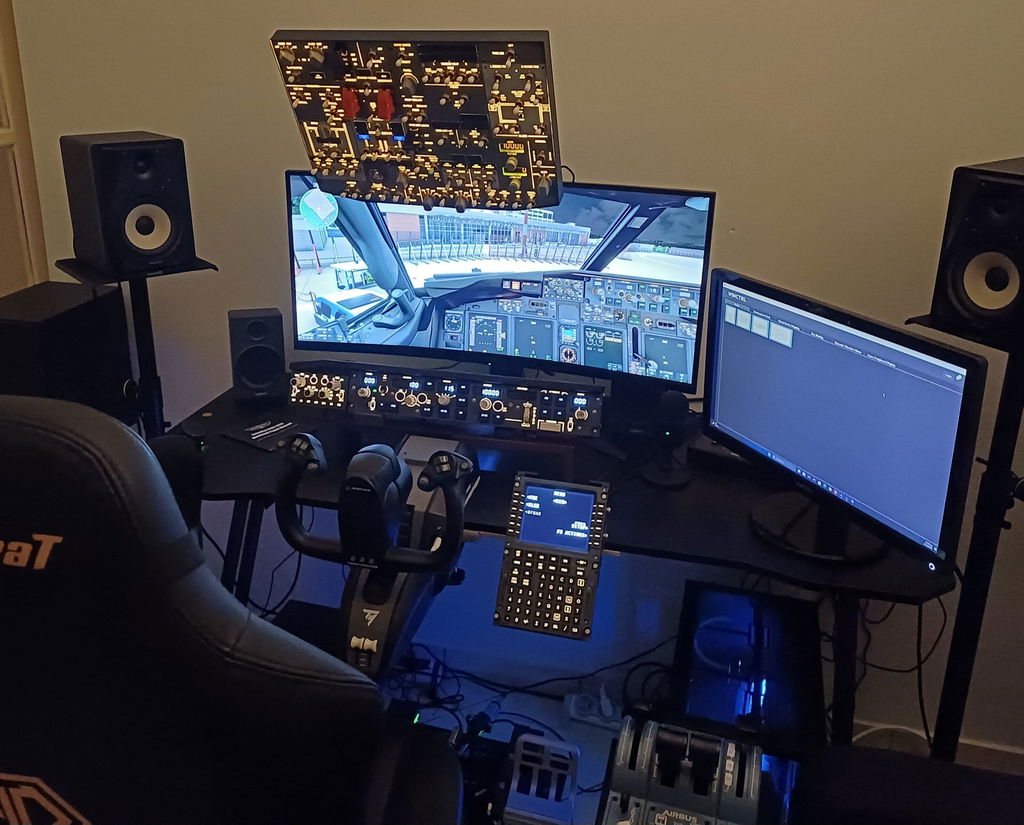
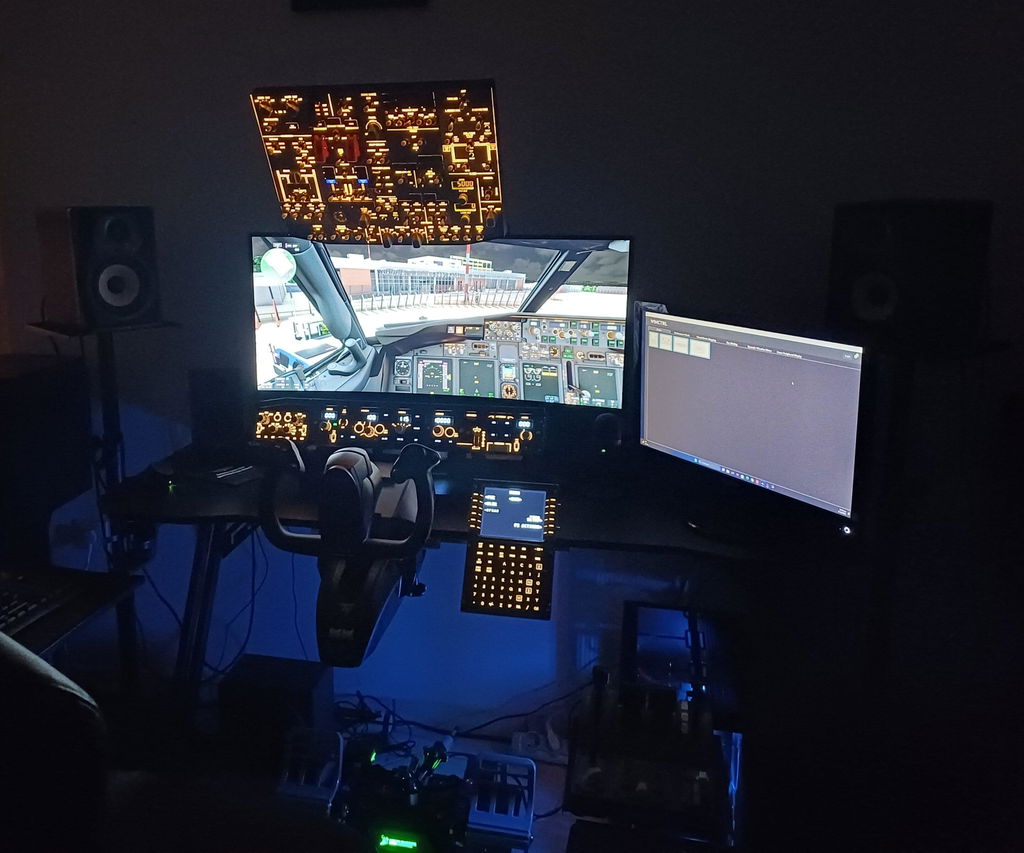
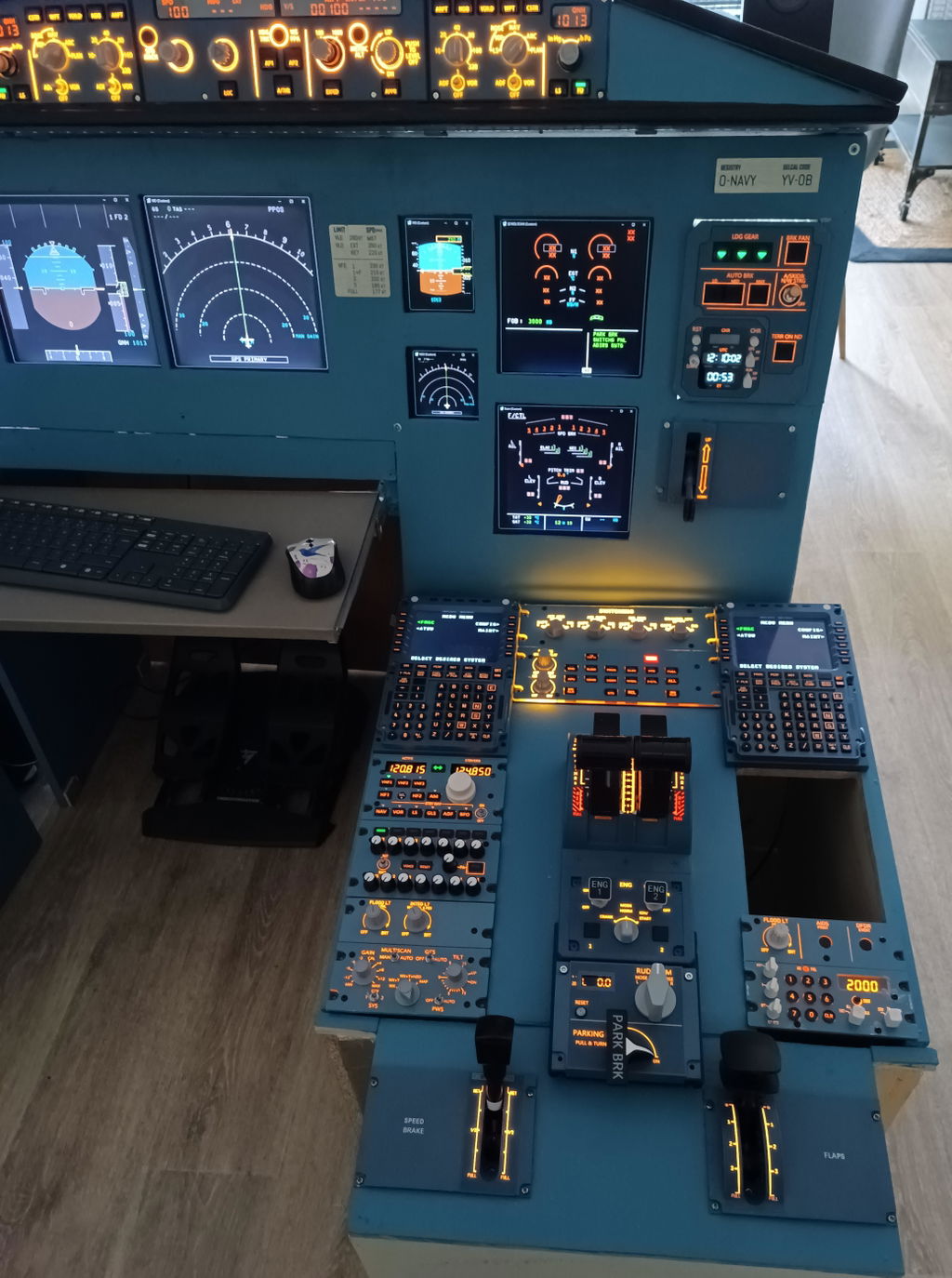
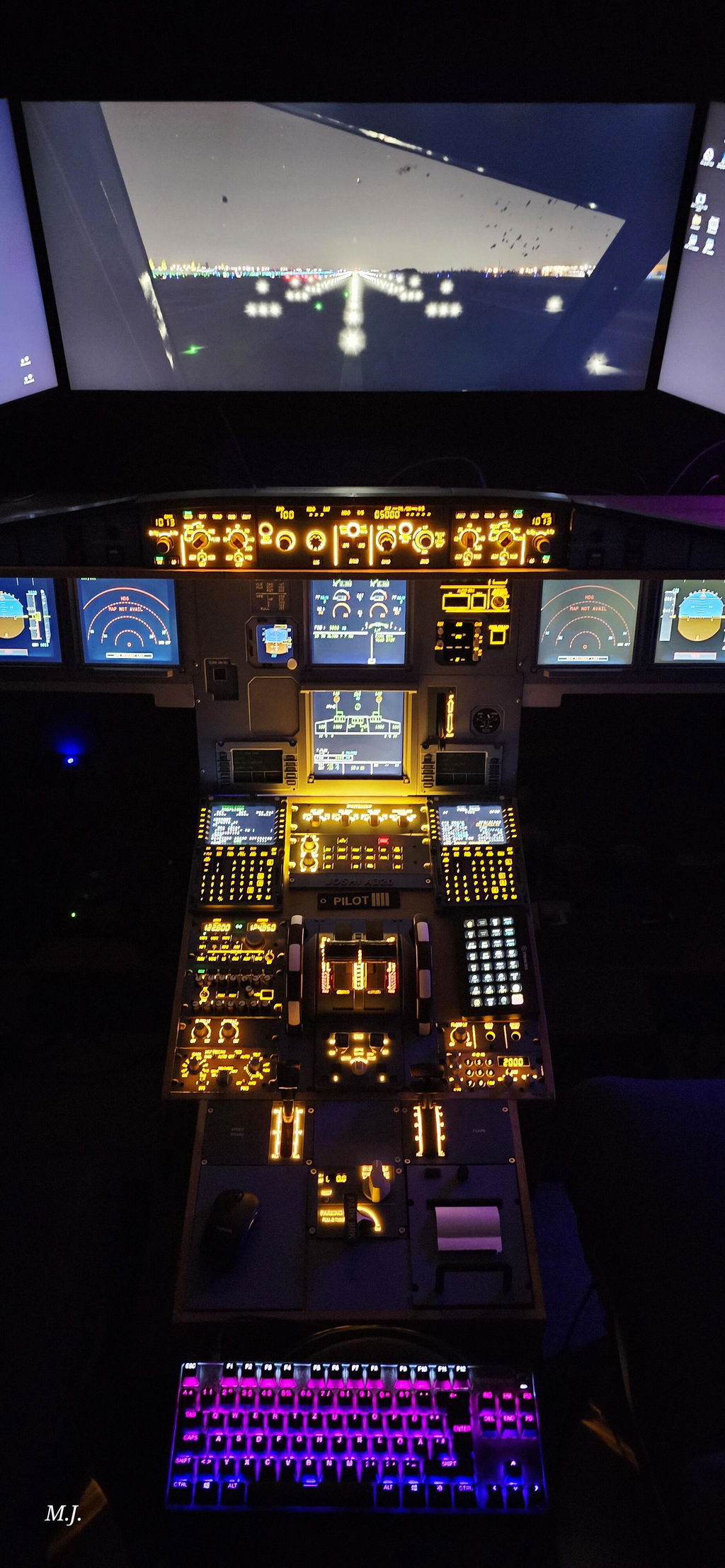
    Airbus A320 home cockpit with overhead, glareshield, main instrument and pedestal panels
    Rowsfire A111, A112 and A113 A320 pedestal panels lined up side by side
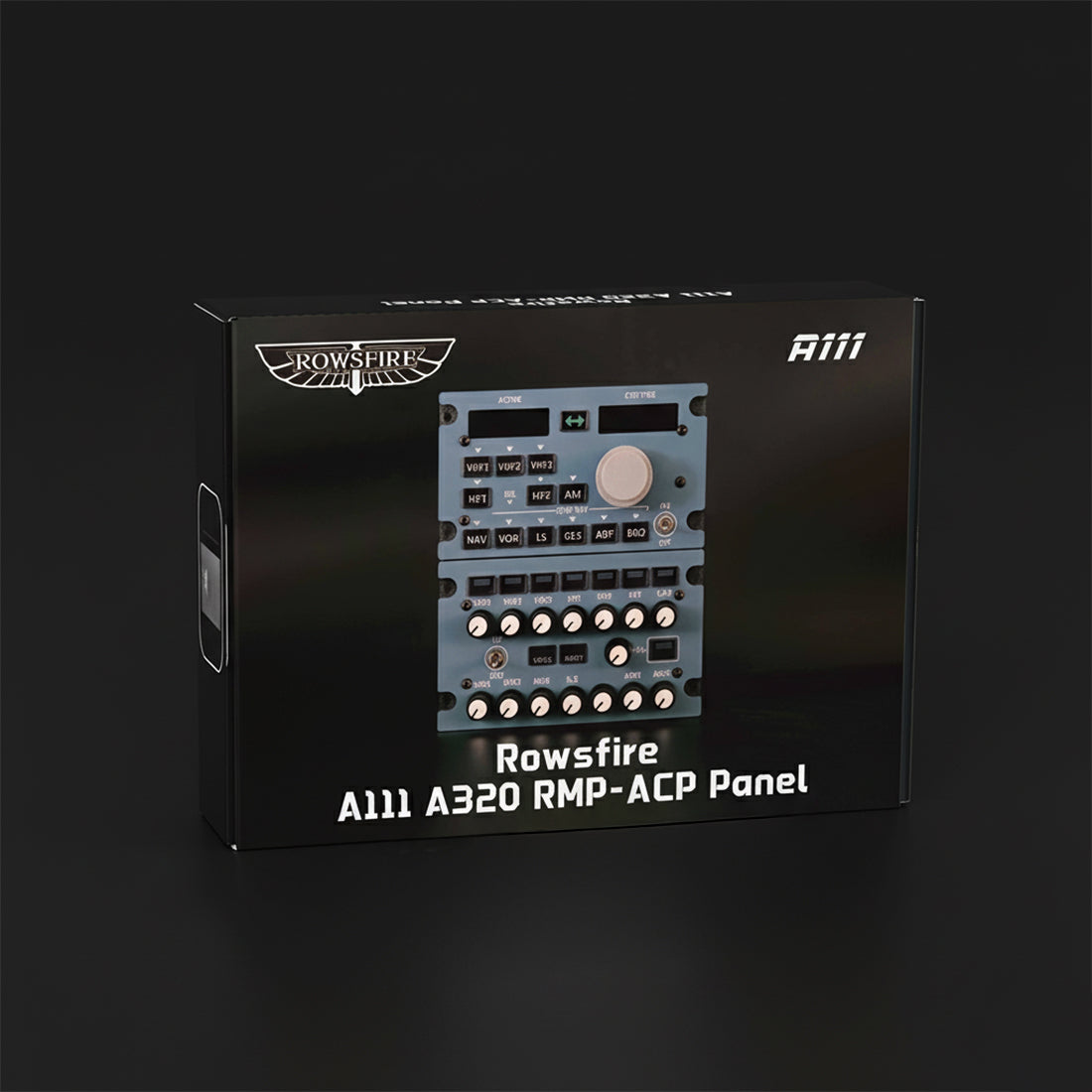
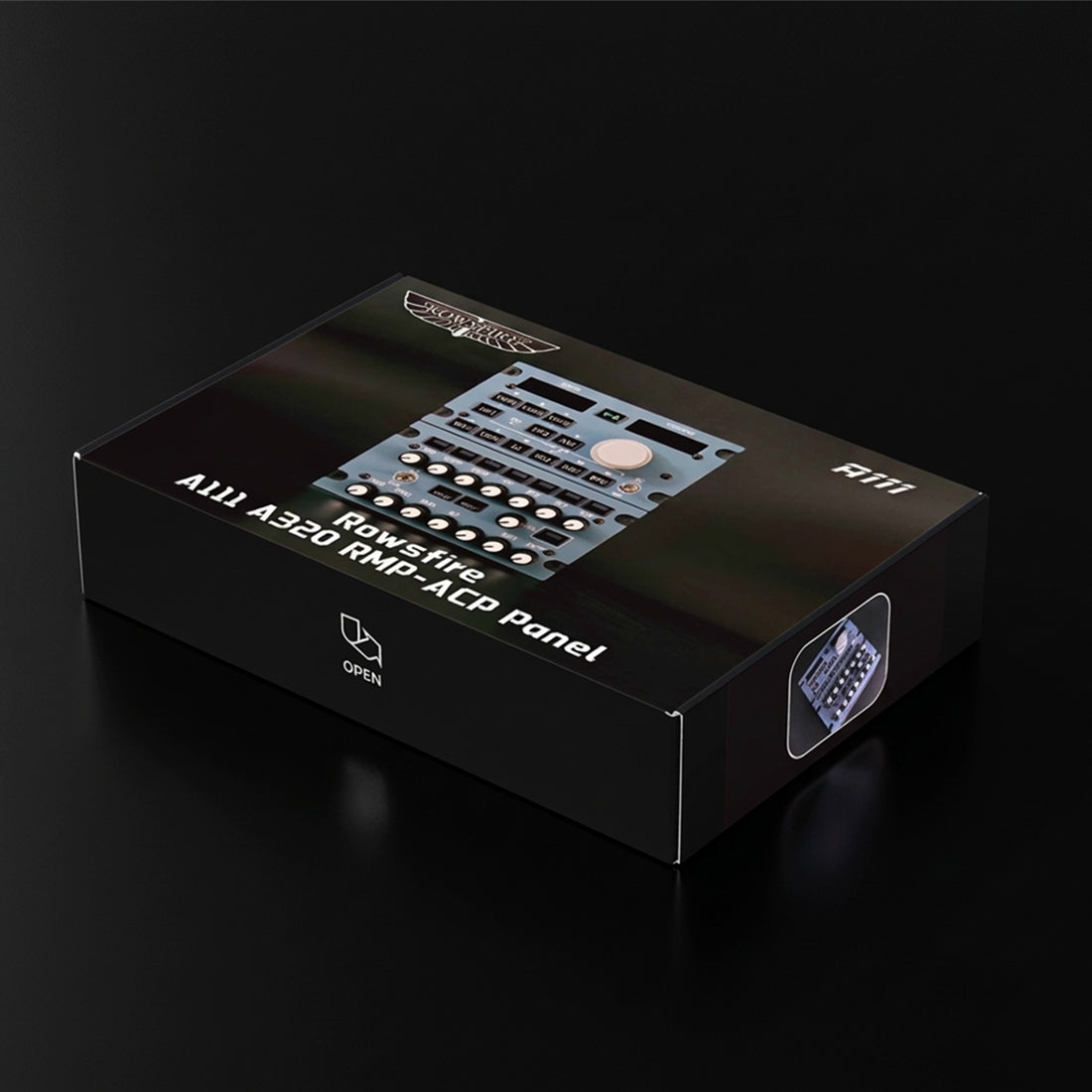
    Rowsfire A111 A320 RMP-ACP radio and audio panel retail box
    Rowsfire A111 retail box, angled view
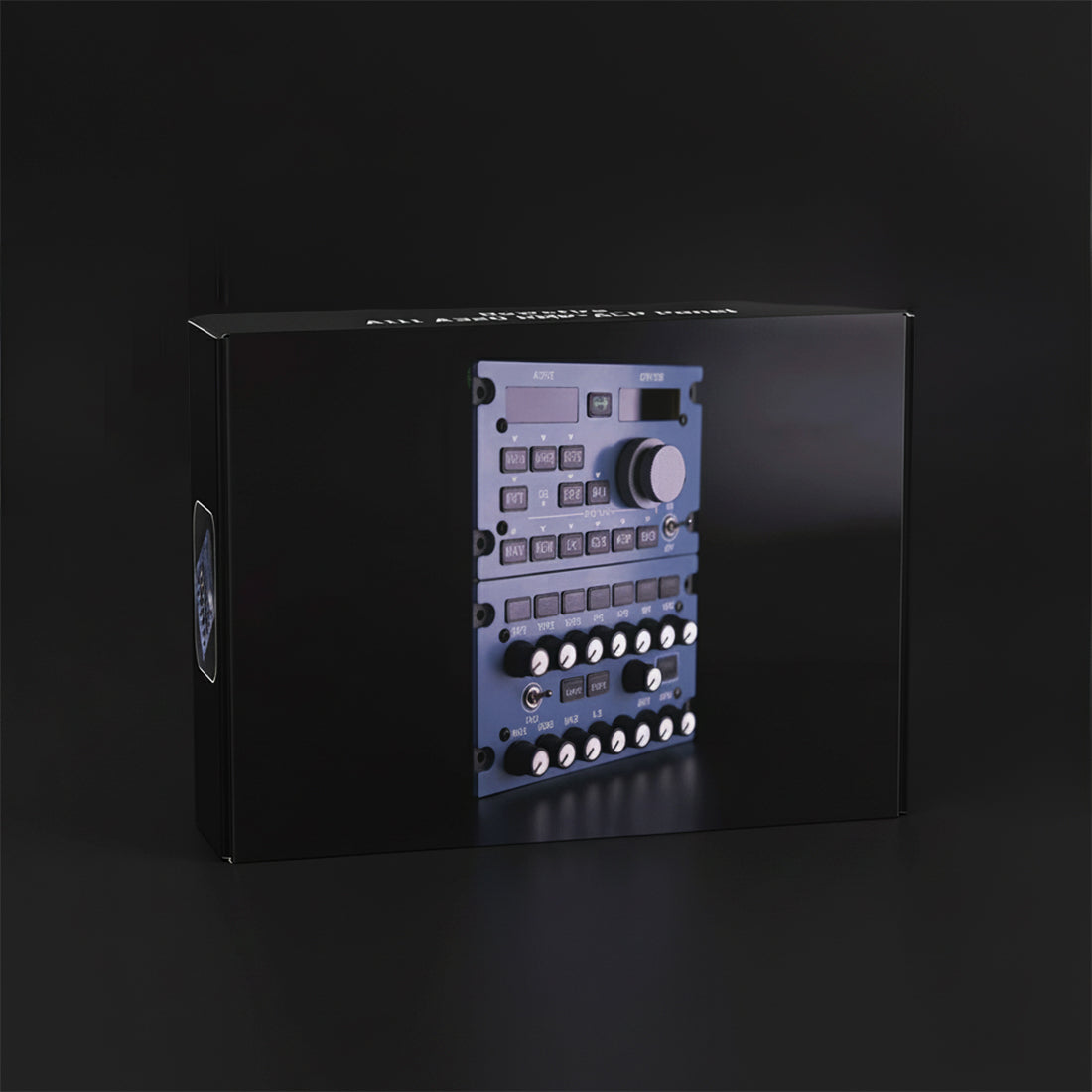
    Rowsfire A111 retail box, front view
    Close-up of the Rowsfire A113 fitted in a home cockpit pedestal
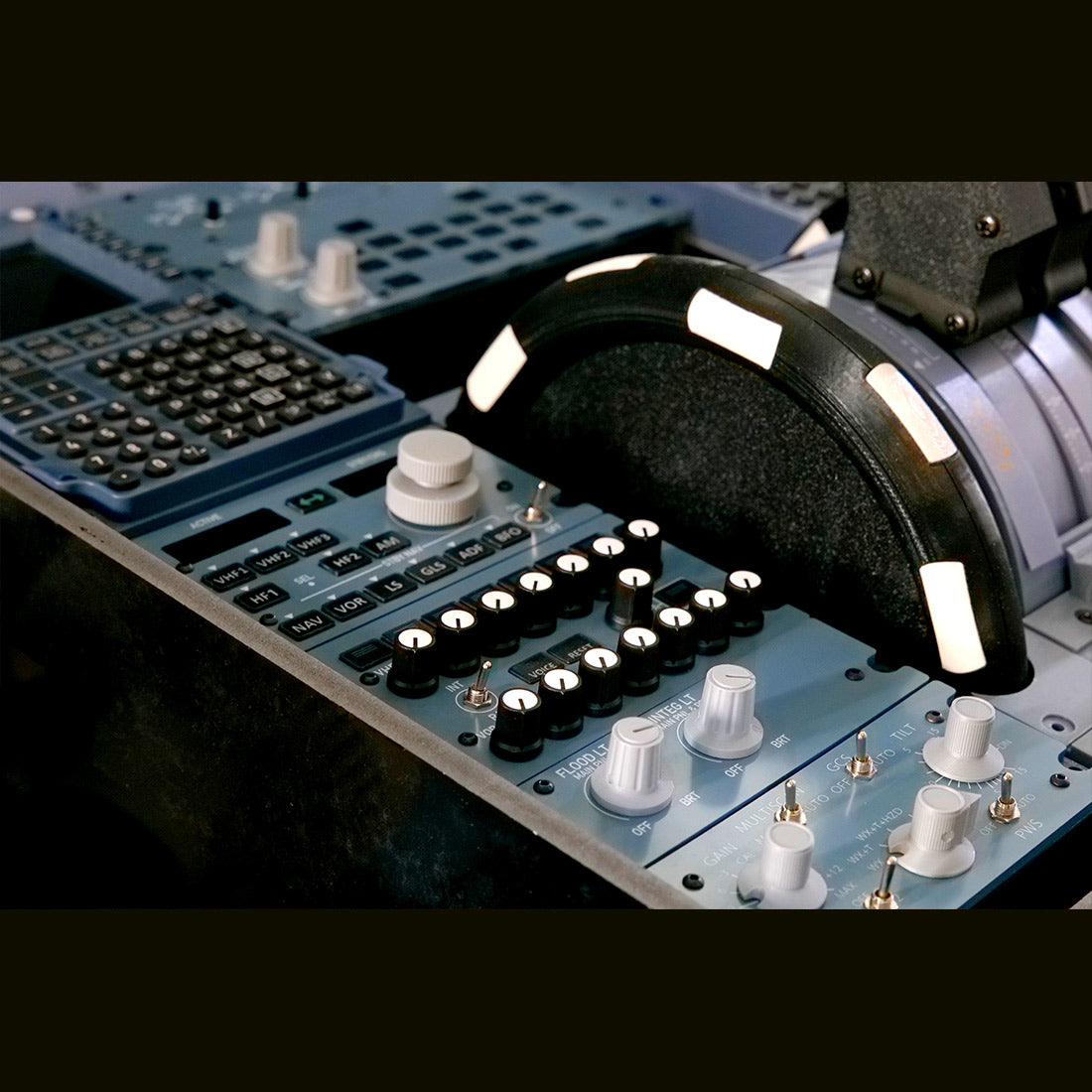
    Rowsfire pedestal panels installed beside the thrust levers in an A320 home cockpit
    Rowsfire A113 installed in an A320 home cockpit pedestal next to the thrust levers
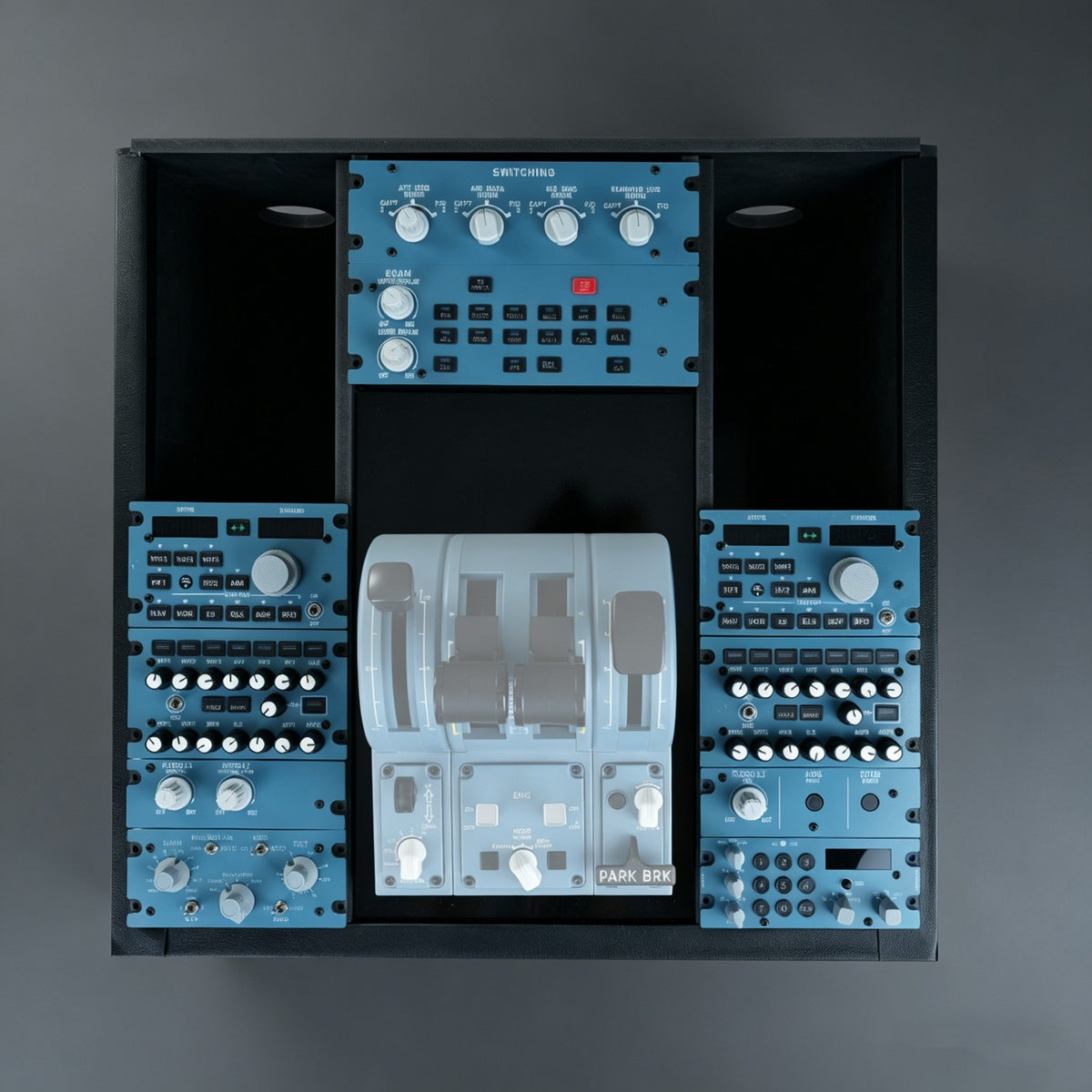
    A320 home cockpit pedestal with two Rowsfire A111 panels, one each for the Captain and First Officer

    Airbus A320 Radio & Audio Panel · RMP / ACP

    The A320 radio stack, at true 1:1 scale.

    The A111 combines the Radio Management Panel and the Audio Control Panel in one unit, built dimension-for-dimension to the real Airbus part. Knob spacing, button positions and labels all sit where your hand expects them. It drops straight into the Rowsfire A110P pedestal, and connects with a single USB-C cable.

    • True 1:1 scale
    • Aluminum housing
    • Rear USB-C
    • Captain + F/O dual-unit mode
    • Rowsfire App or MobiFlight

    Watch it work

    See the A111 in action.

    An independent hands-on review, plus our cockpit-sync demo with the full A11 pedestal series. Tap a chapter to jump straight to it.

    Easyjetsimpilot review · independent · 9 min

    The review covers the A111 and the A113. Opinions are the reviewer's own; prices mentioned reflect the offer at the time of recording.

    Cockpit sync demo · Rowsfire

    What owners said

    "Very good quality! It works very well."

    Valentin F. · Verified buyerRead reviews →

    "Looks great and works perfectly!"

    Theod · Verified buyerRead reviews →

    Building the full pedestal?

    A real A320 has two RMP/ACPs, one for the Captain and one for the First Officer. Rowsfire App 1.9 and later recognizes two A111s automatically as RMP 1 and RMP 2.

    Why the A111

    Built like the real part.

    Close-up of the A111 VHF, HF, NAV and audio selector buttons

    True 1:1 scale, not a clone

    • Built dimension-for-dimension to the real Airbus RMP/ACP.
    • Knob spacing, button positions and labels match the A32X flight deck, so muscle memory carries over.
    • Two units side by side look exactly like a real Captain + F/O pedestal.
    Rear of the Rowsfire A111, showing the aluminum alloy housing

    Aluminum housing, SMD board

    • Rugged aluminum alloy chassis with a tactile finish.
    • High-stability SMD circuit board for consistent, long-term input.
    • USB-C on the back, so cables run cleanly behind the panel.
    Hand pressing a button on the A111 with the active and standby frequencies lit

    Plug and play, or fully programmable

    • The free Rowsfire App loads the right profile for your aircraft, no setup needed.
    • MobiFlight is fully supported if you want to remap every button and knob.
    • Profiles keep improving through App updates.
    Rowsfire A110P pedestal frame fitted with the A109, A111, A112 and A113 panels

    Made for the pedestal

    • Fits the Rowsfire A110P A320 pedestal frame natively.
    • Embedded rail-mount design, no VESA bracket needed.
    • Pairs with the A109, A112 and A113 for a complete center pedestal.

    Compatibility

    Works with the Airbus you fly.

    MSFS 2020, MSFS 2024 and X-Plane 12 on Windows 10 / 11.

    Aircraft (Rowsfire App)

    • FenixA320
    • FlyByWireA32NX
    • ToLissA320
    • Airbus A330-300X-Plane / MSFS

    FSLabs is not supported yet. More aircraft are added through App updates. Full compatibility list →

    Two ways to connect

    Rowsfire App · plug and play. It's free, detects the A111 and loads the right profile. Two units are recognized as Captain and First Officer automatically.

    MobiFlight · fully customizable. Map any button or knob yourself.

    Quick start

    1. Install the Rowsfire App (free) and plug the A111 into a USB 3.0 port on the back of your PC.
    2. Start your simulator and load your aircraft first, then open the Rowsfire App.
    3. Fly. The App detects the A111 and loads the profile for your aircraft.

    Running the A111 with other Rowsfire panels? Use separate USB ports or a powered hub, so every panel gets enough power.

    ⚠️ Version note: the A111 now ships as V2 (check the label on the package). In the Rowsfire App (v3.2.2 or later), select A111 V2 and download its firmware again when prompted. Older units are V1.0 or V1.1; select the matching version.

    Up close

    Every knob where it should be.

    Front view of the A111 with the active and standby frequency displays lit
    Close-up of the A111 frequency displays and transfer button
    Close-up of the A111 audio control panel volume knobs
    Hand turning the A111 frequency selector knob
    Finger pressing the VOR button on the A111
    Side profile of the A111 showing the slim housing and rear USB-C cable

    Specs

    The technical details.

    PanelAirbus A320 RMP / ACP (Radio Management + Audio Control Panel), 1:1 scale
    MaterialAluminum alloy housing, acrylic face, SMD circuit board
    SimulatorsMSFS 2020 / 2024 · X-Plane 12 (Windows 10 / 11)
    AircraftFenix A320 · FlyByWire A32NX · ToLiss A320 · Airbus A330-300
    DriversRowsfire App or MobiFlight
    Dual-unit modeCaptain + First Officer (Rowsfire App 1.9 or later)
    MountingRail-mount, fits the Rowsfire A110P pedestal (no VESA)
    ConnectionUSB Type-C (rear) · 400–500 mA, USB 3.0 port recommended
    Size17 × 14.5 × 3.7 cm
    Weight1.0 kg (1.2 kg packed)
    Age16+

    Package

    • Package size25 × 18 × 8.5 cm
    • Package weight1.2 kg

    Setup takes one download: get the free Rowsfire App and plug in the panel.

    Rowsfire A111 A320 RMP-ACP panel retail box

    Buy with confidence

    Backed by Rowsfire.

    🛡️

    1-Year Warranty

    Free replacement for hardware defects

    🚚

    Free Shipping

    Worldwide · duties & taxes included

    ↩️

    30-Day Returns

    Return & exchange support

    💬

    Fast Remote Support

    95% of issues solved within 24h

    Common questions

    Questions, answered honestly.

    Can I really use two A111s as Captain and First Officer?

    Yes. Rowsfire App 1.9 and later recognizes two A111s automatically as RMP 1 (Captain) and RMP 2 (First Officer). No extra drivers and no manual mapping.

    Do the buttons and CALL / MECH / ATT annunciators light up?

    Not in the current version. The panel legends are backlit, but the CALL / MECH / ATT annunciators and the active-channel key lights are not illuminated. A few owners have mentioned this in their reviews, so we want you to know before you order.

    If this matters for your build, email service@rowsfire.com. Your feedback goes into the next hardware revision.

    Which simulators and aircraft are supported?

    MSFS 2020, MSFS 2024 and X-Plane 12 on Windows 10 / 11.

    With the Rowsfire App: Fenix A320, FlyByWire A32NX, ToLiss A320 and the Airbus A330-300. FSLabs is not supported yet. See the full compatibility list.

    Do I need MobiFlight?

    No. Install the free Rowsfire App, plug in the panel and fly. MobiFlight is fully supported as a second option if you want custom mappings.

    Which version do I have?

    New units ship as A111 V2. Earlier units are V1.0, or V1.1 if shipped from April 20. Check the label on the package and select the matching version in the Rowsfire App. A111 V2 needs its firmware downloaded again in the App (v3.2.2 or later).

    Are there any USB requirements?

    Plug the A111 directly into a USB 3.0 port on the back of your PC for stable power (400–500 mA). Front-panel ports often share power with other devices and can cause drop-outs.

    Running several panels (for example A111, A112 and A113, or two A111s)? Use separate ports or a powered hub such as the Rowsfire 13-Port Independent USB 3.0 Hub. An unpowered hub may not supply enough power.

    How do I mount it?

    The A111 uses an embedded rail-mount design and fits the Rowsfire A110P A320 pedestal frame directly. No VESA bracket is needed.

    How long does shipping take?

    Standard shipping is free and takes 14–30 business days. Express takes 5–13 business days for $29.99. Duties and taxes are included either way.

    What's your return and warranty policy?

    You get 30 days to return or exchange, and a 1-year warranty with free replacement for hardware defects. Missing accessories are reshipped.

    How do I get help with setup?

    Most issues are solved by updating the App or replugging the USB cable. For anything else, message us through live chat or email service@rowsfire.com. Our remote support team solves 95% of issues within 24 hours.

    Complete your pedestal

    Build your A320 center pedestal.

    Your A111 is already ticked. Add the frame and the panels you want, and we'll put them in your cart in one click. Multi-item discounts apply automatically at checkout.

    Rowsfire A110 A320 center pedestal fitted with A109, A111, A112 and A113 panels
    Tap a number to highlight the panelThrottle shown is not included
    Rowsfire A110P / A110 A320 Flight Simulator Pedestal Stand1
    A110 Pedestal Frame
    The frame that holds everything
    $299.99
    Rowsfire A109 A320 ECAM Panel — 1:1 Scale, Backlit2
    A109 ECAM Control Panel
    Top of the pedestal: ECAM switching
    $249.99
    Rowsfire A111 A320 Radio & Audio Panel (RMP/ACP) — 1:1 Scale3
    A111 Radio & Audio Panel (RMP/ACP)THIS ITEM
    Captain & first officer sides: one per side
    $289.99
    Rowsfire A112 A320 Weather Radar & Cockpit Light Panel — 1:1 Scale4
    A112 Weather Radar & Cockpit Light Panel
    Lower left: WXR radar + cockpit lights
    $149.99
    Rowsfire A113 A320 ATC & Cockpit Light Panel (ATC) — 1:1 Scale5
    A113 ATC & Cockpit Light Panel
    Lower right: ATC transponder + cockpit lights
    $169.99
    0 items$0.00
    Multi-item discount (est.)−$0.00
    2 items · 13%3 items · 14%4+ items · 15%
    Estimated total$0.00

    Automatic checkout discounts: selected 15% offers keep the better rate and are not added on top of multi-item discounts. Free shipping and duties included to supported countries.

    • 5 stars: 9 (60%)
    • 4 stars: 4 (27%)
    • 3 stars: 1 (7%)
    • 2 stars: 0 (0%)
    • 1 star: 1 (7%)
    I
    Ignacio Garcia

    The A111 itself works well, although the backlight is somewhat dim. If you operate with more than 2 devices, configured via the Rowsfire App, you need to connect them one at a time.

    y
    yvan

    J'ai acheté le deuxième pour co-pilot mais déçus les boutons ne s'allume pas quand on clic sur le bouton .. pas immersif du tous un peux déçus

    M
    Marcus Jeschonek

    Es ist genial und funktioniert super.

    V
    Valentin Friederich

    Very good quality!
    It works very well.
    The only little „issue“ is, that the potentiometers arevery noisy, what is why Mobiflight gets too many inputs and crashes sometimes, but this can be adjusted a little bit in the settings…
    All in one, I‘m very happy with this product!

    T
    Theod

    Looks Great anad works perfectly!

    Hi Theodor, thank you for your fantastic feedback! We're thrilled to hear the product works perfectly for you.

    A
    Anonymous

    Perfecto

    A
    Adrian Iuhasz

    Amasing

    F
    Franck

    très bon produit , mais je trouve dommage que les boutons blancs n’ont pas le rétro éclairage

    A
    Ashwini Yadav

    Xplane 12 not compatible

    Hi there, thank you for bringing this to our attention. We apologize for any inconvenience caused by the incompatibility with Xplane 12. We have taken note of this and will include it in our future plans. Once it is updated, we will notify you promptly. Thank you for your understanding.

    M
    Michael McLoughlin

    Very good

    P
    Pedro

    The build quality of the A111 v1 is great, but for a “1:1” panel it misses a lot of functionality. None of the radio buttons have the blinking annunciators for CALL/MECH/ATT, and none of the dials light up when a channel is active (so you still have to select your pedestal view in your simulator to check). Also, the INT/RAD switch is not momentary for the RAD position.
    The panel works great with the Rowsfire app, but with Mobiflight the dials produce so much noise that Mobiflight constantly restarts.
    If I would have known about the missing functionalities I may not have bought this panel.

    M
    Mtb Oli

    Finally all complete. After small starting issues now working smooth with rowsfire app all my 3 rowsfire units 👍

    M
    MB

    Excellent product
    Good quality, nice appearance
    The app works well too
    I recommend

    A
    Arthur

    Great quality!

    R
    Rune Iversen

    The build seems very solid and well crafted. I have mot been anle to get it to work becaude I cant get MOBIFLIGHT to connect to it.

    r
    ricky

    Hi..
    I just bought 2 RMP and i have try to connect both of them but not working..
    i try using mobiflight its working but just only on Cpt Side, but if i connected together they are wont work..
    i think this is a same firmware A111, do you have firmware for A111b for FO side ?
    I read on Q&A said have diffrent firmware A111 and A111b

    thank u
    ricky

    Rowsfire

    Here is the firmware flashing tutorial: https://rowsfire.com/blogs/product/how-to-write-firmware-mfmc-to-rowsfire-devices
    . If you still have issues, please contact us by submitting the form: https://rowsfire.com/pages/contact#contact_form

    L
    Luke

    i want to use radio panel on Toliss Airbus Xpl 12 without Mobiflight, is this possible ?
    i want to use only Rowsfire app to install for Toliss - please instruction video ?
    Luc

    Rowsfire

    Thank you for reaching out to us.

    Currently, support for Toliss aircraft is already in our App development plan, and our team is working hard to complete it. It will require some time to finish the integration and testing.

    G
    Gio

    I'm wondering if i can use these with my music software. What transmission protocol it uses?

    Rowsfire

    Hi,

    Thank you for reaching out to us.

    Unfortunately, our flight simulation hardware is specifically designed for flight simulators (such as MSFS, X-Plane, and P3D) and uses protocols tailored for flight simulation plugins. It does not support standard music industry protocols like MIDI or Mackie Control, so it would not be compatible with music production software.

    A
    A111

    Can it work with spadnext?

    Rowsfire

    Thank you for reaching out to Rowsfire!

    Currently, our peripherals are only compatible with MSFS (Microsoft Flight Simulator). We do not support SPAD.neXt at this time, but we are definitely considering expanding compatibility in this direction for future updates.

    c
    captmelchart

    when will this work with x-plane 12

    Rowsfire

    We are currently working hard on the configuration files for X-Plane 12. While they aren't ready just yet, they are definitely on our roadmap. Please stay tuned to our website for updates.

    We appreciate your patience and support!

    Ready to finish your A320 pedestal?

    In stock · free worldwide shipping · duties & tax included · 1-year warranty · 30-day returns