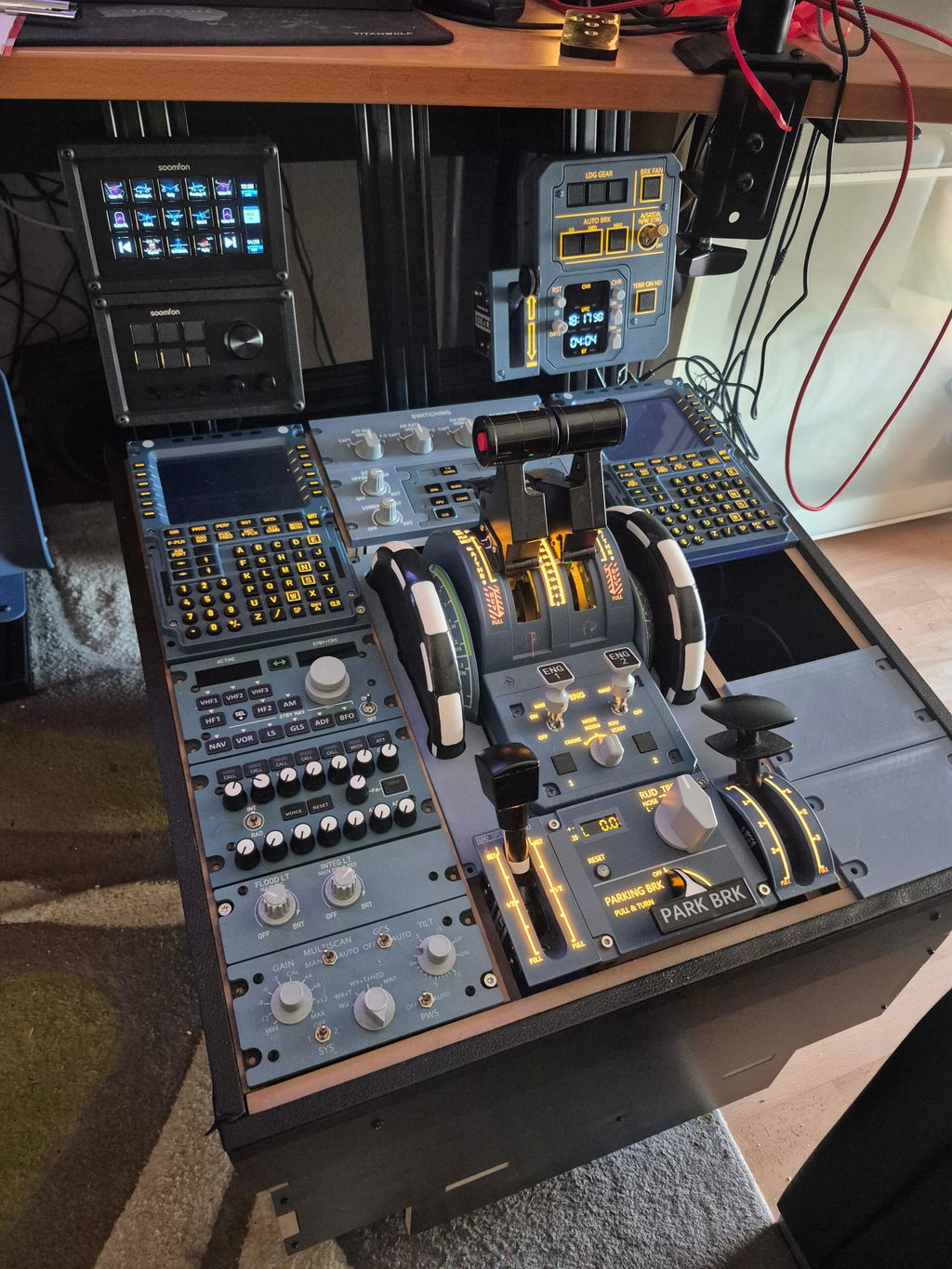
A101
Resources listedA320 Mini Light Overhead Panel
Open A101 resource folder ↗

Choose your model, check your hardware revision, then open its published files or setup guidance. Need troubleshooting? Our Support Center takes you through the checks.
Search below to find the resource card for your model. Download links are drawn from the published configuration library; a listed folder does not confirm every hardware, simulator or aircraft combination.
23 models listed
A320 Mini Light Overhead Panel
Open A101 resource folder ↗Micro overhead panel
Fenix A320 · .mcc ↓FSLabs A321 · PWS INOP · .mcc ↓FBW A320 · source dated 2025-09-22 · .mcc ↓
XECAM + Landing Gear Indicator Panel
Open A103 resource folder ↗
All-in-One RMP + ATC Panel
Open A105 resource folder ↗
A320 Pro Light Overhead Panel
Open A106 resource folder ↗
A320pro / A320 MAX Light Overhead
Open A107 resource folder ↗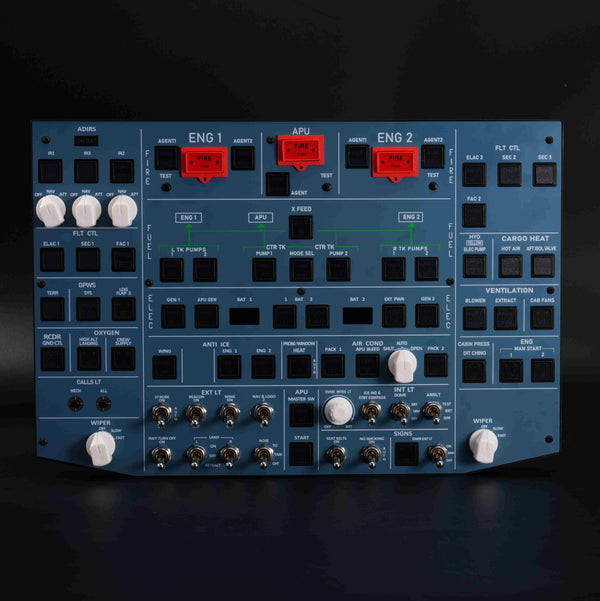
A320 Pro Aluminum-Frame Overhead

PFD-ND-ECAM-EWD 4-in-1 Display
Open A108 resource folder ↗
ATT-ADIRS-EIS Integrated Panel
Open A109 resource folder ↗
A320 Flight Simulator Pedestal Stand

RMP-ACP Radio & Audio Panel
Open A111 resource folder ↗
CKPT-LT + WXR-Radar Integrated Panel
Open A112 resource folder ↗
CKPT-LT + DFOR + ATC Panel
Open A113 resource folder ↗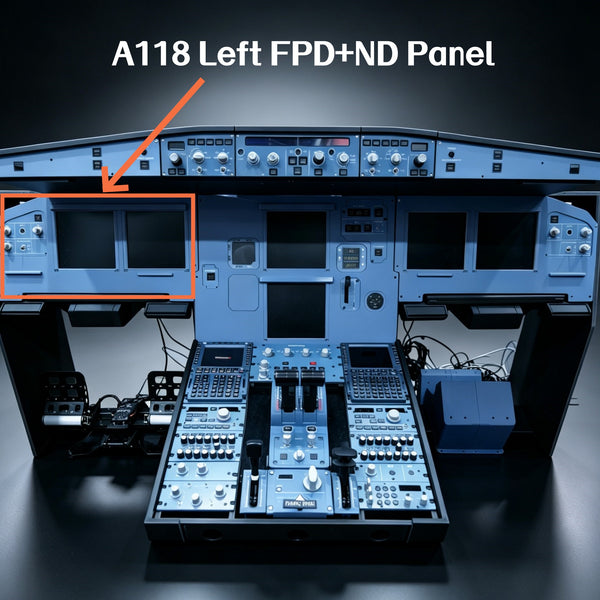
1:1 scale display panel
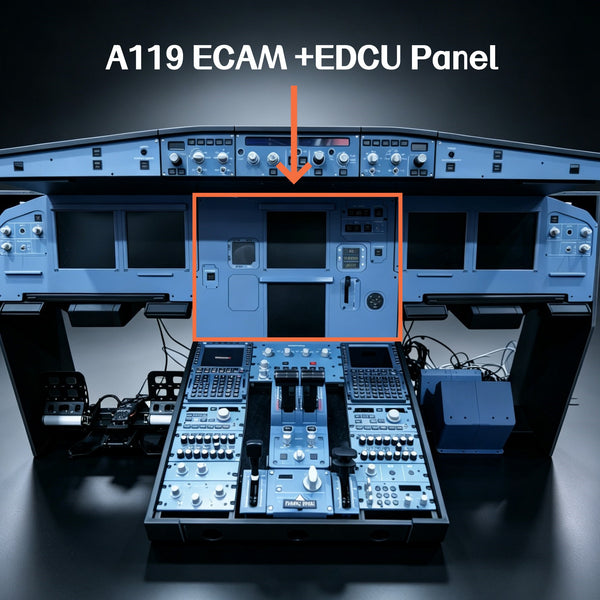
1:1 Scale ECAM-EDCU Panel

1:1 Scale Glareshield Panel

B737 EFIS-ECP Panel

B737 overhead panel
Open B107 resource folder ↗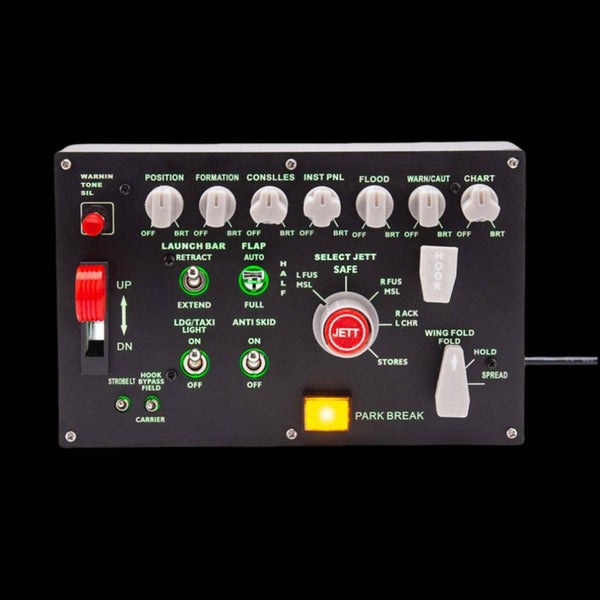
F/A-18 Universal Carrier Landing Switch

A-10C Warthog UFCP Control Panel

G1000 series panel

G1000 series panel

G1000 series panel
Use the path that matches your setup. The checkboxes record your progress on this page; they do not test your hardware.
Select a simulator and setup path to see what to check next. Availability depends on your model and aircraft add-on.
0 / 5 checks complete
Browse published profiles, source dates and the firmware/tools section. Check the revision before downloading.
Model-specific display setup reference. Check applicability to your hardware and simulator.
Browse videos by product name. A video for one model is not a universal setup procedure.
Reference for the models named in the guide. Confirm your hardware revision and software environment.
Review the published progress list. Ask us to confirm availability if your aircraft or revision is unclear.
Advanced reference linked by the configuration library. Review project instructions before using a release.
Use the Support Center for model-based help with detection, simulator response, displays and controls. This directory does not maintain a separate set of firmware-fix instructions.
Open guided troubleshooting →Pause the installation. Check that the download came from the intended official page, note the file name and version, and capture the exact warning and publisher details. Send these to Rowsfire support for review before continuing. A warning alone does not establish whether a file is safe; keep your security protection enabled while the file is checked.
Do not substitute a file from a similar model. Send the product model, hardware revision, simulator, aircraft add-on and software versions to support. Include the file or folder link you were considering, so we can check the match.
Tell us your exact setup so we can help identify the resource. Include:
Use the contact form · service@rowsfire.com
Support Center — guided checks and article help.
Rowsfire Facebook group ↗ — community discussions; avoid posting order or personal details publicly.
WhatsApp ↗ — contact the existing Rowsfire support number.