Ignorer les informations sur le produit
1 de 17

Rowsfire

Rowsfire A101 A320 Mini Overhead Panel — Backlit, Entry-Level

Version
Prix normal
$79.99 USD
Prix normal
Prix de vente
$79.99 USD
Droits de douane et taxes inclus. Frais d’expédition calculés à l’étape du paiement.

Free Worldwide Shipping

30-Day Return & Exchange

1-Year Warranty

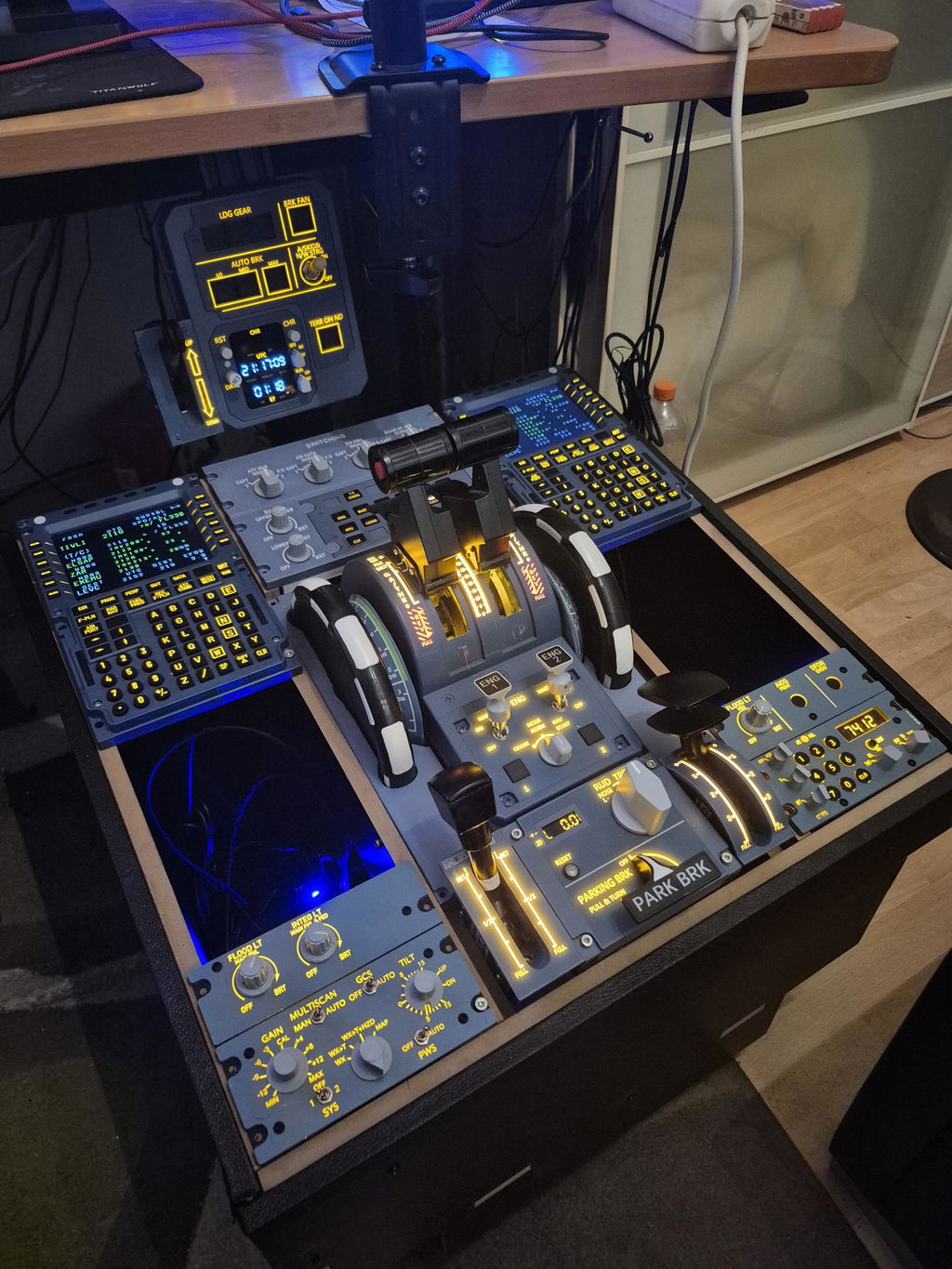
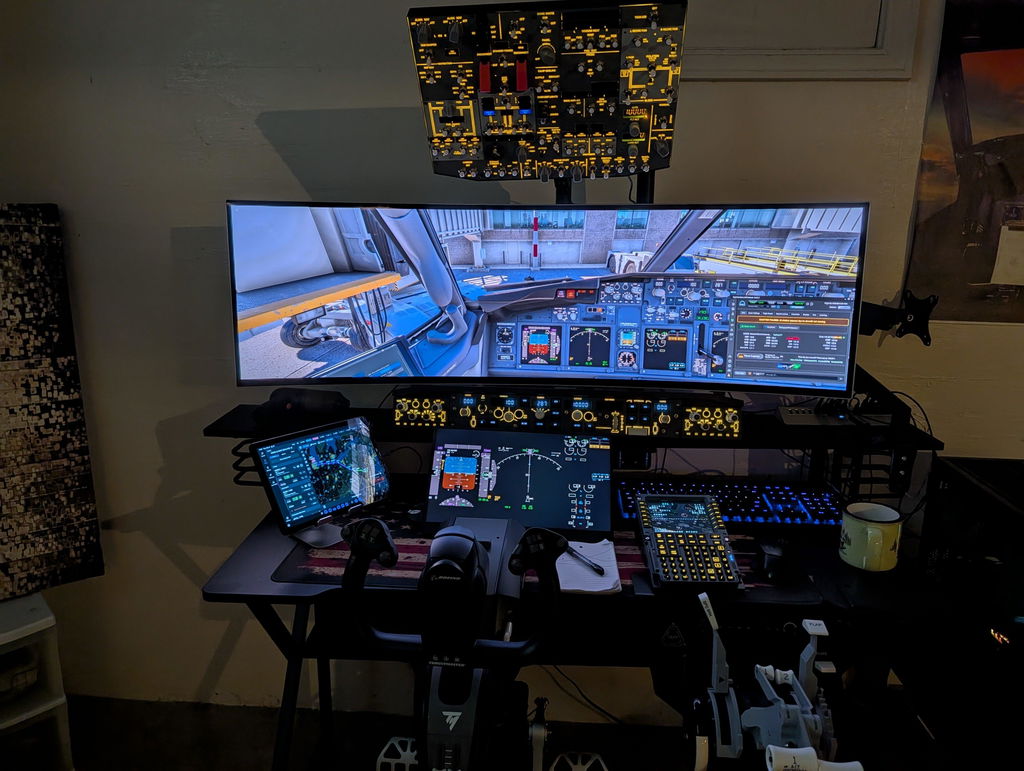
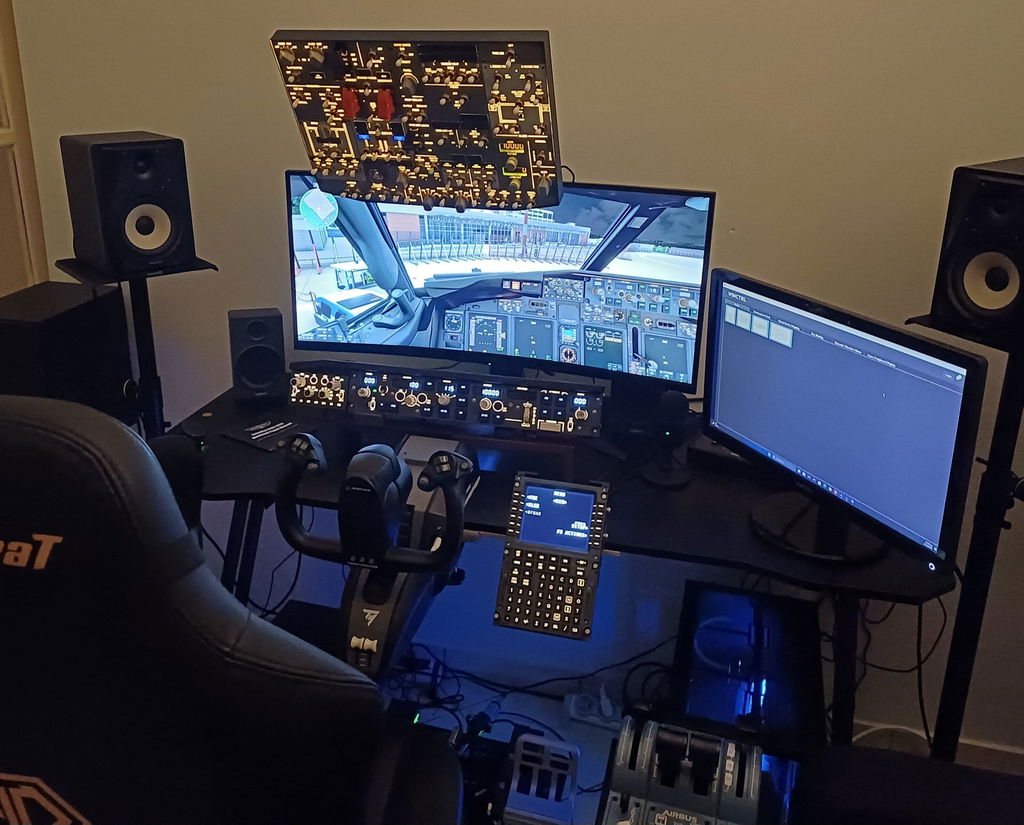
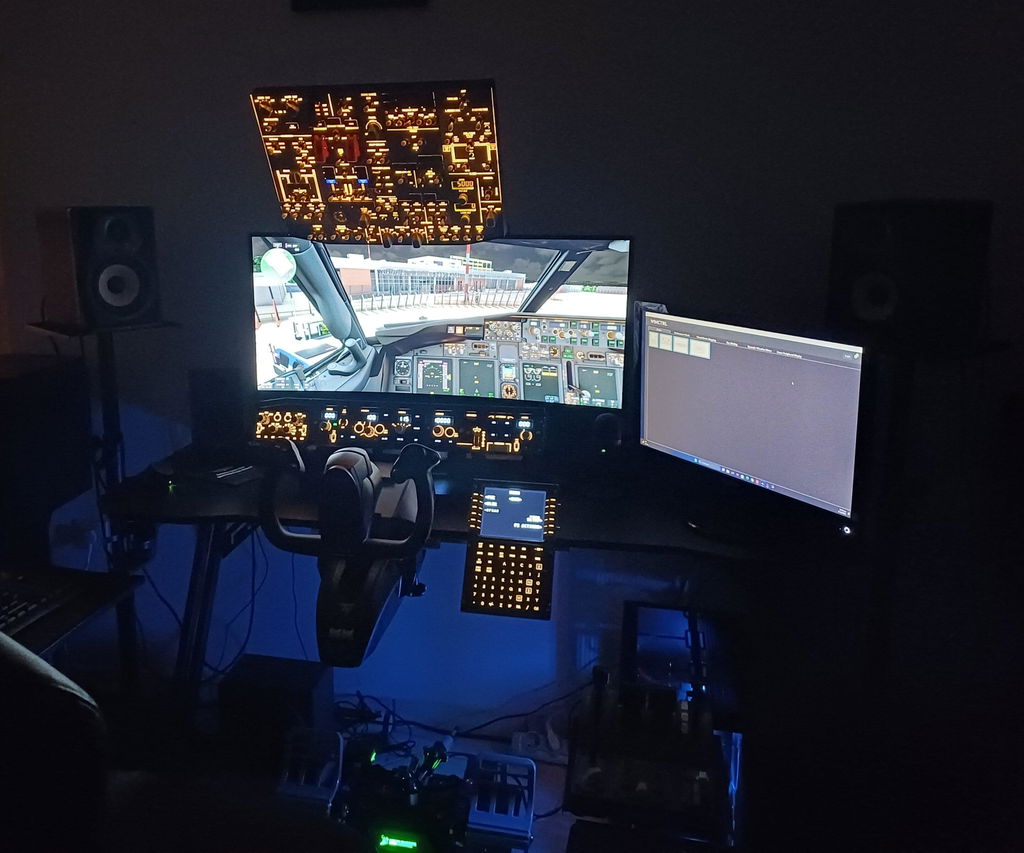
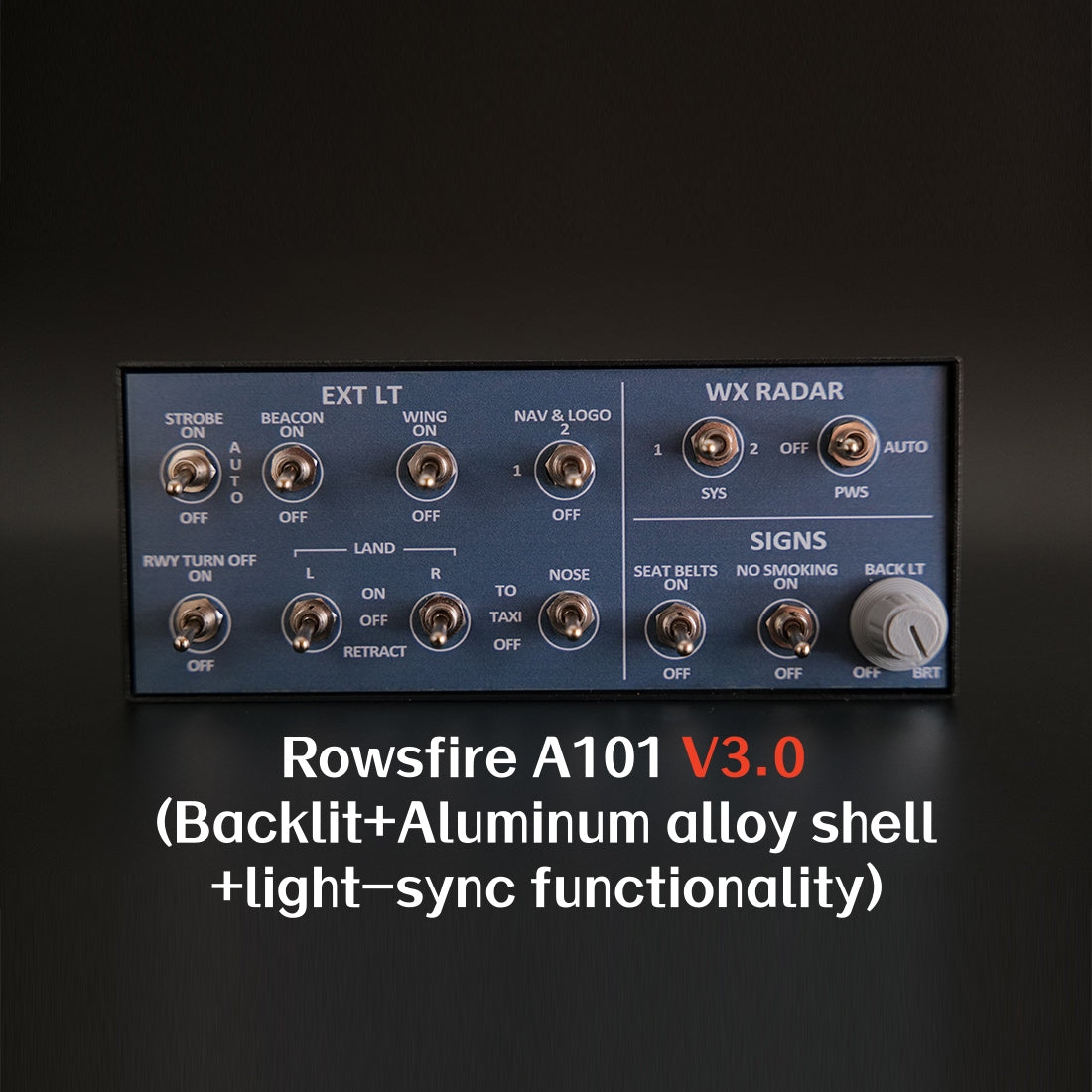
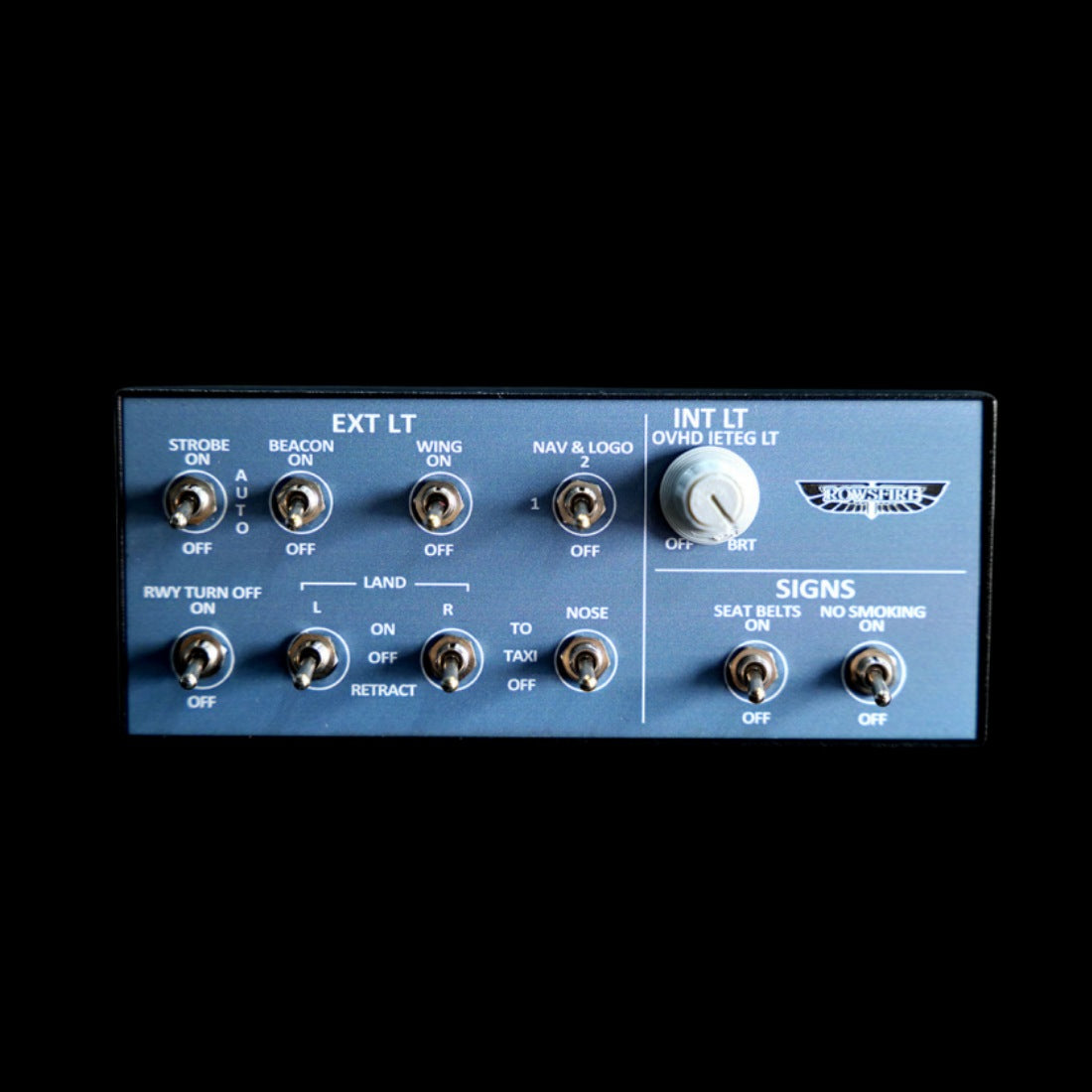
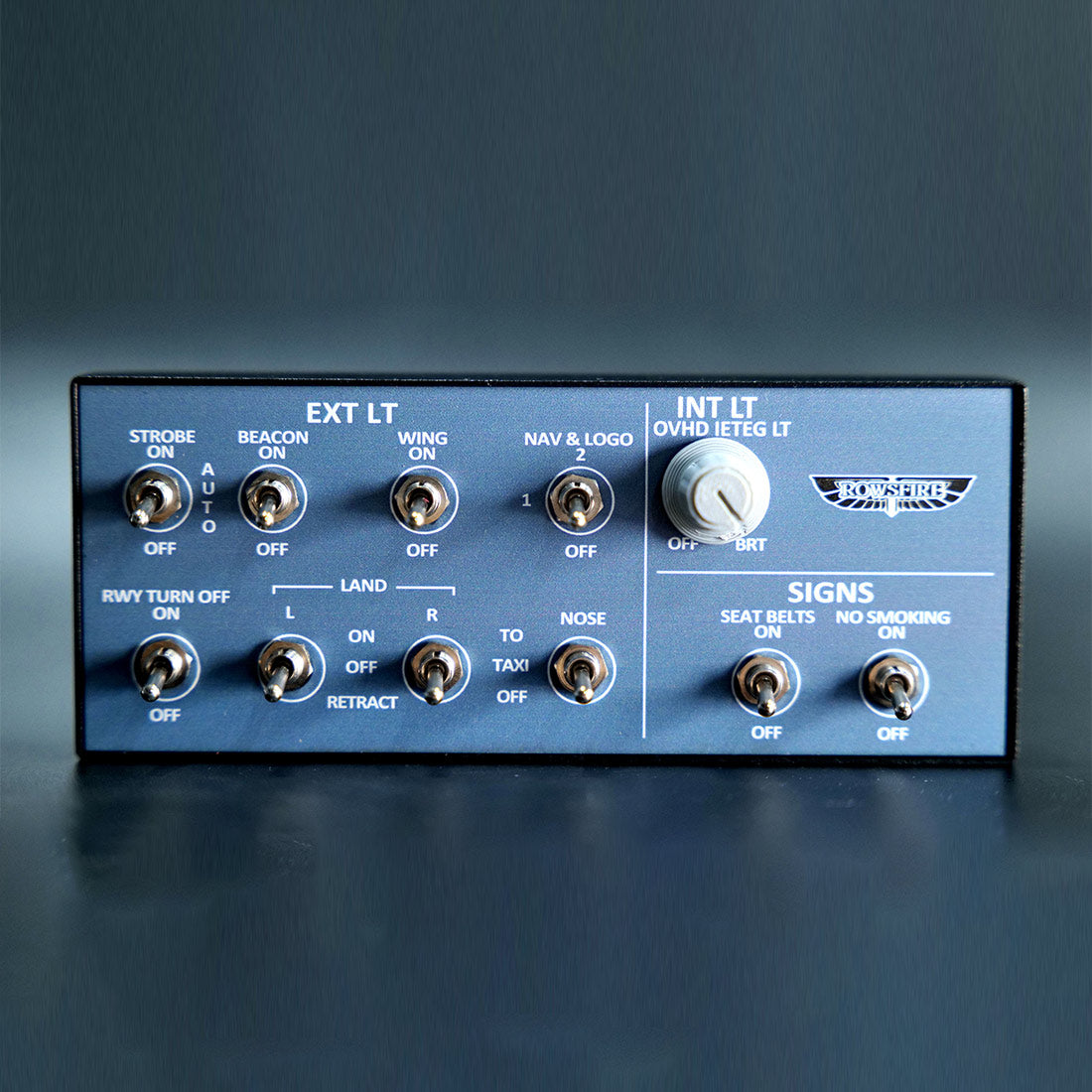
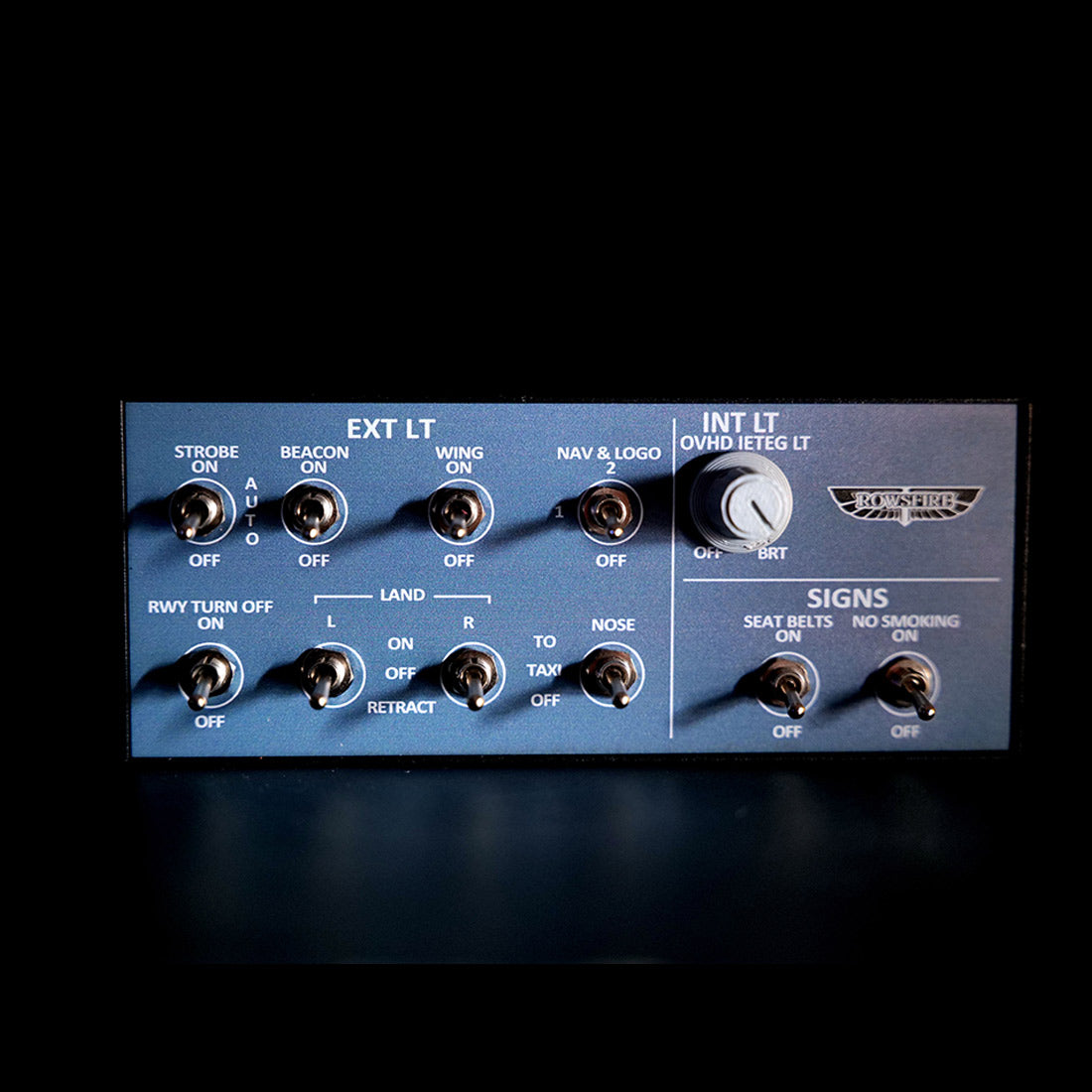
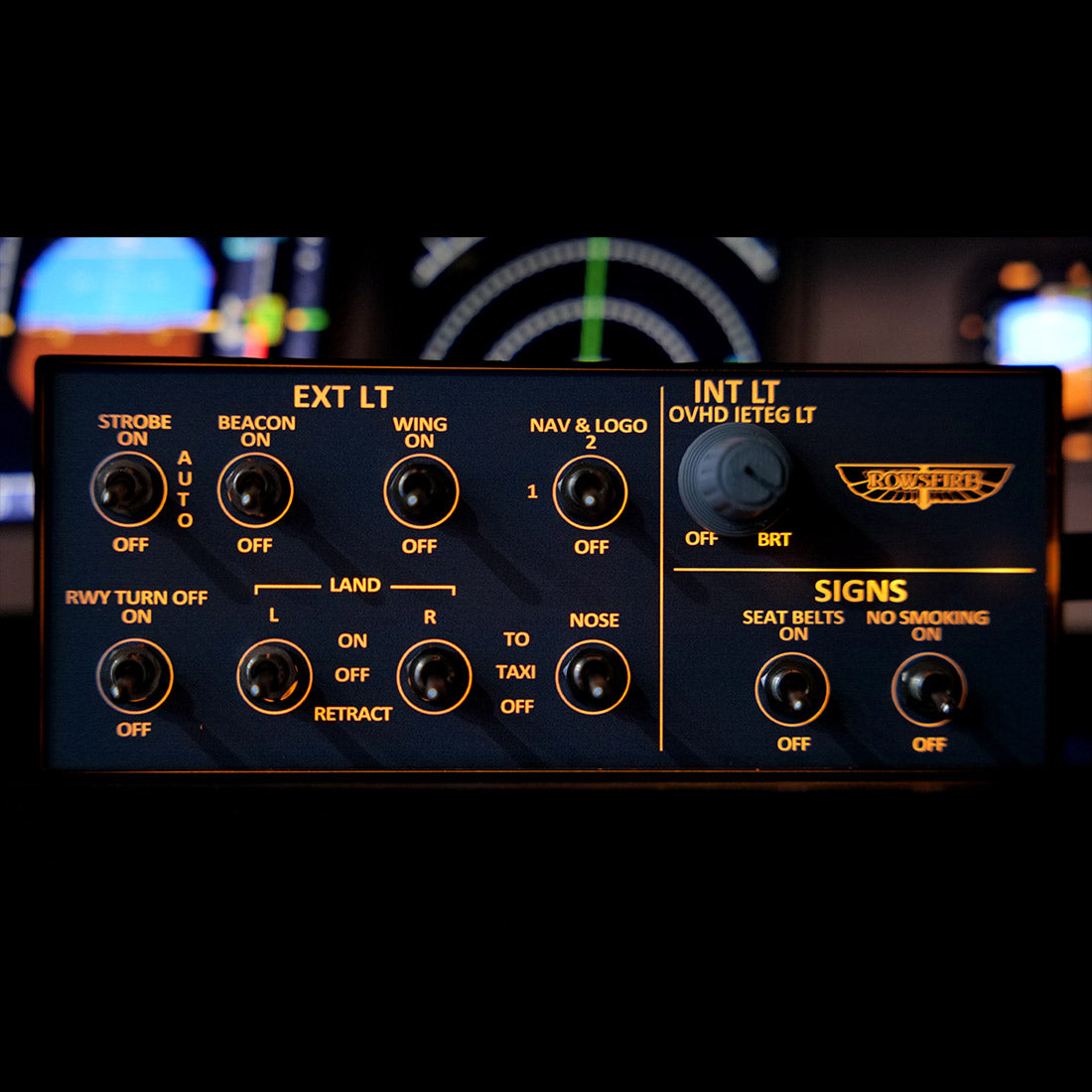
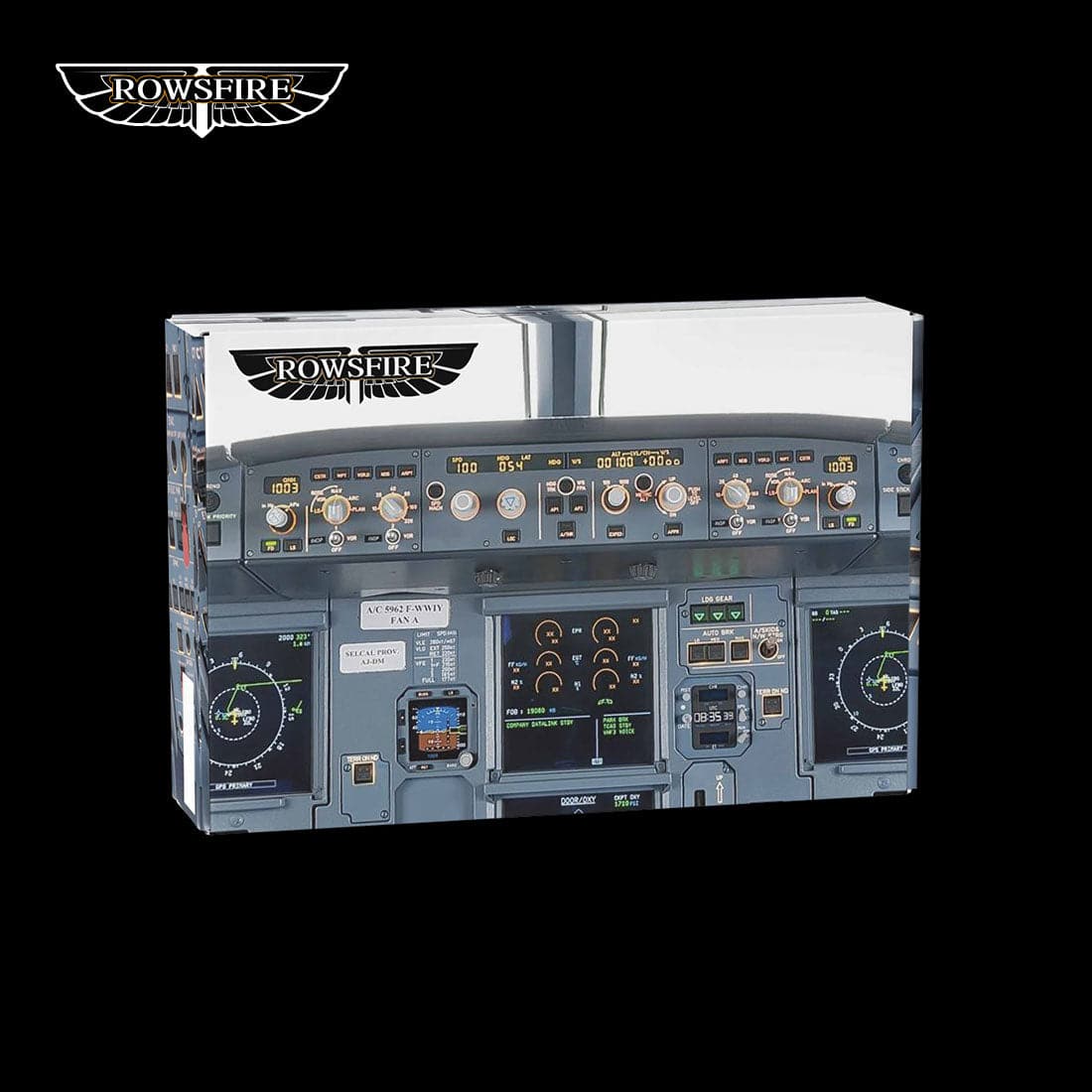
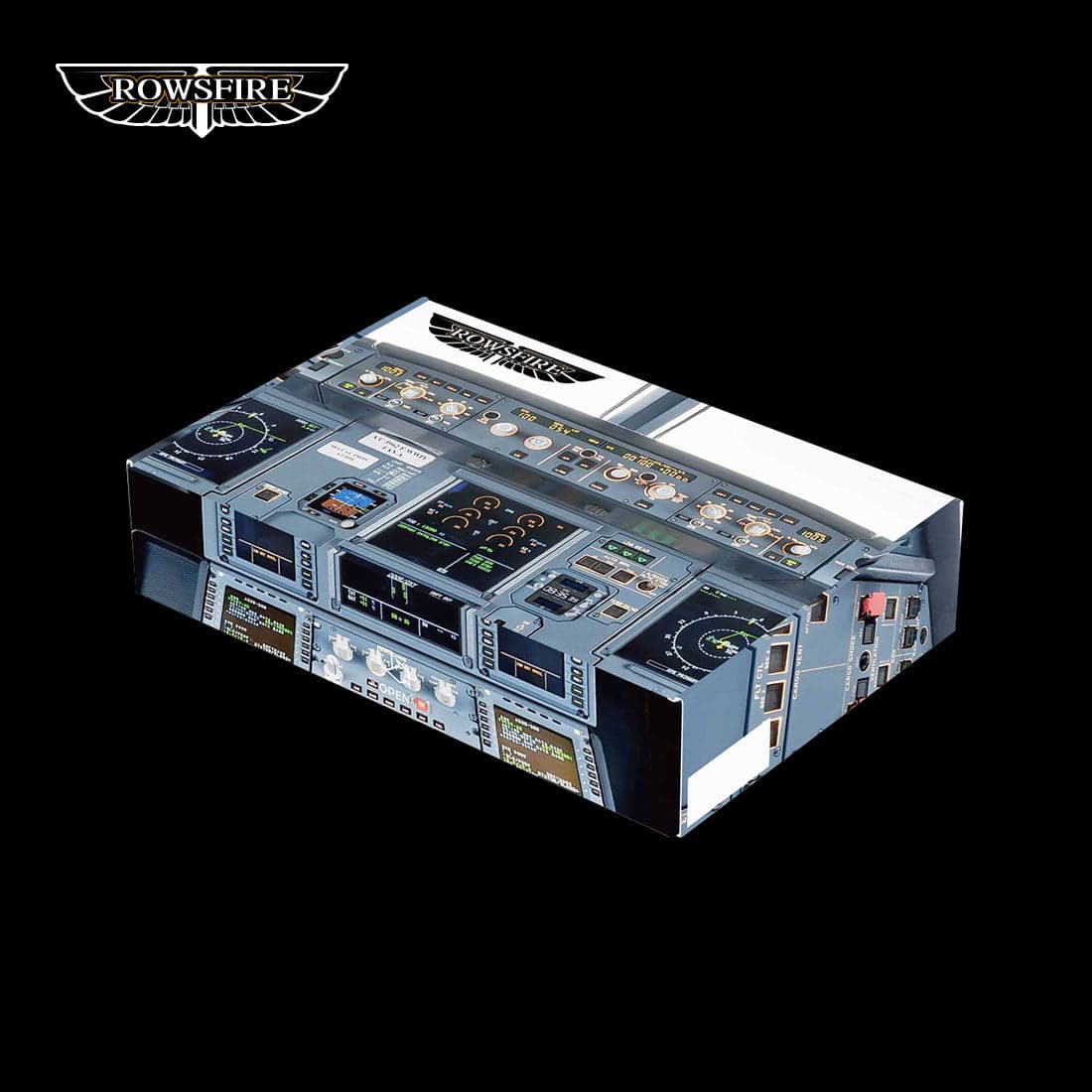
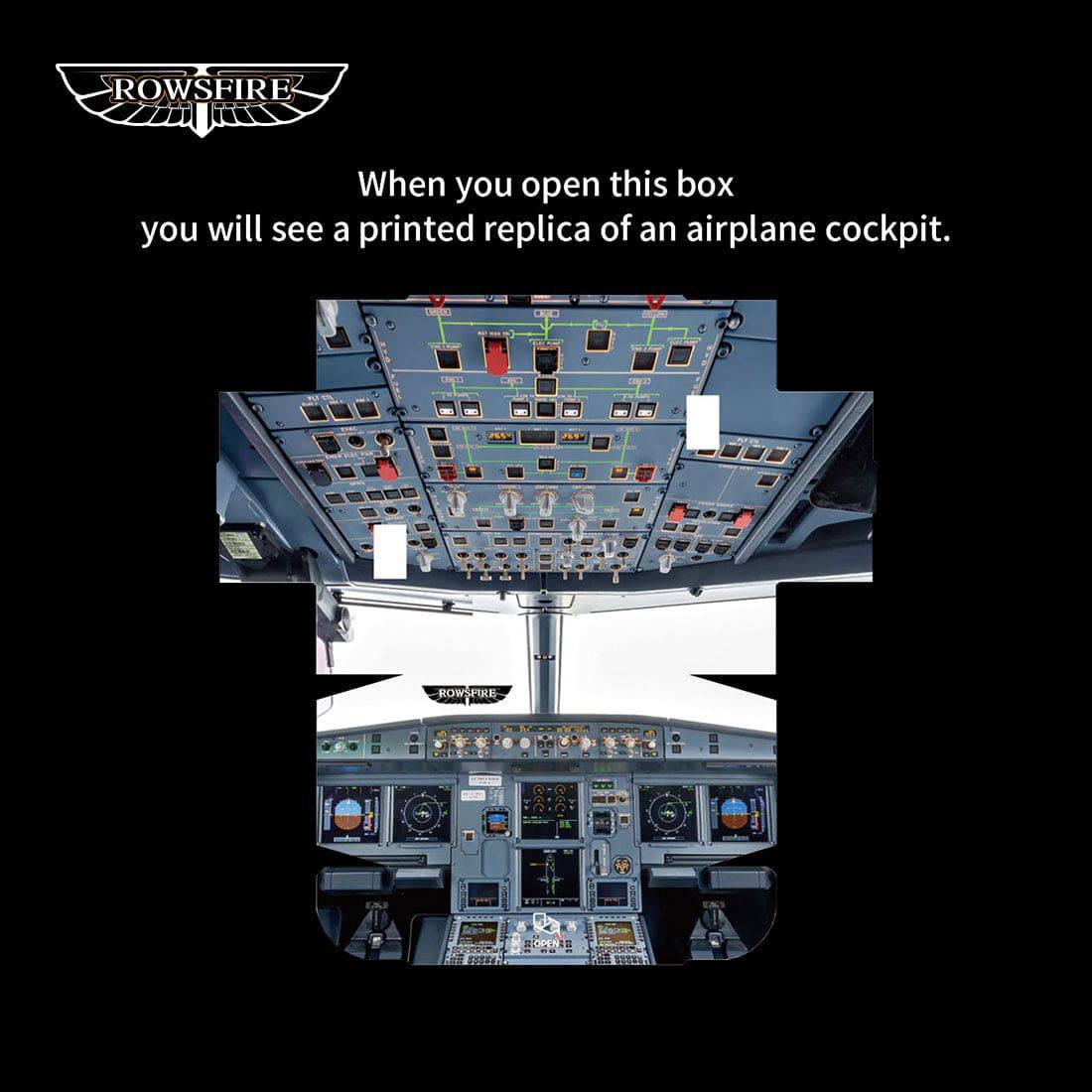
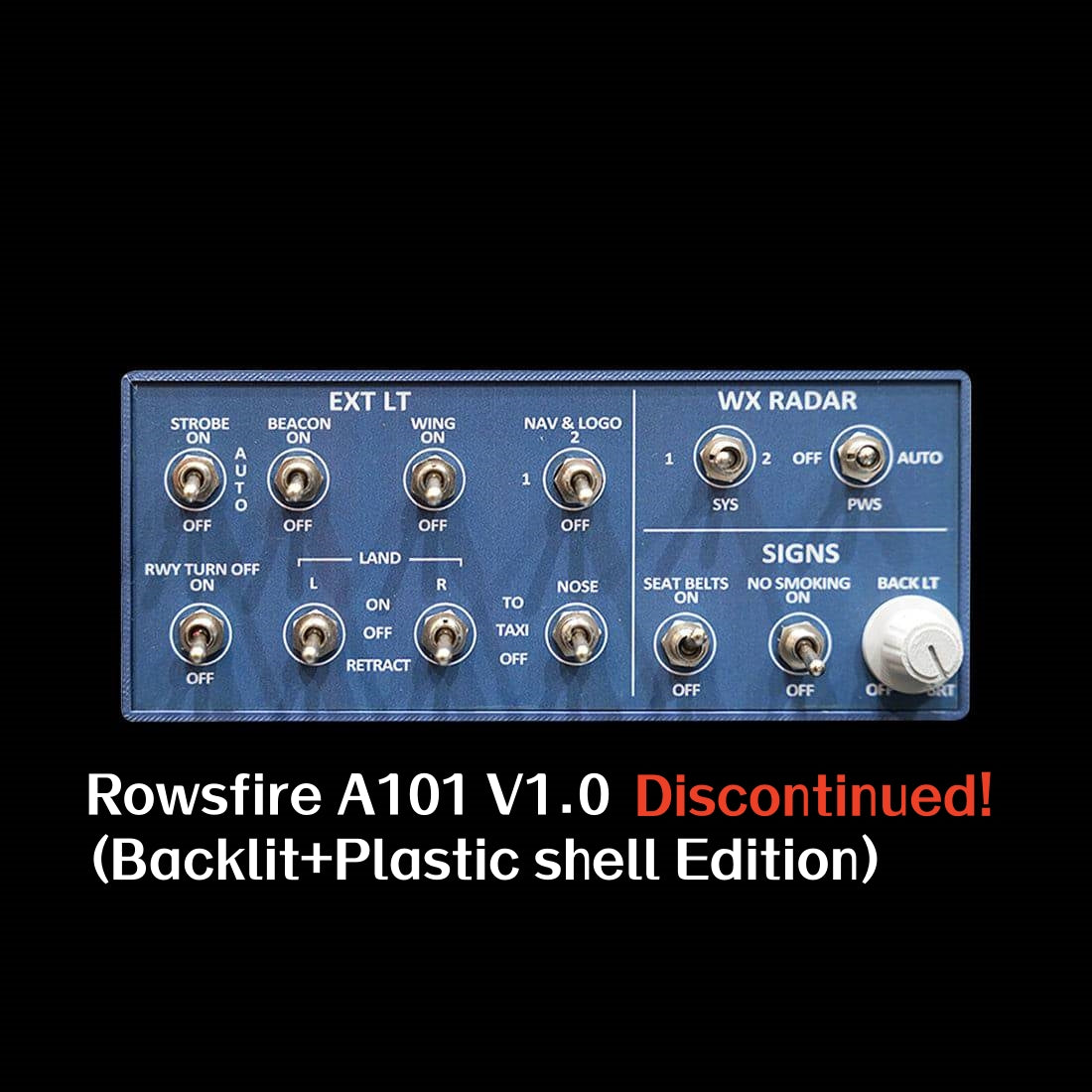
    Rowsfire A101 A320 mini overhead panel with backlit buttons and switches, ideal for entry-level flight simulator setups.
    Rowsfire A101 A320 mini overhead panel with backlit controls, designed for entry-level flight simulation, shown in the image.
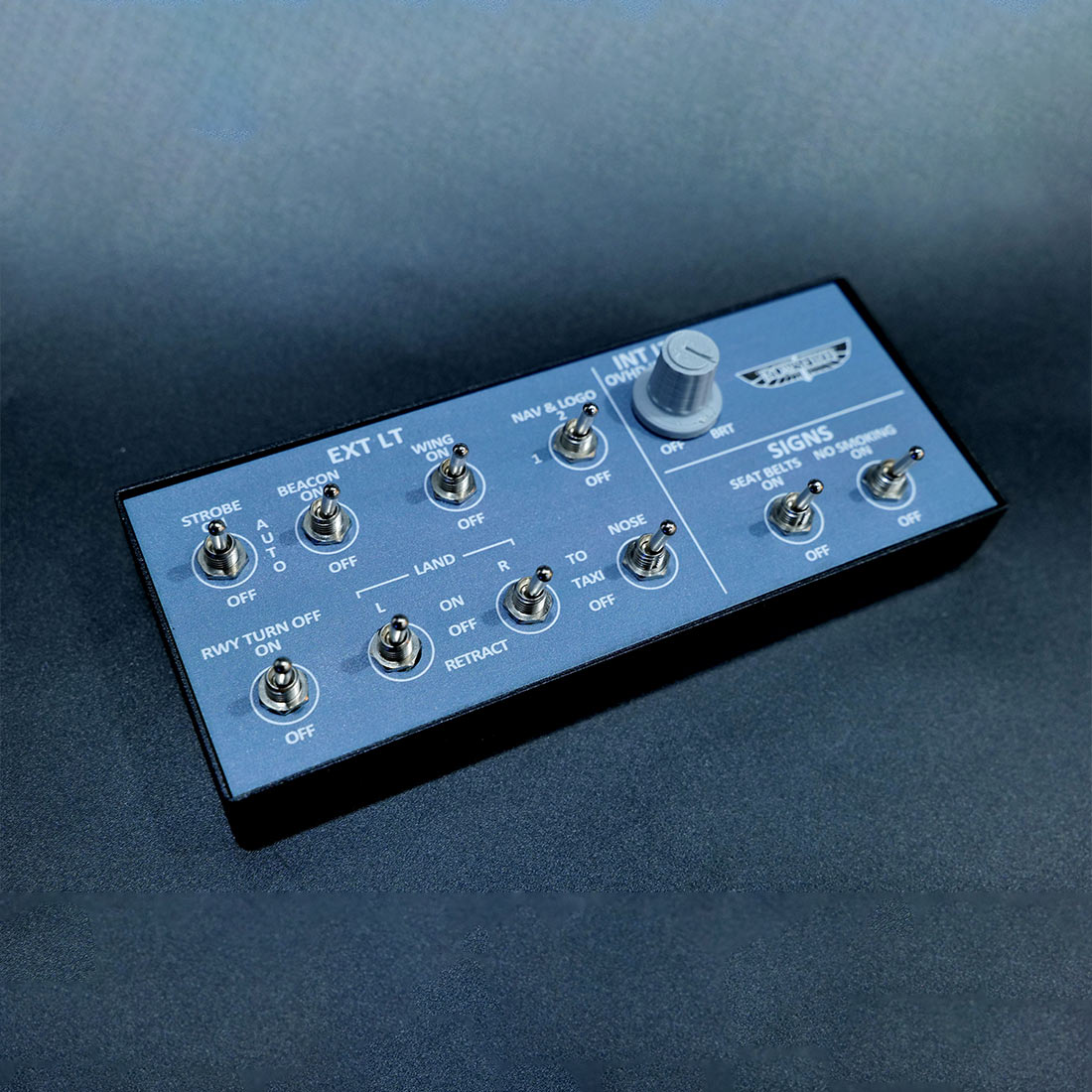
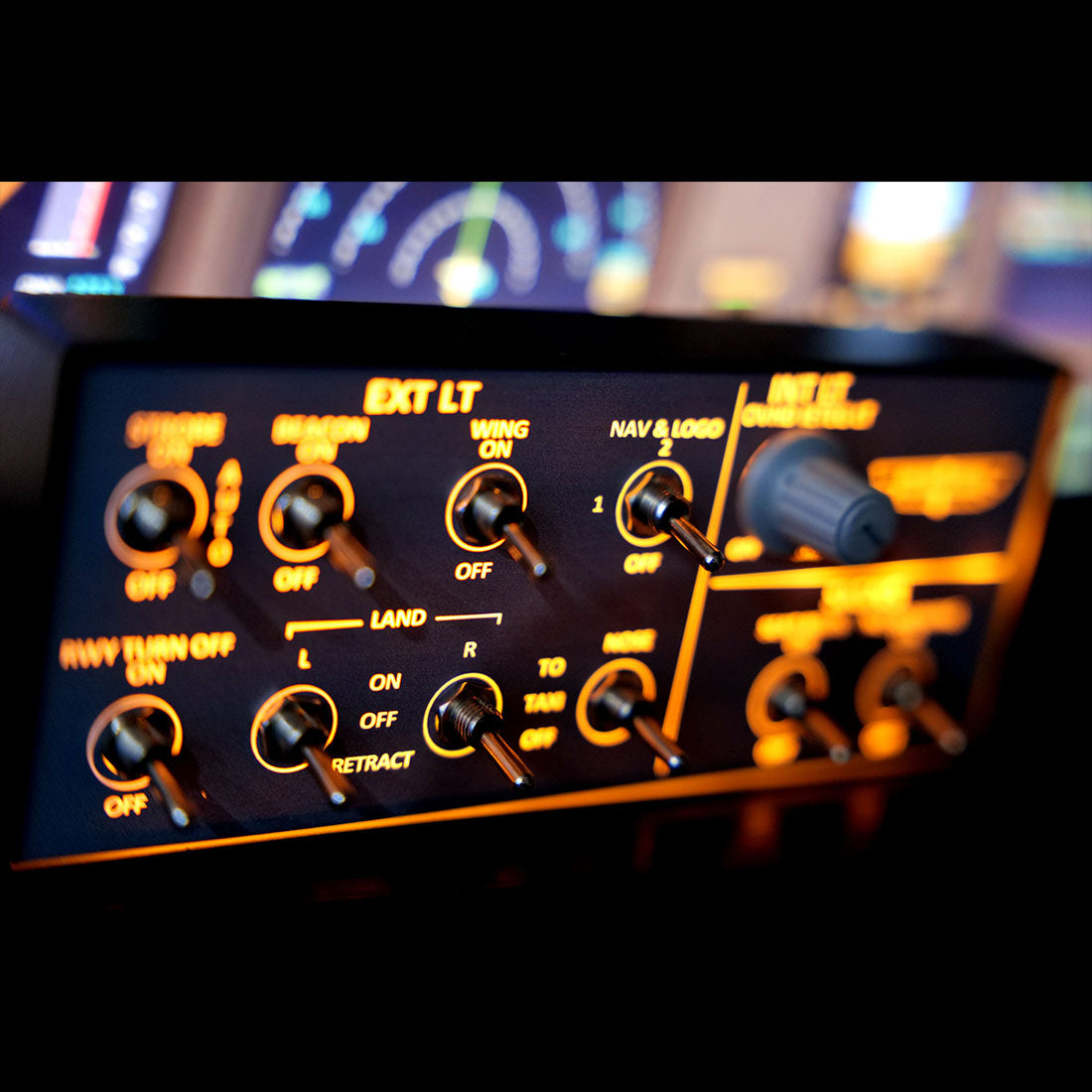
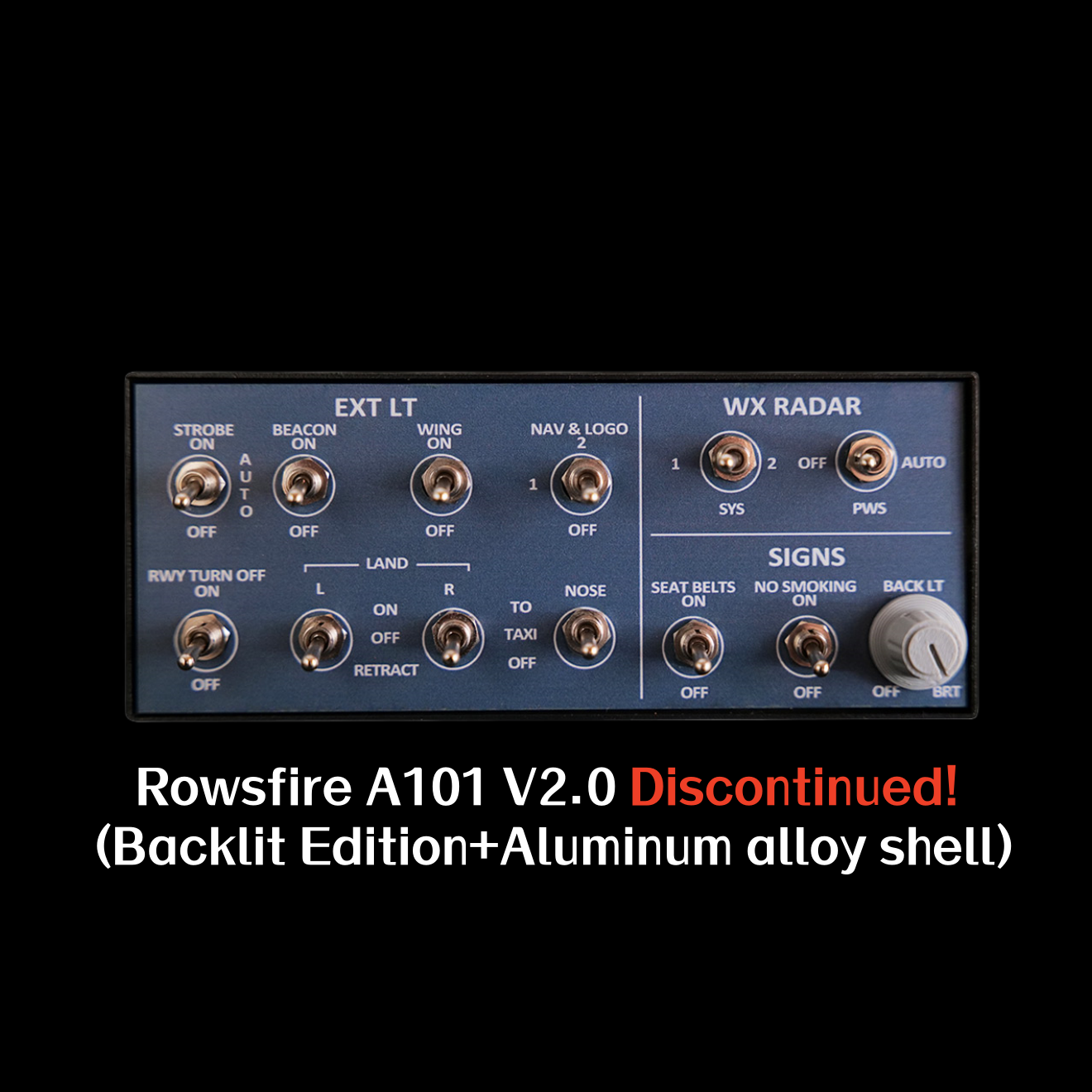
    Rowsfire A101 A320 Mini Overhead Panel with backlit controls, designed for MSFS 2020 and 2024 flight simulation setups.
    Rowsfire A101 A320 mini overhead panel with backlit controls, designed for MSFS 2020 and 2024 flight simulation setups.
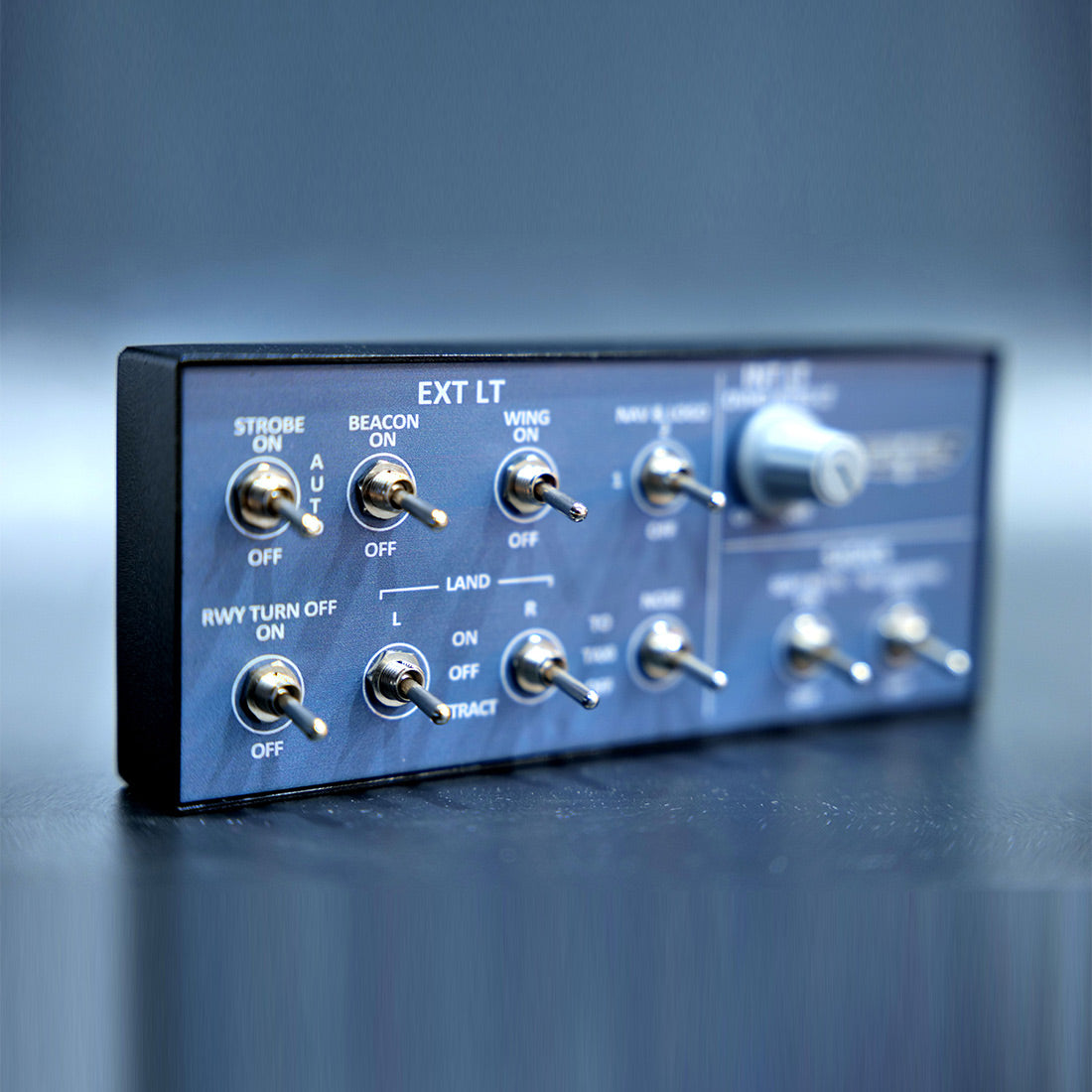
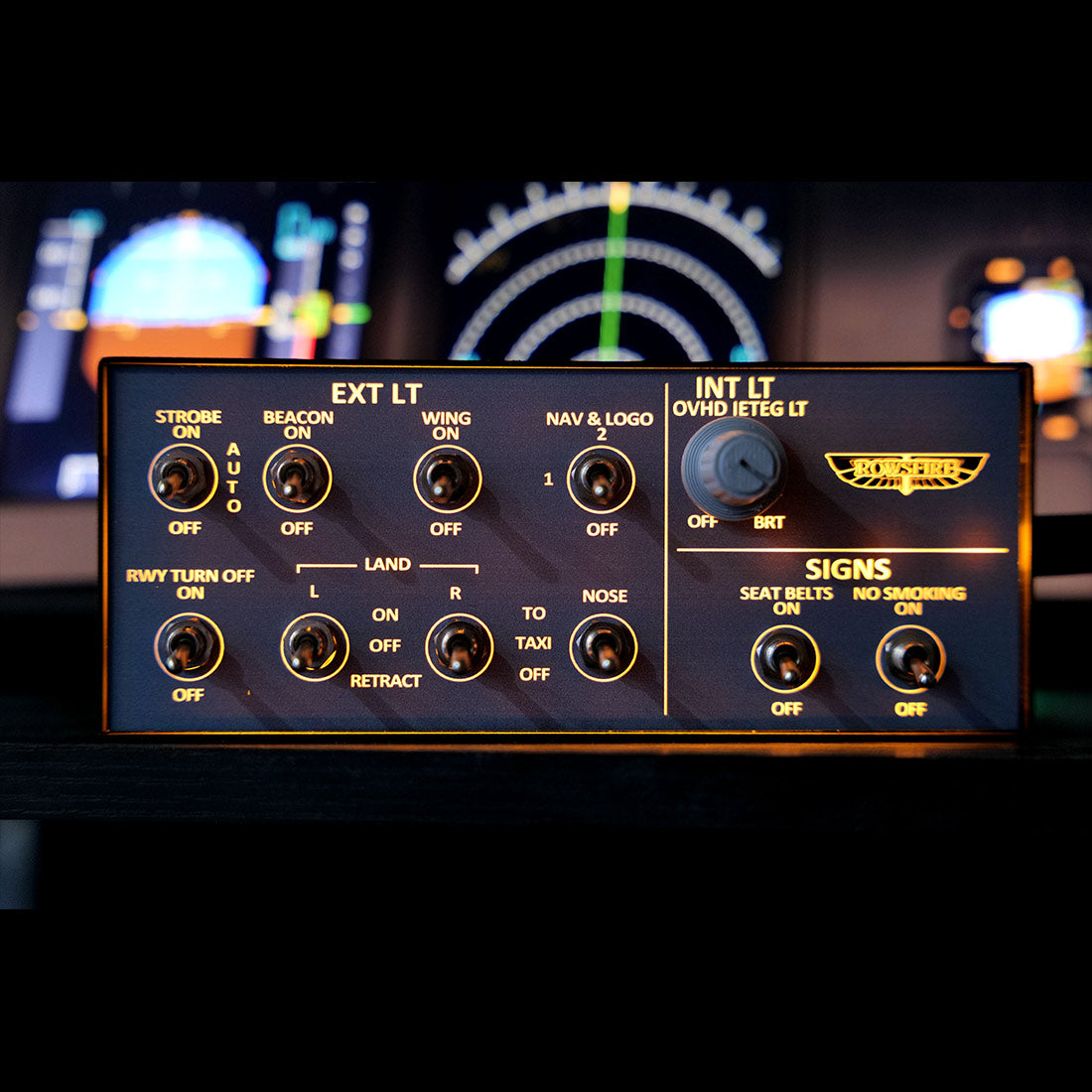
    Rowsfire A101 A320 Mini Overhead Panel with backlit controls for MSFS 2020 and 2024, showing detailed entry-level cockpit simulation.
    Rowsfire A101 A320 Mini Overhead Panel with backlit buttons, designed for MSFS 2020 and 2024 flight simulators.
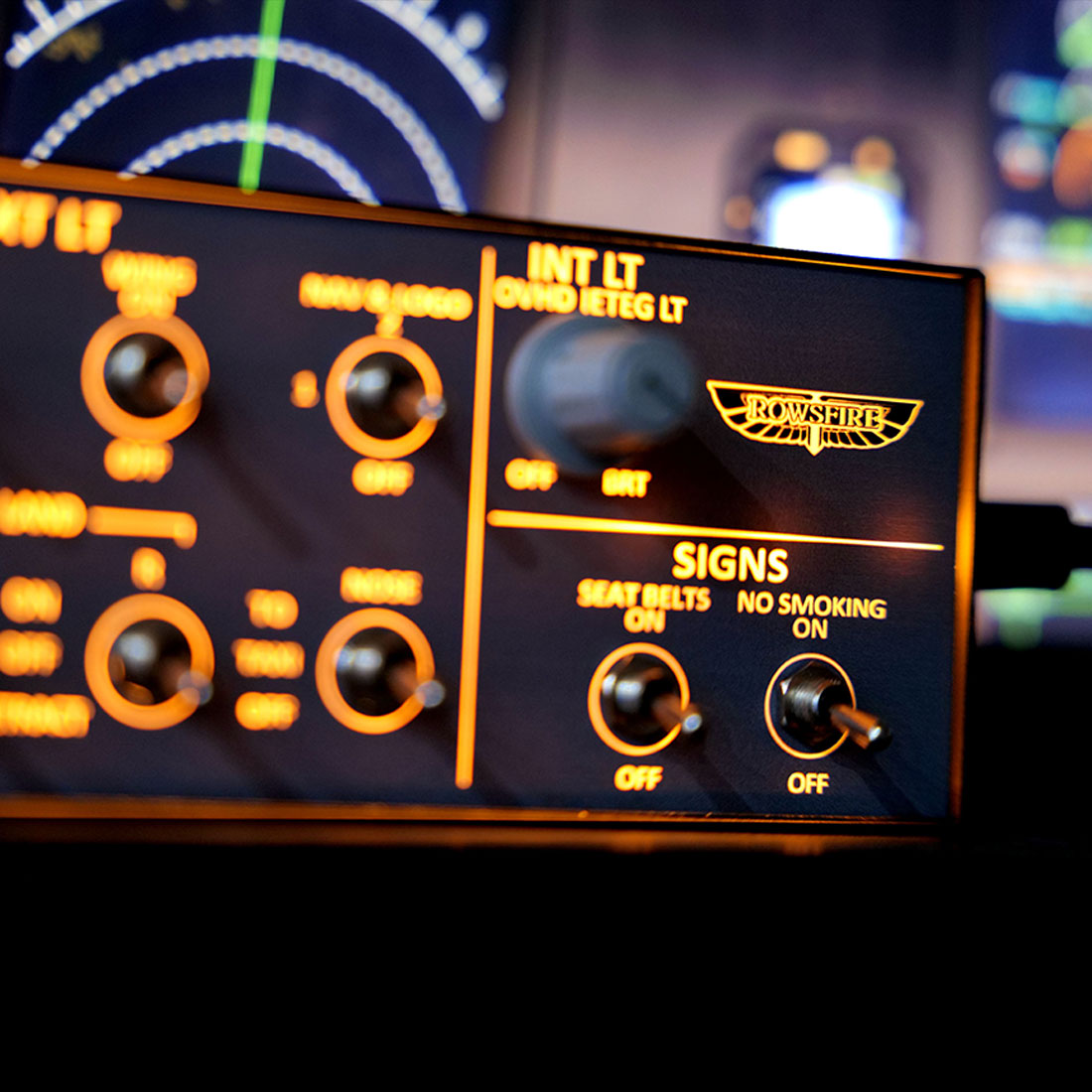
    Rowsfire A101 A320 mini overhead panel with backlit controls, designed for MSFS 2020 and 2024 flight simulation setups.
    Rowsfire A101 A320 Mini Overhead Panel with backlit controls, designed for MSFS 2020 and 2024 simulation setups.
    Rowsfire A101 A320 mini overhead panel with backlit switches and controls, ideal for entry-level flight simulation setups.
    Rowsfire A101 A320 Mini Overhead Panel with backlit display, designed for MSFS 2020 and 2024 flight simulation setups.
    Rowsfire A101 A320 Mini Overhead Panel with backlit buttons, designed for MSFS 2020 and 2024 flight simulator setups.
    Rowsfire A101 A320 Mini Overhead Panel with backlit controls for MSFS 2020 and 2024, entry-level flight simulation hardware.
    Rowsfire A101 A320 mini overhead panel with backlit controls, entry-level cockpit instrument panel for flight simulation.
    Rowsfire A101 A320 mini overhead panel with backlit controls, entry-level avionics panel for flight simulation or training.
    Rowsfire A101 A320 mini overhead panel with backlit controls, compact entry-level cockpit instrument for flight simulation.
    Rowsfire A101 A320 mini overhead panel with backlit controls, designed for entry-level aviation simulation setups.
    Rowsfire A101 A320 mini overhead panel with backlit controls, entry-level cockpit instrument for flight simulation.
    Airbus A320 Mini Overhead (OVHD) Panel · V3.0

    The easiest way to start your A320 overhead.

    The Rowsfire A101 is a compact, backlit mini overhead panel for the A32X — an affordable, entry-level way to add real cabin-lighting switches to your cockpit. Metal housing, realistic push buttons and a 13° tilt, built for MSFS 2020/2024 and X-Plane 12. Connects directly through the Rowsfire App, and the V3.0 edition adds light-sync that links the panel to your simulator.

    Entry-level mini overhead V3.0 light-sync Backlit · metal housing 75×75 VESA Plug & play · App or Mobiflight
    🚚Free Worldwide Shipping
    ↩️30-Day Return & Exchange
    🛡️1-Year Warranty
    💬Real Human Support
    Video

    See the A101 in action.

    Features

    Small panel, real switches.

    A101 mini overhead panel with dual-position switches

    🎚️ Functional dual-position switches

    Equipped with dual-position toggle switches to control key cabin functions — Terrain Radar, Windshear Warning, Seatbelt Sign and No Smoking indicator — with realistic push-button feel that lifts the immersion of your flights.

    🧱 Stable performance & build

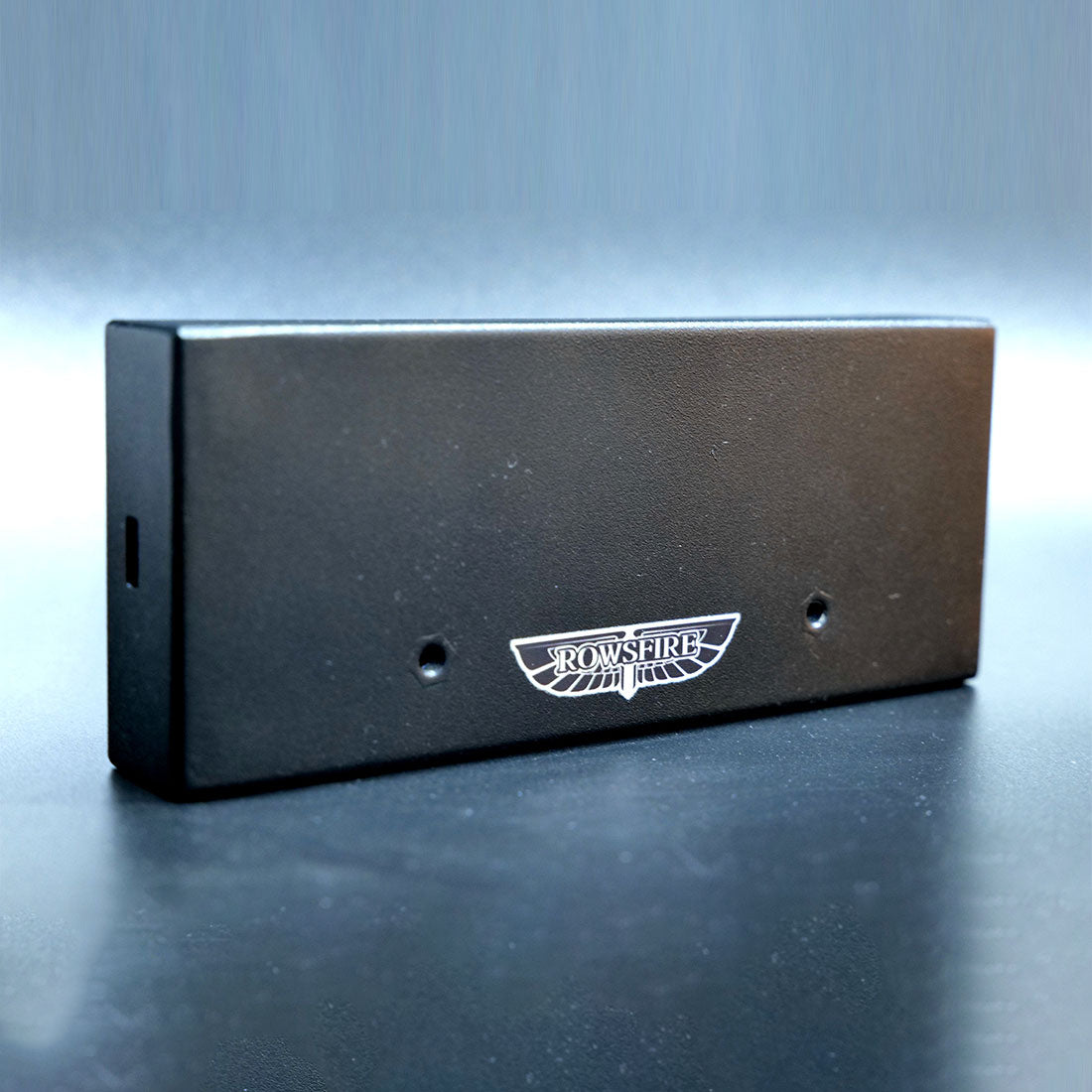
    A metal housing built on a PCB board for stability, with a backlit interface and a custom HD panel sticker. A 13° tilt angle optimizes comfort, a non-slip base grips your desk, and two rear holes let you bracket-mount it. USB data cable included.

    A101 mini overhead panel — metal housing and tilt
    A101 mini overhead panel — Rowsfire App plug and play

    🔧 Plug & play — App or Mobiflight

    Connect the easy way with the Rowsfire App — it auto-detects your hardware and auto-loads the config, so you're flying in under 60 seconds. Prefer Mobiflight? Fully supported too, with a complete tutorial included.

    ✈️ Wide multi-aircraft compatibility

    Works with MSFS 2020/2024 and X-Plane 12, and add-ons including FENIX, FBW, iniBuilds and PMDG. Beyond the A32X series it also suits A35X, A38X and Boeing B738/B773/B777. (Please confirm your specific aircraft model before ordering.)

    A101 mini overhead panel — multi-aircraft compatibility
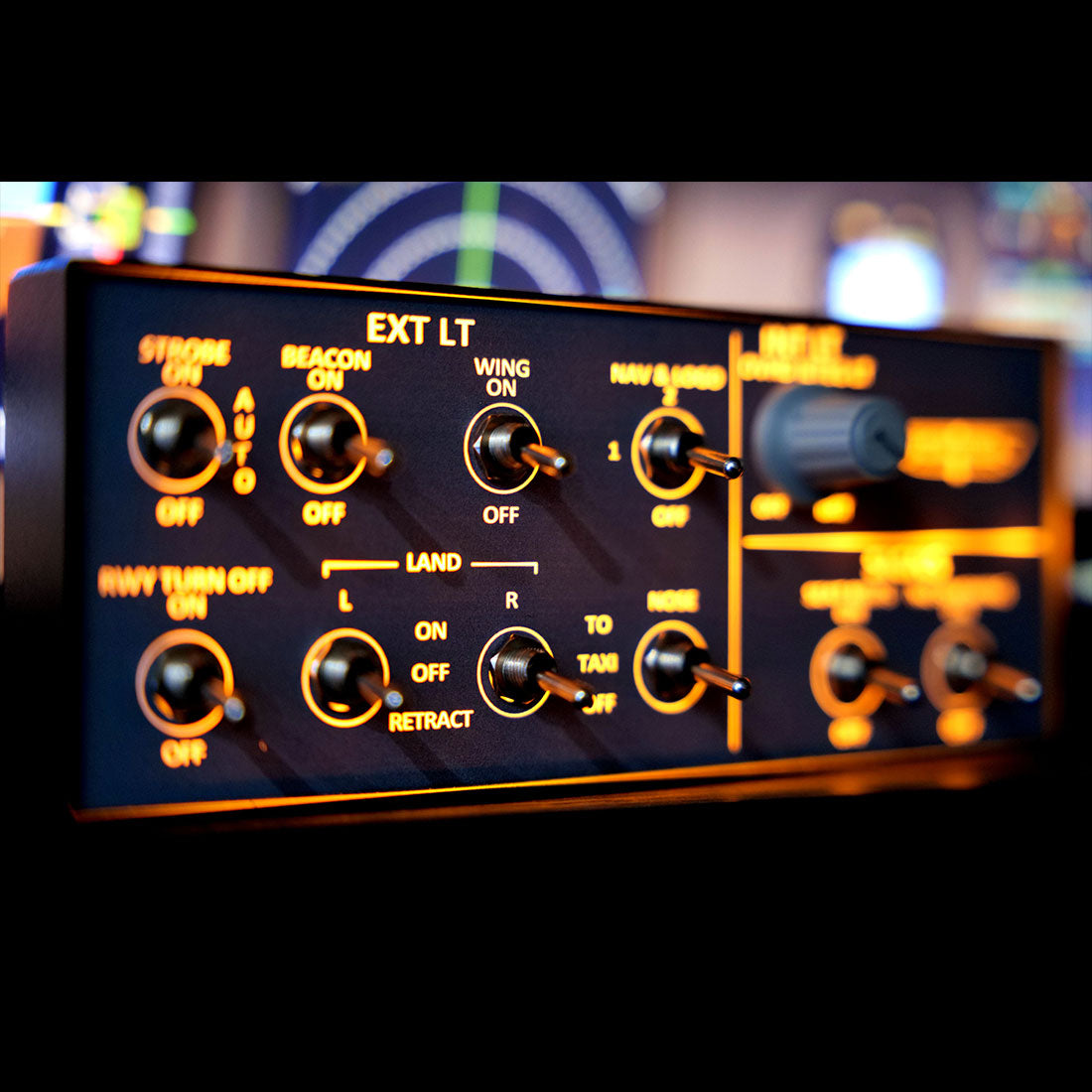
    A101 mini overhead panel — V3.0 light-sync

    💡 V3.0 light-sync

    The V3.0 version adds upgraded light-sync: the lighting now syncs with the simulator for dynamic effects — smooth brightness adjustment and full on/off control. (Use only the v3.0 configuration file.)

    Up close

    Every detail.

    A101 mini overhead panel — detail 1
    A101 mini overhead panel — detail 2
    A101 mini overhead panel — detail 3
    A101 mini overhead panel — detail 4
    A101 mini overhead panel — detail 5
    A101 mini overhead panel — detail 6
    Compatibility

    Works across your fleet.

    Aircraft & add-ons

    • Airbus A32X (FENIX, FBW, iniBuilds)
    • A35X / A38X
    • Boeing B738 / B773 / B777 (incl. PMDG)
    • Confirm your specific model before ordering

    Simulators & connection

    • MSFS 2020 & 2024 · X-Plane 12
    • Rowsfire App — connect in under 60s
    • Auto-detect + auto-load (or Mobiflight)
    • 75×75mm VESA · rear bracket holes
    Setup

    One-time setup, then just fly.

    ⚙️ Quick start: download the Rowsfire App and connect directly — it auto-detects your hardware and auto-loads the config, so you're flying in under 60 seconds. Prefer Mobiflight? It's fully supported too — scan the included QR code for driver files and a pre-configured profile; config files on GitHub.

    ⚠️ V3.0 note: the configuration file was fully revised for light-sync, so only the v3.0 config works — don't use files from V1, V2, or any without a V3.0 label.
    Specs

    The technical details.

    PanelA320 Mini Overhead (OVHD) — cabin lighting
    EditionV3.0 — backlit, metal housing, light-sync
    SwitchesTerrain Radar · Windshear · Seatbelt · No Smoking
    Compatible simulatorsMSFS 2020 / 2024 · X-Plane 12 (Windows)
    Compatible aircraftA32X (FENIX / FBW / iniBuilds / PMDG) · A35X / A38X · B738 / B773 / B777
    MaterialAluminum alloy + acrylic + electronic components
    Mounting75 × 75 mm VESA mount · rear bracket holes
    ConnectionUSB data cable (included)
    DriverRowsfire App (auto-detect) or Mobiflight
    Product weight300 g
    Package weight600 g
    Product dimensions15 × 6.5 × 2.8 cm
    Package dimensions25 × 10 × 6 cm
    PackingCarton box
    Age16+
    In the box

    What's included.

    • A320 Cabin Lighting Panel Host × 1
    • Data Cable × 1
    Guarantee

    Backed by Rowsfire.

    🚚
    Free Shipping

    Free worldwide shipping on your order.

    ↩️
    30-Day Returns

    Return or exchange within 30 days.

    🛡️
    1-Year Warranty

    Covered for a full year against defects.

    💬
    Setup Support

    Config help from a real person, any time.

    Before you buy

    Questions, answered.

    What does the A101 control?
    It's a mini overhead panel with dual-position toggle switches for key cabin functions — Terrain Radar, Windshear Warning, Seatbelt Sign and No Smoking indicator — with realistic push-button feel.
    Which aircraft and simulators does it support?
    It works with MSFS 2020/2024 and X-Plane 12, and add-ons including FENIX, FBW, iniBuilds and PMDG. Beyond the A32X series it also suits A35X, A38X and Boeing B738/B773/B777. Please confirm your specific aircraft model before ordering.
    How is it set up — do I need Mobiflight?
    No — you can connect directly with the Rowsfire App, which auto-detects your hardware and auto-loads the config, so you're flying in under 60 seconds. Mobiflight is also fully supported, with a complete tutorial and pre-configured profile (scan the included QR code).
    What is V3.0 light-sync?
    The V3.0 version adds synchronized lighting that links to the simulator for dynamic effects, with smooth brightness adjustment and full on/off control. Because the config was fully revised, only the v3.0 configuration file works — don't use V1/V2 files.
    How does it mount?
    It has a 75×75mm VESA pattern plus two small holes on the back for secure bracket mounting, a 13° tilt for comfort, and a non-slip base so it grips your desktop.
    What if something isn't right?
    You're covered by free worldwide shipping, a 30-day return & exchange window, and a 1-year warranty — plus real setup support if you need a hand.

    Start your overhead — for less.

    A compact, backlit metal mini overhead with real cabin-lighting switches and V3.0 light-sync — plug-and-play via the Rowsfire App (or Mobiflight), connected in under 60 seconds. The easiest, most affordable way into an A320 overhead.

    ✓ Free shipping  ·  ✓ 30-day returns  ·  ✓ 1-year warranty  ·  V3.0 light-sync
    Join the crew

    Join the Rowsfire flight crew.

    👨‍✈️

    Building a home cockpit?

    Join the Rowsfire Facebook community for exclusive updates, setup help, config files, discounts and giveaways.

    Join the Community →
    • 5 stars: 1 (100%)
    • 4 stars: 0 (0%)
    • 3 stars: 0 (0%)
    • 2 stars: 0 (0%)
    • 1 star: 0 (0%)
    R
    Richard Sajgal

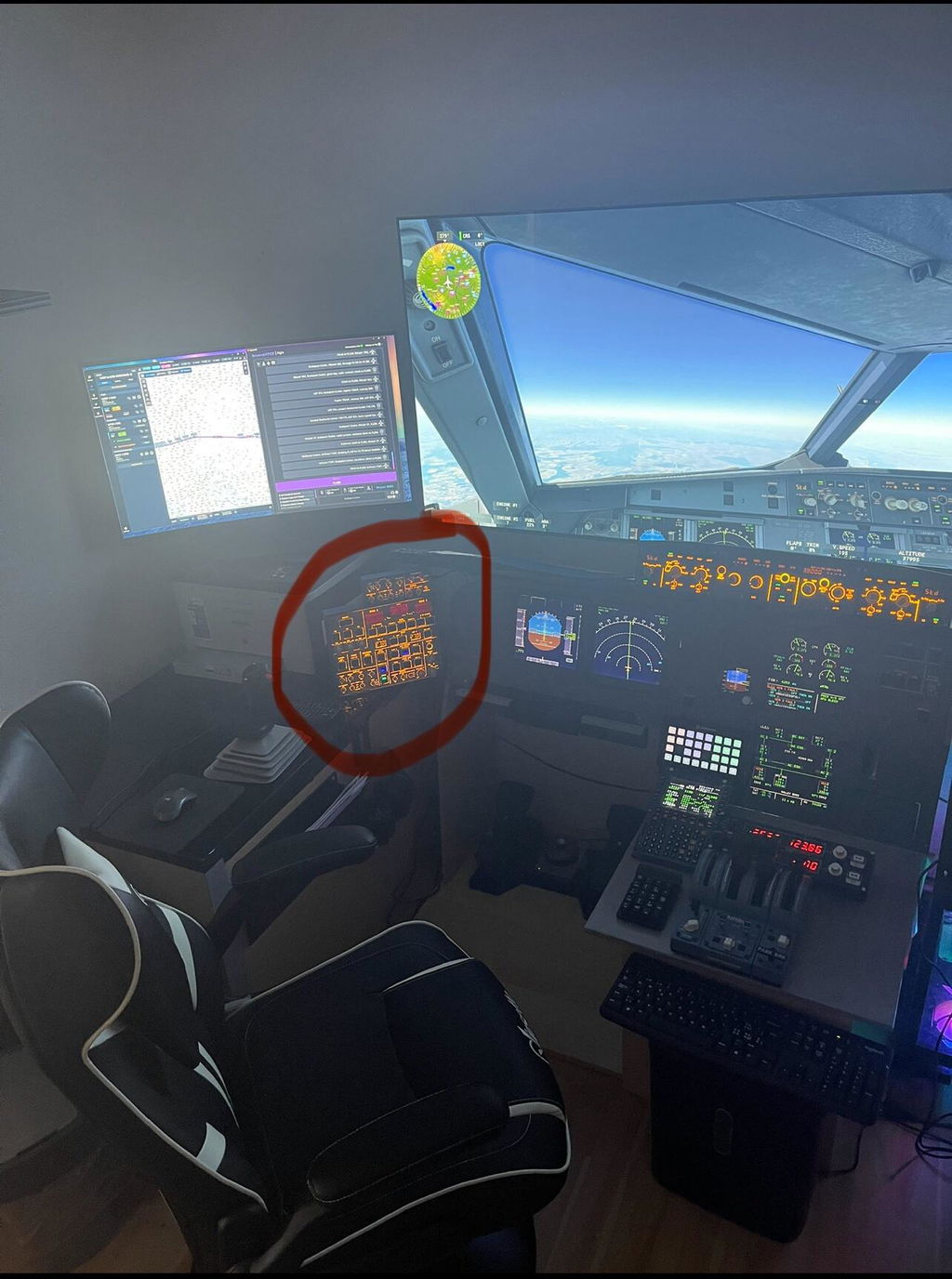
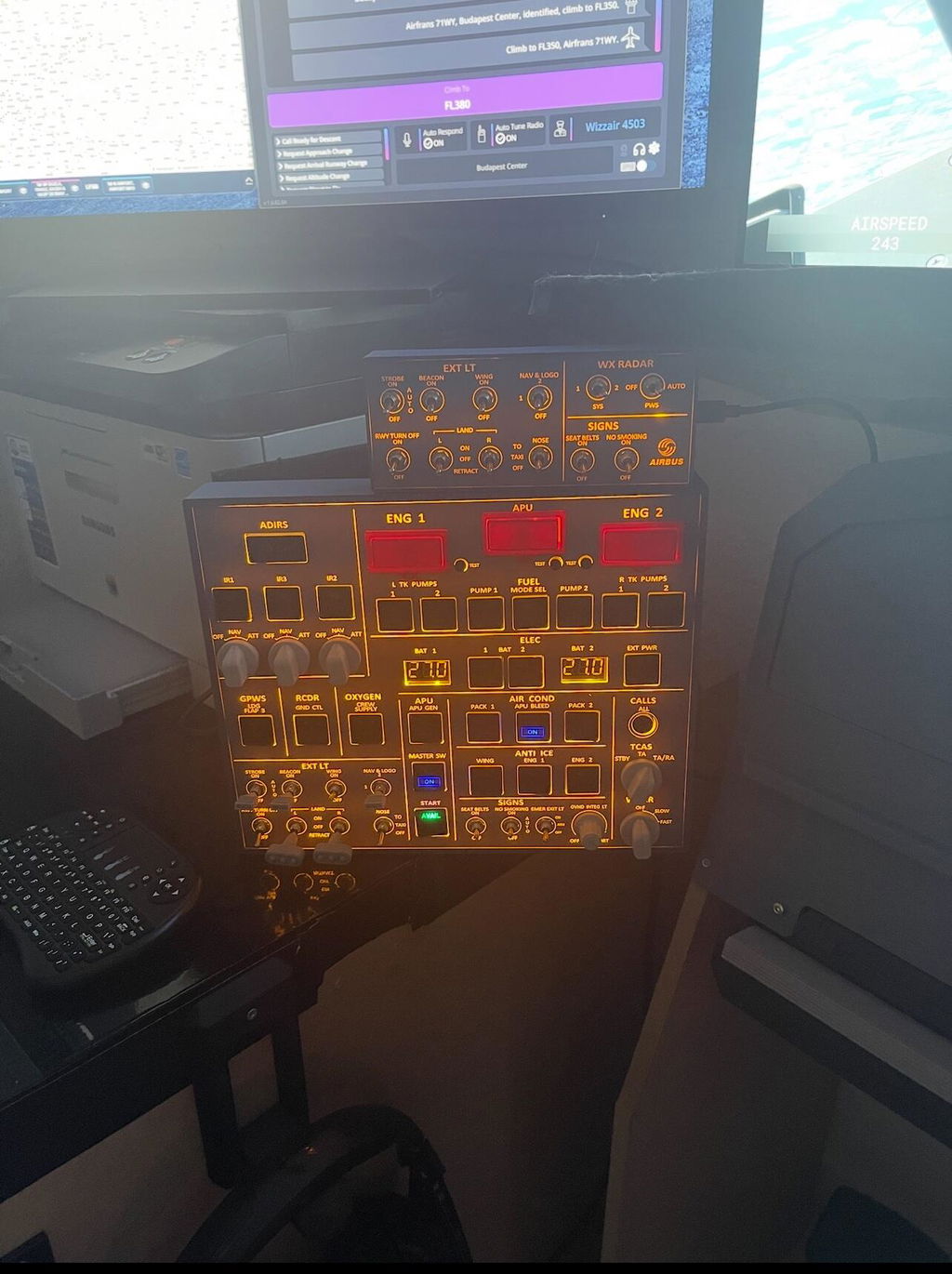
    I’m still using the first-generation A101, but I’m extremely satisfied. 👍 I also bought the OVH A107, and when the A105 radio panel is released, I plan to buy it as well.

    Hi Richard, thank you for your continued support! We're stoked you're satisfied with the first-generation A101 and that you've bought the OVH A107. The A105 radio panel is on presale now. Happy flying!

    A
    A101 first generariin

    How can i turn the back light on the first generation i try it but still cant make ir work , not sure if im doing it the right way , any suggestions please

    Rowsfire

    Hello, could you please take a picture of the product and send it to me for me to have a look?