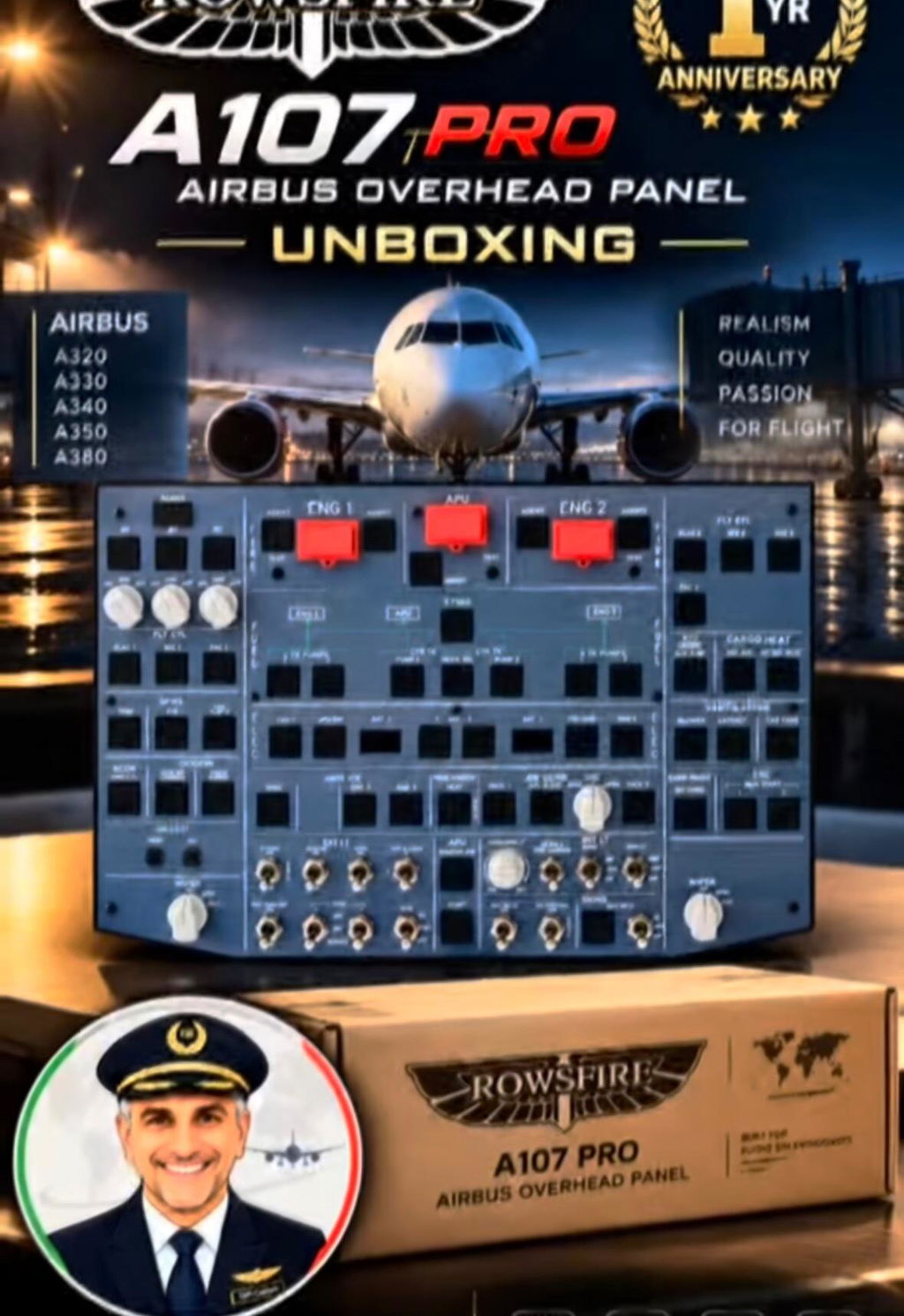
Flightnews24 Tests the Rowsfire A107 Pro
A hands-on look at plug-and-play setup, Airbus-style controls, lighting and everyday usability across MSFS 2024 and X-Plane 12.
German flight simulation publication Flightnews24 has completed a hands-on review of the Rowsfire A107 Pro A320 Overhead Panel, examining its construction, controls, lighting, software setup and compatibility with popular Airbus add-ons.
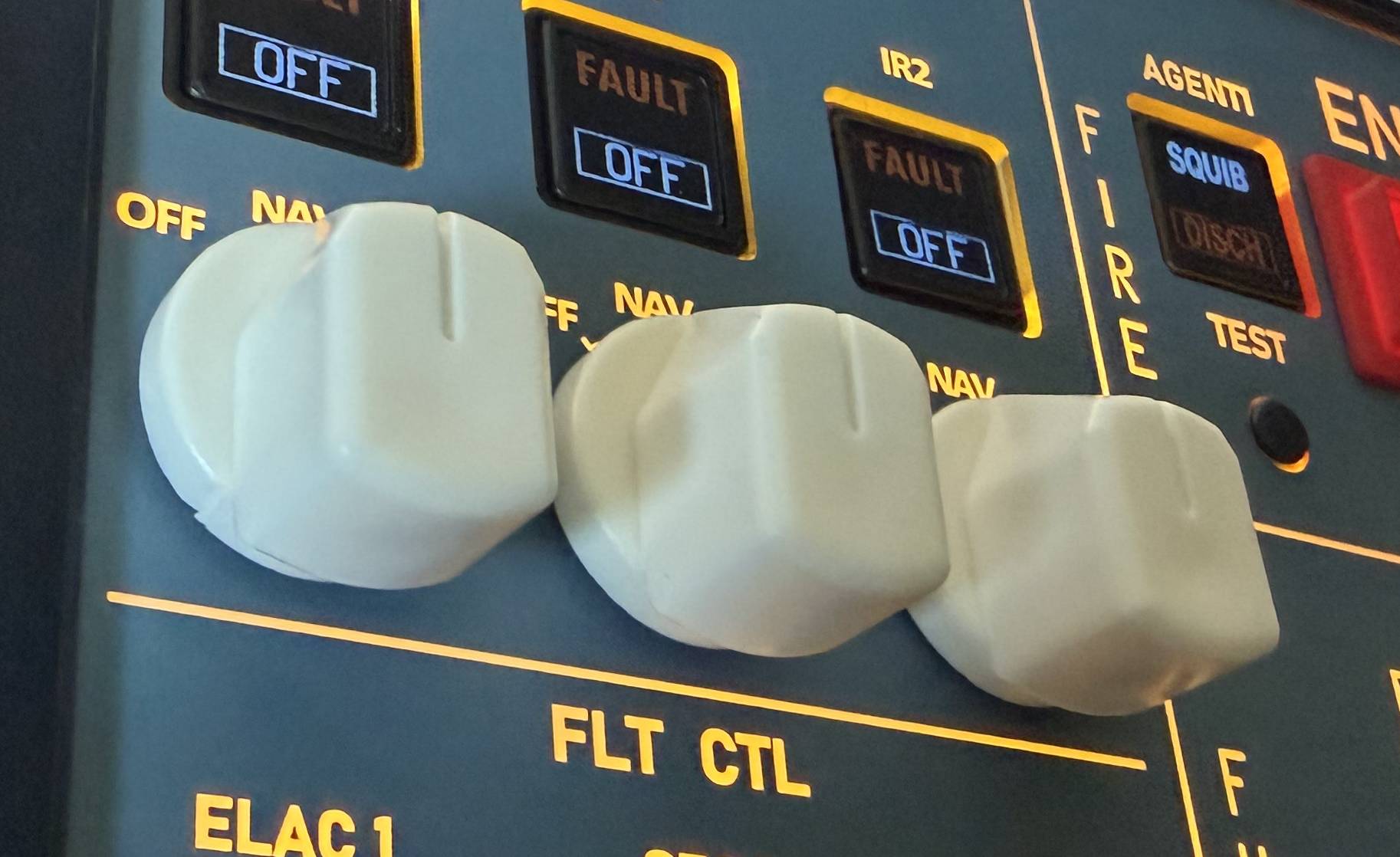
The overall assessment was positive. Flightnews24 particularly highlighted the straightforward plug-and-play experience, automatic aircraft recognition, responsive operation, strong illumination and compact VESA-compatible design. The reviewer also identified three areas for improvement: movement in the FIRE pushbuttons, the finish of certain white plastic components and the limited visible difference between BRT and DIM.
The Quick Verdict
Flightnews24 found the A107 Pro to be a practical middle ground between desktop hardware and a much larger home cockpit build: compact enough for a normal setup, yet substantial in feel and broad in function.
Strongest takeaway: installation, connection and aircraft recognition worked without manual switch mapping in the documented Fenix A320 and ToLiss A320 tests.
A Compact A320 Overhead for Real Home Setups
The A107 Pro is not presented as a strict full-size reproduction of the complete Airbus overhead. Instead, its control sizing and layout draw from the A320 cockpit while the 405 × 270 × 60 mm enclosure keeps the unit manageable for a desk-based simulator.
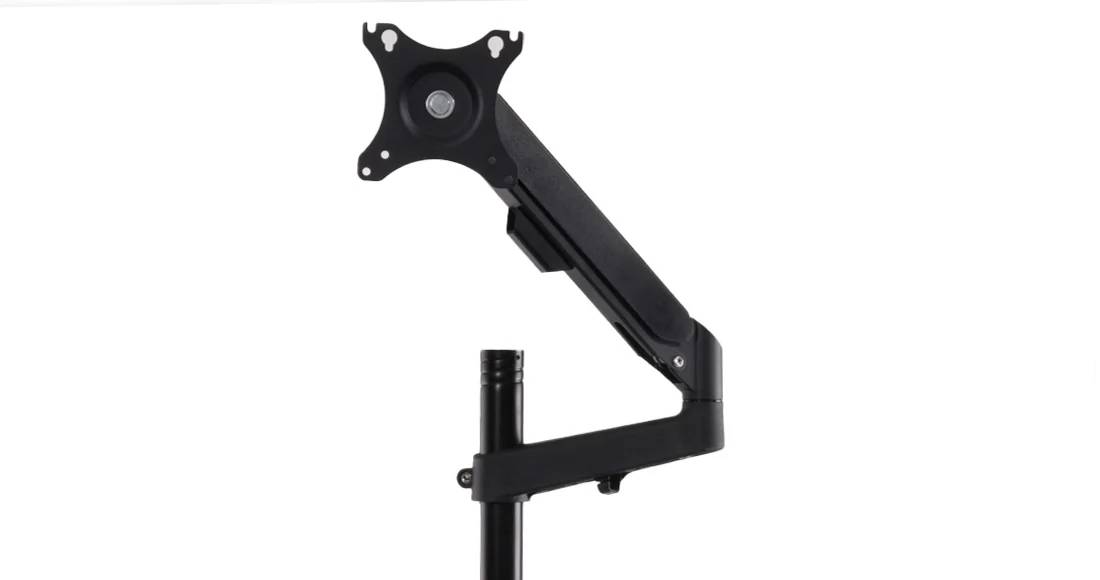
Flightnews24 treated that smaller footprint as an advantage. Users can add physical overhead procedures without first committing to a complete cockpit shell. Rear VESA 100 × 100 mm mounting points allow the panel to sit above a monitor using the Rowsfire stand or another compatible mounting solution.
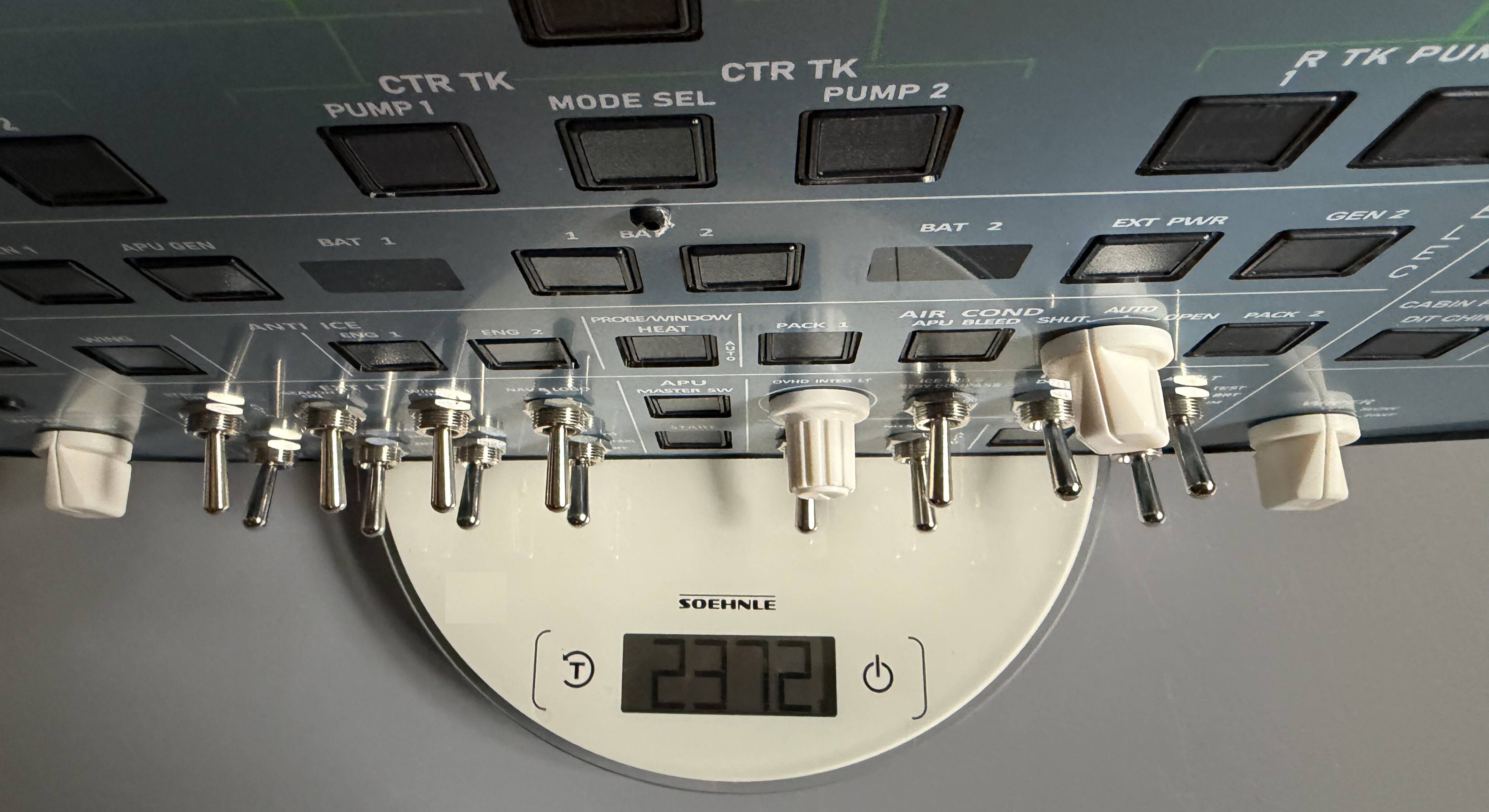
Light in Weight, Solid in Hand
Despite its moderate weight, the aluminum frame gave the reviewer a stable, substantial impression rather than the feel of a lightweight plastic desktop accessory.
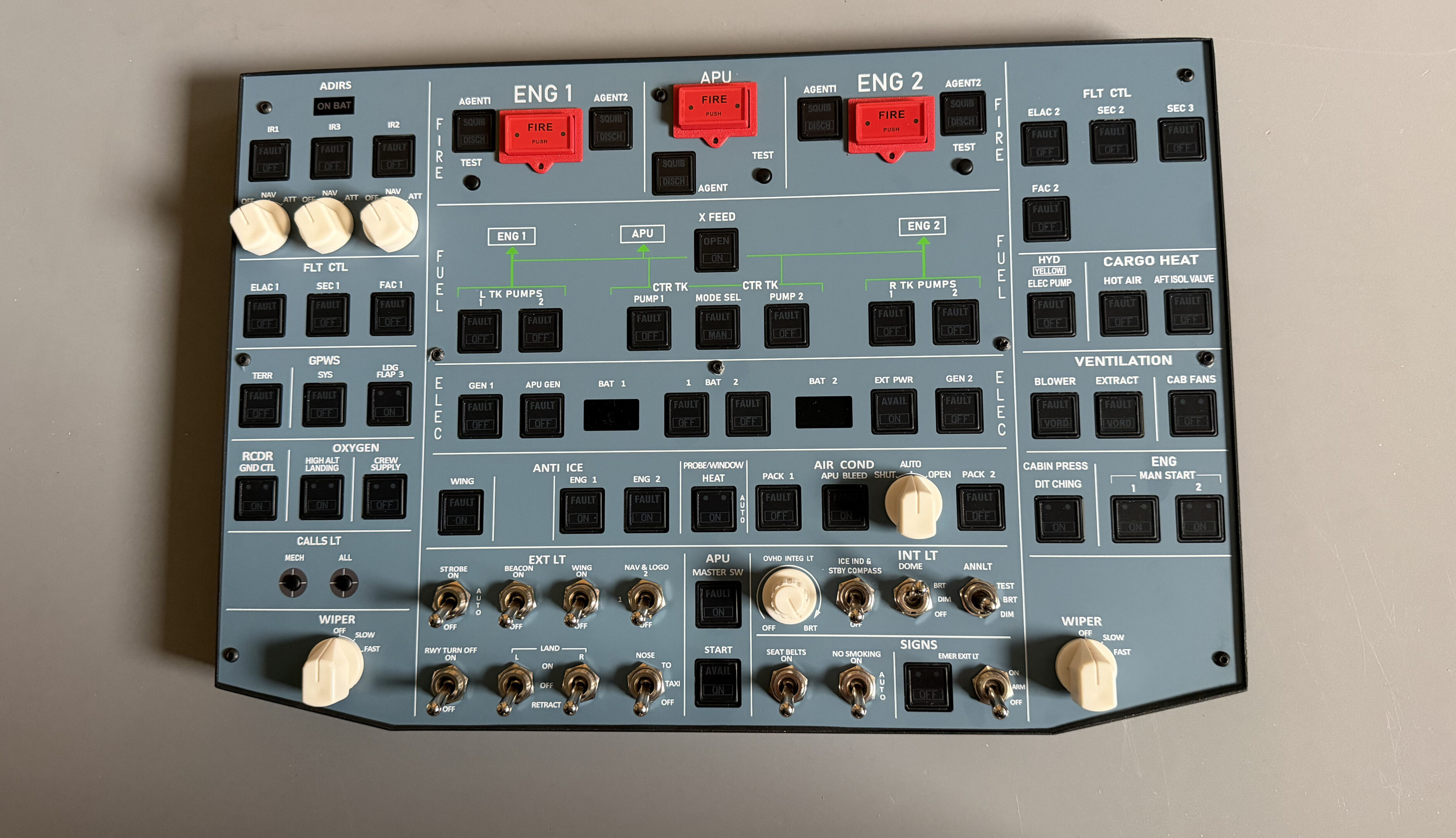
The four-millimeter acrylic front, HD printing and clean labeling were also praised. Flightnews24 described the markings as sharp and professionally finished.
Where the Review Was Most Convincing: Setup
For flight simulation hardware, software can determine whether a product becomes an everyday tool or a time-consuming project. This was the area in which the A107 Pro impressed the reviewer most.
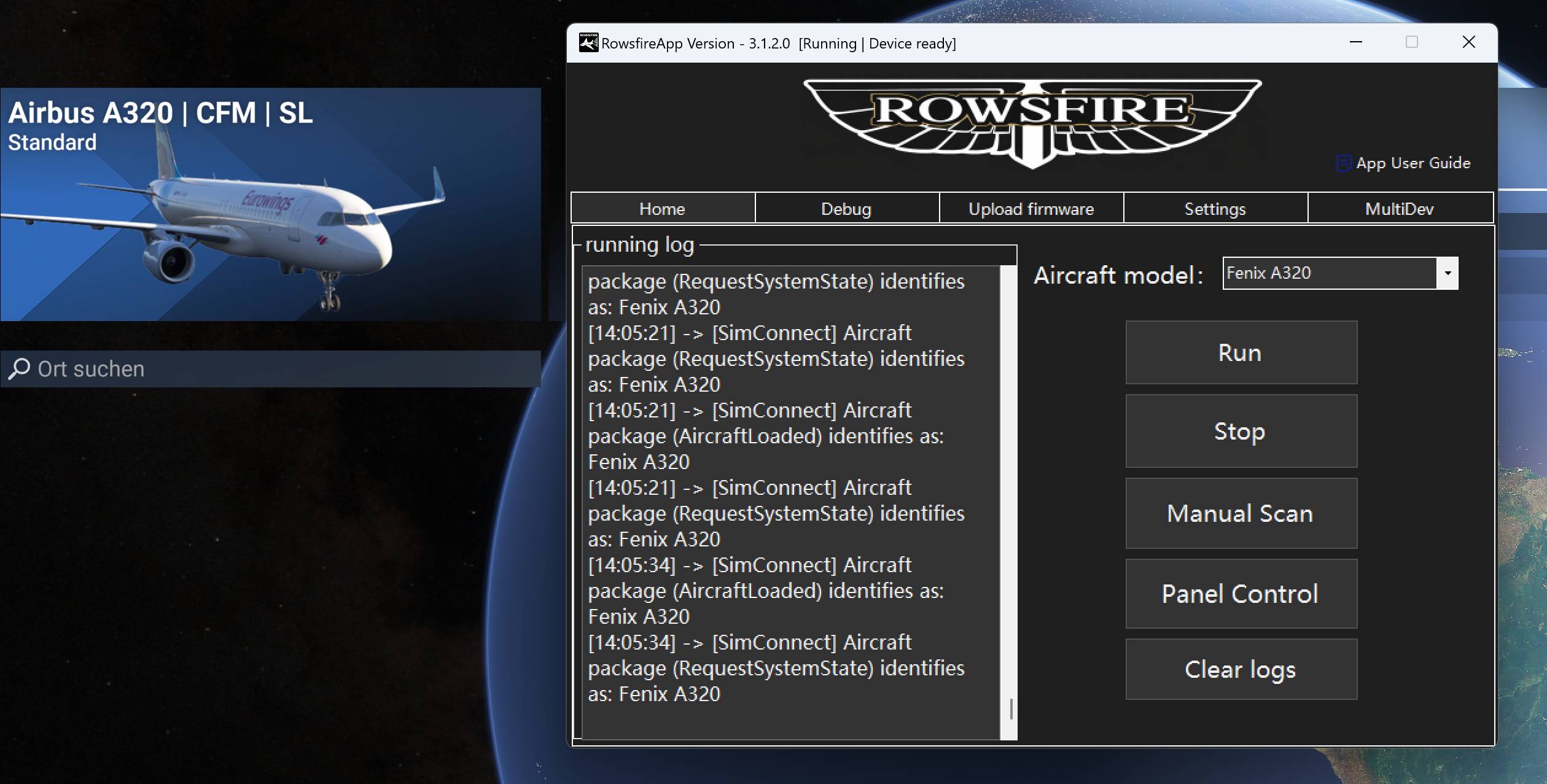
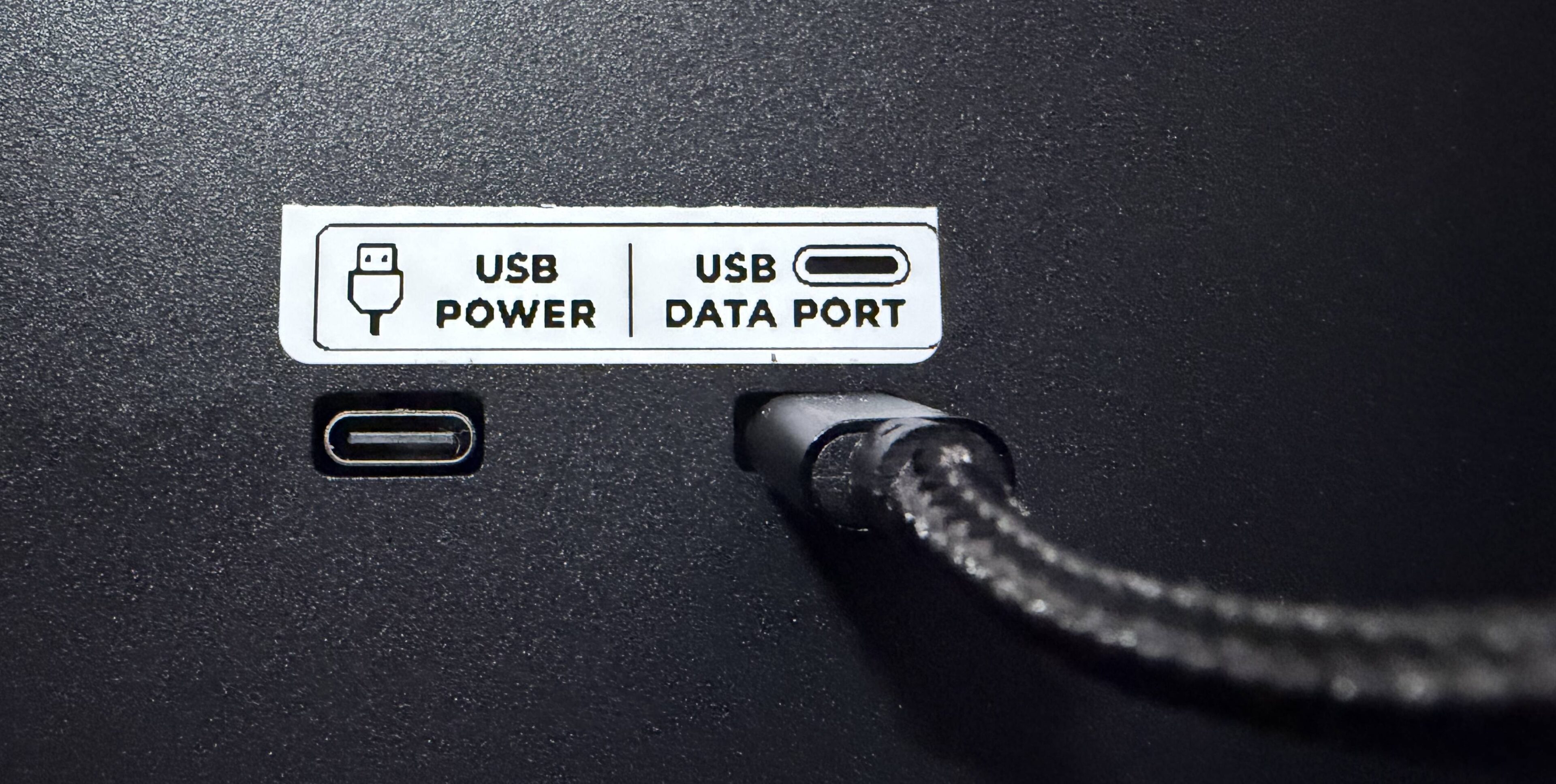
After installing the Rowsfire App and connecting the supplied USB cable, the software recognized supported simulator installations on the test computer. Flightnews24 then documented successful automatic recognition of the Fenix A320 in Microsoft Flight Simulator 2024 and the ToLiss A320 in X-Plane 12.
“Install, connect and start flying.”Flightnews24’s summary of the setup experience, translated from German
No individual switch mapping was required for those tested configurations. The review also noted that the Rowsfire App does not require account registration, reducing the number of steps before the first flight.
Automatic Fenix A320 Recognition
In the MSFS 2024 test, the Rowsfire App running log identified the selected aircraft as the Fenix A320. This removed much of the configuration work commonly associated with specialist simulator hardware.
The article’s documented hands-on validation applies specifically to the tested Fenix A320 and ToLiss A320 configurations—not every combination in the wider compatibility list.
Current Supported Configurations
| Simulator | Aircraft | Review status |
|---|---|---|
| MSFS 2020 / 2024 | Fenix A319 / A320 / A321 | Fenix A320 tested in MSFS 2024 |
| MSFS 2020 / 2024 | FlyByWire A32NX | Listed as supported |
| MSFS 2020 / 2024 | FSLabs A321 | Listed as supported |
| X-Plane 12 | ToLiss A320 | Tested in X-Plane 12 |
Airbus-Style Switch Feel
Flightnews24 found that the toggle switches offered clearly defined travel and noticeable mechanical engagement. Most pushbuttons had reassuring resistance, while rotary selectors such as WIPER and ADIRS moved easily and precisely.
The reviewer found no noticeable delay between operating the physical controls and seeing the corresponding response in MSFS 2024. This describes perceived responsiveness during the test rather than a laboratory latency measurement.
A Specific Mechanical Criticism
The ENG 1, ENG 2 and APU FIRE pushbuttons had more lateral movement than the reviewer expected. This did not cause a functional problem, but Flightnews24 felt a firmer mechanism would better match the rest of the panel and its price level. We consider specific feedback like this valuable as we continue evaluating production and quality-control improvements.
Lighting: One of the Standout Features
The illuminated labels and indicators were presented evenly, producing a convincing atmosphere in darker conditions. The annunciator light test was singled out as especially impressive.
One limitation remained: on the tested unit, Flightnews24 found little visible difference between BRT and DIM on the pushbuttons. A stronger distinction between the two levels would make the lighting control more complete.
What Flightnews24 Liked
- Genuine plug-and-play setup
- No account required for the Rowsfire App
- Automatic aircraft recognition
- Good to very good overall construction
- Clear labeling and strong lighting
- Responsive switches and selectors
- Compact, VESA-compatible design
- MSFS and X-Plane support
Where It Can Improve
- Too much movement in the FIRE pushbuttons
- Some white plastic parts feel less premium
- BRT and DIM appear too similar
Our Takeaway from the Flightnews24 Review
Flightnews24’s assessment supports the central goal behind the A107 Pro: making a functional Airbus overhead accessible to users who want physical cockpit interaction without the space and configuration demands of a full-scale build.
The strongest result was not simply the number of switches or lights. It was how the hardware, Rowsfire App and aircraft profiles worked together to reduce setup time. At the same time, the comments on FIRE button stability, material consistency and brightness levels give us concrete details to evaluate as the product continues to evolve.
This is Rowsfire’s editorial recap of Flightnews24’s hands-on review. Test observations belong to Flightnews24. Review images courtesy of Flightnews24.
Frequently Asked Questions
Is the A107 Pro a full-size A320 overhead panel?
No. It is a compact overhead solution measuring 405 × 270 × 60 mm, designed to bring Airbus-style overhead operation into desktop and compact cockpit setups.
Is the Rowsfire A107 Pro plug and play?
For supported configurations, the Rowsfire App provides aircraft profiles and automatic recognition. Flightnews24 documented successful setup with the Fenix A320 in MSFS 2024 and ToLiss A320 in X-Plane 12.
Does the Rowsfire App require an account?
No. The review highlighted that the app could be used without creating an account.
Can the panel be mounted above a monitor?
Yes. The rear includes VESA 100 × 100 mm mounting points for the Rowsfire stand or another compatible mounting solution.
What improvements did the reviewer suggest?
A firmer FIRE pushbutton mechanism, more premium-looking white components and a clearer brightness difference between the BRT and DIM settings.
Bring the Airbus Overhead into Your Home Setup.
Explore current specifications, compatibility and ordering information.