


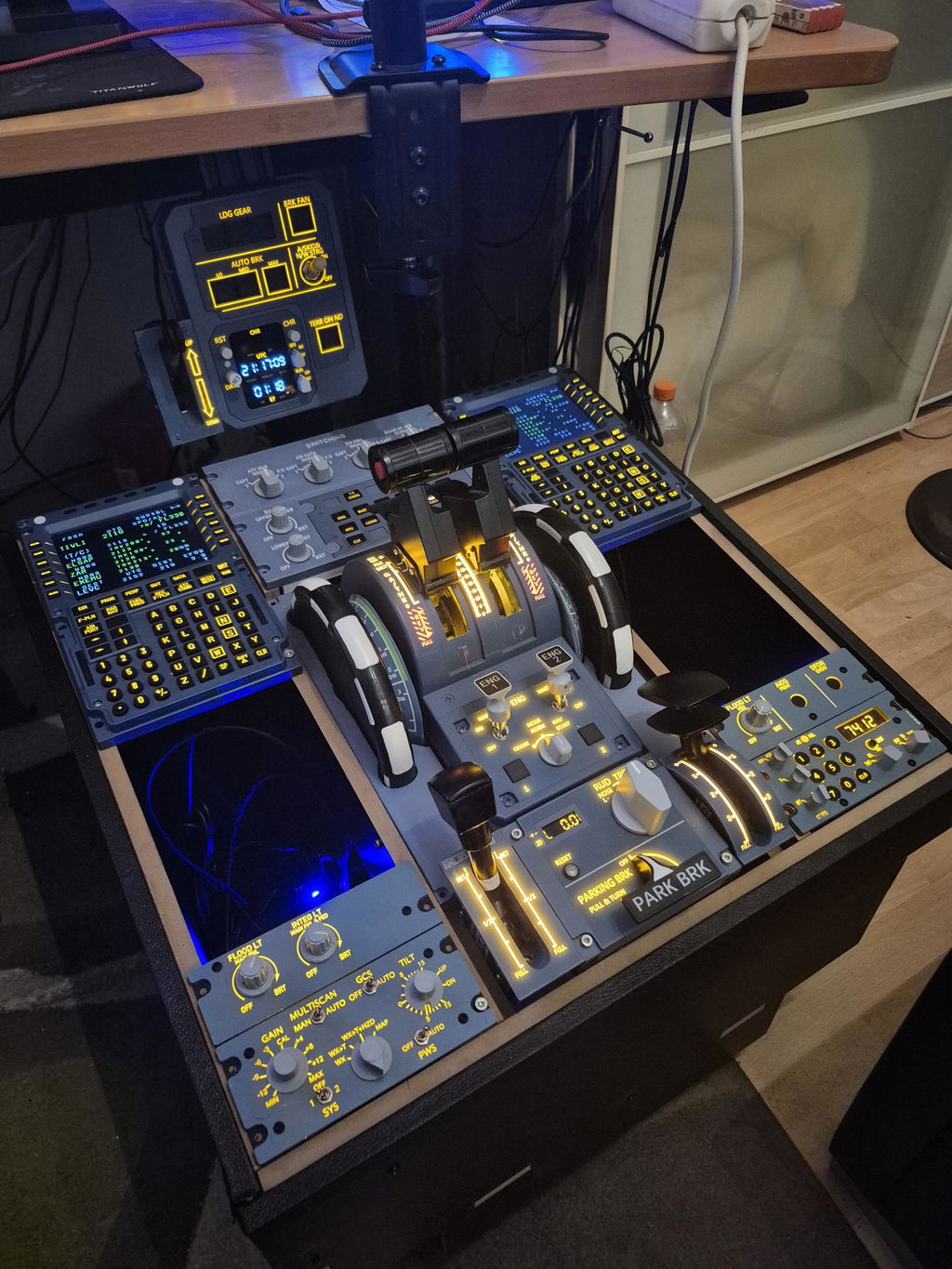
As the Rowsfire support team, we’ve received feedback from some users that the A105 Radio Airbus simulation panel does not display any information in the flight simulator, even though the panel tests fine in the Rowsfire App. To help our users resolve this quickly, we’ve summarized the cause, solution, and how we respond to customer feedback.
The Issue Reported by Customers
One user shared the following:
-
The A105 display does not turn on in the simulator.
-
In Mobiflight, it shows “precondition errors”, and the preconfigured items appear in red.
-
The All Test function in the Rowsfire App works correctly.
-
Other panels, such as the A107 and A109, work normally, but the A105 fails to display.
The user also requested that the panel turn on when BAT1 or BAT2 is powered, without relying on external power.
Root Cause
After investigation, we found:
-
The A105 panel is preconfigured to require EXT PWR (external power) to display information.
-
Without EXT PWR, the panel will not show anything in the simulator, even though the hardware is functioning normally.
-
This is why Mobiflight shows red precondition errors.
In short, the panel was not broken — it simply did not meet the power precondition.
How to Fix It
We recommend the following steps:
-
Check your Mobiflight version
-
Uninstall any Beta version and use the official stable release.
-
-
Re-merge configuration files
-
Open A105 V3.1
-
Merge other related configs (e.g., V107, V109)
-
Test the panel in Mobiflight or Rowsfire App
-
-
Reconfigure in the Rowsfire App
-
Import A107 and A105 panels
-
Run tests and assign the panel within the App
-
-
Key Step: Enable EXT PWR
-
Connect the panel to external power
-
Confirm that the A105 display now works in the simulator
-
⚠️ Note: We understand that users would like the panel to turn on with BAT1 or BAT2. This suggestion has been recorded and will be considered for future firmware updates.
Customer Support Commitment
When we receive feedback like this, our team:
-
Analyzes the problem promptly to identify the cause of display issues
-
Provides step-by-step guidance so users can fix it quickly
-
Records user suggestions for future product improvements
Our goal is to ensure every Rowsfire user can use their panels smoothly while receiving timely support and feedback.
Summary
If your A105 panel is not displaying, it is usually a precondition setting issue, not a hardware problem. Following the steps above should restore normal operation for most users.
At Rowsfire, we always value customer experience. We encourage users to reach out if they encounter issues — we will respond quickly, provide guidance, and continuously improve our products based on feedback.


1コメント
You keep changing the expectations too frequently, and your excuses are becoming hard to believe. I sincerely hope this wasn’t your intention from the start. I paid you for a product that I am still waiting for, yet all I receive are excuses. This is unacceptable!