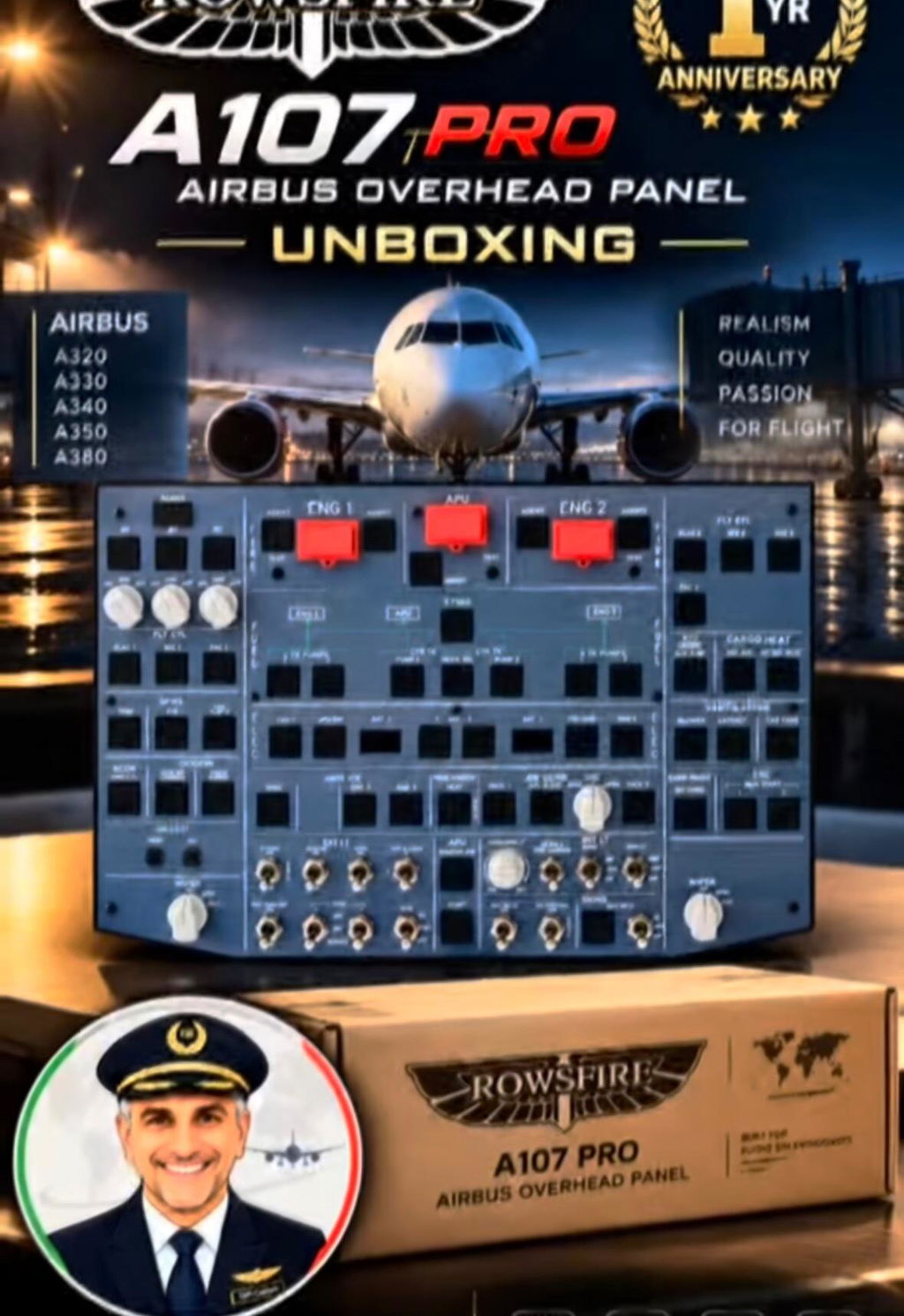
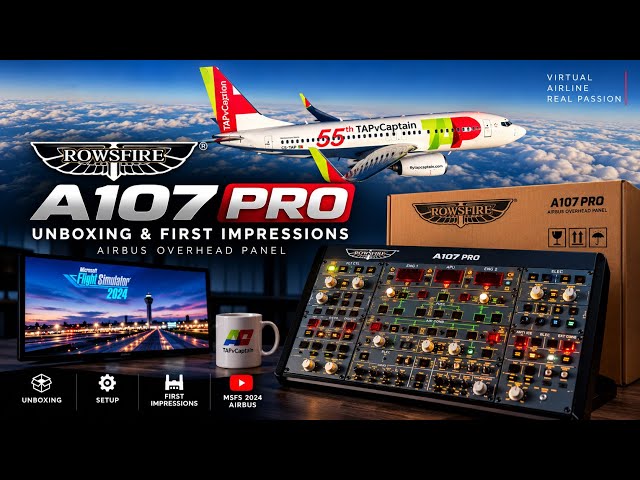
For most PMDG 737 pilots, the overhead panel is where the magic starts. Battery on. APU start. Fuel pumps on. Packs configured. Beacon light on. These flows become second nature after a while — but running them with a mouse never quite feels right. You end up dragging a cursor around the cockpit instead of actually flying the airplane.
That's why PMDG recently took a closer look at the Rowsfire B107 B737 Overhead Panel — a dedicated hardware overhead built for the PMDG 737 in Microsoft Flight Simulator. The question was simple: can an affordable physical overhead make your sim feel like a real flight deck? The answer was pretty clear.
Quick verdict
The Rowsfire B107 turns PMDG 737 overhead flows into real muscle memory. After a few flights you stop hunting for switches on screen and start flying the airplane — with authentic backlighting, a solid aluminum frame and integrated LED displays that make cold-and-dark starts genuinely immersive.

A Physical B737 Overhead Panel: You Stop Clicking and Start Flying
One of the biggest takeaways from the PMDG review is something every 737 simmer understands immediately: once you have a physical overhead, you stop searching for switches on the screen.
After a few flights, your hand just knows where the APU switch is. You reach for the fuel pumps without looking. Landing lights, anti-ice, packs and bleeds all become muscle memory. That's when things start to feel different — instead of managing a simulator, you're managing an airplane.
Imagine loading into KSEA before sunrise. The cockpit is dark. You flip the battery switch and the overhead comes alive above you. The APU starts humming. You work through your preflight flow exactly as you've practiced it. For a moment, the desk disappears and it feels like you're sitting in a 737. That's the kind of immersion a physical overhead brings.

Built Around Real Boeing 737 Flows
PMDG also noted how naturally the B107 fits into normal Boeing procedures. The layout follows the real aircraft closely, which means flows become easier to learn and easier to remember.
Cold-and-dark starts feel more authentic. Turnarounds are faster. Abnormal procedures make more sense because you can actually reach for the switches instead of hunting around with a mouse. For simmers who enjoy running proper SOPs and airline procedures, this is where dedicated hardware really shines.

Immersive Backlighting: Night Flights Hit Different
Another thing that stood out in the review was the backlighting. Every 737 pilot knows that a cockpit at night just has a different vibe.
You're descending into Chicago on a winter evening. The cabin lights are dim and the overhead is glowing softly above your head. At that point it doesn't feel like a gaming setup anymore — it feels like a cockpit.
The B107's illuminated switches and indicators add a huge amount of atmosphere, especially during early-morning departures and late-night arrivals. It's one of those things photos don't fully capture — you have to experience it.

Rowsfire B107 Key Features: More Than a Box of Switches
The B107 was designed for people who fly the PMDG regularly and want something that feels like a natural extension of the aircraft. Some highlights include:
Extensive overhead coverage
Electrical, fuel, lighting, anti-ice, APU and pressurization systems are all right where you expect them to be.
Solid construction
The aluminum frame and rigid housing give the panel a reassuring feel that stands up well to daily flying.
Dedicated LED displays
Integrated displays provide key system information and add another layer of immersion to the cockpit.
Real tactile feedback
There's something satisfying about reaching up and physically moving a switch instead of clicking a virtual one. It's hard to go back once you've tried it.
- Full 737 overhead coverage — electrical, fuel, lighting, anti-ice, APU & pressurization
- Aluminum frame with rigid, daily-use housing
- Integrated LED system displays
- Real tactile switches for genuine muscle memory
- Backlit switches and indicators for immersive night flying

Designed With PMDG 737 Pilots in Mind
The B107 was built specifically for PMDG 737 users and continues to evolve through software updates and community feedback. That's important because serious simmers don't just want hardware that works today — they want something that keeps getting better. And that's exactly what the Rowsfire team has been doing by listening to cockpit builders and everyday PMDG pilots alike.

The Real Difference: You Fly the Airplane
Most flight sim hardware makes you think, "That's pretty cool." The B107 does something different. After a few flights, you stop thinking about the hardware entirely.
You're focused on the before-start flow. You're reaching for Engine Anti-Ice because you're entering cloud. You're setting up for descent. You're flying the airplane. And honestly, that's probably the highest compliment any cockpit hardware can get.
Rowsfire B107 B737 Overhead Panel — FAQ
Is the Rowsfire B107 compatible with the PMDG 737?
What does the B107 overhead panel cover?
Why use a physical overhead panel instead of a mouse?
Does the B107 have backlighting for night flights?
Does Rowsfire keep updating the B107?
Ready to Upgrade Your PMDG 737?
If you want your PMDG flights to feel more hands-on and immersive, the Rowsfire B107 B737 Overhead Panel might be the missing piece of your cockpit. No more chasing switches with the mouse. No more breaking immersion. Just flows, procedures, and that moment when the overhead lights up and your sim suddenly feels a lot more like a 737.
Check out the Rowsfire B107 →Fly the flow. Not the mouse.