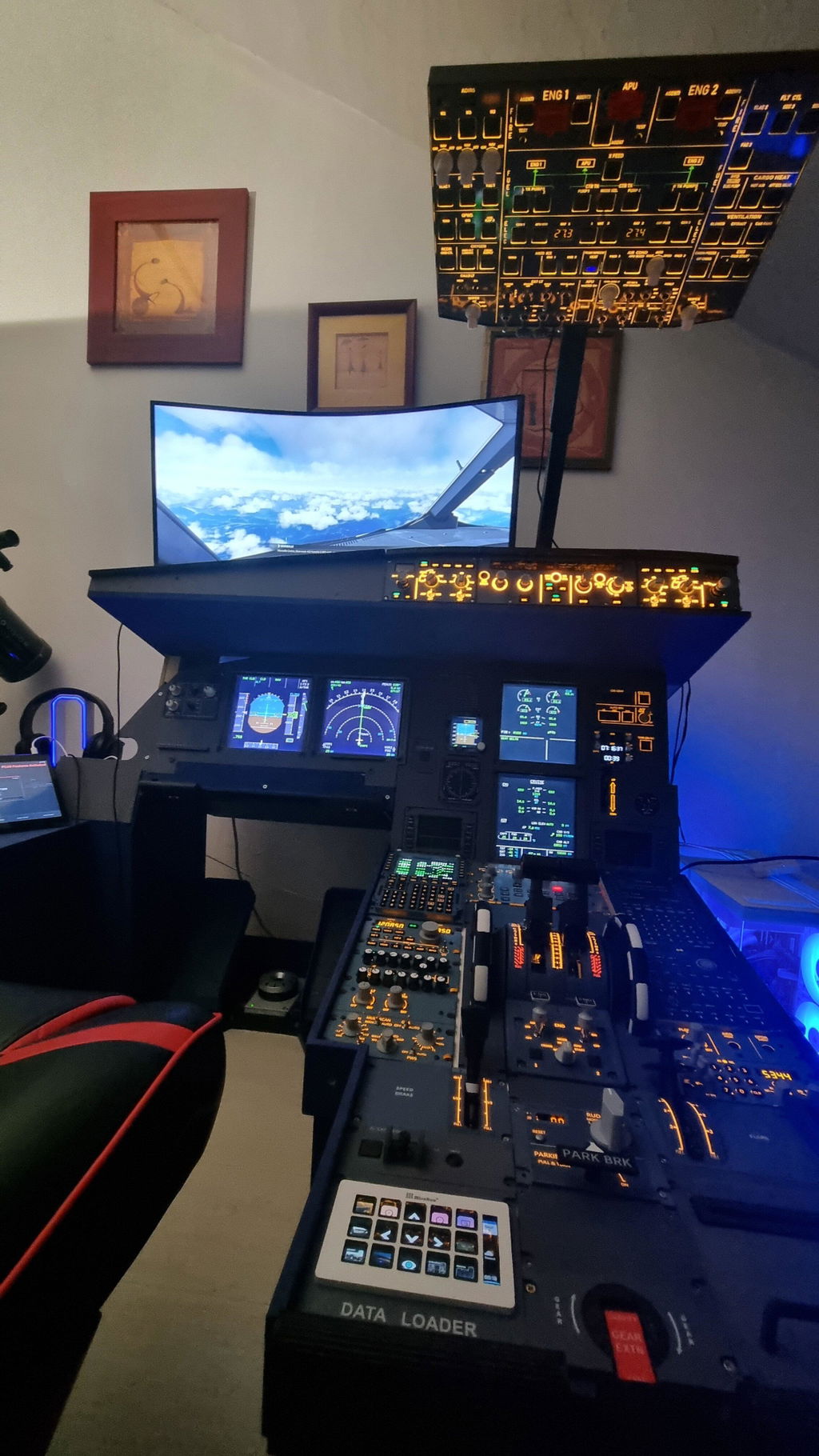
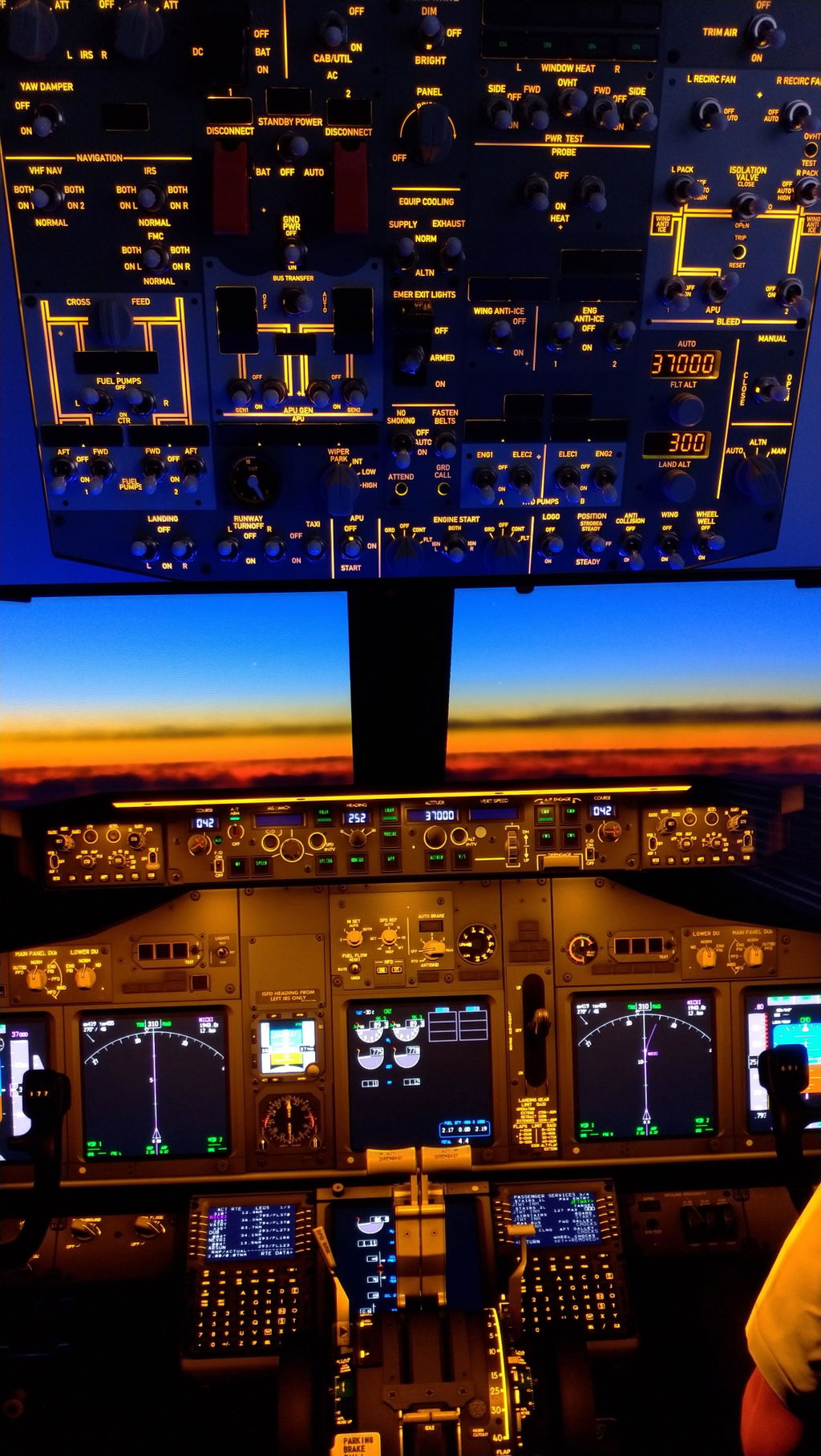
Rowsfire A108 V2: A 4-in-1 PFD / ND / ECAM / EWD Display for Your Home Cockpit
Building a home flight cockpit comes down to one thing: reproducing the displays and operating logic of real avionics. The A108 V2 puts all four core Airbus displays — PFD, ND, ECAM and EWD — on a single dedicated 12.3" touchscreen, so your main monitor stays on the world outside. Here's what it does, and why it earns a place on your desk.
Why a dedicated avionics display?
In a typical flight-sim setup, the PFD, ND and ECAM get squeezed into corners of the main monitor — or crammed onto a spare screen stuck off to one side. Either way, the outside view competes with your instruments, and the workflow never quite matches a real flight deck.
The A108 V2 solves this by giving your avionics their own screen. Your main monitor stays dedicated to the view outside, while the four core displays live on a purpose-built panel positioned exactly where a real Airbus pilot expects them — so you can read flight data at a glance, without obstruction.

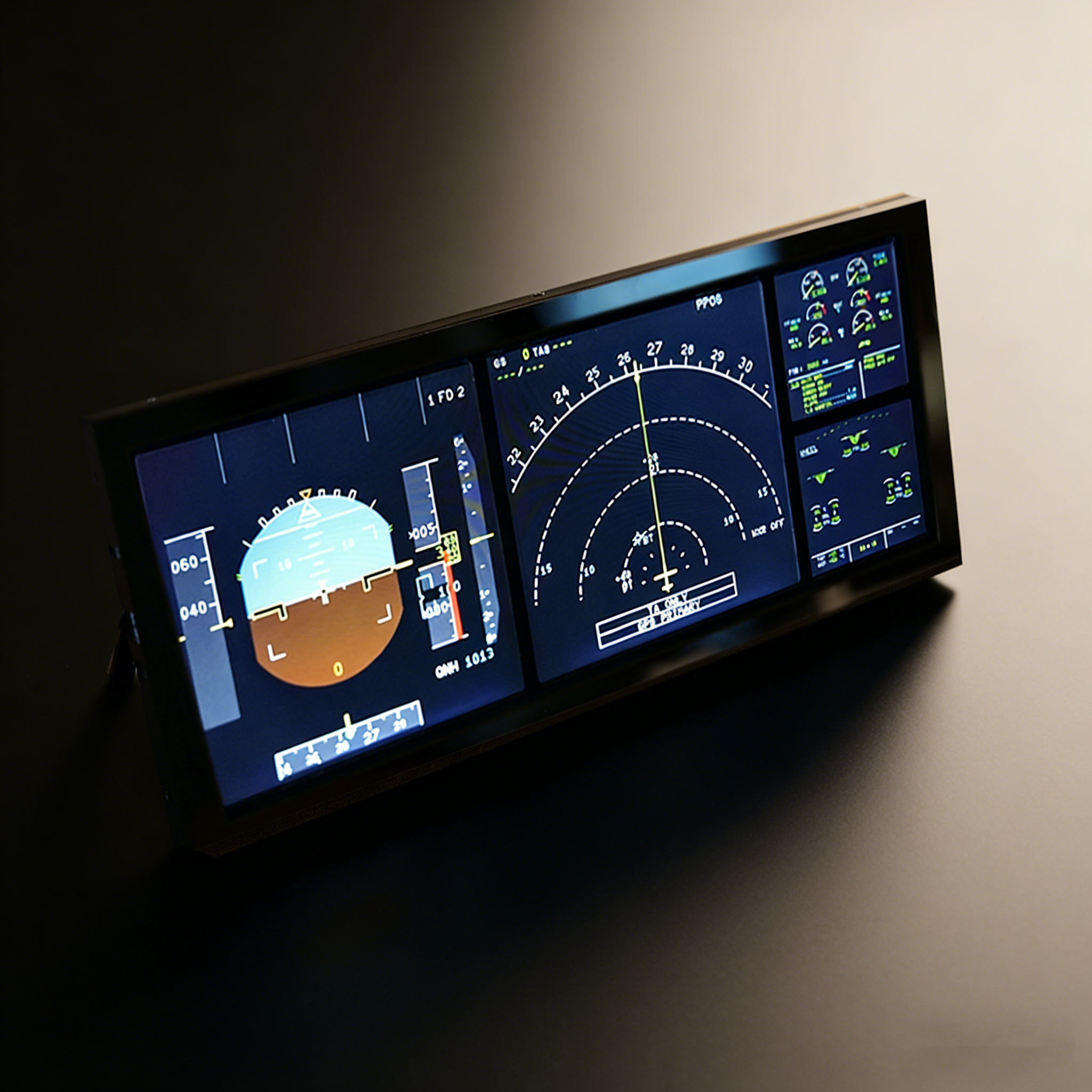
Four displays, one screen
On the Airbus A320/A350/A380, four displays are how pilots read flight status and monitor the aircraft. The A108 V2 integrates all of them:
PFD + ND
The Primary Flight Display and Navigation Display show airspeed, altitude and attitude, plus your route, navigation and weather radar — everything you need to fly the aircraft.
ECAM + EWD
The Electronic Centralised Aircraft Monitor and Engine/Warning Display watch over engines, fuel and hydraulics, and surface fault warnings the moment something needs attention.

Hardware & design
The A108 V2 is built around a 12.3-inch fully laminated touchscreen at 1920×720, tuned for a reflection-free, ghost-free image close to the look of real aircraft avionics. Because it's touch-enabled, you interact with the displays directly — no more switching to keyboard and mouse mid-flight.
The housing is aluminium alloy and acrylic, yet the whole panel weighs just 350 g and is an ultra-slim 305 × 132 × 13 mm. A built-in desktop stand means it's ready to use straight out of the box, and one screen replacing four saves precious desk space.

Compatibility & setup
The A108 V2 works with MSFS 2020 and MSFS 2024, and supports Fenix, PMDG and FlyByWire A32X NEOV2. It uses pop-out manager screen extension to move the displays across, so you don't have to worry about device incompatibility.
Setup is a one-time affair. The panel ships with the cables you need — video signal, Type-C power and Type-C touch data (touch optional) — and on some systems a single Type-C all-in-one connection is enough. Configure it once, and it's ready for daily use.

Specs at a glance
| Display | 12.3" fully laminated touchscreen |
| Resolution | 1920 × 720 |
| Functions | PFD · ND · ECAM · EWD (4-in-1) |
| Materials | Aluminium alloy + acrylic |
| Weight | 350 g |
| Dimensions | 305 × 132 × 13 mm |
| Stand | Built-in desktop stand |
| Simulators | MSFS 2020 · MSFS 2024 |
| Aircraft | Fenix · PMDG · FlyByWire A32X NEOV2 |
| Connection | Video signal + Type-C power + Type-C touch (single Type-C on some systems) |
| In the box | A108 V2 panel, stand, cables |

Give your avionics their own screen
Rebuild your home cockpit around the A108 V2 and make every flight a professional avionics experience. Regularly $299.99 — check the product page for current pricing and offers.
View the A108 V2