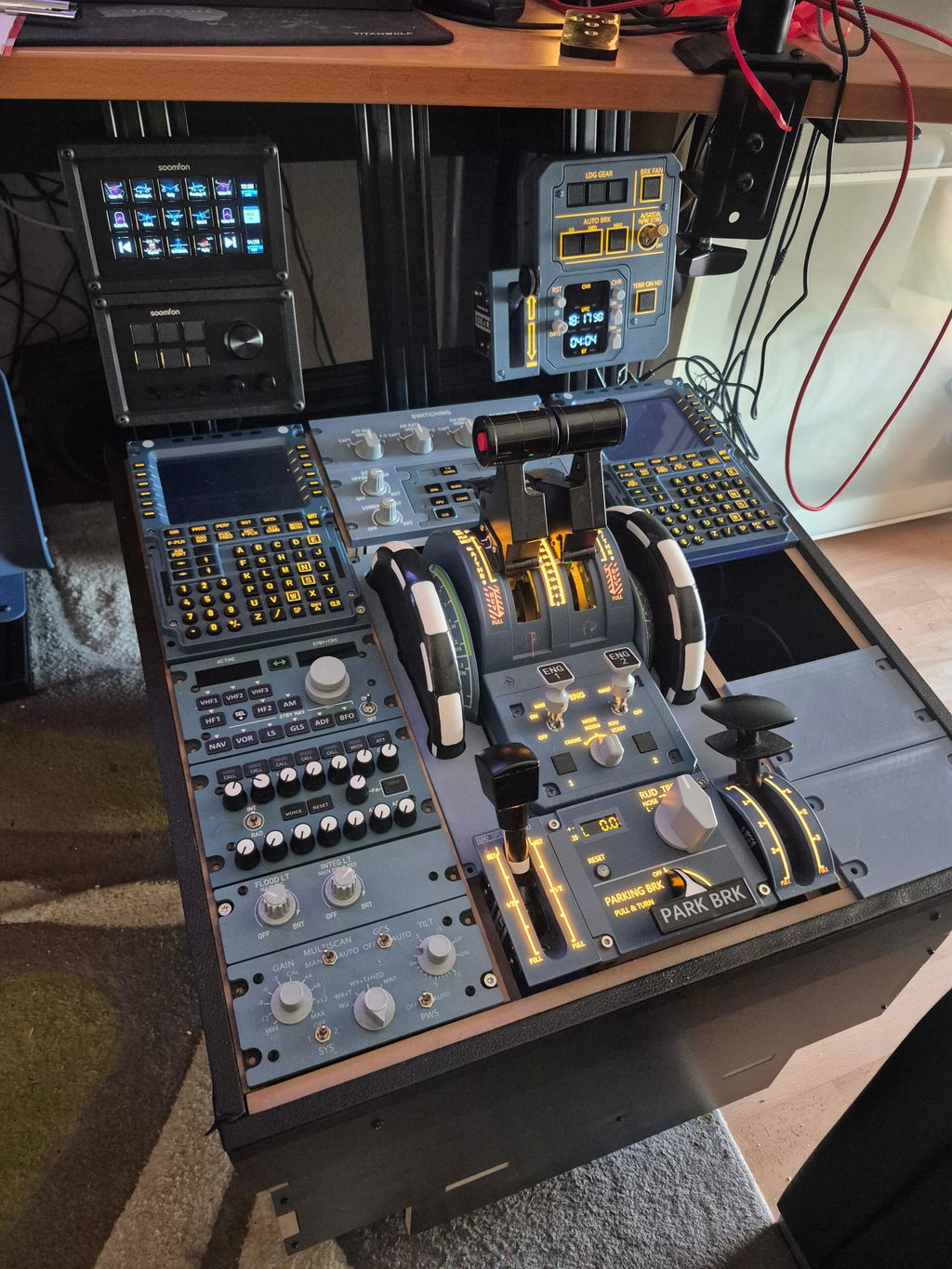


How much of a 737 startup can you handle without reaching for the mouse? Flight sim creator Symphanatic put the Rowsfire B107 Boeing 737 Overhead Panel to work with the PMDG 737-800 in Microsoft Flight Simulator 2024. Starting cold and dark, he flew two legs: Stuttgart to Rijeka, then Rijeka to Nice.
Rowsfire supplied the B107 for this livestream. This article summarizes what Symphanatic demonstrated and observed.
Watch the B107 Livestream
Watch the full livestream on YouTube →
Jump to: Cold-and-dark startup (28:24) · APU gauge demonstration (51:24)
What Can You Control Without the Mouse?
During startup, Symphanatic used the B107 to select ground power, turn on the seat belt sign and operate exterior lights. He also demonstrated the pack switches and IRS selectors. Even with the camera outside the aircraft, flipping the physical seat belt switch triggered the chime in the simulator.
He liked the clear layout and backlit labels. He also highlighted the APU exhaust gas temperature (EGT) gauge: the physical needle moved as the simulated temperature changed. The needle on his unit read high, and he noted that it needed recalibration in the Rowsfire App.
First-Time Setup: What to Check
- Fit the hardware. The unit shown in the stream needed its switch caps and some guards fitted before use. If reusing a stand, check its mounting pattern, load rating and stability.
- Connect via USB-C. One cable connects and powers the panel and its backlighting. If you use a USB hub, Symphanatic recommends a powered one.
- Set up the simulator connection. The livestream setup used the Rowsfire App and its simulator bridge.
- Match the switch positions. The app’s debug mode highlights switches that need adjusting for a cold-and-dark, taxiway or runway start. If the EGT needle reads incorrectly, check its calibration in the app.
Where Did He Still Need the Virtual Overhead?
Closing the physical emergency exit light switch guard did not close the virtual guard, so he finished that step on screen. He also had to move an IRS selector back and forth before the input registered. The B107 covers many everyday cockpit tasks, but it doesn’t replace the entire virtual overhead.
B107 FAQ: Before You Buy
Does the B107 work with the PMDG 737-800 in MSFS 2024?
Yes. That was the exact aircraft and simulator combination used in the livestream. If you fly another 737 add-on, check the B107 product page for your specific setup.
Does the B107 need a separate power adapter?
No. The panel and its backlighting are powered through USB-C. If you connect through a USB hub, use a powered model as recommended in the livestream.
Can I reuse my existing overhead mount?
Check the mounting pattern, load rating and clearance first. Symphanatic had to modify a bracket designed for another overhead panel, and the arm still moved slightly when he flipped a switch.
Who is the B107 best suited to?
It makes the most sense if you fly the 737 regularly and want physical controls for routine power, lighting and preflight tasks. If you expect every virtual switch or guard to have a physical equivalent, watch the startup demo first to see what the panel covers.
View B107 Specs & Compatibility →
Join the Rowsfire Community
Flying the PMDG 737-800 with a B107? Share your cockpit setup, swap mounting tips, or ask other sim pilots about their Rowsfire App settings.