What Happened
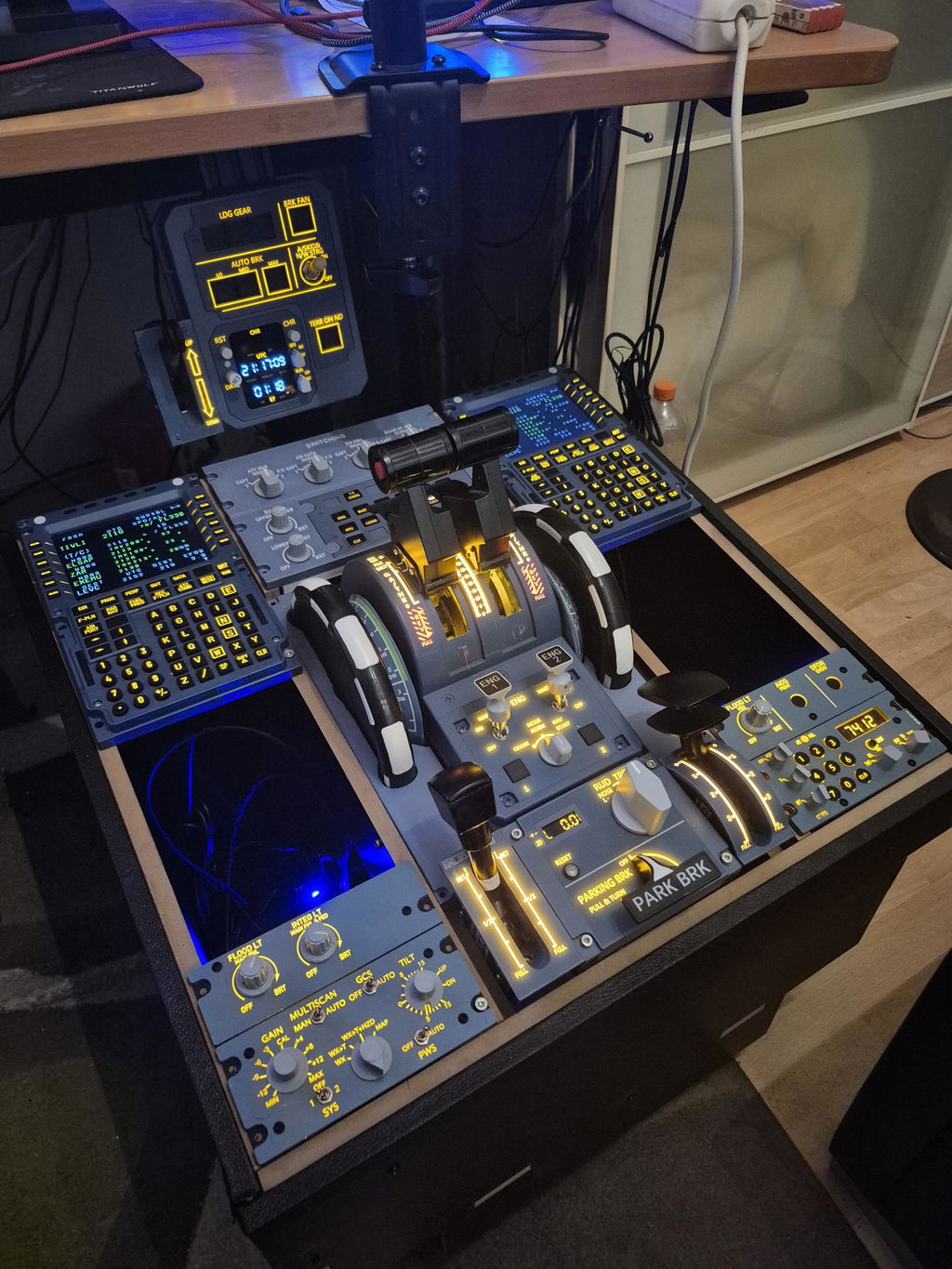
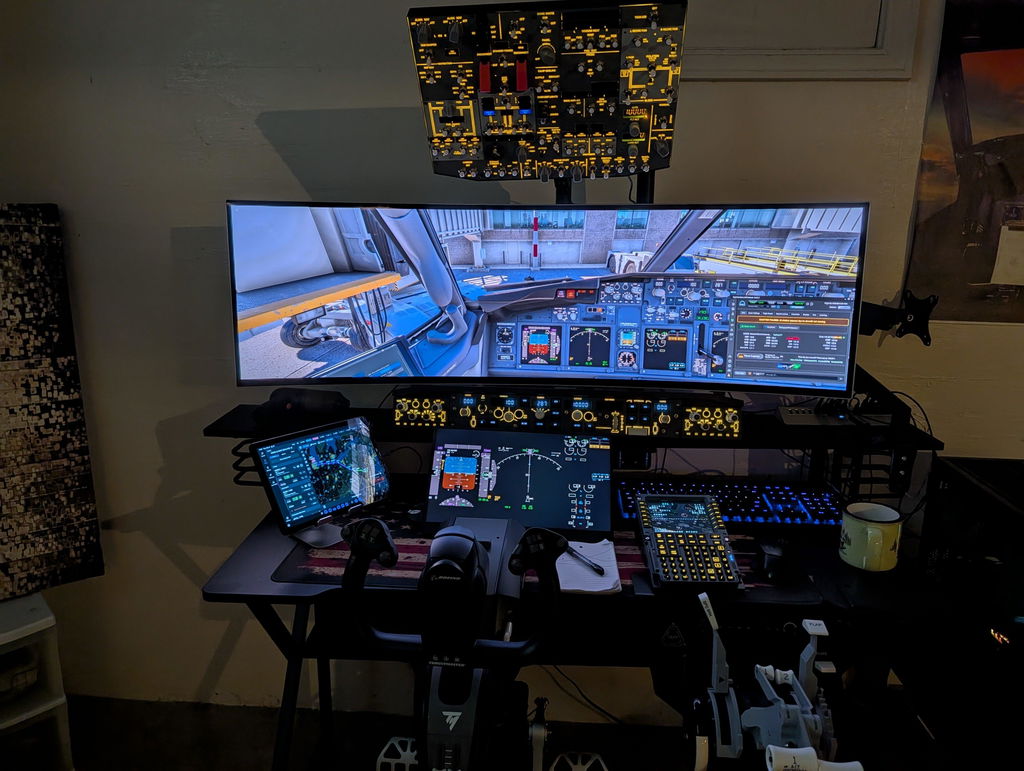
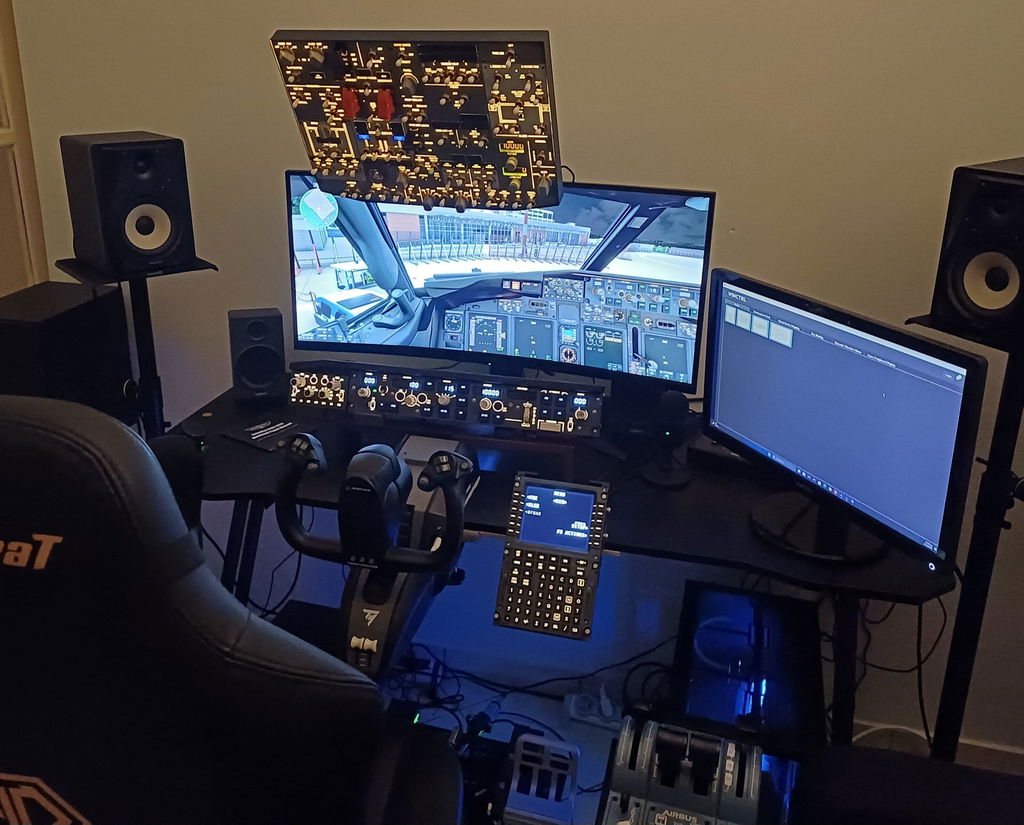
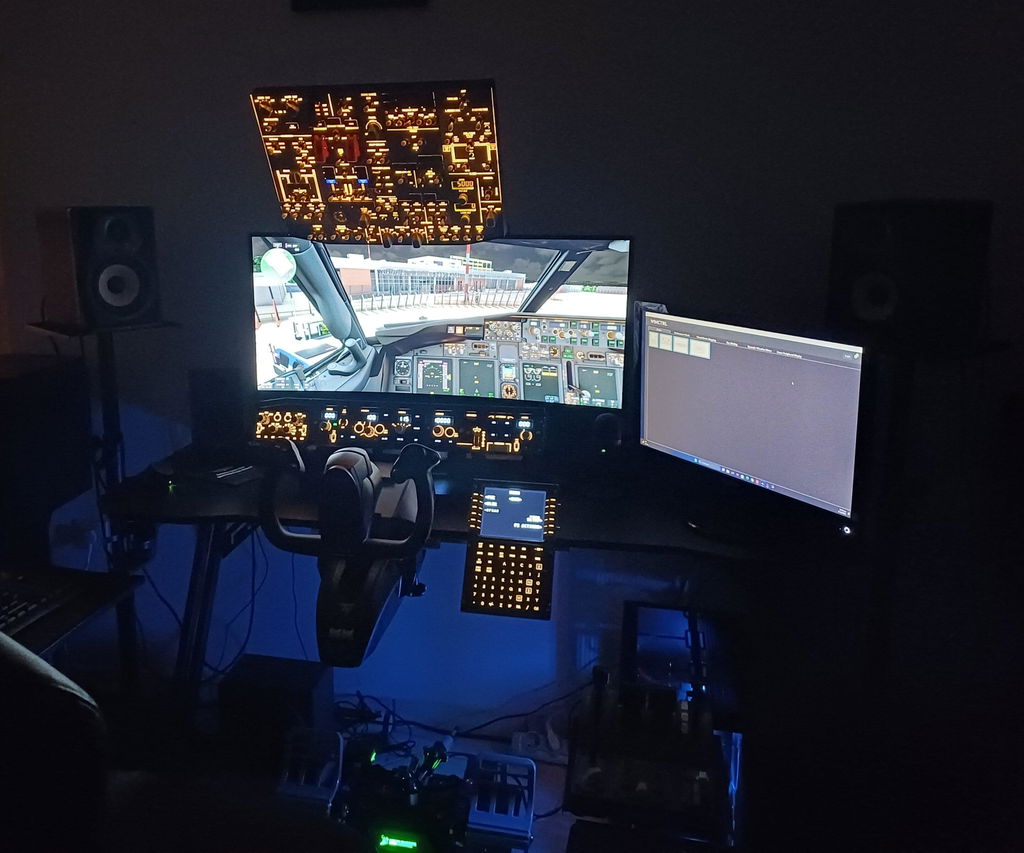
A customer noticed that the VHF1 button on the top row of their Rowsfire A111 was sticking. It needed several presses to pop back up, while the rest of the device worked perfectly. The customer also sent a video and some photos to show the problem.

How We Fixed It
The solution was straightforward:
-
Loosen the top plate screws slightly to relieve pressure on the button housing.
-
Put the top plate back on and tighten the screws moderately.

After these steps, the button popped back up normally, and the device worked as expected.
Why It Happened
The issue was caused by the screws being a little too tight during assembly. This put pressure on the button housing and made the button stick. It was a simple mechanical issue, not a problem with the electronics.
Tips for Users
If you notice a button sticking on your A111:
-
Check if the top plate screws are too tight.
-
Try loosening them slightly and test the button.
-
If it still sticks, reach out to our support team (service@rowsfire.com) with a photo or video. We’re happy to help.
Takeaway
A small adjustment fixed the problem, and the device worked perfectly again. These things can happen during assembly, and a little patience goes a long way. Always feel free to contact us if something isn’t working right.
The A111 is now on special discount, complete your cockpit setup today! Click here to buy.