What Is the Airbus MCDU? A Beginner's Guide to the Flight Management Computer
The MCDU (Multipurpose Control & Display Unit) is the keypad-and-screen you use to program almost everything an Airbus does — commonly called the "flight management computer" and found on the A320 and A330. Before we start flying the step-by-step guides, here's what the MCDU is and what each key does.
1. What the MCDU actually is
The MCDU is your interface to the aircraft's Flight Management System (FMS). You type in the route, performance and radio data; the system's brain — the FMGC (Flight Management Guidance Computer) — does the calculations and drives the aircraft's guidance. People use the terms "MCDU", "FMC" and "FMGC" loosely, but strictly the MCDU is the display and keypad, while the FMGC is the computer behind it.

2. The function keys, one by one
Across the top of the keypad sit the function keys — each opens a page for a different job. Here's what they do:
Initial flight data: flight number, departure and destination airports, cost index and cruise level.
The flight plan — your full route of waypoints from origin to destination.
Direct-to: send the aircraft straight to a chosen waypoint, with recalculated distance and ETA.
Progress: automatic flight-phase detection and in-flight parameter changes.
Performance data — takeoff speeds, thrust reduction, transition altitude and approach settings.
Aircraft position, IRS/GPS status, aircraft type, nearest airports and equi-time point.
Radio navigation — tune VOR, ILS, ADF and their courses.
Fuel prediction: estimated fuel remaining at each point of the flight.
Secondary flight plan — a backup route you can build and swap to.
System menu to switch between the FMGC and other onboard systems.

3. The startup menu
When the MCDU first powers up, the MCDU MENU lists the onboard systems it can talk to:
Flight Management Guidance Computer — the flight management system you'll use for almost everything.
Air Traffic Service Unit — datalink communications with ATC and airline operations.
Aircraft Integrated Data System — flight data recording and monitoring.
Centralized Fault Display System — maintenance and fault reporting.
For flying, you'll almost always select FMGC and stay there.

4. Where to go next
That's the map of the MCDU. Now it's time to actually use it. The next guide takes a cold-and-dark Airbus and walks you through waking up the FMGC and completing initialization, step by step.
Learn it faster on real hardware.
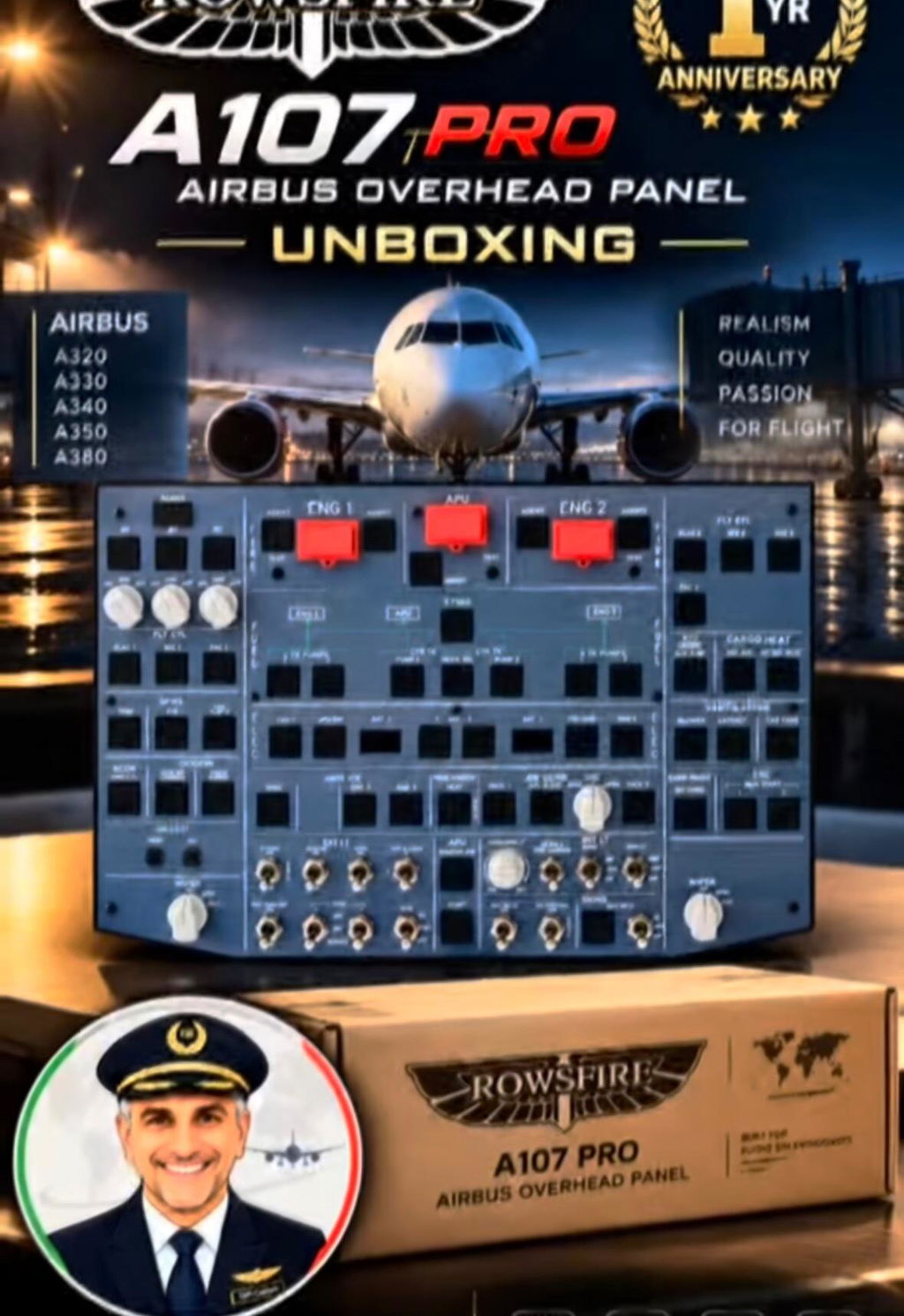
A physical MCDU and backlit panels make every key muscle-memory. Explore Rowsfire's Airbus cockpit gear — plug-and-play with MSFS & X-Plane.
Explore Rowsfire cockpit panels