
Pular para informações do produto
1 do 20

Rowsfire

Rowsfire A108 A320 PFD & ND Display Screen — 12.3" Touch

Preço regular
$299.99 USD
Preço regular
Preço de venda
$299.99 USD

🔥 Black Friday Early: $255.00 at checkout (15% off) · Ends Nov 19

Direitos aduaneiros e impostos incluídos. Envio calculado no checkout.
🔥 13% off at checkout: $260.99

Free Worldwide Shipping · Duties & Taxes Included

In Stock · Standard 14–30 / Express 5–13 Business Days

30-Day Returns · 1-Year Warranty

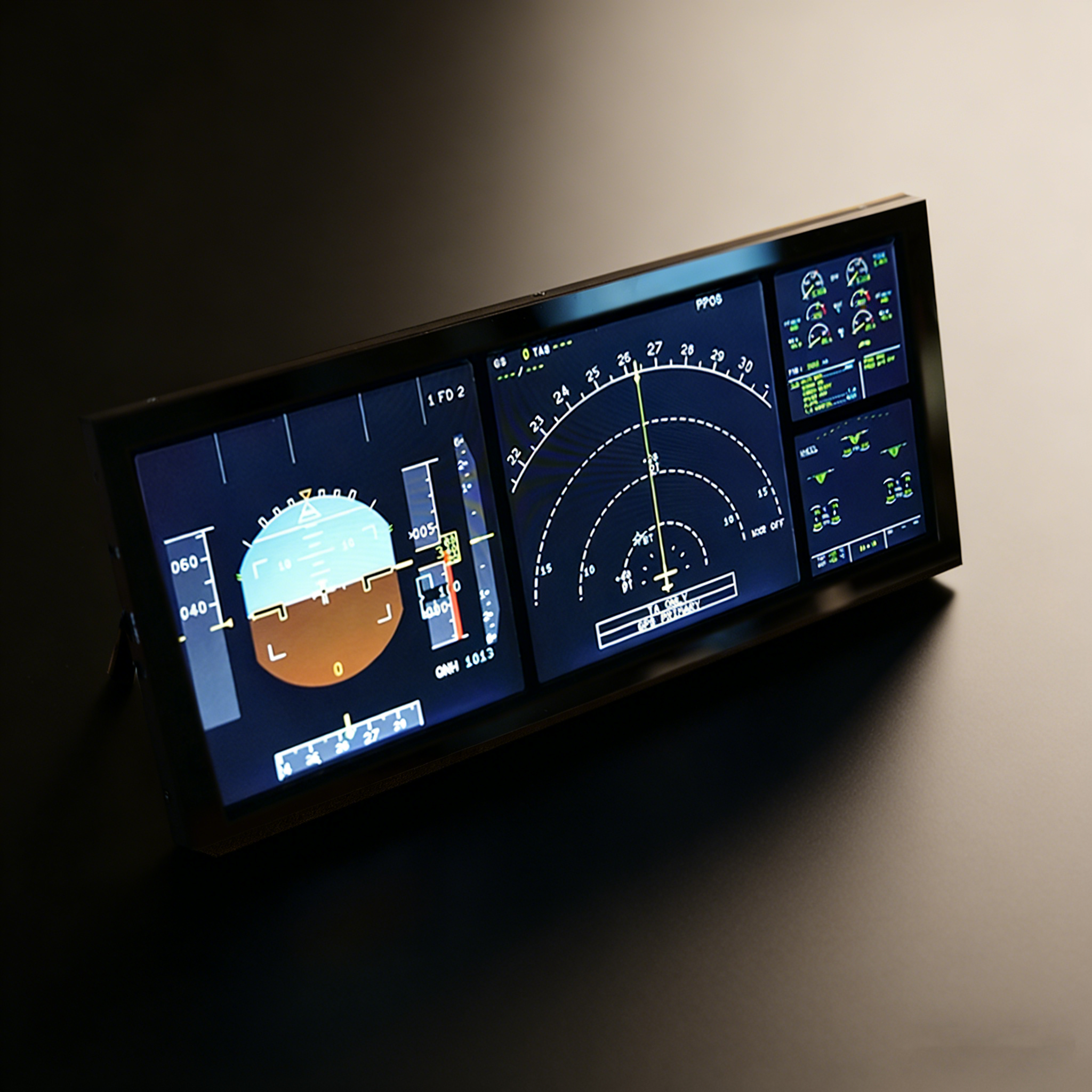
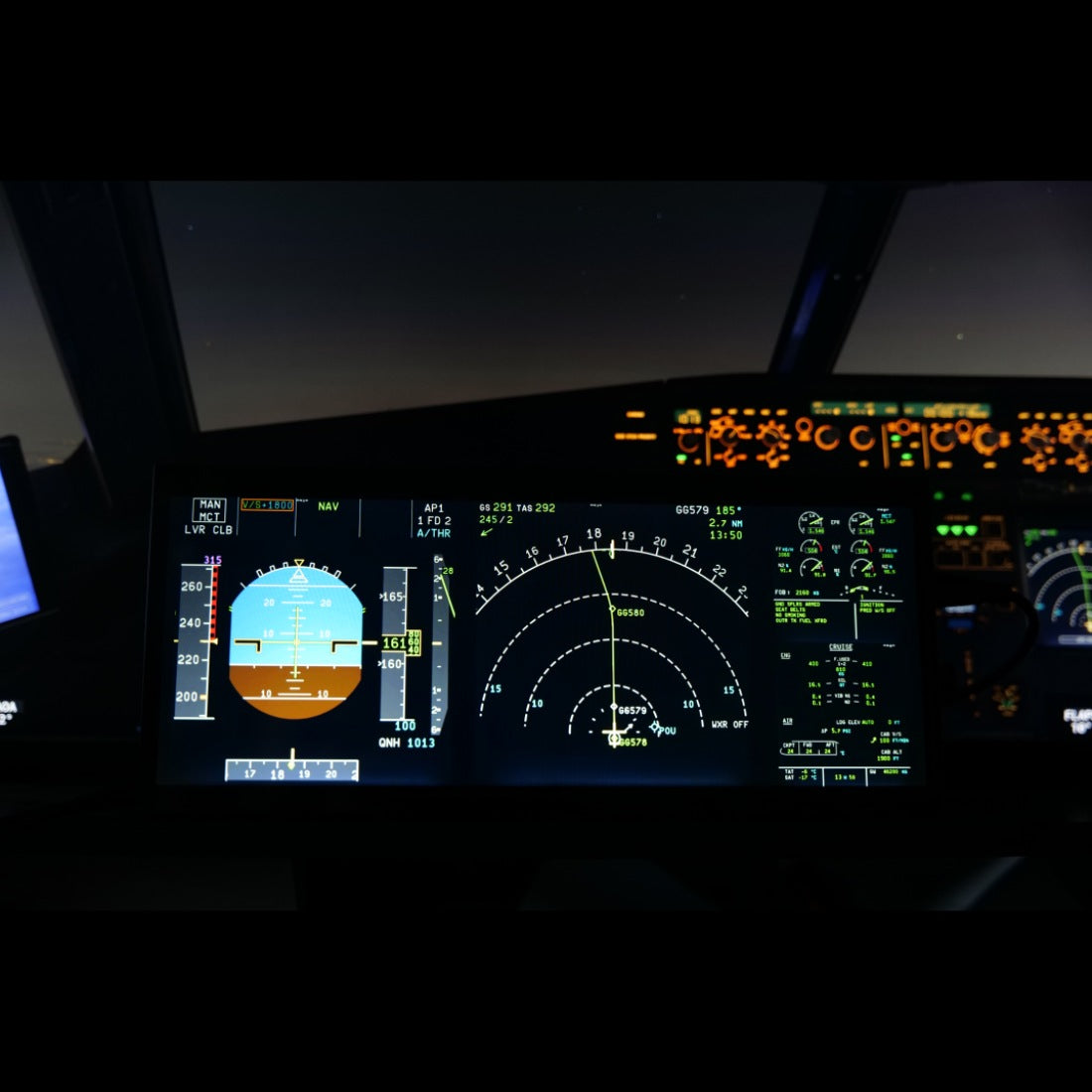
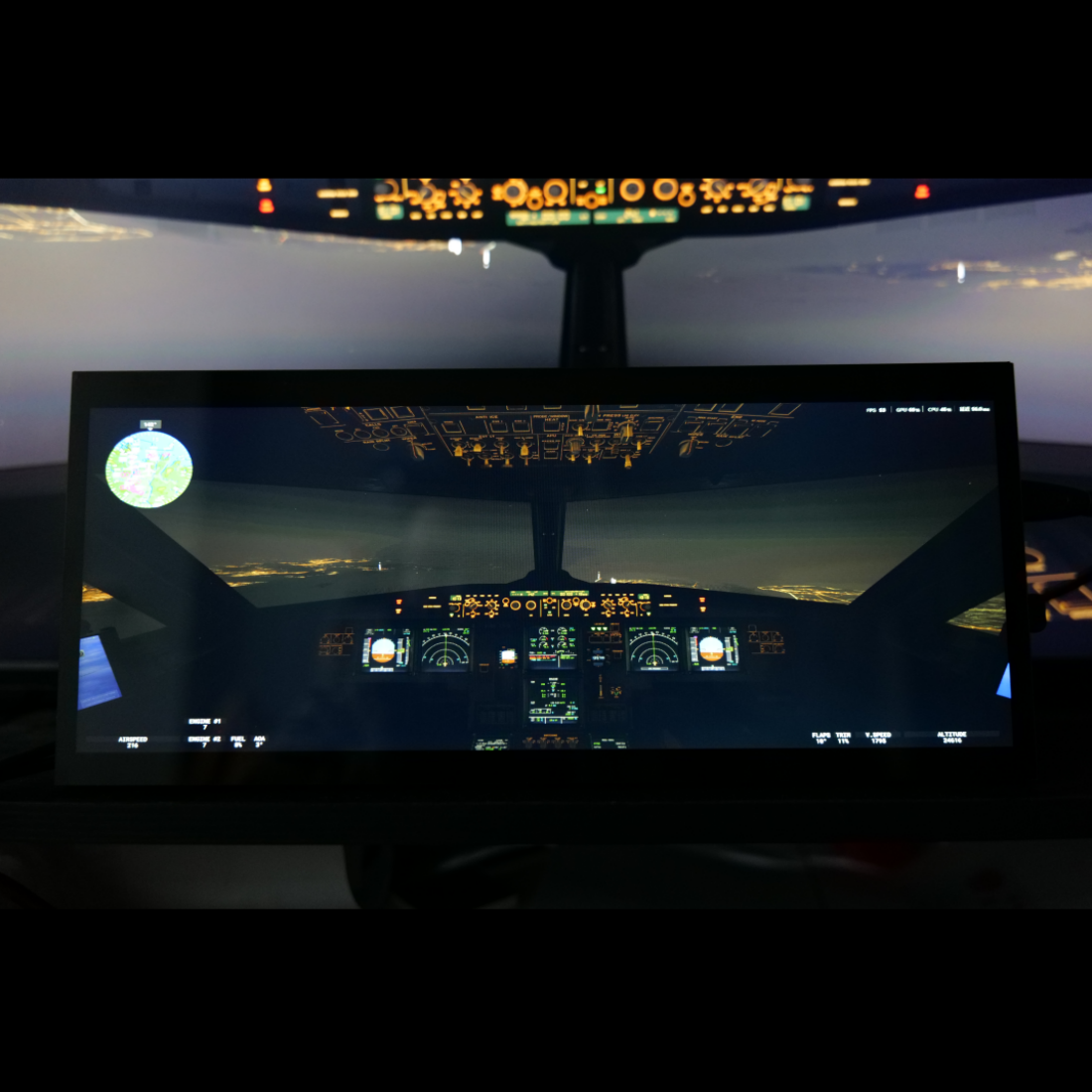
    Rowsfire A108 12.3-inch touchscreen on its built-in stand, showing the A320 PFD and ND
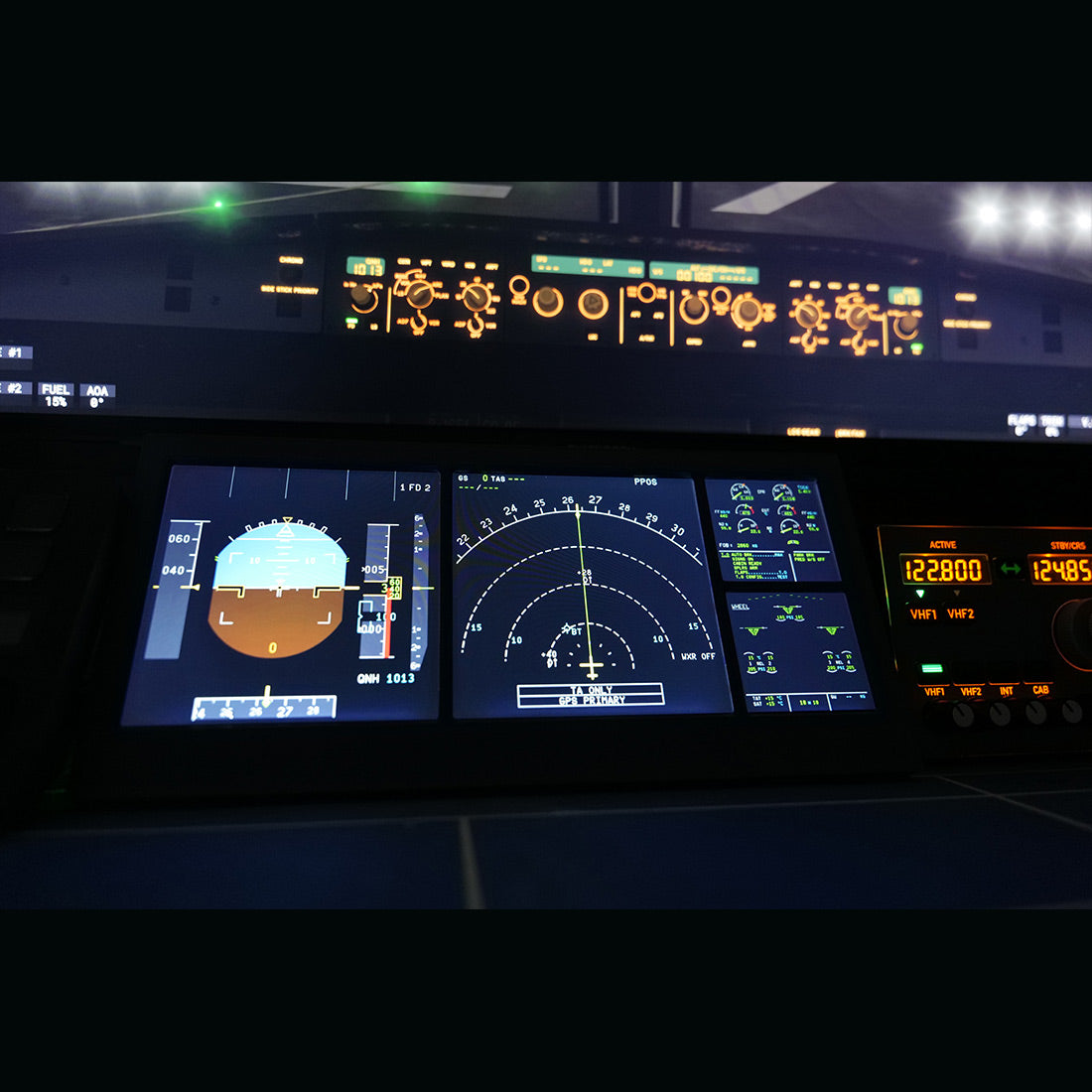
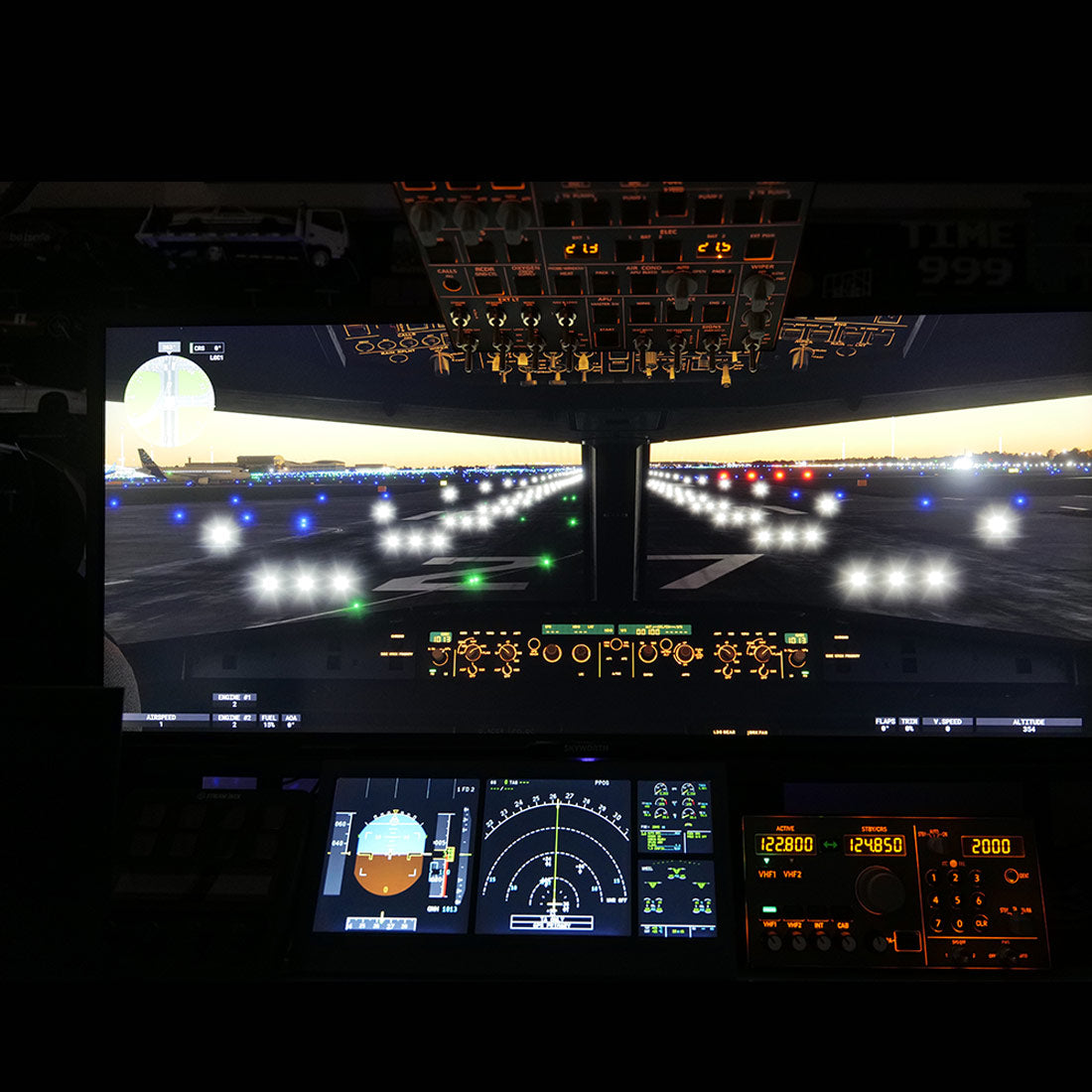
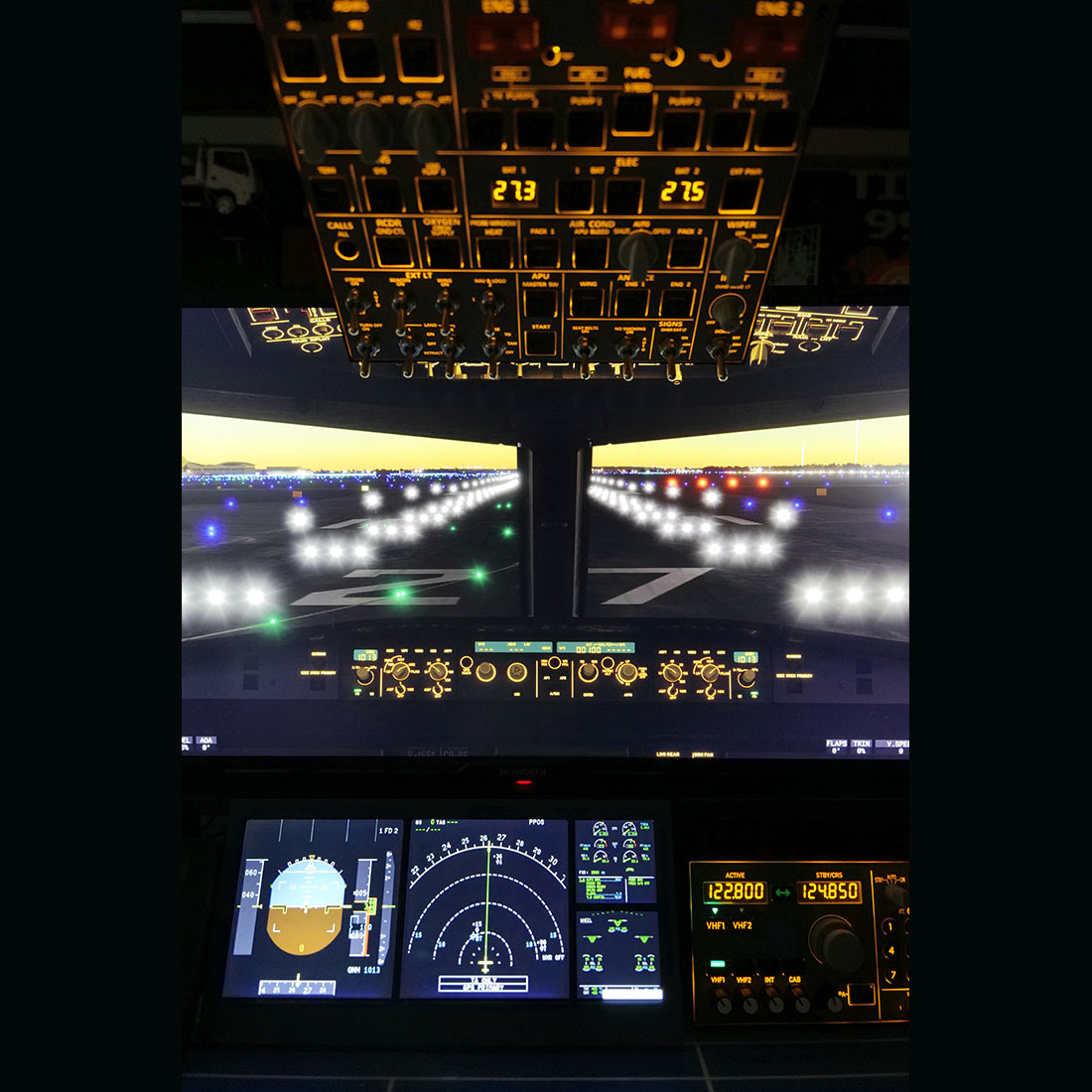
    Rowsfire A108 below a simulator cockpit view, mirroring the PFD and ND in a home cockpit
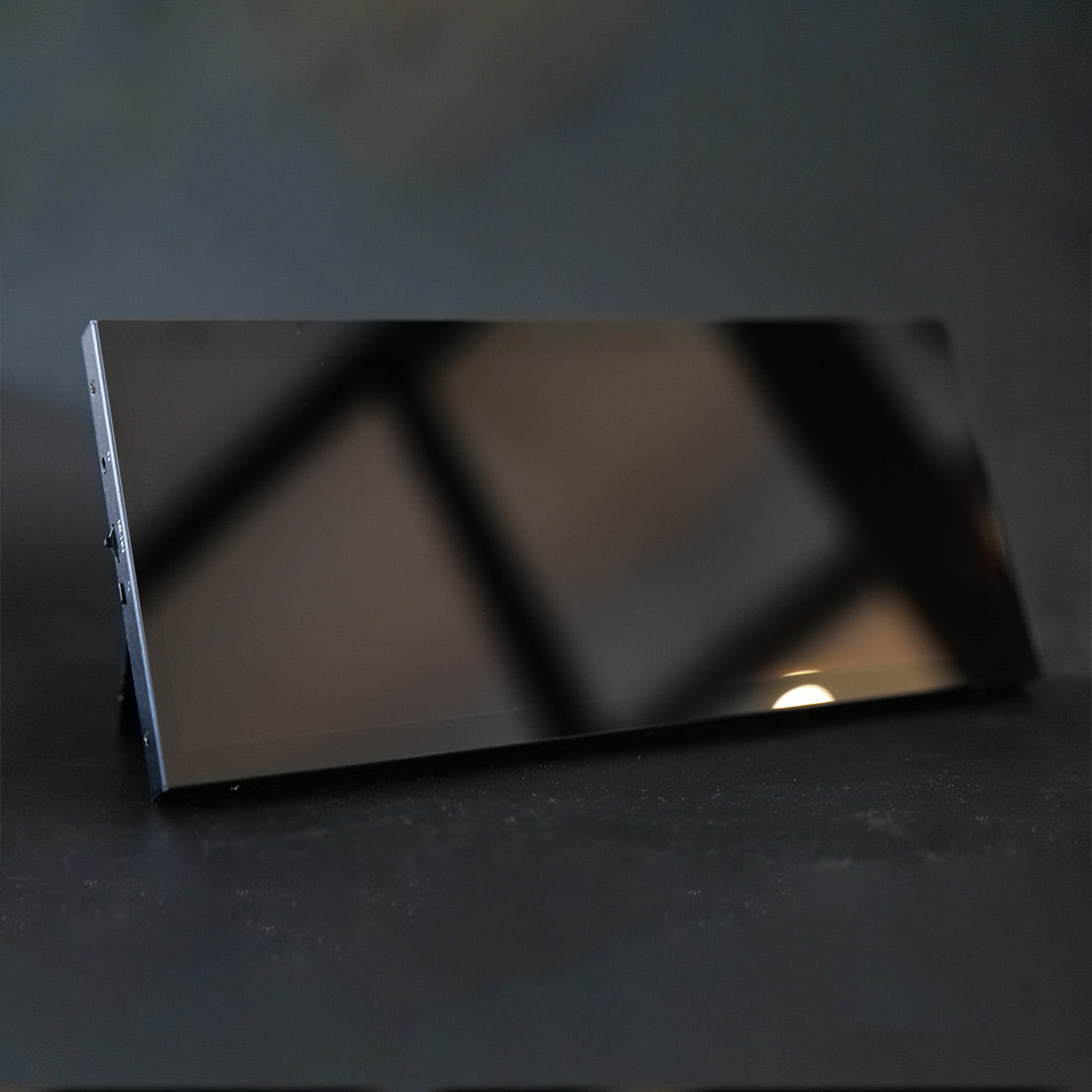
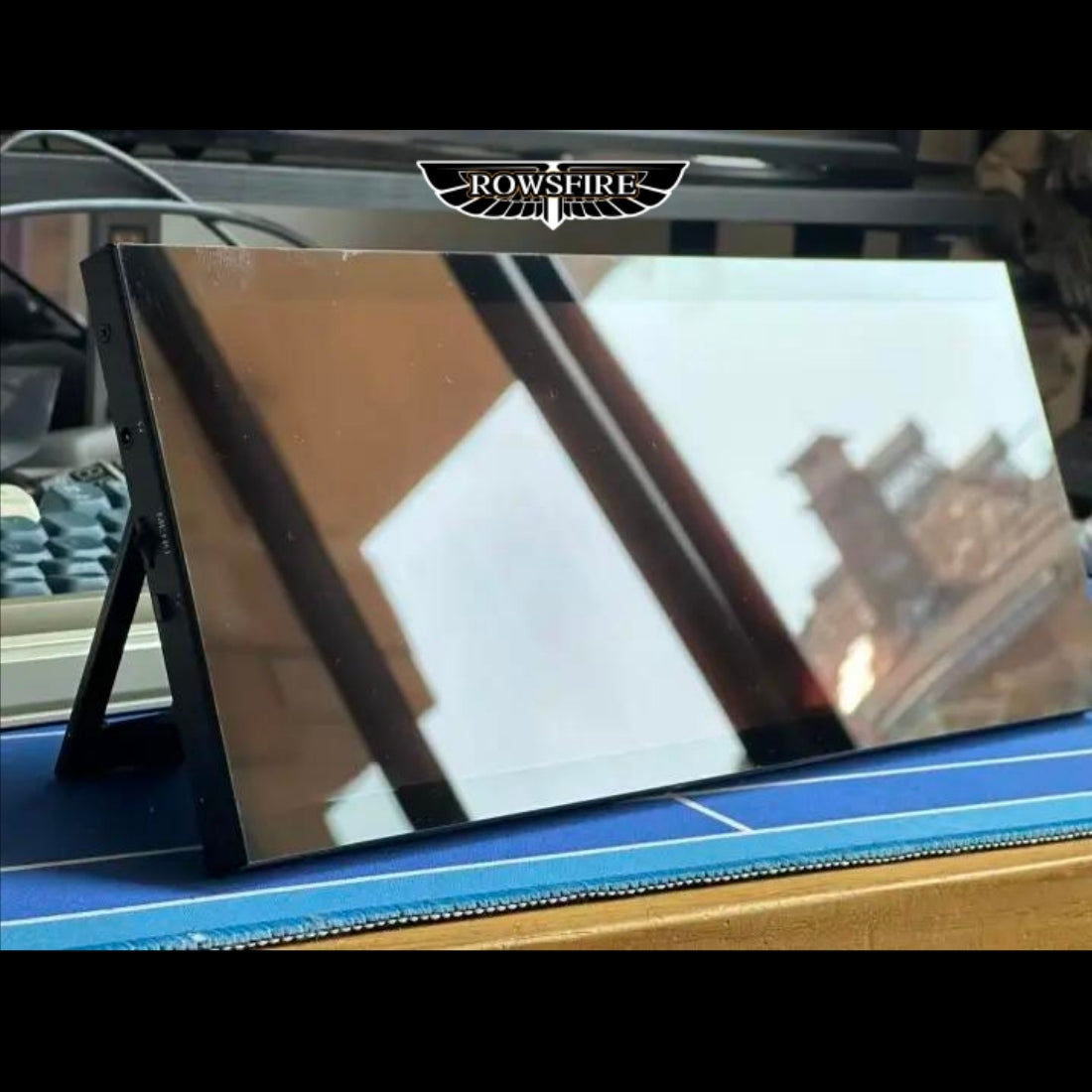
    Rowsfire A108 with the screen off, showing the glass front and slim aluminum frame
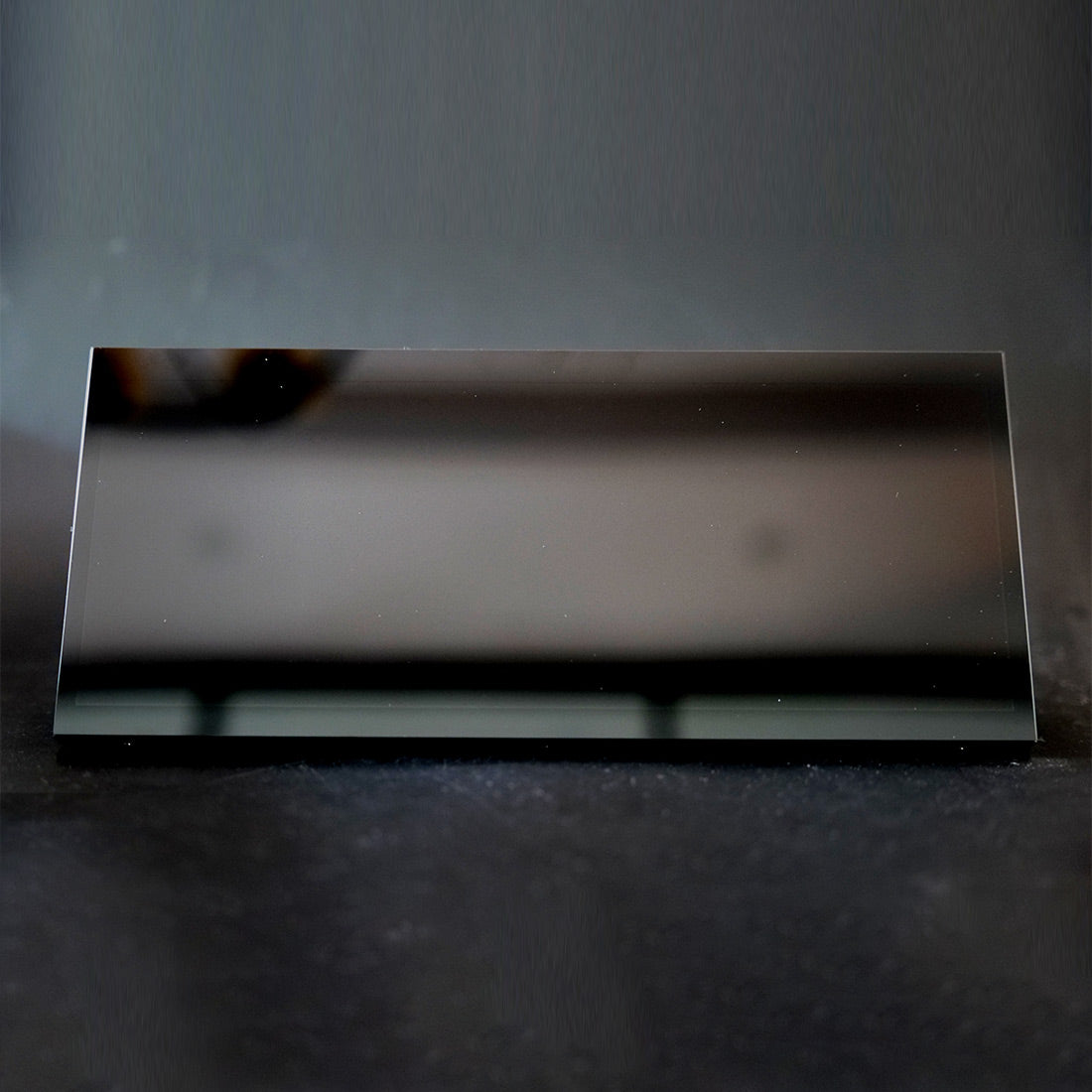
    Rowsfire A108 seen low from the front with the screen off, showing its thin profile
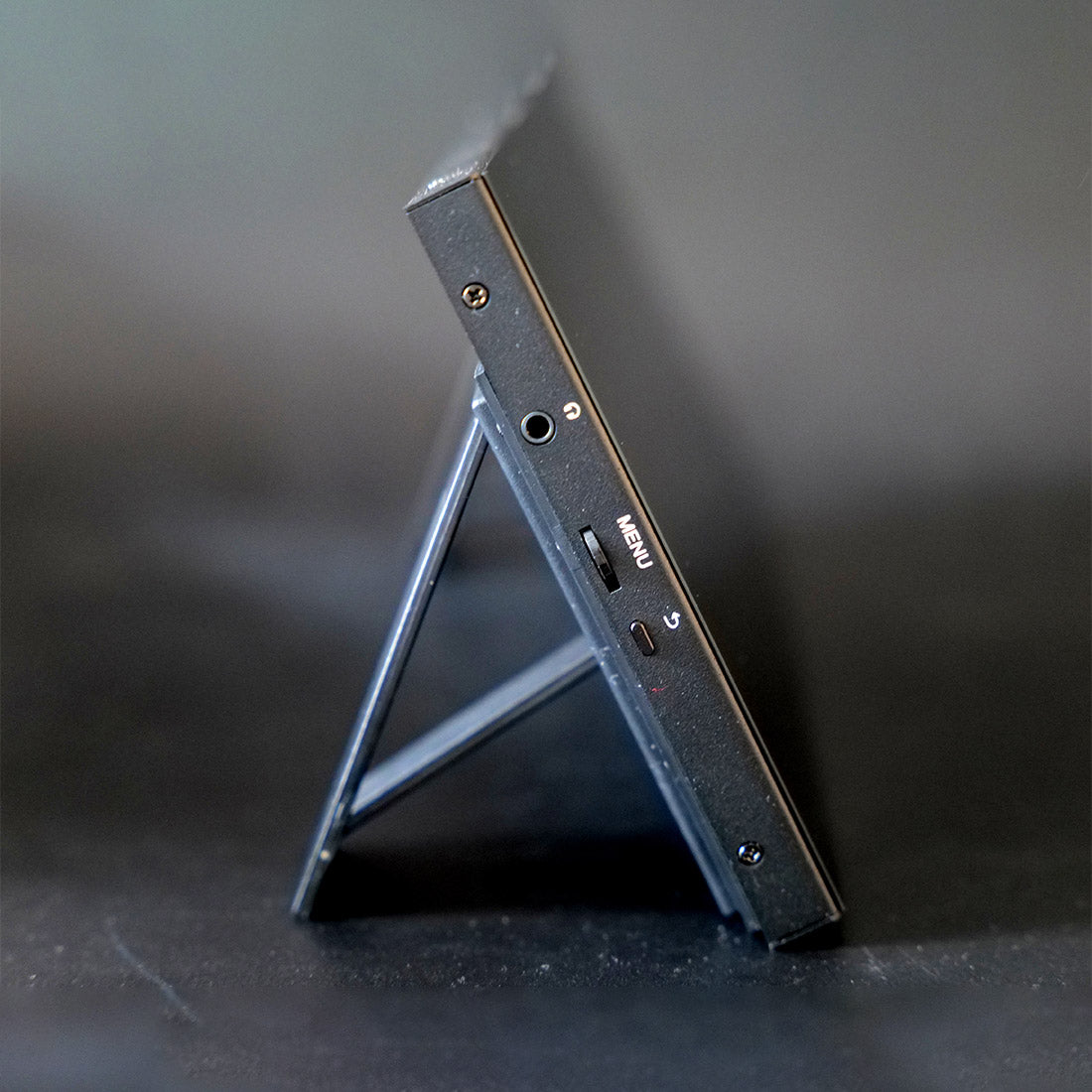
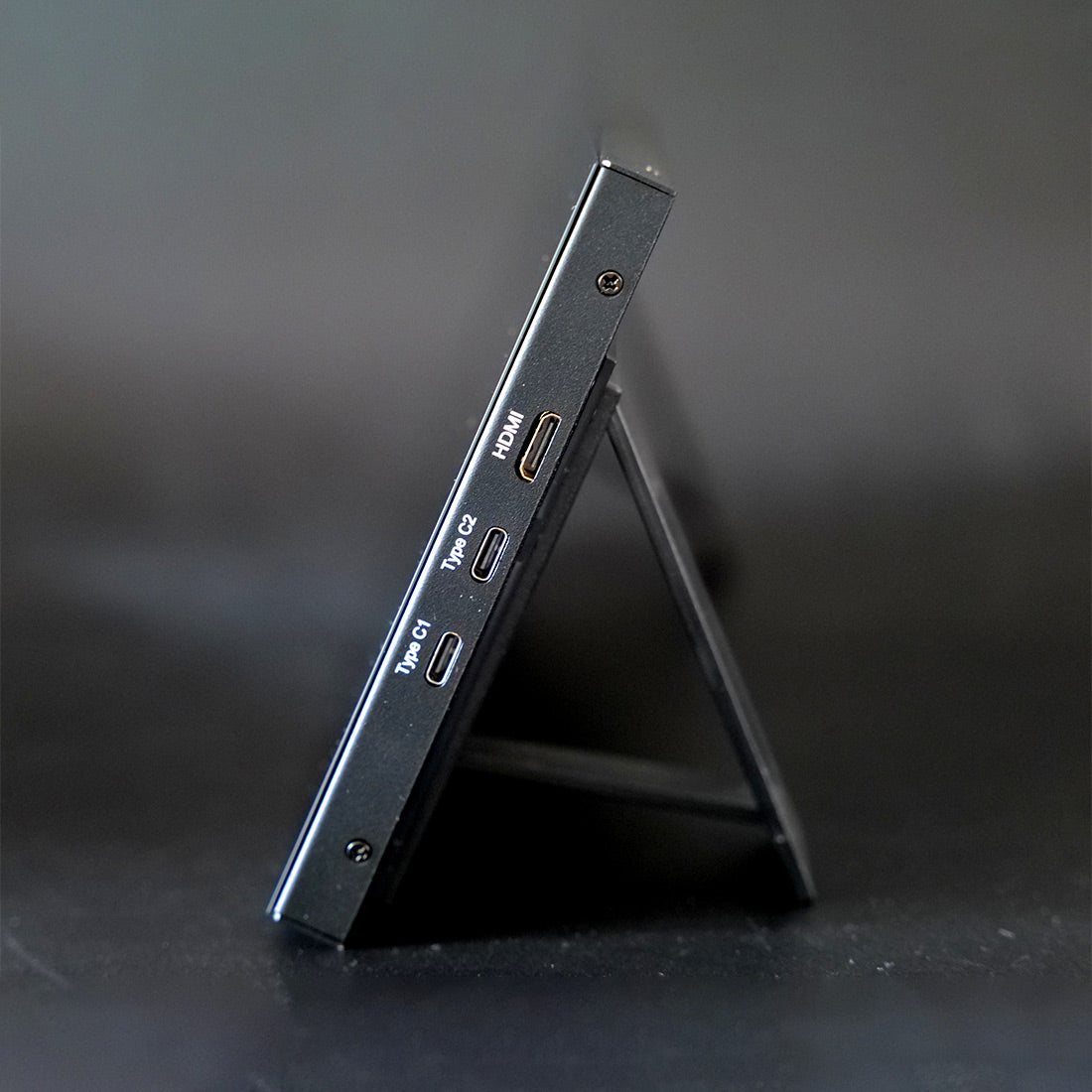
    Side view of the Rowsfire A108 standing on its fold-out stand
    Other side of the Rowsfire A108 on its fold-out stand
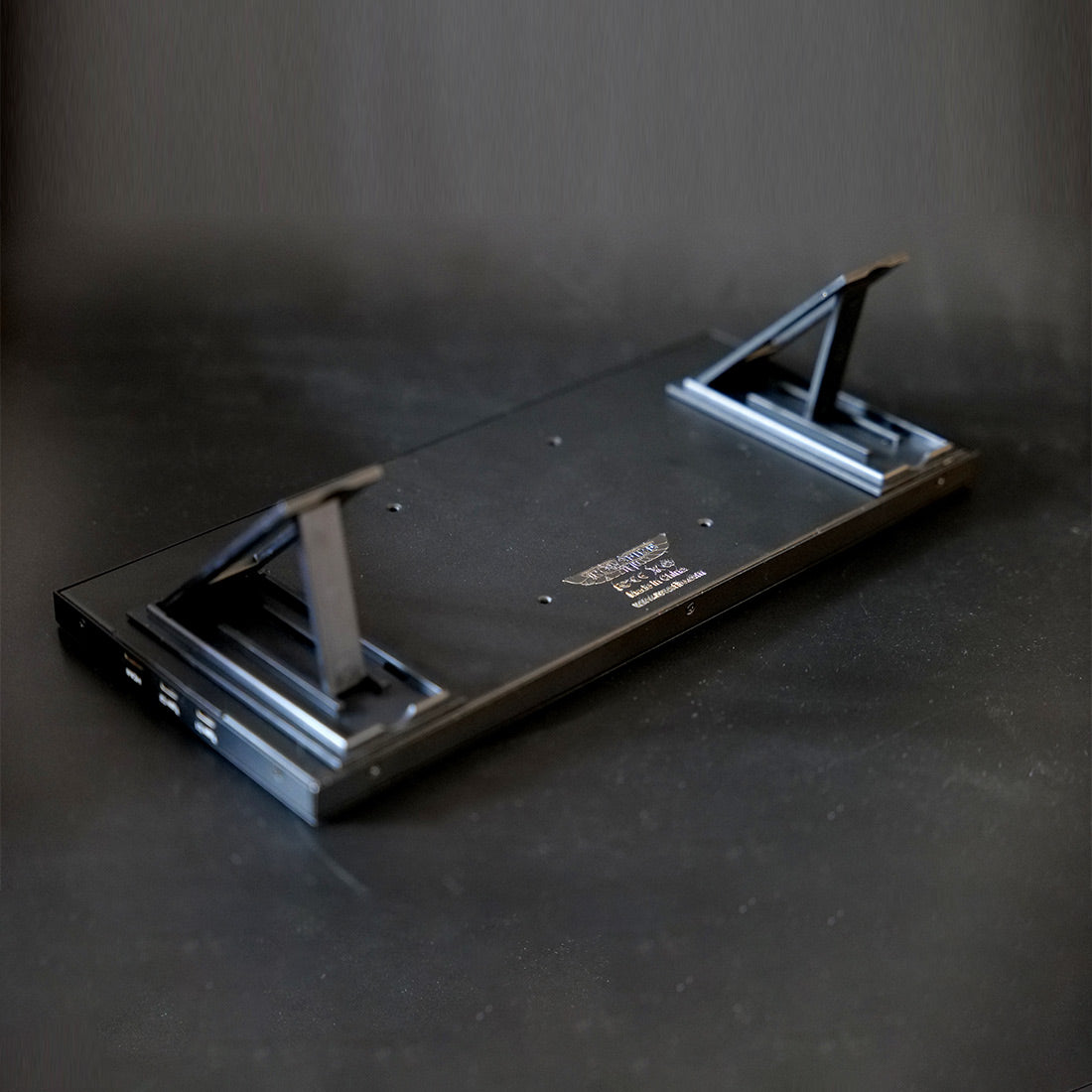
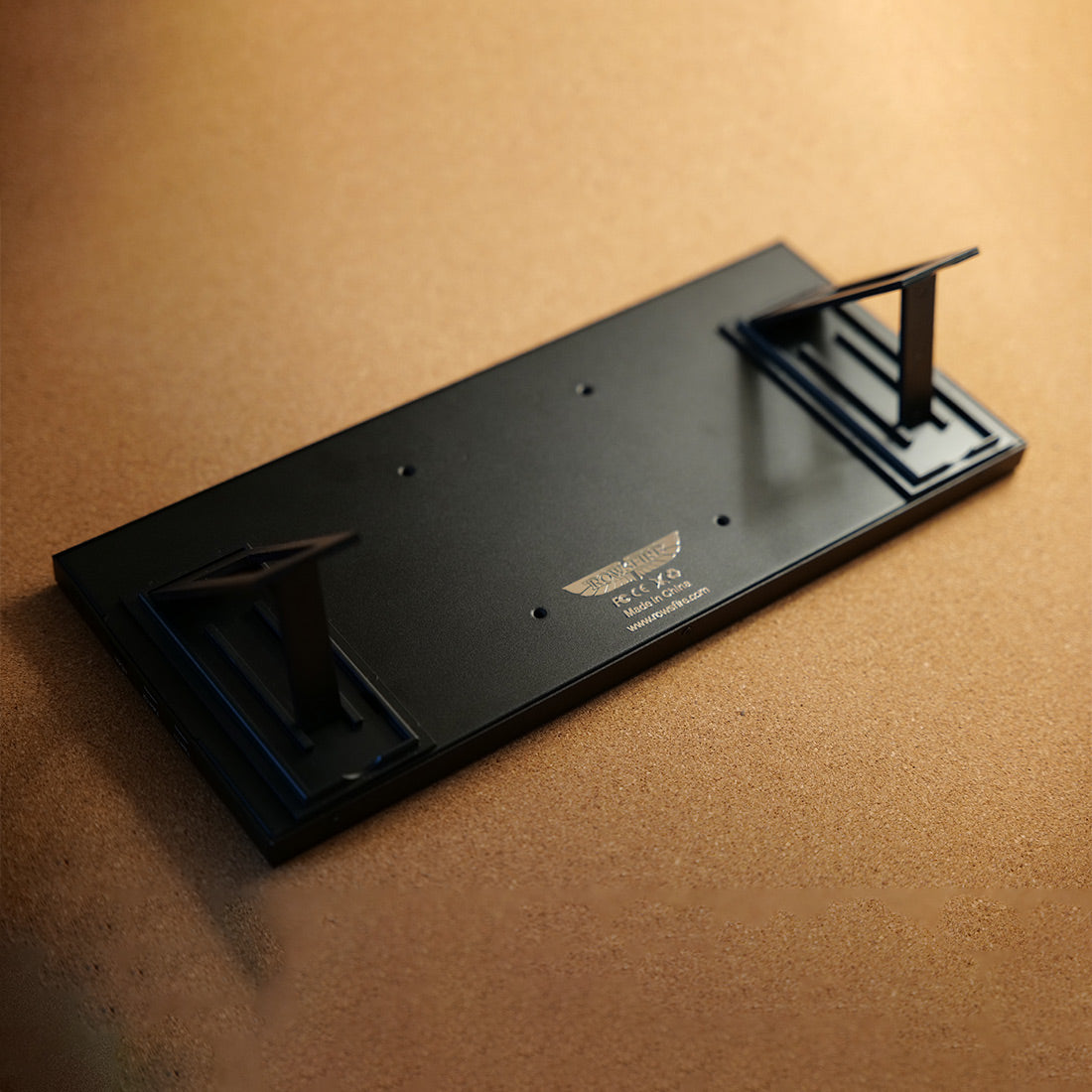
    Rowsfire A108 lying flat, showing the back panel, ports and folded stand
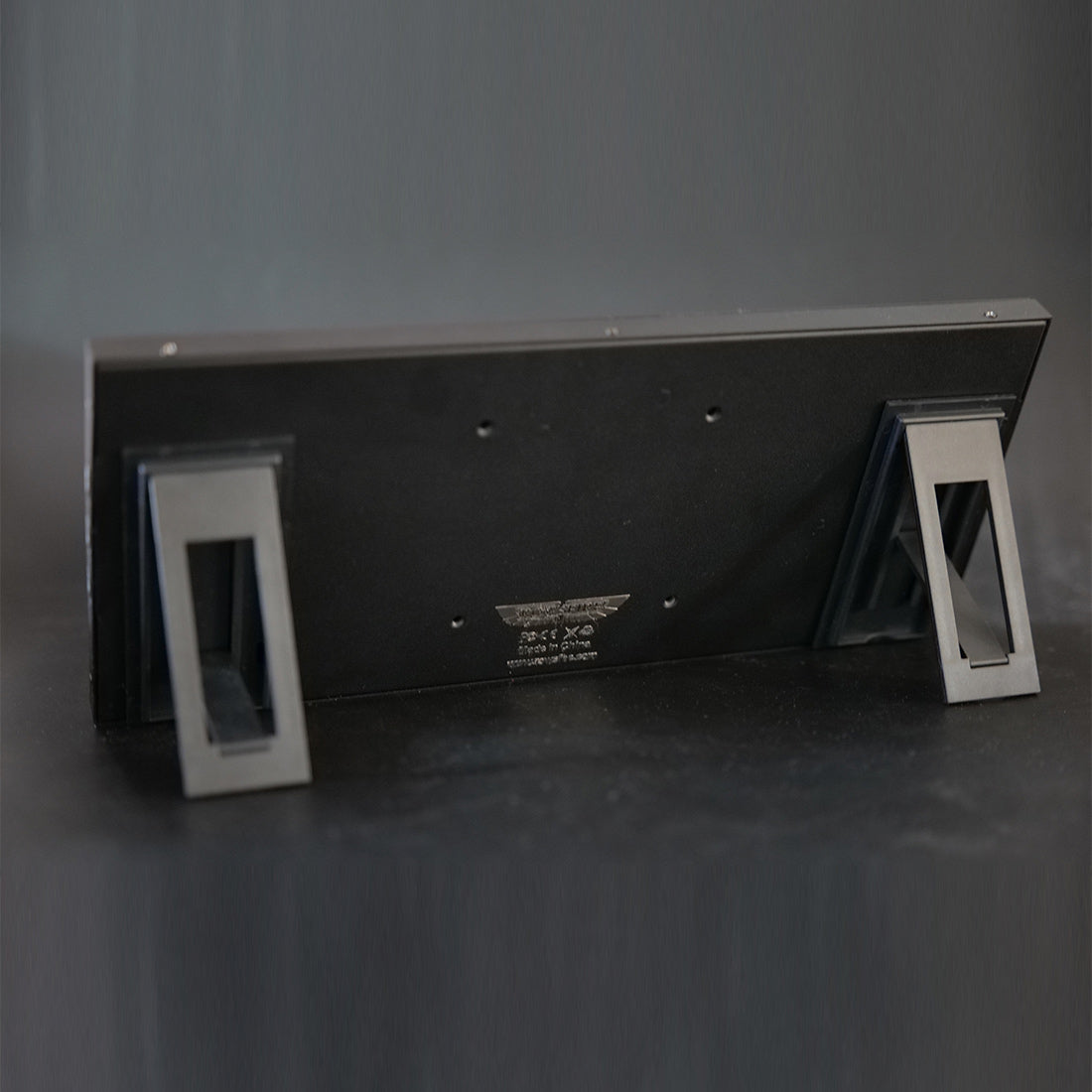
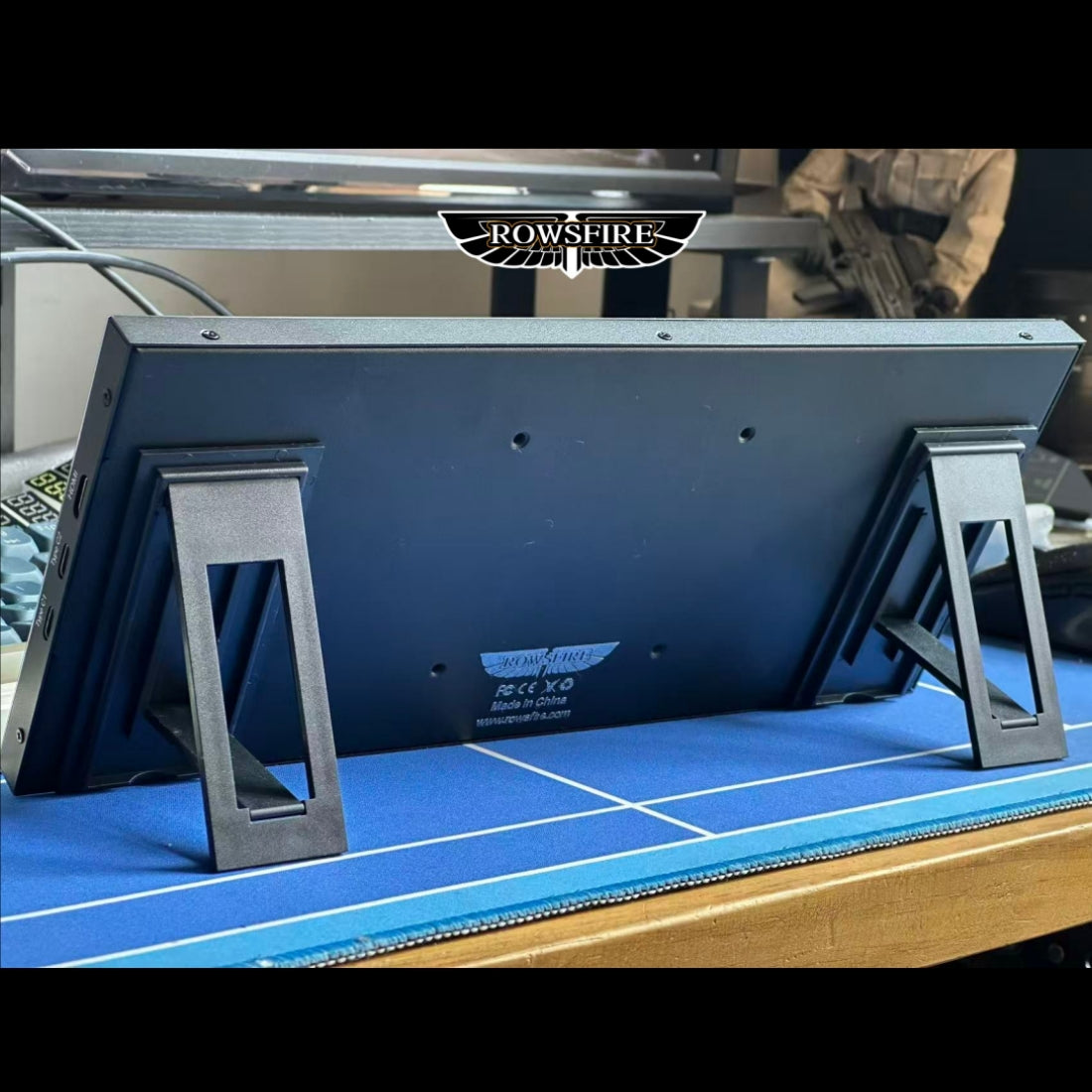
    Back of the Rowsfire A108 with the built-in stand open
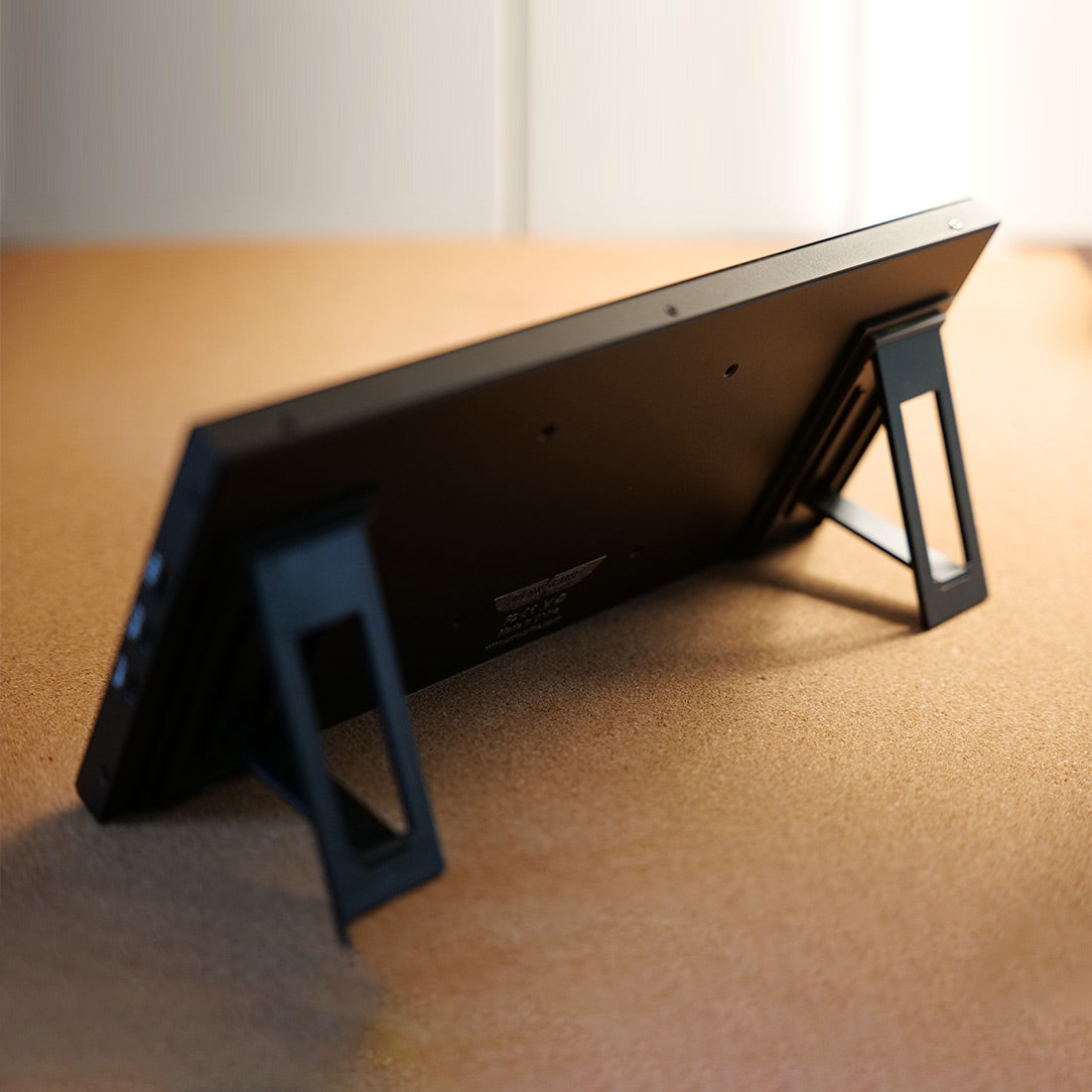
    Rowsfire A108 seen from behind at an angle on a wooden desk
    Back of the Rowsfire A108 lying flat on a wooden desk
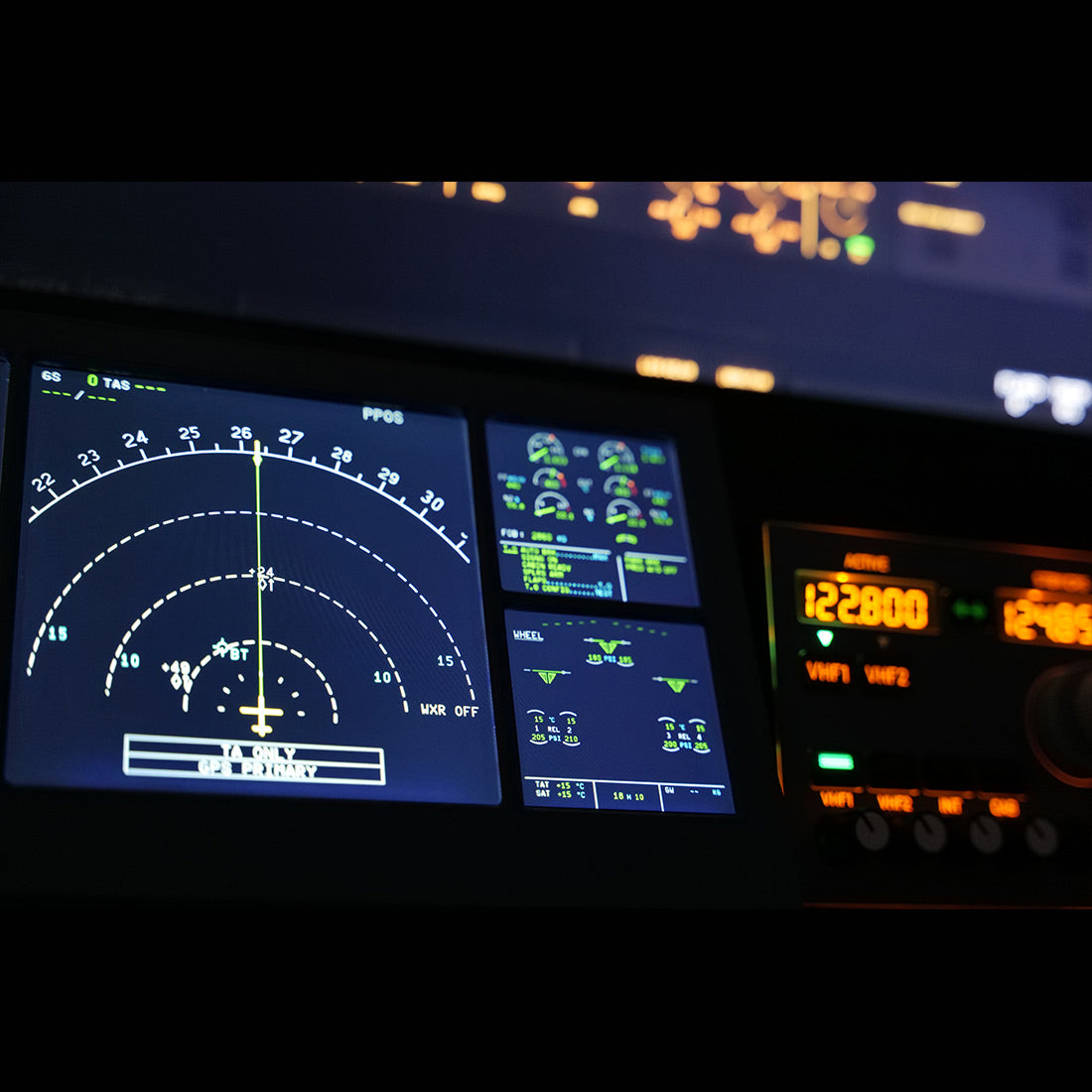
    Rowsfire A108 close-up showing the navigation display and flight data in a sim setup
    Rowsfire A108 showing the PFD and ND below the glareshield in a home cockpit
    Rowsfire A108 mirroring the PFD and ND beneath the simulator&
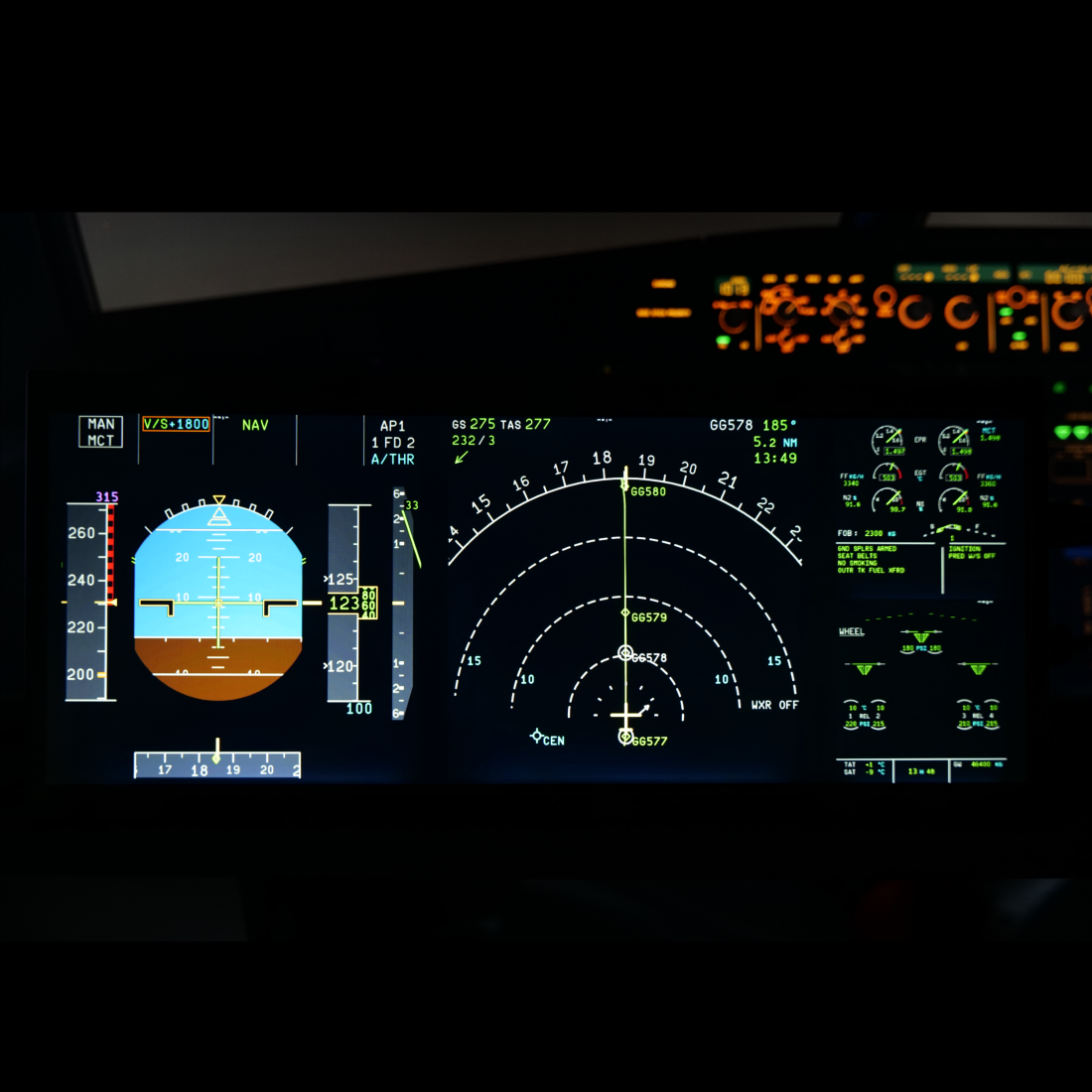
    Rowsfire A108 under a wide night cockpit view, displaying the PFD and ND
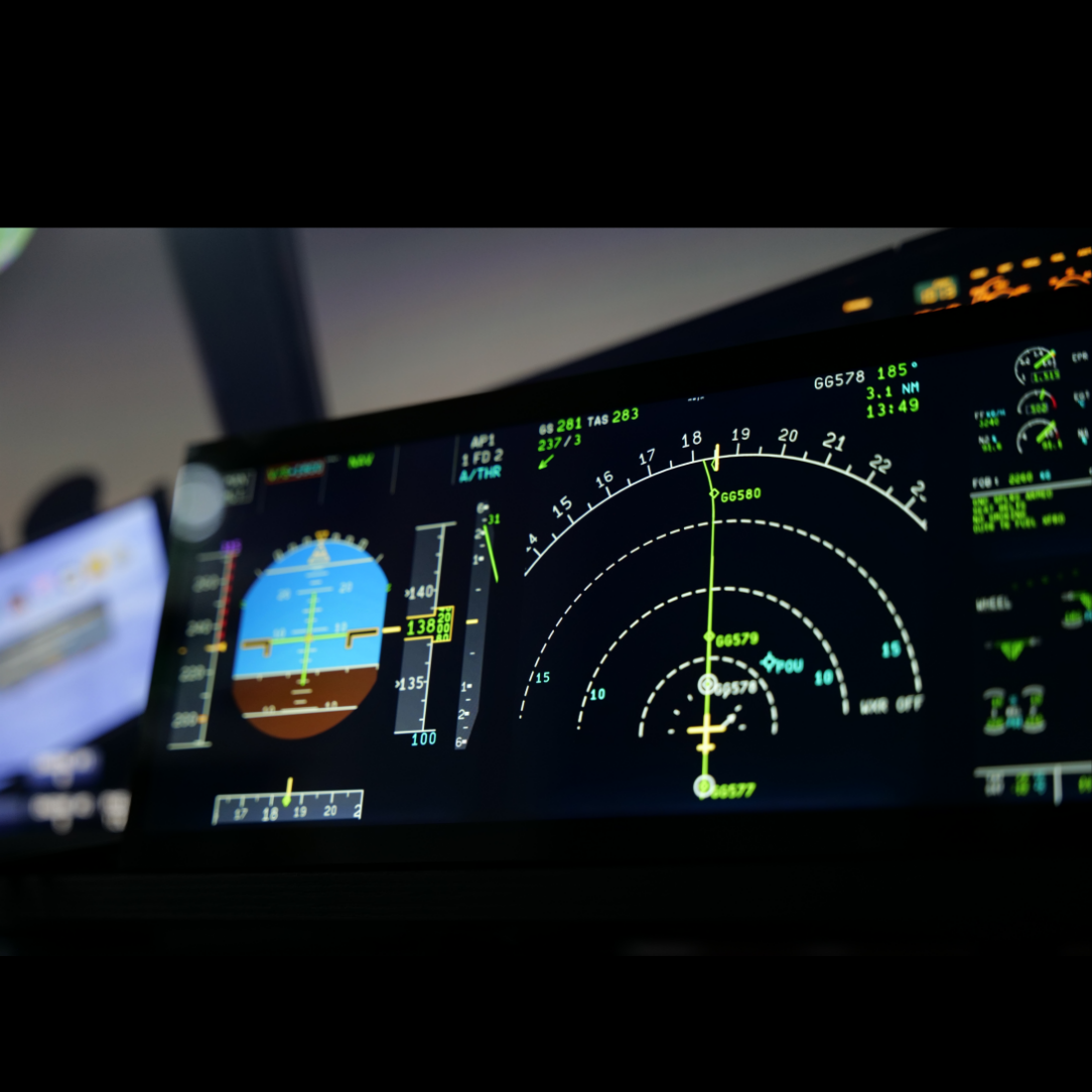
    Angled close-up of the Rowsfire A108 displaying the PFD and ND
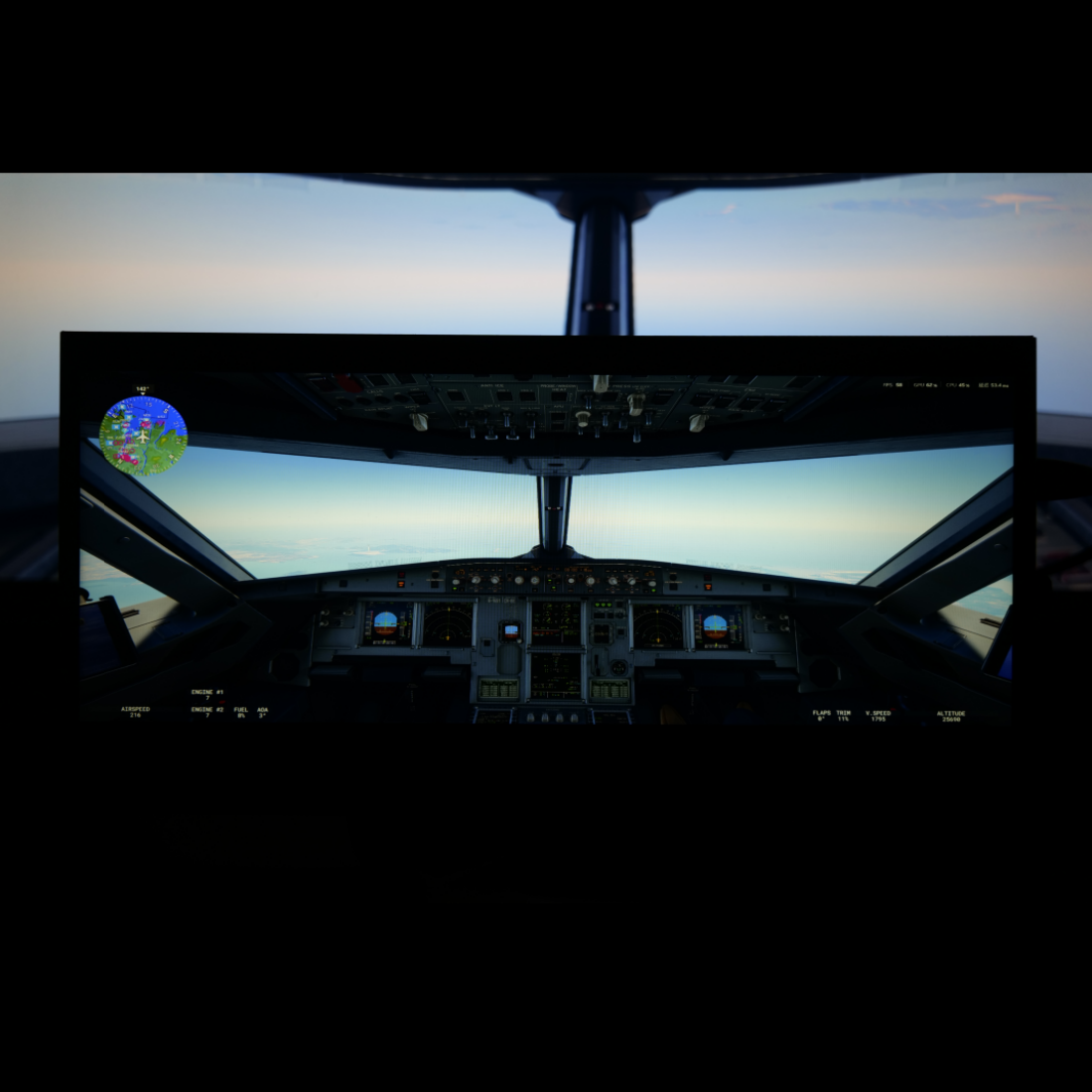
    Rowsfire A108 in front of a simulator cockpit view at dusk
    Rowsfire A108 under a night cockpit view with the PFD and ND lit
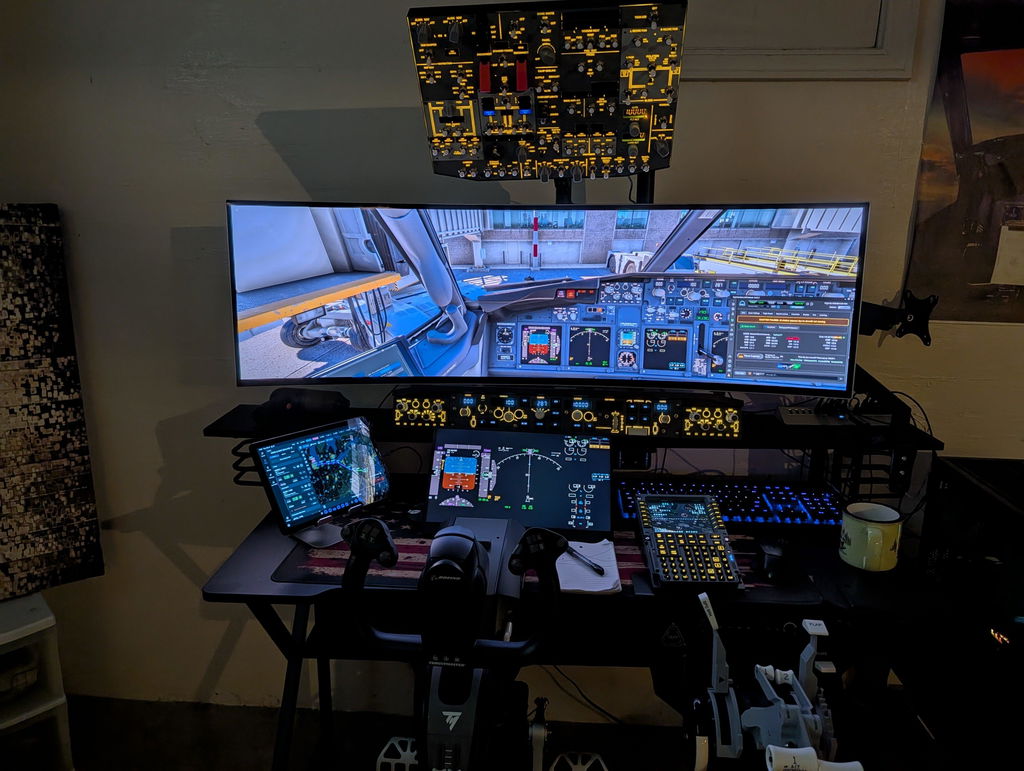
    Rowsfire A108 beneath the main screen and an overhead panel in a full home cockpit
    Rowsfire A108 on its stand on a desk, front view with the screen off
    Back of the Rowsfire A108 with its fold-out stand on a desk
    PFD / ND SECONDARY DISPLAY · ITEM A108

    Your PFD & ND on a 12.3″ touchscreen, Airbus or Boeing.

    A slim, metal-framed secondary display that mirrors your primary flight instruments from the simulator. Plug in, open the Rowsfire App, click Run and fly.

    12.3″ · 1920×720 touch A320 · 737 · A330 profiles MSFS 2020/2024 · X-Plane 12
    Why the A108

    Glass cockpit, without the glass-cockpit budget.

    A dedicated screen for your PFD and ND, so your main monitor stays free for the outside view.

    Rowsfire A108 12.3 inch laminated touchscreen

    12.3″ laminated touchscreen

    1920×720 fully laminated display for crisp PFD and ND symbology, with touch interaction in the sim.

    Rowsfire A108 mirroring the PFD and ND beneath the simulator's outside view

    Plug-and-play mirroring

    The Rowsfire App recognizes the A108 and loads a default layout for your aircraft. Fine-tune it anytime with Edit Layout.

    Angled view of the slim Rowsfire A108 displaying the PFD and ND

    Slim metal build

    Just 305 × 132 × 13 mm and 350 g, with an aluminum frame and a built-in desktop stand.

    Rowsfire A108 cables and connection

    Flexible wiring

    Three cables included: video, Type-C power and Type-C touch. Some PCs can run it from a single Type-C cable.

    A108 vs a generic screen

    Why not just any 12.3″ screen?

    You can pop instruments out to any spare monitor. Here's what the A108 does differently.

    Rowsfire A108Typical generic 12.3″ bar screen
    SetupThe Rowsfire App detects it and loads your aircraft's PFD & ND layout in one clickPop out each window and drag it into place yourself, often every flight
    Aircraft layoutsReady-made for 9 add-ons: FlyByWire, Fenix, FSLabs, ToLiss, A330, PMDG, iFly, Zibo, LevelUpNone, you build your own
    TouchTouchscreen that works inside the simOften display-only
    DisplayFully laminated 1920 × 720 for crisp symbologyVaries; many are not laminated
    BuildAluminum frame, 13 mm thin, built-in standUsually plastic; stand often sold separately
    Support1-year warranty and remote setup help from a flight-sim teamStandard monitor warranty, no sim support

    Generic screens vary by brand; the comparison describes what is common, not a specific product.

    Watch the review

    “The missing piece of an Airbus cockpit.”

    An independent 9-minute review by SimWorldPro: unboxing, setup and the A108 in flight in MSFS 2024.

    Setup today

    Three steps, then just fly.

    • Install the Rowsfire App (free, v3.2 or later)
    • Connect the A108 and click Run; your aircraft layout loads automatically
    • Adjust with Edit Layout if you want a different arrangement

    The review shows the earlier setup with a Pop Out Panel Manager. The Rowsfire App now does this in one click. Requires Windows with DirectX 12.

    Official setup video →  ·  Installation guide →

    Compatibility

    One screen, Airbus and Boeing.

    Default layouts in the Rowsfire App for these aircraft.

    Airbus5 aircraft add-ons
    • FlyByWire A32NXMSFS
    • Fenix A320MSFS
    • FSLabs A321MSFS
    • ToLiss A319 / A320 / A321X-Plane 12
    • Airbus A330-300X-Plane 12
    Boeing 7374 aircraft add-ons
    • PMDG 737-600 / 700 / 800 / 900MSFS
    • iFly 737MSFS
    • Zibo 737X-Plane 12
    • LevelUp 737NGX-Plane 12
    Flying the 737? Pair it with the B107 overhead →
    💻

    PC requirementsWindows with DirectX 12 and a free video output on your graphics card

    🔌

    Only have HDMI?Use a DP-to-HDMI adapter cable

    Size check

    How big is it on your desk?

    The A108 is sized for a desktop cockpit: it sits below or beside your main monitor, close to your hands like a real instrument panel.

    29 × 11 cmVisible screen area (12.3″, 1920 × 720)
    ≈ 10–11 cmWidth of the PFD and of the ND in the default layout
    30.5 × 13.2 × 1.3 cmOverall size, 350 g, with a built-in stand

    Big main monitor? If your main screen is 40″ or larger and you sit far back, the PFD and ND on the A108 will look smaller than on your main screen. Measure where it will go, or ask us before you order.

    Up close

    Every angle.

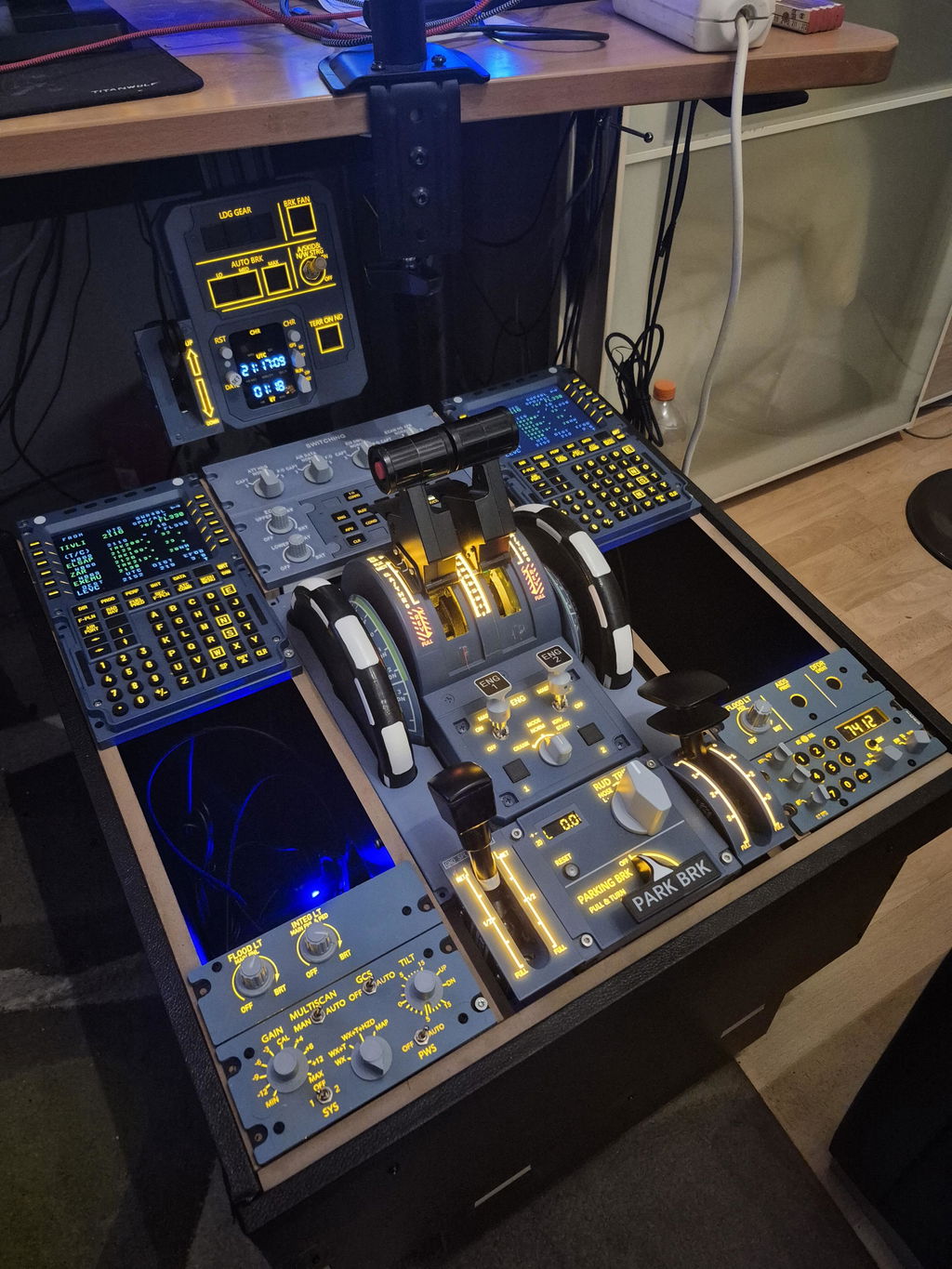
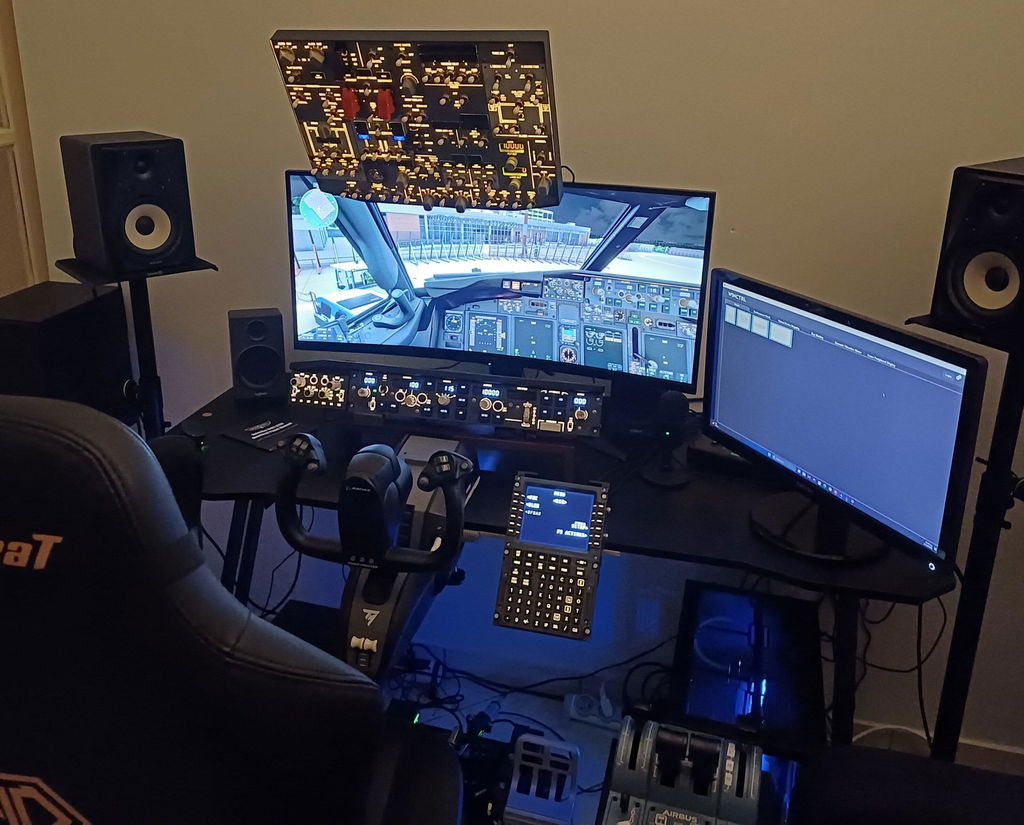
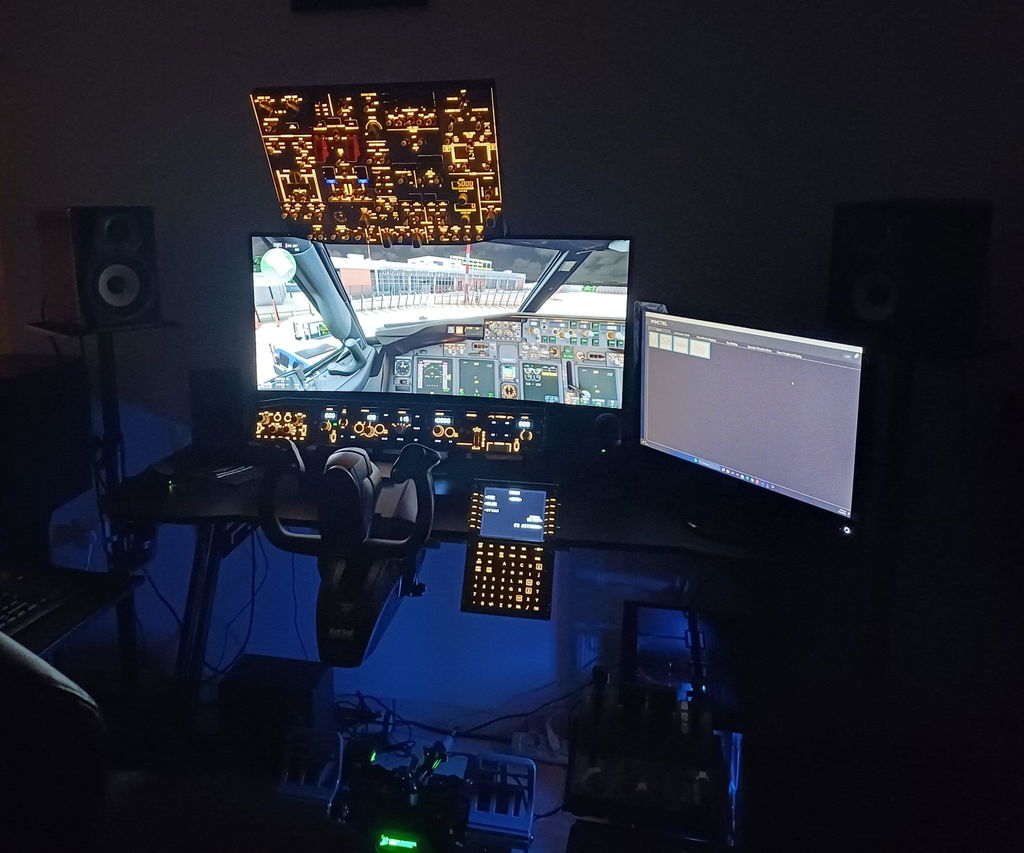
    Rowsfire A108 PFD and ND display detail 1 Rowsfire A108 PFD and ND display detail 2 Rowsfire A108 PFD and ND display detail 3 Rowsfire A108 PFD and ND display detail 4
    Specs

    The technical details.

    Display12.3″ fully laminated touchscreen
    Resolution1920 × 720
    MaterialAluminum alloy + acrylic
    StandBuilt-in desktop stand
    Product size305 × 132 × 13 mm
    Weight350 g (package 1 kg)
    CablesVideo · Type-C power · Type-C touch
    SoftwareRowsfire App v3.2+ · DirectX 12
    Buy with confidence

    Backed by Rowsfire.

    1-Year WarrantyFree repair coverage
    Free ShippingWorldwide · duties & taxes included
    30-Day ReturnsReturn & exchange support
    Live Chat 24/6Usually replies within a few hours
    Common questions

    Before you order.

    What does the A108 display?
    The PFD and ND (and other flight data your aircraft provides) mirrored from your simulator onto a dedicated 12.3″ touchscreen. You can drag and resize the mirrored content with Edit Layout in the Rowsfire App.
    Which aircraft and simulators are supported?
    MSFS 2020 / 2024: FlyByWire A32NX, Fenix A320, FSLabs A321, PMDG 737-600/700/800/900 and iFly 737. X-Plane 12: ToLiss A319/A320/A321, Airbus A330-300, Zibo 737 and LevelUp 737NG.
    How do I set it up?
    Install the free Rowsfire App (v3.2 or later recommended), connect the A108 and click Run. The App recognizes the A108 and loads the default layout for your aircraft. On X-Plane, click Install Bridge once first. A Pop Out Panel Manager is not required. Full installation guide →
    What do I need on my PC?
    Windows with DirectX 12 (check with Win+R → dxdiag → System tab), a free video output on your graphics card for the screen, and USB ports for power and touch. If your card only has DisplayPort and you use an HDMI cable, a DP-to-HDMI adapter cable works.
    Will it slow down my sim?
    Screen mirroring is lightweight, and recent App updates have reduced its latency further. Most users see no noticeable impact.
    Can I change the monitor menu language?
    Yes. The on-screen menu can be switched to English:
    1. Press MENU to open the on-screen menu (OSD).
    2. Use ▲/▼ to move down the left column to item 5, the icon with three horizontal sliders. This is the OSD section, just above Settings (gear icon).
    3. Press MENU to enter the OSD section.
    4. Language is the first option at the top of the right panel. Press MENU to select it.
    5. Use ▲/▼ to scroll through the languages until English appears.
    6. Press MENU to confirm, then EXIT to close the menu.
    The menu now shows in English. In the same OSD section you can also adjust Menu Timeout and Menu Transparency.
    What’s in the box?
    The A108 display with its built-in stand, plus 3 cables: video signal, Type-C power and Type-C touch data. Some PCs can run it from a single Type-C cable, depending on compatibility.
    How long does delivery take?
    The A108 is in stock. Standard shipping is free worldwide and usually arrives in 14–30 business days; Express shipping ($29.99) takes 5–13 business days. Duties and taxes are included.
    What’s your return and warranty policy?
    You can return or exchange within 30 days. Return shipping is paid by the buyer unless the item is faulty. Every product has a 1-year warranty with free repair coverage.
    How do I get help if I have a setup problem?
    Our team is on live chat 24/6 and usually replies within a few hours. We also offer 1-on-1 video troubleshooting over WhatsApp in English, German, French, Spanish, Italian, Portuguese, Japanese and Arabic, plus email support at service@rowsfire.com.
    • 5 stars: 5 (71%)
    • 4 stars: 1 (14%)
    • 3 stars: 1 (14%)
    • 2 stars: 0 (0%)
    • 1 star: 0 (0%)
    S
    Syed Ali

    Its great. I will keep it for my other computer. Not for original intent I bought for. The reason is, I have 45 inch monitor, the pop outs to a 12 inch screen makes panels look too small in perspective.

    No user manual came with the screen. Can't figure out how to change monitor language from Chinese to English.

    Touch screen is good.

    Good news: the menu can be switched to English. Press MENU, use ▲/▼ to select the OSD section (item 5, the three-sliders icon just above Settings), press MENU, choose Language (the first option), scroll to English, then press MENU to confirm and EXIT to close. Sorry this wasn't in the box. We've added the steps to our FAQ. If you need any help, email service@rowsfire.com.

    C
    CC

    Beautiful monitor/screen however the menu is only in Chinese

    Good news: the menu can be switched to English. Press MENU, use ▲/▼ to select the OSD section (item 5, the three-sliders icon just above Settings), press MENU, choose Language (the first option), scroll to English, then press MENU to confirm and EXIT to close. Sorry this wasn't in the box. We've added the steps to our FAQ. If you need any help, email service@rowsfire.com.

    G
    Giorgio Bianchi

    Good for Toliss and X-Plane 12 but how do i remove the frames?

    J
    Jestrupp Fabian Hassink

    Great

    A
    Anonymous

    Great quality and easy installation

    A
    Anonymous

    The display is easy to setup. I have a Mac system so I cannot utilize all of the capabilities but it added a third screen to my system easily. I hope Rowsfire creates a MacOS app one day to allow me full functionality.

    N
    Neville Crook

    Good quality screen a little too small. The PFD and ND were fine the other two are too small to read so I have set the upper ECAM to the same sizeas the PFD and ND. Rather expensive.

    D
    DARREN

    Will this work with MSFS2020 and PMDG B777-300ER? It looks to be Airbus focused but I just need this as an LCD screen for my PFD etc.
    TIA

    Rowsfire

    Hi Darren,
    Yes, the A108 works with MSFS 2020 and PMDG aircraft. You can use it as a secondary display for your PFD and other flight instruments. However, the B777-300ER is not specifically listed in our tested compatibility list, so we cannot guarantee full compatibility with this aircraft.
    Thank you for your interest in Rowsfire!

    C
    Clemens

    can i use it also as secondary display in normal windows without flightsim ?

    Rowsfire

    Hi Clemens~Yes, A108 can be used as a secondary display on Windows.

    m
    morgan

    comment linstaller moi j arrive pas
    merci de votre aide

    Rowsfire

    Hello sir, you can click this link to watch the A108 installation tutorial: https://www.youtube.com/watch?v=CF2XJ0HhYAc&t=1s. You can also contact us anytime if you have any further questions.

    J
    Jorge

    Do you guys ship to Australia?

    Rowsfire

    Yes, we ship to Australia. In addition, we also ship worldwide. If you are still unsure, you can contact [service@rowsfire.com] to confirm before placing your order.

    A
    A108

    Does this product display the 737 and other planes or does it only display the airbus instruments?

    Rowsfire

    B737 and Airbus are both compatible.