
Pular para informações do produto
1 do 24

Rowsfire

Rowsfire A107 A320 Overhead Panel — Backlit Metal, Plug & Play

Version
Preço regular
$379.99 USD
Preço regular
Preço de venda
$379.99 USD

🔥 Black Friday Early: $323.00 at checkout (15% off) · Ends Nov 19

Direitos aduaneiros e impostos incluídos. Envio calculado no checkout.

🔥 Halloween: $330.60 at checkout (13% off) · Ends Oct 31

  • Free Worldwide Shipping · Duties & Taxes Included
  • In Stock · US addresses ≈5 days (US warehouse) · Worldwide ≈15 days
  • 30-Day Returns · 1-Year Warranty
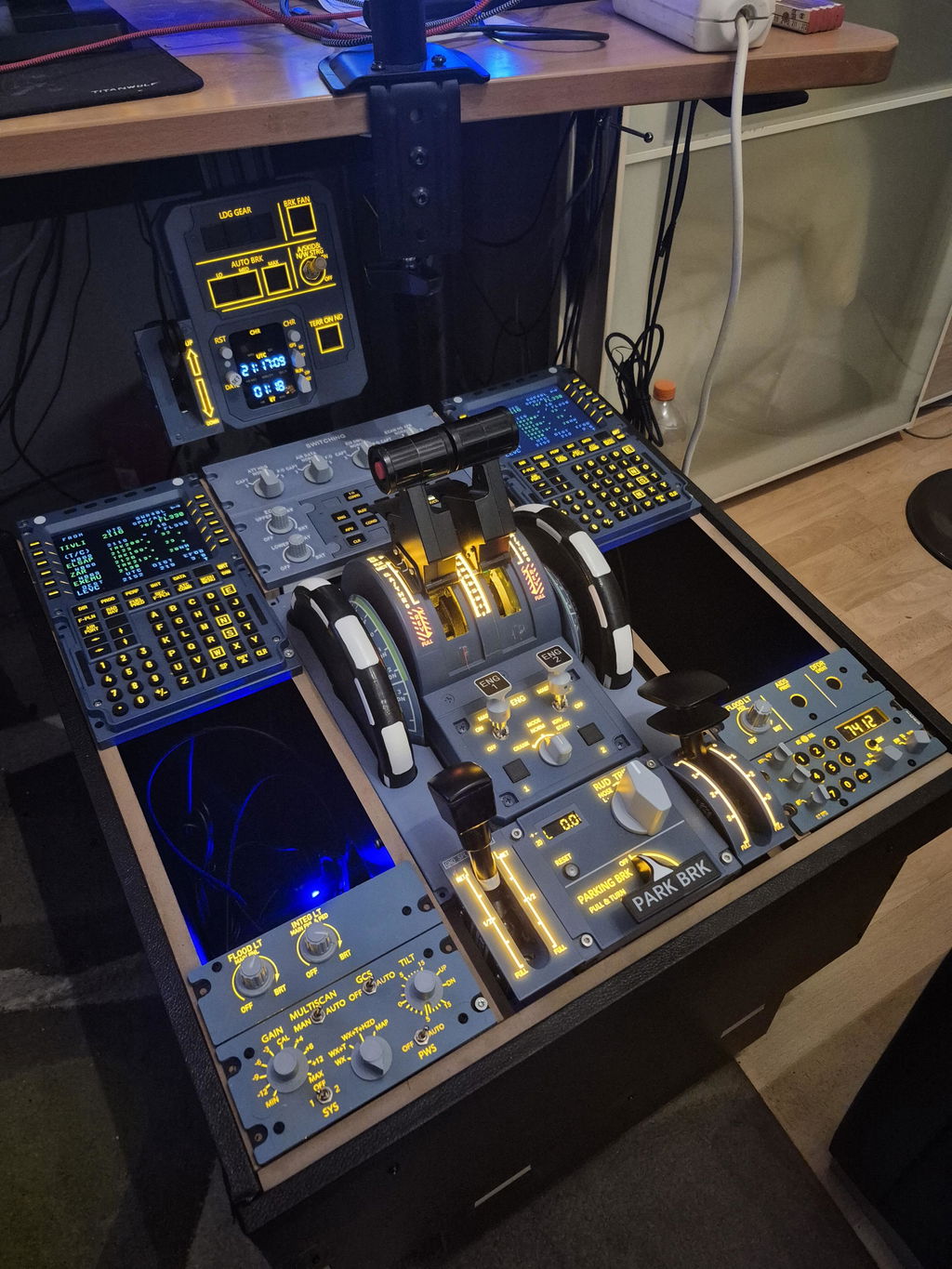
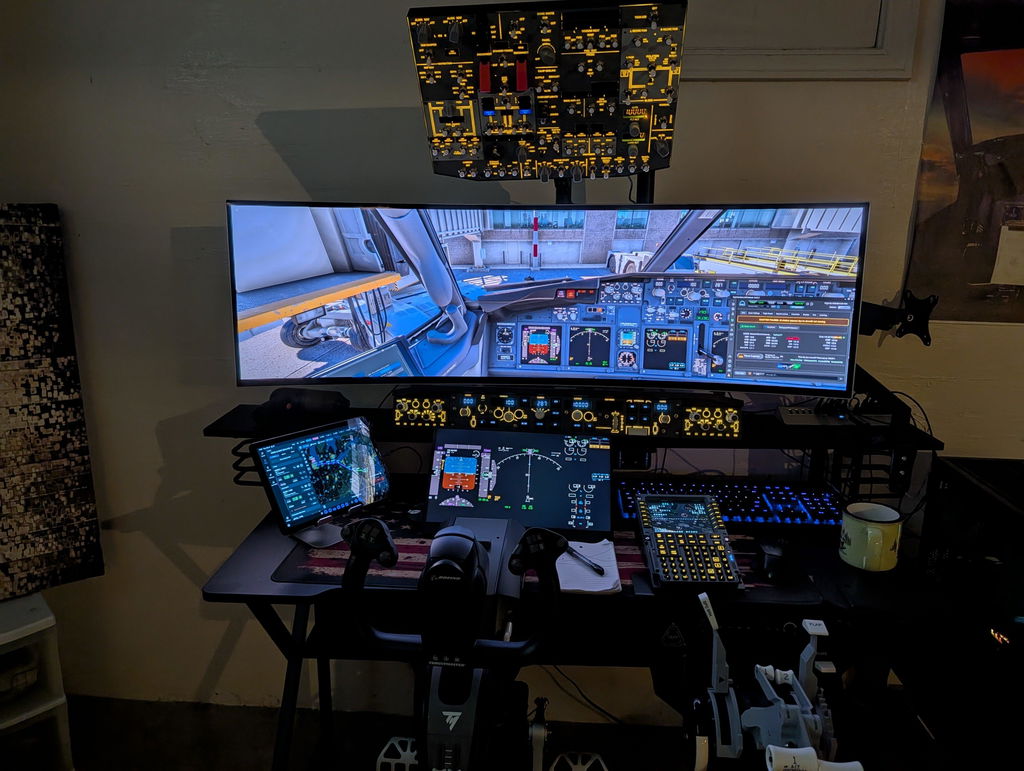
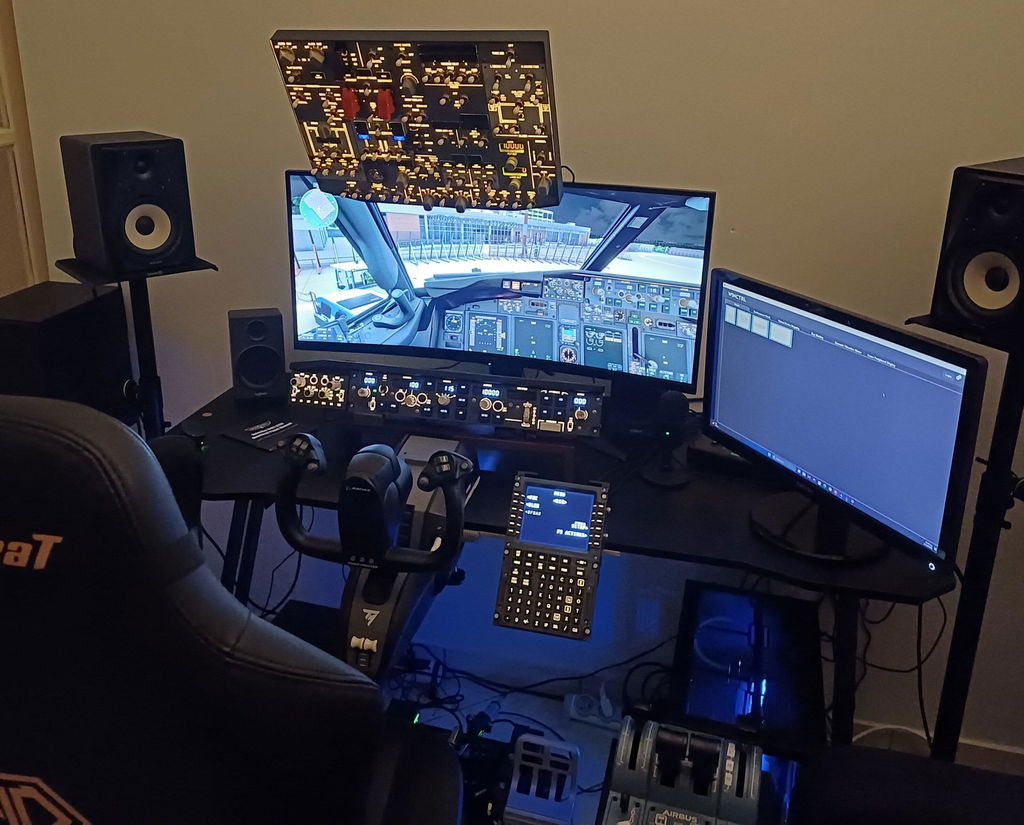
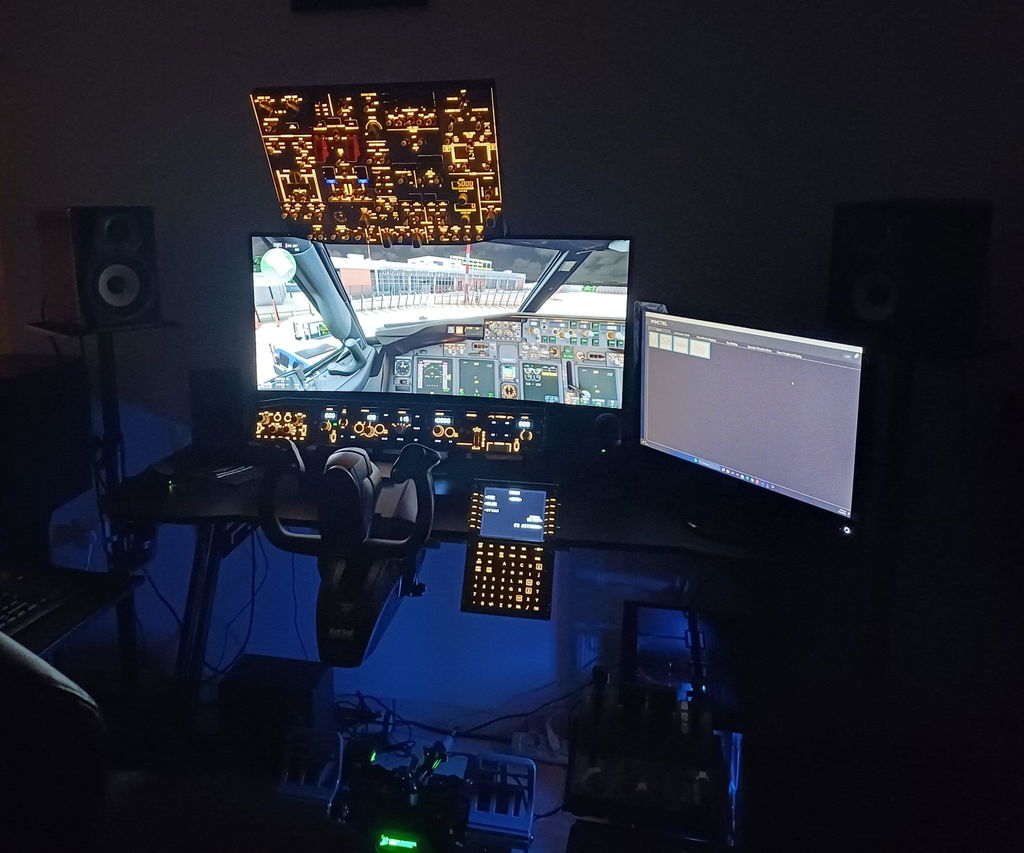
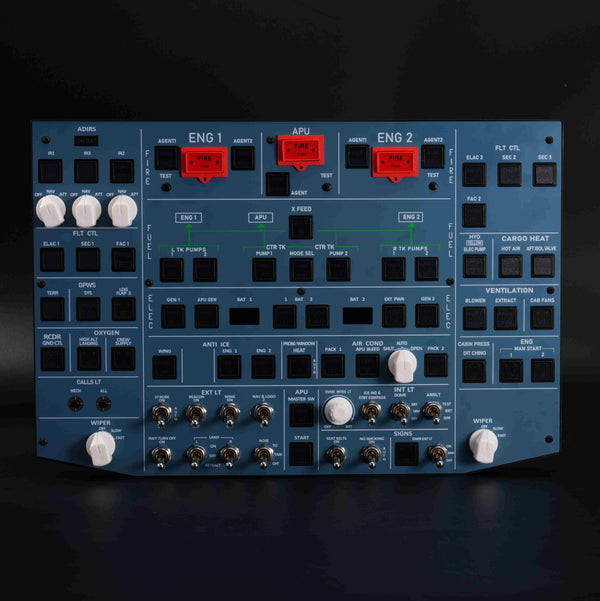
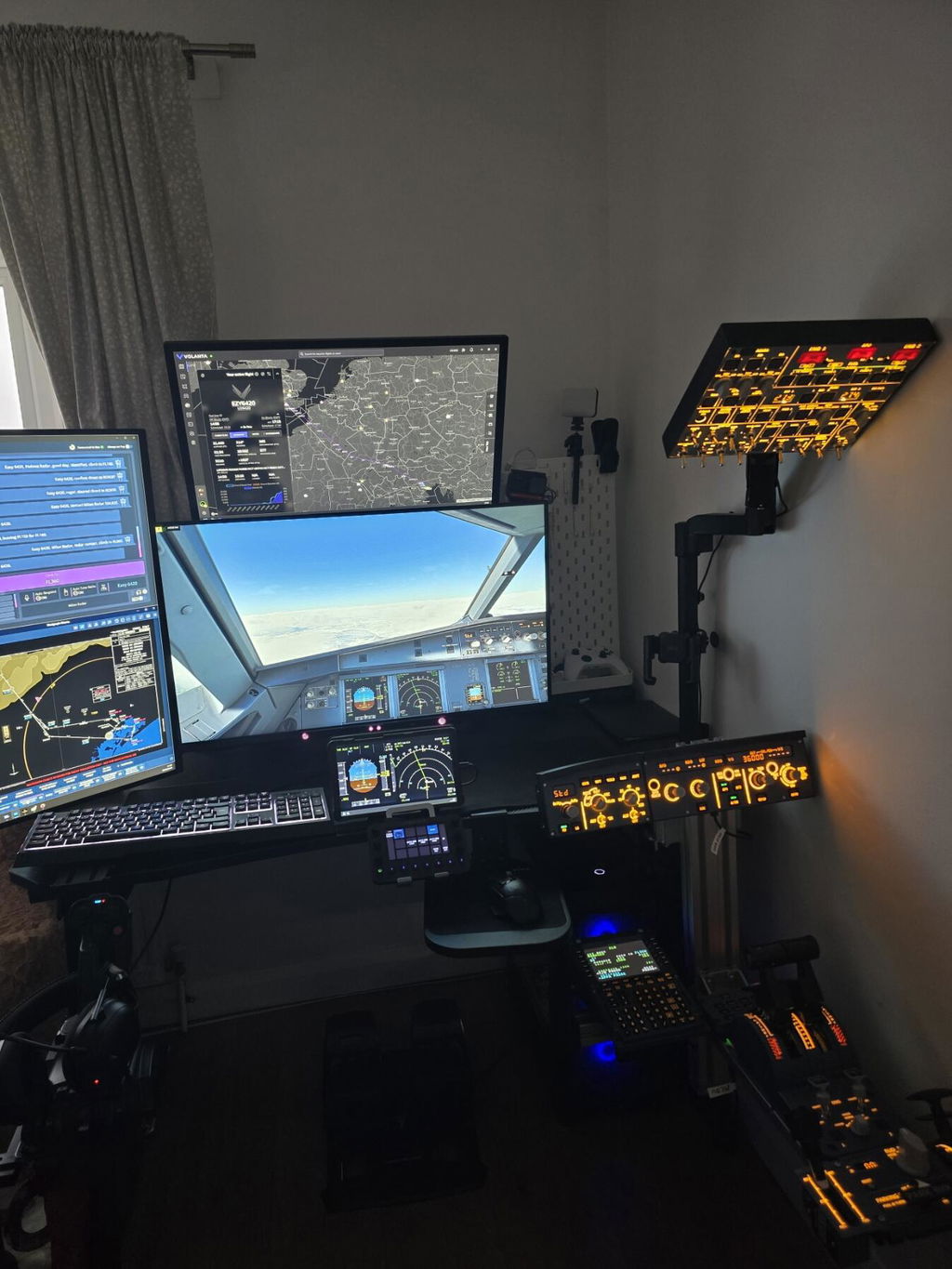
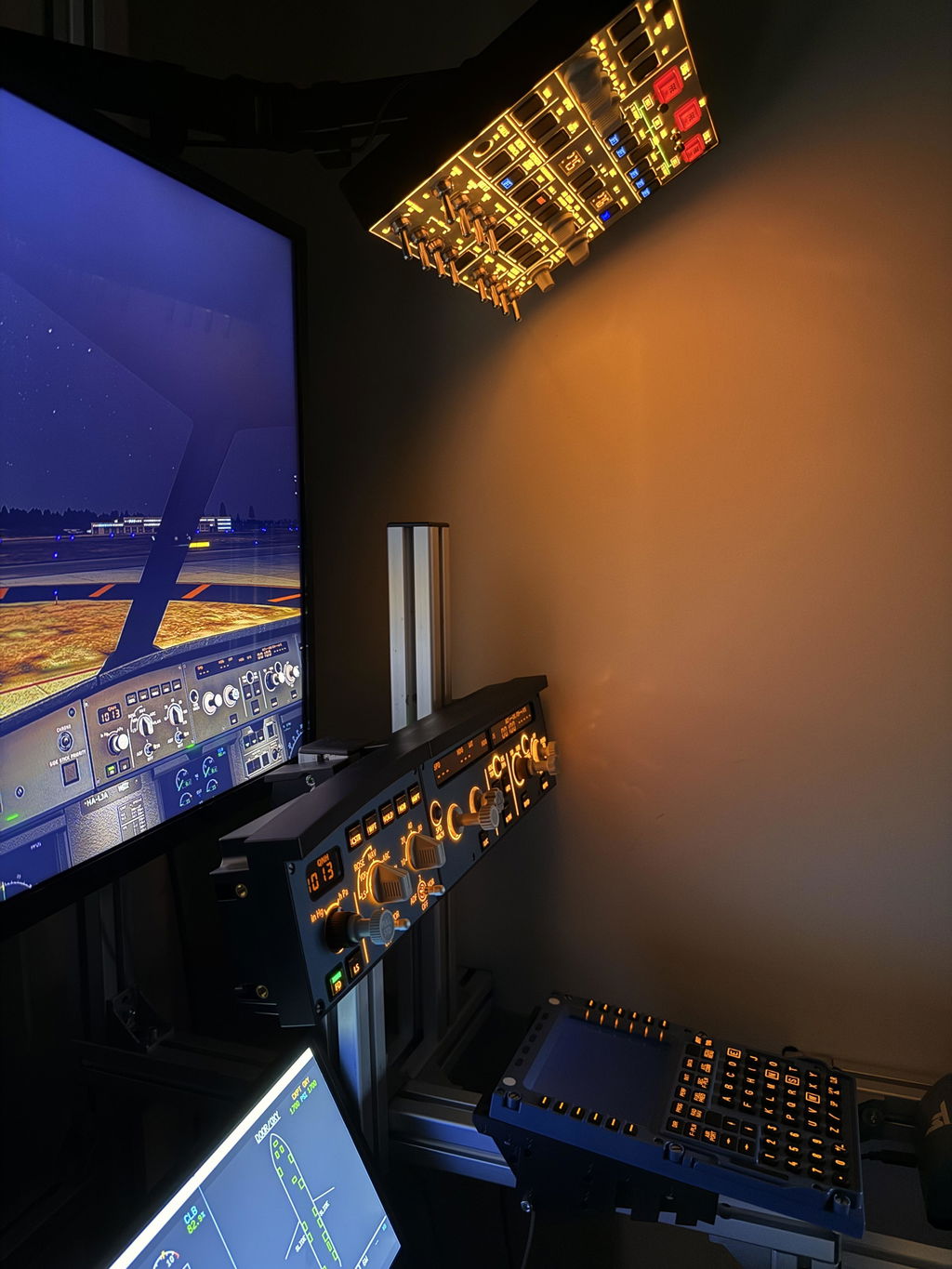
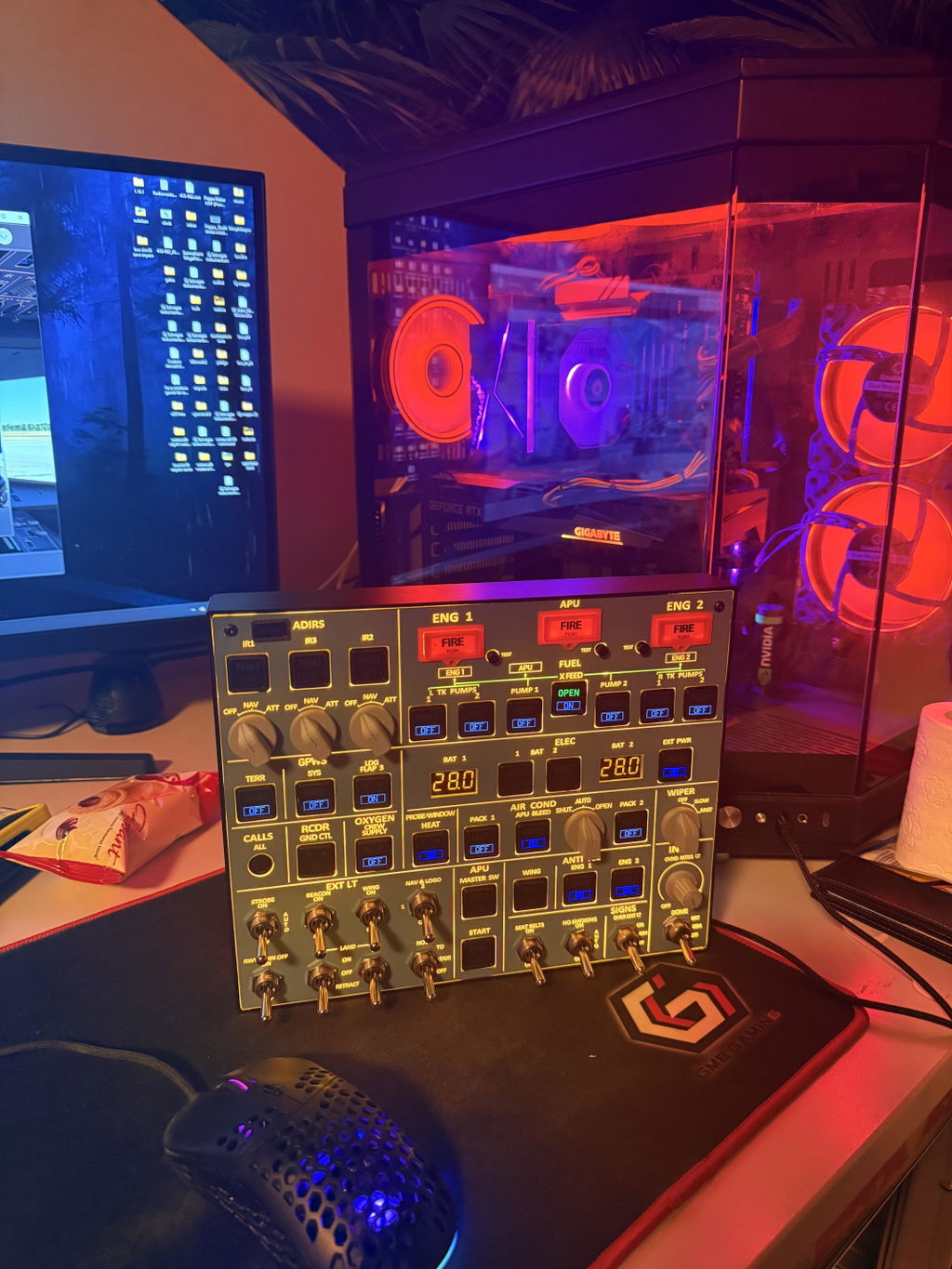
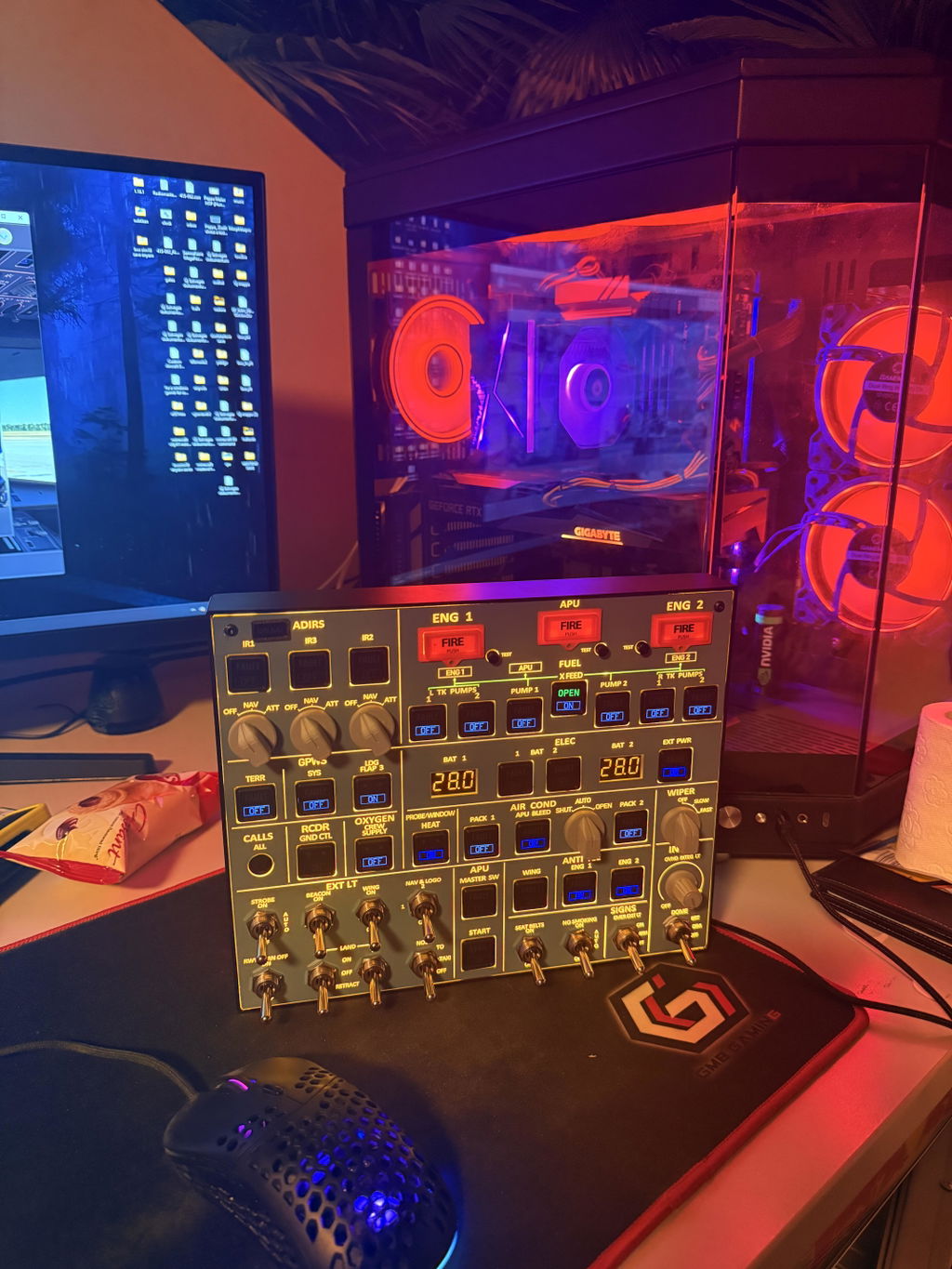
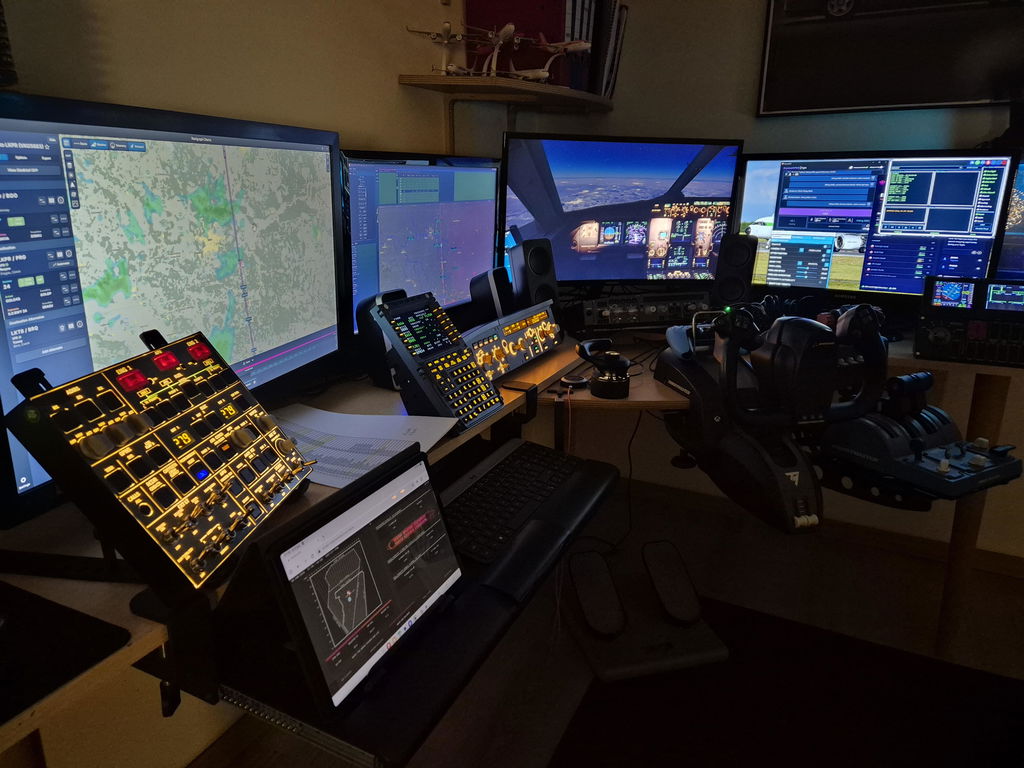
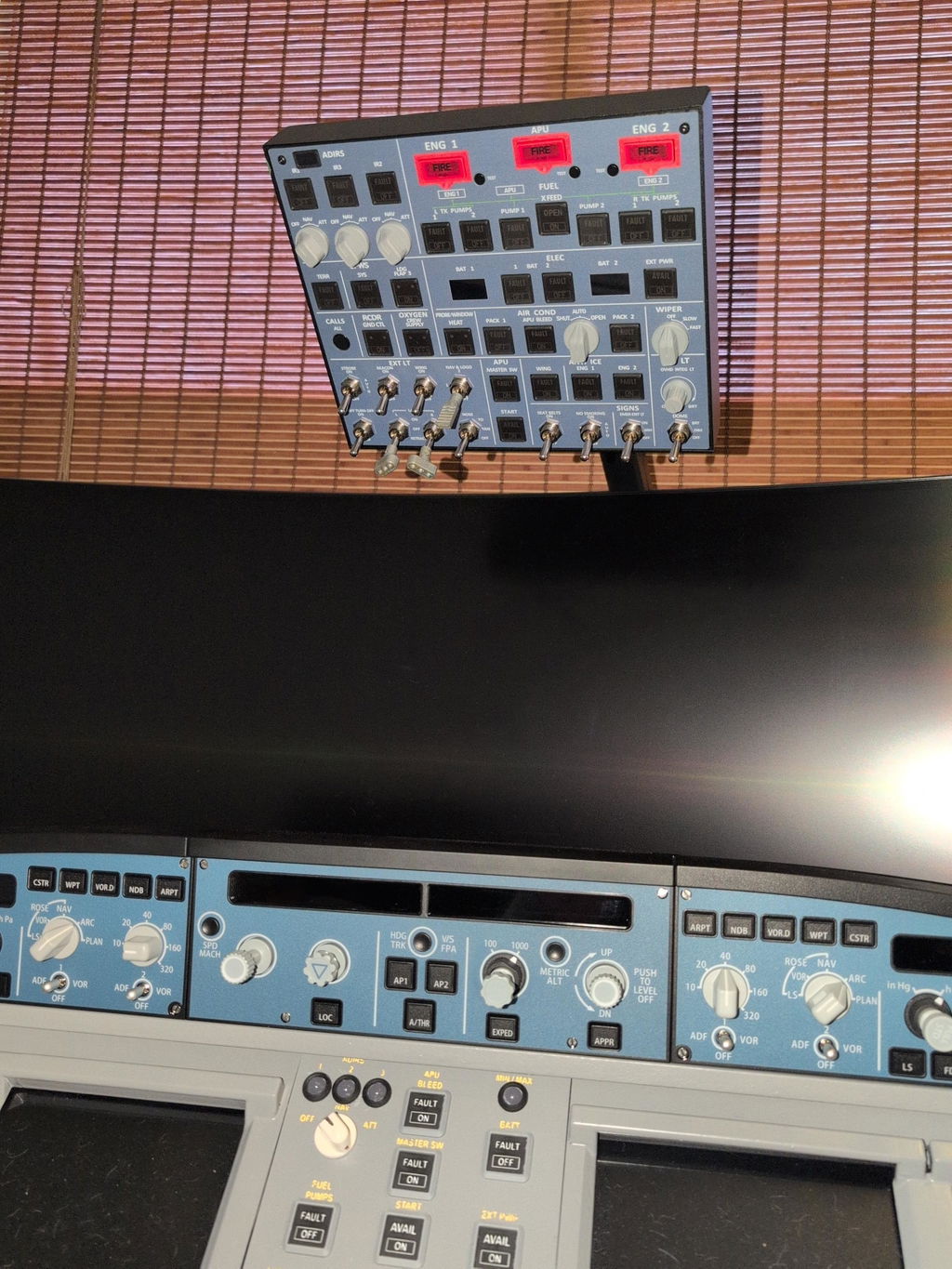
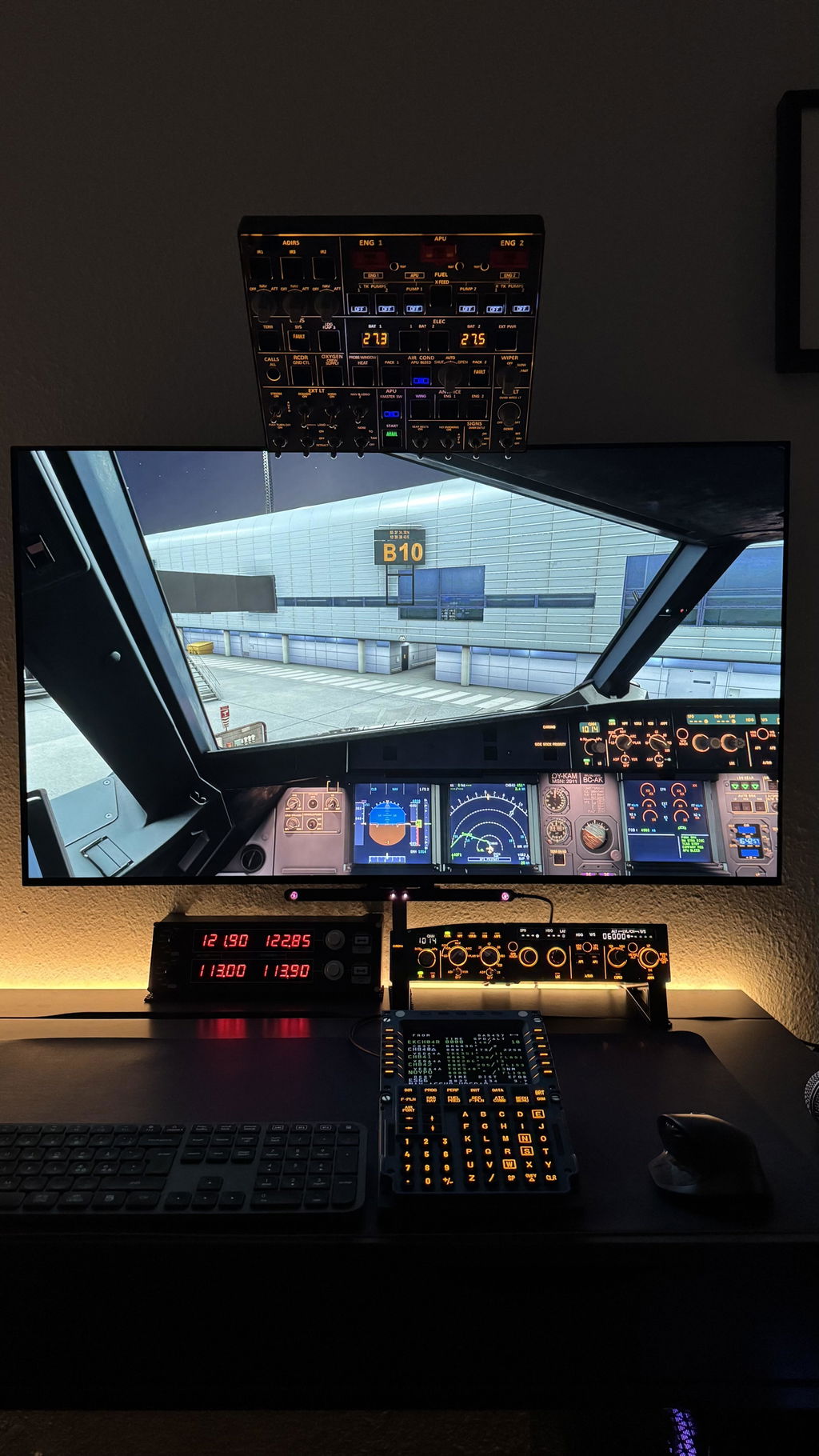
    Rowsfire A107 A320 overhead panel with backlit metal design, featuring plug and play connectivity for aviation cockpit use.
    Backlit Rowsfire A107 A320 overhead panel in metal with plug-and-play design, featuring illuminated controls for aircraft cockpit.
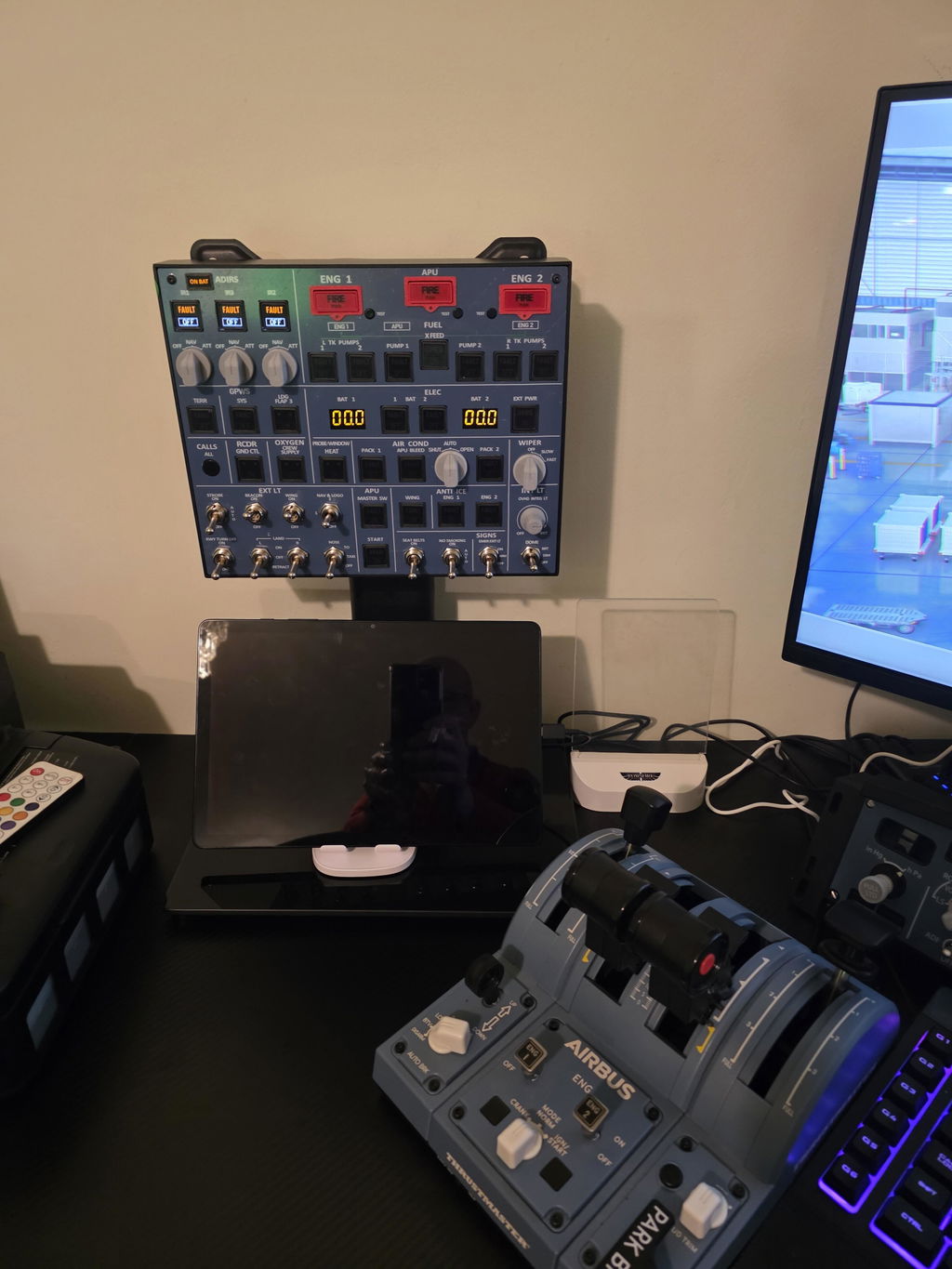
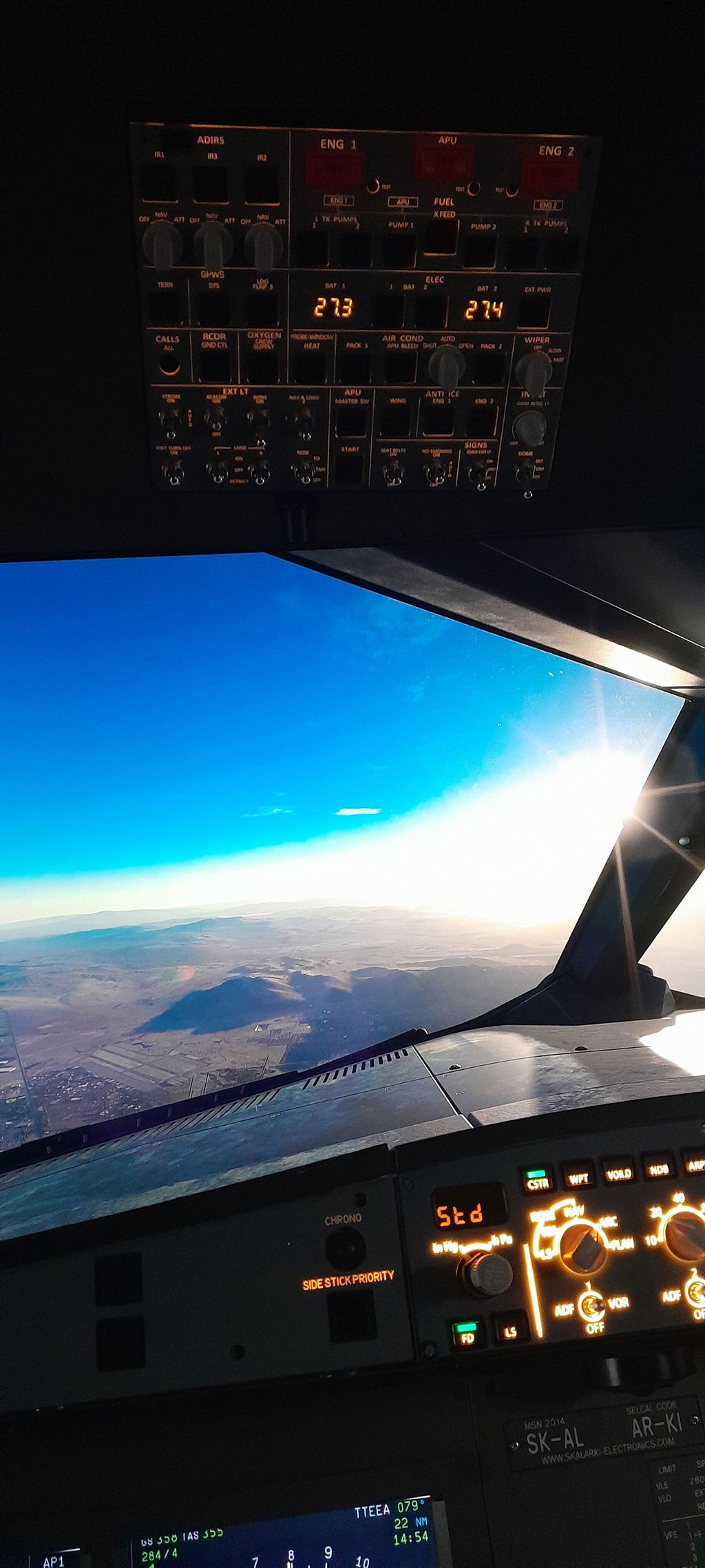
    Rowsfire A107 A320 overhead panel with backlit metal design, featuring plug-and-play functionality for aviation cockpit use.
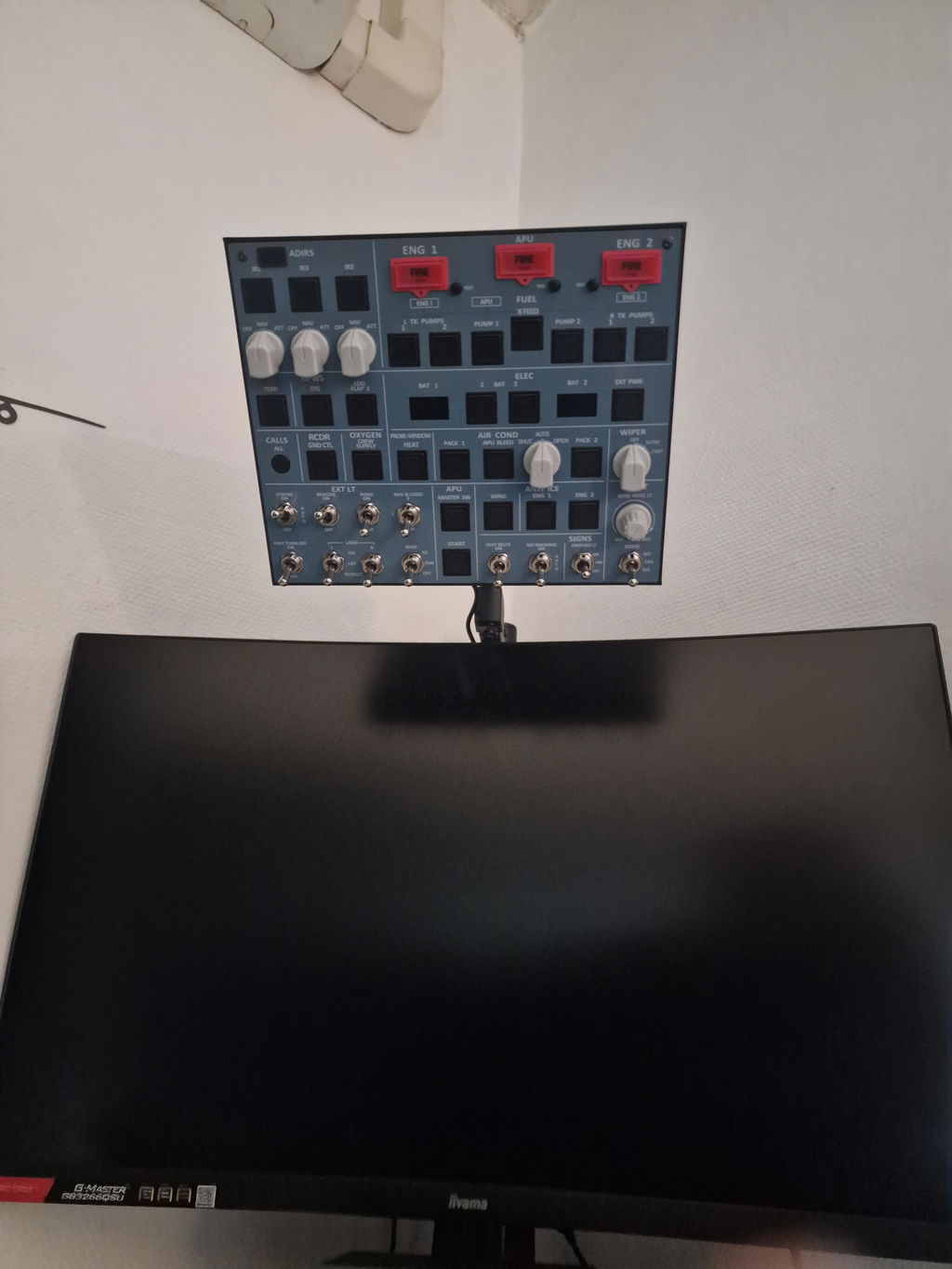
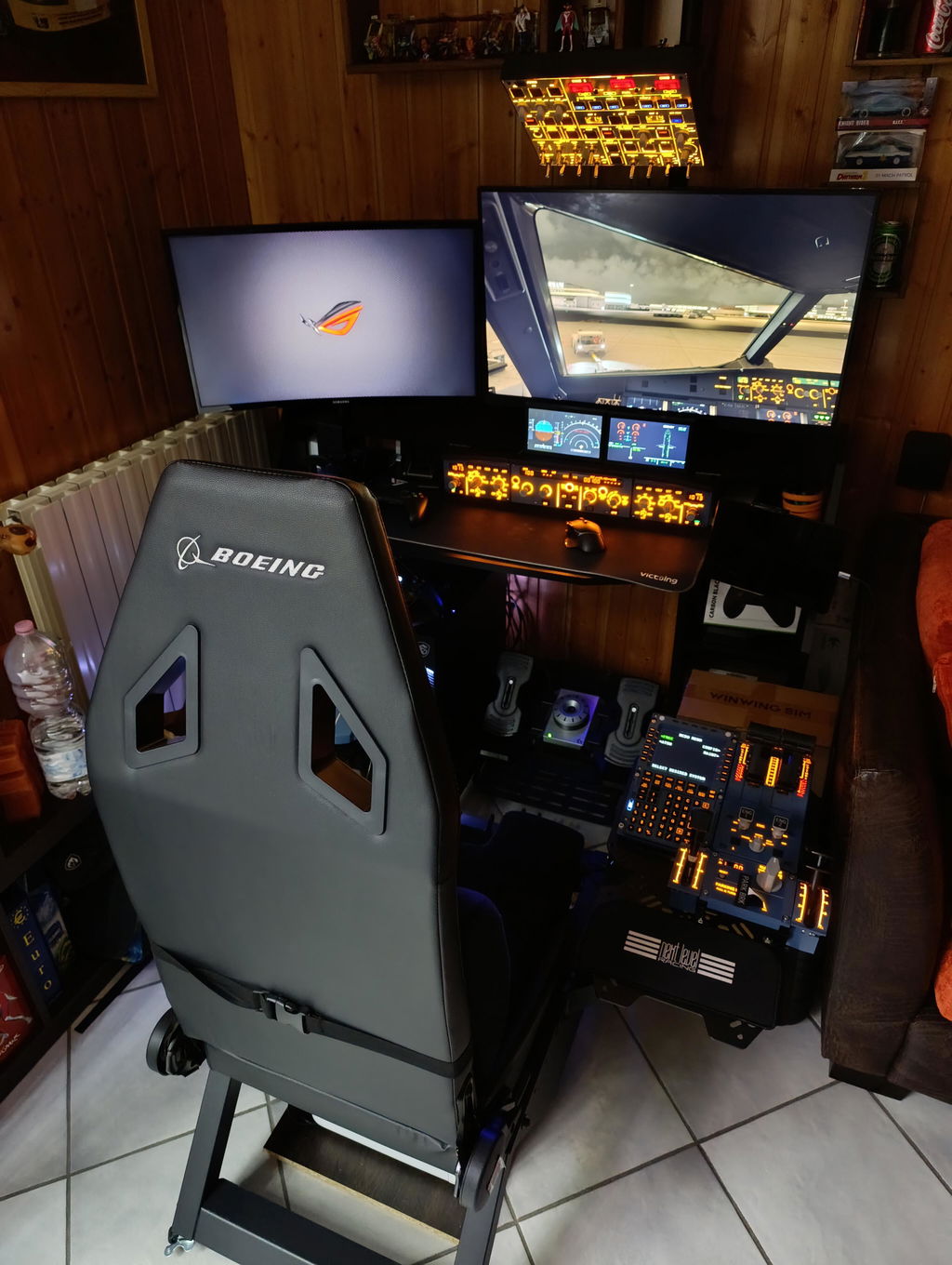
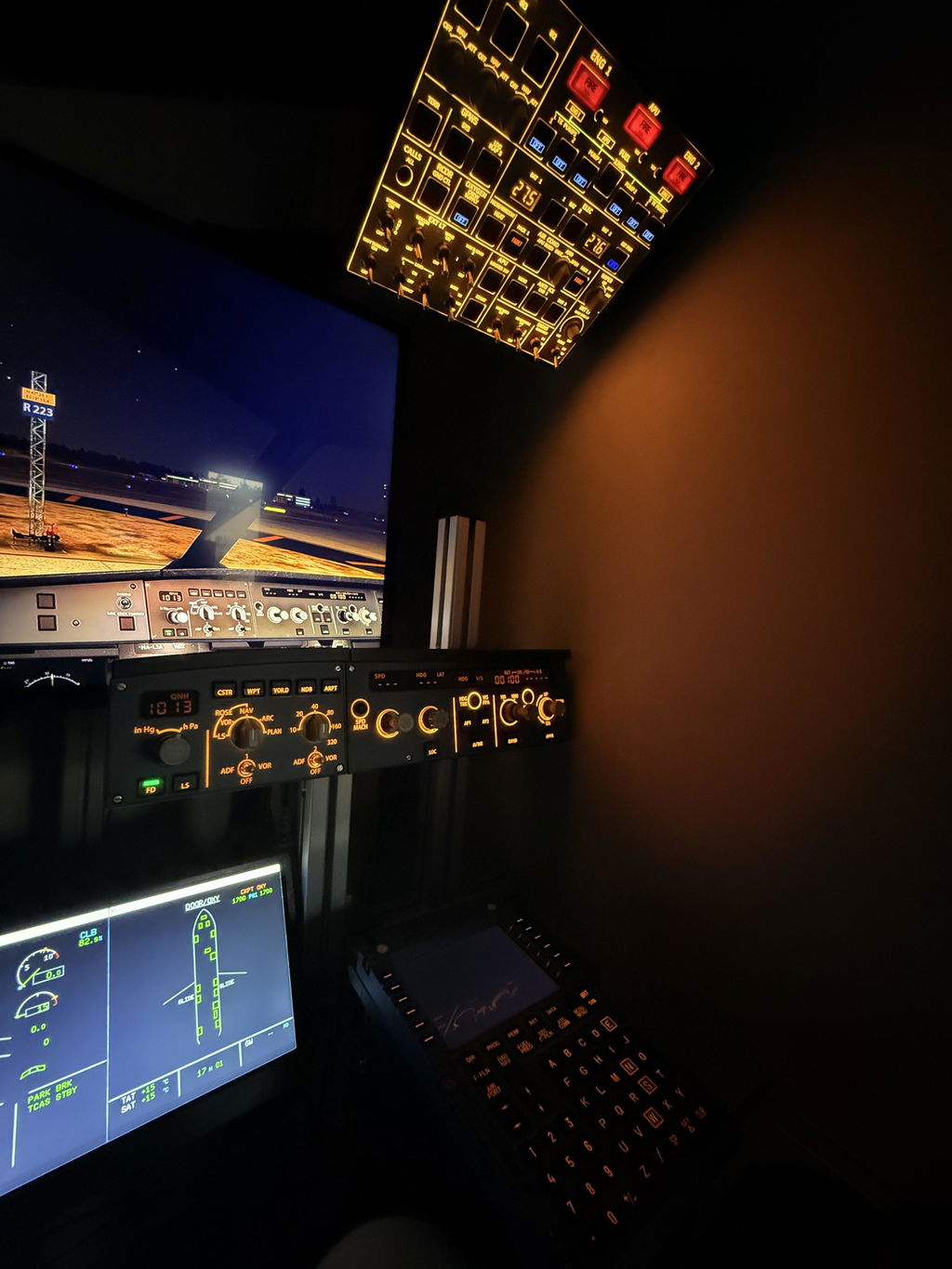
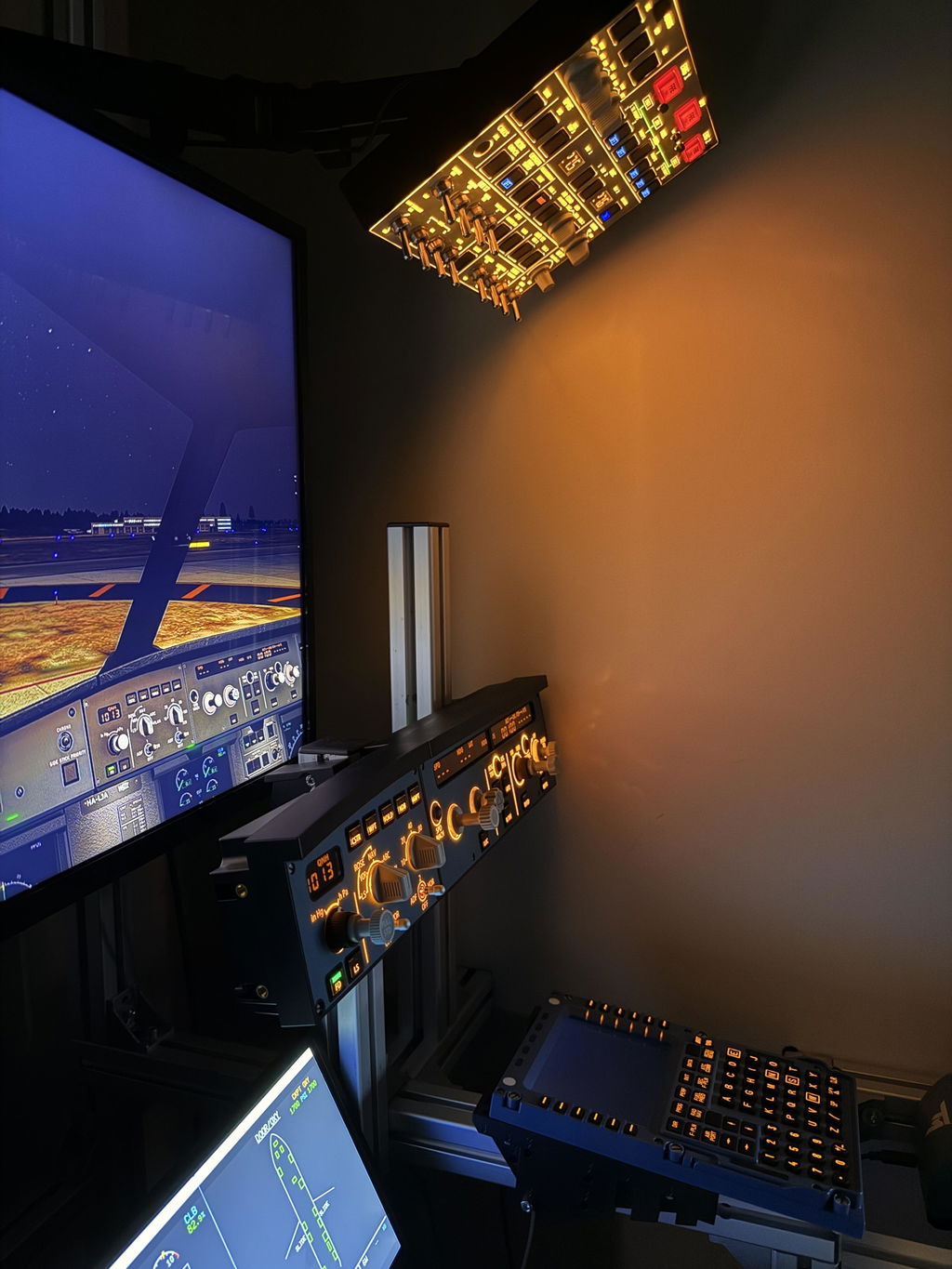
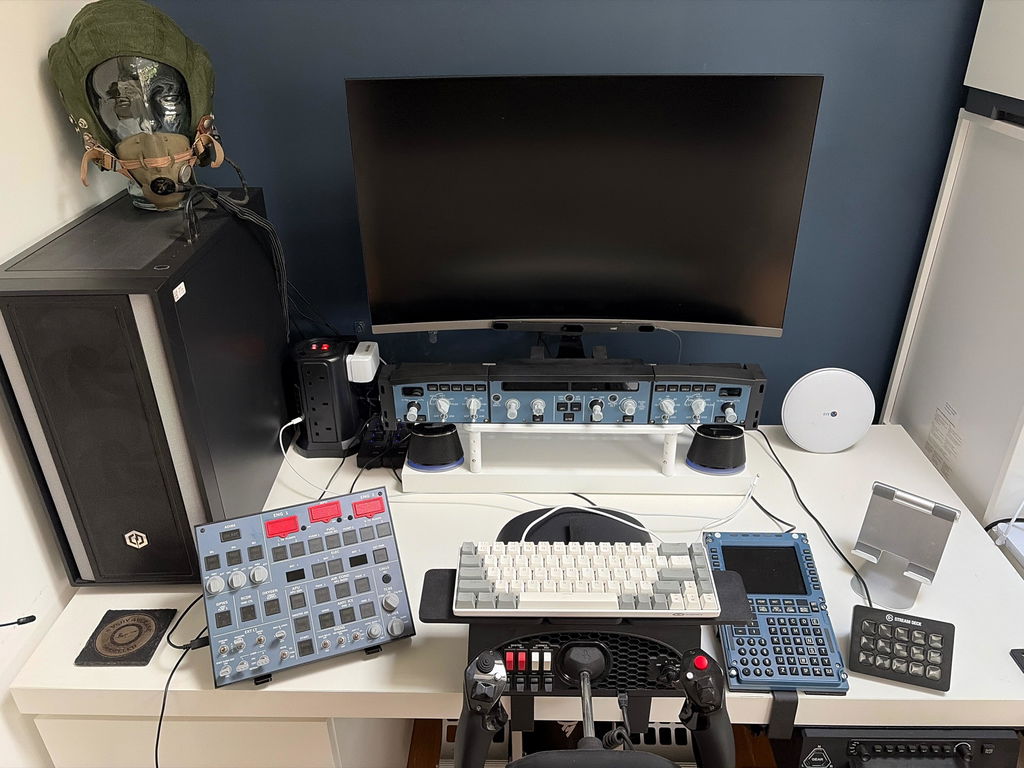
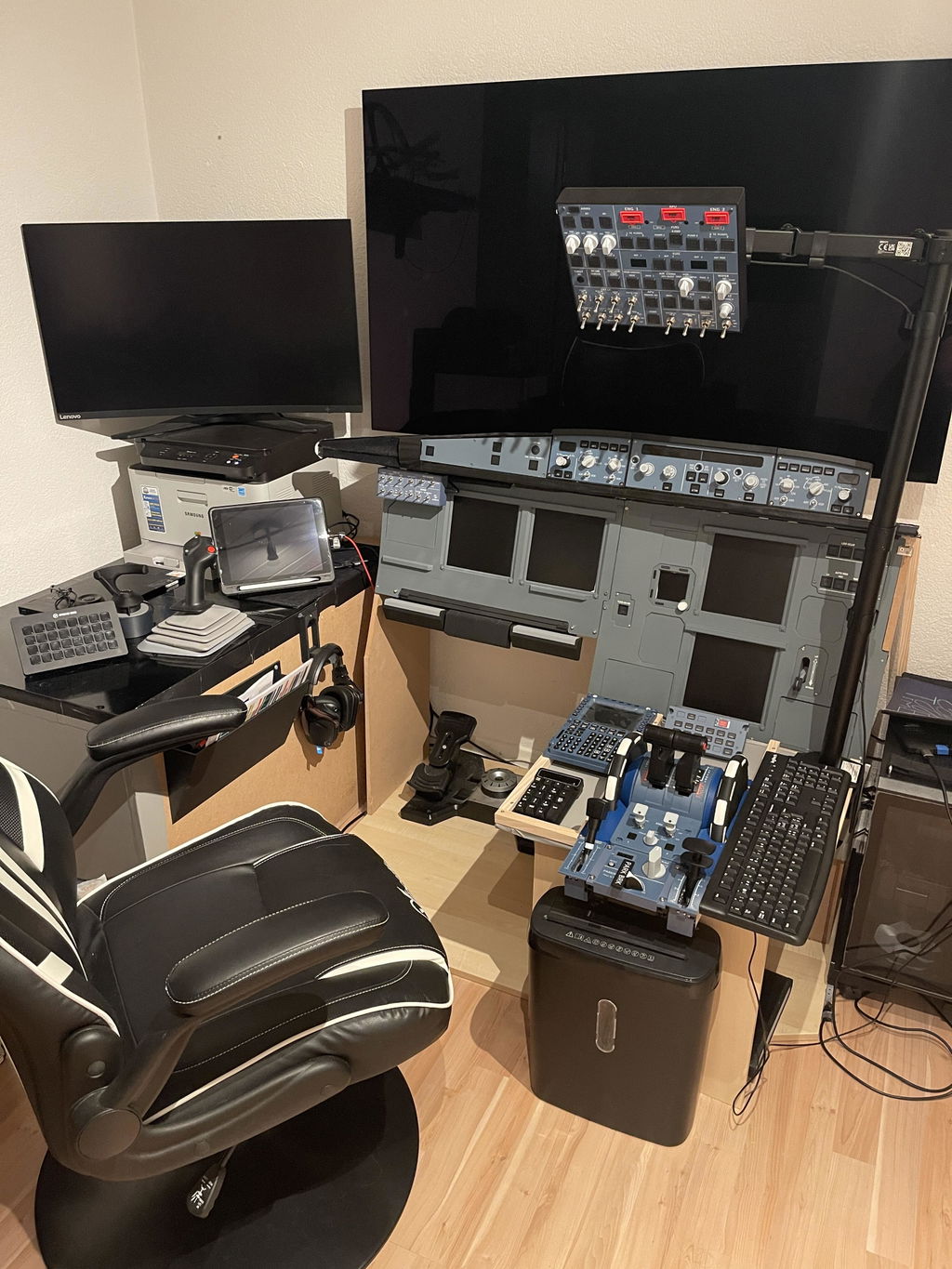
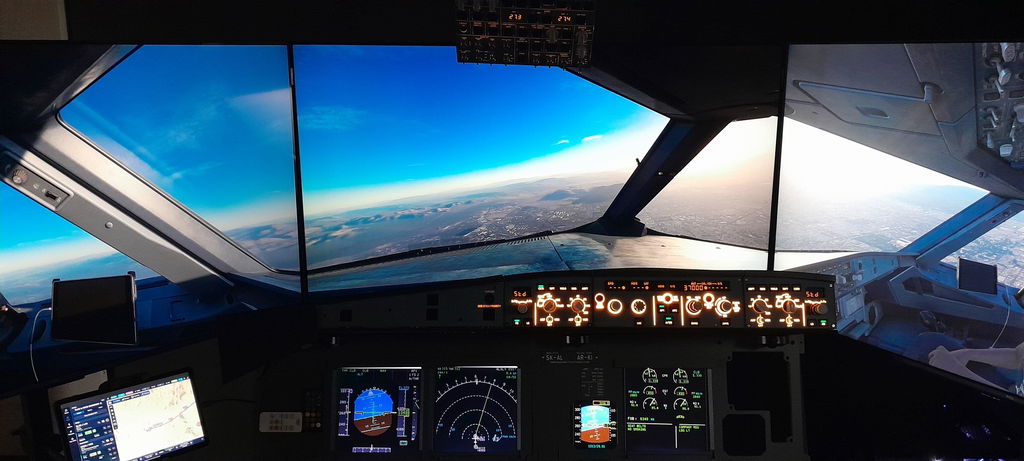
    Rowsfire A107 A320 overhead panel with backlit metal design and plug-and-play features, shown installed in aircraft cockpit.
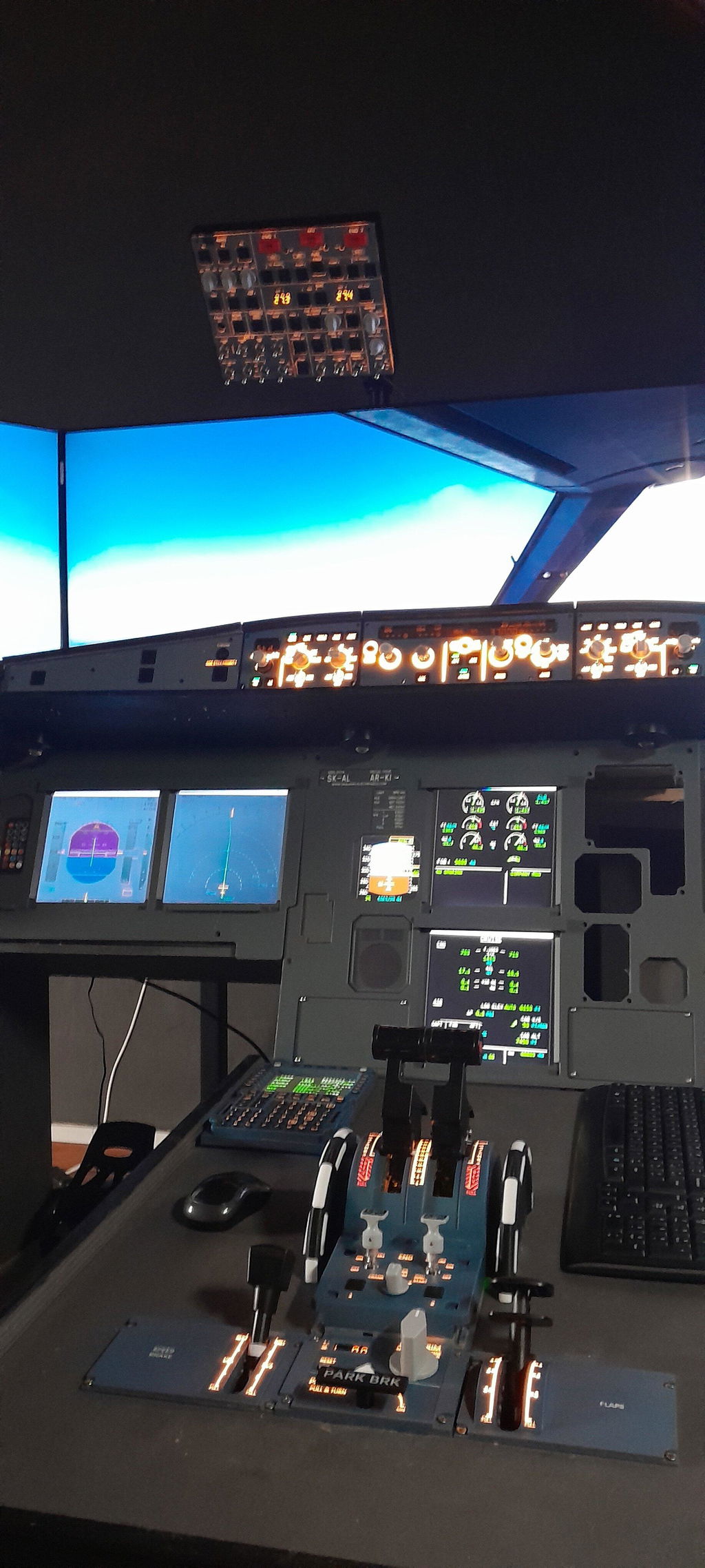
    Rowsfire A107 A320 overhead panel with backlit metal design, featuring plug and play installation for aircraft cockpit use.
    Rowsfire A107 A320 overhead panel with backlit metal design and plug-and-play feature, used in aircraft cockpit systems.
    Rowsfire A107 A320 overhead panel with backlit metal surface, plug and play design, used in aircraft cockpit instrumentation.
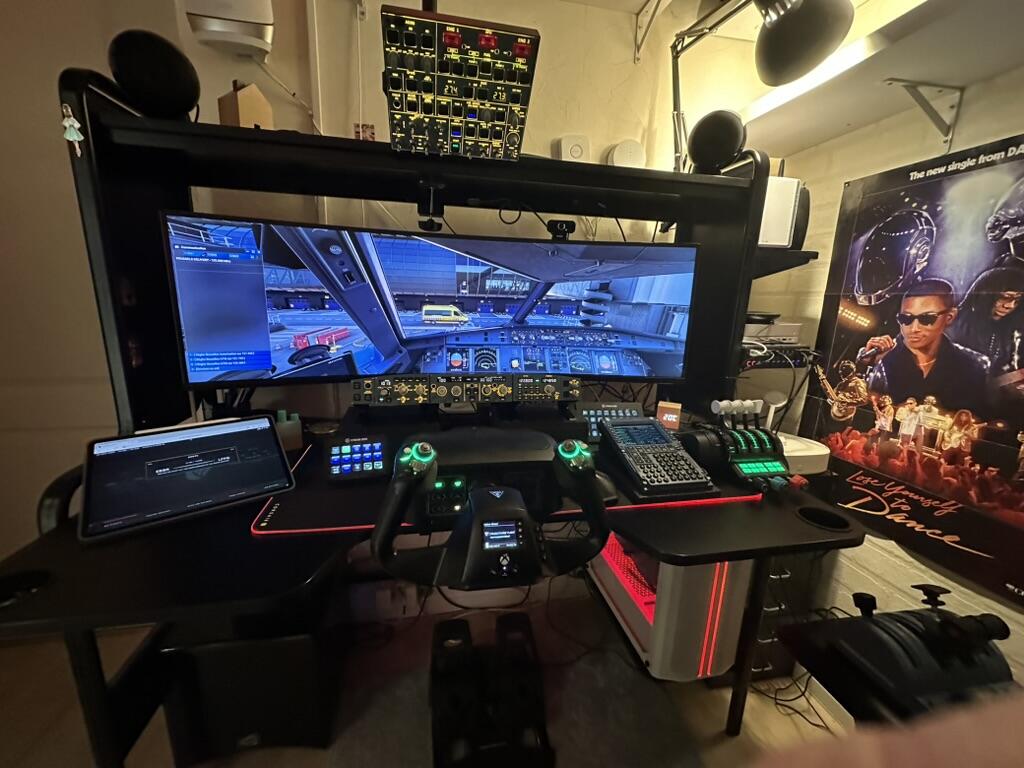
    Rowsfire A107 A320 overhead panel with backlit metal surface and plug-and-play design, installed in an aircraft cockpit.
    Rowsfire A107 A320 overhead panel with backlit metal design, featuring plug-and-play installation for aircraft cockpit use.
    Rowsfire A107 A320 overhead panel with backlit metal design, featuring plug-and-play functionality for aircraft cockpit use.
    Backlit Rowsfire A107 A320 overhead panel with metal finish, featuring plug-and-play design for aircraft cockpit displays.
    Backlit Rowsfire A107 A320 overhead panel with metal finish, featuring plug and play design for airplane cockpit use.
    Rowsfire A107 A320 overhead panel, backlit metal construction with plug and play design, shown in the image.
    Rowsfire A107 A320 overhead panel with backlit metal design, featuring plug-and-play installation for aircraft cockpit use.
    Rowsfire A107 A320 overhead panel with backlit metal design, plug and play installation, for aircraft cockpit instrument panel.
    Rowsfire A107 A320 overhead panel with backlit metal surface and plug-and-play design, designed for aircraft cockpit lighting.
    Backlit Rowsfire A107 A320 Overhead Panel with metal construction and plug-and-play design, displaying illuminated controls and switches.
    Rowsfire A107 A320 overhead panel with backlit metal, showing lighting adjustment buttons and replacement panel design.
    Rowsfire A107 A320 overhead panel with backlit metal design, featuring plug-and-play connectivity for aircraft cockpit displays.
    Rowsfire A107 A320 overhead panel with backlit metal controls, featuring plug-and-play design for aircraft cockpit use.
    Rowsfire A107 A320 overhead panel with backlit metal and plastic shell, plug-and-play design for aircraft cockpit lighting.
    Rowsfire A107 A320 overhead panel with backlit metal design, featuring plug-and-play connectivity in this detailed product image.
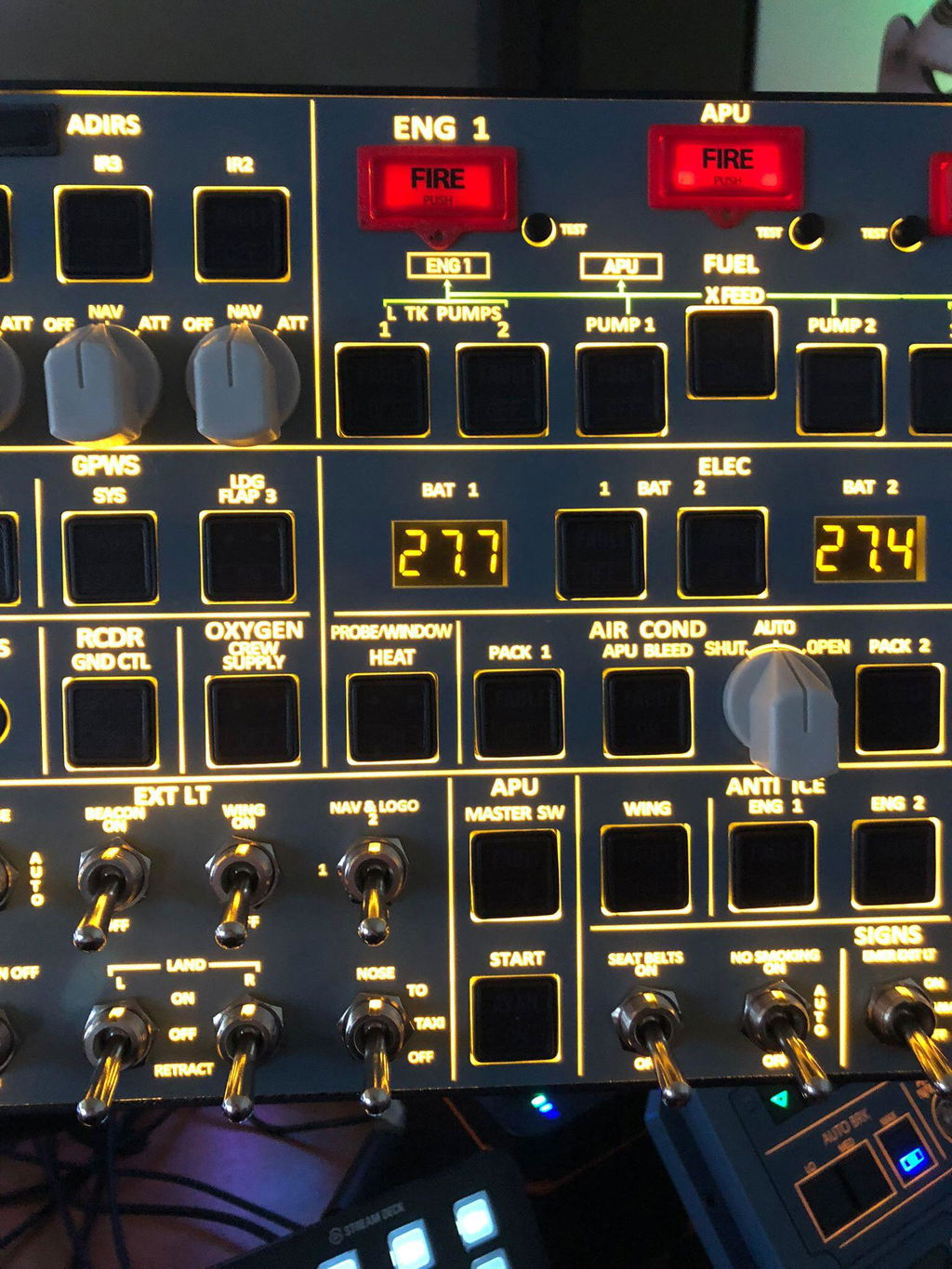
    Rowsfire A107 A320 overhead panel with backlit metal surface, plug-and-play design, shown in a detailed close-up.
    Rowsfire A107 A320 overhead panel with backlit metal design, featuring plug-and-play functionality for aircraft cockpit displays.
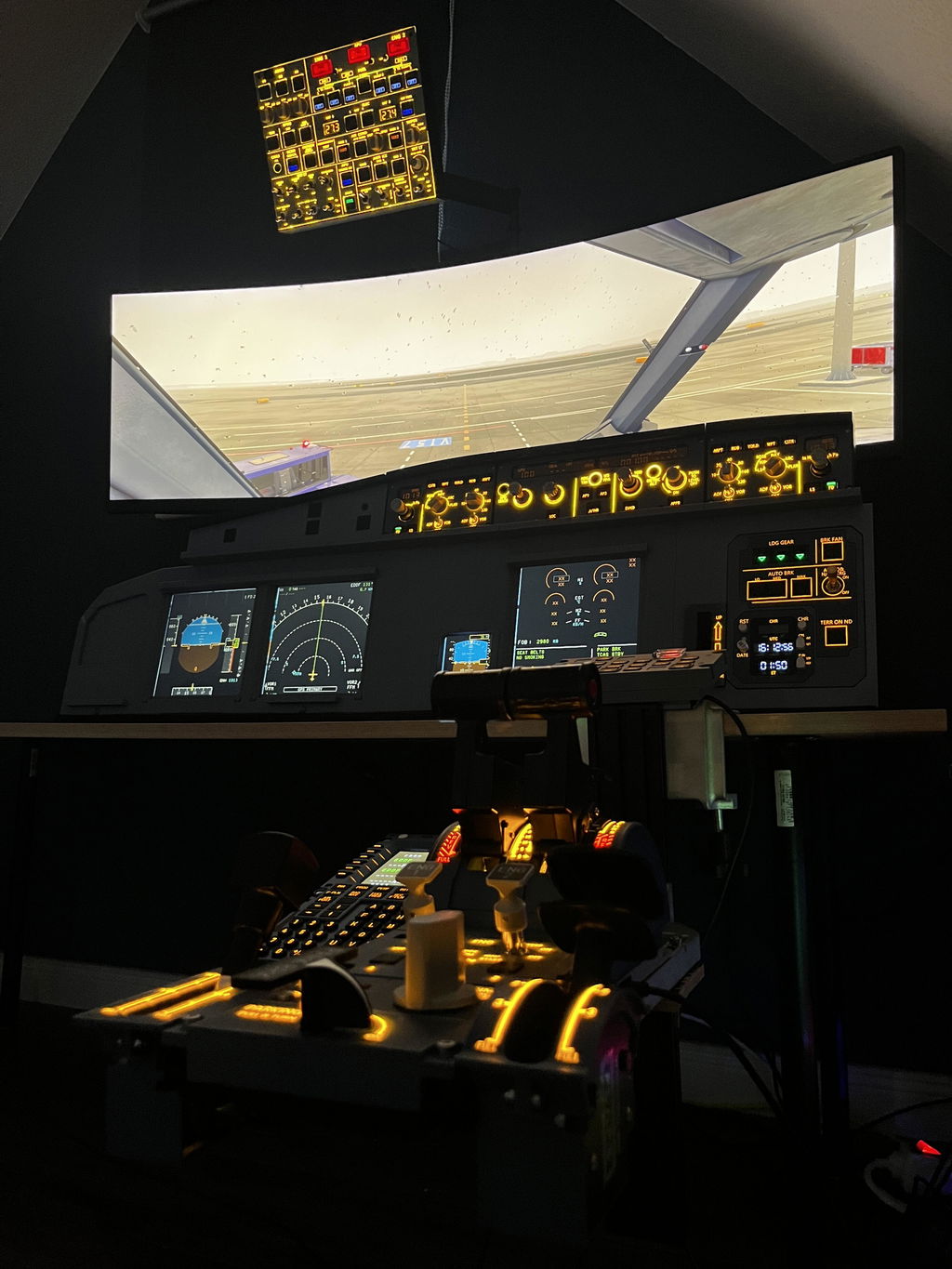
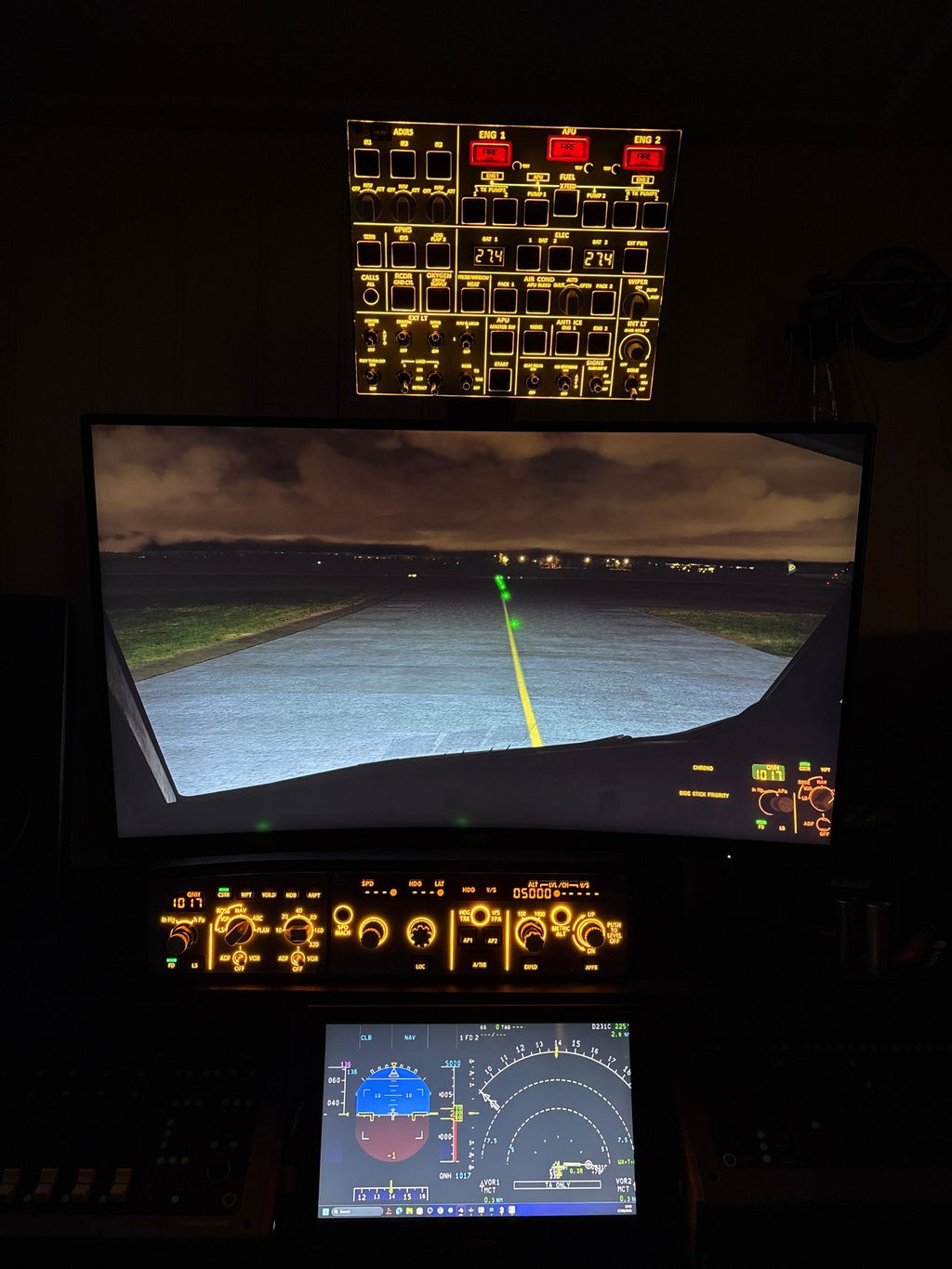
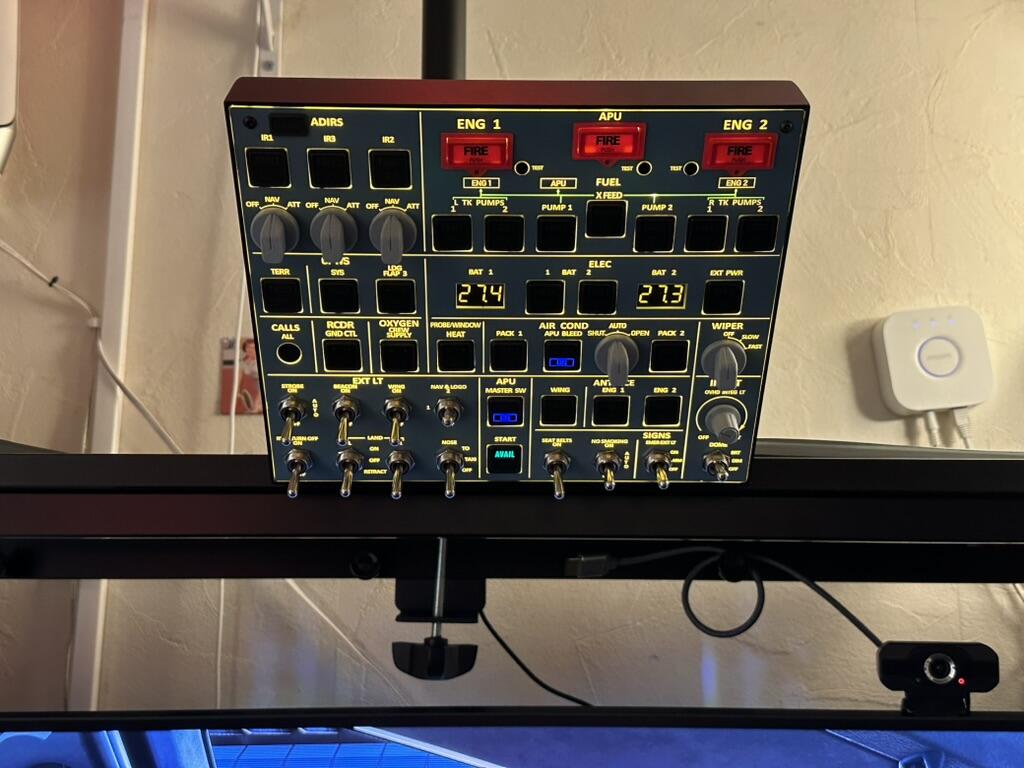
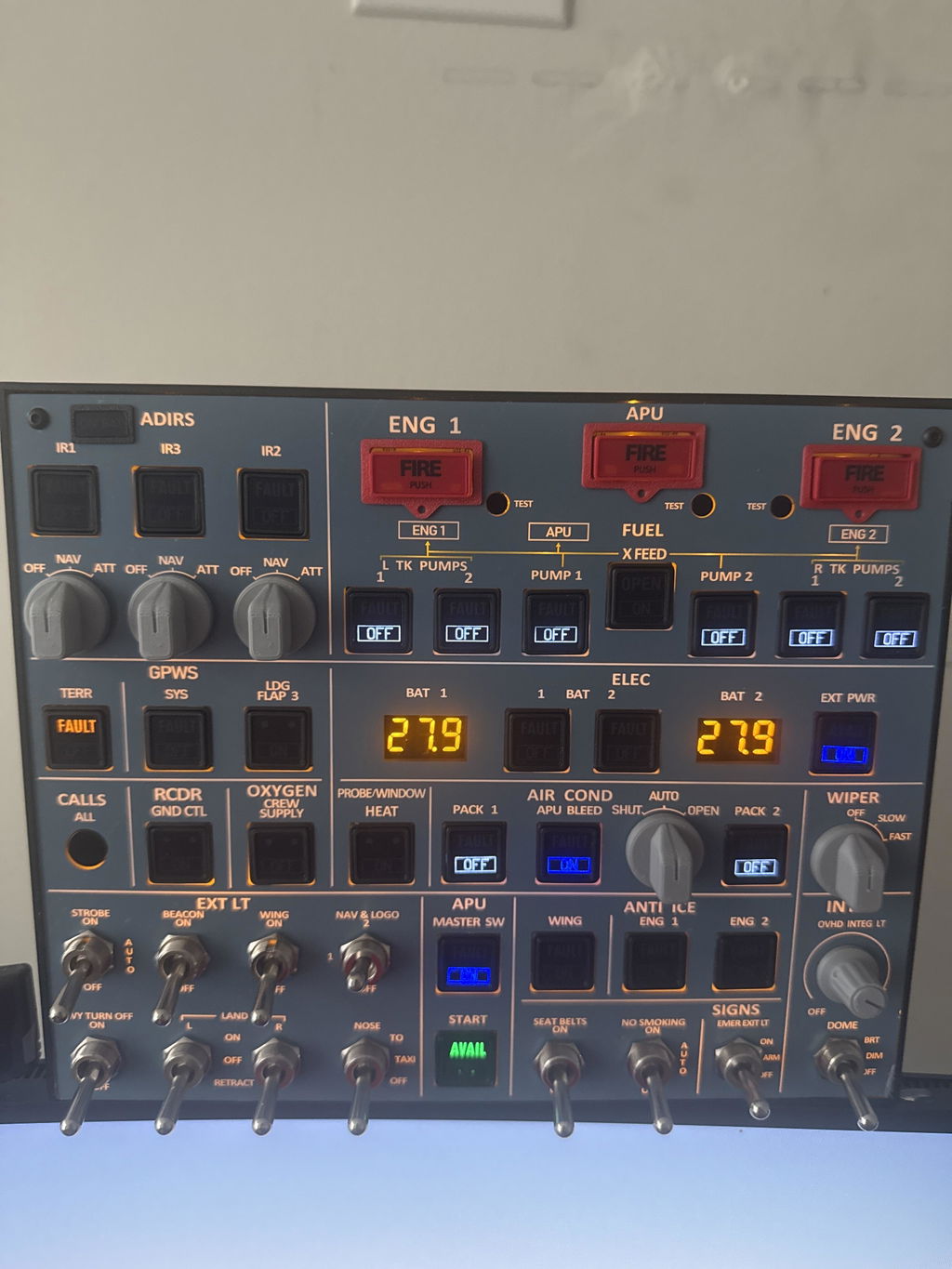
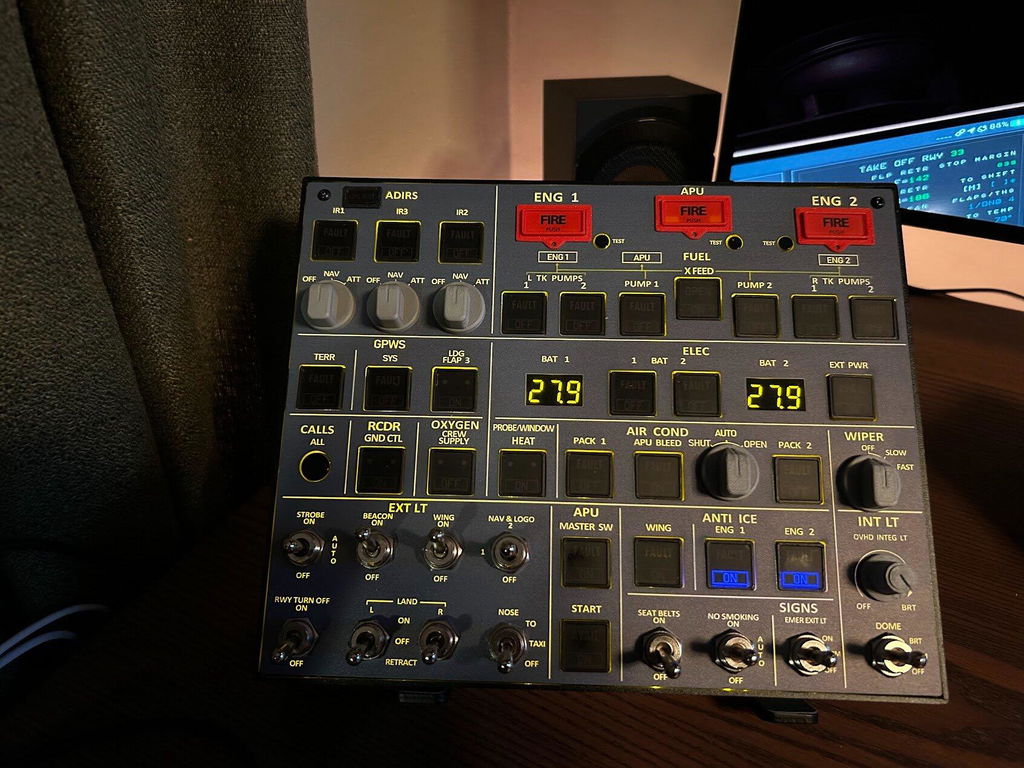
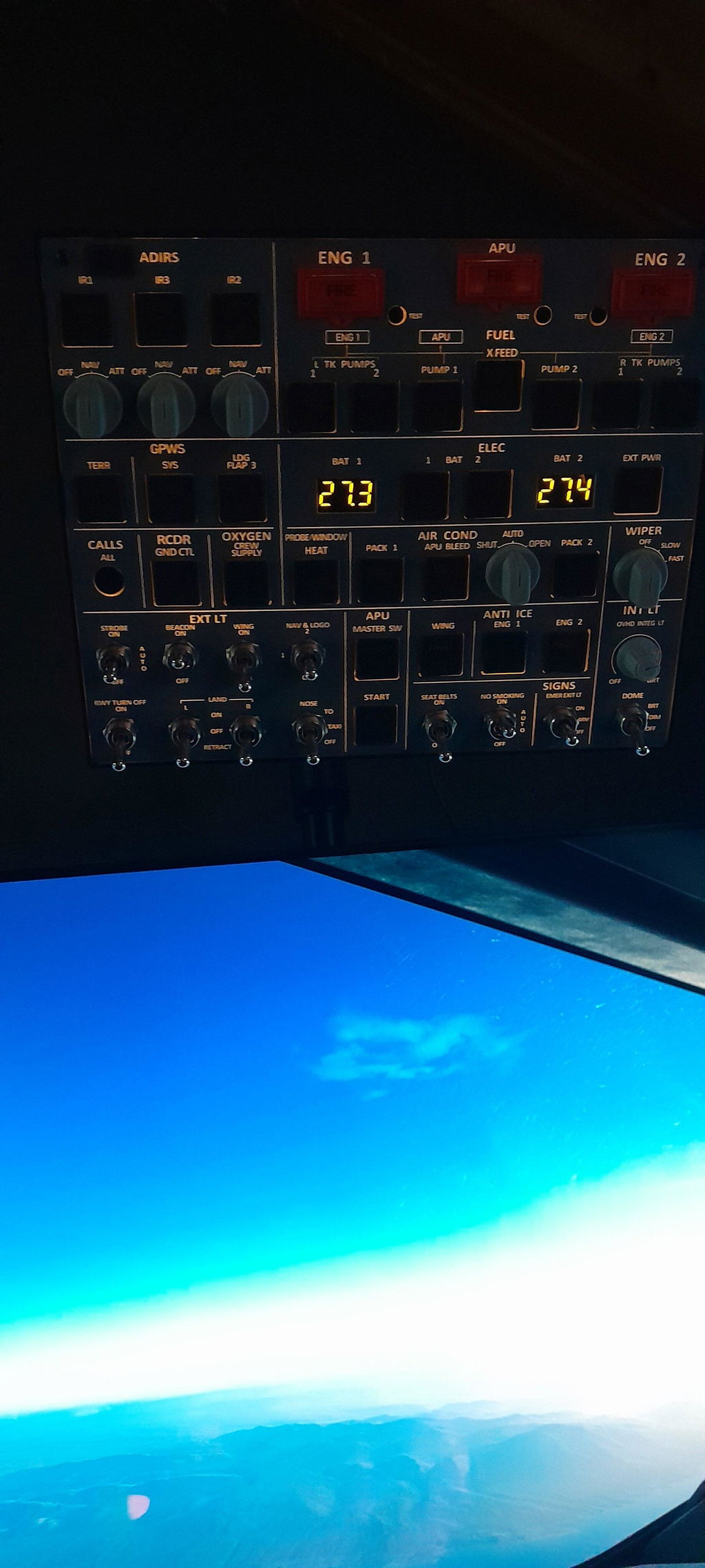
    Rowsfire A107 V3.1 A320 overhead panel with the backlight and annunciator lights on

    Airbus A320 Overhead (OVHD) Panel · V3.1

    The A320 overhead, sized for your desk.

    The A107 puts the core A320 overhead functions into a compact 26 × 21 cm panel. It's backlit, with a metal housing and tactile switches, and it syncs its lighting with your aircraft. Plug in one USB cable, open the Rowsfire App, and you're flying in under 60 seconds.

    • V3.1 · new knobs
    • Light-sync backlight
    • Metal housing
    • 100×100 VESA
    • Rowsfire App or MobiFlight

    Watch it fly

    See the A107 in action.

    An independent hands-on review in MSFS 2024 with the Fenix A320, plus our official demo.

    That Flight Sim Channel review · independent · 32 min

    Reviewed unit: A107 V3. V3.1 adds a brighter backlight and new knobs. Opinions are the reviewer's own.

    Official demo · Rowsfire

    What owners said

    "That is the next level of immersion."

    Marti · Verified buyerRead reviews →

    "Very good build quality. Solid functionality."

    Jeff P. · Verified buyerRead reviews →

    Reviews

    Simmers love their A107.

    ★★★★★4.6 / 5 from 69 reviews

    "The version 3.1 is a well made product that radiates quality! It works perfectly with the app and I had no issues at all setting it up. I had my doubts ordering it, but I don't regret it at all."

    Geir-Ståle L.✓ Verified

    "I'm happy with the product. This new version is a big improvement. Thank you."

    Navia✓ Verified

    "Nice product, works perfectly and matches the description. Thanks."

    Sebastien M.✓ Verified

    Read all reviews →

    What's new in V3.1

    Brighter, tougher, smoother.

    V3.1 keeps everything that made V3.0 stable and upgrades the three things you touch and see every flight: the panel, the backlight and the buttons.

    Rowsfire A107 V3.1 overhead panel with the backlight on, three-quarter view

    Brighter backlight, sharper labels

    • The brightest A107 backlight yet, readable even in a bright room.
    • Screen-printed legends replace UV printing for finer detail and truer color.
    • Adjustable brightness that follows your aircraft's panel lighting: linear dimming and one-touch off.
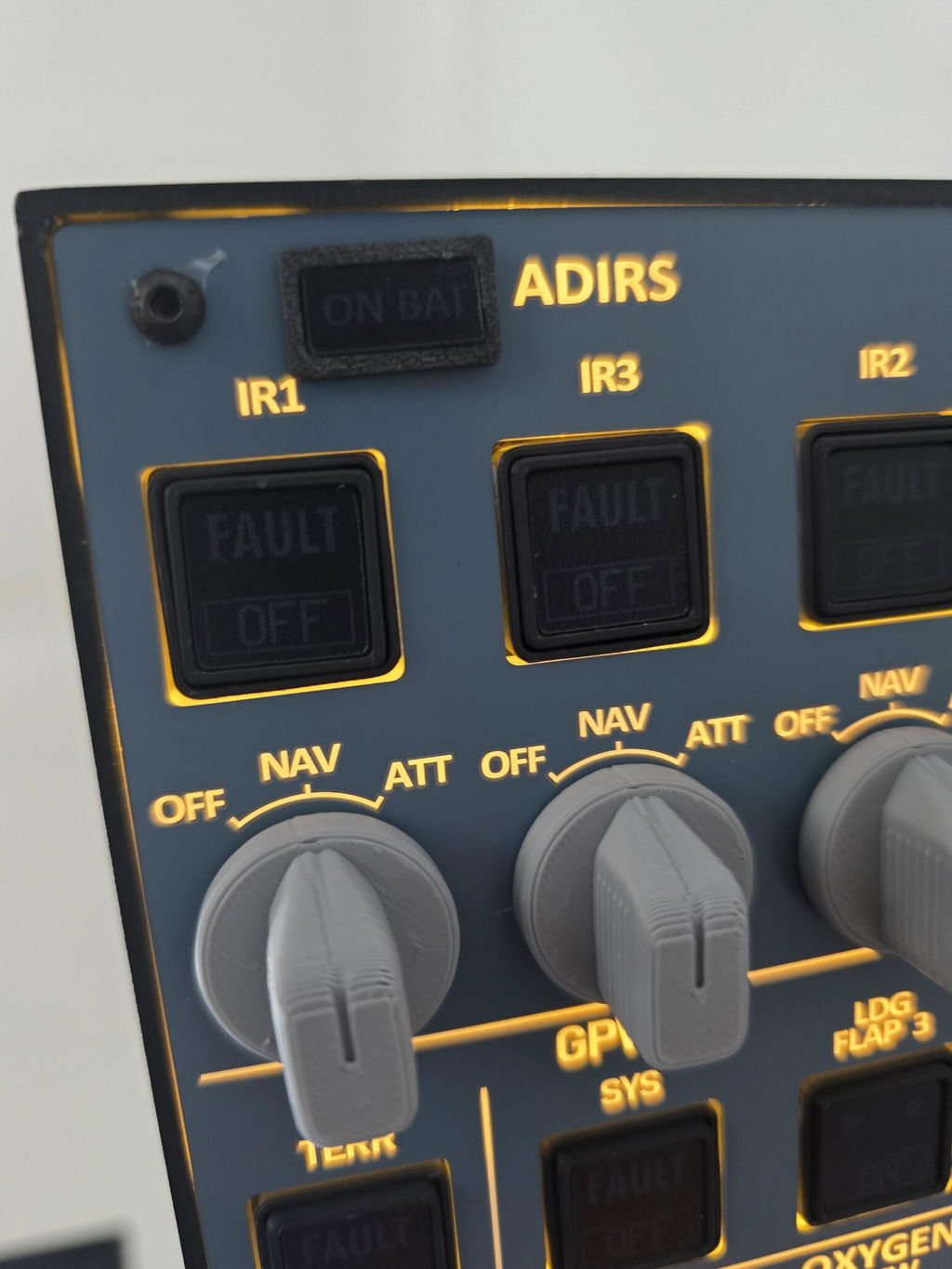
    Close-up of the A107 ADIRS mode selector knobs and push buttons

    Smoother keys, stronger panel

    • An independent frame for every key cuts key-sticking by 50%.
    • 4 mm+ acrylic face, 30% more rigid, so the panel won't sag.
    • Coated print is 50% more scratch-resistant. New V3.1 knobs feel more solid.
    Rear of the Rowsfire A107, showing the black aluminum alloy housing

    Metal housing, tactile switches

    • Aluminum alloy housing around a proven, stable PCB design.
    • Tactile switches with real travel, laid out like the A320 overhead.
    • Rear 100 × 100 mm VESA holes, one USB cable for power and data.
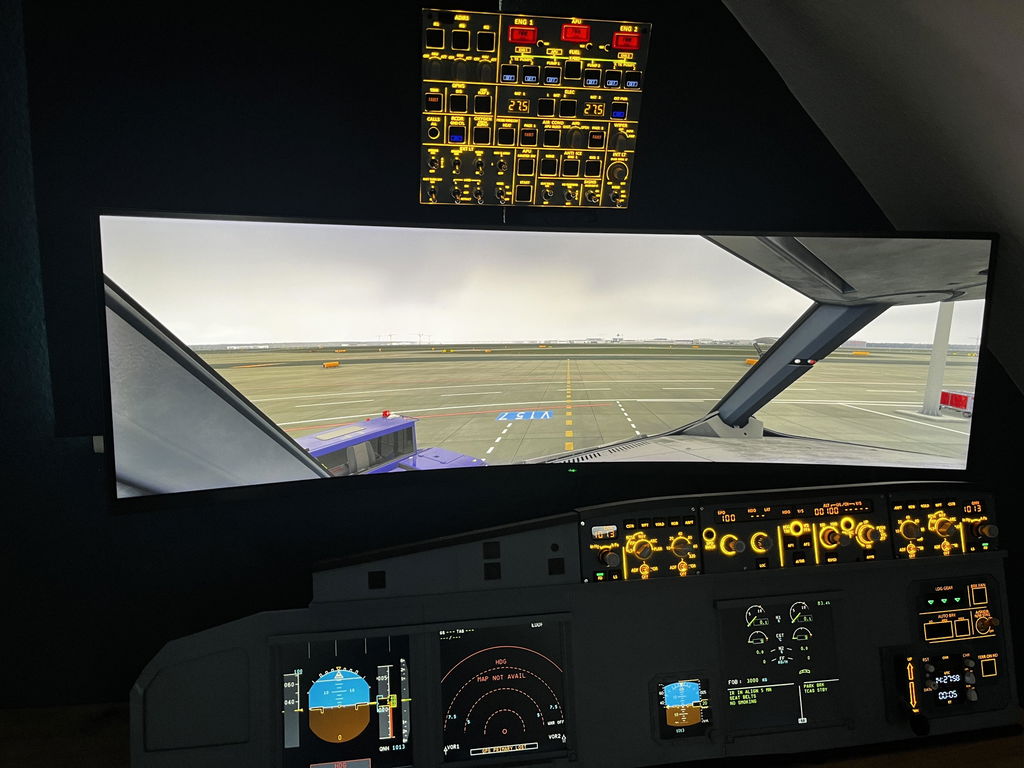
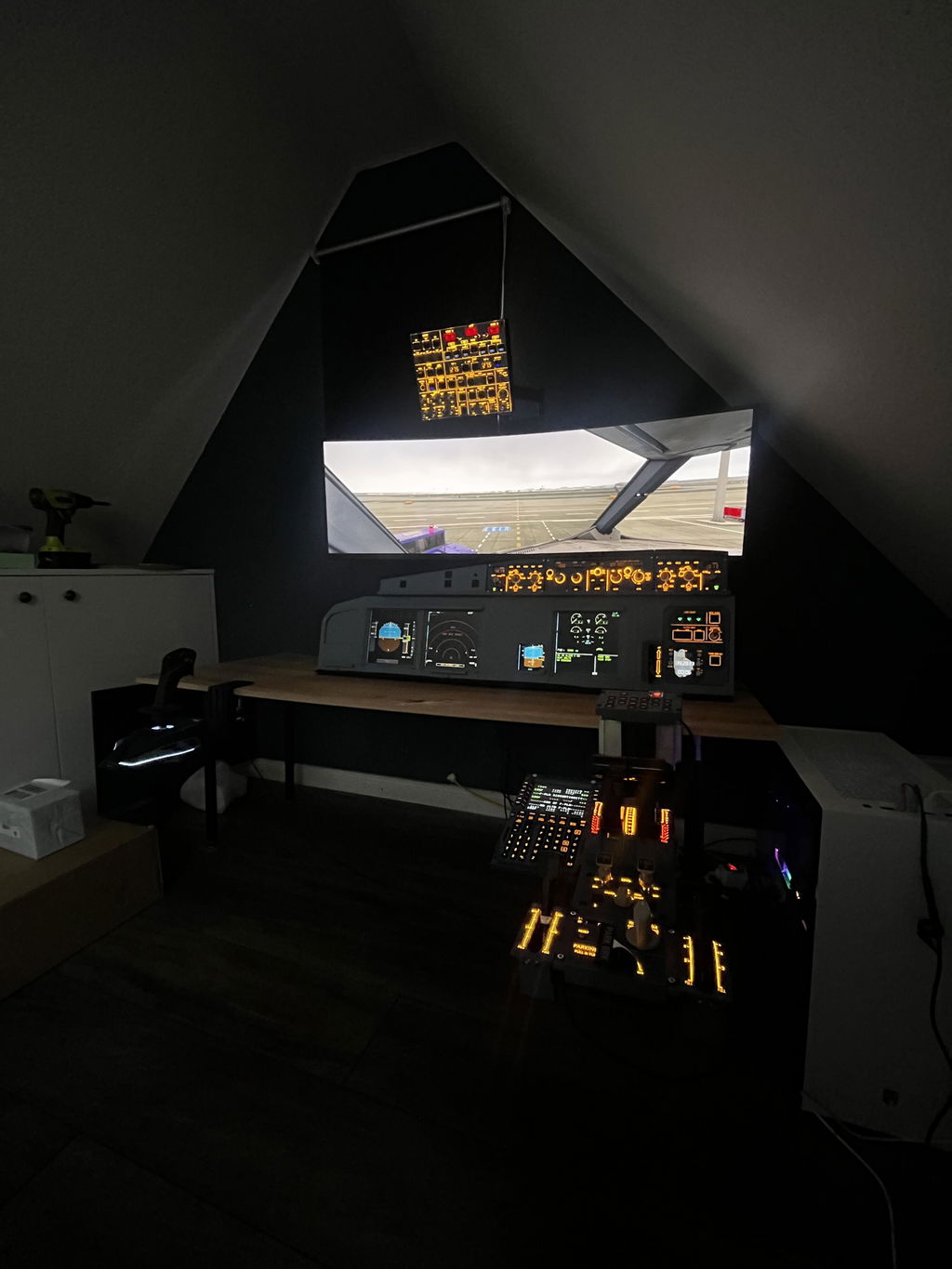
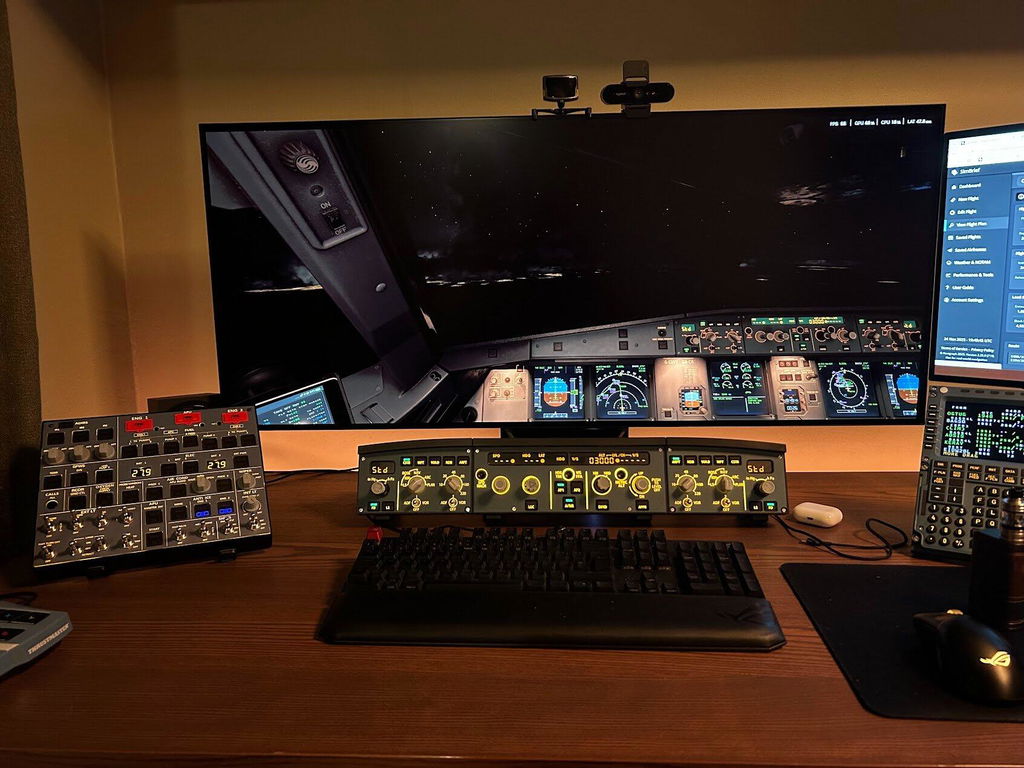
    A320 overhead panel in the flight simulator, synced live with the A107

    Plug and play with the Rowsfire App

    • The free App detects the panel and loads the right profile automatically.
    • No MobiFlight needed, but fully supported if you prefer it.
    • New aircraft support arrives through App updates (latest v3.2+ recommended).

    Compare

    A107 or A107 Pro?

    Same Rowsfire App, same VESA mount. Choose by desk space and how much of the overhead you want to cover.

    Rowsfire A107 compact A320 overhead panelA107 THIS ITEM
    Rowsfire A107 Pro full-size A320 overhead panelA107 Pro
    Best forDesktop setups and first home cockpitsFull home cockpits above a glareshield
    LayoutCore overhead functions in a compact layoutMost complete A-series overhead, real-aircraft key sizing
    Size260 × 210 × 30 mm405 × 270 × 60 mm
    Weight1.0 kg2.5 kg
    AircraftFenix A320, FlyByWire A32NX, ToLiss A319 / A320 / A321, FSLabs A320 / A321, iniBuilds A320neo V2Fenix A319 / A320 / A321, FlyByWire A32NX, ToLiss A320, FSLabs A321, MSFS default A320, A330-300 (matching modules), iniBuilds A350
    SimulatorsMSFS 2020 / 2024 · X-Plane 12MSFS 2020 / 2024 · X-Plane 12
    MainboardV3.1V4.0 SMT
    Power / dataSingle USB2 × USB-C (main + aux 5V)
    Mounting100 × 100 mm VESA100 × 100 mm VESA
    Price$379.99$499.99

    Choose the A107 if…

    • You fly from a desk or a compact setup.
    • You want the core overhead functions without the bulk.
    • You fly the Fenix, FlyByWire, ToLiss, FSLabs or iniBuilds A320 family.
    • You want the lower price.

    Choose the A107 Pro if…

    • You're building a full home cockpit above a glareshield.
    • You want real-aircraft key sizing and the most complete overhead.
    • You also fly the A330-300 (with matching modules).
    See the A107 Pro →

    Compatibility

    Works with the A320s you fly.

    Supported on MSFS 2020, MSFS 2024 and X-Plane 12 (Windows 10 / 11).

    Aircraft (Rowsfire App)

    • FenixA320
    • FlyByWireA32NX
    • ToLissA319 / A320 / A321
    • FSLabsA320 / A321
    • iniBuildsA320neo V2

    More aircraft are added through App updates. Full compatibility list →

    Two ways to connect

    Rowsfire App · plug and play. It's free, detects your panel and loads the right profile, so you're flying in under 60 seconds.

    MobiFlight · fully customizable. Map any function yourself. Config files are on GitHub.

    Quick start

    1. Install the Rowsfire App (free, latest v3.2+ recommended) and plug the A107 into your PC with the included USB cable.
    2. Start your simulator and load your A320 first, then open the Rowsfire App.
    3. Fly. The App detects the A107 and loads the right profile for your aircraft automatically.

    Using MobiFlight instead? Import the A107 config file from GitHub. V3.0 and V3.1 share one config file.

    ⚠️ Version note: V3.0 and V3.1 use the same configuration file. V1 and V2 each need their own dedicated config file.

    Up close

    Every switch where it should be.

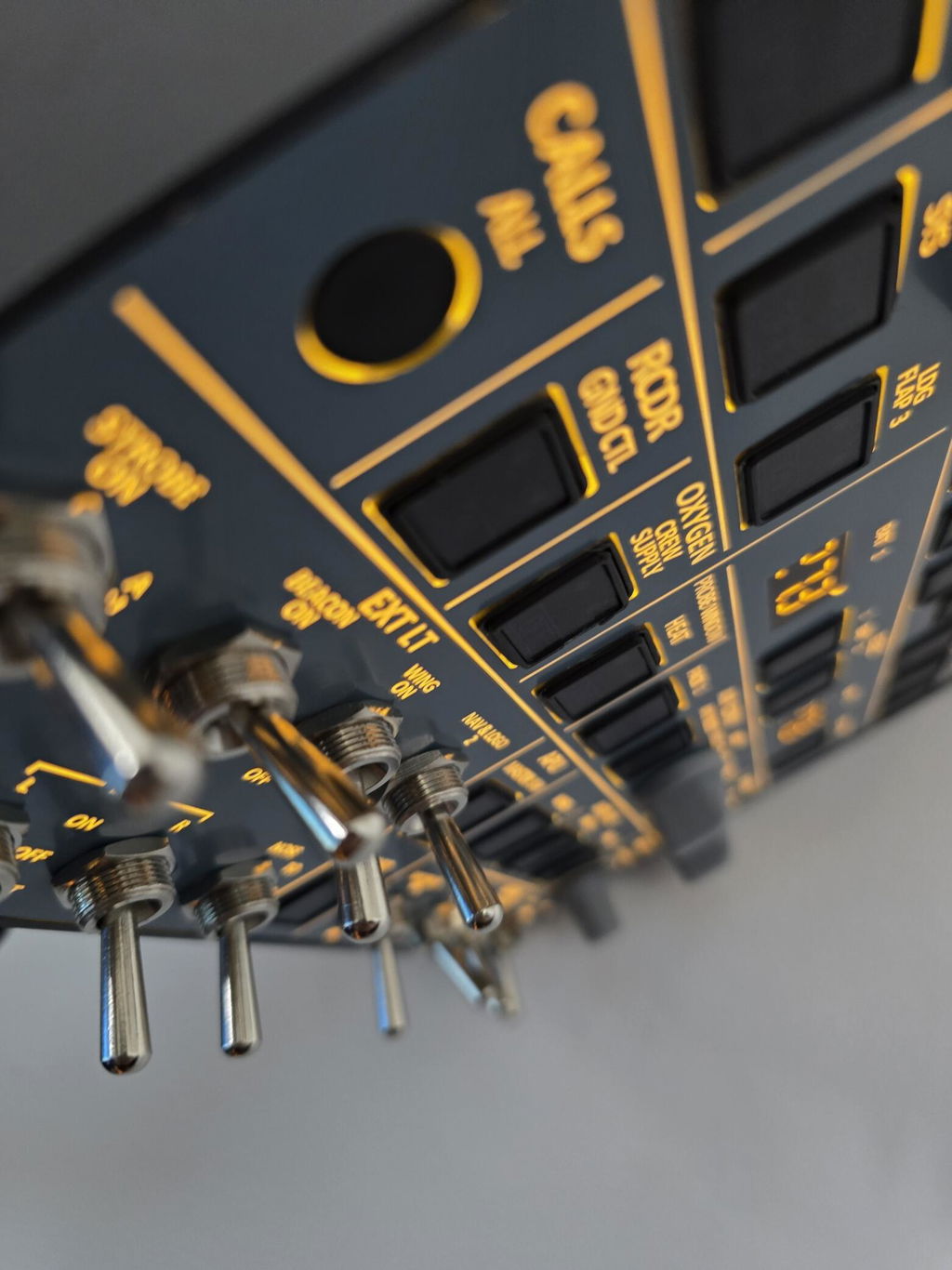
    A107 close-up of the EXT LT toggle switches and CALLS, RCDR and OXYGEN buttons
    A107 backlit close-up of the ADIRS knobs, ENG 1 fire button and battery display
    A107 close-up of the ENG 1, APU and ENG 2 fire push buttons and fuel pumps
    A107 close-up of the anti-ice buttons, wiper knobs and SIGNS switches
    A107 backlit close-up of the AIR COND panel and EXT PWR AVAIL light
    A107 at an angle, showing the slim metal housing and toggle switches

    Specs

    The technical details.

    PanelA320 Overhead Panel (OVHD), compact desktop edition
    EditionV3.1: backlit, metal housing, tactile switches, new knobs
    MaterialAluminum alloy housing, acrylic face, PCB
    SimulatorsMSFS 2020 / 2024 · X-Plane 12 (Windows 10 / 11)
    AircraftFenix A320 · FlyByWire A32NX · ToLiss A319 / A320 / A321 · FSLabs A320 / A321 · iniBuilds A320neo V2
    DriversRowsfire App or MobiFlight
    Mounting100 × 100 mm VESA (stand or arm sold separately)
    Power / dataSingle USB cable (included)
    Size26 × 21 × 3 cm
    Weight1.0 kg (1.3 kg packed)
    Package30 × 25 × 5 cm, color gift box
    Age16+

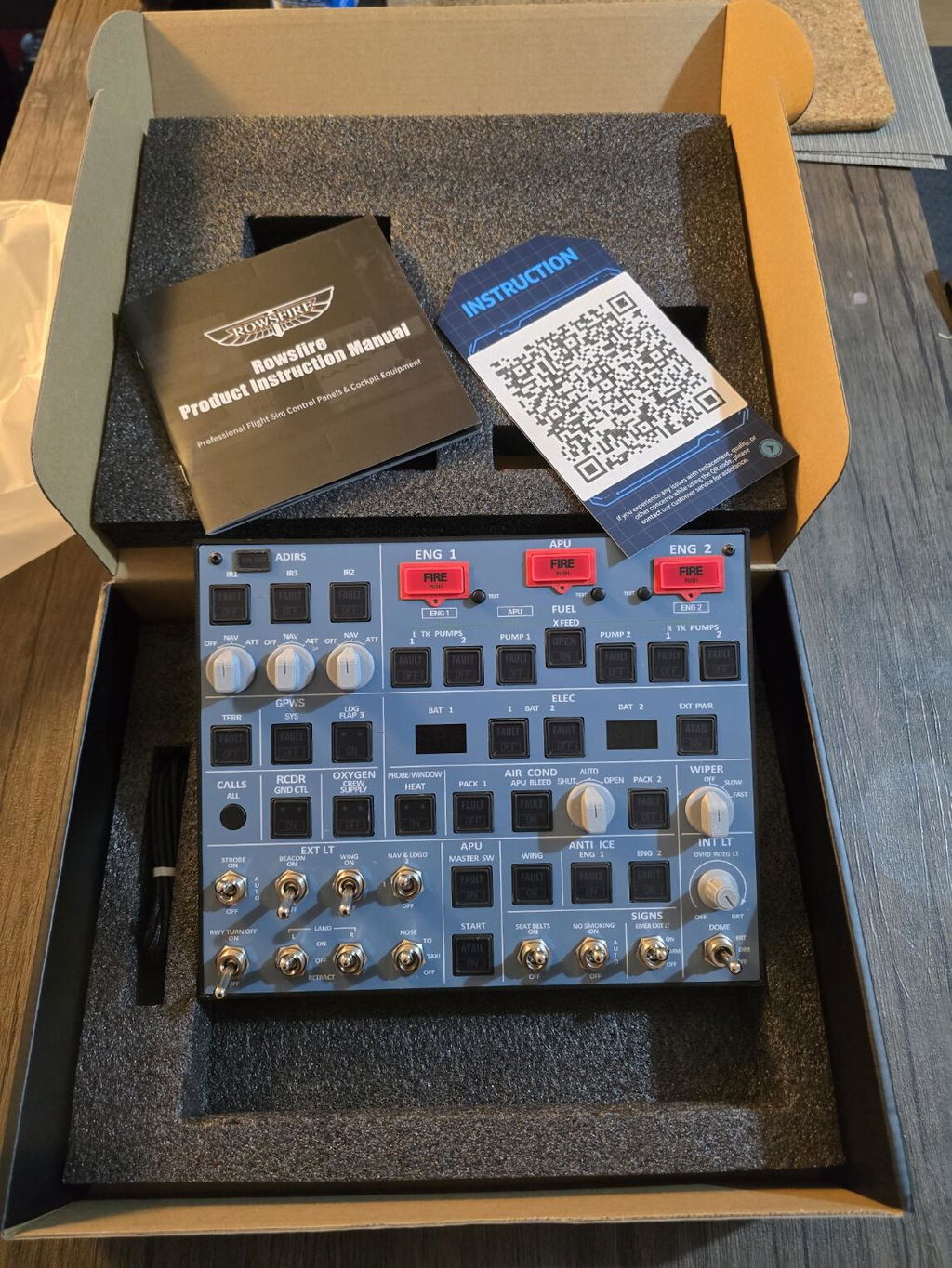
    What's in the box

    • A107 V3.1 Overhead Panel× 1
    • USB data cable× 1
    • Instruction manual (includes App setup)× 1
    • Color gift box× 1

    Setup takes one download: get the free Rowsfire App and follow the manual.

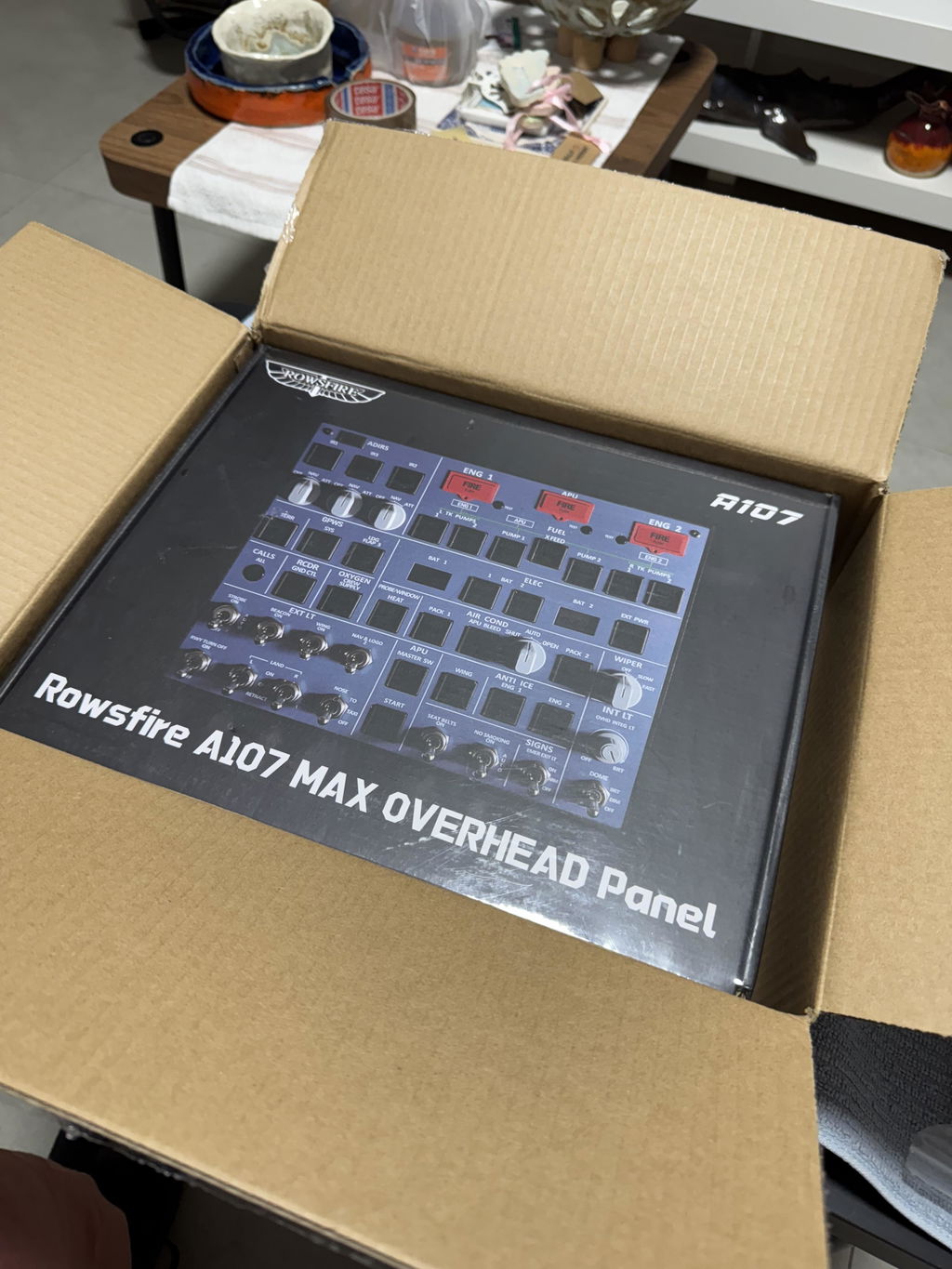
    Rowsfire A107 A320 overhead panel in its color gift box

    Buy with confidence

    Backed by Rowsfire.

    🛡️

    1-Year Warranty

    Free repairs & replacement parts

    🚚

    Free Shipping

    Worldwide · duties & taxes included

    ↩️

    30-Day Returns

    Return & exchange support

    💬

    Fast Remote Support

    95% of issues solved within 24h

    Common questions

    Before you order.

    Which simulators and aircraft are supported?

    MSFS 2020, MSFS 2024 and X-Plane 12 on Windows 10 / 11.

    With the Rowsfire App: Fenix A320, FlyByWire A32NX, ToLiss A319 / A320 / A321, FSLabs A320 / A321 and the iniBuilds A320neo V2 (MSFS). New aircraft are added through App updates. See the full compatibility list.

    Do I need MobiFlight?

    No. Download the free Rowsfire App. It detects the A107 and loads the right profile, so you're connected in under 60 seconds.

    If you'd rather customize every function, MobiFlight is fully supported, with config files on GitHub.

    US warehouse or China warehouse: what's the difference?

    It's the same A107 V3.1. Same price too. The US warehouse ships to US addresses only and arrives in about 5 days. The China warehouse ships worldwide and arrives in about 15 days.

    Both ship free with duties and taxes included.

    I own an older A107 (V1 / V2 / V3.0). What changed in V3.1?

    V3.1 brings a brighter backlight, sharper screen-printed labels, new knobs, smoother keys with an independent frame for each key, and a stiffer, more scratch-resistant panel.

    V3.0 and V3.1 share the same configuration file. V1 and V2 each use their own dedicated config file.

    Should I get the A107 or the A107 Pro?

    The A107 suits a desktop setup: it's compact (26 × 21 cm), covers the core overhead functions and runs on one USB cable. The A107 Pro is the full-size overhead with real-aircraft key sizing, built for a home cockpit above a glareshield.

    How do I mount it?

    The A107 has standard 100 × 100 mm VESA holes on the back, so any VESA stand or arm works. Our Adjustable Stand and VESA Mount Arm both bolt straight on. See the options at the bottom of this page.

    What's in the box? Do I need a code to set it up?

    The panel, a USB data cable and the instruction manual. No activation code is needed. The manual walks you through installing the Rowsfire App and connecting the panel.

    What's your return and warranty policy?

    You get 30 days to return or exchange, and a 1-year warranty with free repairs and replacement parts.

    How do I get help with setup?

    Message us through live chat on this site. Our remote support team solves 95% of issues within 24 hours. You can also find setup help, config files and other builders in the Rowsfire Facebook community.

    Bundle & save

    Complete your A320 desk cockpit, save up to 15%.

    Pair the A107 with Rowsfire pedestal panels. Everything you tick goes into your cart in one click, and multi-item discounts apply automatically at checkout.

    1 item(s)
    Multi-item discount (est.)−$0.00
    2 items · 13% 3 items · 14% 4+ items · 15%
    Estimated total

    Discounts apply at checkout; the best available offer is used.

    • 5 stars: 49 (71%)
    • 4 stars: 14 (20%)
    • 3 stars: 5 (7%)
    • 2 stars: 1 (1%)
    • 1 star: 0 (0%)
    Some of the reviews shown are from related products the merchant grouped with this one.
    S
    Sebastien Maurice

    Nice product , work perfectly conform to thz description thanks

    A
    Axel Winkel

    Leider fehlte bei der Lieferung der persönliche QR Code..Die Installation hat danach tatsächlich 1,5 Std gedauert

    M
    Marti

    Awesome! That is the next Level of Immersion. In addition to that, i got a perfect support when installing the product sponteaneous via Whatsapp. Thanks again for that great service.The good thing is, that it works with the Rowfire App Plug&Play, when you do that as instructed. No Mobiflight or other complicated settings are necessary. Looking forward tothe other products, i‘ll use for my Homecockpit. 😊👍🏻

    A
    Anonymous

    Package arrived very quick, <5 days from dispatch.

    The items seems well built, but the QC was quite lacking - There were nuts on the light switches that were loose, light bleeds on the edge where the acrylic meets the metal housing.
    The rowsfire app is quite straightforward and easy to use, though it could be better. For example: you need to press run on the software once the aircraft loads into the sim, not totally "plug and play".

    Otherwise, happy with the product,

    J
    Johnny Connolly

    Love it! Set up was reasonable
    Adds an amazing immersion to my sim
    Top marks Rowsfire

    A
    Anonymous

    God pannel a107

    B
    Bálint Győry

    Excellent!

    C
    Craig McDougall

    The panel looks very good and buttons and switches work. Only issue is that the INT LT knob is not in the correct position on the display. when turned all the way left the knob does not face the "Off" location. When you turn it to the right, it then faces the "Off" position.

    I
    Iaindwood

    Bought mine from eBay, it arrived I downloaded the Rowsfire app 1.6 it recognised the hardware, started FS2024 and the Fenix A320 and boom away I went! Very happy with my purchase and the item is top notch for the price 😎

    X
    Xavier LEROUX

    Une super expérience pour le Fenix A320. Attention, les boutons des ADIRS sont un peu fragiles. A renforcer pour qu'ils ne tournent pas dans le vide.
    En tout cas, un super produit.

    J
    J.A. van Schoneveld

    Magnificent A320 addition to my MSFS2020 home cockpit.

    M
    Mark

    Excellent product and came with thoughtful Christmas card

    R
    Richard Sajgal

    The OVH Panel V3 arrived last week, and I’ve already been testing it for a few days. So far, I’m extremely satisfied!!! 👍👍👍👍
    The installation is very easy!!! It can’t even be compared to the V1 that I previously owned.

    Unfortunately, my V1 unit broke, but during the warranty process I was able to negotiate a very good discount with the company ROWSFIRE on this new OVH V3.
    Thank you, ROWSFIRE, for agreeing to this!!!! 🙏🙏🙏

    I have already ordered more products from you for my setup, and I plan to order even more in the future… ☺️☺️☺️
    Once again, THANK YOU very much!

    m
    matthew hyett

    Works great easy setup alls good

    L
    Leo

    Perfect little overhead. My first thought was that it would be bigger, but this size is fine.
    During installation, there are too many different Mobiflight files. I would recommend making only the latest version visible.
    Incidentally, the latest Mobiflight version still has a few minor bugs that can be fixed yourself.
    All in all, a great purchase for the asking price. Keep up the good work, Rowsfire.

    R
    Ronen Ashkenazii

    מוצר מדהים

    N
    Noodles

    My A107 V3 arrived well packed, undamaged and in good time.

    I love the what Rowsfire have done here, The panel nearly does everything I want, it took me a little while to familiarise myself using the overhead panel and get away from using the mouse but it came quick enough further increasing my Sim immersion.

    The price point this is being sold for is more than fair and priced to sell to users like myself who don't mind spending a few hundred dollars - pounds on a flight Sim set up.

    The panel it self seems fairly robust and all of the buttons react positively, and are to my liking.

    Personally I think there are a few areas where improvements could be developed a little further to improve the Overhead panel.

    But all said and done and compared to the currently available alternatives, Rowsfire are smashing it, Well done.

    My Thoughts:

    1. If the OVH backlighting could be a little stronger.
    2. If the 3D printed knobs could be moulded, I'd gladly pay the extra and for the toggle switches too.
    3. I'd like to see the 3x temp / aircon control knobs as I do use these when flying the Fenix A320, but still need to use the mouse.
    4. As I have read, the Mobiflight is a bit of a fiddle if your unfamiliar like myself, and took a little time to get things working, but all good in the end. A self installer would be great.

    Thank you so much for your honest review and the thoughtful suggestions. We truly appreciate you taking the time to share detailed feedback — it means a lot to our team.

    We’re already working on improvements in the areas you mentioned, including stronger backlighting, upgraded knobs and switches, expanded functionality, and a smoother setup process. With our team’s current progress, we’re confident these upgrades won’t take too long, and we’ll be sharing results with you all soon.

    Thank you again for choosing and trusting Rowsfire. Your support genuinely motivates us to keep getting better.

    A
    Asger Petersen

    I’m very happy with it,it works as it’s supposed.
    I wish you have your own software so you don’t have to start Mobiflight manual every time to run it, like MiniCockpit and WingWing.

    Thank you so much for your feedback and support! We're really glad to hear everything’s working well for you.
    And yes! We totally understand your point about having our own software. It’s something we’re actively exploring to make setup and startup even smoother, just like MiniCockpit or WingWing. Your suggestion means a lot and helps us improve! 💪

    C
    Chris

    Very nice V3, in order to add more on my home cockpit (who is not yet finish), this OVH pannel add this realistic touch. Working very well with the Fenix a320 and simple to configure.

    Thank you so much for your kind words! 🙌 We’re really happy to hear the V3 fits perfectly into your home cockpit setup and adds that extra touch of realism. Glad it’s working smoothly with the Fenix A320 too! Enjoy building your cockpit — can’t wait to see it once it’s finished!

    E
    Ernesto

    Hi!
    I would like to know if the Rowsfire A107 A320 Overhead Panel V3.1, it’s 100% plug and play for the Fenix a320 on MSFS 2024 or do I need to install and set up a software (application) to my computer to make it run?
    Thank in advance you for your answer.
    Ernesto E.

    Rowsfire

    Hi Ernesto,
    Thank you for your inquiry! 😊
    The A107 V3.1 is compatible with the Fenix A320 on MSFS 2024. The hardware is plug and play, but you will need to install our Rowsfire App on your computer to recognize and configure the panel.
    Once the Rowsfire App is installed, simply connect the panel and you can start using it. No MobiFlight is required.

    Complete your setup

    How will you mount it?

    The A107 has a standard 100 × 100 mm VESA interface on the back, so both options bolt straight on. At 1.0 kg, it's light enough for either one.

    Rowsfire adjustable stand with steel column and gas-spring arm
    Most popular · true overhead position

    Adjustable Stand

    Best for: lifting the panel above your monitors, like a real flight deck.

    • Steel column + gas-spring arm included, nothing else to buy
    • Column 75 / 105 / 150 cm · 2- or 3-section arm
    • Holds up to 25 kg · 360° rotation · clamp or grommet

    From $149.99

    View stand details →
    Rowsfire desk-clamp VESA mount arm with gas-spring suspension
    Compact · budget-friendly

    VESA Mount Arm

    Best for: smaller desks and a simple, free-floating setup.

    • 4-axis gas-spring arm · reach up to 540 mm, height up to 415 mm
    • Holds up to 6 kg. The A107 weighs 1.0 kg.
    • Clamp (10–80 mm desks) or grommet mount

    From $69.99

    View arm details →

    Buying them together? Any 2 items get 12% off automatically at checkout. Add a mount with your A107 ↑

    Ready to put an A320 overhead on your desk?

    In stock · US addresses ≈5 days (US warehouse) · worldwide ≈15 days · free worldwide shipping · duties & tax included · 1-year warranty · 30-day returns

    Ask the Community