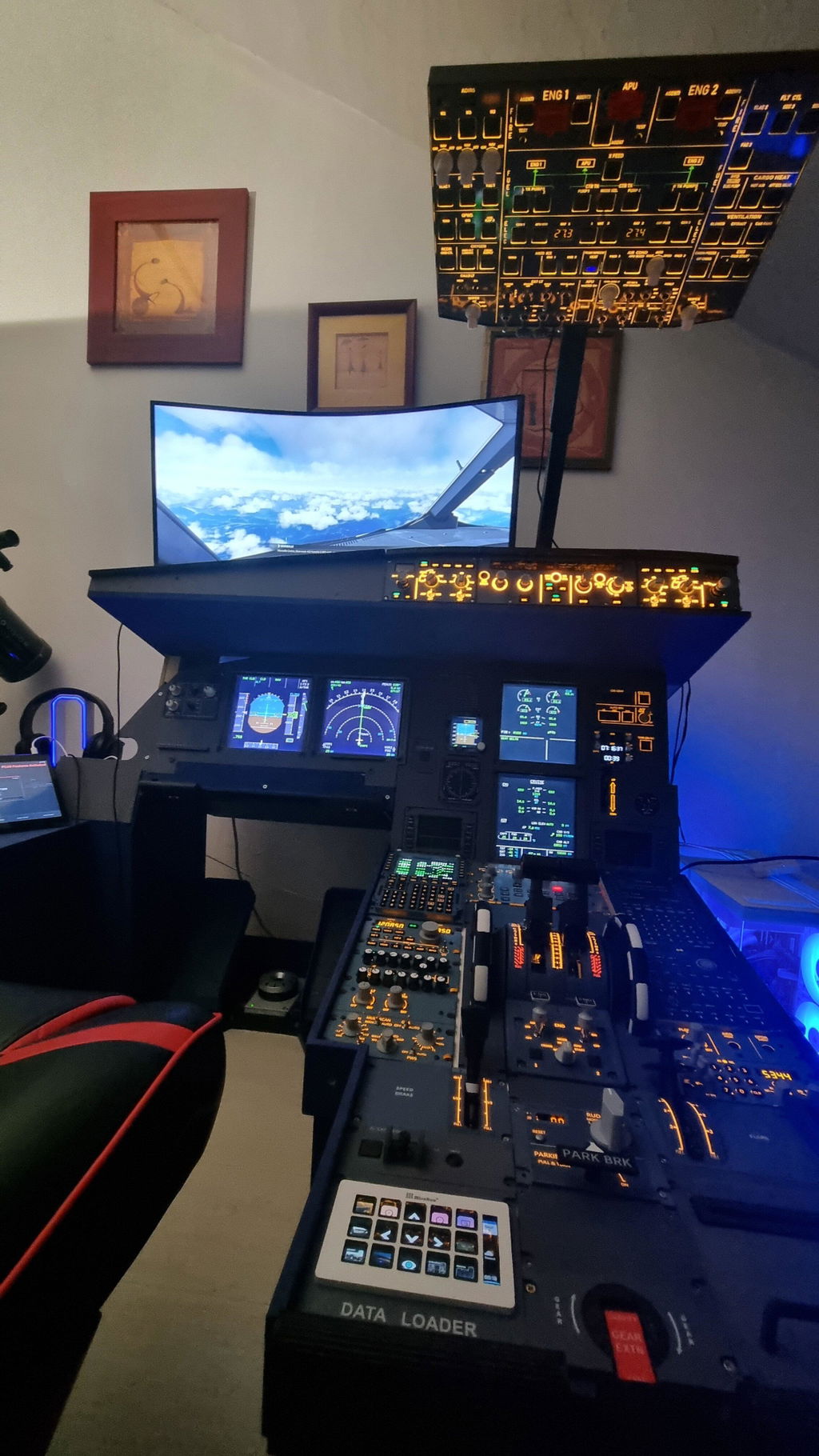
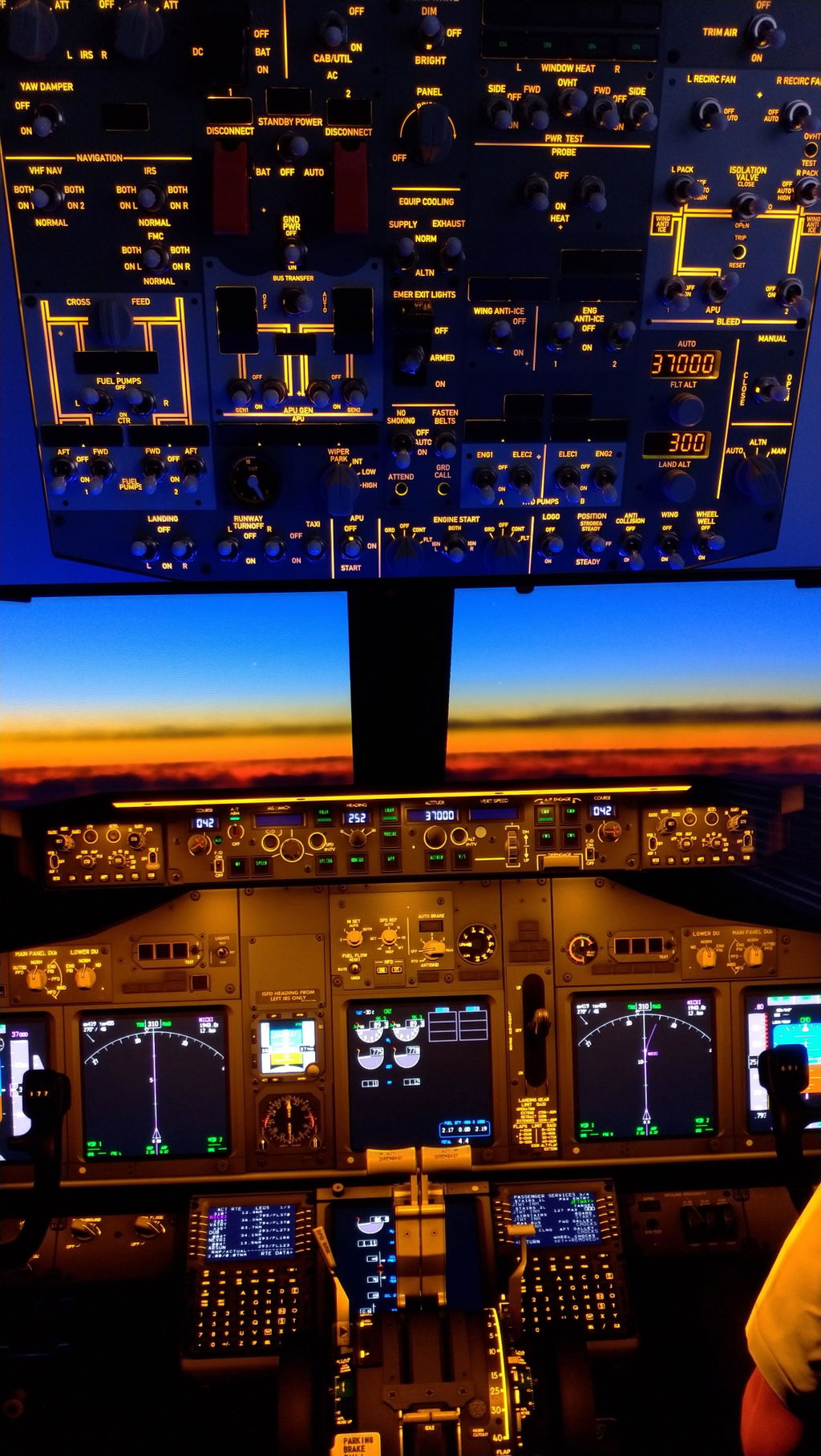
If you’re a flight sim enthusiast on the hunt for affordable, functional hardware to elevate your cockpit setup, you’ve likely come across Rowsfire—a brand that’s quickly making a name for itself in the budget simming community. Today, I’m diving deep into their A112 Weather & Lighting Panel, a compact dual-function unit designed to enhance your Airbus (or even Boeing) simulation experience. After unboxing, testing, and putting it through its paces with my home cockpit, here’s my full breakdown of what works, what could be better, and whether it’s worth your hard-earned cash.

First Impressions: Unboxing & Build Quality
Let’s start with the unboxing experience—something that often sets the tone for a product. When the A112 arrived, I was immediately struck by how well-packaged it was, which gave me confidence right off the bat (especially important for delicate sim hardware). Upon opening the box, the first thing I noticed was a “blemish” on the top of the panel. My initial thought? “Oh no, a paint defect.” But relief quickly followed: it was just a protective plastic film, similar to what you’d find on a new phone or laptop. This film is there to prevent scratches during shipping and manufacturing, and while I removed it (I’m a bit OCD about such things), you can absolutely leave it on if you prefer.
Once the film was off, the A112’s build quality really shone through. This isn’t a flimsy, lightweight plastic unit—it has a solid weight to it, feels sturdy in the hand, and exudes a sense of durability that’s hard to find in budget-friendly sim hardware. The panel’s design is clean and compact, making it easy to fit into even the most crowded home cockpits, and the layout of the knobs and switches is intuitive, mirroring the real-world aircraft panels it’s modeled after.
Functionality: Does It Deliver on Its Promises?
The A112 is a dual-purpose panel, handling both weather controls and lighting adjustments—and for the most part, it does both exceptionally well. Let’s break down each function:
Weather Control Knob
The centerpiece of the A112 is its weather control knob, which allows you to cycle through weather modes (weather, turbulence, hazard, map) with smooth, precise rotations. I tested this extensively with my flight sim, and I was impressed by how responsive it was—each rotation translated perfectly to the sim, with no lag (note: any lag I experienced during testing was due to my own USB hub issues, not the panel itself). The knob clicks into place nicely, giving you tactile feedback that helps you know you’ve selected the right mode, and while the alignment of the knob’s markings is slightly off (a minor nitpick), it doesn’t affect functionality at all.
Lighting Controls
The A112 also features two lighting knobs: one for flood lighting and another for backlighting. The flood lighting knob adjusts the brightness of the panel’s own lights, while the backlighting knob controls the brightness of all connected backlit devices—including my Wingwing MCDU, throttle quadrant, and auto brake unit. This is a game-changer for immersion, as it lets you adjust lighting to match your sim’s in-game conditions (e.g., dimming lights for night flights).
During testing, I noticed a slight glitch with the backlighting control, but it turned out to be a conflict between my SIMAP Pro software and Moi Flight—not an issue with the A112. Once I restarted the software, the backlighting worked flawlessly, syncing perfectly with all my connected devices. The flood lighting also performed well, providing just the right amount of illumination without being too bright or distracting.
Potential Hiccups (and How to Fix Them)
No product is perfect, and the A112 has a few minor quirks—but most are easily fixable, especially if you’re familiar with sim hardware setup. Here’s what to watch out for:
USB Power Issues
The biggest issue I faced during testing was intermittent power cuts and lag, which I quickly traced back to my USB hub. The A112 (like most sim hardware) requires a stable power supply, and if you’re using an underpowered USB hub (or one with too many devices connected), you’ll run into problems. My advice? If your motherboard has a spare PCI slot, invest in a USB PCI expansion card. This provides direct, stable power from your computer, eliminating lag and disconnections. I tested this with my Wingwing MCDU and joystick, and the difference was night and day—no more random disconnects or glitches.
Knob Alignment & Aesthetics
As I mentioned earlier, the weather knob’s markings are slightly misaligned—but this is purely a cosmetic issue and doesn’t affect performance. Another minor gripe: the knobs are white, while the in-game knobs are gray/black. If this bothers you (it did a little for me), you can easily 3D-print replacement knobs to match your cockpit’s aesthetic. The panel’s top black caps also feel a bit cheap, but again, this is a small detail that doesn’t impact functionality.
Compatibility with Other Panels
If you’re using the A112 with a 109 panel, you may notice that the 109’s lower ECAM knob also controls backlighting. To fix this, simply go to the analog config menu, turn off the MIP LT option, and save your settings—this disables the ECAM knob’s backlighting control, letting the A112 take over.
Why the A112 Stands Out (Even Against Competitors)
The budget simming market is crowded, with brands like Wingwing, SL3, and Sim Gauges vying for attention—but the A112 holds its own, and in some cases, outperforms its competitors. Here’s why:
Speed to Market
One of Rowsfire’s biggest advantages is their speed—they’re releasing new products far faster than brands like Wingwing, which often makes customers wait months (or even years) for new hardware. The A112 is a perfect example: while Wingwing has yet to release a comparable weather/lighting panel, Rowsfire has delivered a functional, affordable option that’s available now.
Value for Money
At its price point, the A112 is hard to beat. It offers dual functionality (weather + lighting) in a compact, well-built unit—something you’d typically pay twice as much for from high-end brands like Scalaki. Scalaki’s products are exceptional, but they’re also out of reach for most budget simmers; the A112 gives you similar functionality without breaking the bank.
Continuous Improvement
Rowsfire is a young brand, but they’re learning fast. They actively listen to feedback from reviewers and customers, and they’ve already improved their early products (like the A107 Airbus Overhead) based on user input. This commitment to improvement gives me confidence that future Rowsfire products will only get better—and that any minor issues with the A112 will be addressed in future iterations.
Final Verdict: Should You Buy the Rowsfire A112?
If you’re a budget-conscious flight sim enthusiast looking to add immersion to your cockpit without spending a fortune, the answer is a resounding yes. The A112 is a solid, functional panel that delivers on its promises: it’s well-built, responsive, and packed with features that enhance your simulation experience. The minor quirks (misaligned knobs, white knobs, cheap caps) are easy to overlook, especially when you consider the price.
I also want to address the criticism Rowsfire sometimes gets online. Nine times out of ten, the issues people complain about are configuration or power supply problems—not hardware defects. Rowsfire is a Chinese brand, and while their English support isn’t perfect, they’re committed to helping customers resolve issues, and they often use feedback from reviewers like me to improve their products.
Bonus: A Note on Rowsfire’s Future
Rowsfire isn’t stopping with the A112—they’re expanding into Boeing hardware, with their B107 Boeing Overhead Panel set to launch soon (and available for pre-order). As someone who flies both Airbus and Boeing sims, I’m excited to test this out—it looks like a high-quality, affordable option for Boeing fans, and I highly recommend keeping an eye on it.
Closing Thoughts
The Rowsfire A112 Weather & Lighting Panel is a testament to what budget sim hardware can be: functional, durable, and immersive, without the high price tag. It’s not perfect, but it’s more than worth the investment for anyone looking to upgrade their home cockpit on a budget. With a stable USB power supply and a few minor tweaks (if you want), the A112 will become an essential part of your sim setup.
If you have any questions about the A112, or if you’ve tested it yourself, feel free to leave a comment below—I’d love to hear your thoughts. And if you’re in the market for more budget sim hardware, be sure to follow Rowsfire—they’re a brand to watch.
Happy flying, and stay frosty!