Ir a la información del producto
1 de 13

Rowsfire

Rowsfire A106 A320 Overhead Panel — Backlit Metal, Plug & Play

🔥10% Off: $179.99, Build Your A320 Cockpit

Version
Precio regular
$199.99 USD
Precio regular
Precio de venta
$199.99 USD

Aluminum Alloy Frame

Adjustable Backlight

Works with Fenix/FBW/iniA320

Free Worldwide Shipping

30-Day Return & Exchange

1-Year Warranty

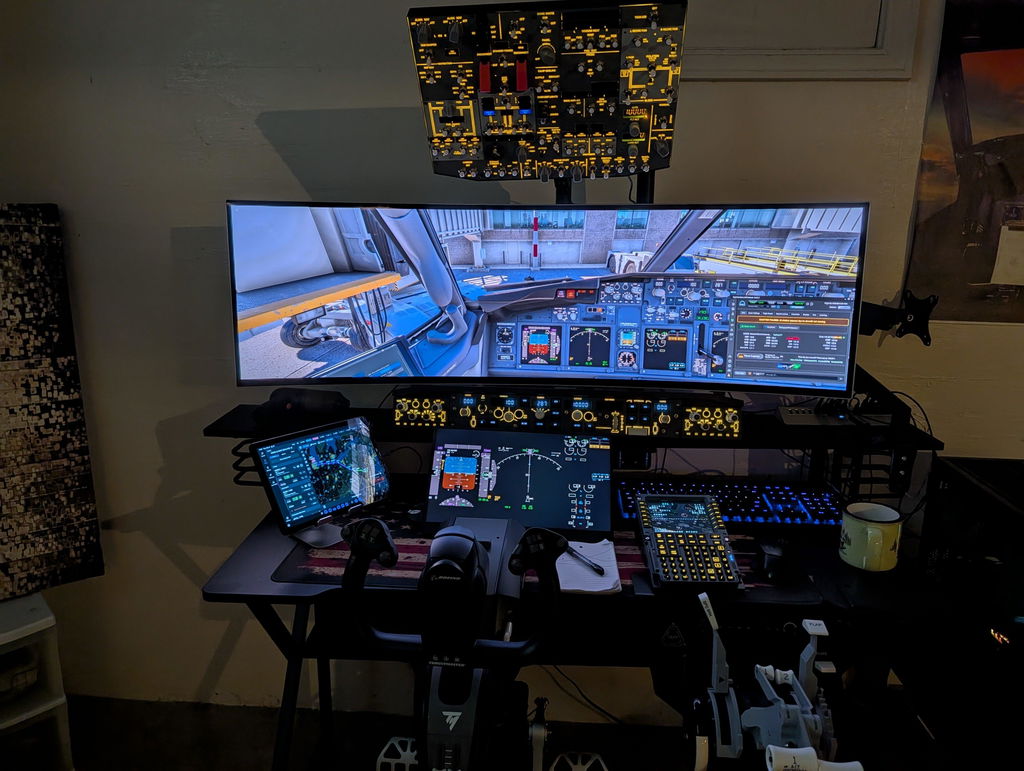
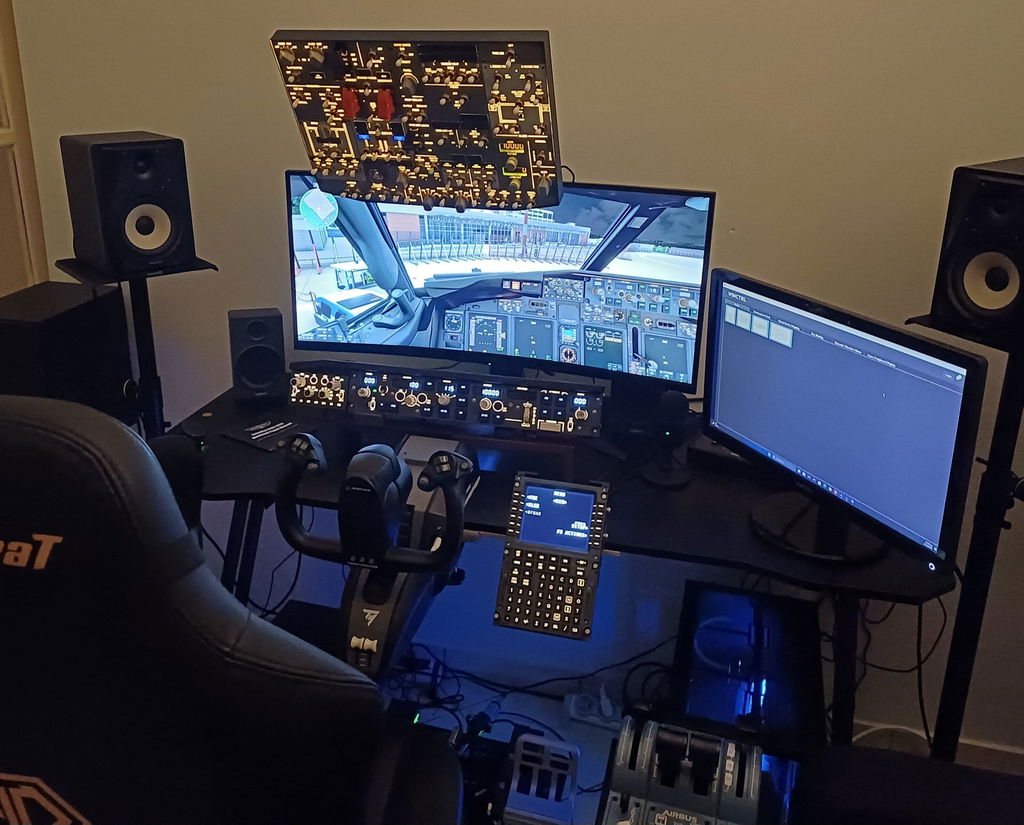
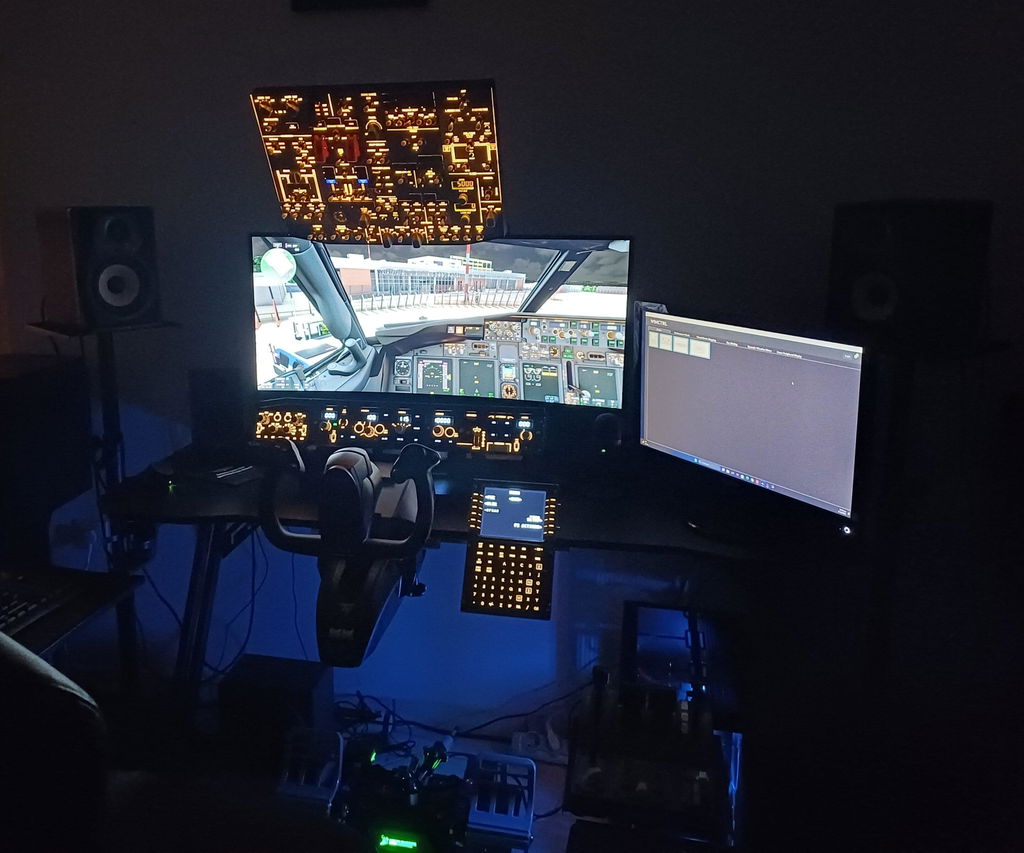
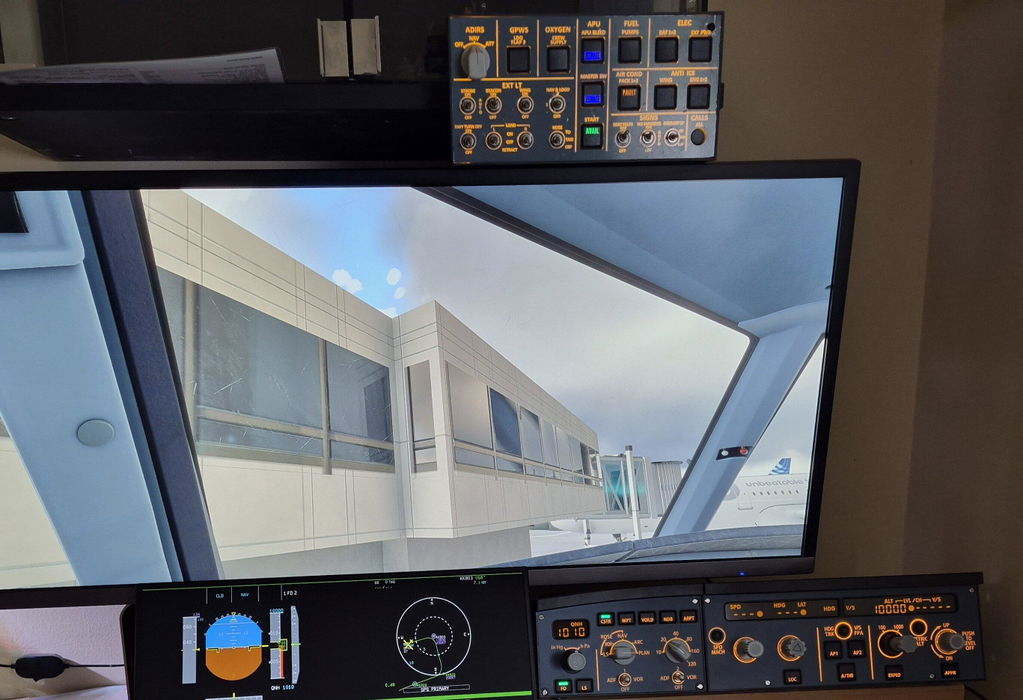
    Rowsfire A106 pro A320 pro Light Overhead Panel (OVH) - Rowsfire
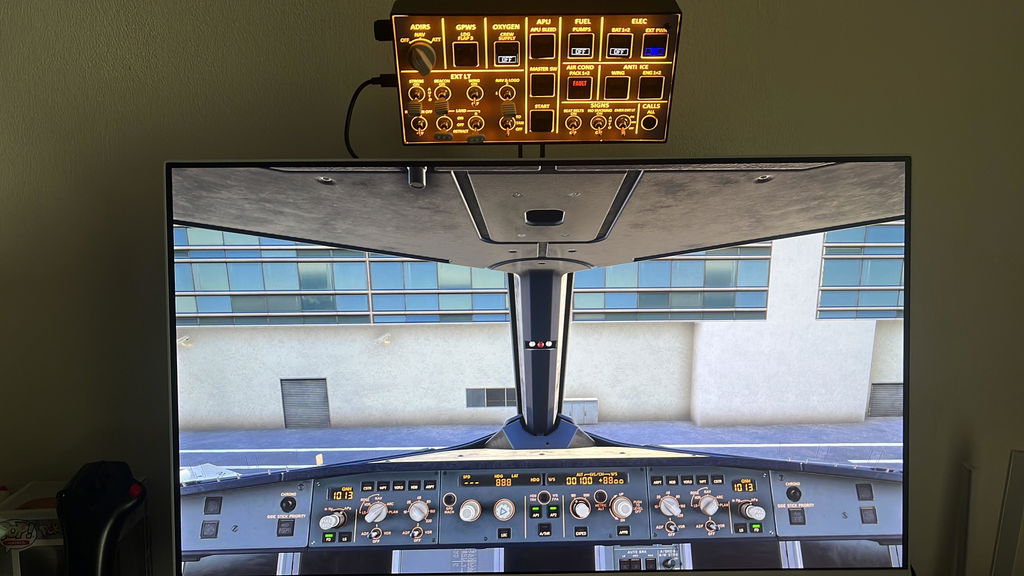
    Rowsfire A106 pro A320 pro Light Overhead Panel (OVH) - Rowsfire
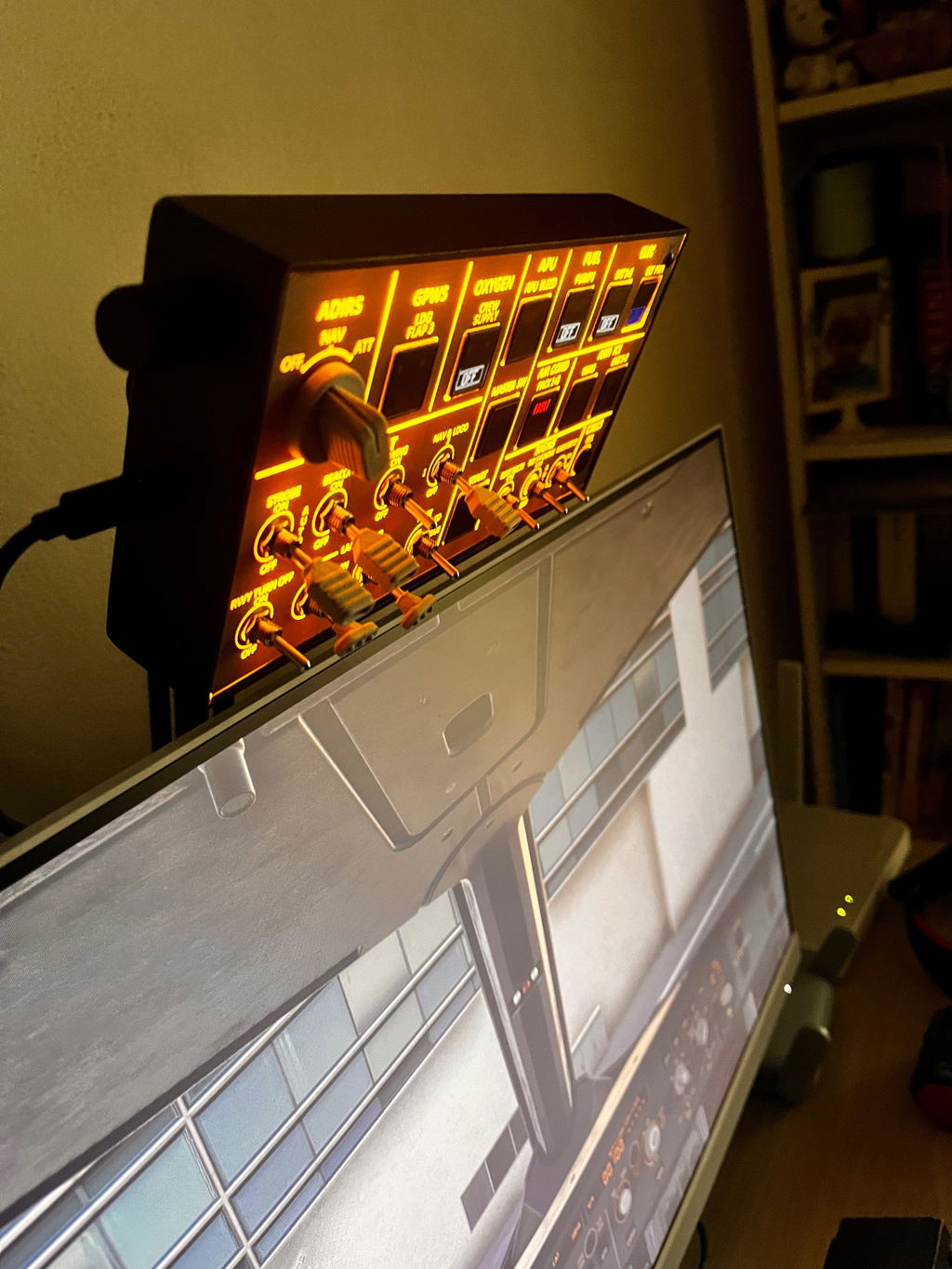
    Rowsfire A106 pro A320 pro Light Overhead Panel (OVH) - Rowsfire
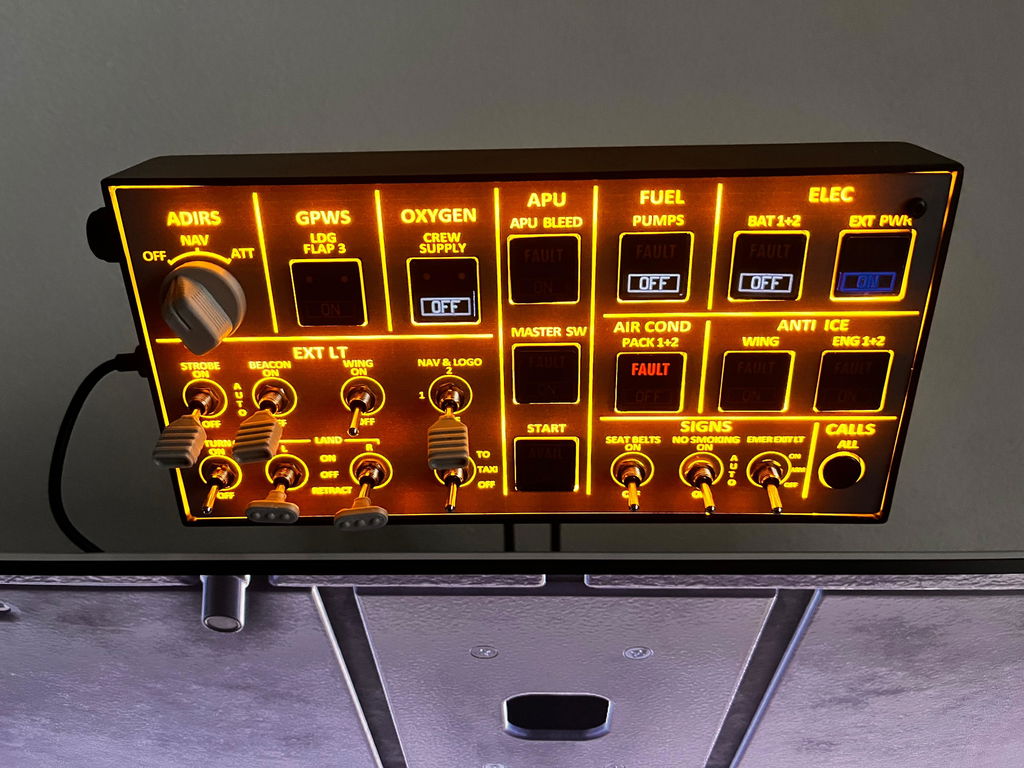
    Rowsfire A106 pro A320 pro Light Overhead Panel (OVH) - Rowsfire
    Rowsfire A106 pro A320 pro Light Overhead Panel (OVH) - Rowsfire
    Rowsfire A106 pro A320 pro Light Overhead Panel (OVH) - Rowsfire
    Rowsfire A106 pro A320 pro Light Overhead Panel (OVH) - Rowsfire
    Rowsfire A106 pro A320 pro Light Overhead Panel (OVH) - Rowsfire
    Rowsfire A106 pro A320 pro Light Overhead Panel (OVH)-V2.0 - Rowsfire
    Rowsfire A106 pro A320 pro Light Overhead Panel (OVH)-V2.0 - Rowsfire
    Rowsfire A102 A350/A320 mini Light Overhead Panel (OVH) - Rowsfire
    Rowsfire A102 A350/A320 mini Light Overhead Panel (OVH) - Rowsfire
    Rowsfire A102 A350/A320 mini Light Overhead Panel (OVH) - Rowsfire
    Airbus A320 Light Overhead (OVHD) Panel · V3.0

    A compact A320 overhead — backlit, metal, plug & play.

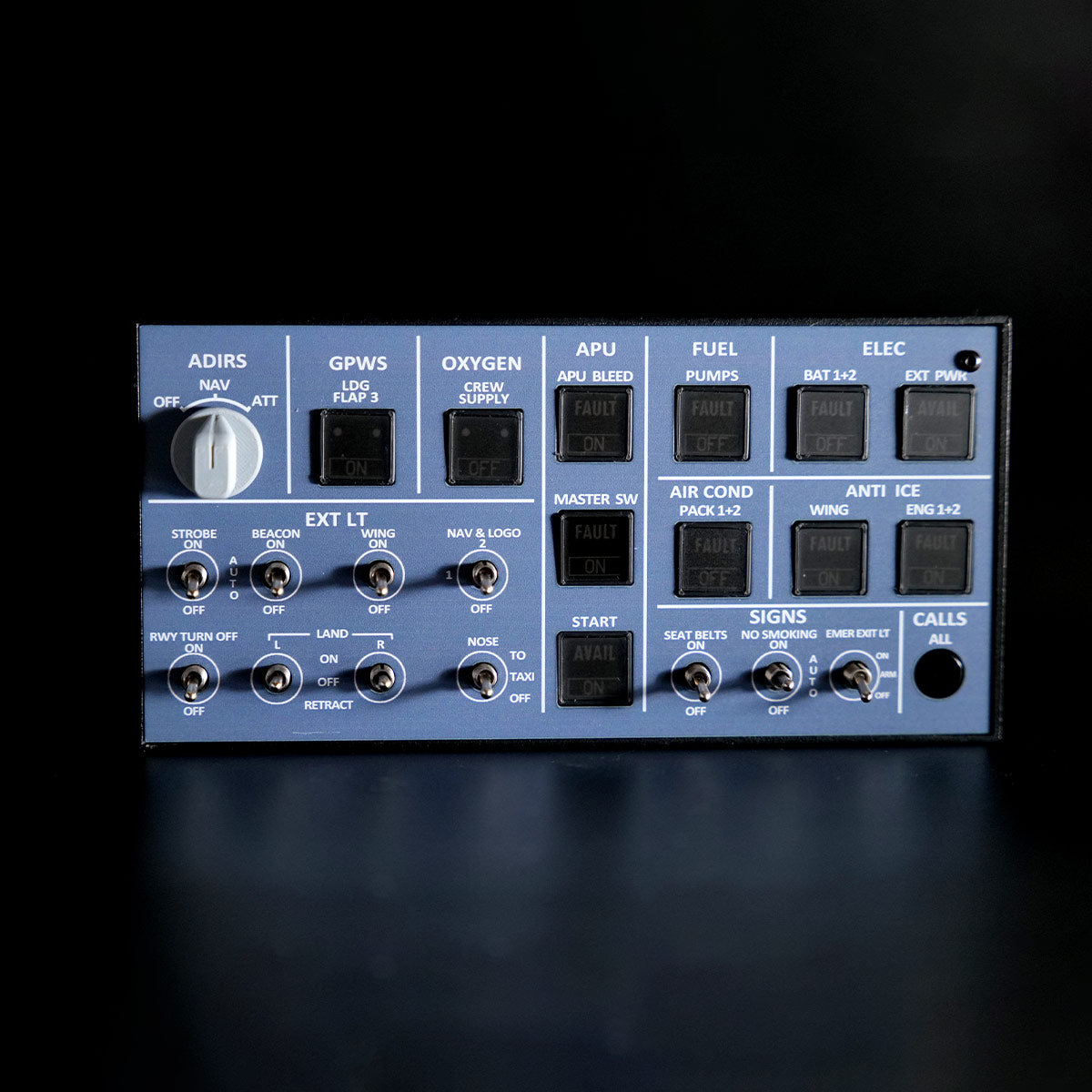
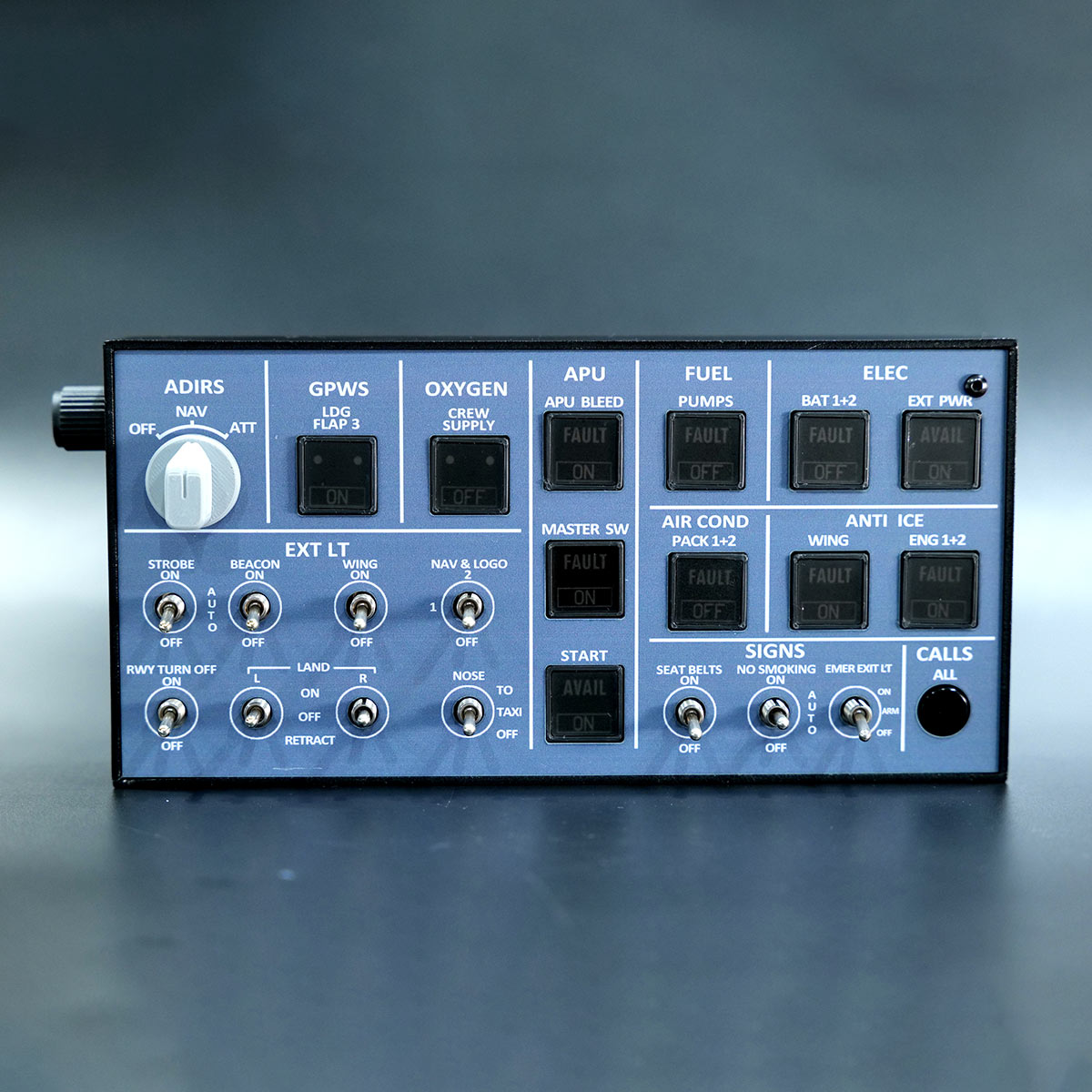
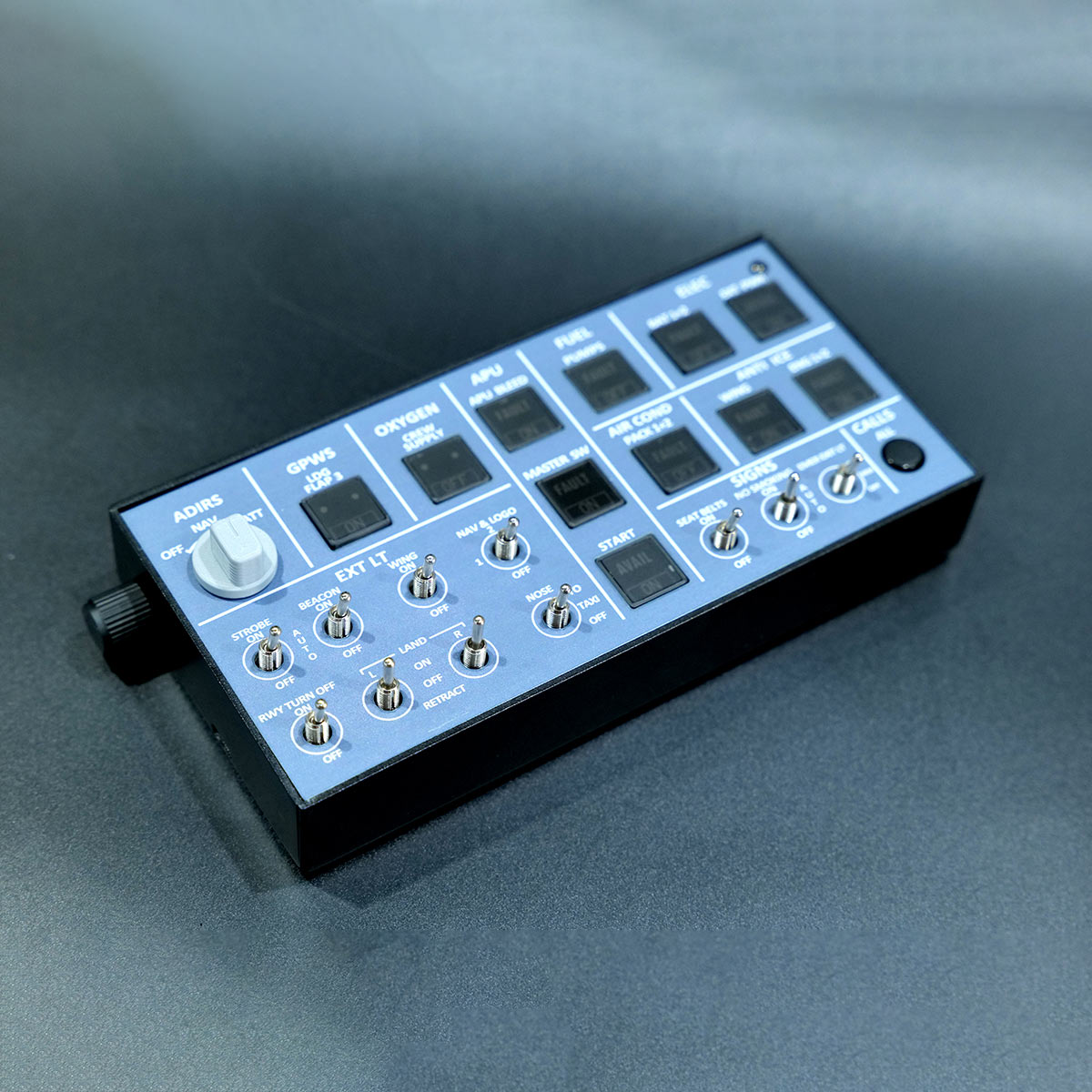
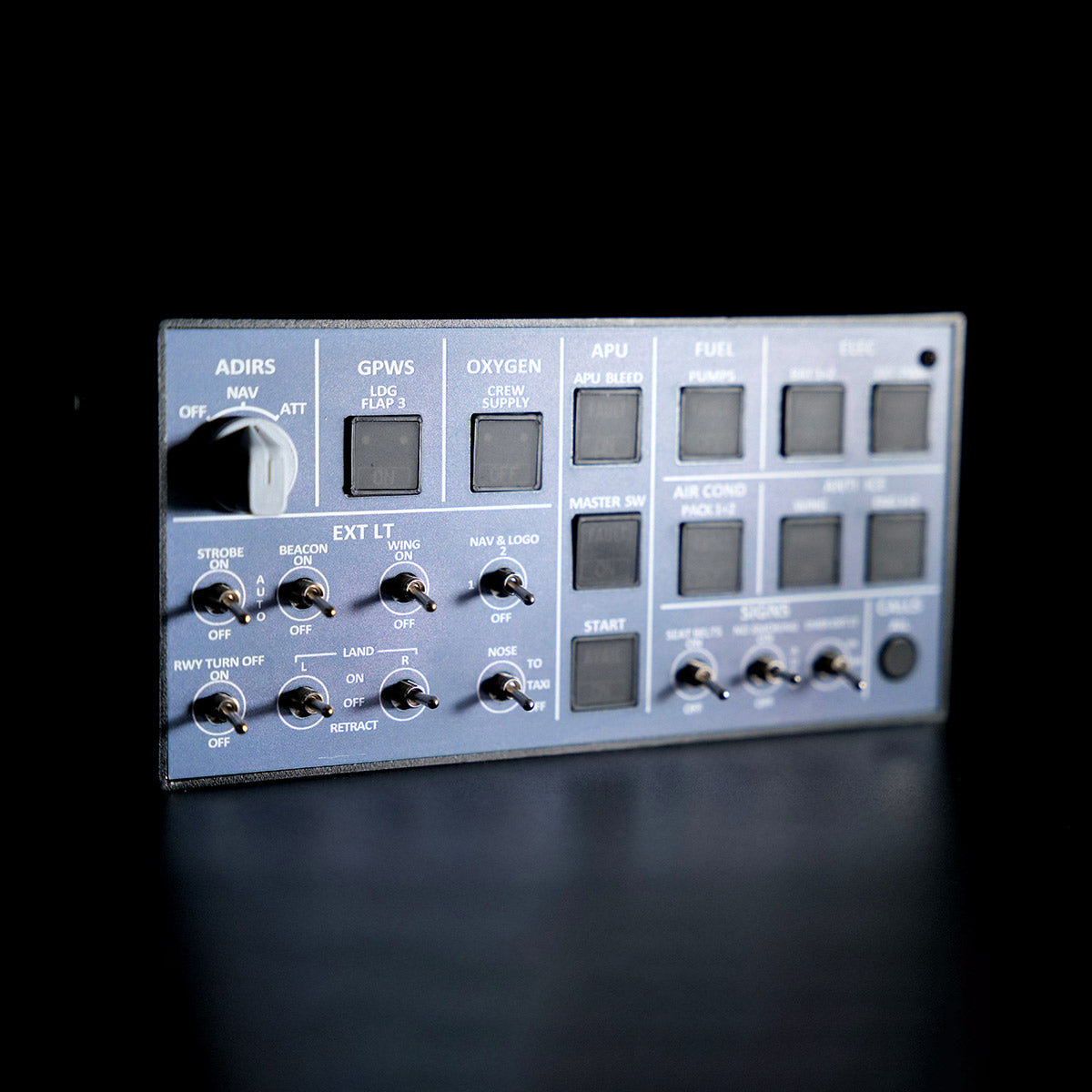
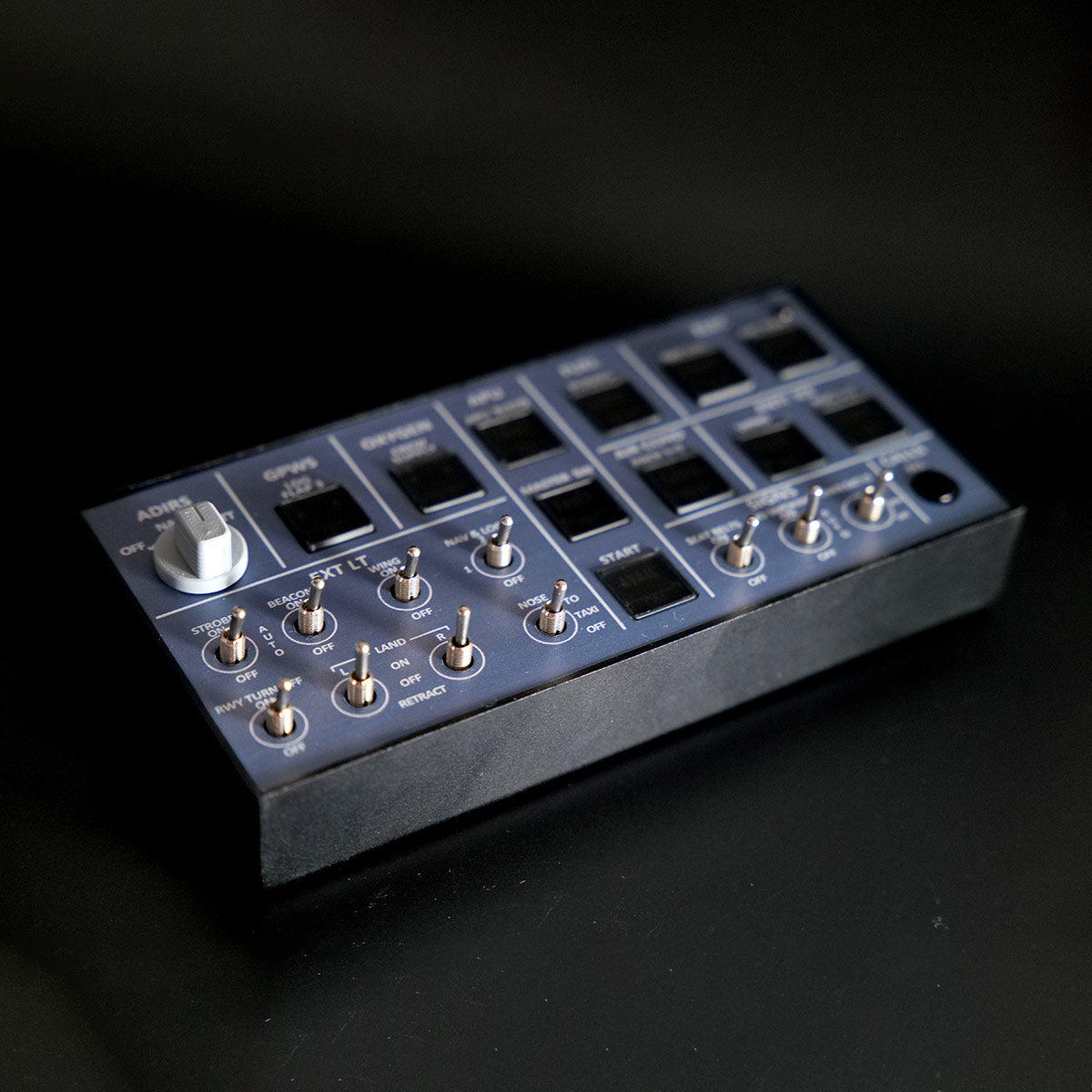
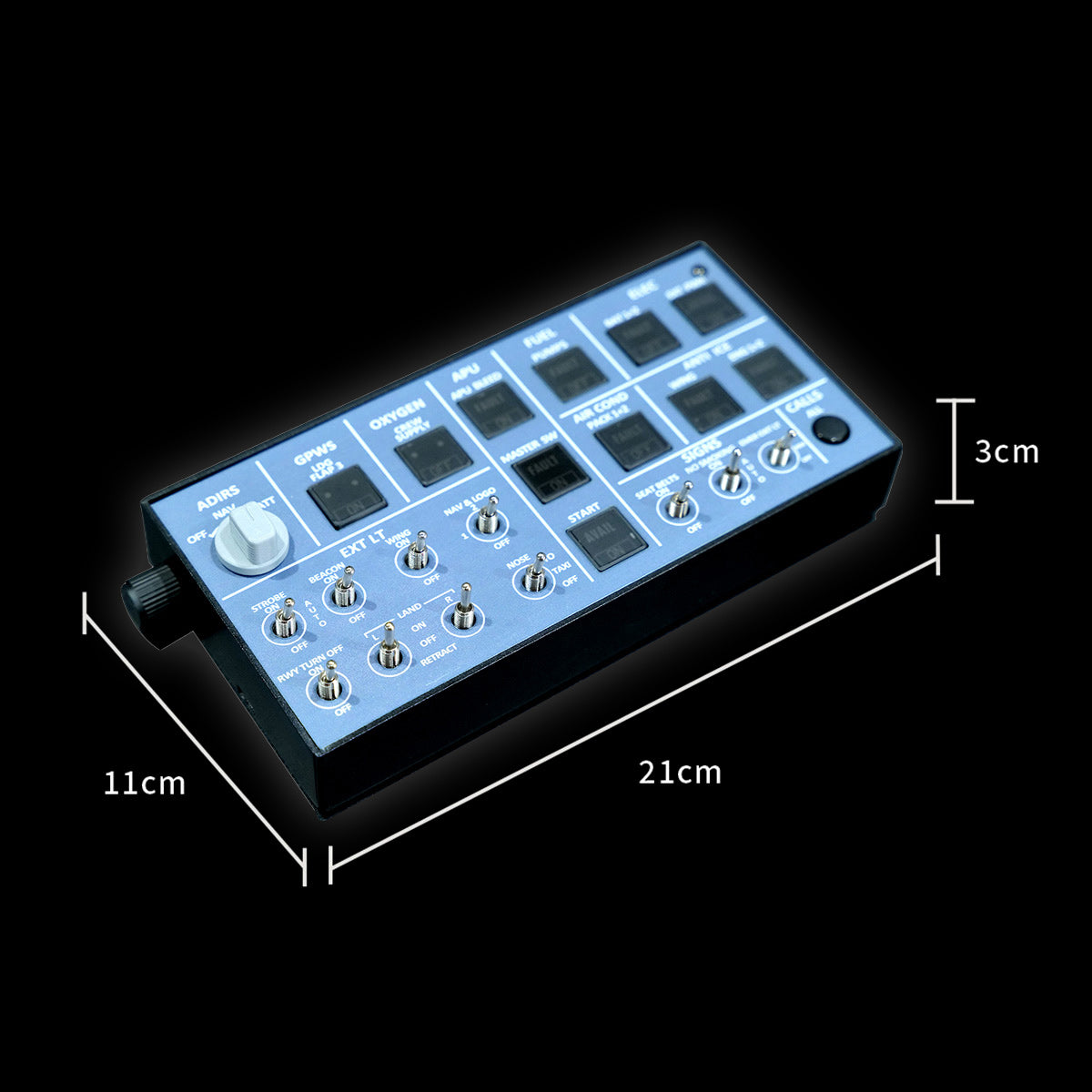
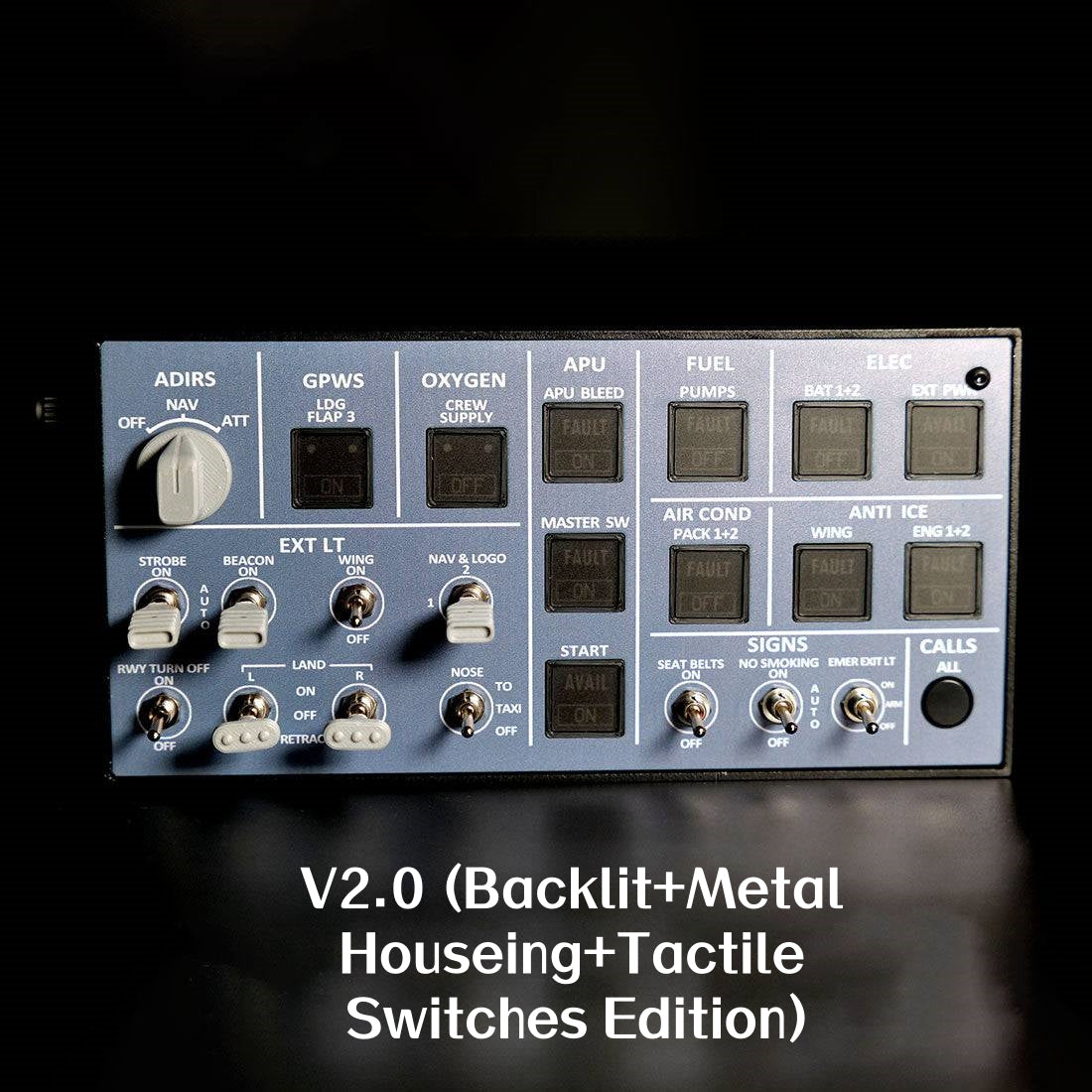
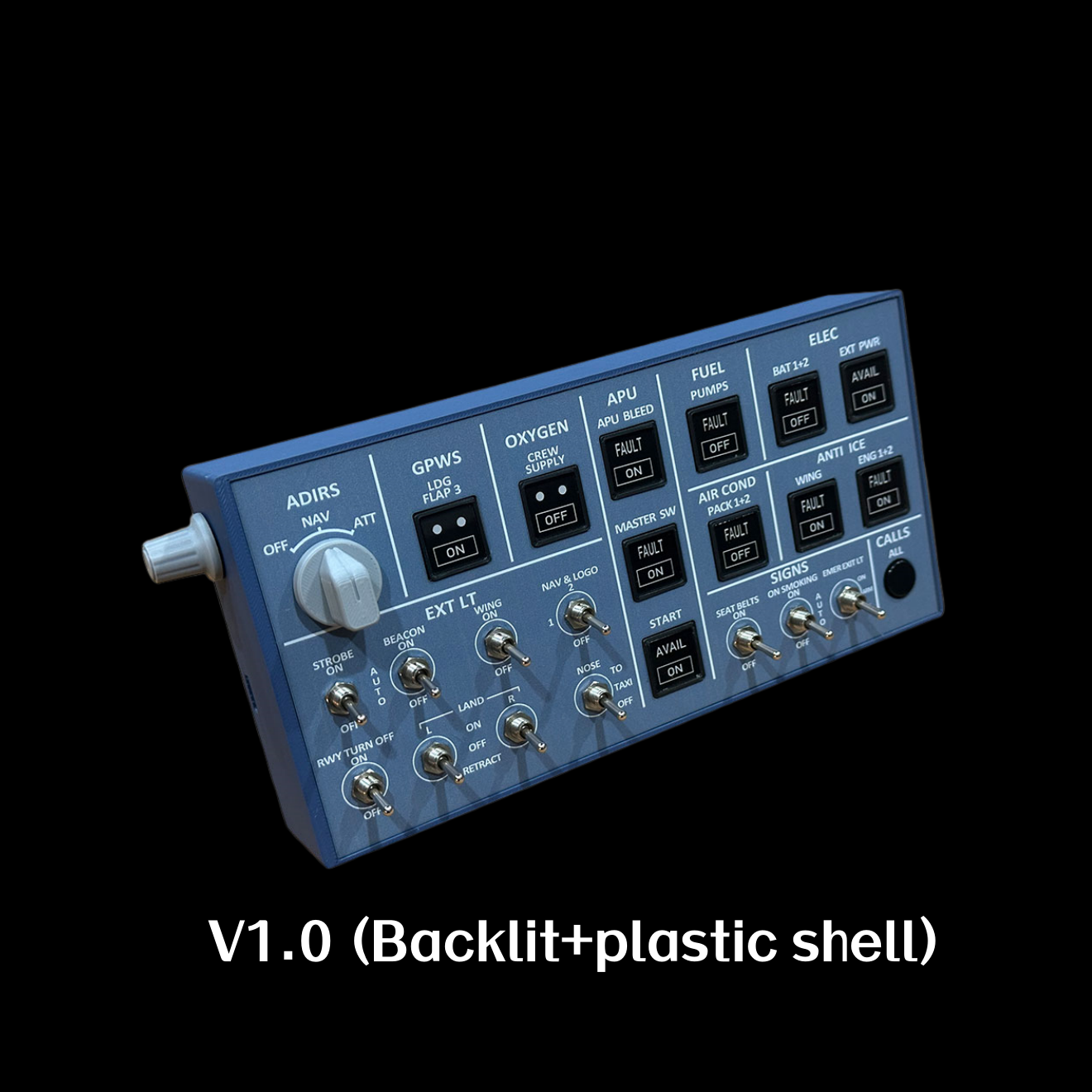
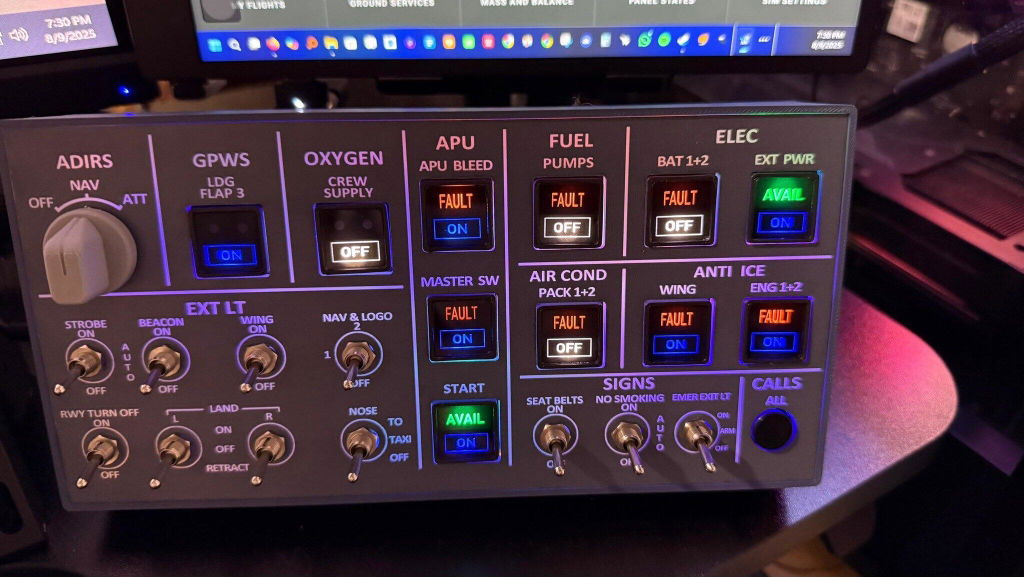
    The Rowsfire A106 is a compact, backlit A320 overhead (OVHD) panel in an all-metal aluminum frame — realistic travel buttons, adjustable backlight and a single USB cable, at just 21×10.5×3 cm. Built for MSFS 2020/2024 and X-Plane 12, it connects directly through the Rowsfire App, and the V3.0 edition adds light-sync that links the panel to your simulator. Compatible with Fenix, FlyByWire and iniBuilds A32X.

    Compact A320 overhead V3.0 light-sync Backlit · metal frame 75×75 VESA Plug & play · App or Mobiflight
    🚚Free Worldwide Shipping
    ↩️30-Day Return & Exchange
    🛡️1-Year Warranty
    💬Real Human Support
    Video

    See the A106 in action.

    Features

    Full overhead feel, compact footprint.

    A106 A320 overhead panel — true-to-scale travel buttons

    🎛️ True-to-scale buttons, space-saving design

    Buttons match the size and feel of real aircraft panels. One compact unit replaces multiple controls and runs on a single USB cable — making cold & dark starts easy while saving precious desktop space.

    💡 Adjustable backlight for visual comfort

    Features an adjustable backlight brightness for optimal visibility in various lighting conditions — enhancing usability and visual comfort during long simulation sessions.

    A106 A320 overhead panel — adjustable backlight
    A106 A320 overhead panel — aluminum frame and PCB build

    🧱 Stable performance & premium build

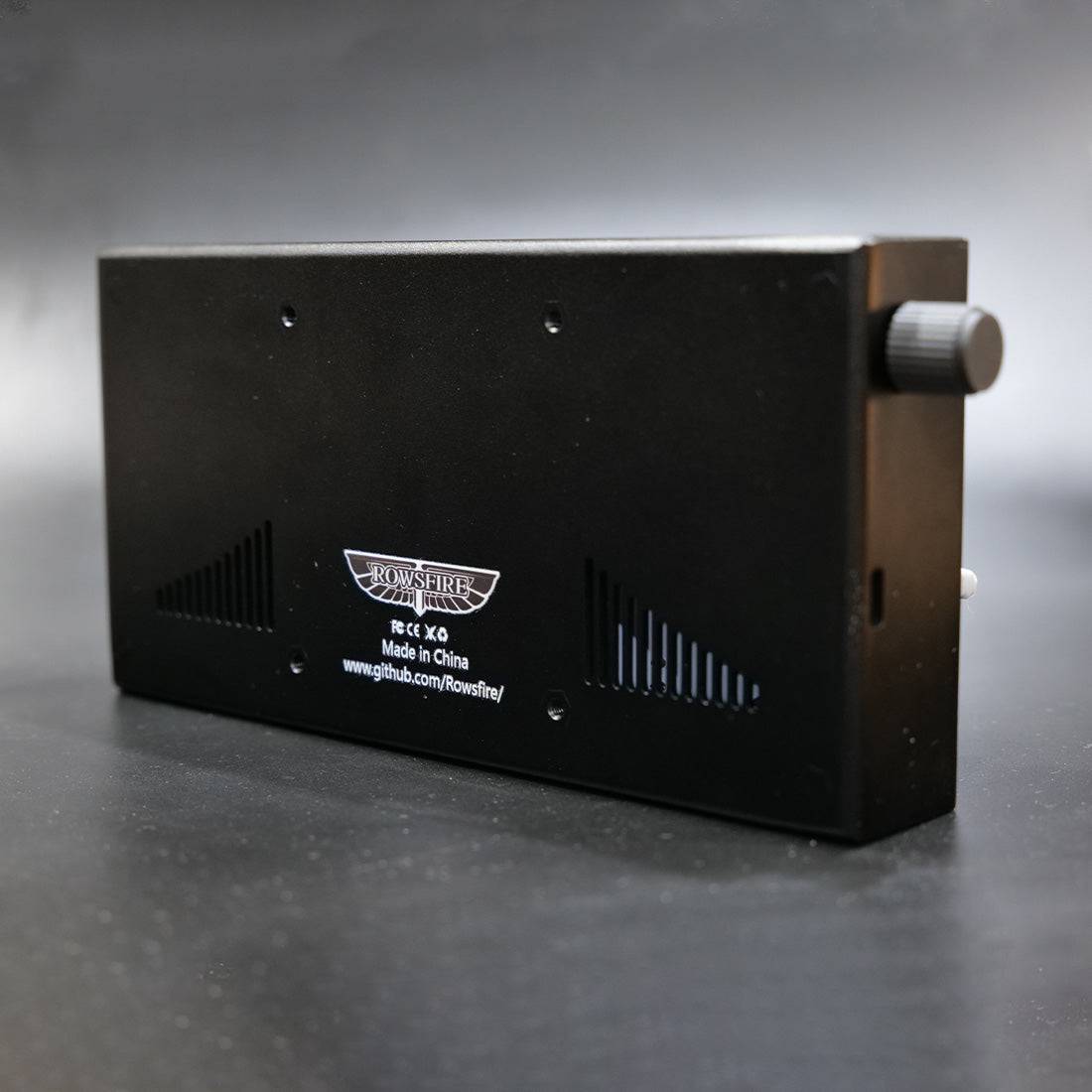
    Quality PCB manufacturing for reliable, stable performance, in a sturdy aluminum alloy frame with a high-end metallic finish. Equipped with a rear USB port and a standard 75×75mm VESA mount for easy expansion. USB cable included.

    🔧 Plug & play — App or Mobiflight

    Connect the easy way with the Rowsfire App — it auto-detects your hardware and auto-loads the config, so you're flying in under 60 seconds. Prefer Mobiflight? Fully supported too, with full tutorial support included.

    A106 A320 overhead panel — Rowsfire App plug and play
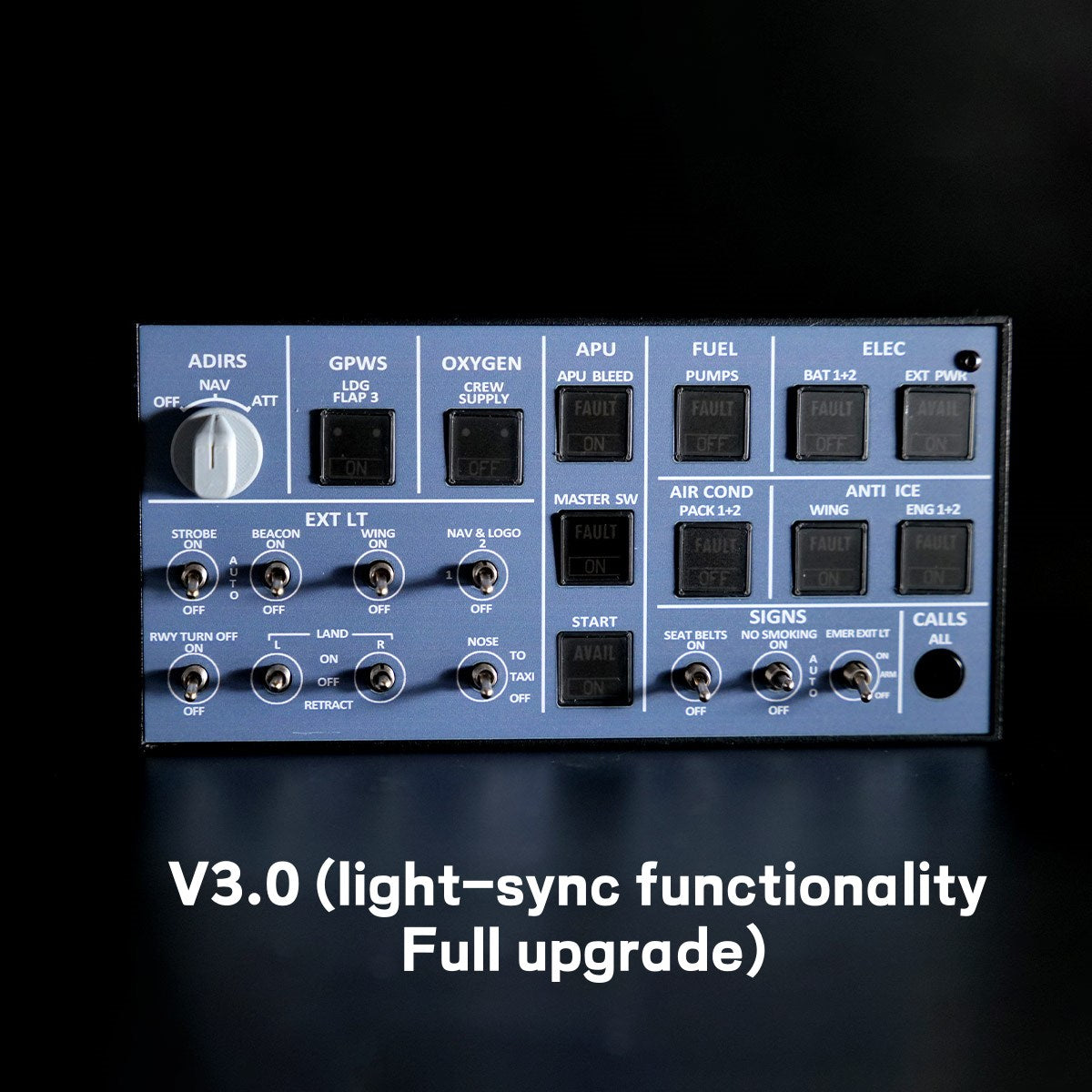
    A106 A320 overhead panel — V3.0 light-sync

    ✨ V3.0 light-sync

    The V3.0 release adds upgraded light-sync: the lighting now links with the simulator for dynamic effects — smooth brightness adjustment and full on/off control. (Use only the v3.0 configuration file.)

    Up close

    Every detail.

    A106 A320 overhead panel — detail 1
    A106 A320 overhead panel — detail 2
    A106 A320 overhead panel — detail 3
    A106 A320 overhead panel — detail 4
    A106 A320 overhead panel — detail 5
    A106 A320 overhead panel — detail 6
    Compatibility

    Works with your Airbus.

    Aircraft & add-ons

    • Airbus A32X (FENIX, FBW & iniBuilds)
    • A35X — adaptable
    • A38X — adaptable
    • More models via ongoing updates

    Simulators & connection

    • MSFS 2020 & 2024 · X-Plane 12
    • Rowsfire App — connect in under 60s
    • Auto-detect + auto-load (or Mobiflight)
    • Rear USB · 75×75mm VESA mount
    Setup

    One-time setup, then just fly.

    ⚙️ Quick start: download the Rowsfire App and connect directly — it auto-detects your hardware and auto-loads the config, so you're flying in under 60 seconds. Prefer Mobiflight? It's fully supported too, with full tutorial support included; config files on GitHub.

    ⚠️ V3.0 note: the configuration file was completely revised for light-sync, so only the v3.0 config works — don't use files from v1, v2, or any without a v3.0 label.
    Specs

    The technical details.

    PanelA320 Light Overhead (OVHD) — compact
    EditionV3.0 — backlit, metal housing, light-sync
    Compatible simulatorsMSFS 2020 / 2024 · X-Plane 12 (Windows)
    Compatible aircraftA32X (FENIX / FBW / iniBuilds) · A35X / A38X adaptable
    MaterialAluminum alloy + acrylic
    Mounting75 × 75 mm VESA (rear)
    ConnectionRear USB · USB cable (included)
    DriverRowsfire App (auto-detect) or Mobiflight
    Product weight500 g
    Package weight800 g
    Product dimensions21 × 10.5 × 3 cm
    Package dimensions25 × 15 × 5 cm
    PackingCarton box
    Age16+
    In the box

    What's included.

    • A320 Light Overhead Panel × 1
    • USB Data Cable × 1
    Guarantee

    Backed by Rowsfire.

    🚚
    Free Shipping

    Free worldwide shipping on your order.

    ↩️
    30-Day Returns

    Return or exchange within 30 days.

    🛡️
    1-Year Warranty

    Covered for a full year against defects.

    💬
    Setup Support

    Config help from a real person, any time.

    Before you buy

    Questions, answered.

    How is the A106 different from a full overhead?
    The A106 is a compact A320 light overhead panel (21×10.5×3 cm) in an all-metal frame — it gives you true-to-scale overhead buttons and lighting in a smaller footprint that saves desk space, running on a single USB cable.
    Which aircraft and simulators does it support?
    It's built for MSFS 2020/2024 and X-Plane 12, and works with mainstream A32X models including Fenix, FlyByWire and iniBuilds. A35X and A38X are also adaptable, with compatibility expanding over time.
    How is it set up — do I need Mobiflight?
    No — you can connect directly with the Rowsfire App, which auto-detects your hardware and auto-loads the config, so you're flying in under 60 seconds. Mobiflight is also fully supported, with full tutorial support included.
    What is V3.0 light-sync?
    The V3.0 release adds synchronized lighting that links to the simulator for dynamic effects, with smooth brightness adjustment and full on/off control. Because the config was completely revised, only the v3.0 configuration file works — don't use v1/v2 files.
    How does it mount and connect?
    A rear USB port with the included cable handles the connection, and there's a standard 75×75mm VESA pattern on the back for easy, flexible mounting.
    What if something isn't right?
    You're covered by free worldwide shipping, a 30-day return & exchange window, and a 1-year warranty — plus real setup support if you need a hand.

    Add the overhead — save the space.

    A compact, backlit metal A320 overhead panel with true-to-scale buttons, adjustable light-sync lighting and one-cable setup — plug-and-play via the Rowsfire App (or Mobiflight), connected in under 60 seconds. Add the A106 to your build.

    ✓ Free shipping  ·  ✓ 30-day returns  ·  ✓ 1-year warranty  ·  V3.0 light-sync
    Join the crew

    Join the Rowsfire flight crew.

    👨‍✈️

    Building an Airbus home cockpit?

    Join the Rowsfire Facebook community for exclusive updates, setup help, config files, discounts and giveaways.

    Join the Community →
    • 5 stars: 7 (50%)
    • 4 stars: 4 (29%)
    • 3 stars: 3 (21%)
    • 2 stars: 0 (0%)
    • 1 star: 0 (0%)
    Some of the reviews shown are from related products the merchant grouped with this one.
    d
    dkisspeti

    It would be nice, but it's confused that there are config files and mobiflight on webpages, but you should use rowsfire app instead. But with this app, FBW only partly useable, and with iniBuilds not working at all. Feedback have sent to tech guys.

    D
    Daniele

    Awesome, work great! On fslab forum a user share a great compatible profile

    Thank you so much for the feedback, glad to hear everything works great!
    And that’s fantastic news about the compatible profile shared on the FSLabs forum — really appreciate you letting us know!

    By the way, the photo you shared looks amazing!

    A
    Anonymous

    The product works as intended. Relatively easy to setup. Two issues that I see are 1) some switches have knobs and they spin around which I believe should not happen and 2) an incorrect "Left Landing Light Switch" was installed with just a two way switch but it should have been a three way switch.

    Hi Craig M., thank you for your honest feedback. We're sorry to hear about the issues with the knobs spinning and the incorrect 'Left Landing Light Switch'. We take product quality seriously and will pass this along to our team to investigate and improve. If you want to discuss this further or need support, please reach out.

    N
    Noah

    As someone new to flight sim hardware, the A106 was easy to get started with. The included guide helped me set it up with Mobiflight without any hassle. It’s responsive during flights and adds a lot to the immersion. Worth the price.

    Thank you for sharing your experience! We’re so glad the A106 made your setup easy and enjoyable!

    S
    Stefan Raffler

    A great thing. No problems at all. Will look for further offers like this. Greets, Stefan

    S
    Sebastian Alejandro Cuadrado Contioso

    It's amazing, powerfull desing and funtionallity

    r
    rashed nasser

    It good

    M
    Maël Schlittler

    Great Product!! Just dont Download the V2 Mobiflight config like me and wonder yourself whats wrong.

    A
    Anonymous

    I bought this early Jan2026. The dispatch time and delivery to the UK was really quick. The product was well packaged. The A106 itself is absolutely great. It is perfect for my set up. I used the app to set up and once it recognises the device, it runs automatically on startup. Nice and easy. It is well made and functions perfectly. A great piece if hardware and I can now rely on the device for my basic overhead needs.
    I would definitely recommend this product and company and thank you for a great product with great service.

    S
    Sven Rowoldt

    I bought an A106, A107 and A103 an d I have a number of concerns about the hardware and the software.
    I will contact the support.

    If you have any assistance needs, please feel free to contact service@rowsfire.com. We will do our best to solve the problem for you, either via email or through a one-on-one connection.

    d
    david maler

    The device is working correctly, but the overall quality could be improved. The panel is a little bit flimsy and wobbly and the switches are not glued and turning on themselves, which is not satisfactory. The backlight switch is too sensitive and the USB should be on the back, not on the side, or a USB curved cable could be included. Also, would be nice to have a stand available as an option. Let's see how this panel is holding up with time.

    Thank you for sharing your feedback! We understand your concerns and really appreciate you taking the time to share them. 😊
    We noticed that you purchased an early V2 version of the panel — the latest V3 version has already been upgraded and improved. The USB port is now located on the back, and the overall structure is more stable. Don’t worry, your current panel should still work perfectly fine for normal gameplay.

    J
    Jens

    Good Product.
    5 Stars when the background light works together with the fenix simulator.

    Hi Jens, thank you for your feedback! We're thrilled you think it's a good product. We're especially glad the background light works well with the Fenix simulator, enhancing your flight experience. Hope you continue to have great flights with it!

    D
    Dustin

    only but quite a big downside are the rotating landing, strobe and Nav switches. If they would be fixed this would be easy 5 star

    Thank you very much for your suggestion. We have already informed the developers of Design A106 about this, and we will do our best to optimize these issues at that time.

    L
    Lucas

    I bought the A106 to complement my MSFS setup, and it’s been great. The backlit panel looks professional, and the data cable is long enough for my setup. It’s a reliable piece of hardware that does its job well.

    Thank you so much for your kind words! We’re really glad to hear the A106 fits perfectly into your MSFS setup and that you’re enjoying the backlit panel. Your support means a lot to us, and we’ll keep working hard to bring you even better simulation experiences. Happy flying!

    D
    Didier Lotode

    Bonjour , je me permet de vous contacter car je n'arrive pas à activer mon produit A106 V3 lorsque je vais pour sélectionner le module il n'y a rien. pouvez vous m'aider ? cordialement.

    Rowsfire

    Of course, you can contact us by submitting the form here: https://rowsfire.com/pages/contact#contact_form

    A
    Alexander

    It compatibily whit A321?

    Rowsfire

    Not yet, but it's coming soon. We are discussing a cooperation with A321 tTeam