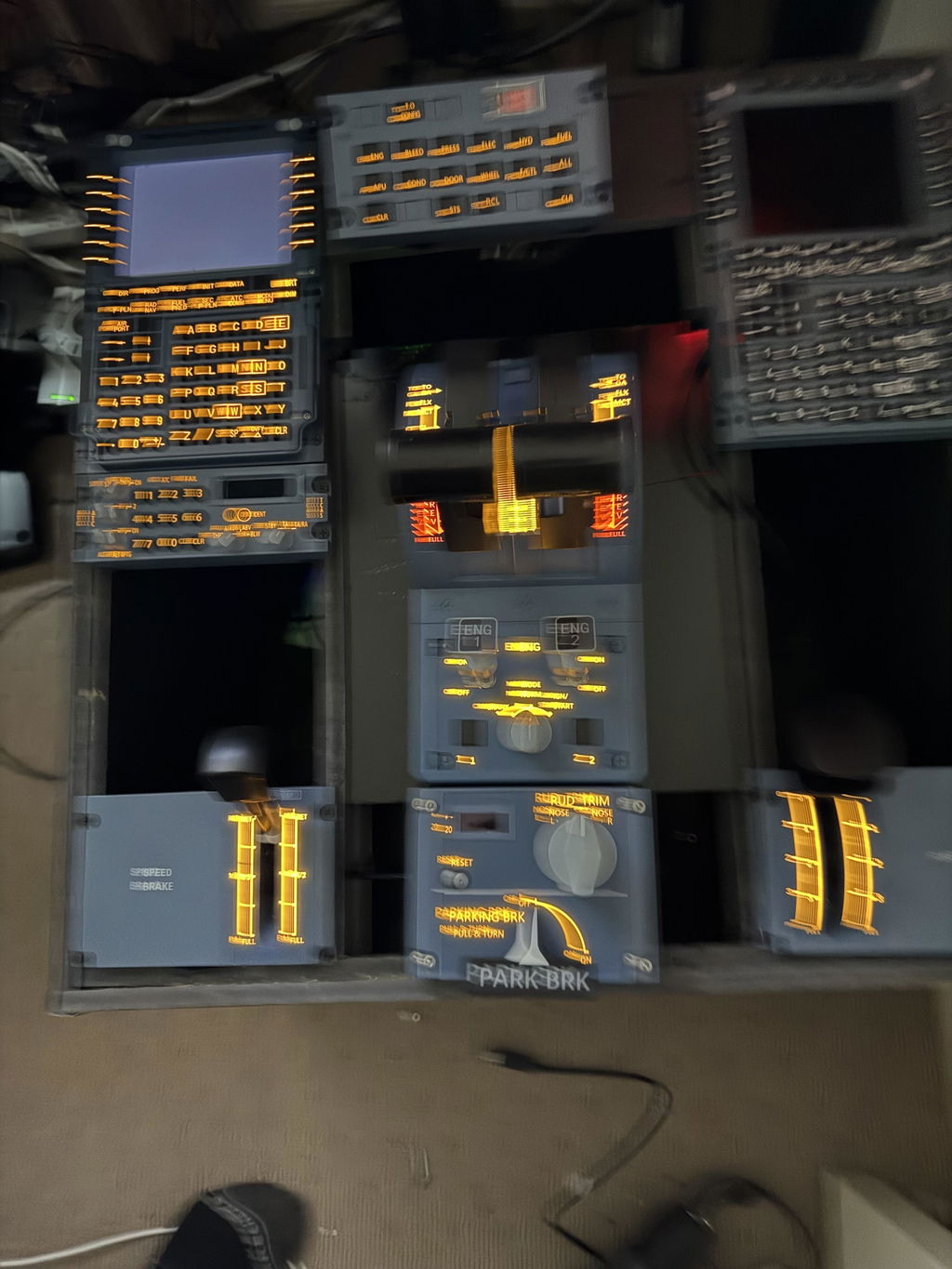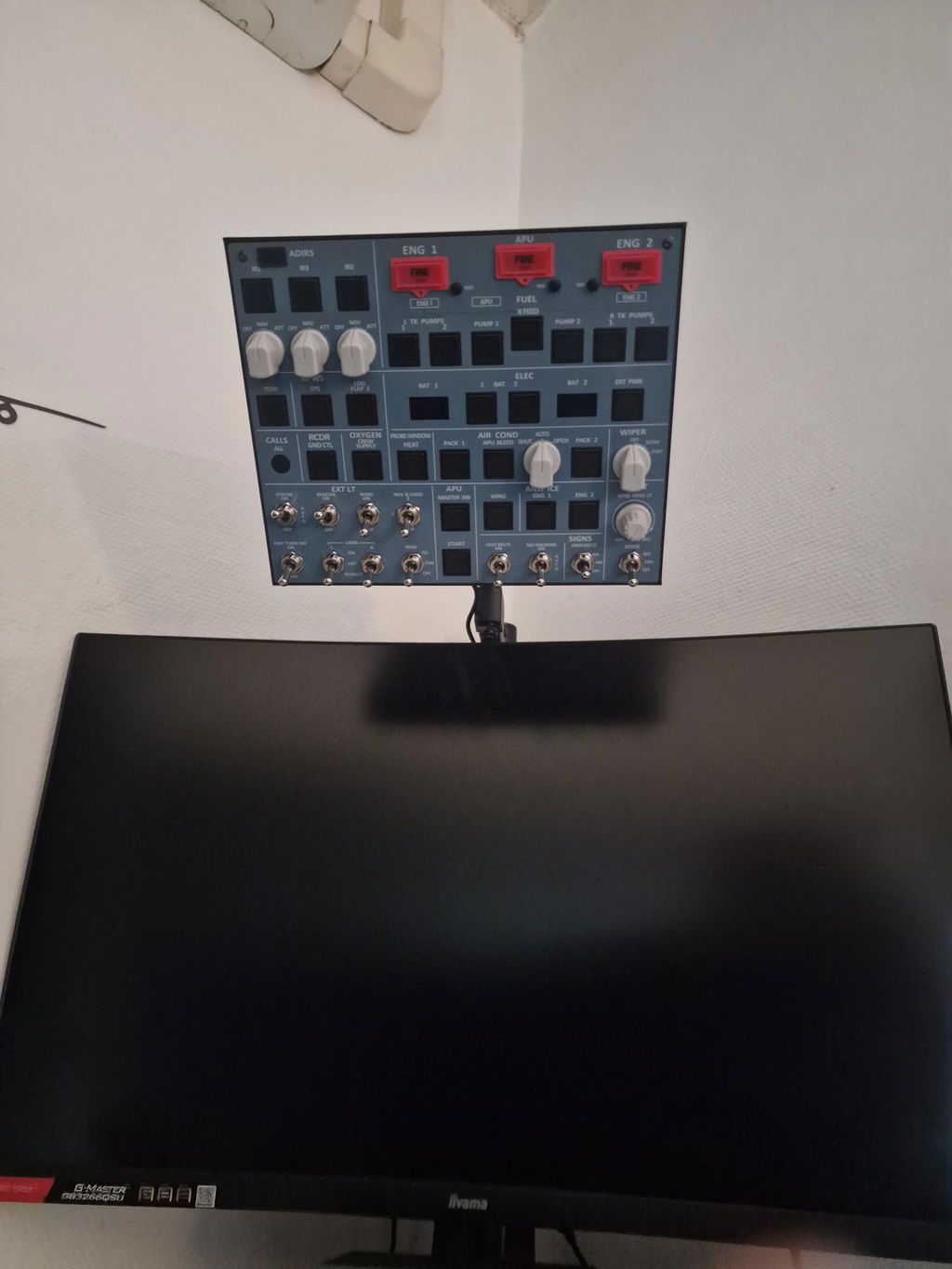
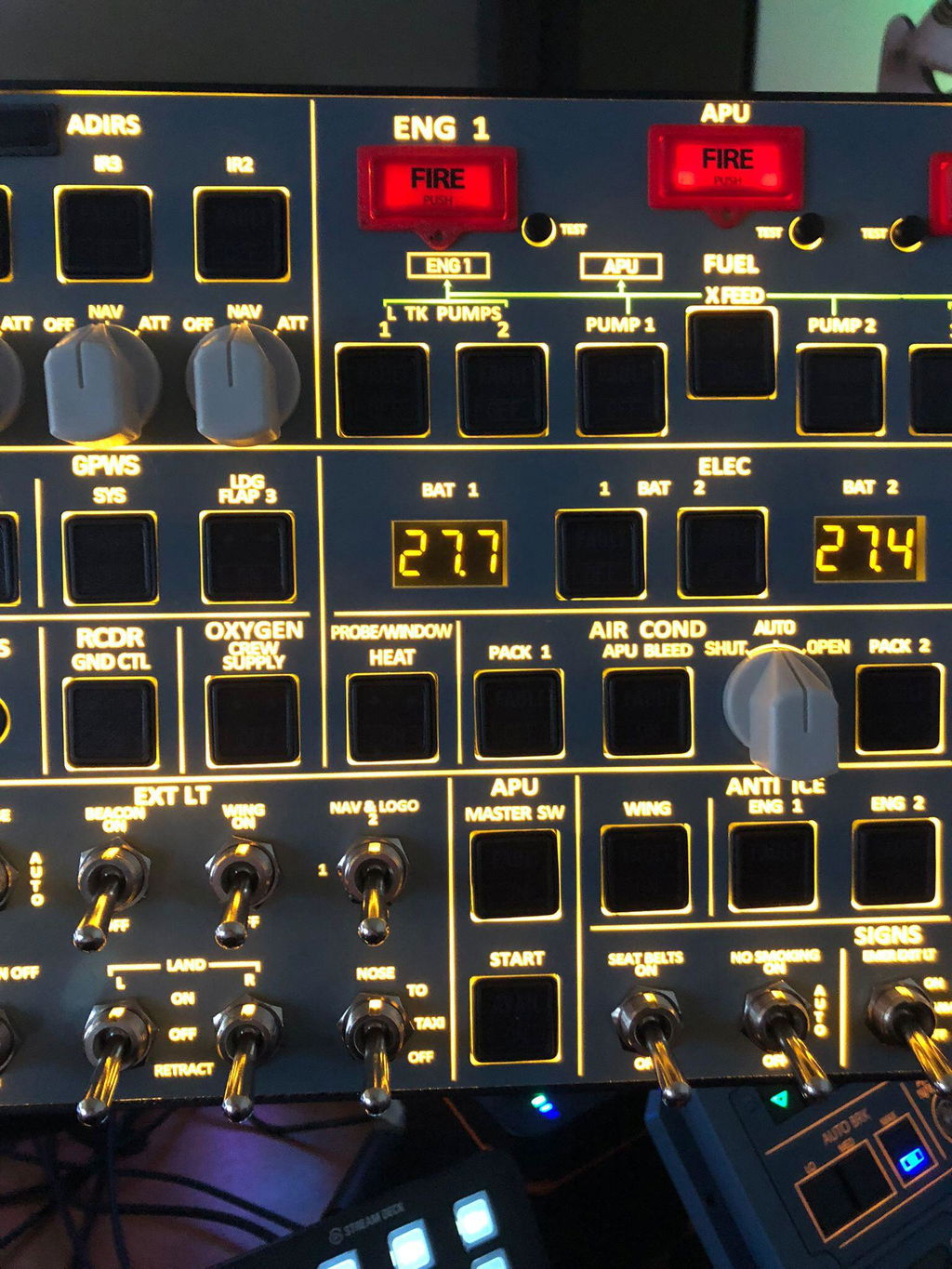
Excellent add-on for my X-Plane 12 simulator. It works great, adds a lot of realism, and really improves the overall flying experience. Highly recommended.
Great purchase; for a small panel, it does the job wonderfully well.


Designed exclusively for flight simulation enthusiasts, the A107 V3.1 builds on the stable performance of V3.0, focusing on three core experience upgrades: panel, backlight, and buttons. It takes the immersion and durability of your home cockpit to the next level.


Continues the high-quality PCB board design for reliable and consistent operation. The compact 26×21×3cm size is paired with a durable aluminum alloy housing, plus the upgraded custom backlit acrylic panel of V3.1. It features 100×100mm VESA mounting holes (USB cable included for plug-and-play setup). Authentic tactile switches replicate the travel of real aircraft controls, maximizing immersion.

No need for Mobiflight. Simply download the Rowsfire App to connect and use directly, with complete tutorials and pre-configured settings for a 3 minute initial setup. Fully supports mainstream A32X models such as FENIX A320 and FBW A320, while also being compatible with A350, A380, and more. Additional model support will be expanded through future Rowsfire App updates.


Button size and feel are fully replicated from real A320 overhead panels. The all-in-one design replaces scattered control components, powered by a single USB cable. It simplifies cold-start procedures and maximizes desktop space, keeping your sim cockpit layout neat and organized.

Inherits the adjustable backlight function of V3.0, allowing you to customize brightness according to ambient light for eye comfort during extended flights. Retains the lighting synchronization feature with aircraft models, supporting linear brightness adjustment and one-touch shutdown. Combined with the brighter backlight performance of V3.1, it adapts to various usage scenarios.
⚠️Important Note: V3.0 and V3.1 share the same configuration file, no need to distinguish between versions. However, both V1/V2 require the use of their dedicated version configuration files.
Fully compatible with MSFS 2020/2024:
No need for Mobiflight. Simply download the Rowsfire App to connect directly. Initial setup takes only 3 minutes with pre-configured files – after that, launch the App and simulator for automatic connection.
Free standard shipping worldwide (14-30 business days);
Express shipping available for $29.99 (5-13 business days).
Offers a 30-day no-questions-asked return policy and a 1-year warranty. Double quality inspections ensure product reliability.
You can get 24/7 support via Facebook groups, Discord, WhatsApp, and email at service@rowsfire.com. Additionally, you can receive one-on-one video guidance from our local technical team, supporting multiple languages.
No separate download is required. Both share the same configuration file. Simply download the dedicated V3.0/V3.1 configuration package – do not use V1/V2 versions.
We recommend choosing the latest version (V3.1). It offers the most complete functionality and improved stability in the simulator, ensuring a much better overall user experience.