Passa alle informazione sul prodotto
1 di 13

Rowsfire

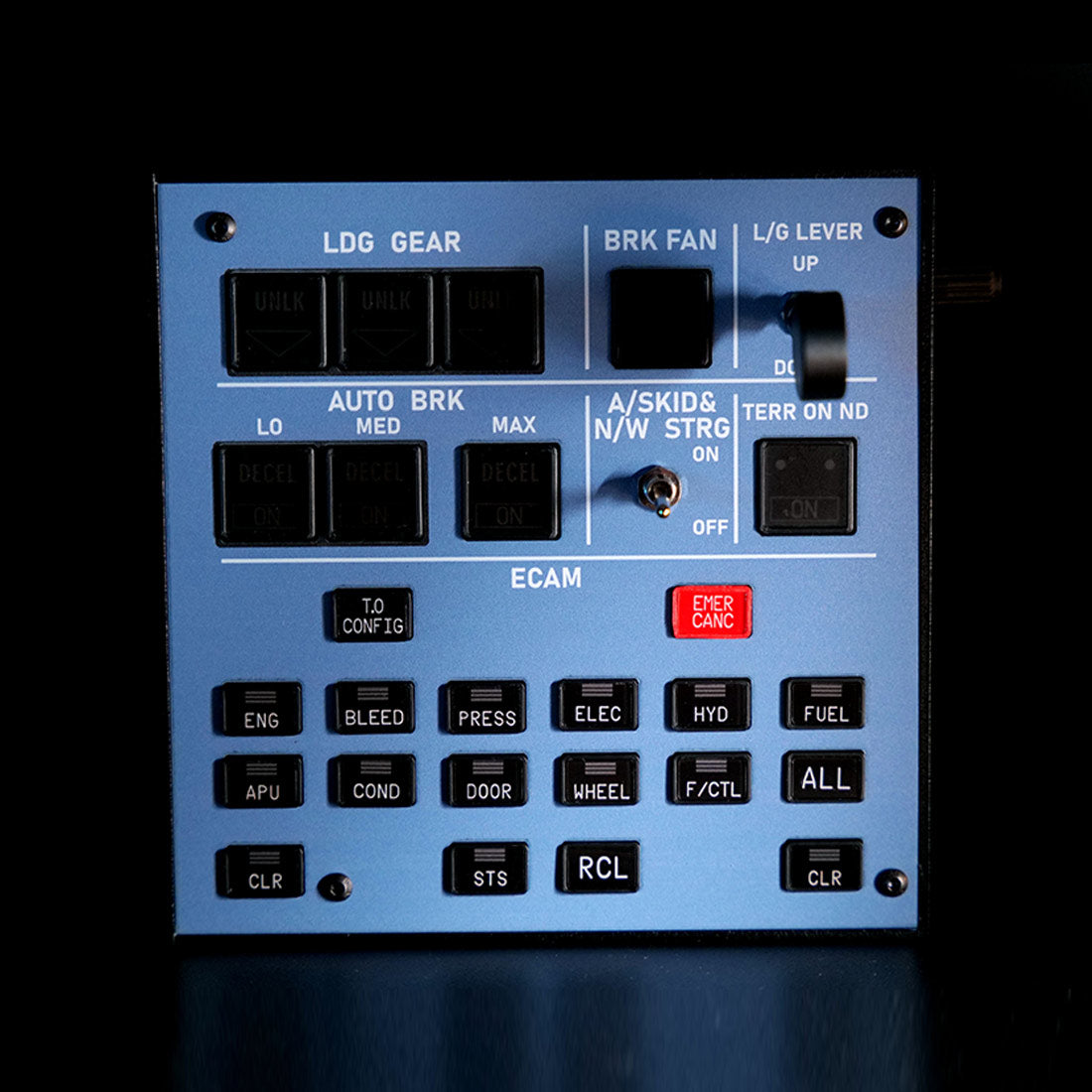
Rowsfire A103 A320 Landing Gear & ECAM Panel — Backlit

🔥10% Off: $179.99, Build Your A320 Cockpit

Panel
Prezzo regolare
$199.99 USD
Prezzo regolare
Il prezzo di liquidazione
$199.99 USD

All-in-One Design

 Wide Aircraft Fit

Free Worldwide Shipping

30-Day Return & Exchange

1-Year Warranty

    Rowsfire A103 A320/A310/A350/XECAM Landing Gear Indicator Integrated Panel - Rowsfire
    Rowsfire A103 A320/A310/A350/XECAM Landing Gear Indicator Integrated Panel - Rowsfire
    Rowsfire A103 A320/A310/A350/XECAM Landing Gear Indicator Integrated Panel - Rowsfire
    Rowsfire A103 A320/A310/A350/XECAM Landing Gear Indicator Integrated Panel - Rowsfire
    Rowsfire A103 A320/A310/A350/XECAM Landing Gear Indicator Integrated Panel - Rowsfire
    Rowsfire A103 A320/A310/A350/XECAM Landing Gear Indicator Integrated Panel - Rowsfire
    Rowsfire A103 A320/A310/A350/XECAM Landing Gear Indicator Integrated Panel - Rowsfire
    Rowsfire A103 A320/A310/A350/XECAM Landing Gear Indicator Integrated Panel - Rowsfire
    Rowsfire A103 A320/A310/A350/XECAM Landing Gear Indicator Integrated Panel - Rowsfire
    Rowsfire A103 A320/A310/A350/XECAM Landing Gear Indicator Integrated Panel - Rowsfire
    Rowsfire A103 A320/A310/A350/XECAM Landing Gear Indicator Integrated Panel - Rowsfire
    Rowsfire A103 A320/A310/A350/XECAM Landing Gear Indicator Integrated Panel - Rowsfire
    Rowsfire A103 A320/A310/A350/XECAM Landing Gear Indicator Integrated Panel - Rowsfire
    Airbus ECAM + Landing Gear Panel · V3.0

    ECAM and landing gear — one compact panel.

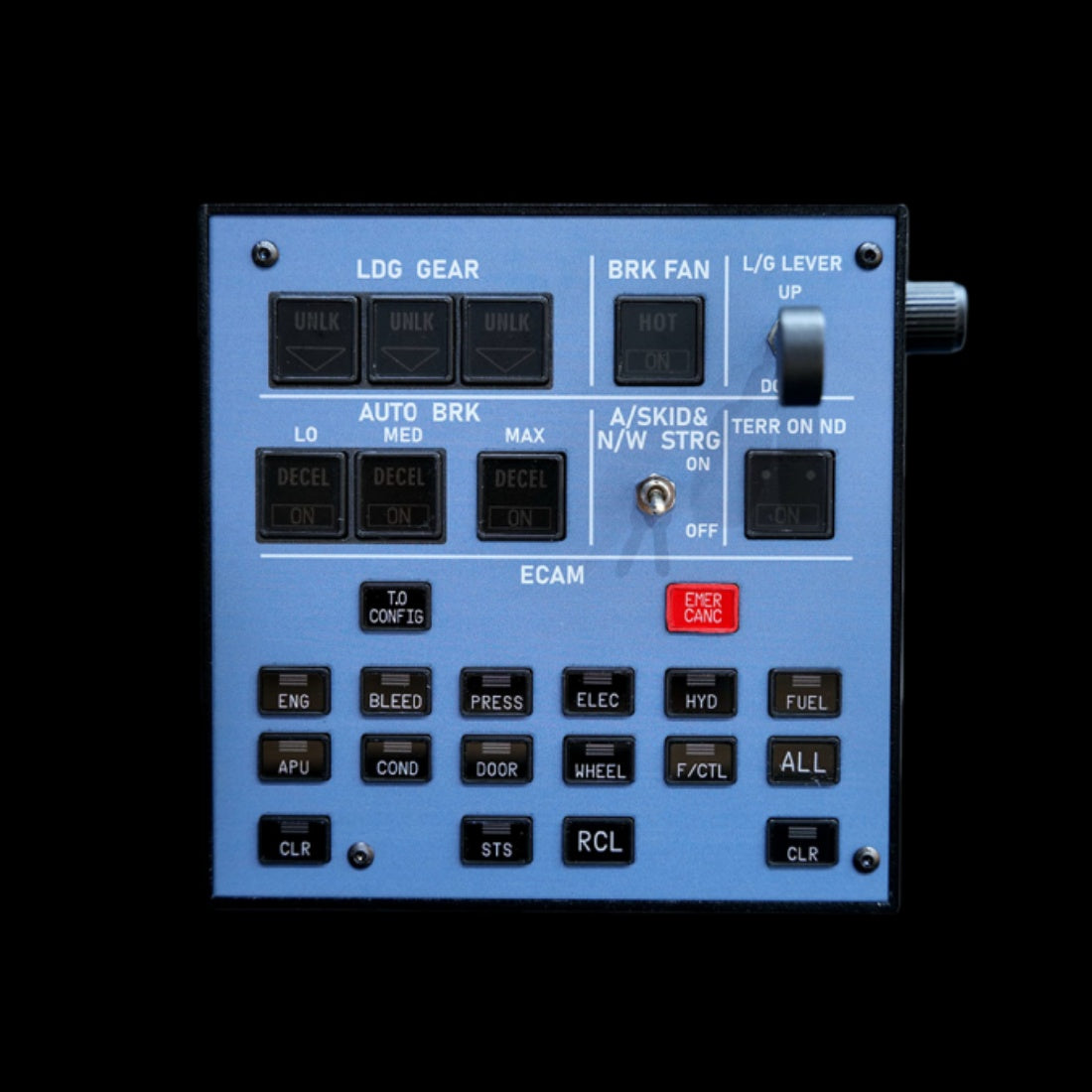
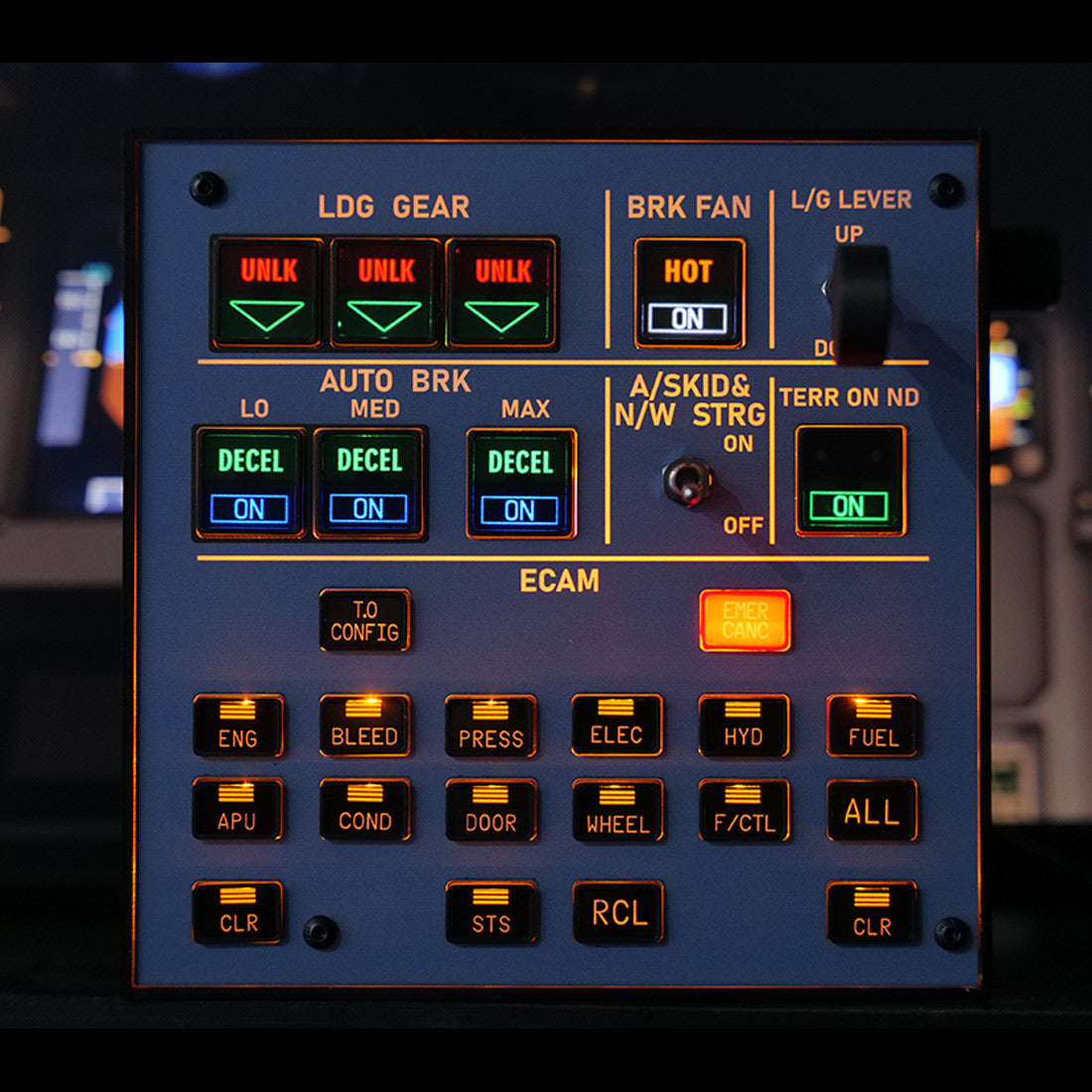
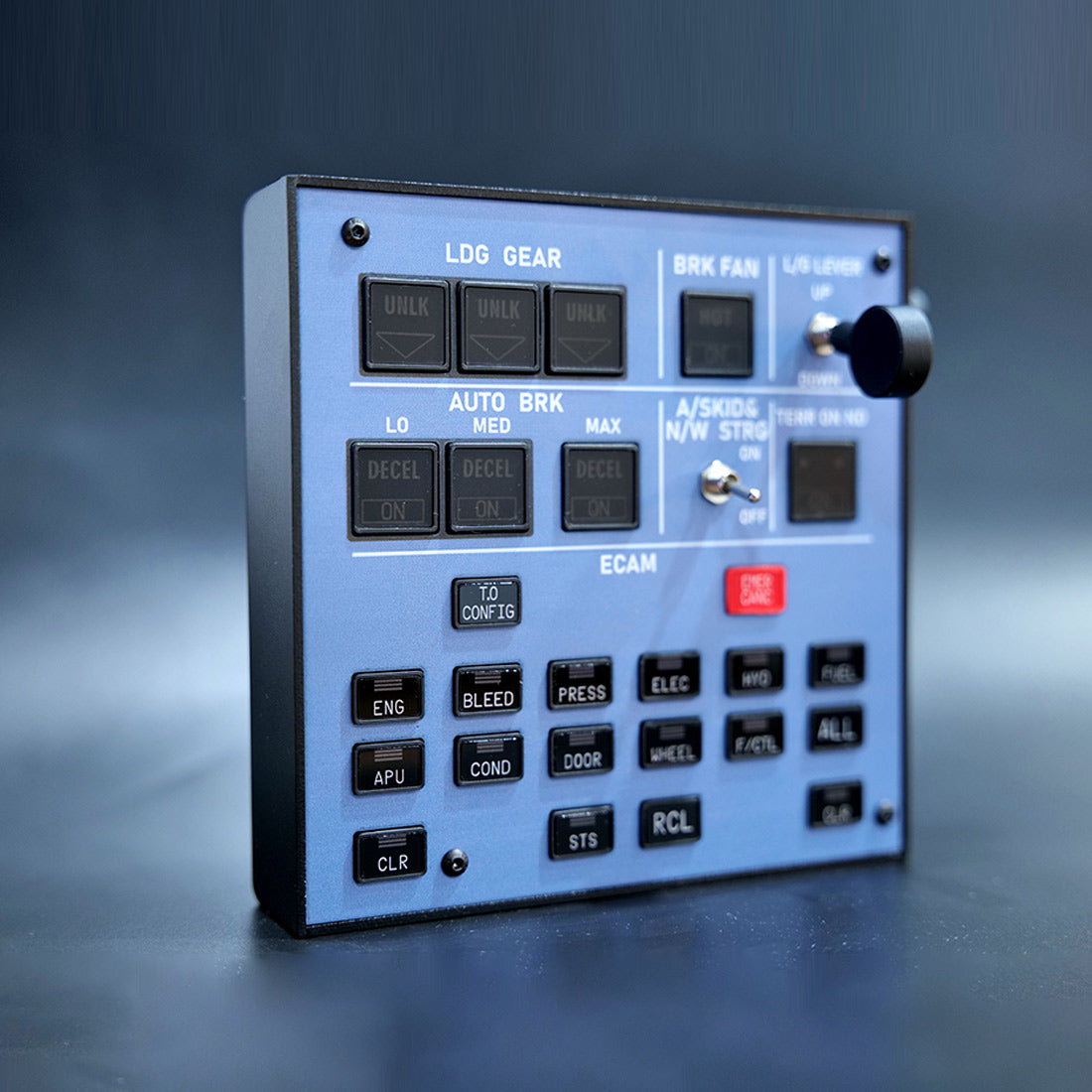
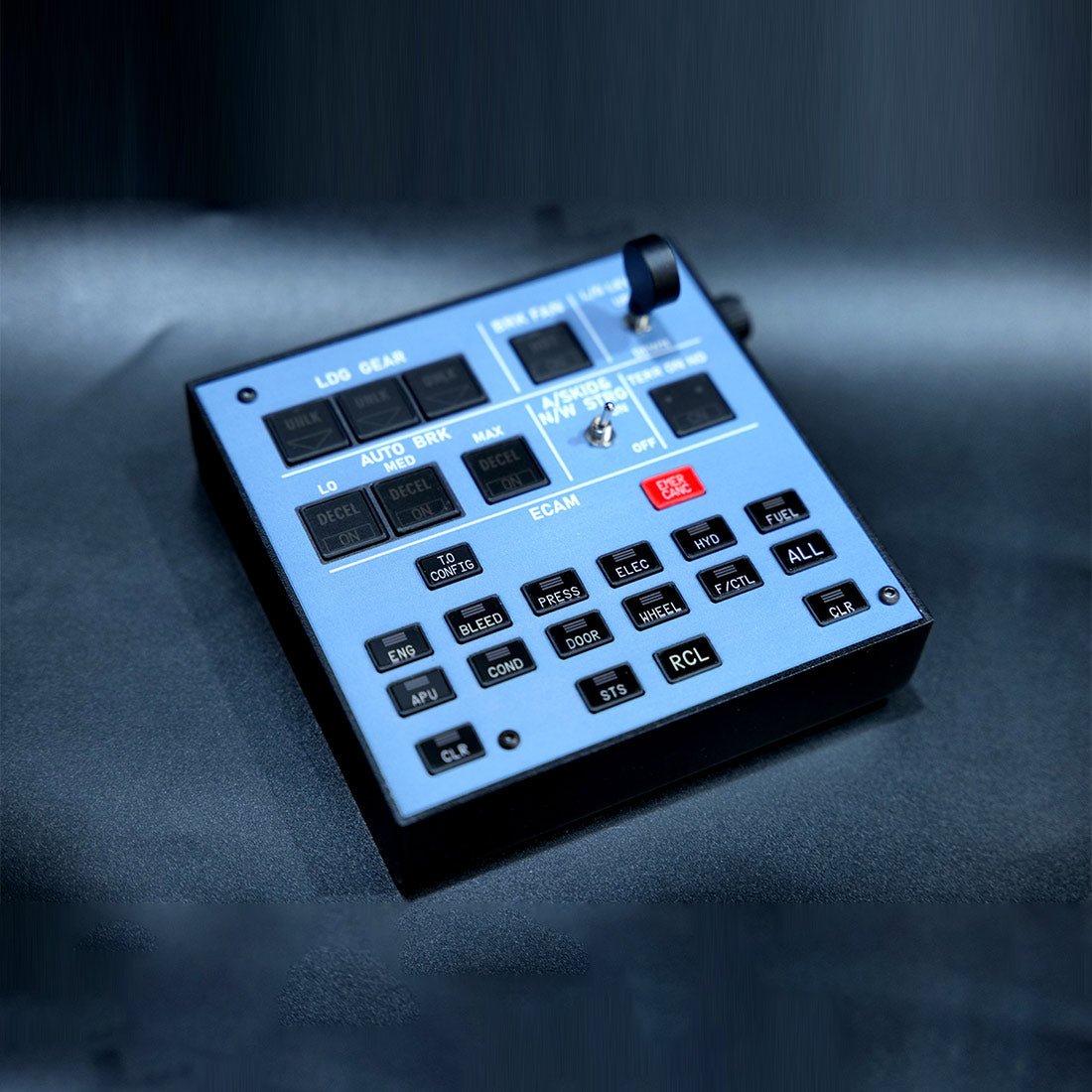
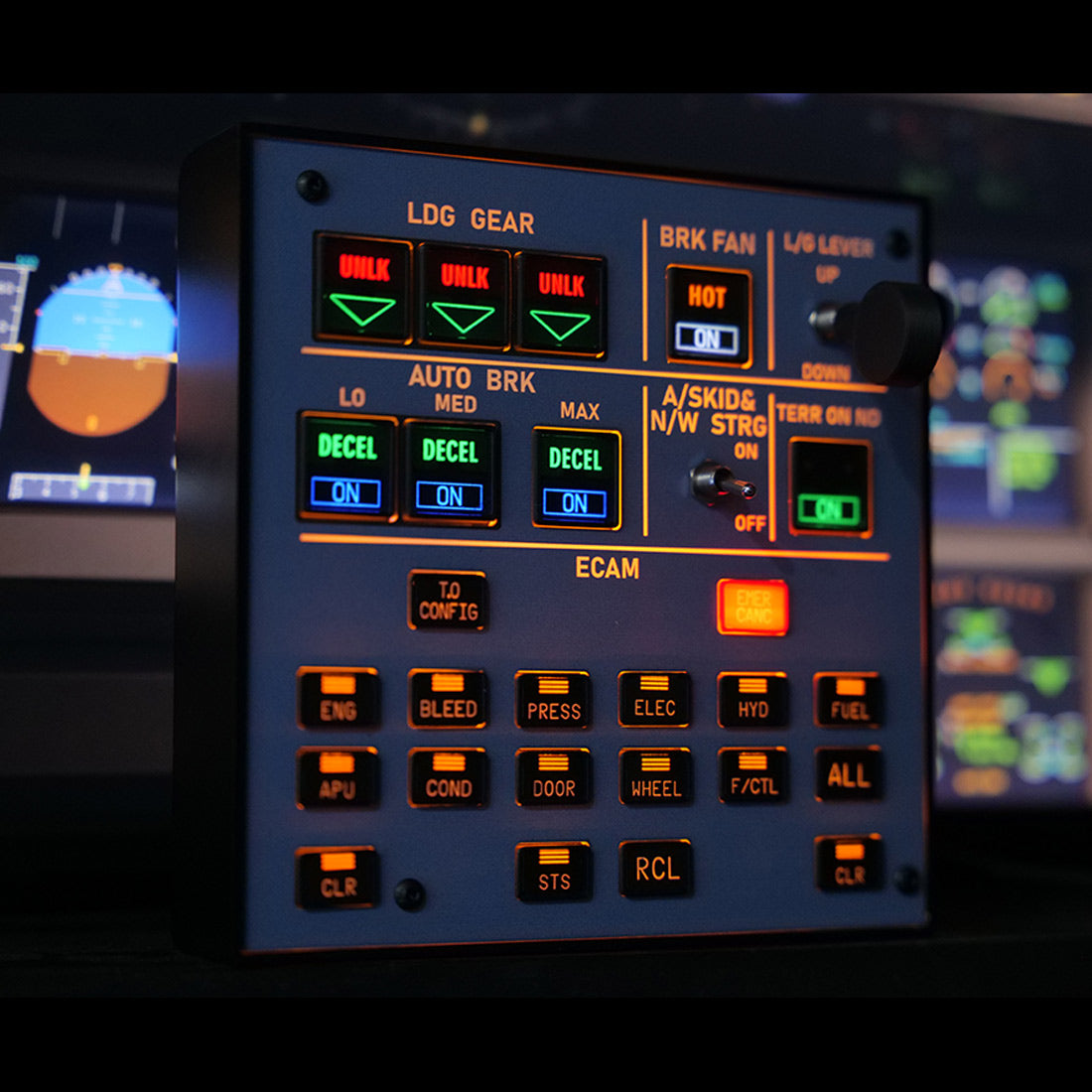
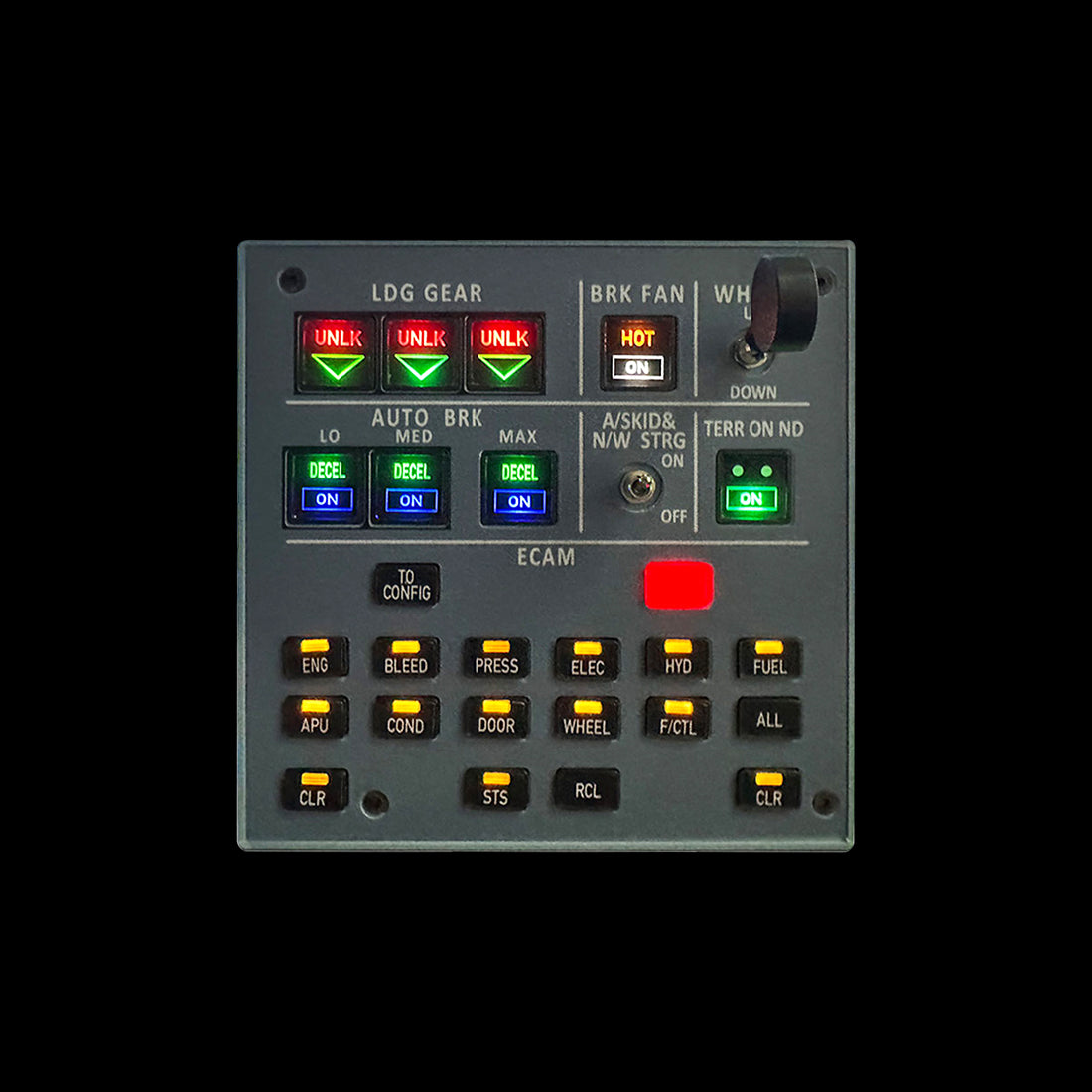
    The Rowsfire A103 combines the ECAM control and landing-gear indicator into a single backlit unit for the A32X / A31X / A350 (XECAM) — an all-metal panel that saves desk space without cluttering your setup. Built for MSFS 2020/2024 and X-Plane 12, it connects directly through the Rowsfire App, and the V3.0 edition adds light-sync that links the panel to your simulator.

    ECAM + landing gear V3.0 light-sync Backlit · aluminum shell 100×100 VESA Plug & play · App or Mobiflight
    🚚Free Worldwide Shipping
    ↩️30-Day Return & Exchange
    🛡️1-Year Warranty
    💬Real Human Support
    Video

    See the A103 in action.

    Features

    Two functions, one panel.

    A103 ECAM + landing gear integrated panel

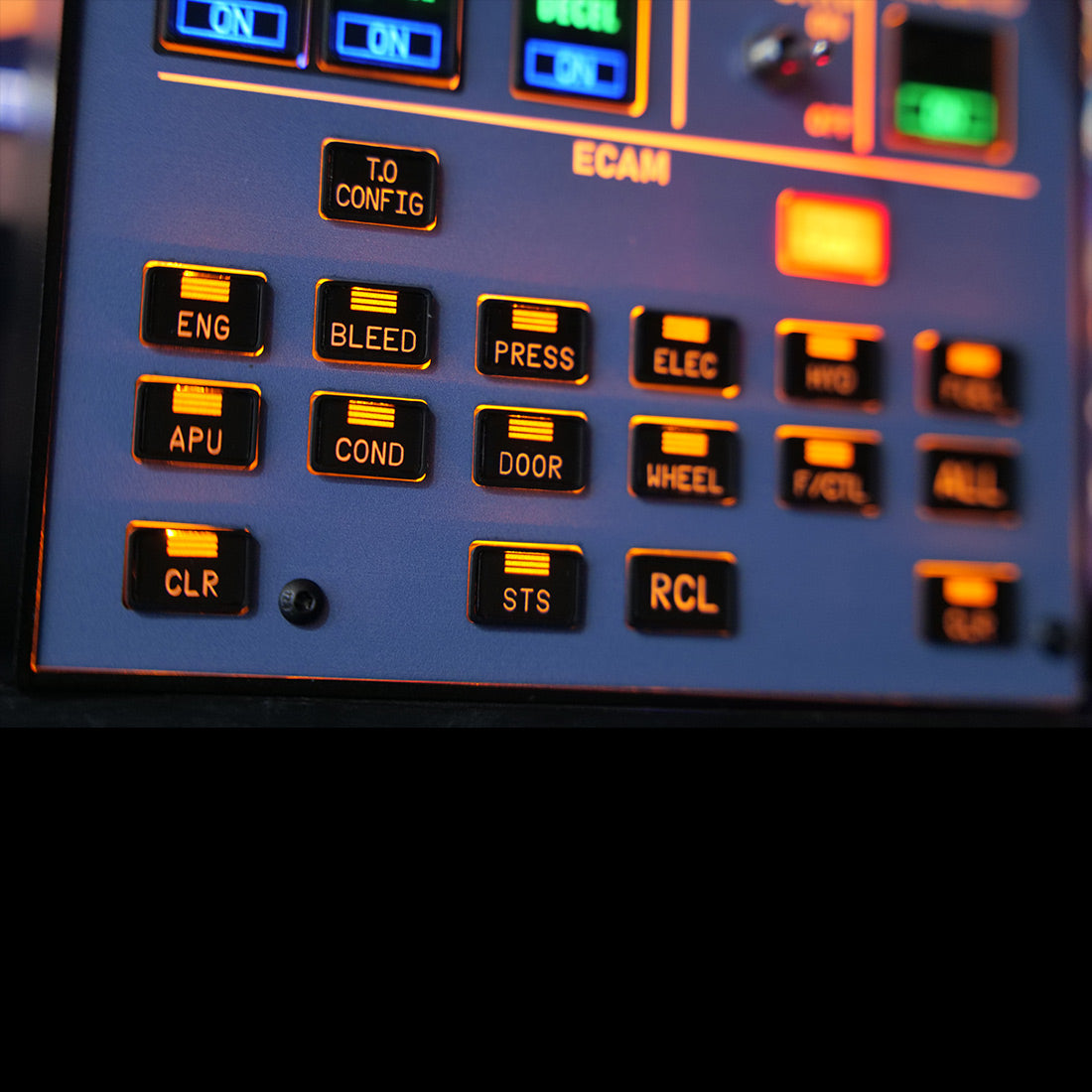
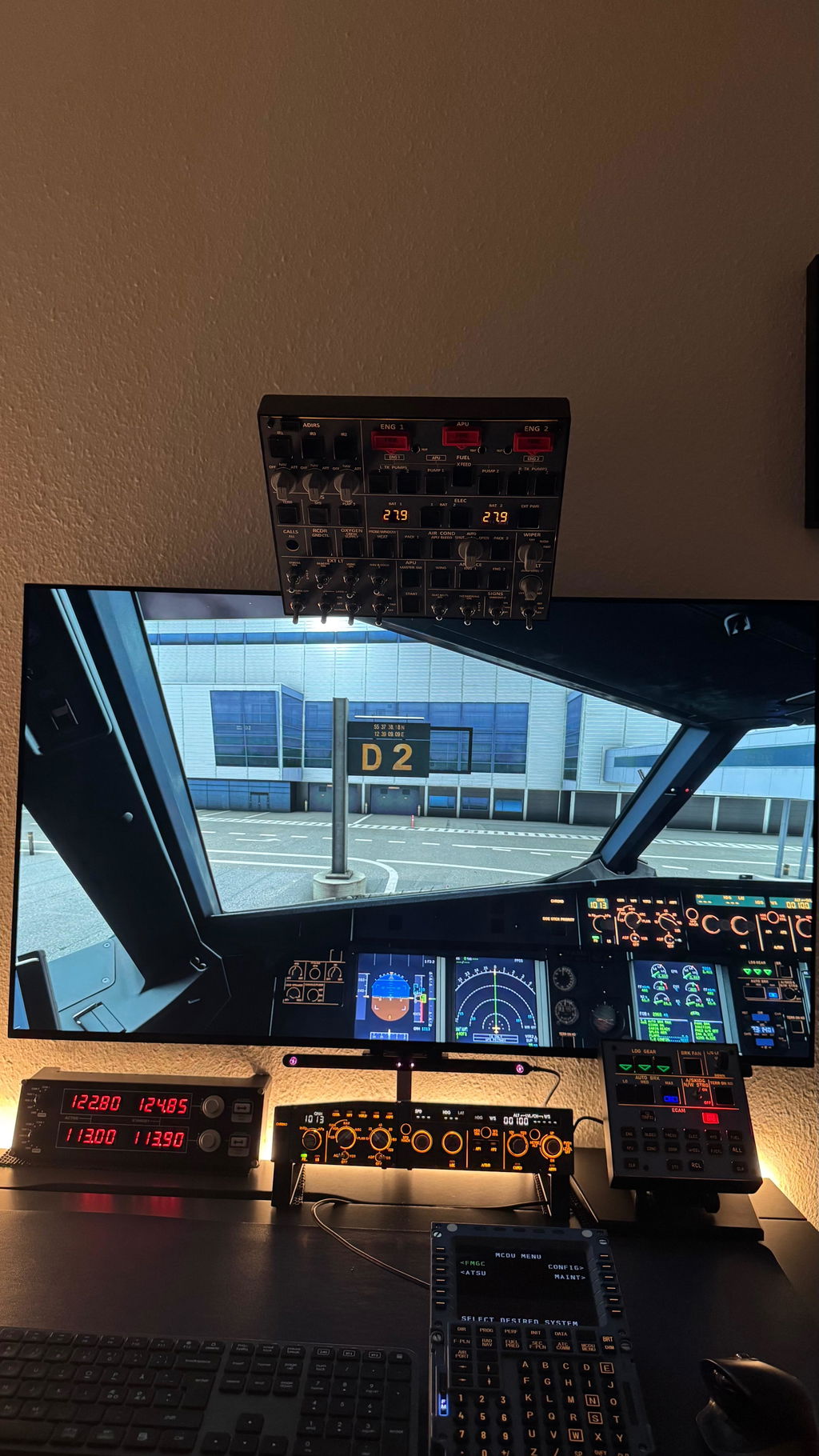
    🧩 One panel for ECAM & landing controls

    Combines ECAM and landing functions into a single compact panel — helping you optimize your cockpit and save valuable desk space without cluttering your desktop.

    🧱 Stable performance & premium build

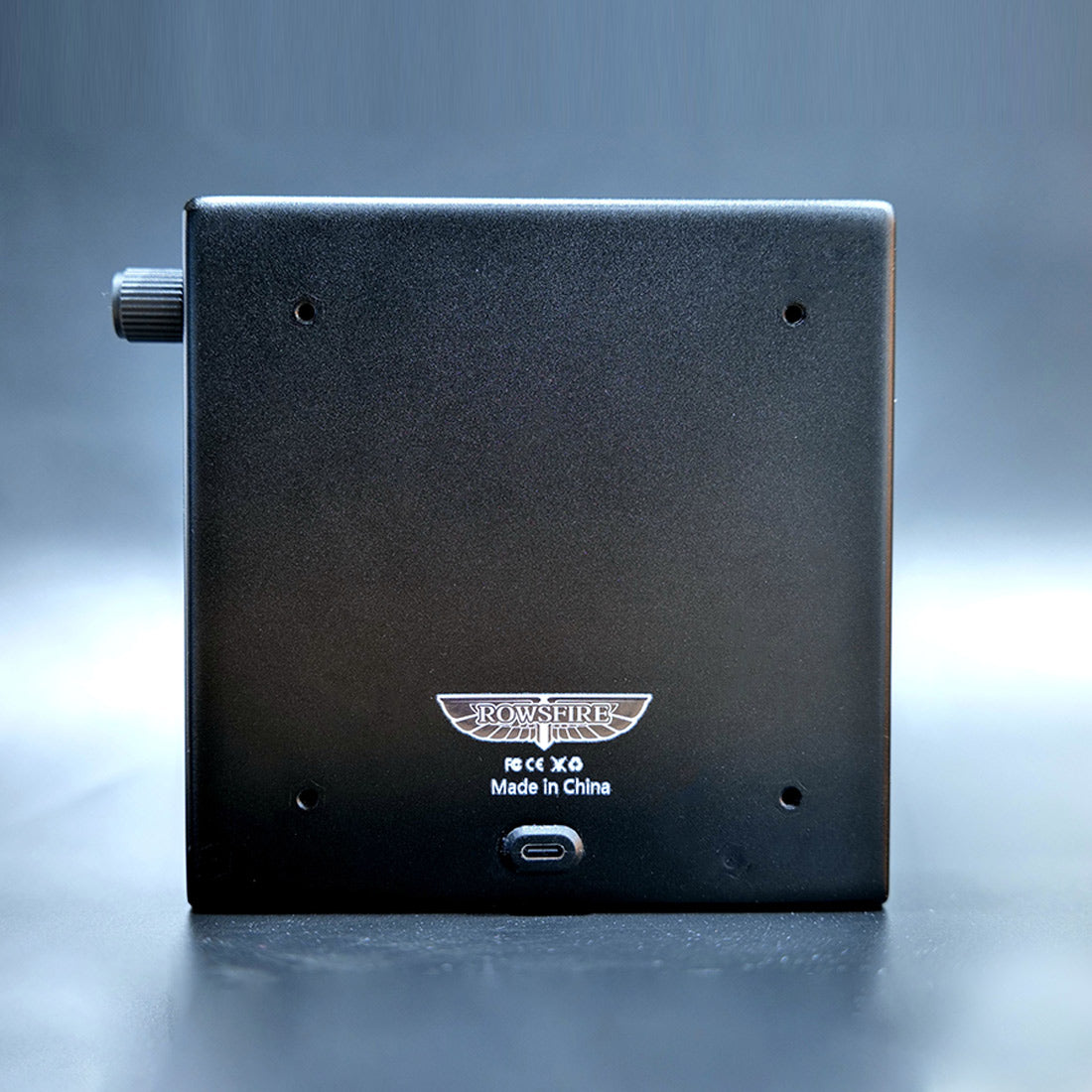
    A sturdy aluminum alloy shell with a premium texture and a solid, long-lasting feel. Built on SMD PCB for stability, with a custom HD panel sticker, realistic push-button switches, a rear data port and a 100×100mm VESA mount. USB data cable included.

    A103 panel — aluminum shell and build
    A103 panel — Rowsfire App plug and play

    🔧 Plug & play — App or Mobiflight

    Connect the easy way with the Rowsfire App — it auto-detects your hardware and auto-loads the config, so you're flying in under 60 seconds. Prefer Mobiflight? Fully supported too, with a complete tutorial included.

    ✈️ Wide multi-aircraft compatibility

    Works with MSFS 2020/2024 and X-Plane 12, and supports nearly all major A32X models — including Fenix, FBW and iniBuilds. Beyond the A32X it also suits A38X, B773 and B777. (Please confirm your specific aircraft model before ordering.)

    A103 panel — multi-aircraft compatibility
    A103 panel — V3.0 light-sync

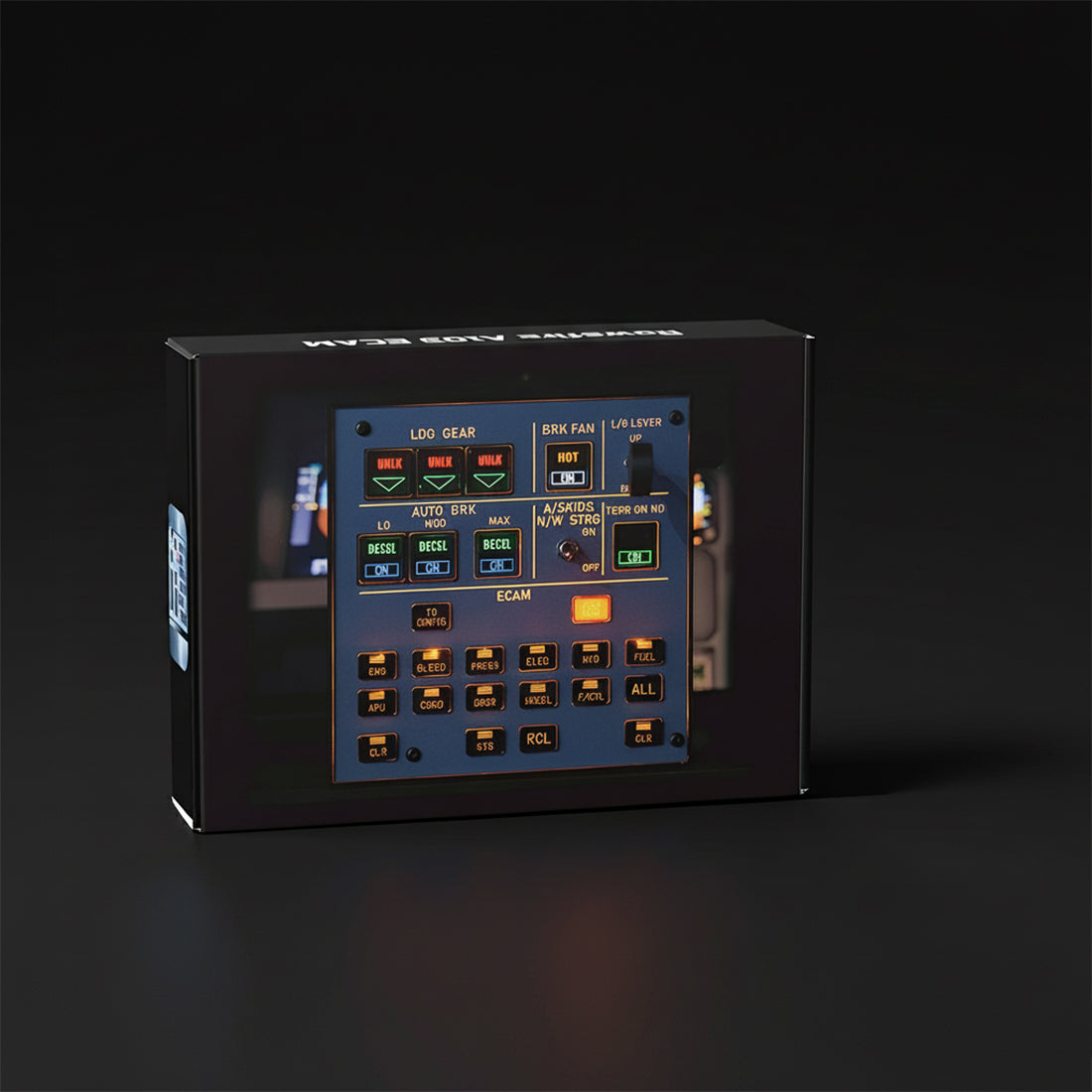
    💡 V3.0 light-sync

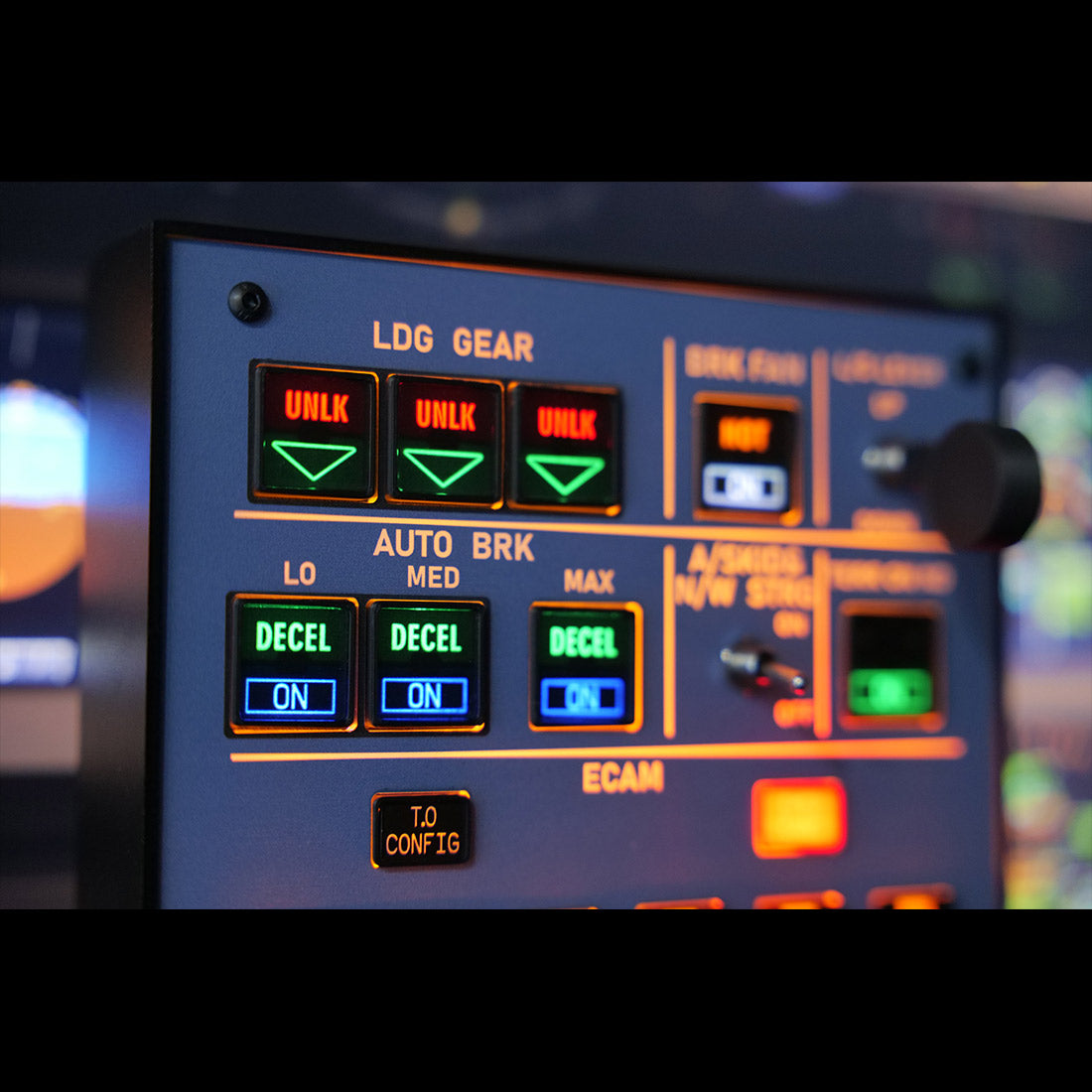
    The V3.0 release adds upgraded light-sync: the lighting now links with the simulator for dynamic effects — smooth brightness adjustment and full on/off control. (Use only the v3.0 configuration file.)

    Up close

    Every detail.

    A103 panel — detail 1
    A103 panel — detail 2
    A103 panel — detail 3
    A103 panel — detail 4
    A103 panel — detail 5
    A103 panel — detail 6
    Compatibility

    Works across your fleet.

    Aircraft & add-ons

    • Airbus A32X (Fenix, FBW & iniBuilds)
    • A31X / A350 (XECAM)
    • A38X · Boeing B773 / B777
    • Confirm your specific model before ordering

    Simulators & connection

    • MSFS 2020 & 2024 · X-Plane 12
    • Rowsfire App — connect in under 60s
    • Auto-detect + auto-load (or Mobiflight)
    • Rear data port · 100×100mm VESA
    Setup

    One-time setup, then just fly.

    ⚙️ Quick start: download the Rowsfire App and connect directly — it auto-detects your hardware and auto-loads the config, so you're flying in under 60 seconds. Prefer Mobiflight? It's fully supported too — scan the included QR code for driver files and a pre-configured profile; config files on GitHub.

    ⚠️ V3.0 note: the configuration file was completely revised for light-sync, so only the v3.0 config works — don't use files from v1, v2, or any without a v3.0 label.
    Specs

    The technical details.

    PanelECAM + Landing Gear Indicator (integrated)
    EditionV3.0 — backlit, aluminum shell, light-sync
    Compatible simulatorsMSFS 2020 / 2024 · X-Plane 12 (Windows)
    Compatible aircraftA32X / A31X / A350 (Fenix / FBW / iniBuilds) · A38X · B773 / B777
    MaterialAluminum alloy + acrylic + electronic components
    Mounting100 × 100 mm VESA (rear)
    ConnectionRear data port · USB cable (included)
    DriverRowsfire App (auto-detect) or Mobiflight
    Product weight450 g
    Package weight800 g
    Product dimensions14.8 × 14.8 × 3.4 cm
    Package dimensions18 × 18 × 6 cm
    PackingCarton box
    Age16+
    In the box

    What's included.

    • ECAM + Landing Gear Panel Host × 1
    • Data Cable × 1
    Guarantee

    Backed by Rowsfire.

    🚚
    Free Shipping

    Free worldwide shipping on your order.

    ↩️
    30-Day Returns

    Return or exchange within 30 days.

    🛡️
    1-Year Warranty

    Covered for a full year against defects.

    💬
    Setup Support

    Config help from a real person, any time.

    Before you buy

    Questions, answered.

    What does the A103 combine?
    It integrates the Airbus ECAM control and the landing-gear indicator into a single compact backlit panel, so you get two functions in one unit while saving desk space.
    Which aircraft and simulators does it support?
    It works with MSFS 2020/2024 and X-Plane 12, and supports nearly all major A32X models including Fenix, FBW and iniBuilds — plus A31X/A350 (XECAM). Beyond the A32X it also suits A38X, B773 and B777. Please confirm your specific aircraft model before ordering.
    How is it set up — do I need Mobiflight?
    No — you can connect directly with the Rowsfire App, which auto-detects your hardware and auto-loads the config, so you're flying in under 60 seconds. Mobiflight is also fully supported, with a complete tutorial and pre-configured profile (scan the included QR code).
    What is V3.0 light-sync?
    The V3.0 release adds synchronized lighting that links to the simulator for dynamic effects, with smooth brightness adjustment and full on/off control. Because the config was completely revised, only the v3.0 configuration file works — don't use v1/v2 files.
    How does it mount and connect?
    It connects via a rear data port with the included USB cable, and has a 100×100mm VESA pattern on the back for easy, flexible mounting.
    What if something isn't right?
    You're covered by free worldwide shipping, a 30-day return & exchange window, and a 1-year warranty — plus real setup support if you need a hand.

    Save space, keep the function.

    An integrated ECAM + landing-gear panel in a premium aluminum shell, with V3.0 light-sync and realistic switches — plug-and-play via the Rowsfire App (or Mobiflight), connected in under 60 seconds. Add the A103 to your Airbus cockpit.

    ✓ Free shipping  ·  ✓ 30-day returns  ·  ✓ 1-year warranty  ·  V3.0 light-sync
    Join the crew

    Join the Rowsfire flight crew.

    👨‍✈️

    Building an Airbus home cockpit?

    Join the Rowsfire Facebook community for exclusive updates, setup help, config files, discounts and giveaways.

    Join the Community →
    • 5 stars: 2 (67%)
    • 4 stars: 1 (33%)
    • 3 stars: 0 (0%)
    • 2 stars: 0 (0%)
    • 1 star: 0 (0%)
    A
    Asger Petersen

    Another panel for my collection, good quality and works well and gives a more realistic feel without having to use a mouse.

    I would have liked the text on the buttons to be a little clearer and the foil to be stuck better, it bends a little in some corners
    .
    The gear selector wheel is also too loose, the hole is too big.

    Thank you for your kind review and honest suggestions. The buttons on the Rowsfire A103 panel do come with a protective film that can be peeled off, and the other points you mentioned are already being improved in our next production batch.

    We truly appreciate you taking the time to share so many helpful details. I’ll reach out to you shortly to offer some gift cards as a small thank-you.

    D
    Didier Lotode

    Très bon appareil et très utile pour compléter mon installation marche à merveille et compatible avec l'application.

    A
    Anonymous

    works very nice

    Great to hear that! Really happy it’s working well for you. Enjoy your flight, Captain!