A320 Home Cockpit Guide
Is the MCDU Really the First Panel You Should Buy?
Most A320 builders start with the MCDU. But a complete cockpit experience needs more than one panel.
Rowsfire Blog · A320 Cockpit Building · July 2026 · 6 min read
The Obvious First Choice
When most flight sim enthusiasts start planning their A320 home cockpit, the MCDU, the Multipurpose Control and Display Unit, is usually the first component that comes to mind.
That choice isn't surprising. Since the first A320s entered service in the late 1980s, the MCDU has remained one of the most iconic devices in the Airbus cockpit. The small screen and keypad sitting on the pedestal between the two pilots became the crew's main entry point for route planning, performance input, and interacting with the aircraft's systems.
In a real A320 cockpit, the MCDU carries out a huge share of flight management tasks. For simmers, owning a physical MCDU is often the step that turns "using a simulator" into "experiencing an Airbus." The first time you punch in a route on a real keypad, set performance data, and watch the system respond, it feels noticeably closer to the real thing.
So it's natural that the MCDU becomes the first purchase for a lot of people building their A320 home cockpit.
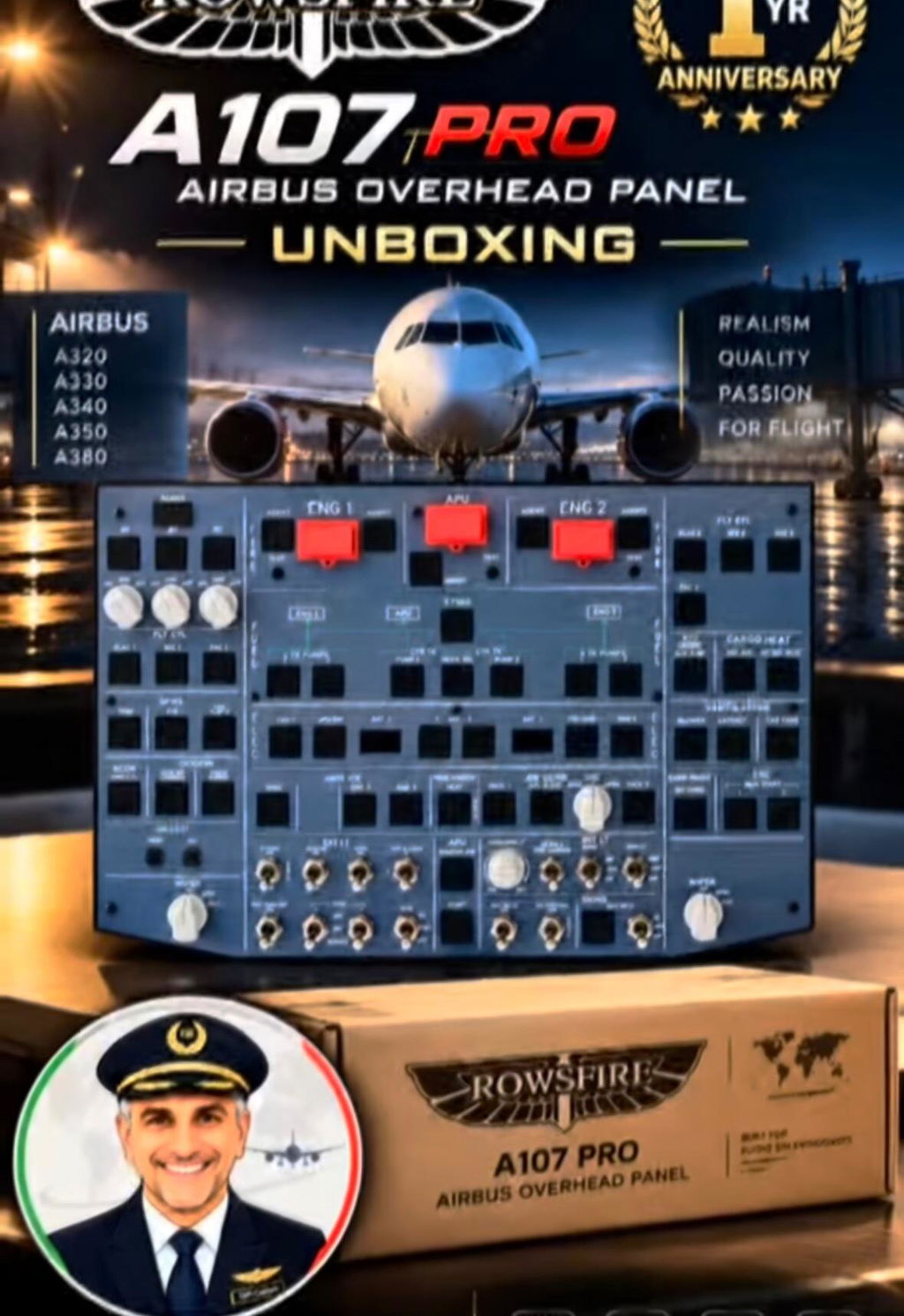
But here's the interesting part. While the MCDU is often step one of a cockpit build, another area gets overlooked just as often, the Overhead Panel. When it comes to recreating the full A320 cockpit experience, the overhead is no less important than the MCDU.
MCDU and Overhead Panel: Two Cores You Can't Build a Cockpit Without
Both panels sit in the same cockpit, but they're solving completely different problems.
Flight Management
MCDU
Punching in a route, setting cruise altitude, watching the flight plan build page by page on the MCDU, that first hands on interaction is what makes a lot of simmers feel like they're actually flying an Airbus instead of clicking through a menu. It's the entry point into flight management, and it's genuinely satisfying to use.

System Control
Overhead Panel
No route means anything if the aircraft itself isn't running yet. The Overhead Panel is where electrical power, hydraulics, fuel, and pressurization all get switched on and managed. Without it, you can plan a perfect flight, but you can't actually experience a full A320 startup from Cold and Dark to takeoff.

The MCDU plans the route. The Overhead Panel manages how the aircraft actually runs. Together, they form the core of the A320 cockpit experience.
Why the Overhead Deserves More of Your Attention
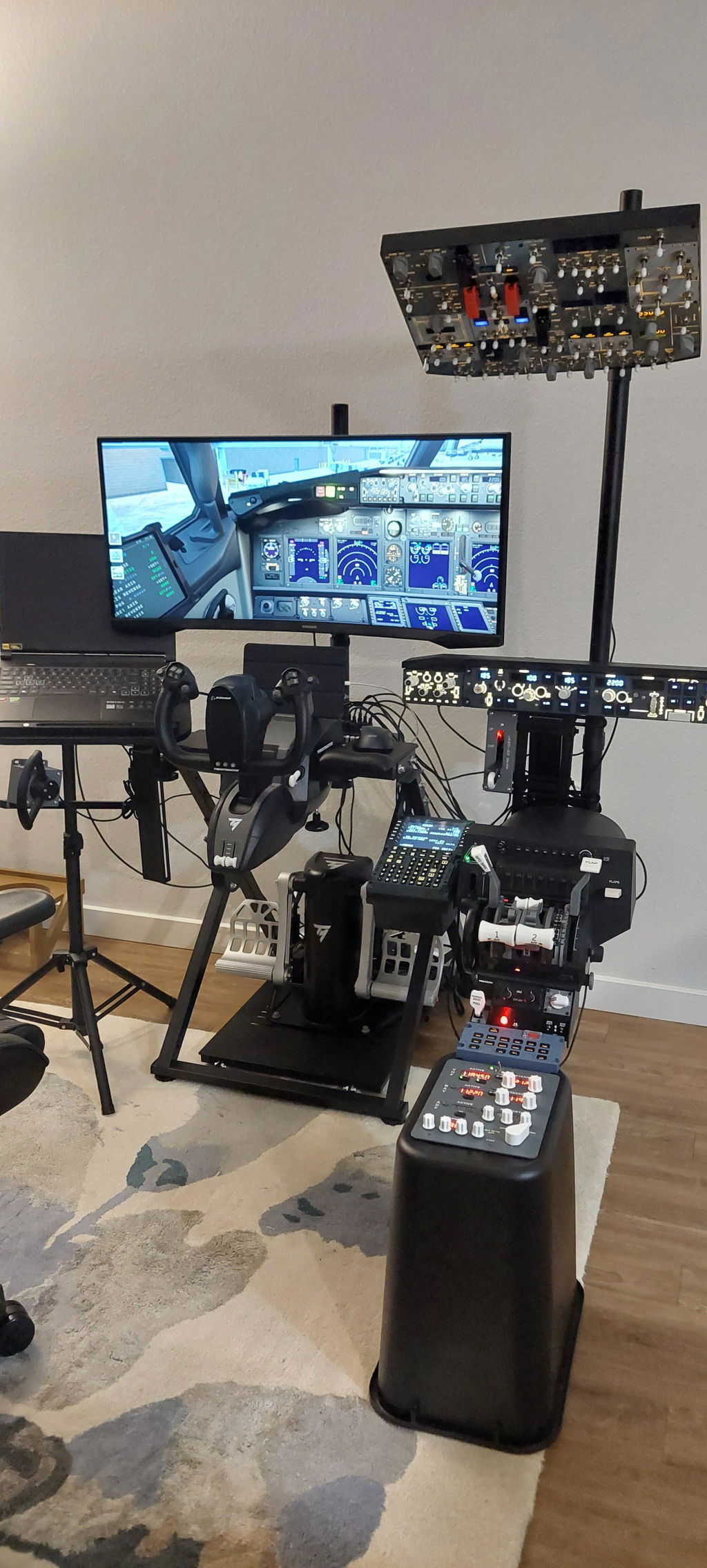
Most simmers building a home cockpit tend to buy the MCDU, a sidestick, and a display first. That's a natural order of priorities. But once you actually run a full flight from start to finish, the overhead ends up being one of the most frequently touched panels in the whole cockpit.
It's where the startup sequence lives, where system management happens throughout the flight, and where the before takeoff checklist actually gets worked through switch by switch. It's not the flashiest panel to look at in a photo, but it's arguably the one that decides whether a cockpit feels real when you're actually sitting in it.
DIY vs a finished panel
A DIY overhead usually means sourcing switches from several suppliers, wiring everything by hand, configuring software from scratch, and debugging connections before your first flight. It can take weeks, and it's easy to get stuck somewhere in the middle.
A finished panel skips most of that. Installation is straightforward, the proportions are close to the real aircraft, the wiring has already been tested, and you're flying with it far sooner. For simmers who want to get into an immersive A320 startup flow without spending a month on wiring, a pre built panel is usually the more efficient path.
A Build Order That Actually Follows the Real Workflow
STEP 1
Overhead Panel
Builds the startup and system control foundation
STEP 2
FCU / EFIS
Adds flight parameter control and navigation display
STEP 3
MCDU
Manages route and performance data
STEP 4
Complete Cockpit
Expands into a full home cockpit build
If you decide to start building your A320 home cockpit from the overhead, choosing a stable, high fidelity panel will shape the entire experience from that point on.
The first step to a real A320 cockpit experience
If you are building your own A320 Home Cockpit, the top panel is the core module that should be prioritized for inclusion.

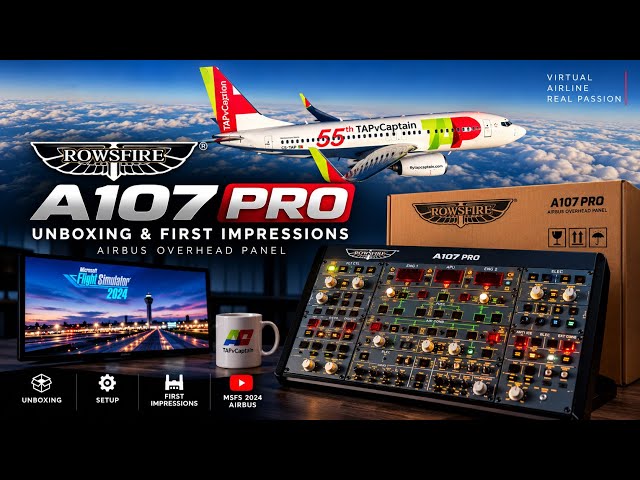
Rowsfire A107 Pro
A320 Overhead Panel
Make your cockpit feel real from the very first panel.
- ✓ Close to the real A320 overhead layout
- ✓ High fidelity switch operation
- ✓ Simple, reliable connection
- ✓ Built for home cockpit setups, not workarounds
Enter the discount code at checkout LUCAS,You can enjoy extra benefits13% discount。
Your Airbus cockpit experience shouldn't start with buying more hardware. It should start with understanding how the aircraft actually works, from system startup, to flight control, to a complete workflow.
Building an A320 cockpit? See how Rowsfire's panel fits in.
Explore A-Series →Join the Community
Rowsfire · service@rowsfire.com · rowsfire.com
Airbus is a trademark of Airbus SE, which does not sponsor or endorse this content.